If you’re looking to give your phone a fresh, personalized touch, then buckle up, because we're diving into the world of X Icon Changer! This tool is all about making your app icons pop and reflect *you*. So, grab your phone, and let’s get started!
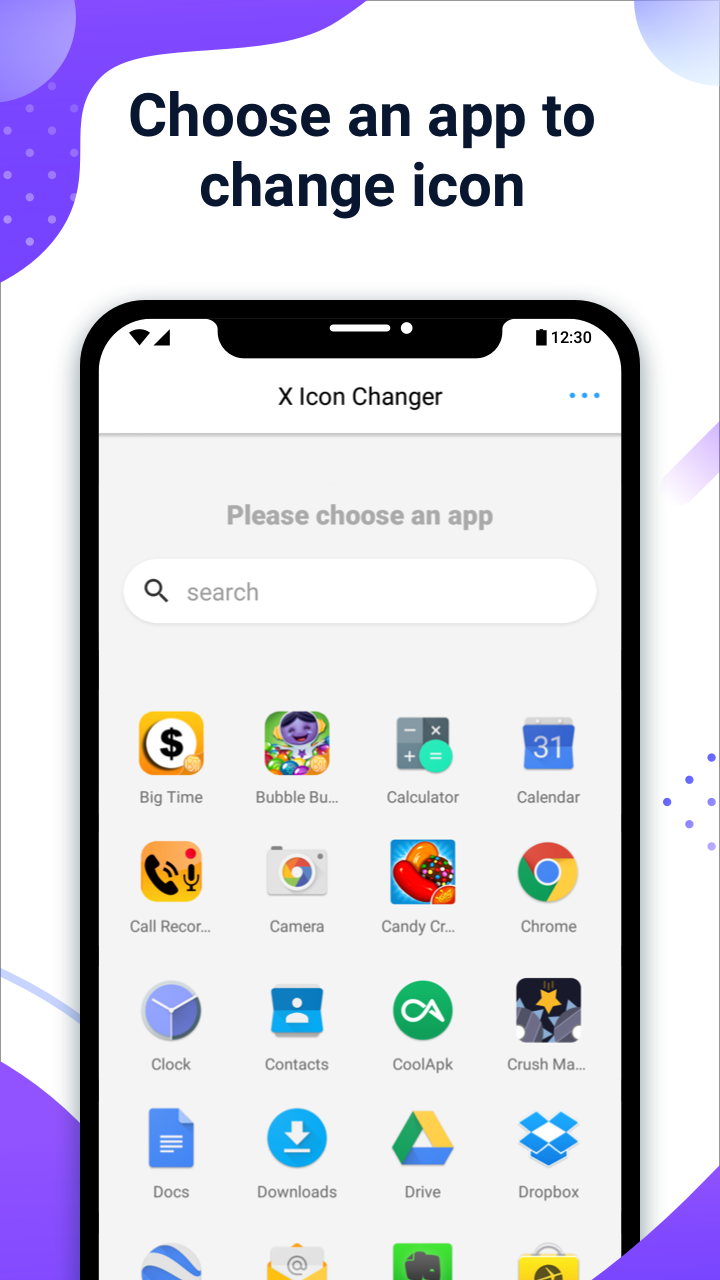
1.Dive In:Launch the X Icon Changer app。
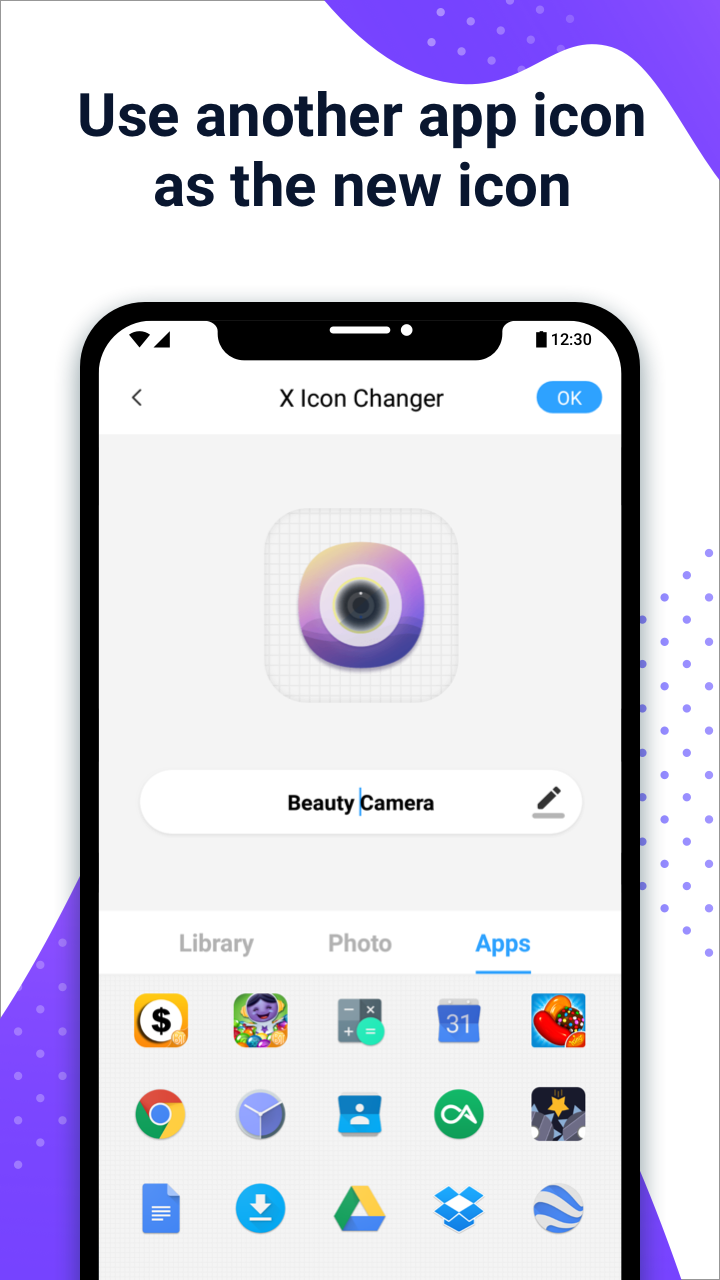
2.Pick Your App:Choose an app that you're eager to transform。
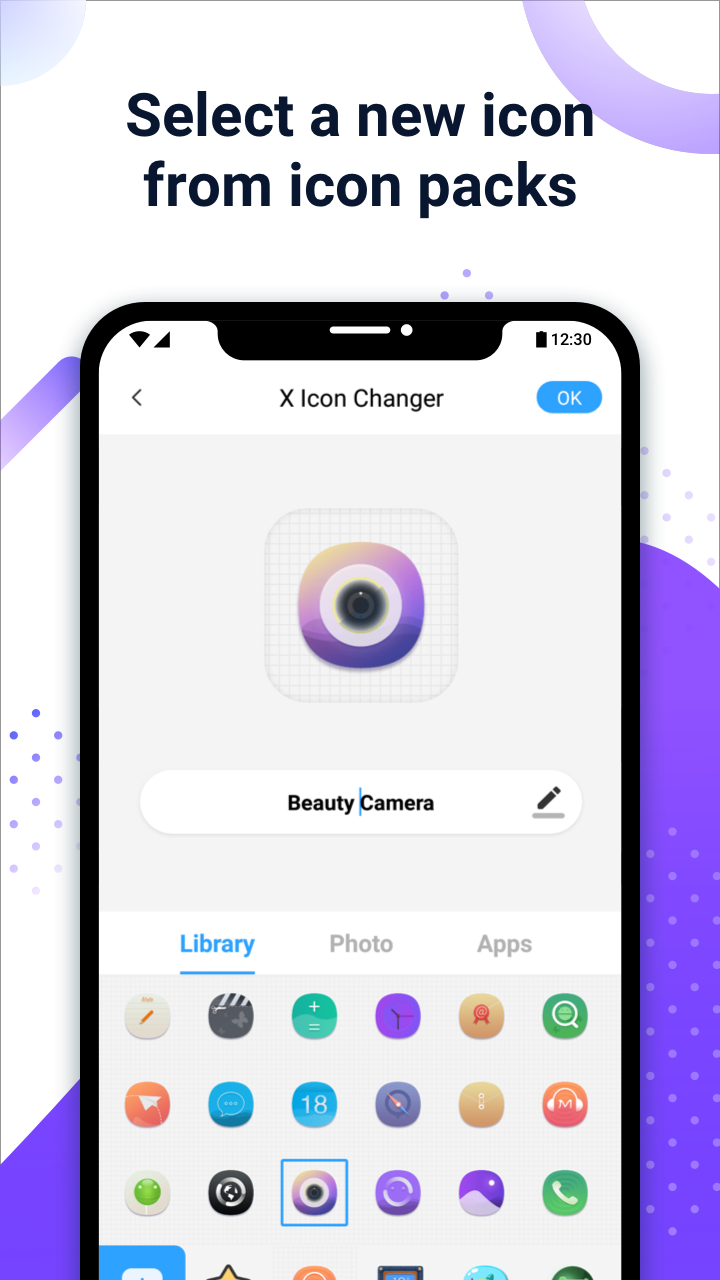
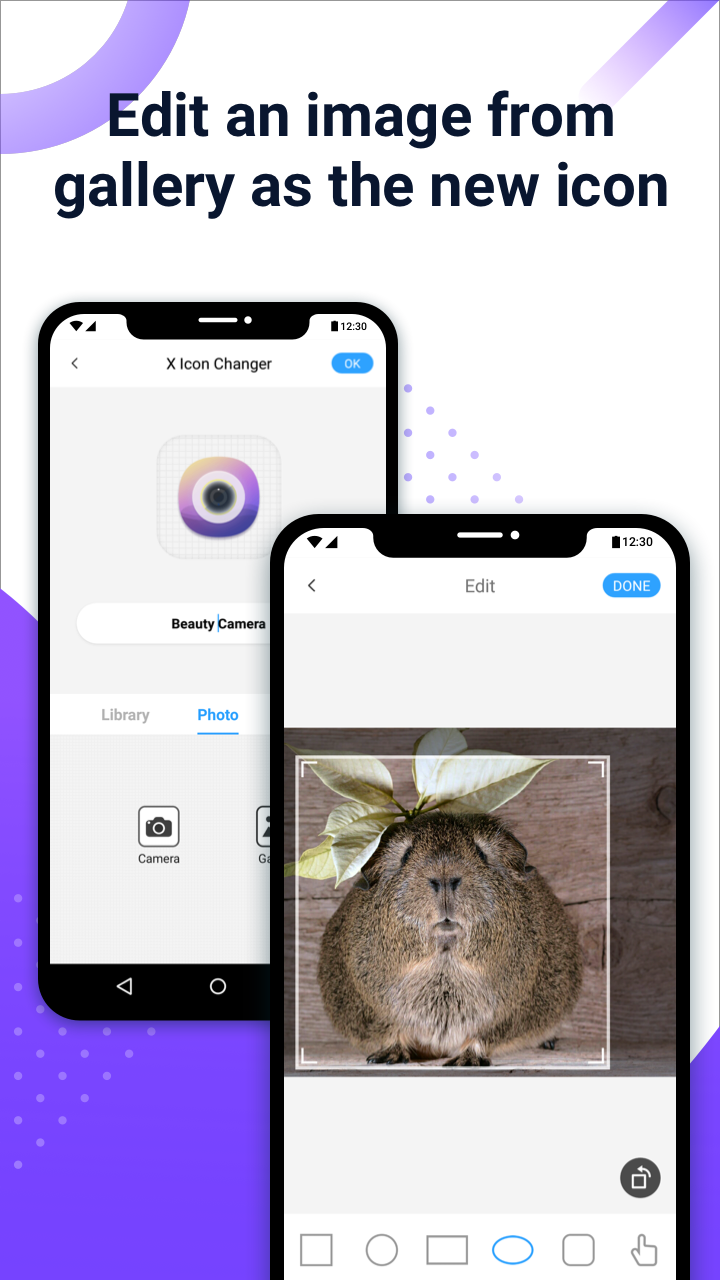
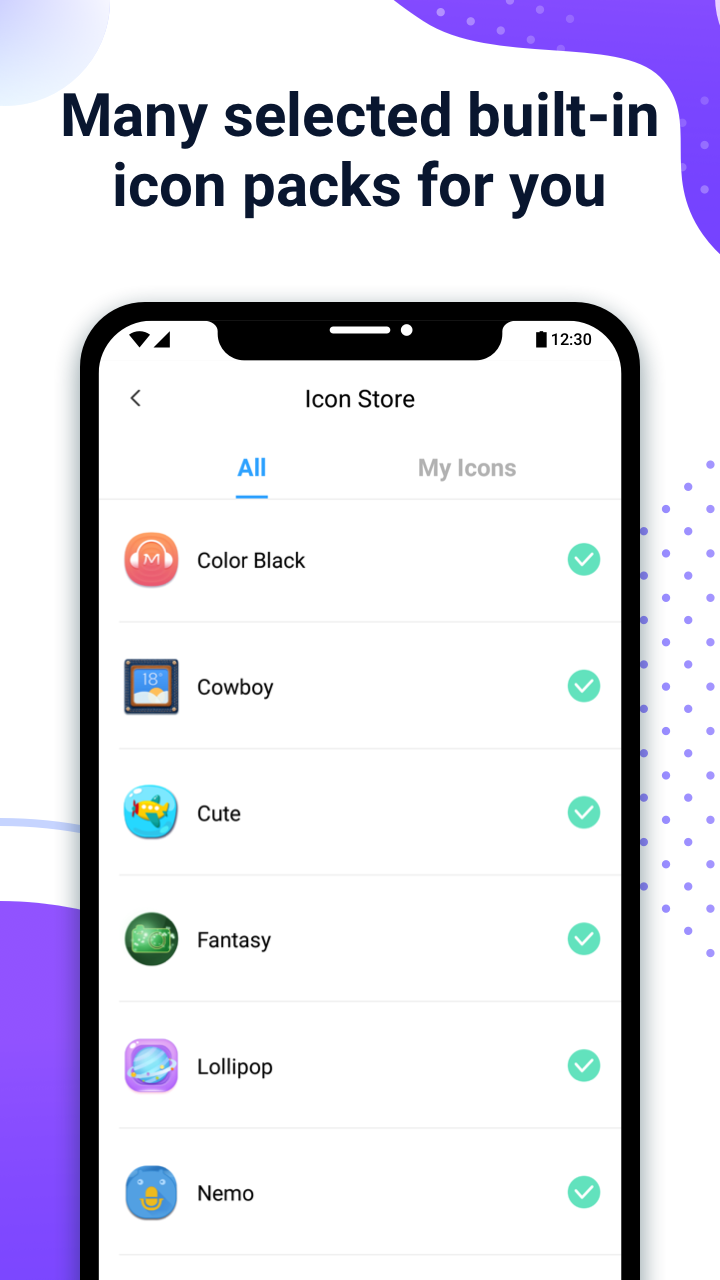
3.Icon Selection Time:Browse through built-in icon packs, your photo gallery, or even custom third-party icons to find something that screams “You!”。
4.Name It:Feel free to change the app's name (or not—no pressure!)。
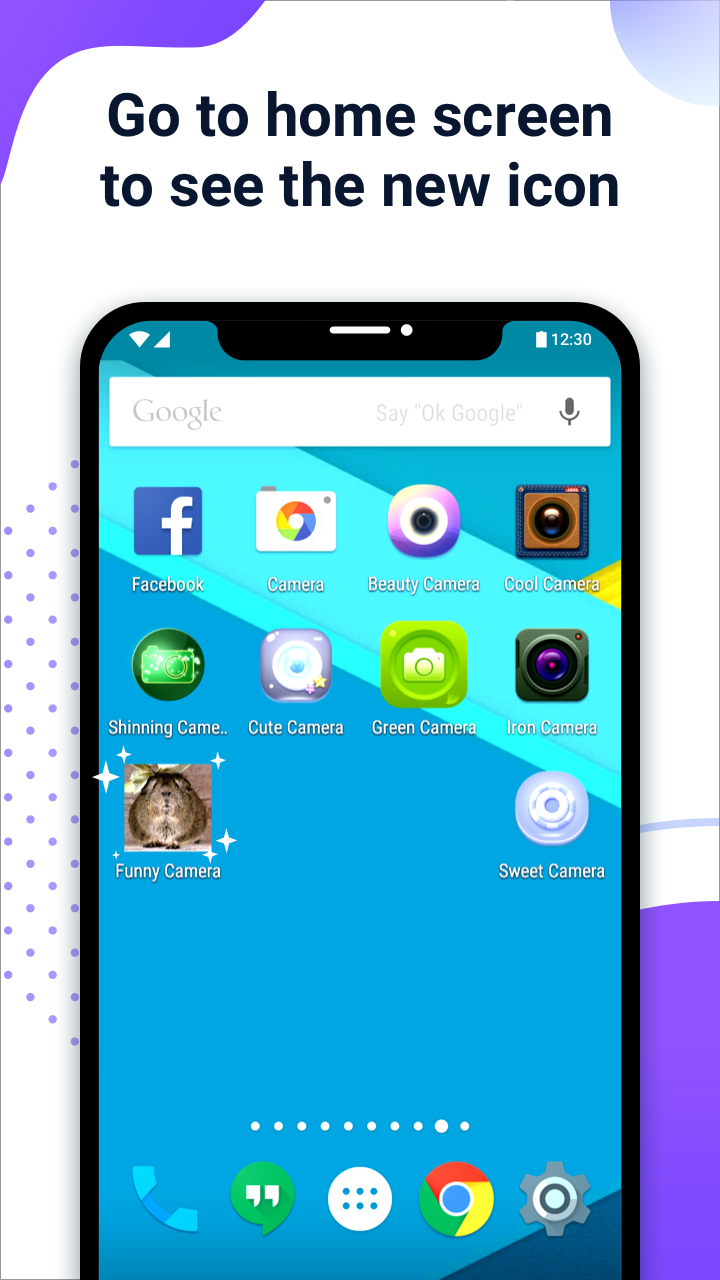
5.Home Sweet Home Screen:Head back to your home screen to see your newly minted shortcut icon in action。
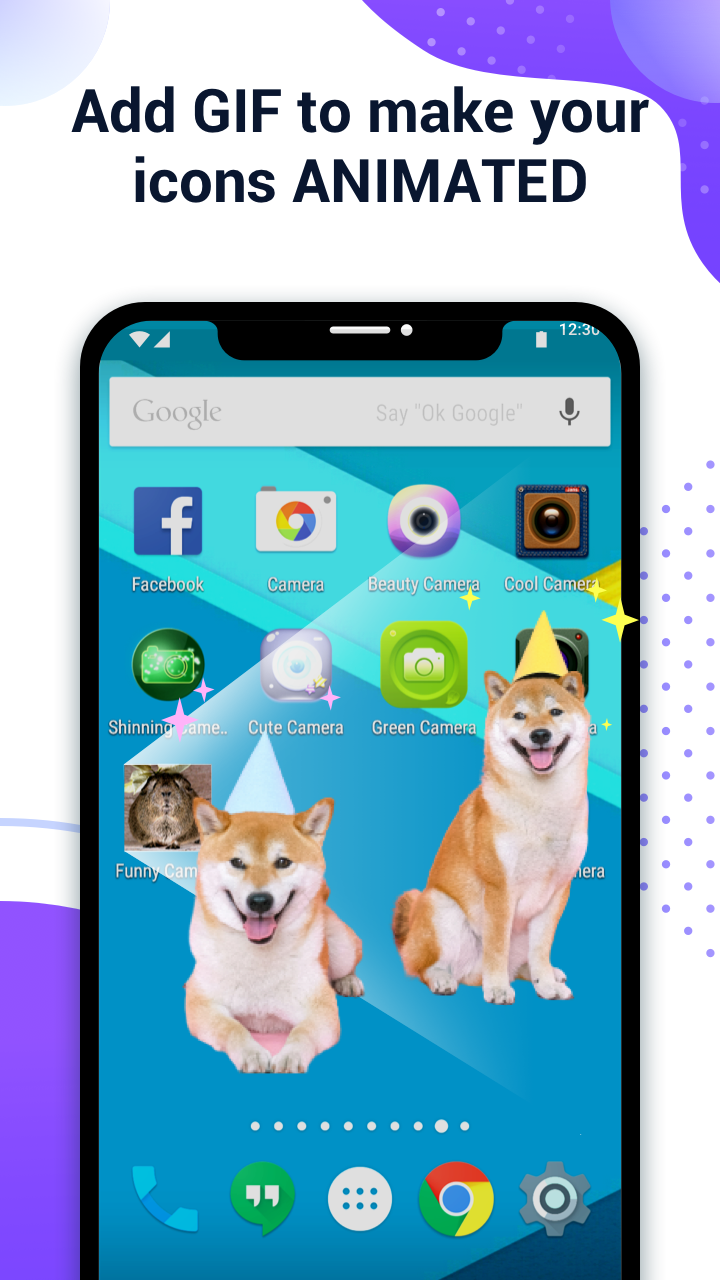
6.GIF It Up:Want a little extra pizzazz? Add a GIF for a fun animation when your new app icon launches。
This app is designed with simplicity in mind; it’s perfect for anyone wanting to jazz up their phone without a ton of technical know-how. With just a few taps, you can make your apps look fabulous!
One of the coolest things about X Icon Changer is that it doesn’t require root access (score!). This makes it super accessible for everyone—no tech genius required!
Why settle for bland when you can have bold? Adjust everything from the size and style to how each icon appears on your screen. You can turn your dull home screen into a refined masterpiece that showcases your personality.
Unlike many customization apps that eat up battery life like a snack, X Icon Changer is smartly optimized. So, you can glam up your phone without worrying about draining your battery.
If you're using Android 8.0 or higher, you might notice pesky watermarks on your shortcut icons—but don’t fret! Here’s how you can work around them seamlessly:
1.From your home screen, long-press a blank space, and tap on “Widgets.”
2.Locate “X Icon Changer” and drag it onto your home screen.
3.The magic happens when you open the widget, letting you change icons without the dreaded watermark!
Bored with the same old icons? With X Icon Changer, you can overhaul the entire aesthetic of your mobile interface. Whether it’s using a cute pet picture as an icon for your favorite game or crafting a visual theme that ties it all together, this app lets your creativity run wild!
Transform those mundane app icons into reflections of your personality! Whether you prefer a professional vibe or a more artistic flair, X Icon Changer empowers you to make your home screen uniquely yours.
Now, who doesn’t love matching themes and wallpapers? With X Icon Changer, you can easily ensure your icons fit beautifully with your current wallpaper—no mismatched icon drama here!
Best part? It’s FREE! Yep, this gem of an app comes with tons of modern features that continuously get updated every month. Designed for all—students, professionals, or anyone itching to add a splash of color to their devices—everyone can enjoy the benefits.
You won't just be limited to your photos or random designs. X Icon Changer hosts a treasure trove of organized icon packs ranging from cute and whimsical to classy and modern. You’ll be spoiled for choice, efficiently finding the perfect icon in no time. And worry not, you can expect fresh updates with new sets regularly!
Feeling stuck? Check out designs shared by other users for inspiration. It's like peeking into a treasure chest of creative ideas! Plus, why stop at just icons? You can sprinkle in some animated GIFs to really make your home screen shine with uniqueness.
With X Icon Changer, changing icons becomes a breeze. Just select the app and swap in your desired icon from your library (make sure it's high-res for the best results). Not only can you create new icons, but you can also mix it up with editing tools that help you customize size, shape, and color to perfection.
Using X Icon Changer is as easy as pie. Simply choose your app, pick a gorgeous new icon, and maybe even a catchy name, and voilà—you’ve got a stunning new setup! So what are you waiting for? Unleash your creativity and craft the dream interface that reflects your vibe featuring delightful colors and playful designs. Happy customizing!
| App Name | X Icon Changer |
|---|---|
| Version | 4.5.0 |
| Size | 29.38 MB |
| Update | Apr 28, 2025 |
| Developer | ASTER PLAY |
| Category | Personalization |
| Google Play ID | io.hexman.xiconchanger |





29.06 MB 2.0.5

5.26 MB 1.0.8