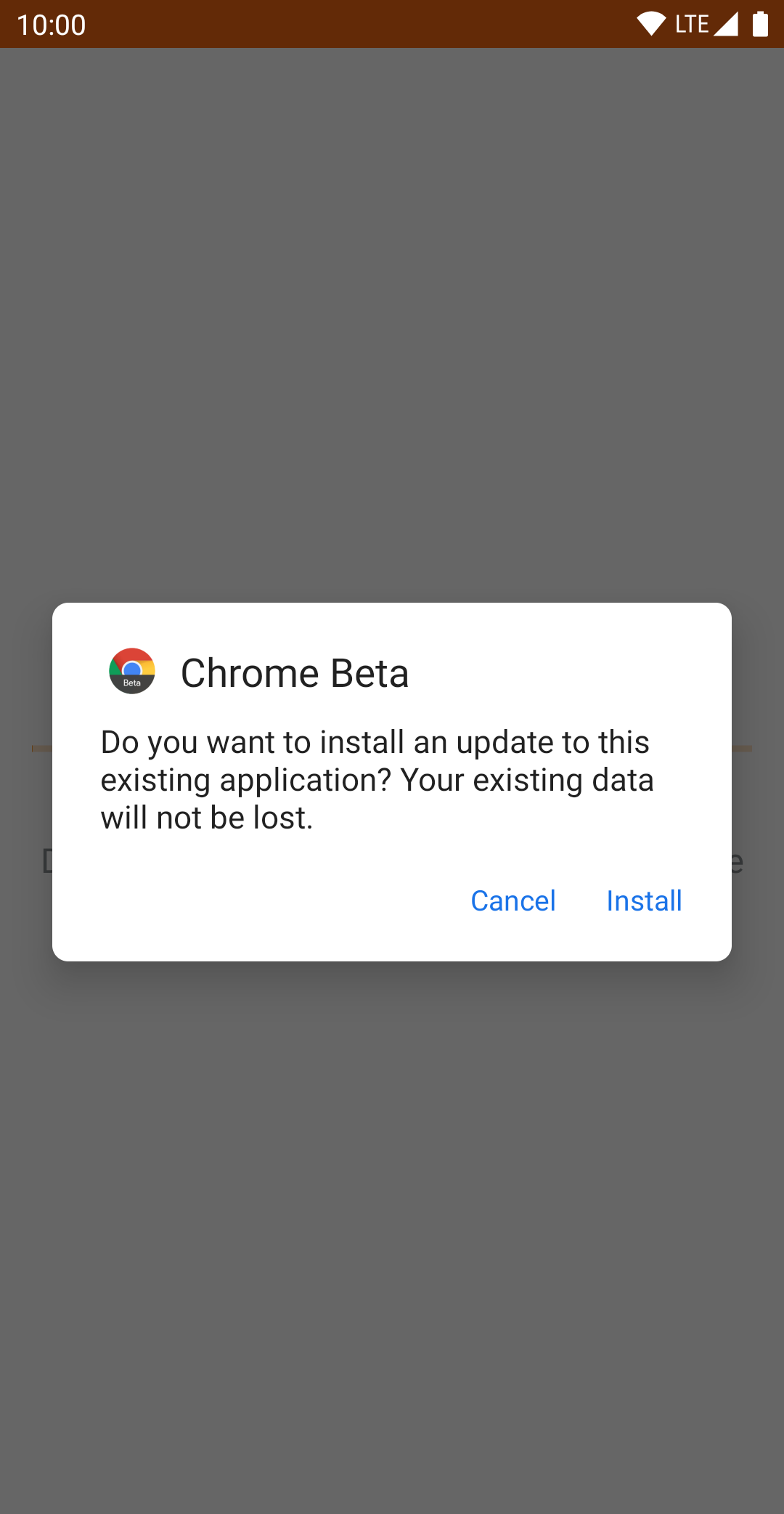
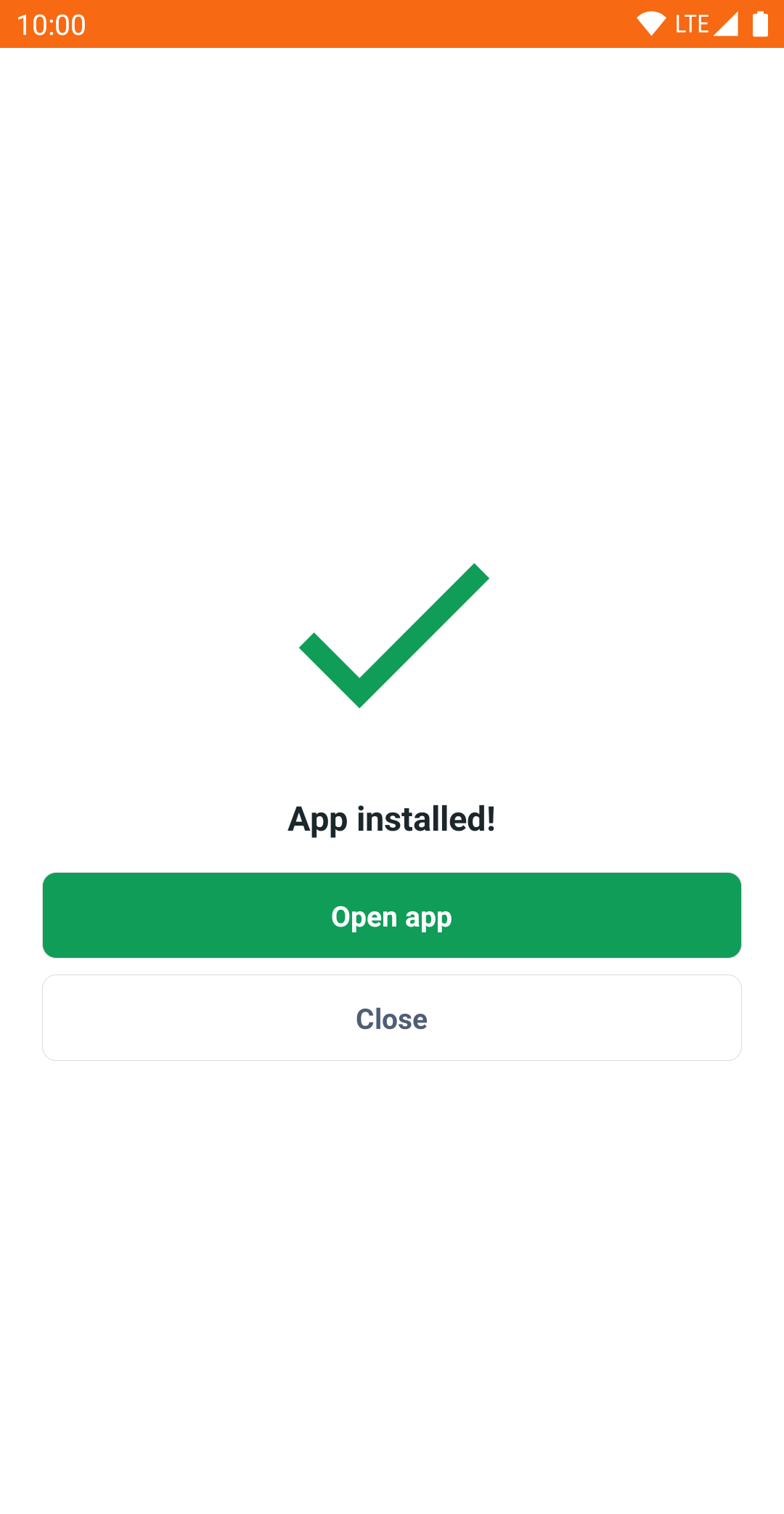
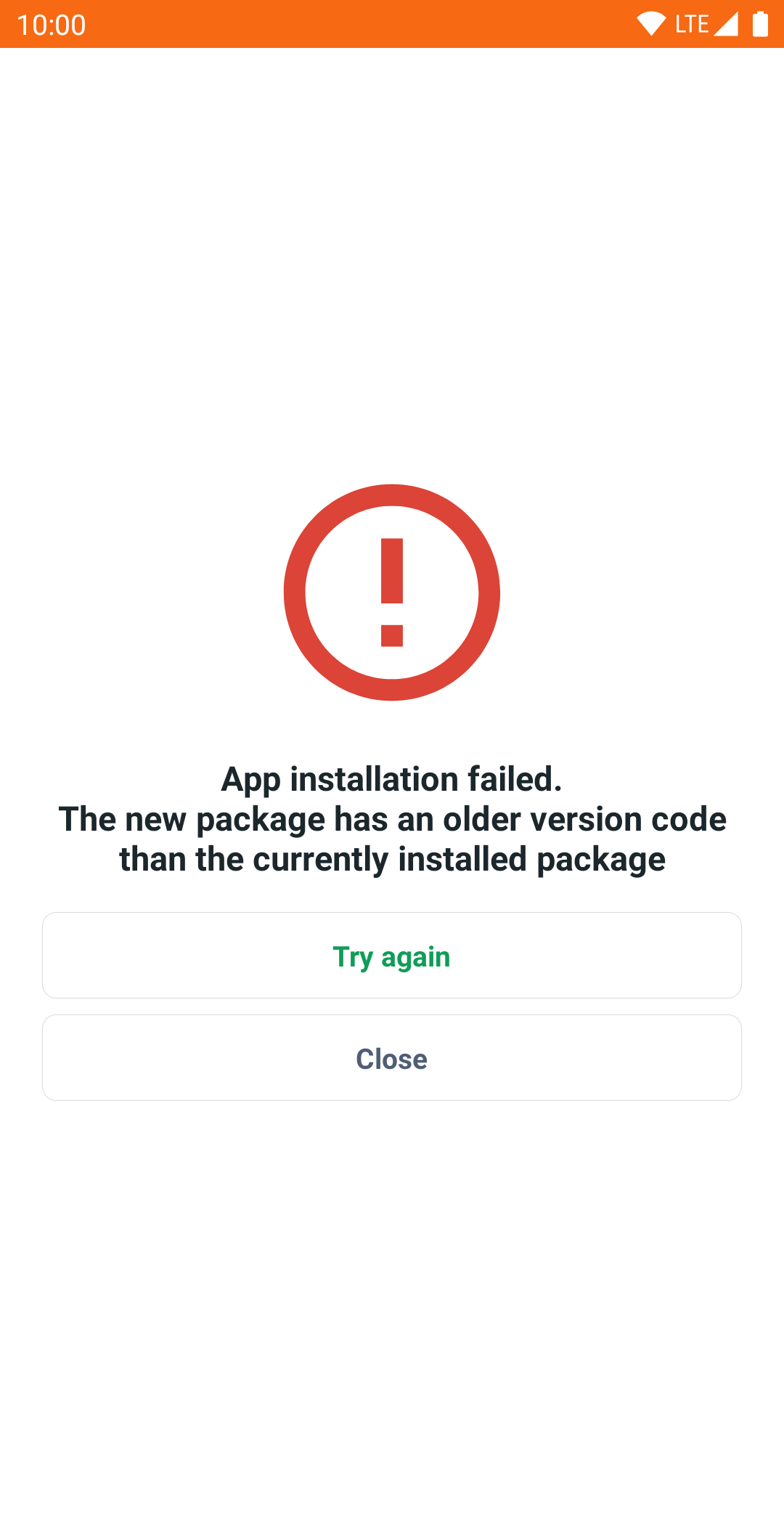
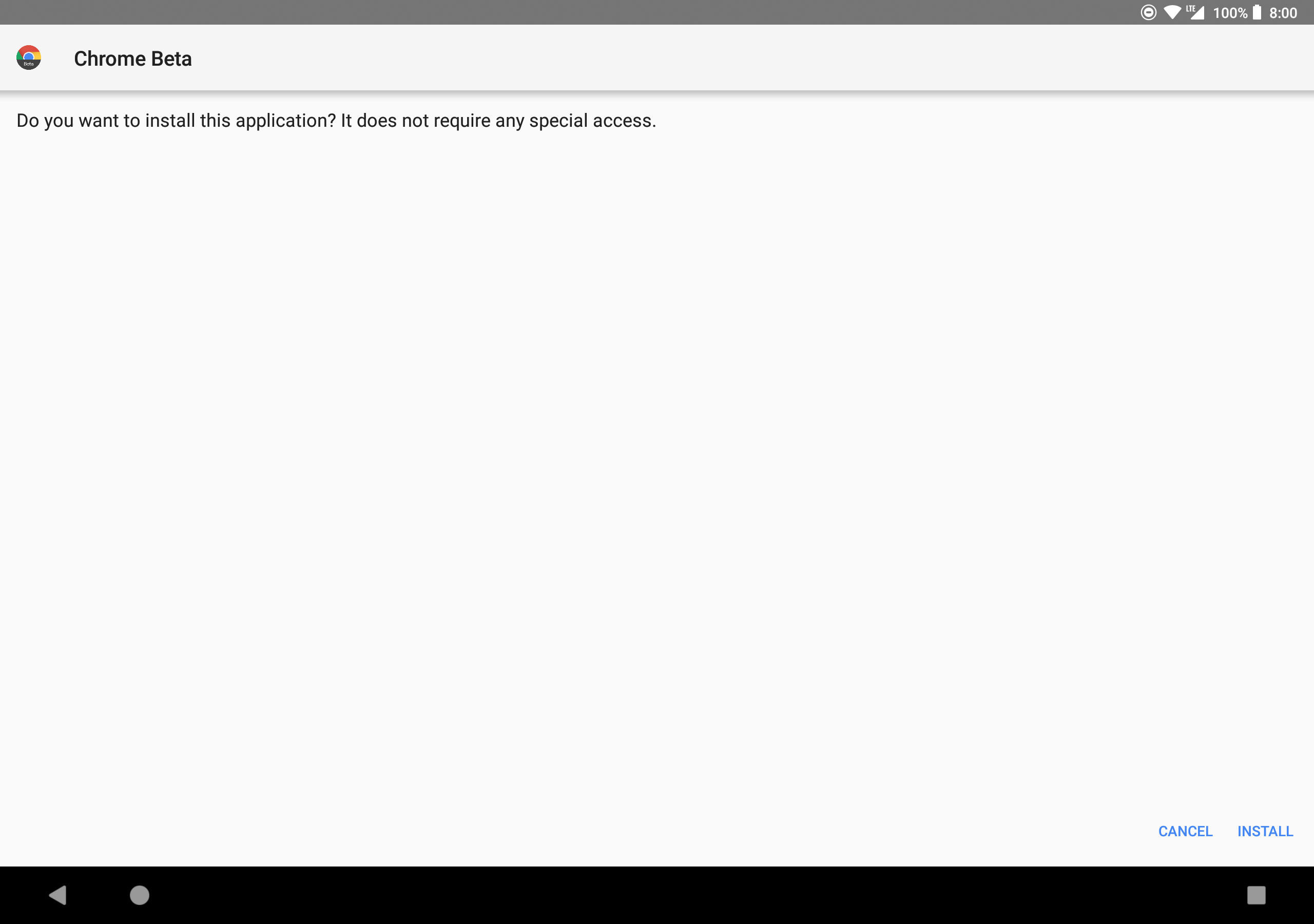
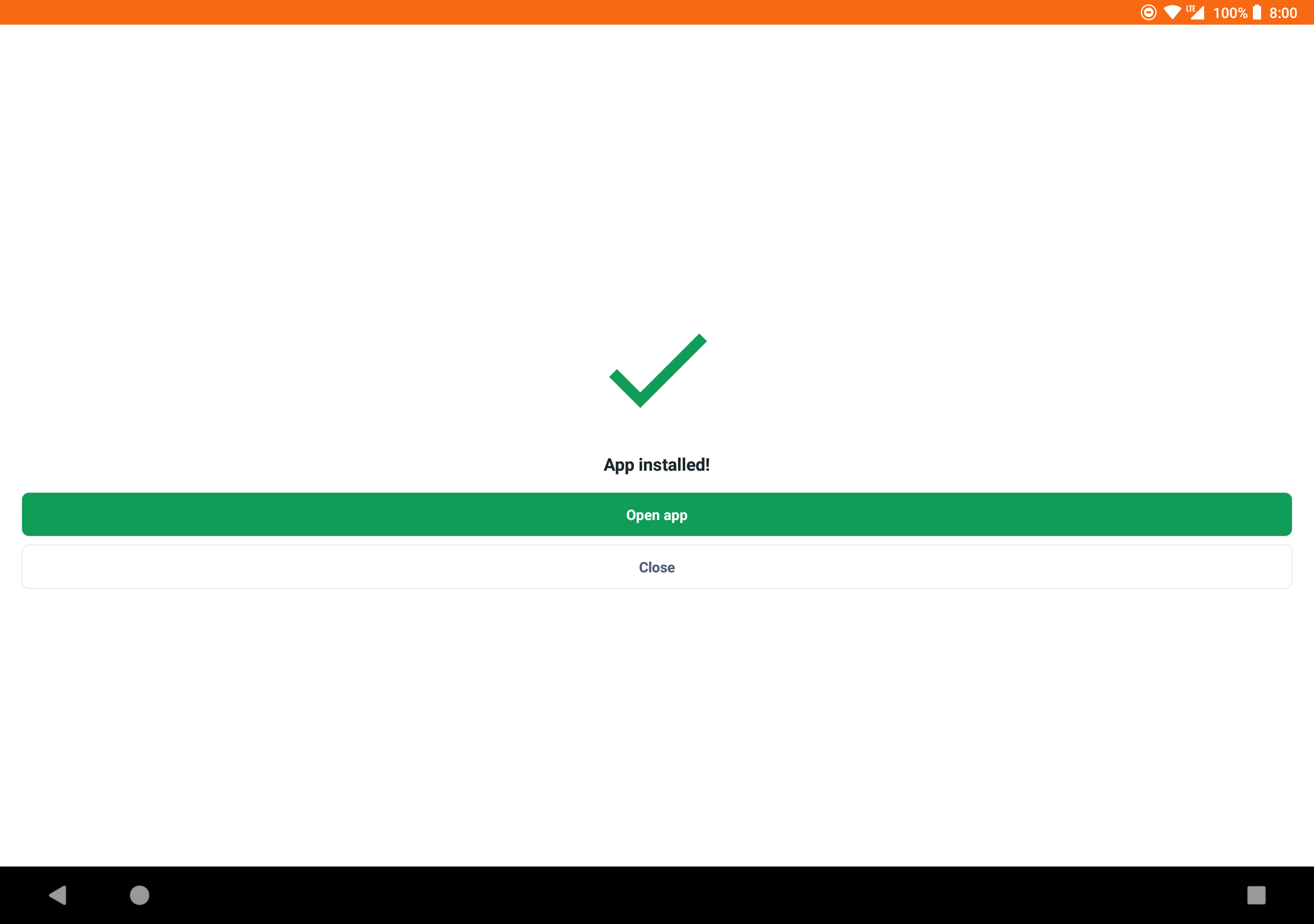
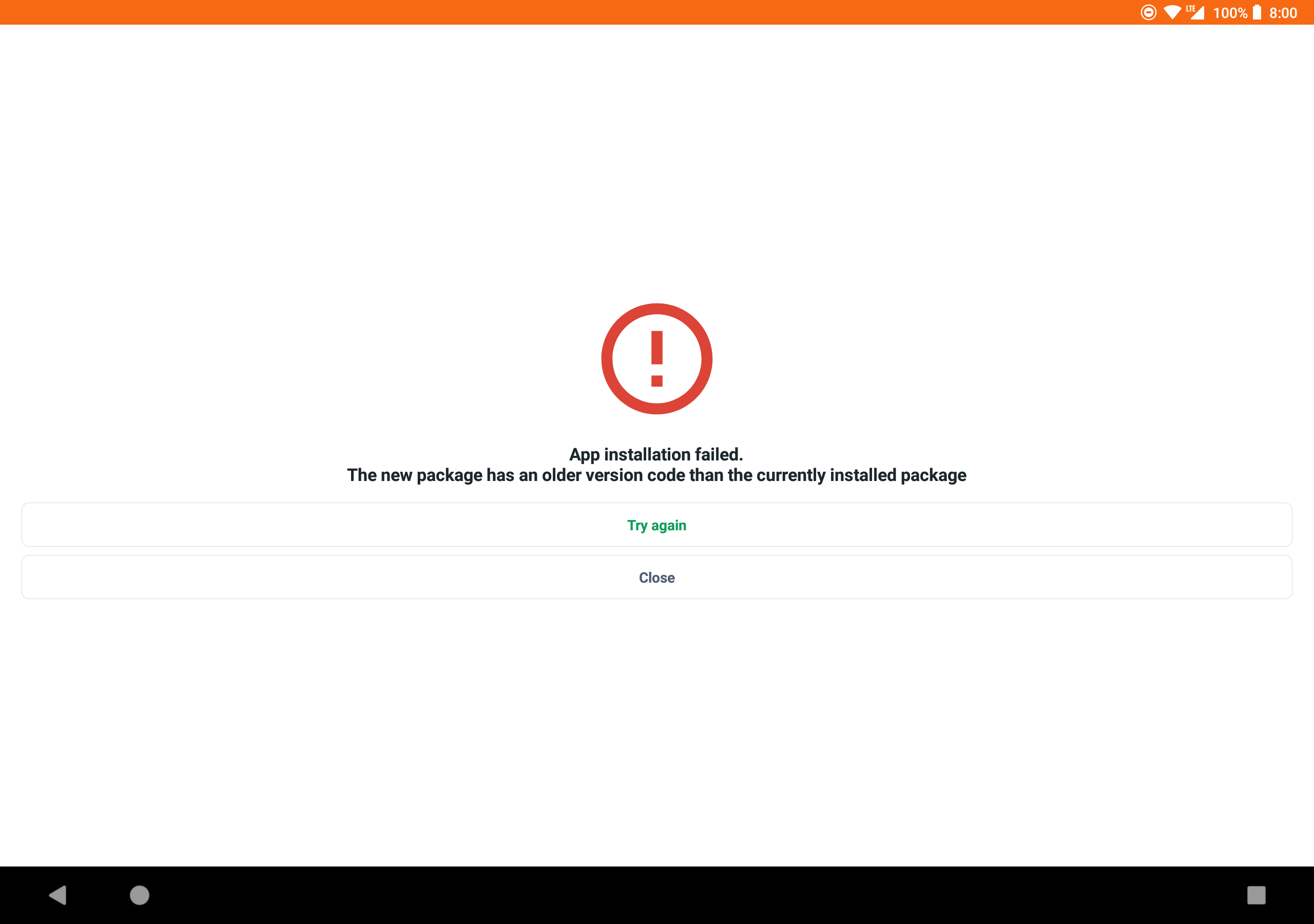
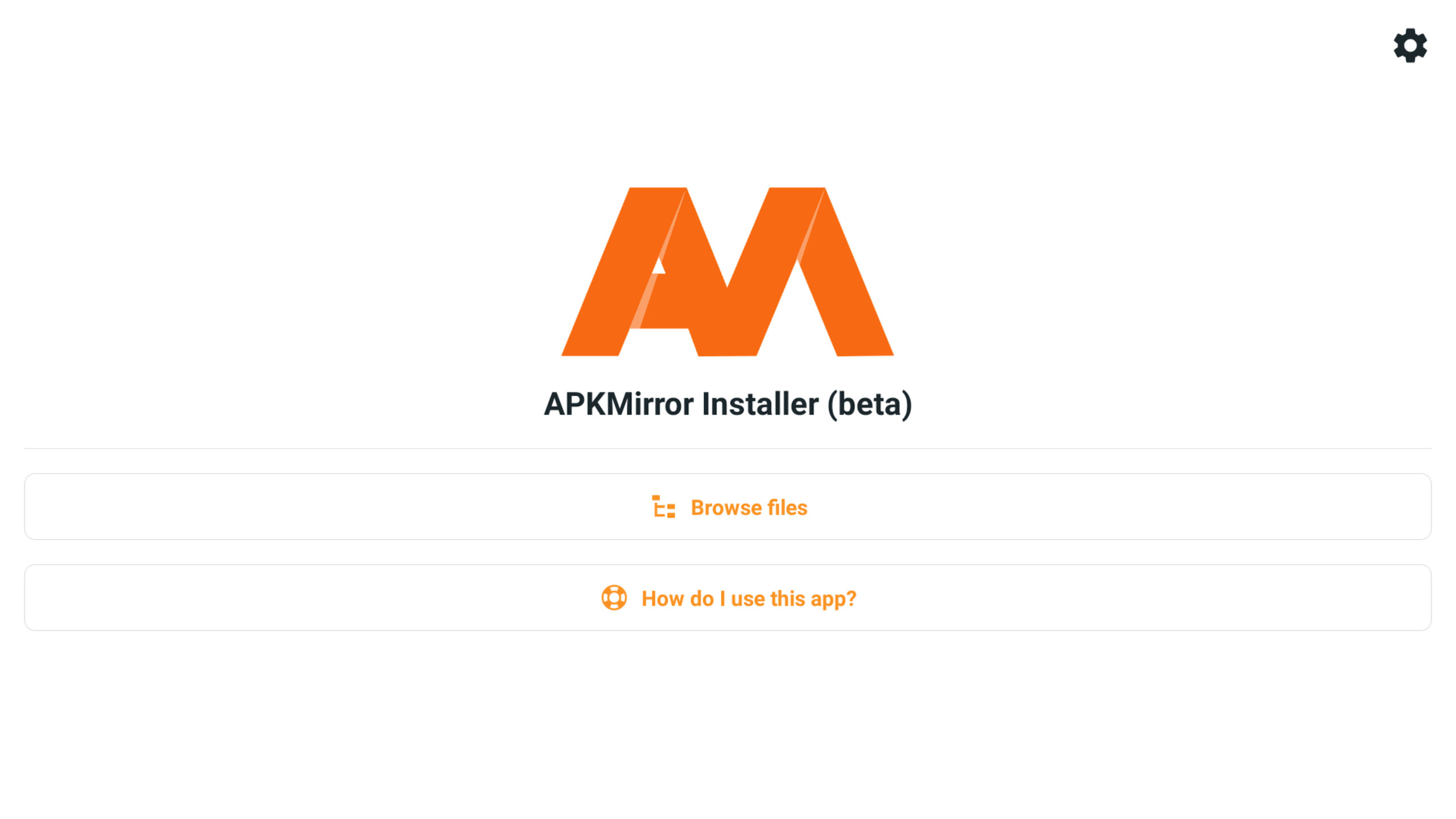
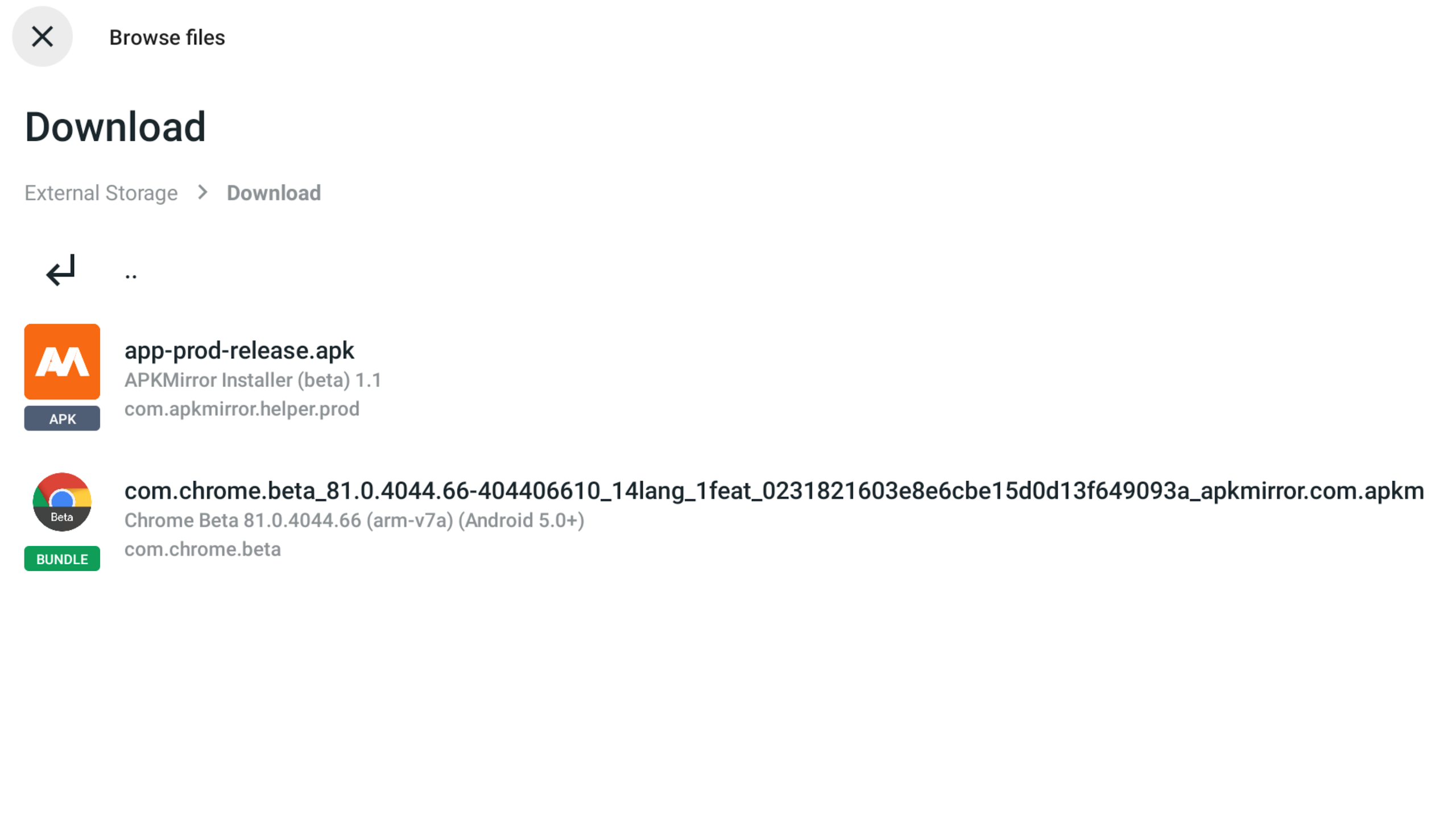
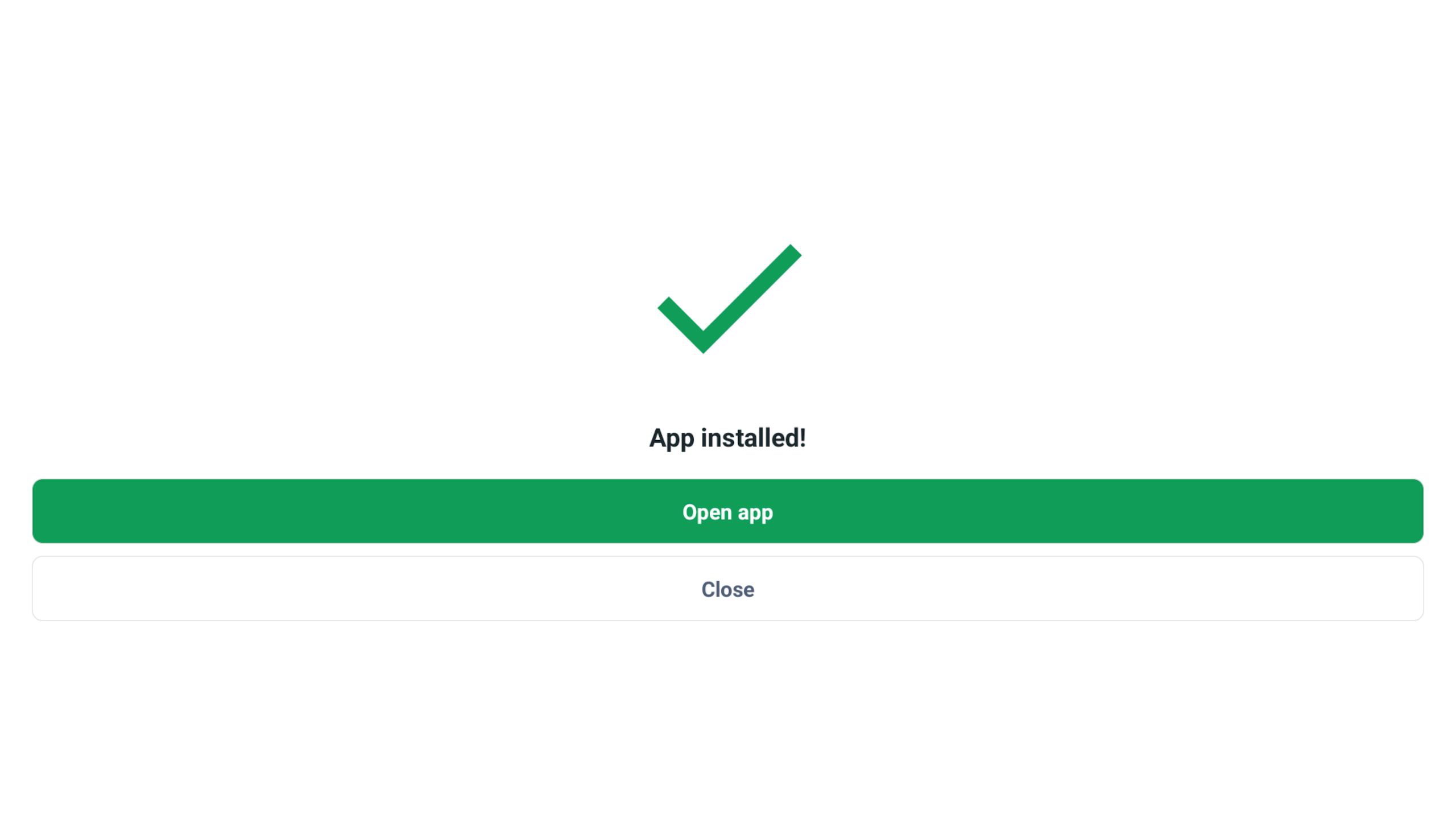
APKMirror Installer is like having your own little helper when it comes to installing .apkm, .xapk, and .apks files alongside the regular APKs. It streamlines the sideloading process, simplifying what could be a techy headache into a breeze! Plus, if you ever run into trouble while trying to install an APK, this nifty app has your back with a bonus feature. It’ll give you a clear breakdown of why the installation didn’t go through, so you can troubleshoot efficiently.
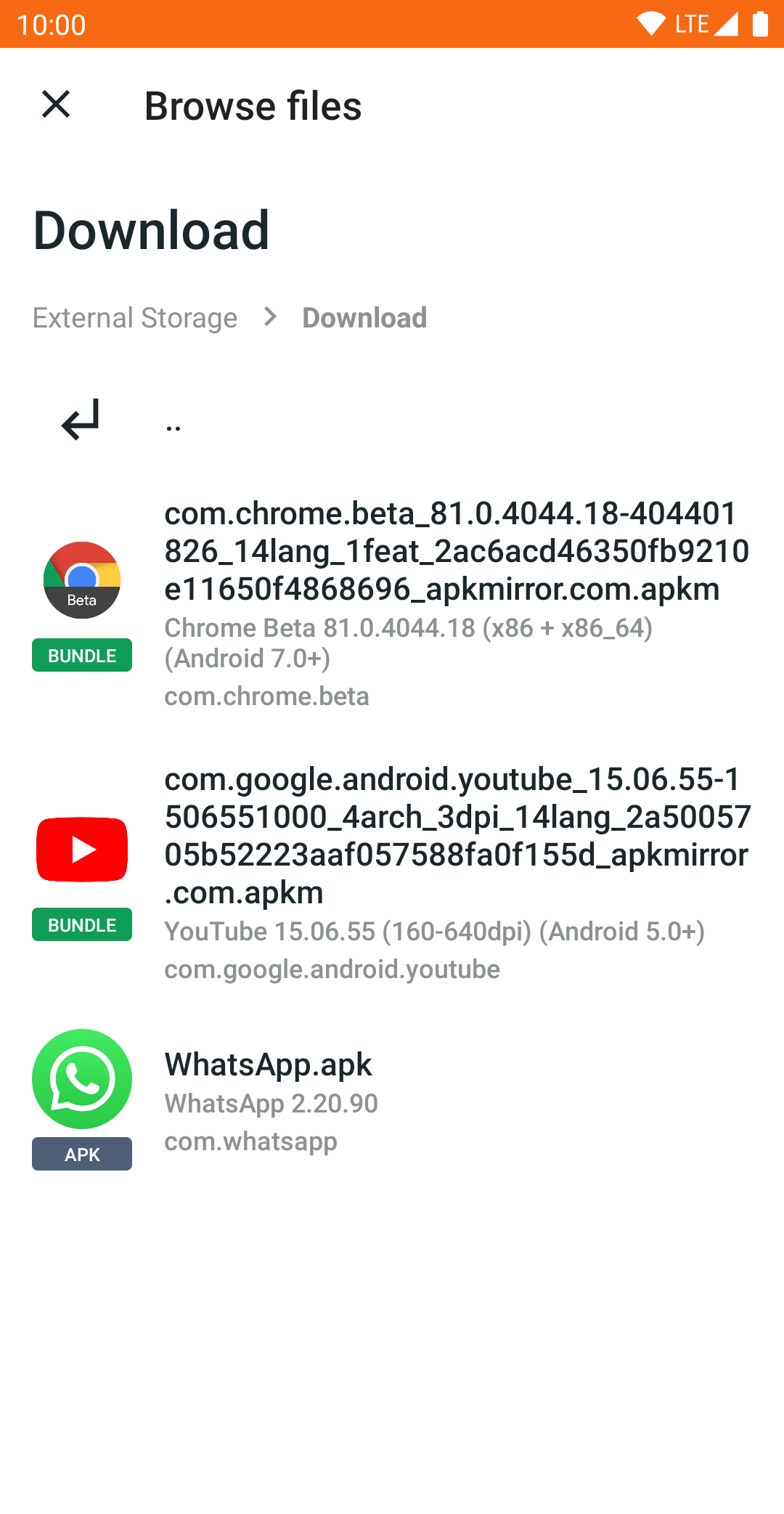
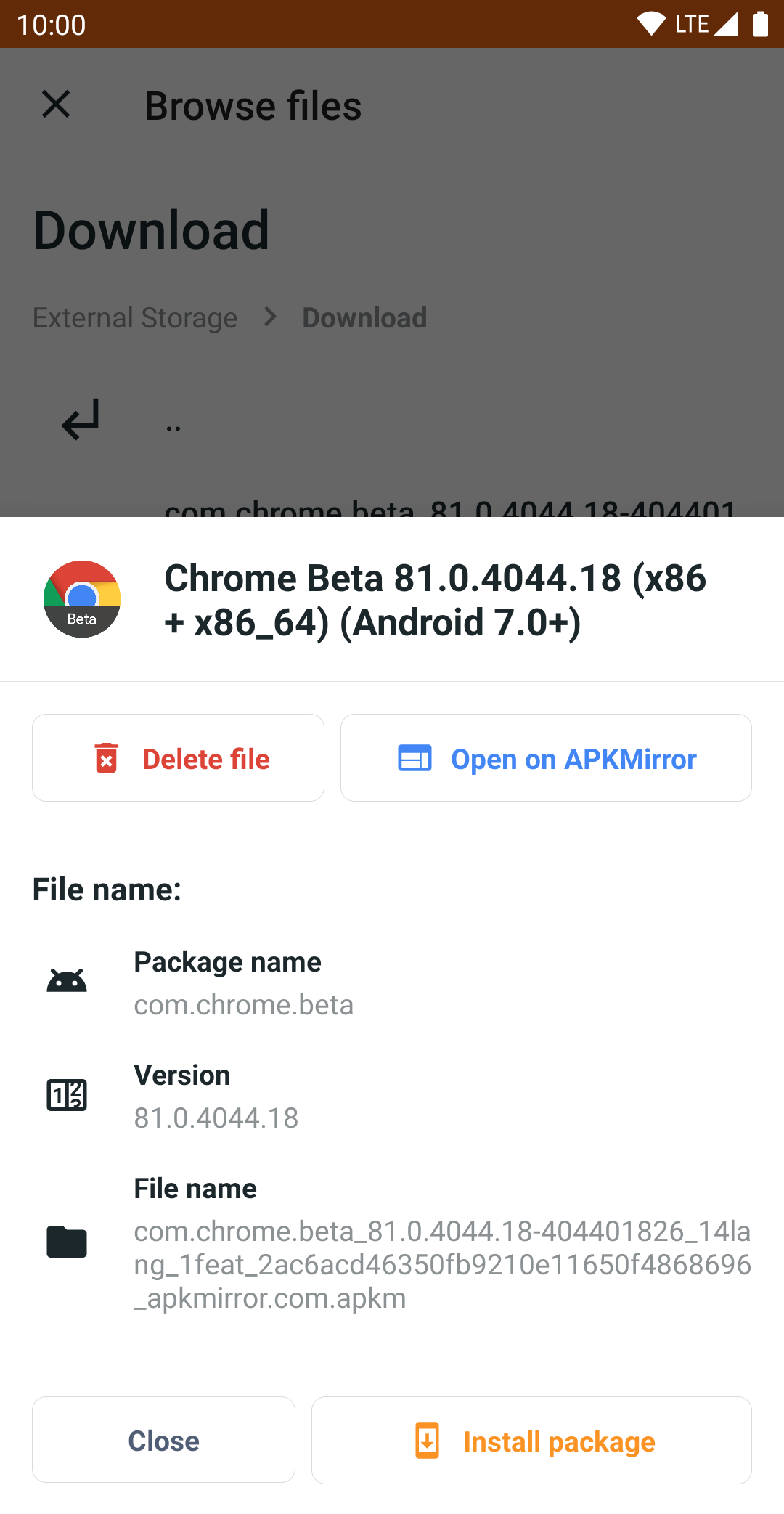
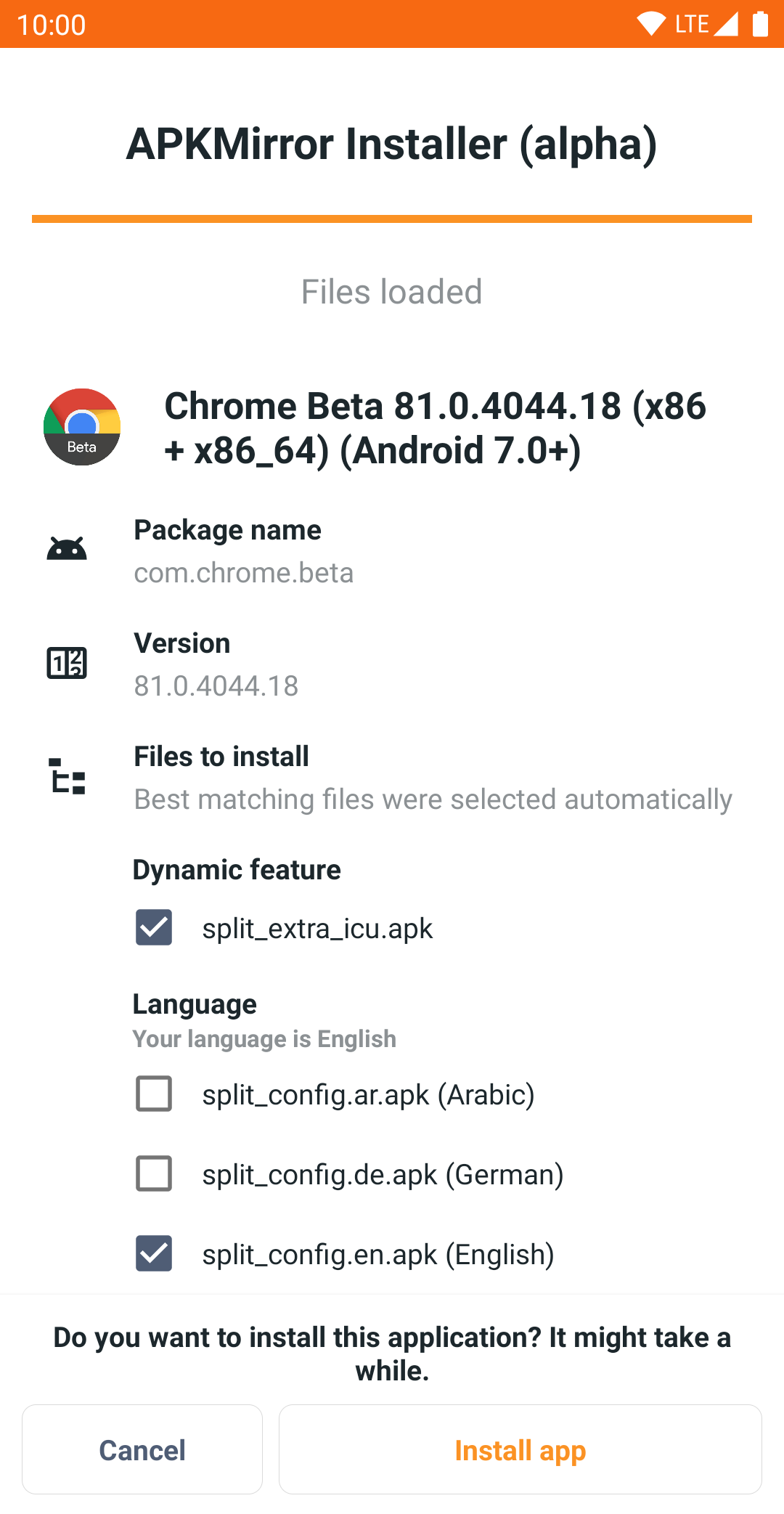
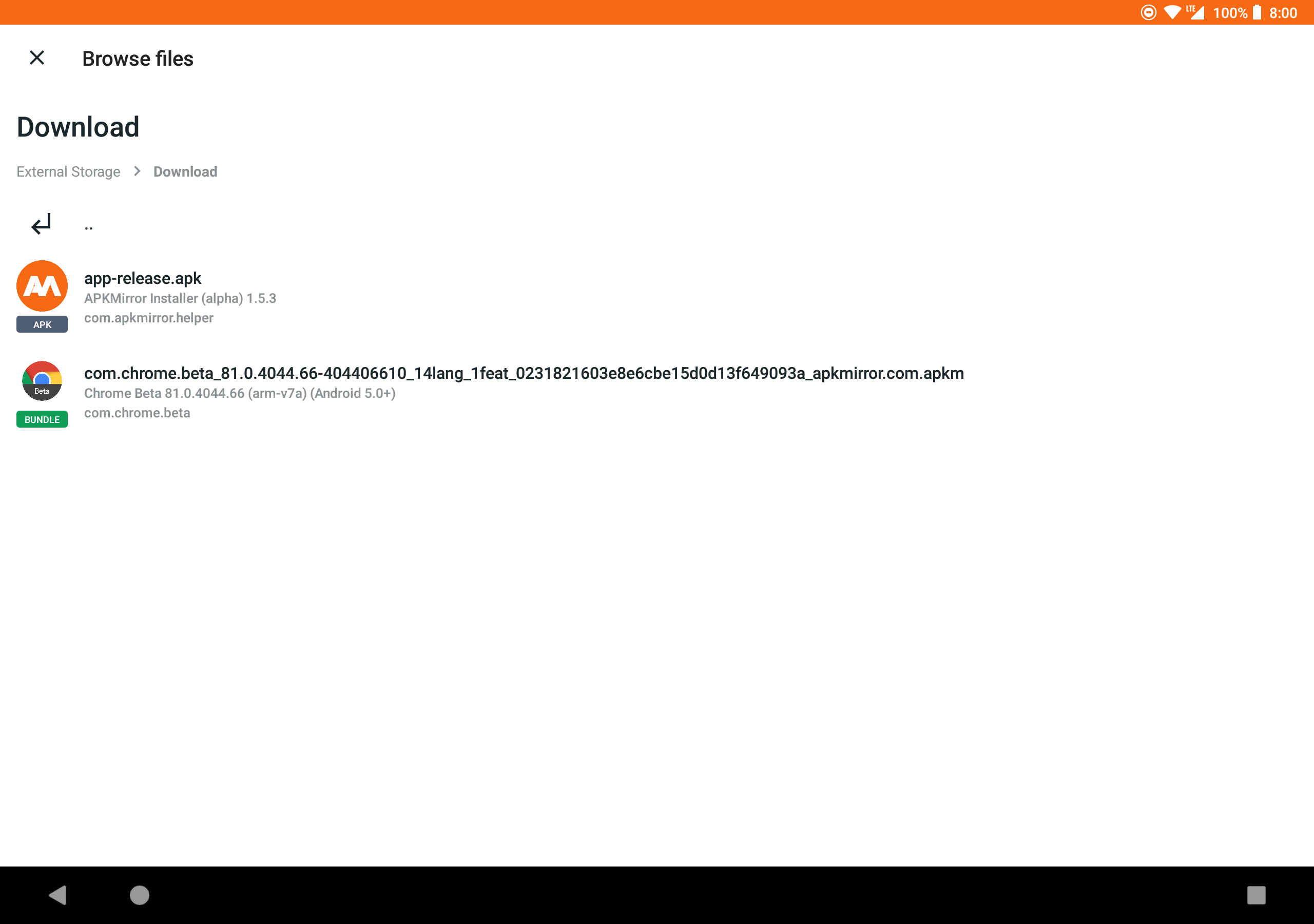
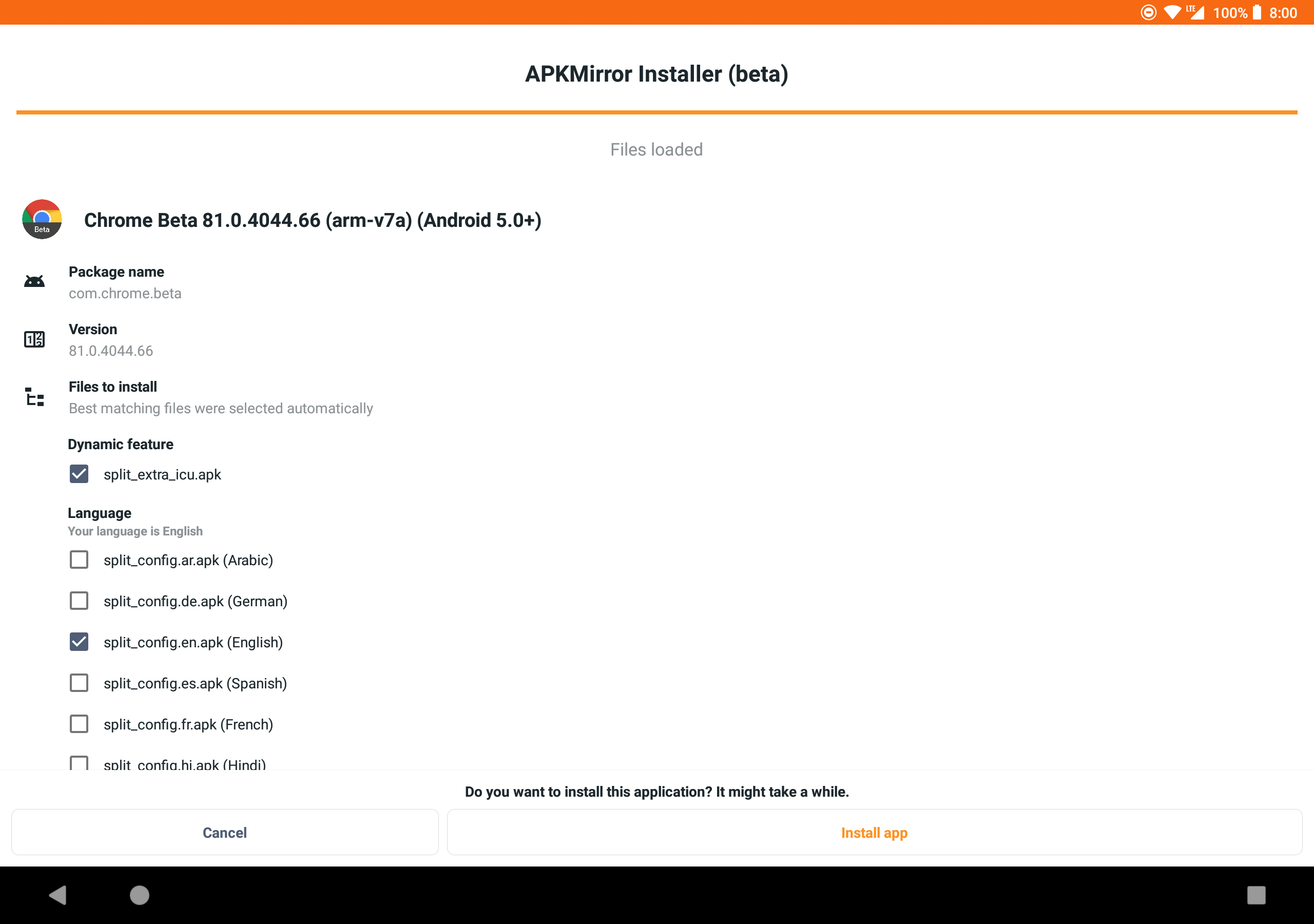
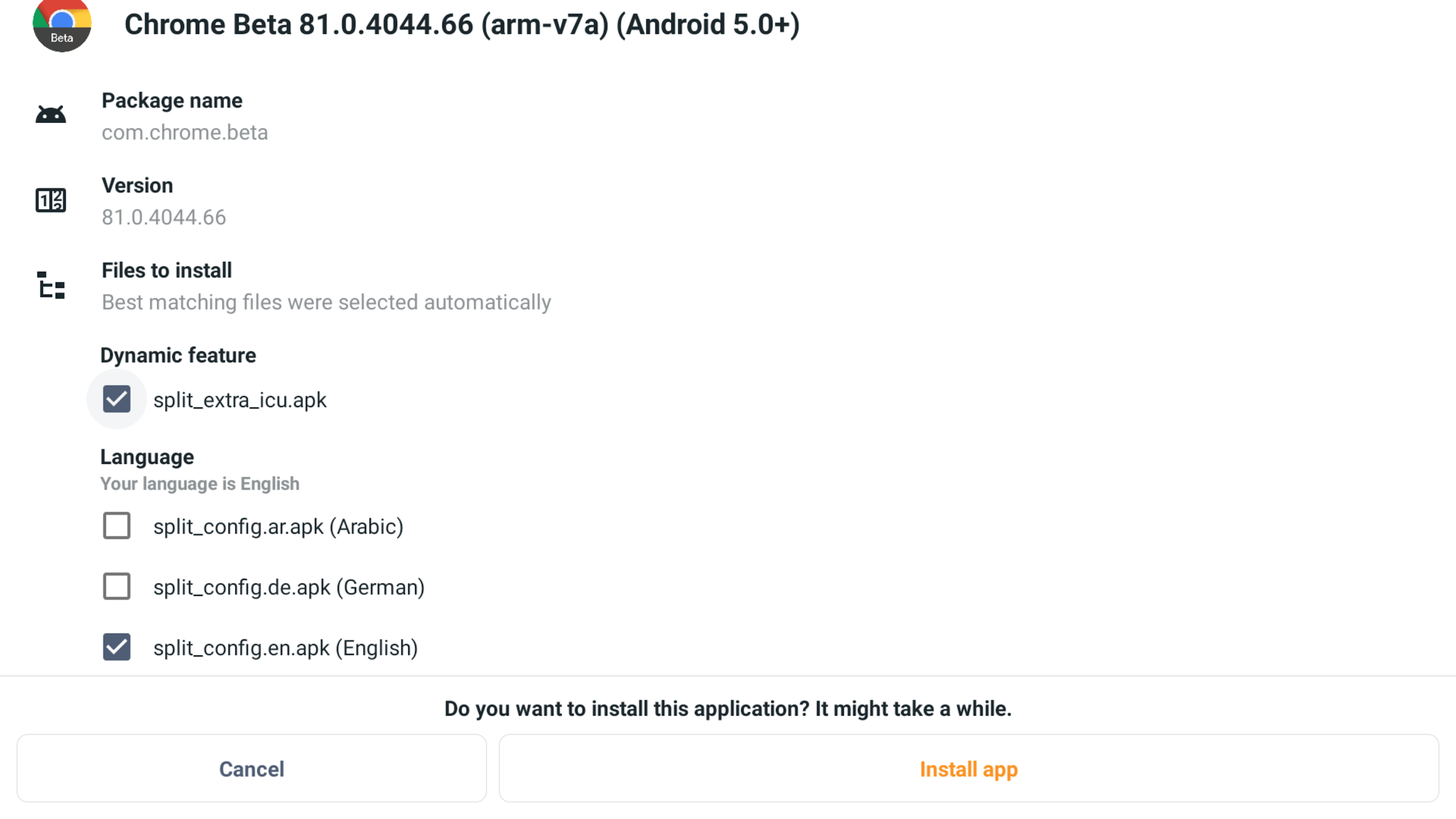
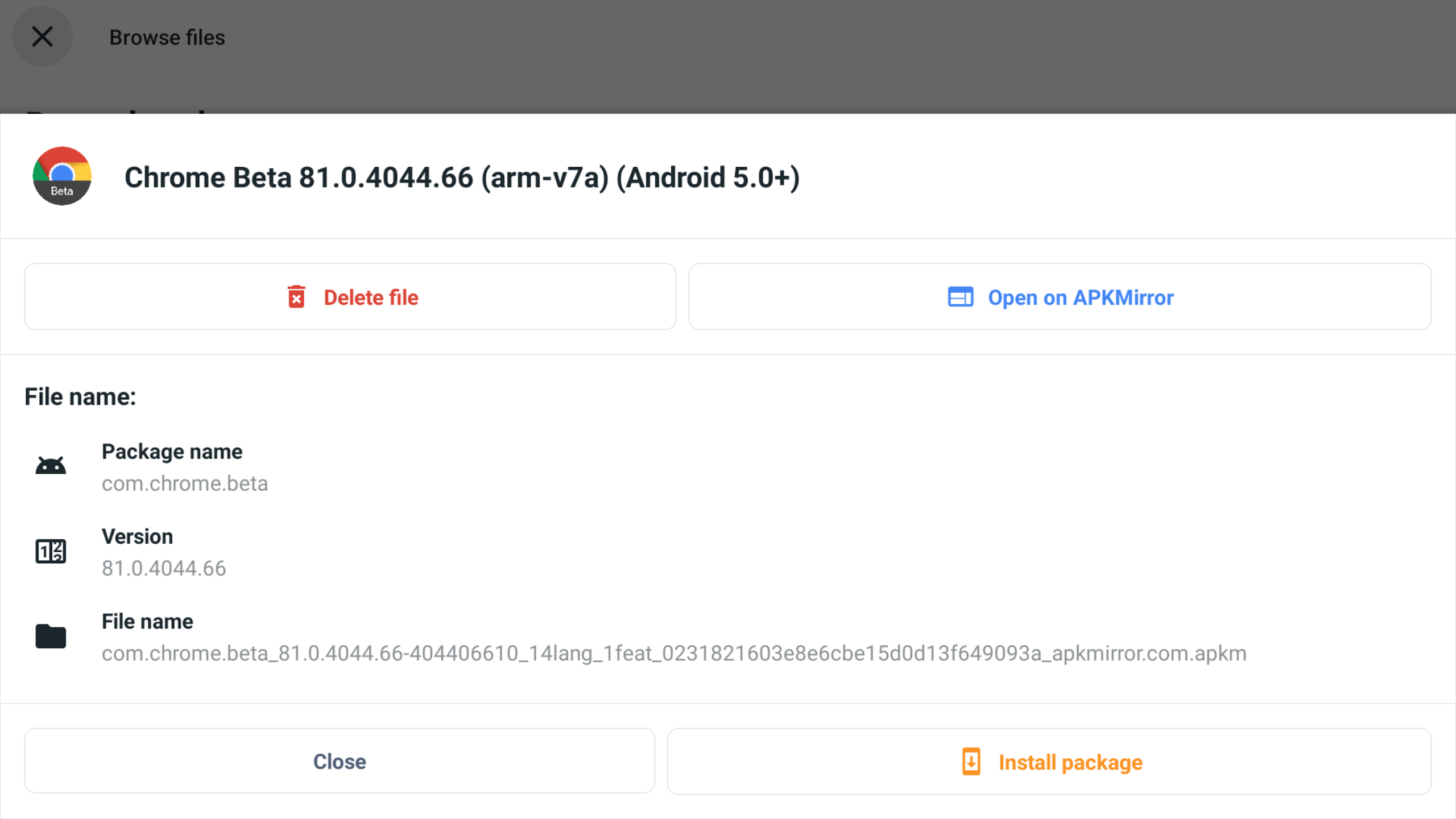
With many apps embracing the split APK format, which makes sharing and installing a bit tricky, APKMirror has tackled this change head-on. Each .apkm file is a neat package consisting of a base APK and several split APKs. Once you've installed the APKMirror Installer and grabbed that .apkm file, just tap it or use the app to locate your download. You’ll see all the parts of the file and choose only the splits you need, keeping your device light on storage!
Back in mid-2018 at Google I/O, Google introduced a fresh way to deliver apps called App Bundles, and let me tell you, it was a game changer! Before, developers were juggling multiple “fat” APK files containing all sorts of stuff or manually managing different versions for various devices. But with App Bundles, the heavy lifting gets passed to Google, which splits the release into manageable chunks—hence those split APKs we're talking about!
For instance, instead of downloading one big file, you might get five smaller ones: `base.apk` + `arm64.split.apk` + `320dpi.split.apk` + `en-us.lang.split.apk`. However, here’s the catch—you can't simply click on these splits individually; you really need that base APK working properly first.
Enter APKMirror Installer, the superhero of the installation world!
The APKMirror Installer makes handling those .apkm files as easy as pie! Thanks to its split selection tool, you can decide which components to install on your device with just a few taps. This feature ensures everything runs smoothly during both the installation and download processes, making life much more convenient. It’s like having a warm, encouraging friend who guides you through tech bumps!
From Chrome updates to WhatsApp fixes, APKMirror Installer plays well with all kinds of apps on the market. Sometimes, updates can become corrupted due to developer hiccups, but don’t sweat it! You can just download the individual files you need and reinstall them again. While it takes a tad longer, you’ll ensure your apps are functioning perfectly—no pesky errors to dampen your day!
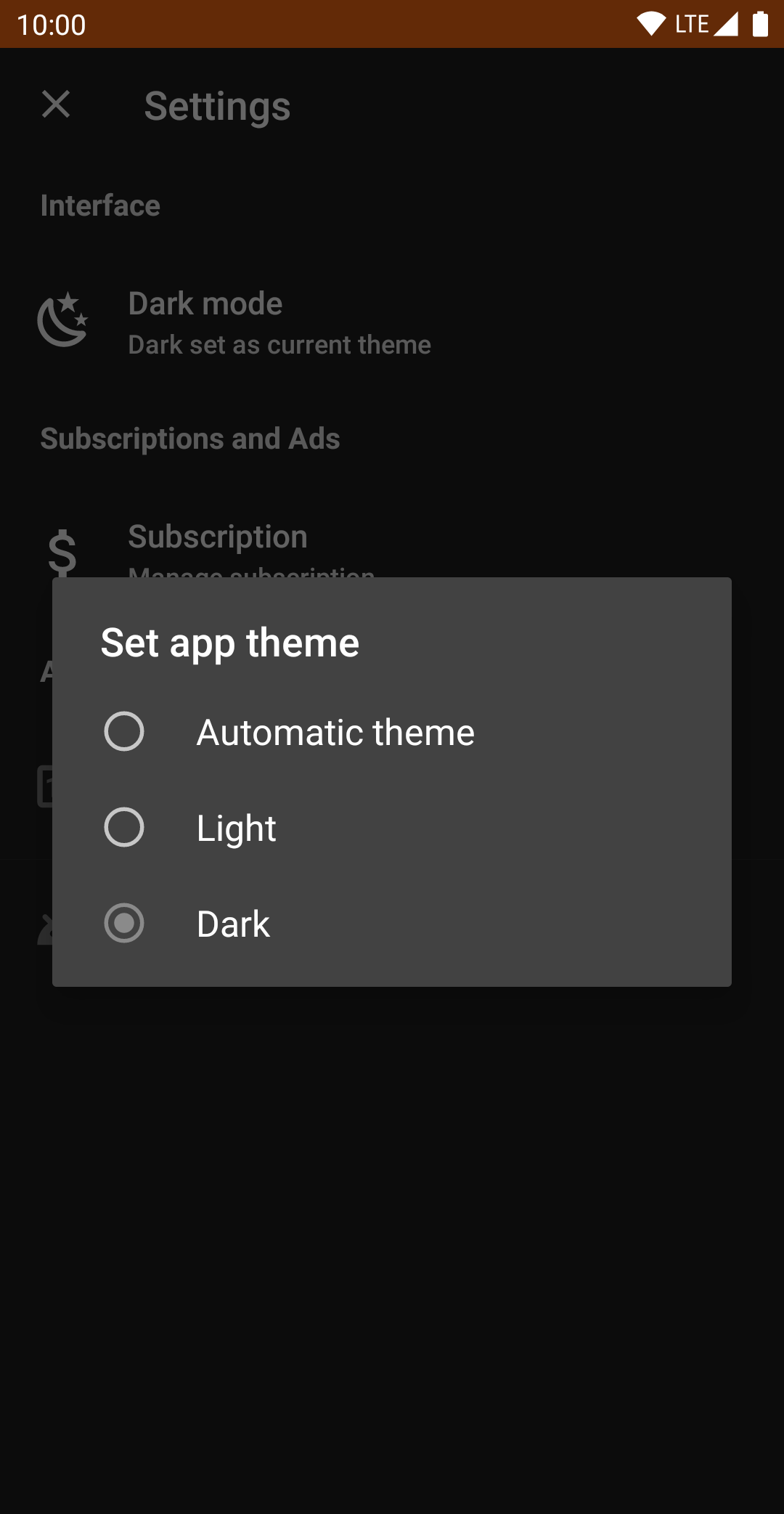
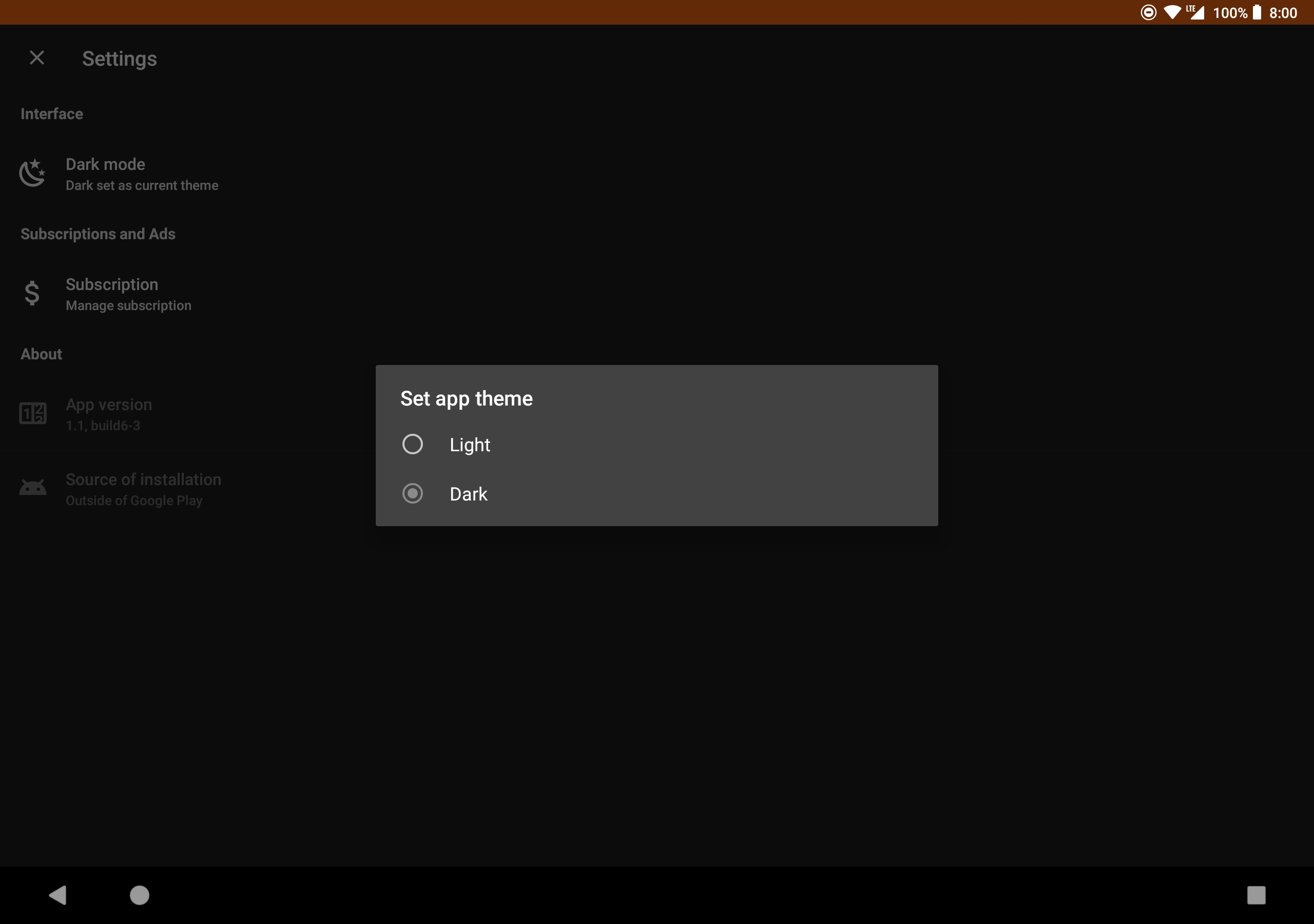
Don’t underestimate the power of visuals! APKMirror Installer lets you tweak the interface effortlessly. Want to switch from a vibrant mode to a soothing dark mode? Go for it! Dark mode helps reduce eye strain, especially if you're using it late at night. It’s these small features that create a comfortable atmosphere, allowing users to stick around longer and enjoy the app worry-free.
Let's talk ads. Sure, they help keep the app running strong as a financial pillar, but if they annoy you during usage, there's a fix. Users have the option to subscribe and snag an ad-free experience while enjoying the rest of the features without spending a dime upfront.
With APKMirror Installer in your toolbox, accessing a smorgasbord of APK package files becomes a walk in the park. Combine them seamlessly with original APKs for the most complete version yet. Gone are the days when you couldn’t download these vital files to your device! Now, you can breeze through installations like a champ.
APKMirror Installer doesn’t just stop at helping you install things; it also empowers you by supporting the creation of split APKs from existing packages. Developers are freed from the complex burden of managing variants since Google now accommodates that role! When you leverage this feature, installing the necessary chunks on your device becomes a snap.
APKMirror Installer is your trusty sidekick for navigating the often-treacherous waters of app installations on Android. With tools that simplify the split APK process, customization options, and user-friendly features, this app will not just meet your needs—it'll exceed your wildest expectations. So go ahead, make those installations a piece of cake! Your mobile experience deserves it!
| App Name | APKMirror |
|---|---|
| Version | 1.7.1 |
| Size | 10.90 MB |
| Update | Mar 29, 2025 |
| Developer | APK Mirror |
| Category | Tools |
| Google Play ID | com.apkmirror.helper.prod |