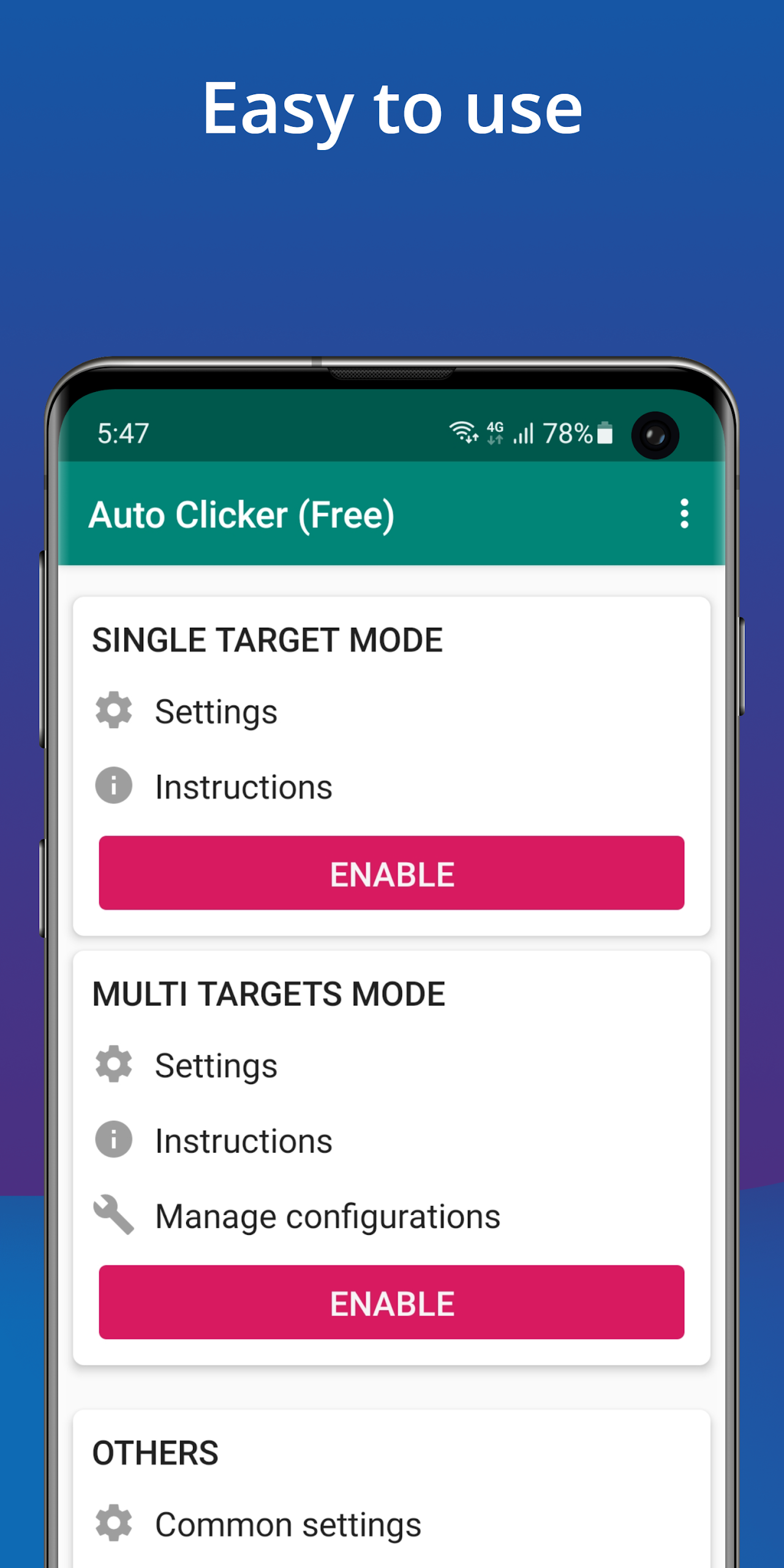
The auto-click feature is a game changer. This easy-to-use application lets you set up automatic clicks at your favorite spots on the screen, all on your own schedule. You can choose to click once or multiple times, depending on your preference. Plus, setting it up is super straightforward!
This app only works with Android operating systems 7.0 and above, so make sure you meet that requirement. Once installed, you won’t need to worry about rooting your device. All features will be available right away. An added perk? You won't be bombarded with ads; you can remove them by using a simple setting in the last section of the app.
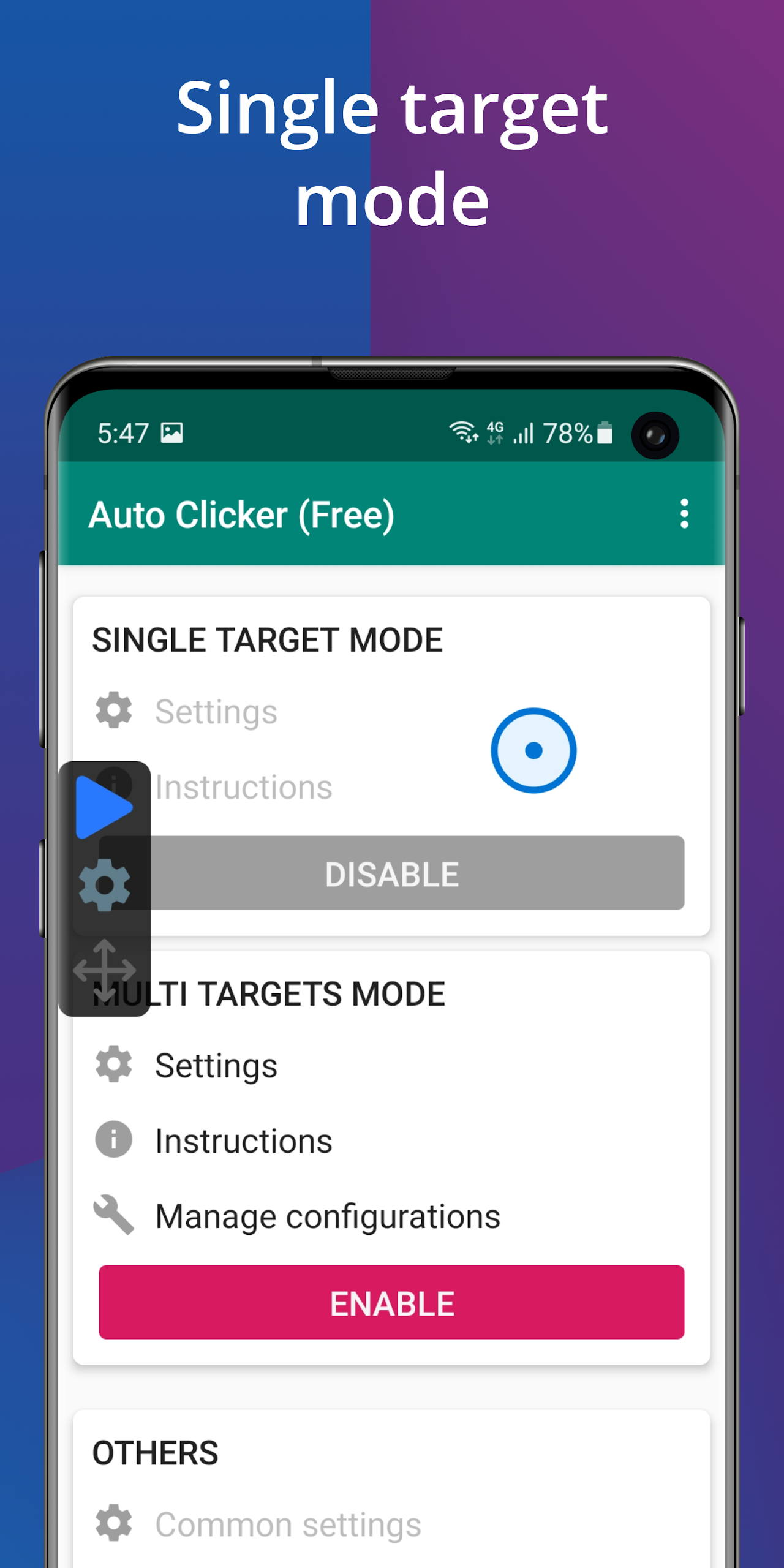
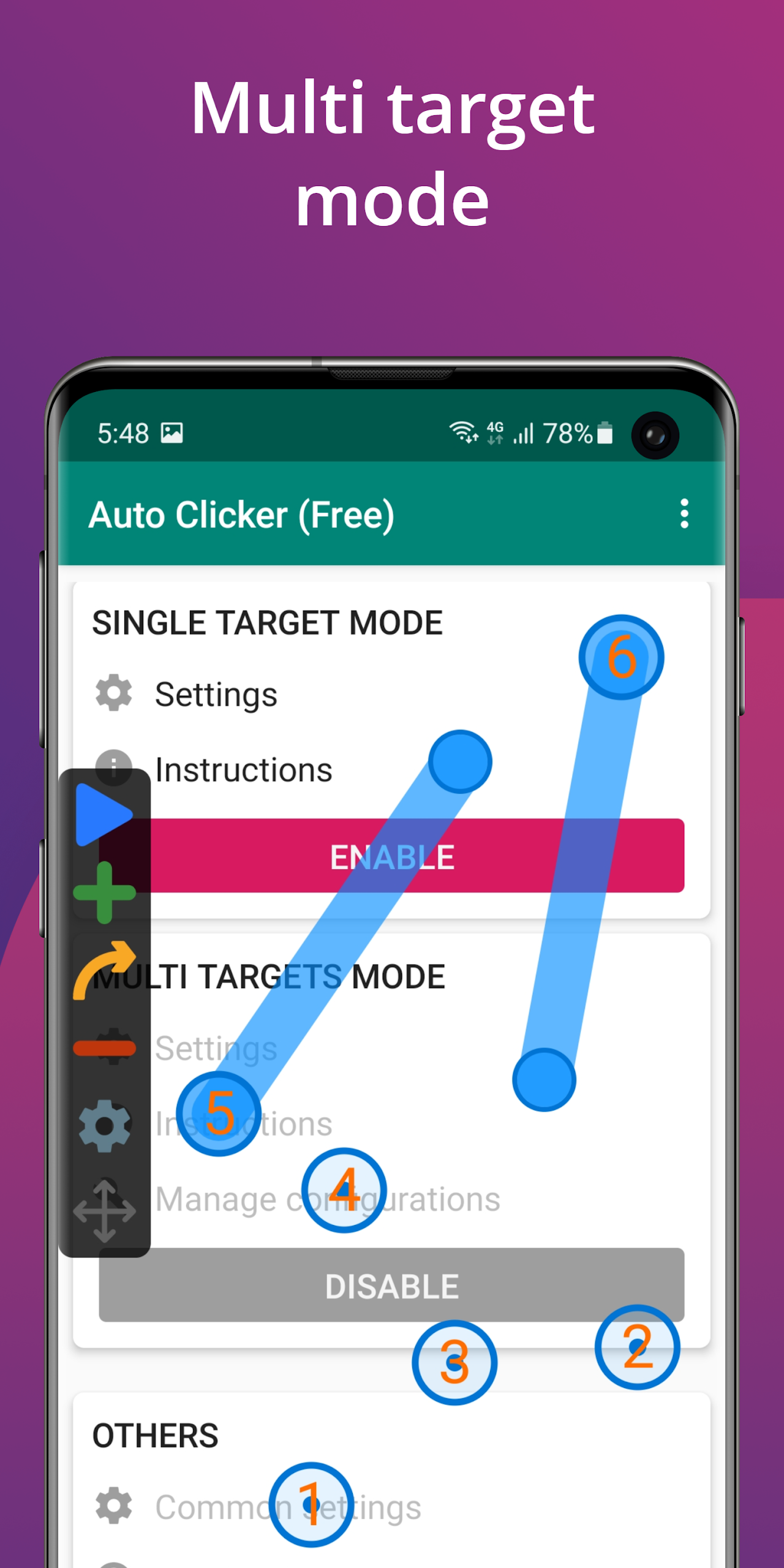
Here’s where the fun begins! In single-target mode, you’ll easily learn how to activate this feature. Once activated, a clickable circle appears. You can drag this circle wherever you want on the screen. Switch to multi-target mode, and voilà! You’ll see multiple circles for automatic clicking pop up, allowing for even more control.
Don’t forget to set your working hours. You’ll want to plan when you’ll be playing or pausing those auto clicks.
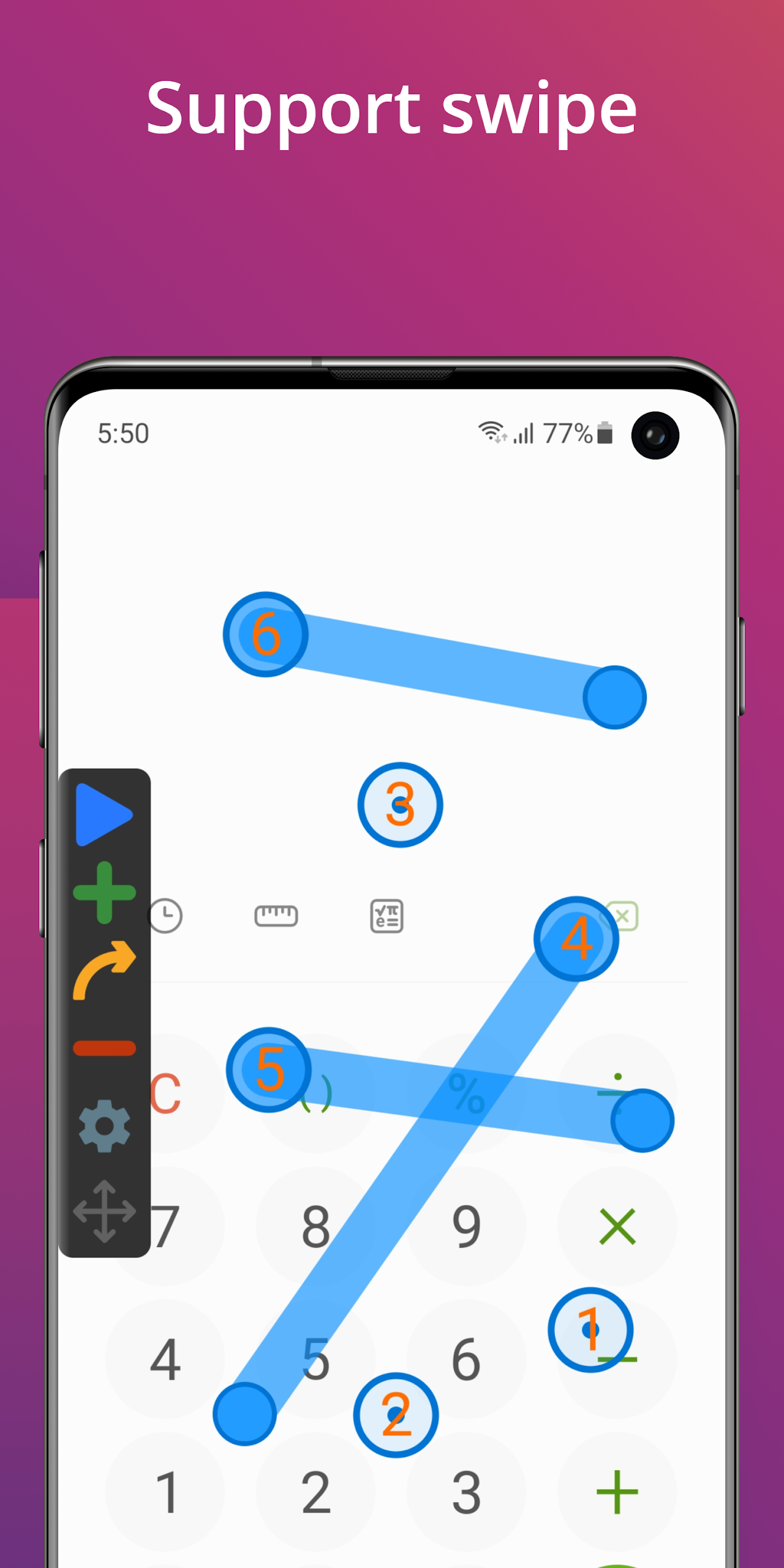
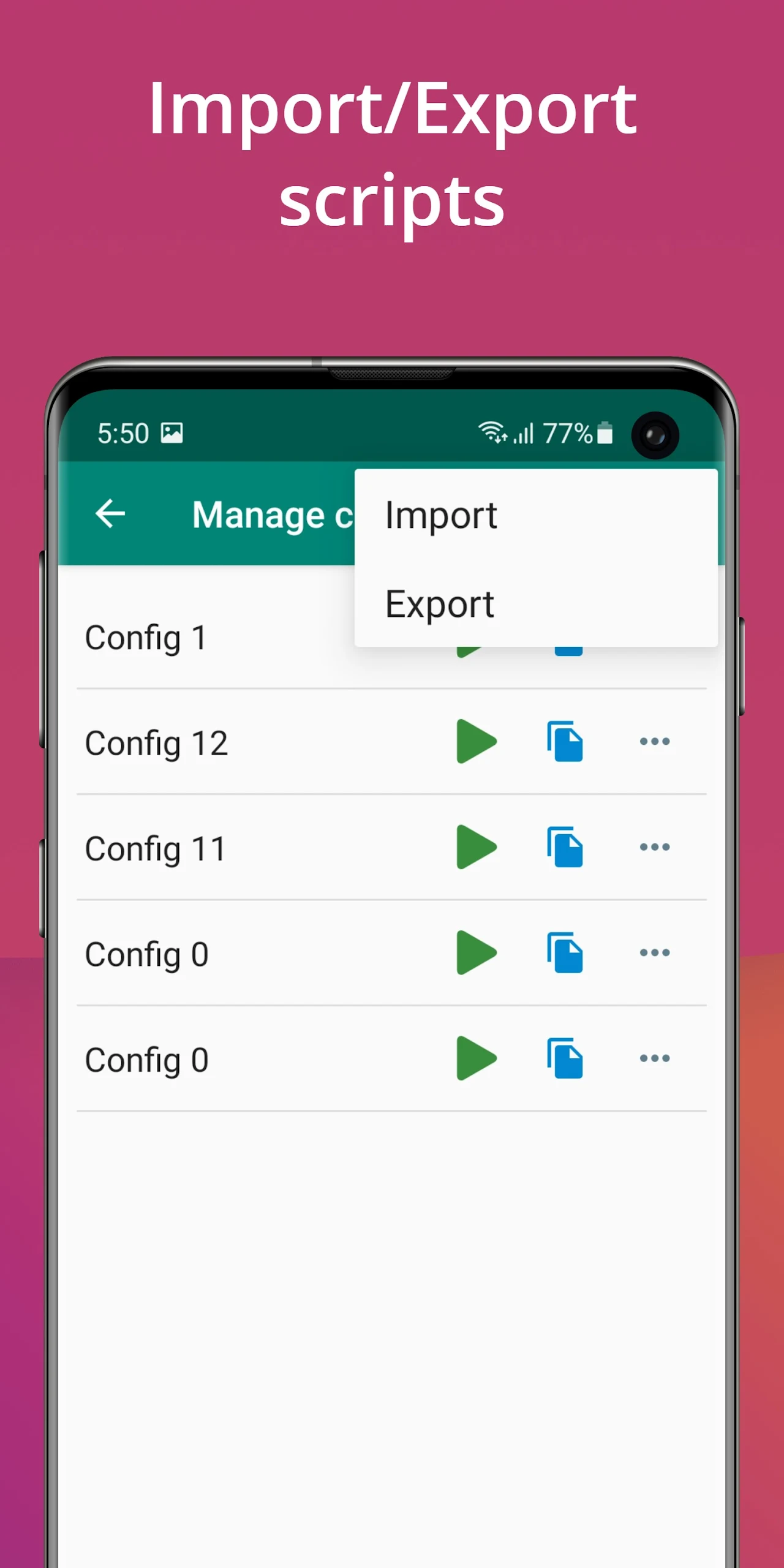
Auto Clicker isn’t just any app. It allows for multiple settings, letting you create a combination of clicks and swipes. You'll appreciate that these settings keep everything aligned, making sure there are no disparities between player accounts. During installation, you have the option to import and export scripts automatically. This makes the gaming experience faster and keeps things under control. If life gets in the way, you can push a stop button to pause the automation whenever necessary.
Auto Clicker boasts a super friendly, intuitive interface designed for users of all ages. You won’t waste time figuring things out. Just dive into the app and start executing your commands instantly. Setting locations, times, and repeat operations takes just a few taps. You can add as many commands as you like, whether you’re focused on one game or juggling a few at once.
Works only on Android 7.0 and newer.
Requires accessibility service for full functionality.
Mobile games often demand hard work and constant effort, especially if you want to climb the ranks fast. It can be disheartening seeing other players whizzing through levels while you struggle. Sure, some folks dedicate all their time to gaming, but life gets busy. Whether you’re working, studying, or going out, you might crave some assistance.
Enter the auto clicker application. This handy tool saves your energy and time, allowing your character to thrive while you do other things. Forget waiting anxiously, staring at your phone screen all day. The auto clicker ensures you can engage in critical activities without sacrificing your gameplay.
Some may argue that overusing an auto-clicker can tip the scales of fairness within gaming communities. Sure, you gain advantages while others grind through every second. However, when used wisely, it enhances the mobile gaming experience for everyone—both pros and rookies alike.
So, if you’re searching for an auto clicker, give Auto Clicker a go. It's one of the finest options available right now.
You’ll be impressed by what this application offers. Before diving in, remember it’s only compatible with Android versions 7.0 and above. The unique functions it provides require a stable operating system for smooth performance and continuous clicking.
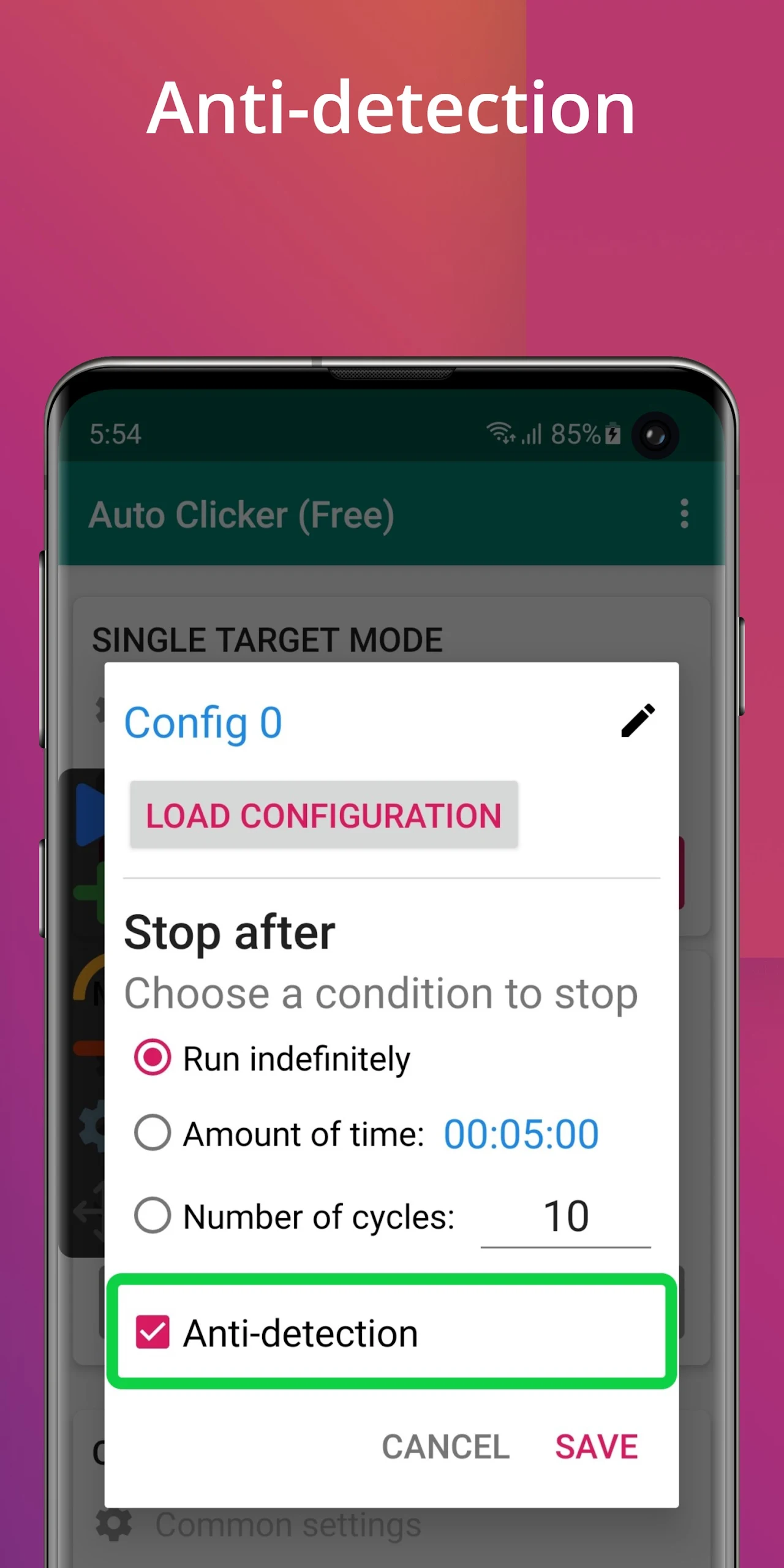
Setting your operating hours is crucial. Choose between several options: indefinite, for a specific period, or a number of cycles. Think about the time interval between clicks based on what you need. For example, certain idle games might ask for repeated taps to perform attacks.
Once you're familiar with the auto-clicker feature, you can explore its elements. You’ll find three distinct items within the app, each offering something valuable. No complicated learning curve here.
Ready to automate those frustrating clicks? Download Auto Clicker today for hassle-free gaming bliss!
| App Name | Auto Clicker |
|---|---|
| Version | 2.5.6 |
| Size | 5.99 MB |
| Update | Mar 27, 2025 |
| Developer | True Developers Studio |
| Category | Tools |
| Google Play ID | com.truedevelopersstudio.automatictap.autoclicker |