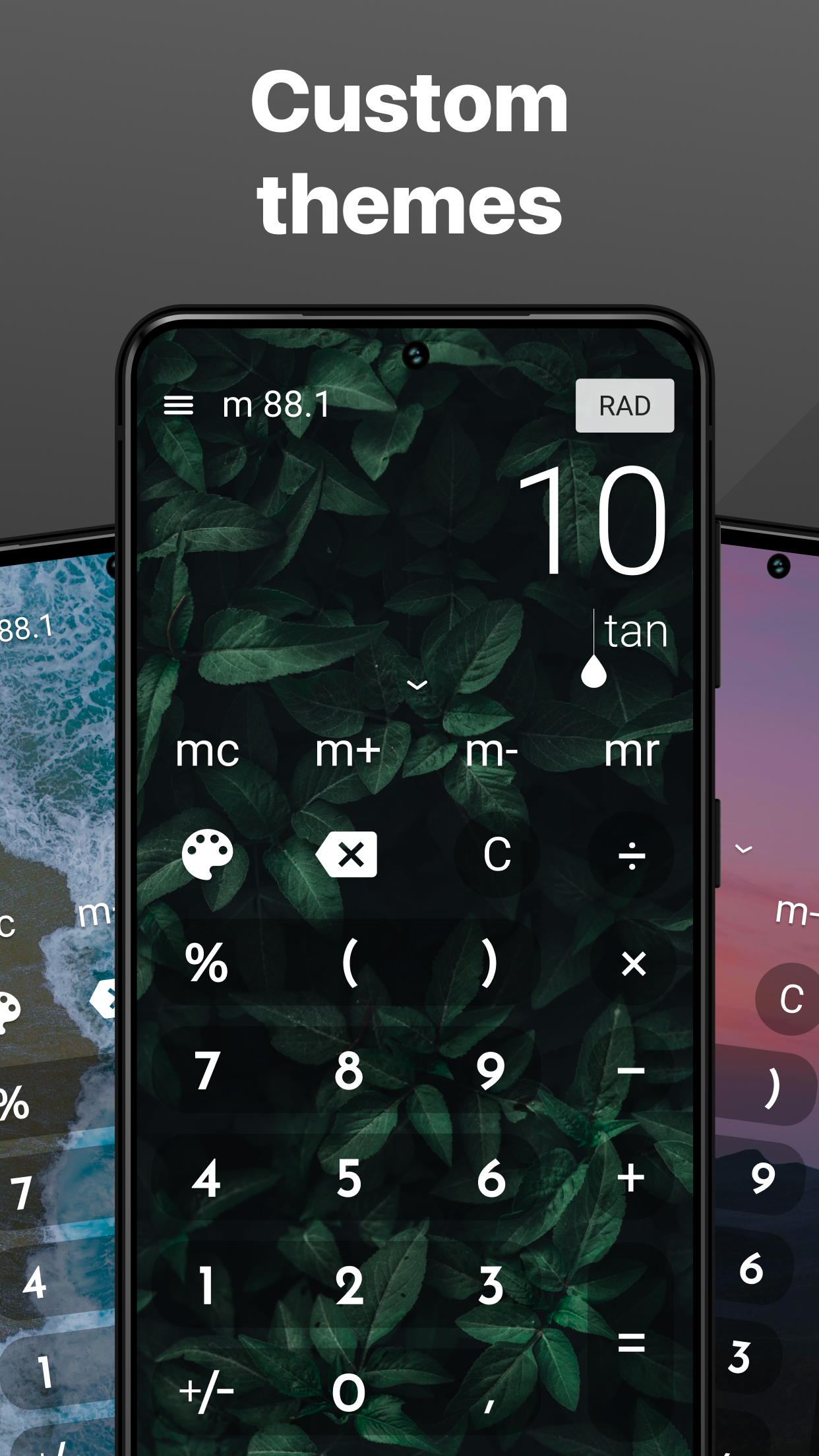


One of the coolest things about CALCU™ is its array of stunning themes! This application is a treasure trove of style options designed to elevate your user experience in delightful ways. With a range that allows you to choose from stylish designs, vibrant colors, and unique layouts, customizing your calculator has never been more fun. Plus, expect even more exciting themes to drop soon — each one brimming with fresh ideas to take your computing aesthetic up a notch!
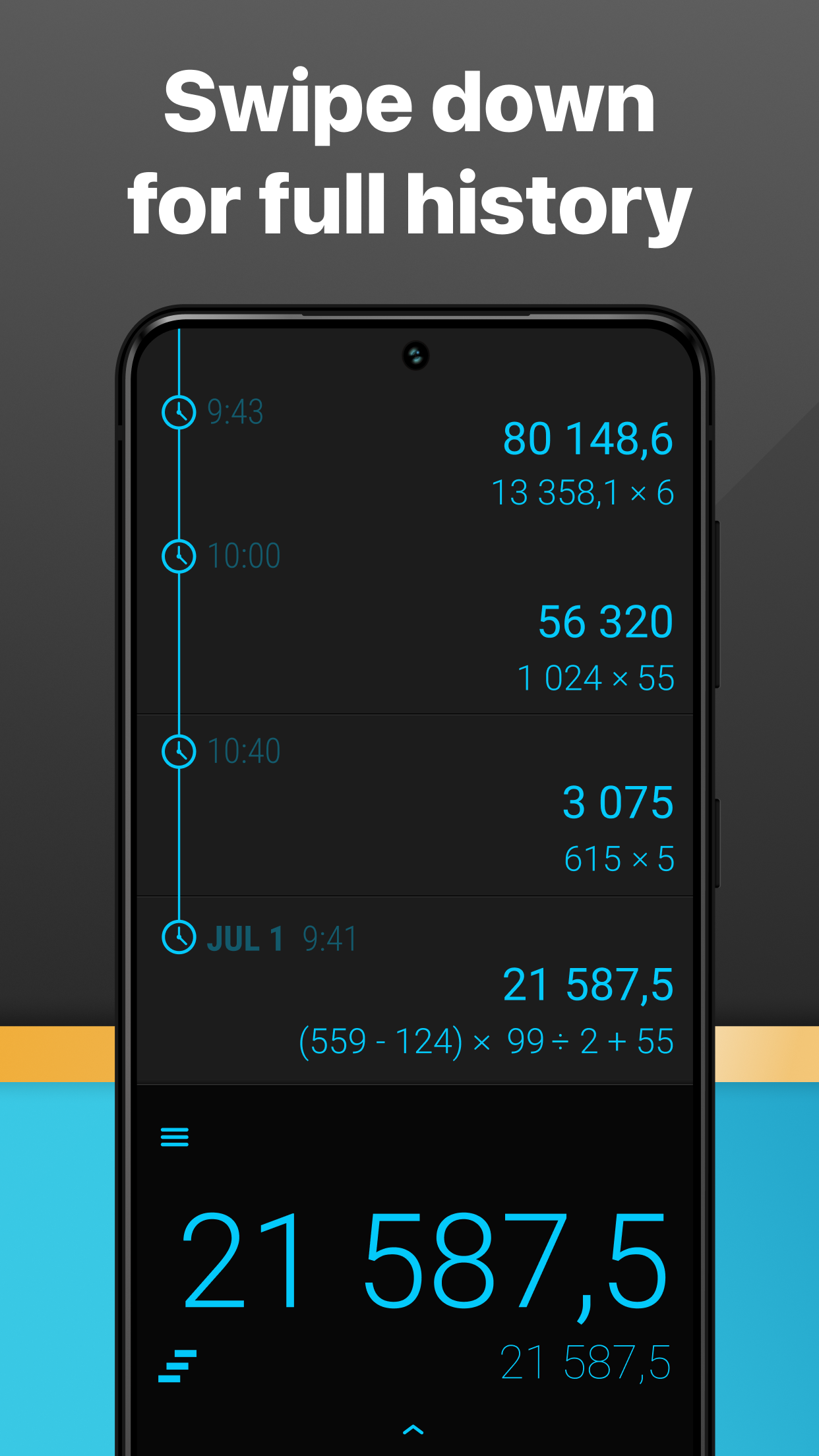
Ever found yourself scratching your head over whether a calculation was right? Fear not! CALCU™ has your back with a slick history system that captures all your calculations in chronological order. You can effortlessly sift through past computations, helping you revisit and verify your results without breaking a sweat. It’s like having your own mathematical diary at your fingertips!
Now, let’s talk about some standout features that make CALCU™ truly shine:
1.Basic Arithmetic Operations:Get all your basic needs covered—addition, subtraction, multiplication, and division are just a tap away。
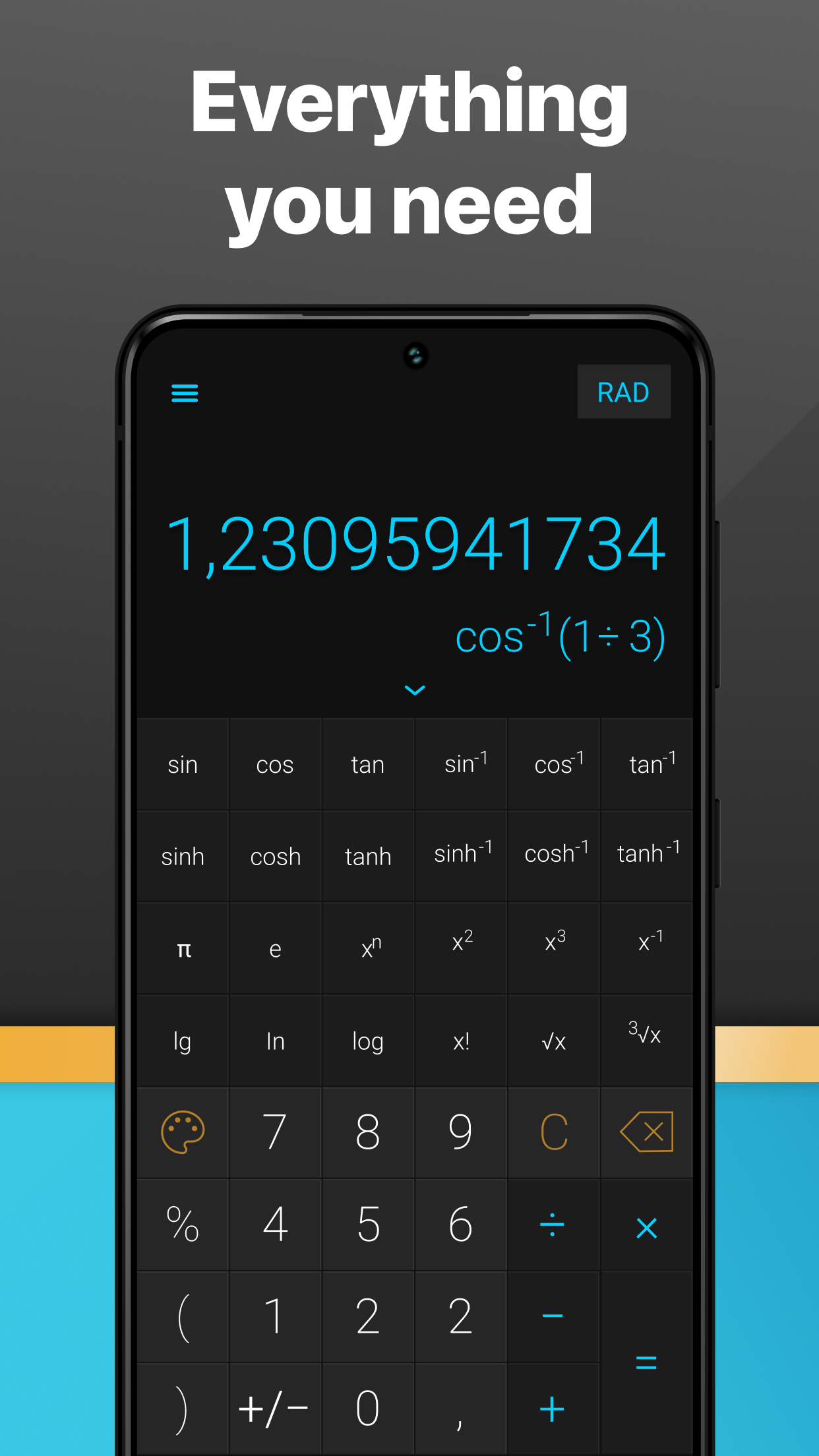
2.Advanced Scientific Functions:Ready for some brainy calculations? Dive into an extensive repertoire of scientific tools。
Trigonometry
Sine (sin), Cosine (cos), Tangent (tan)
Hyperbolic Functions
Hyperbolic sine (sinh)
Constants
Pi (π), Exponent (e)
Logarithmic Functions
Log base 2 (log2), Natural logarithm (ln), Common logarithm (log)
Exponentiation
Squares, cubes, you name it!
Factorial Calculations
(X!)
Roots and Derivatives
From square roots to calculus derivatives and integrals
Equation Solver
Solve those complex equations effortlessly!
3.Calculator with History:Your calculations don’t disappear into thin air! Review them later thanks to the built-in tracking feature。
4.Context-Rich Calculation Notes:Add nifty notes to your calculations for better understanding。
5.Memory Functionality:Save and retrieve previous calculations easily, making it perfect for those lengthy problems。
6.Customizable Themes:Whether you fancy something classic or want to jazz it up with vivid design elements, CALCU™ lets your personality shine。
7.User-Friendly Interface:Enjoy a sleek layout that makes every calculation a breeze. The blend of simplicity and advanced capabilities is perfectly balanced, ensuring that calculating doesn't feel like rocket science。
What really sets CALCU™ apart is how much you can tailor it to fit your style! Want to simplify your interface by adding or removing functionalities? No problem! This app understands that everyone has their own personal preferences and streamlines the process so you can quickly access the tools you use most.
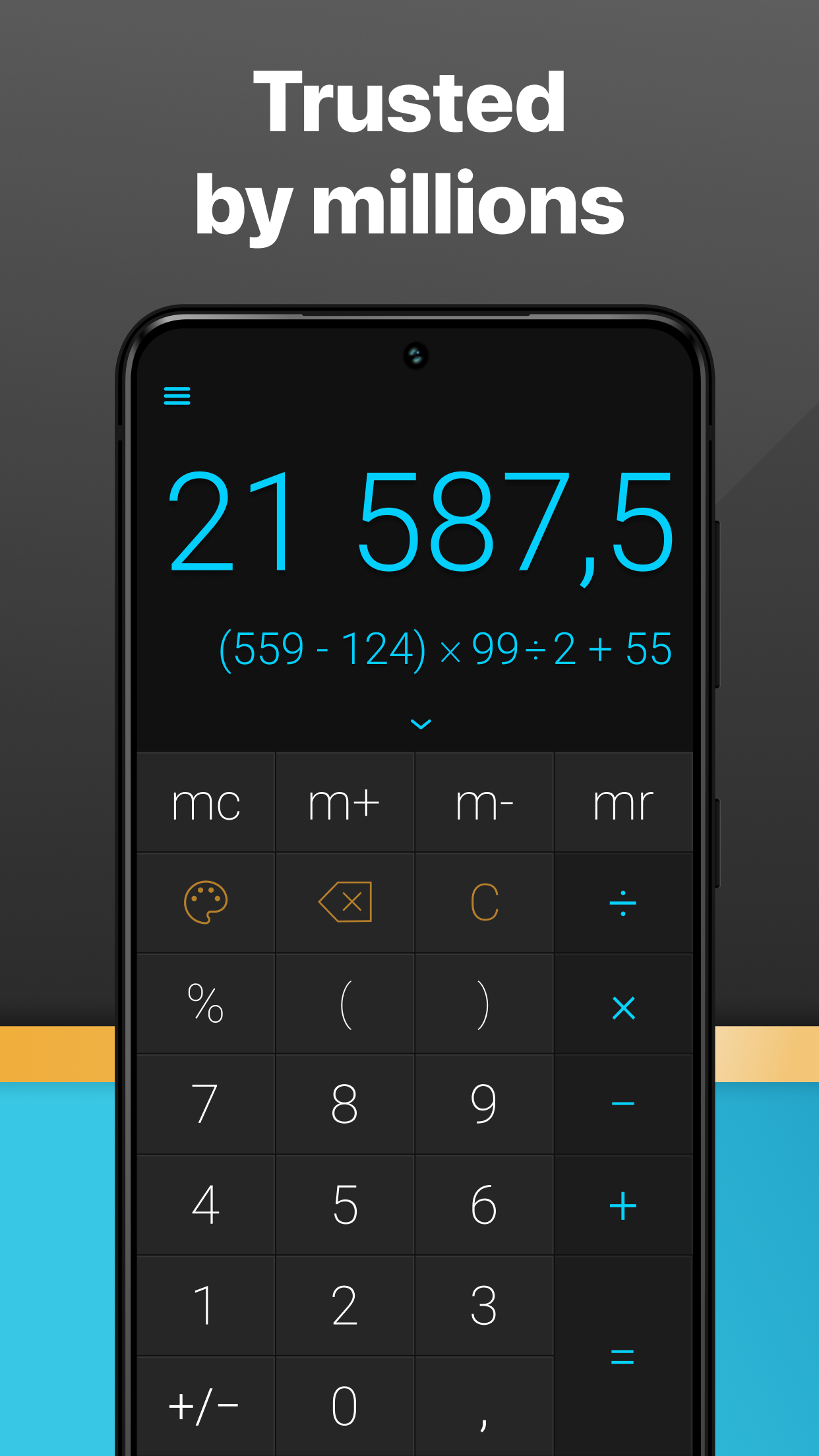
When you peek at the Stylish Calculator—CALCU interface, you'll notice everything feels intuitive and well-placed. Tools span from basic arithmetic operations to fractions, with navigation buttons designed for easy interaction. Feel like keeping it simple? Switch to “Simple Mode” and only the key functions will be displayed. Or, if you’re gearing up for some serious math wizardry, opt for the full desktop layout where advanced functions like sin, cos, and log come to life upfront. This way, tackling complex calculations becomes second nature!
From simple sums to mind-boggling equations, CALCU™ is poised to assist users in solving a variety of math challenges with speedy results. Users can swap seamlessly between regular and scientific calculations, making adjustments based on their needs without any hassle. Those who rock a Samsung device can even multitask by using CALCU™ alongside other apps—because hey, why not boost productivity?
With an impressive collection of features, ease of customization, and a toolbox filled with all the tools you’ll need, CALCU™ is not just another calculator—it’s a complete mathematical playground! Say goodbye to boring old calculators and hello to a vibrant, streamlined, and ultra-functional counting companion! So what are you waiting for? It’s time to unlock the true potential of your calculations and have a little fun while doing it! 🎉
| App Name | CALCU |
|---|---|
| Version | 4.7.0 |
| Size | 16.85 MB |
| Update | May 15, 2025 |
| Developer | Designer Calculators |
| Category | Tools |
| Google Play ID | com.candl.athena |