



If you're unsure how to find your phone, don't sweat it. The Clap To Find My Phone app makes tracking down your device super easy. Here’s a simple run-through of how to use it:
1.Tap the "Find My Phone" button to activate the feature.
2.Flip the switch on. Now you're all set!
3.Go to "Settings" to tweak the sound frequency, notifications, and flash blink speed.
4.Pick a ringtone by clicking on “Select Tone.”
5.Adjust the sensitivity from 1 to 10 according to your surroundings.
6.You can toggle the flash on or off and set its timing interval between 50 to 1500 milliseconds.
This app is full of neat tricks. Check them out:
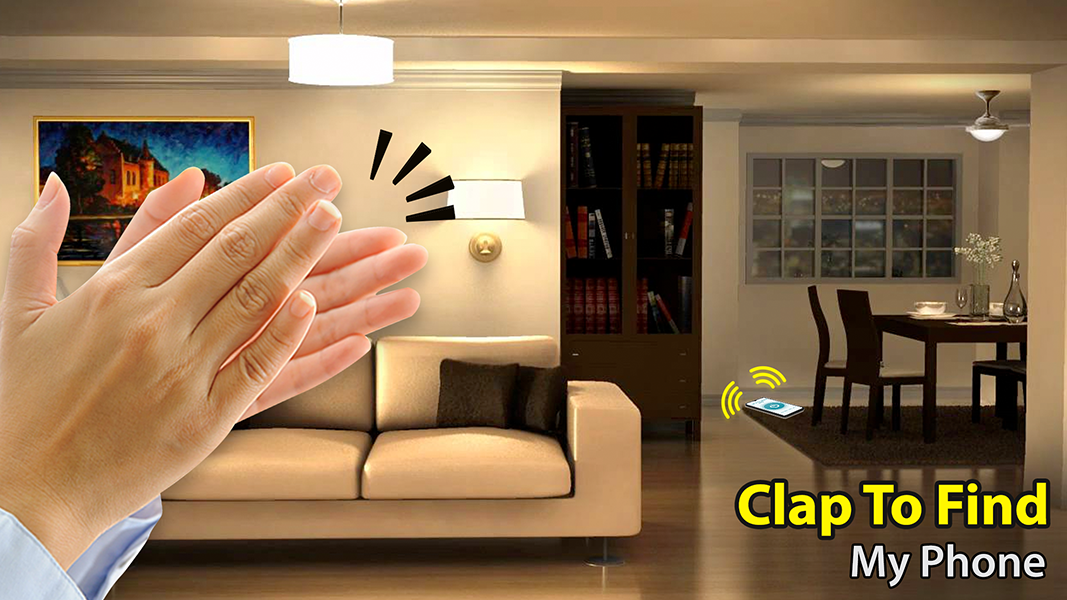
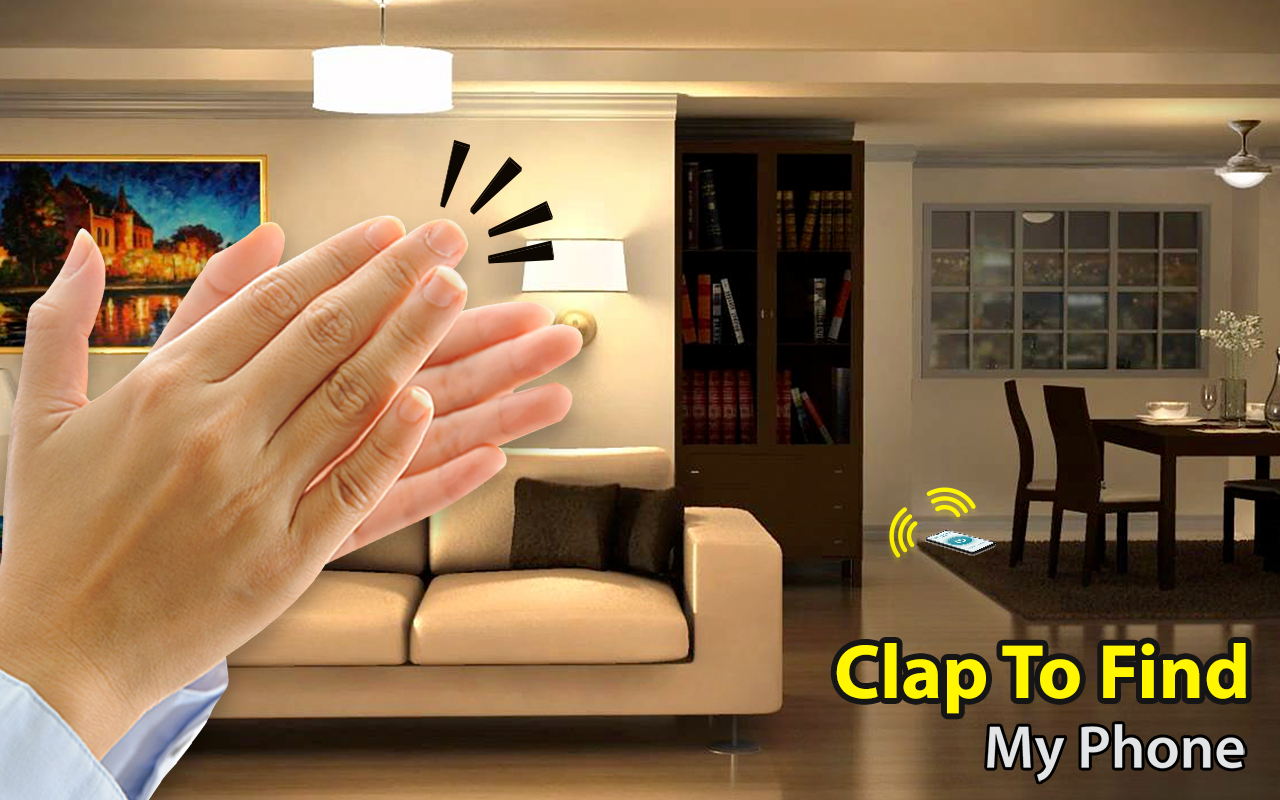
Find your lost phone just by clapping.
Choose any ringtone you fancy to locate your device.
Strobe light options for alerts.
Set battery level notifications through flashing lights.
Control settings for Do Not Disturb modes.
Announce who's calling you with their name.
Read your text messages out loud.
Customize the sound for text-to-speech.
More security features to keep your phone safe.
In this section, you can set up the clap command for locating your phone. It includes four tabs: Find My Phone, Select Tone, Settings, and Information. “Find My Phone” lets you turn the function on or off and adjust settings. In “Select Tone,” pick among three default alert tones, or choose one from your phone's storage via the button under "Select Phone Tone."
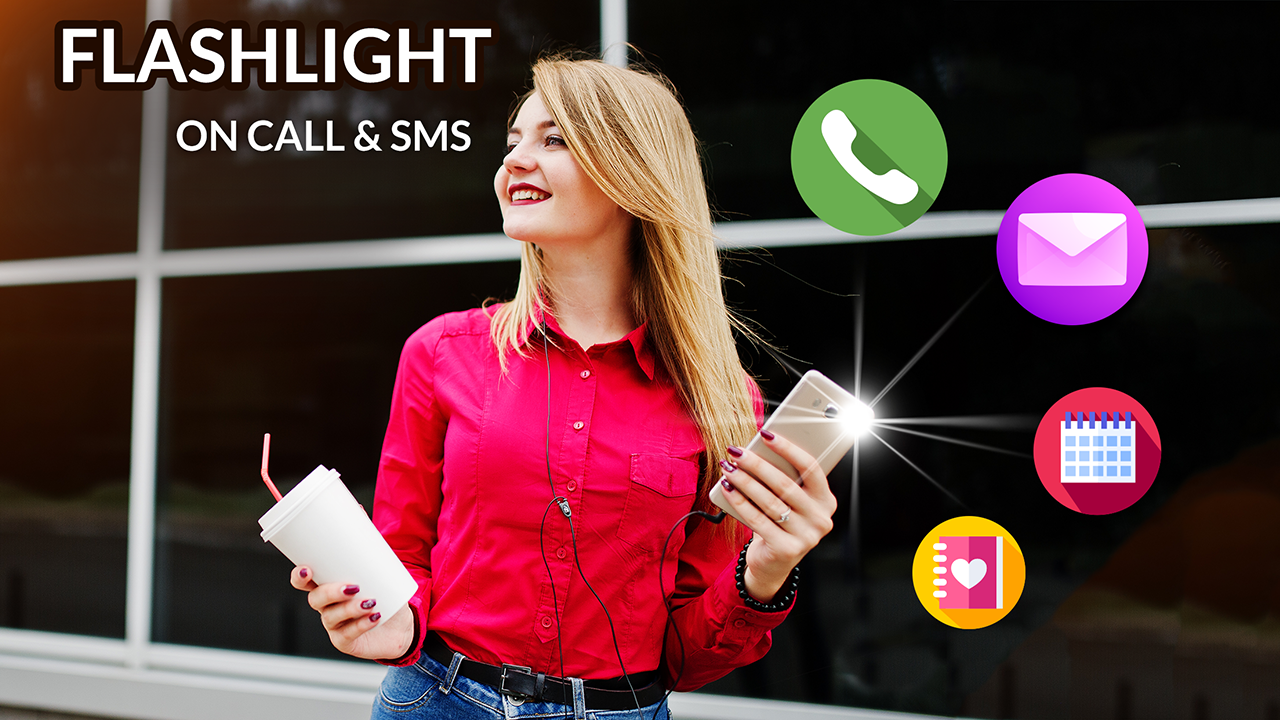
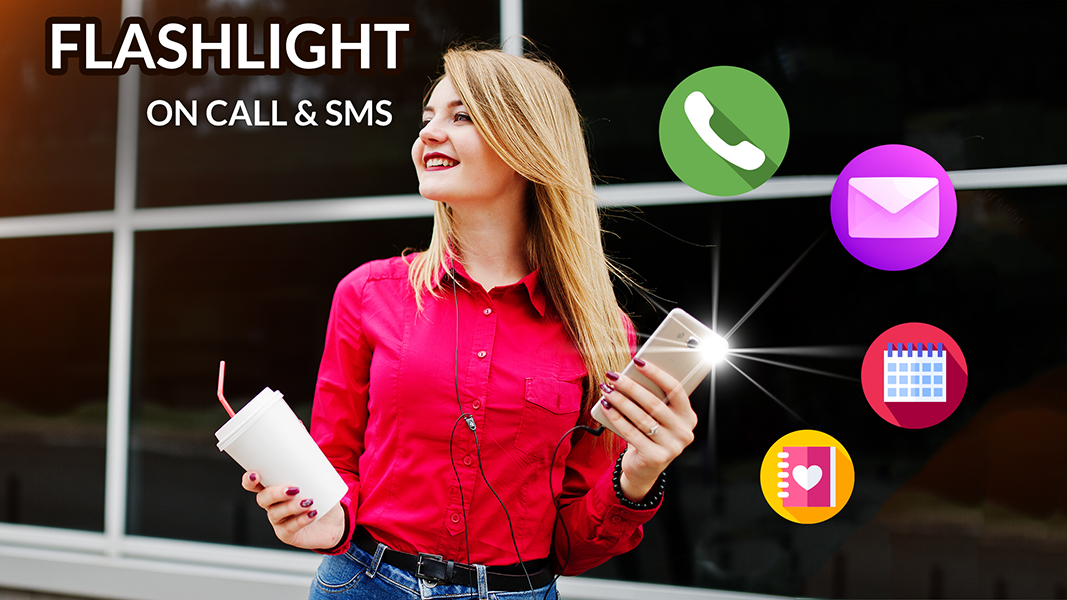
And there’s more! The settings segment offers additional features. If you want your phone to flash when you get a call or text, enable the Alert Flash option. It has separate switches for calls and SMS, which can be customized via the button in the top right corner. You can change how the flash works, set notification preferences, define how many times it flashes, and tweak Do Not Disturb settings. A preview button is also available.
Another helpful feature is Call Blocking, where you can add any number to your block list from contacts or manually input it. Just tap the Add Entry button at the top right.
Feel free to download the Clap To Find My Phone app for free, share your thoughts, and give it a rating!
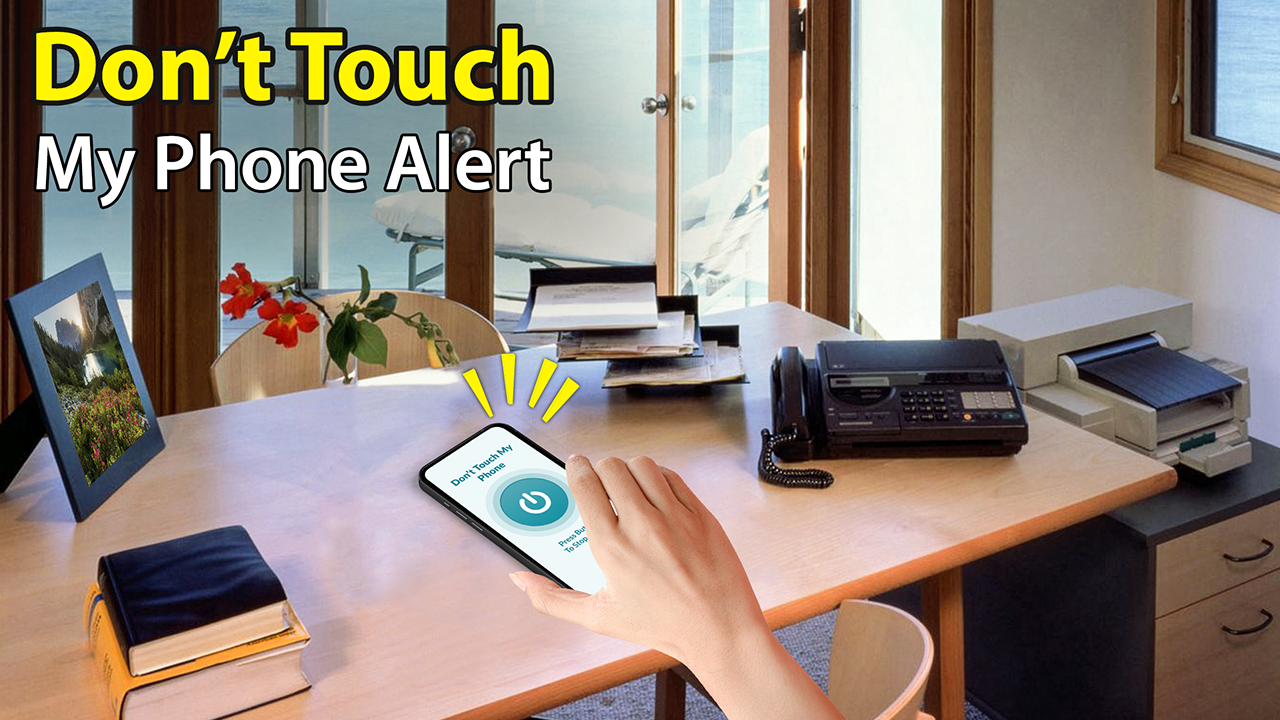
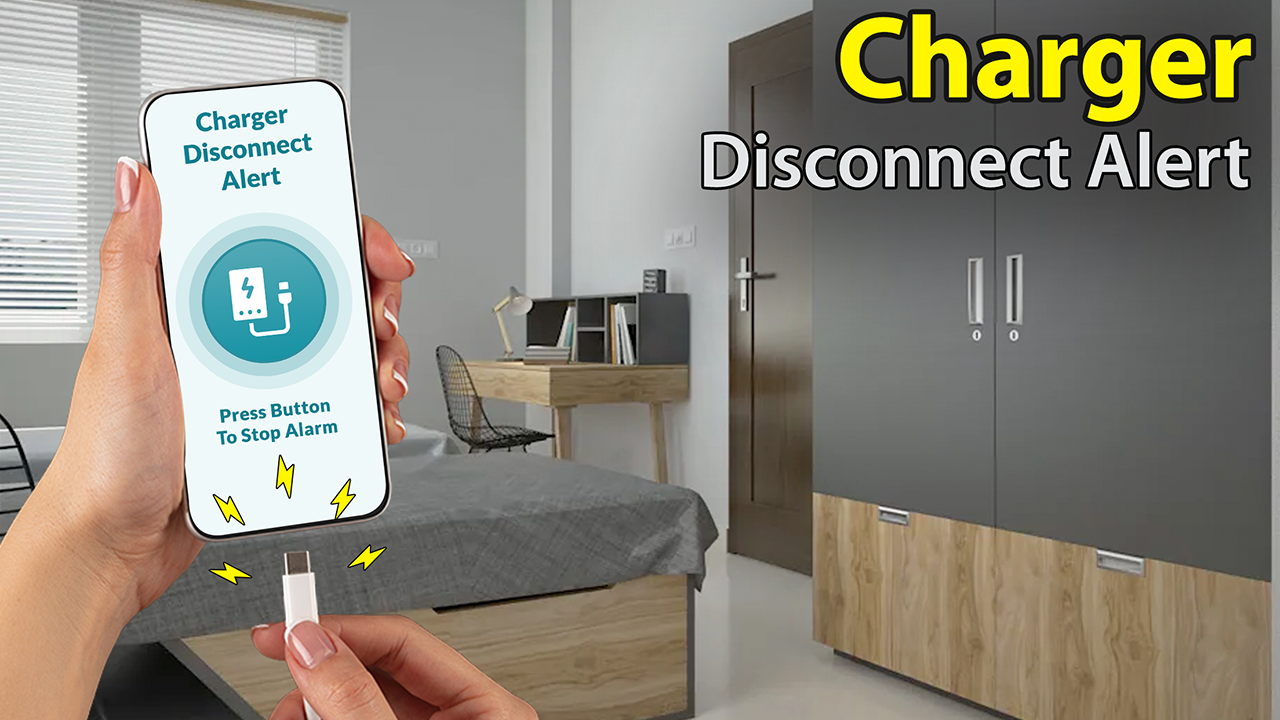
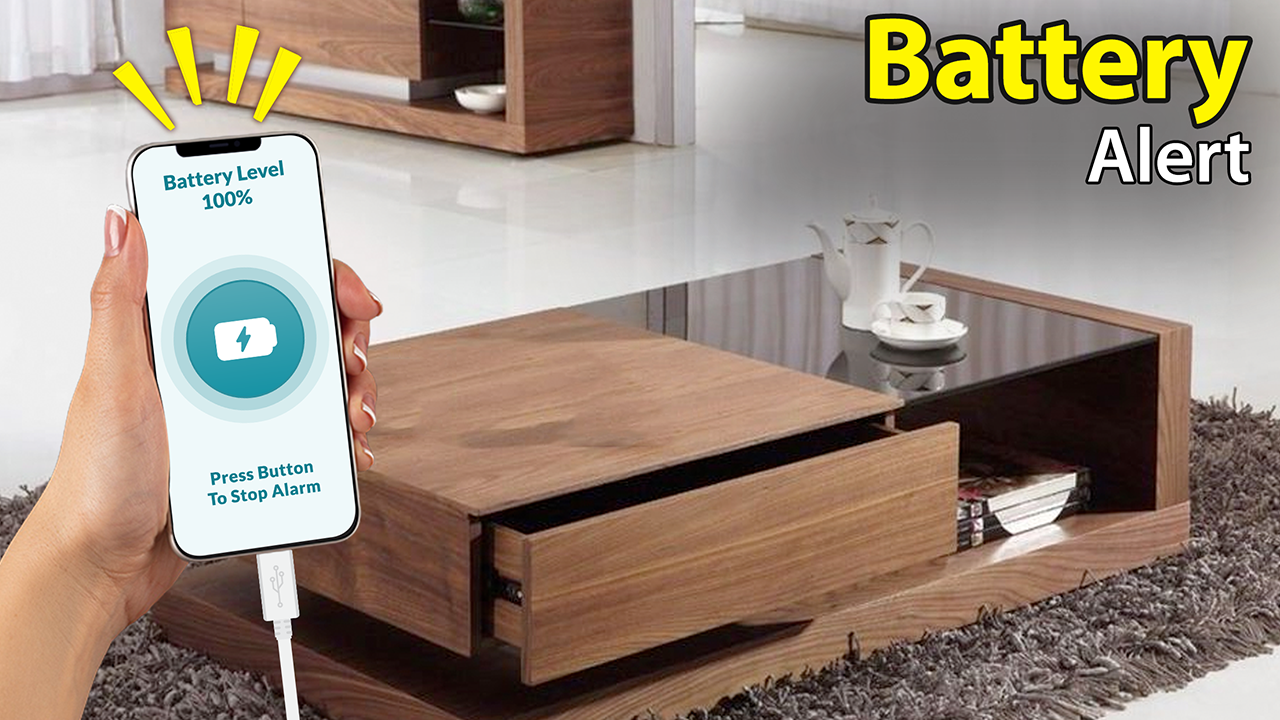
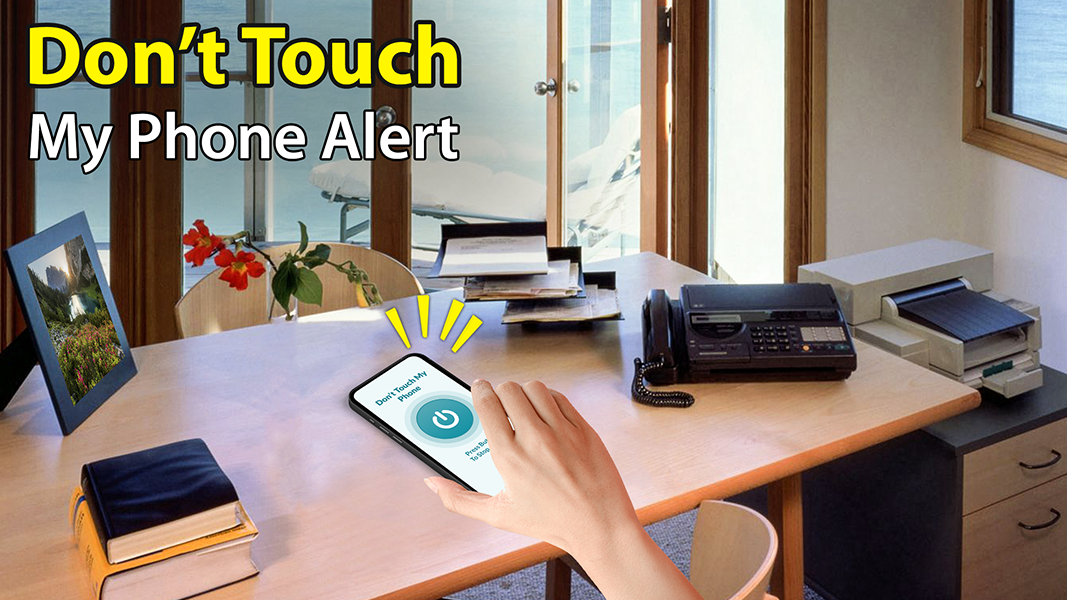
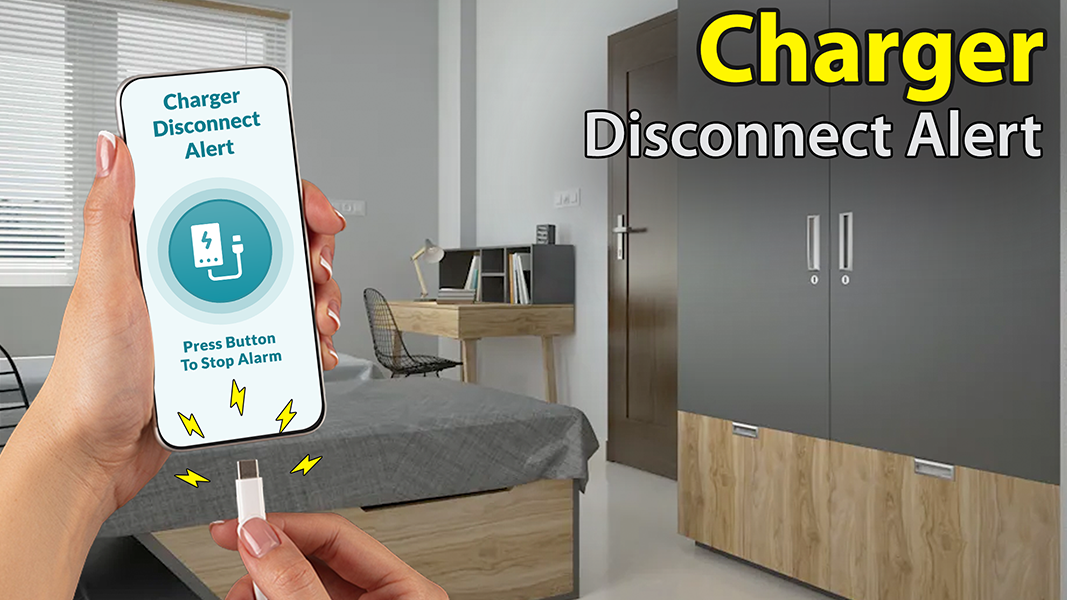
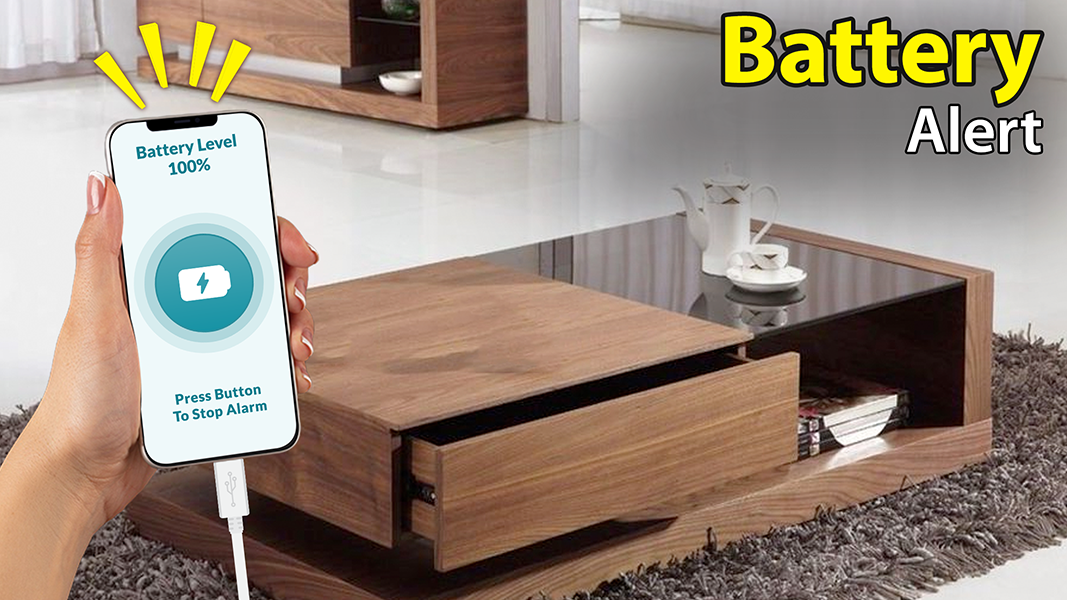
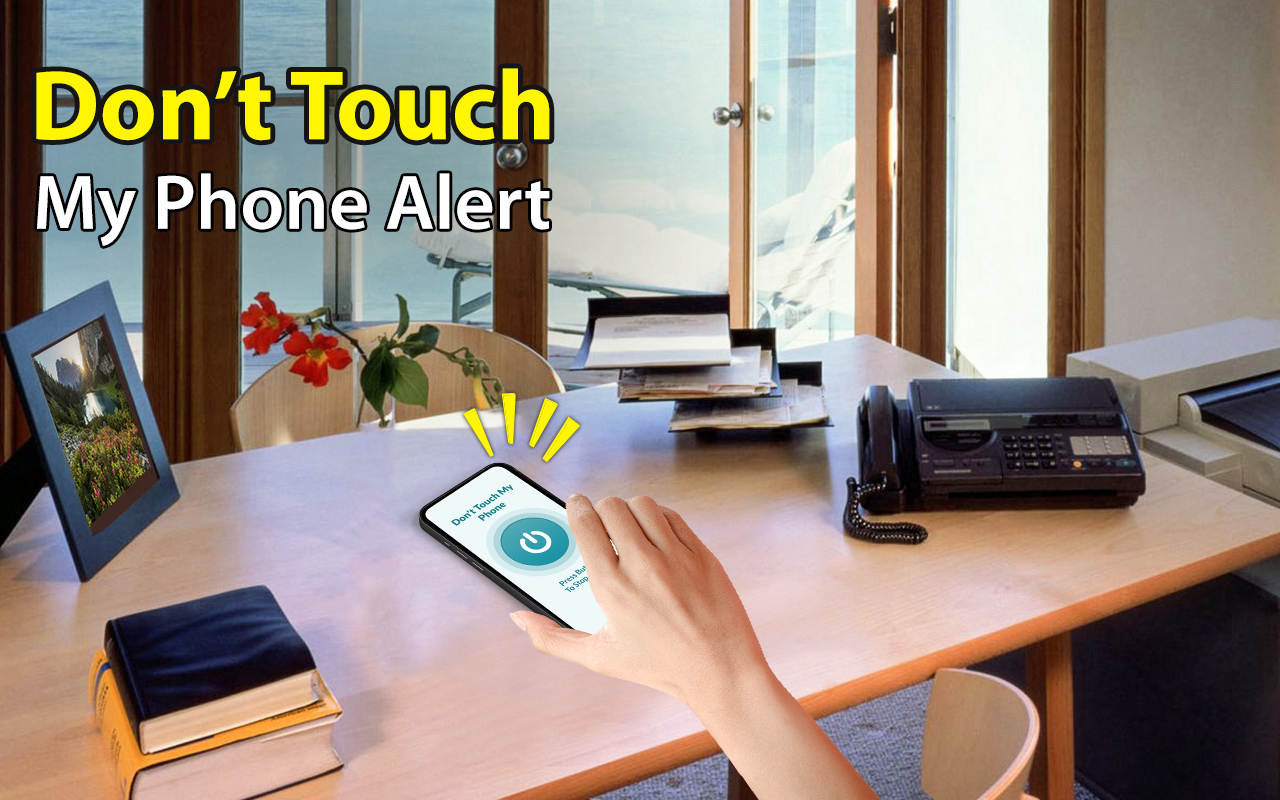
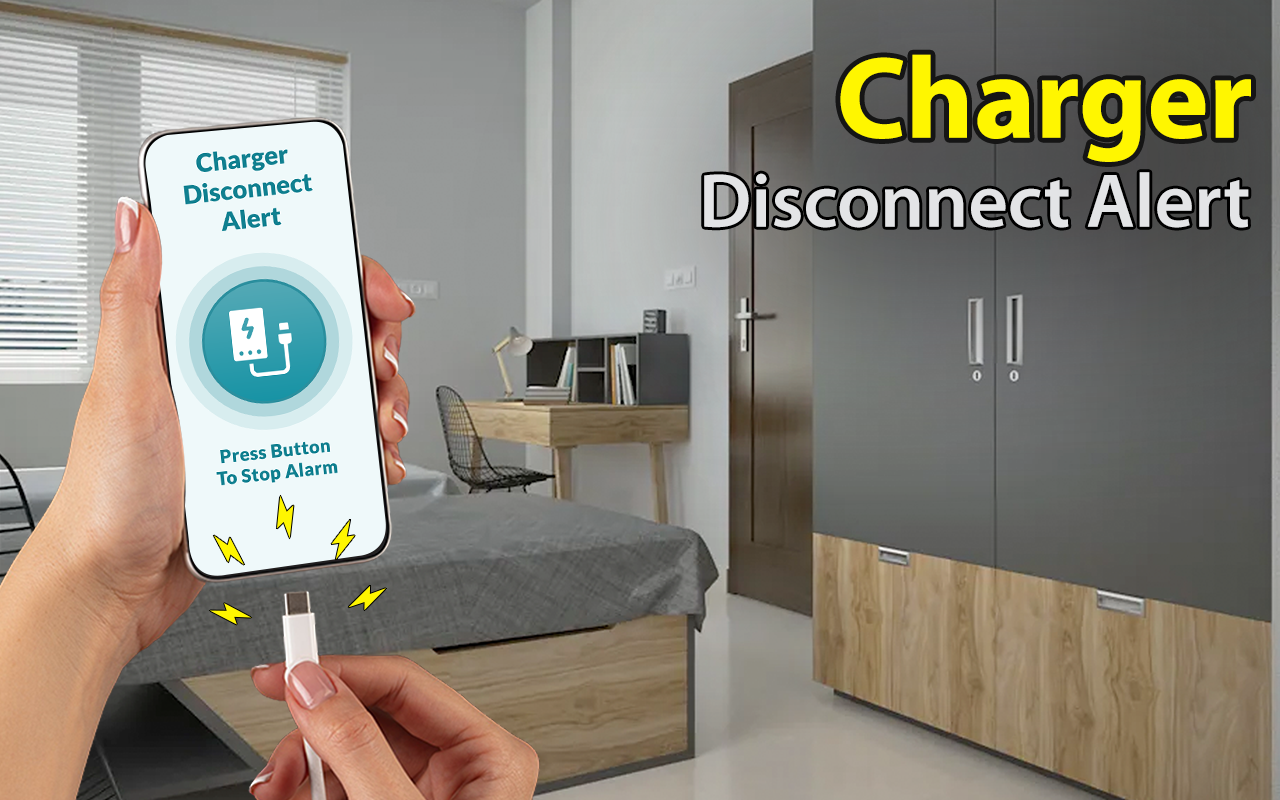
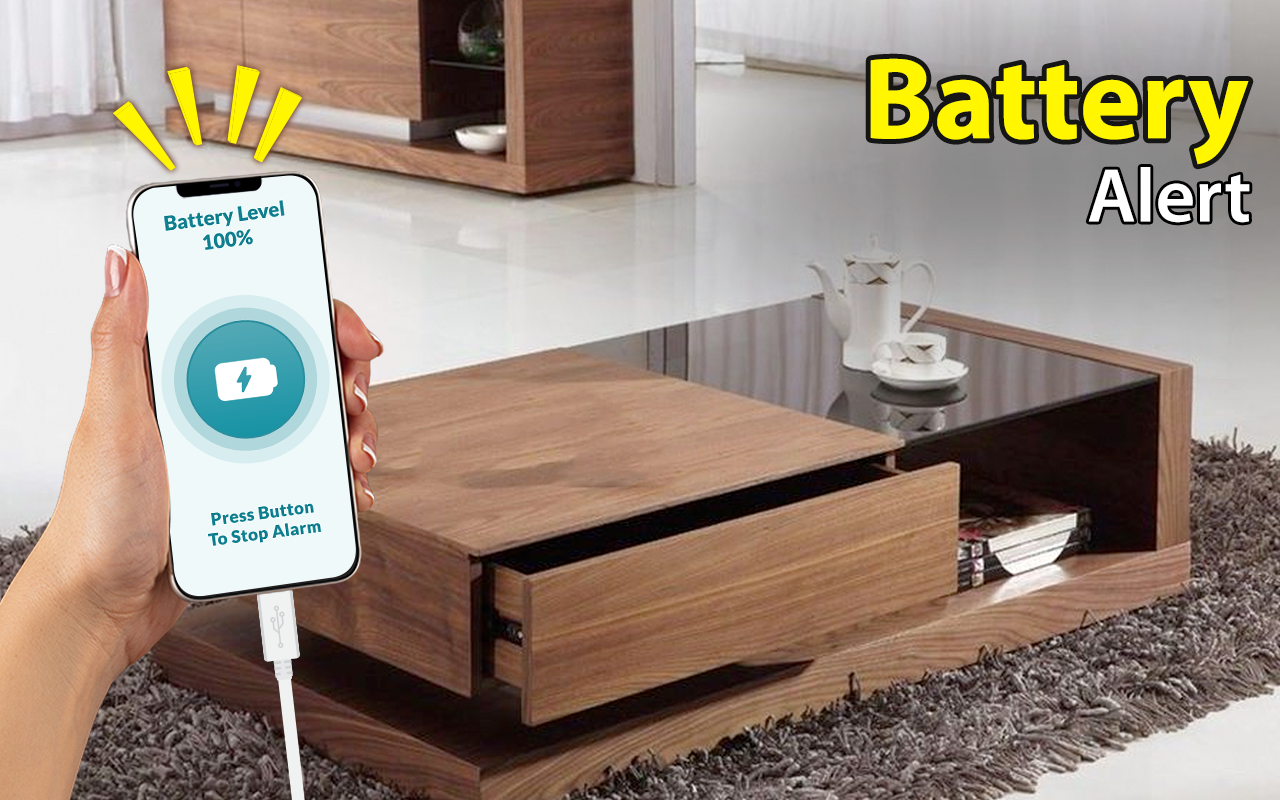
You can easily customize sounds that play when plugging in or unplugging your charger. Plus, if your phone is running low on battery, an alert goes off. For extra security, set a PIN even during charging. There’s a cool “Don’t Touch” feature; it makes noise if someone else gets their hands on your phone. You have control over volume settings, unlock codes, and even a flash unlock option for added safety.
Get creative with the sounds for alerts when you receive calls or texts. This feature has two buttons: one for phone calls and another for texts. Adjusting blinking rates, turning off notifications, and setting how frequently it blinks are all in your hands!
When you misplace your phone, this app is the go-to solution. It boasts three main features outlined below:
The Clap To Find My Phone app includes a handy call blocking feature. Add any number to the block list for some uninterrupted chill time. This feature allows for various adjustments for keeping your phone quiet. Also, the clap function helps locate your device easily.
With this feature, you’ll know who’s calling or texting by name. You can customize elements like prefixes and suffixes, overall speech rate, and SMS settings.
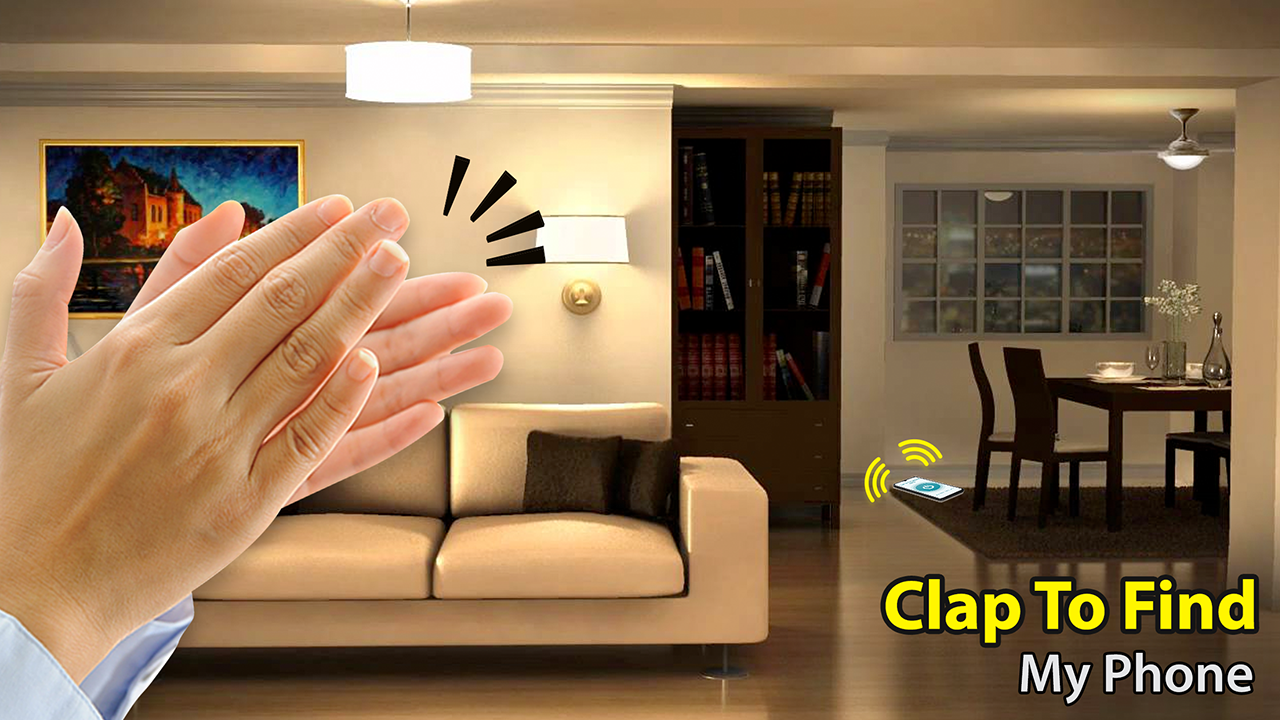
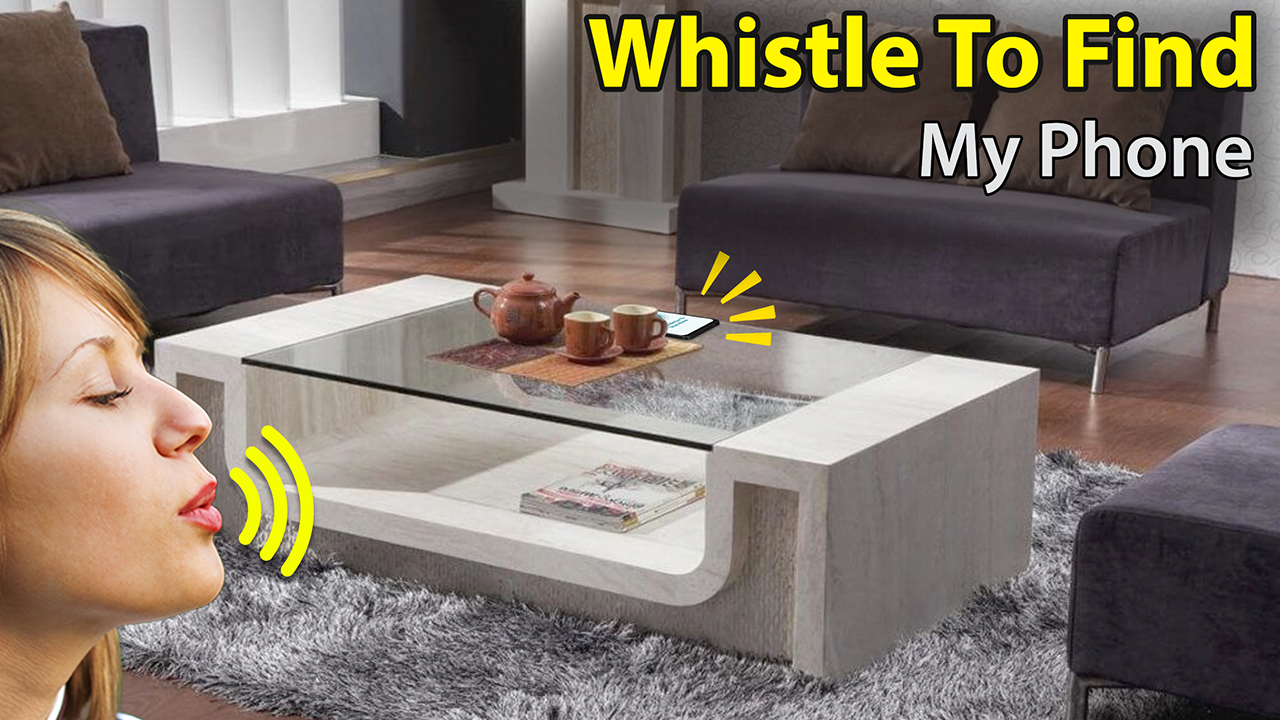
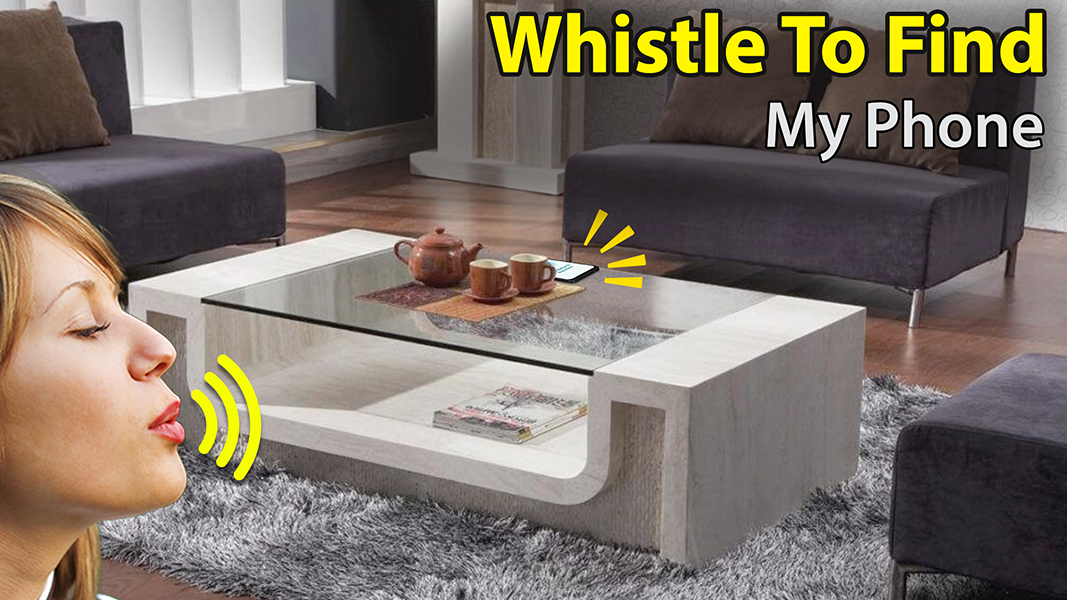
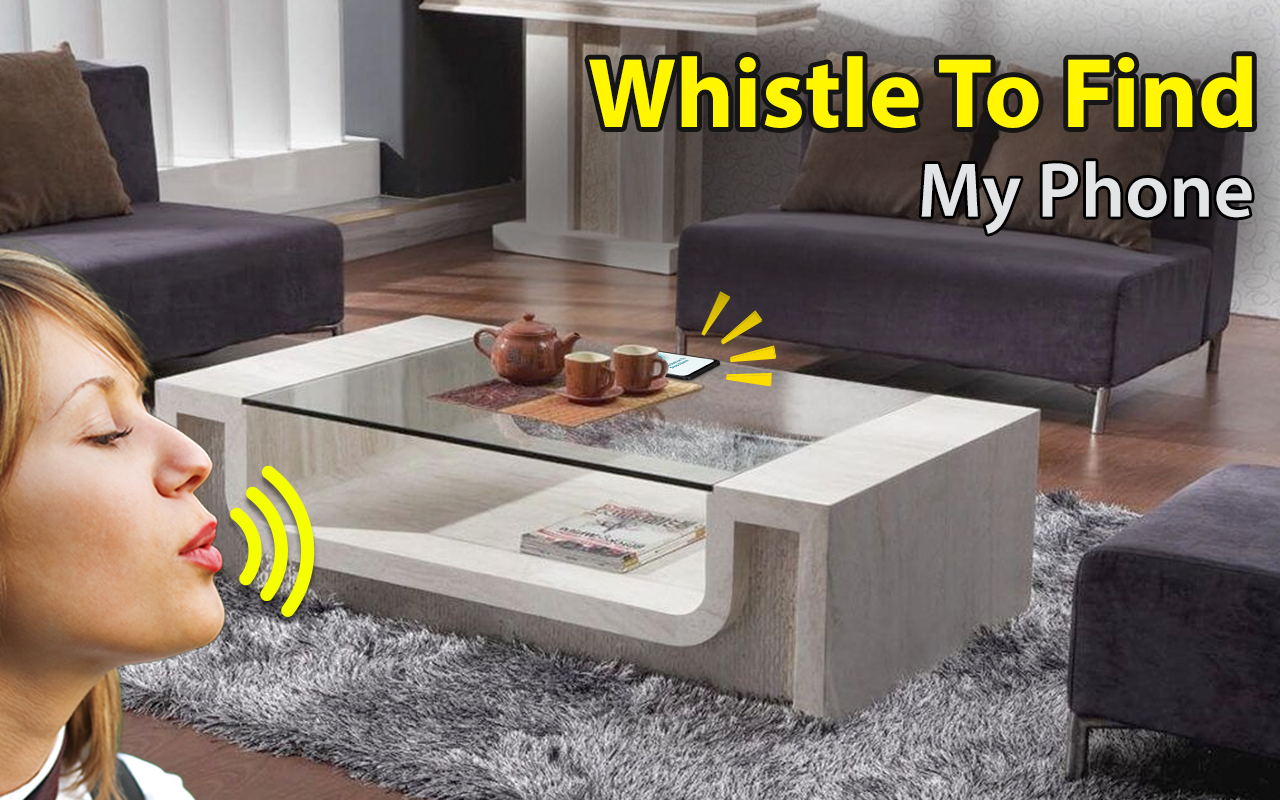
The Discover My Phone feature provides settings for the clap command. Choose from four playful options: clap to find, whistle to find, don’t touch, and pocket mode. Adjust everything related to finding your phone through the settings menu. The second option allows you to select a distinctive alert tone. Hit “Choose Tone from Phone” to select a tune from your phone’s library after browsing through three preset ringtones.
Boom! Now you know all about using the Clap To Find My Phone app. Happy phone hunting!
| App Name | Clap To Find |
|---|---|
| Version | 18.3 |
| Size | 27.91 MB |
| Update | Mar 28, 2025 |
| Developer | Background Changer Eraser Amp Booth Photo Editor |
| Category | Tools |
| Google Play ID | com.clap.find.my.mobile.alarm.sound |