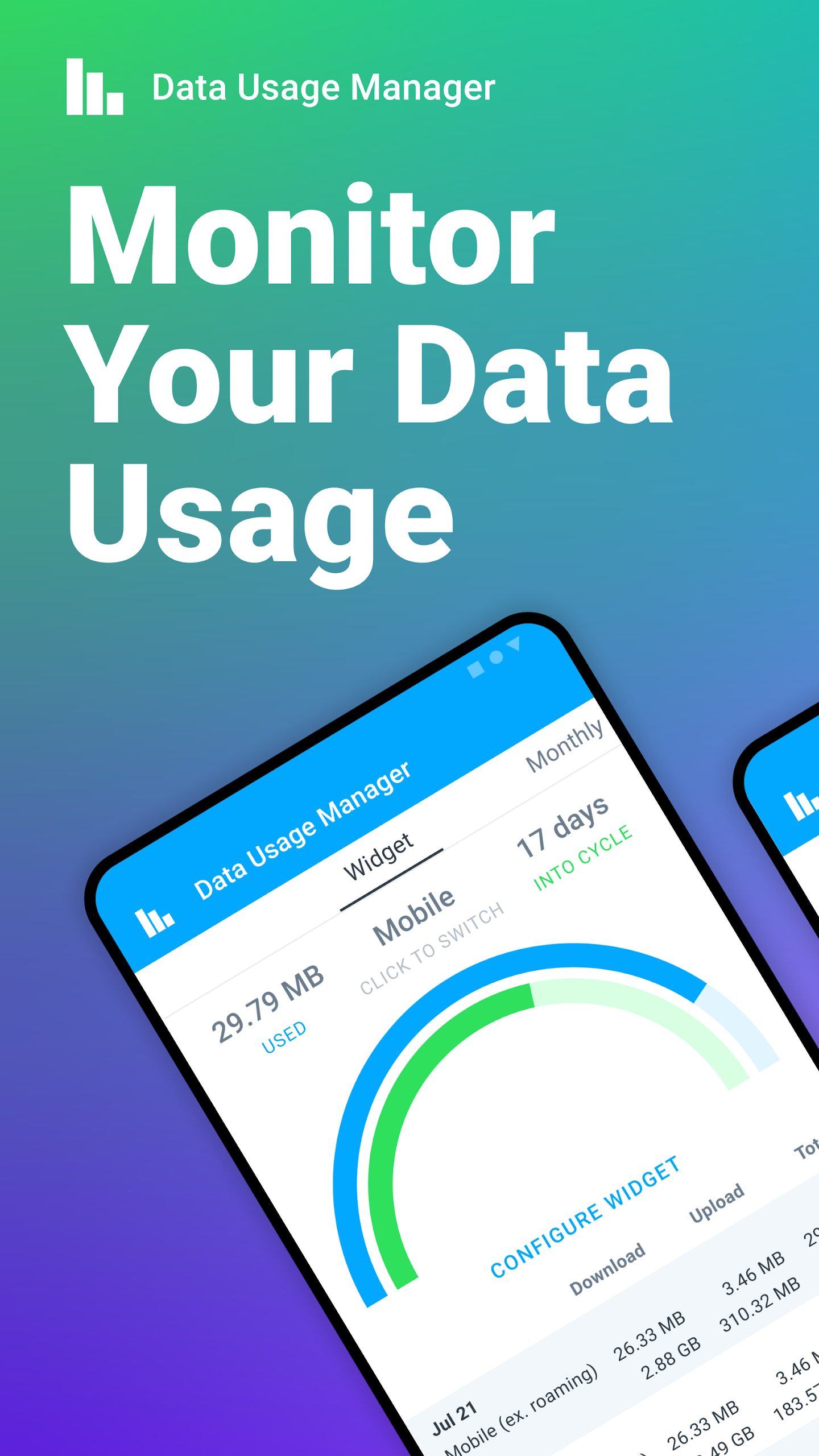
In today's digital age, staying connected is essential, but who hasn't felt that panic when they get a notification about exceeding their data plan? Don't let costly overage fees sneak up on you! Whether you're streaming your favorite shows, scrolling through social media, or just browsing the web, every activity counts against your data limit. That's where Data Usage Manager & Monitor comes in to save the day!
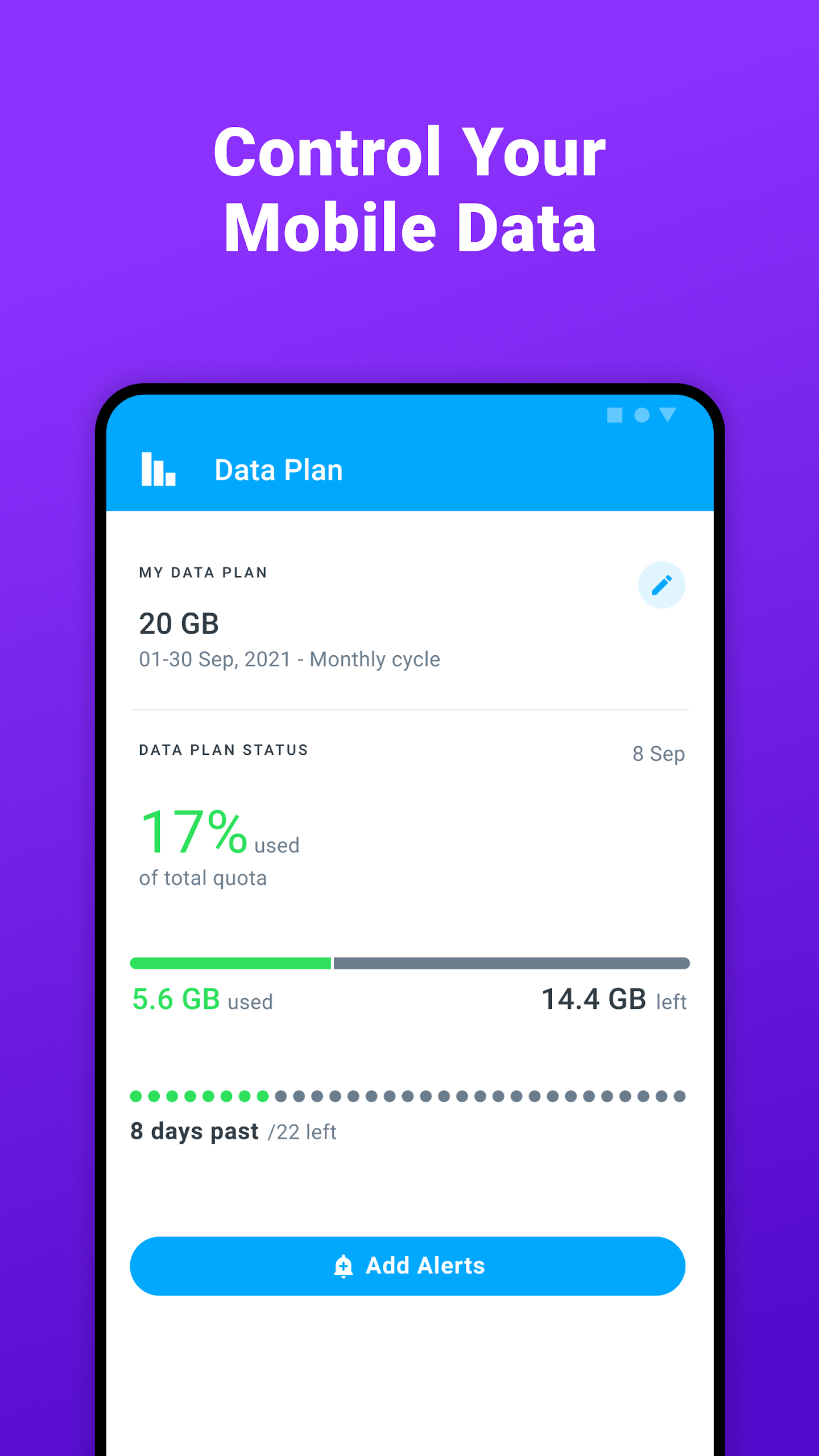
Getting a grip on your mobile data usage doesn’t have to be a headache. The app provides detailed metrics and aggregated statistics that show how your data usage fluctuates over various days. By understanding this pattern, you can make insightful decisions about when it’s smart to use the internet — and when it’s best to hold back! This way, you fine-tune your surfing habits while still enjoying the awesome online content our world has to offer.
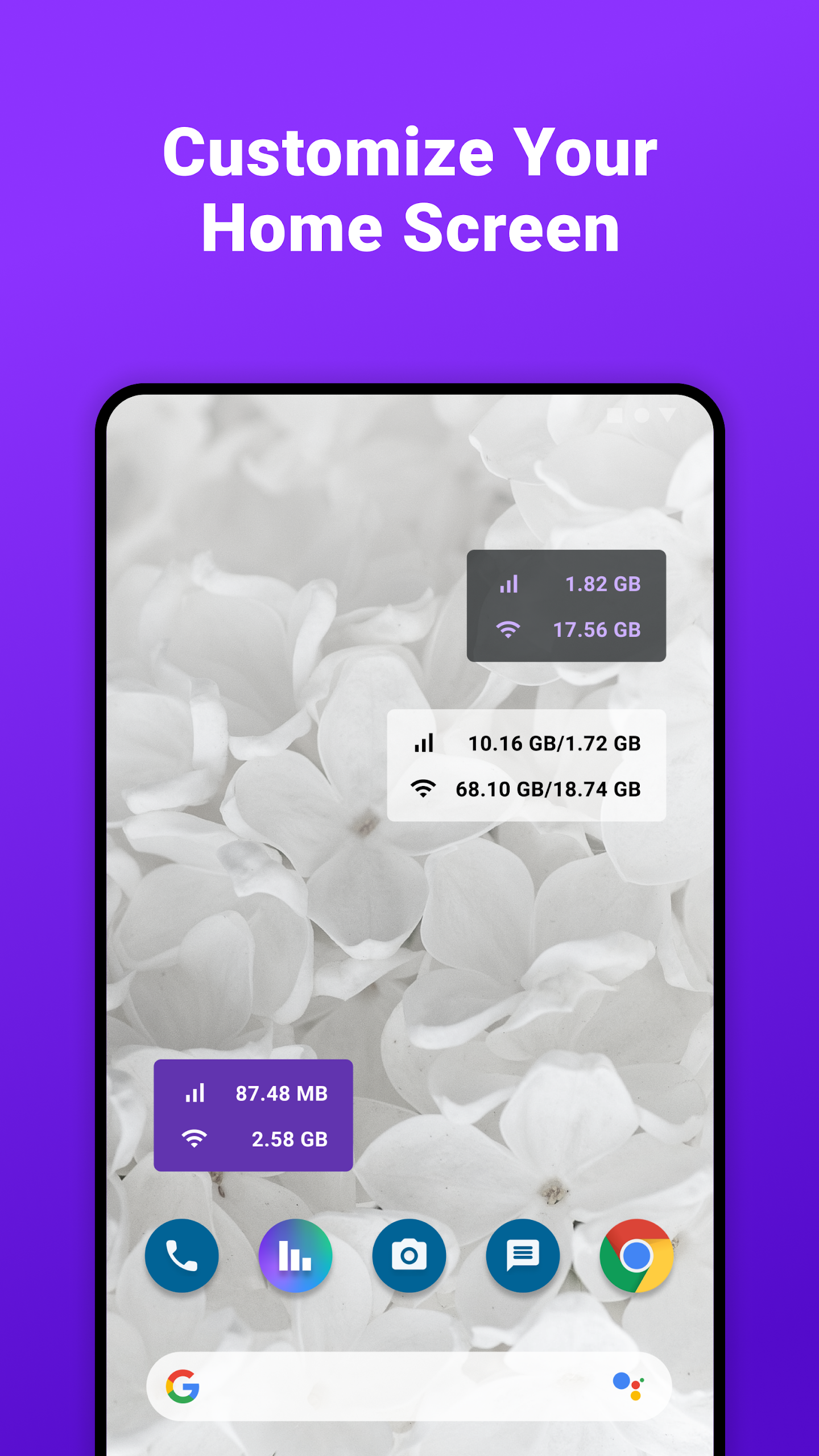
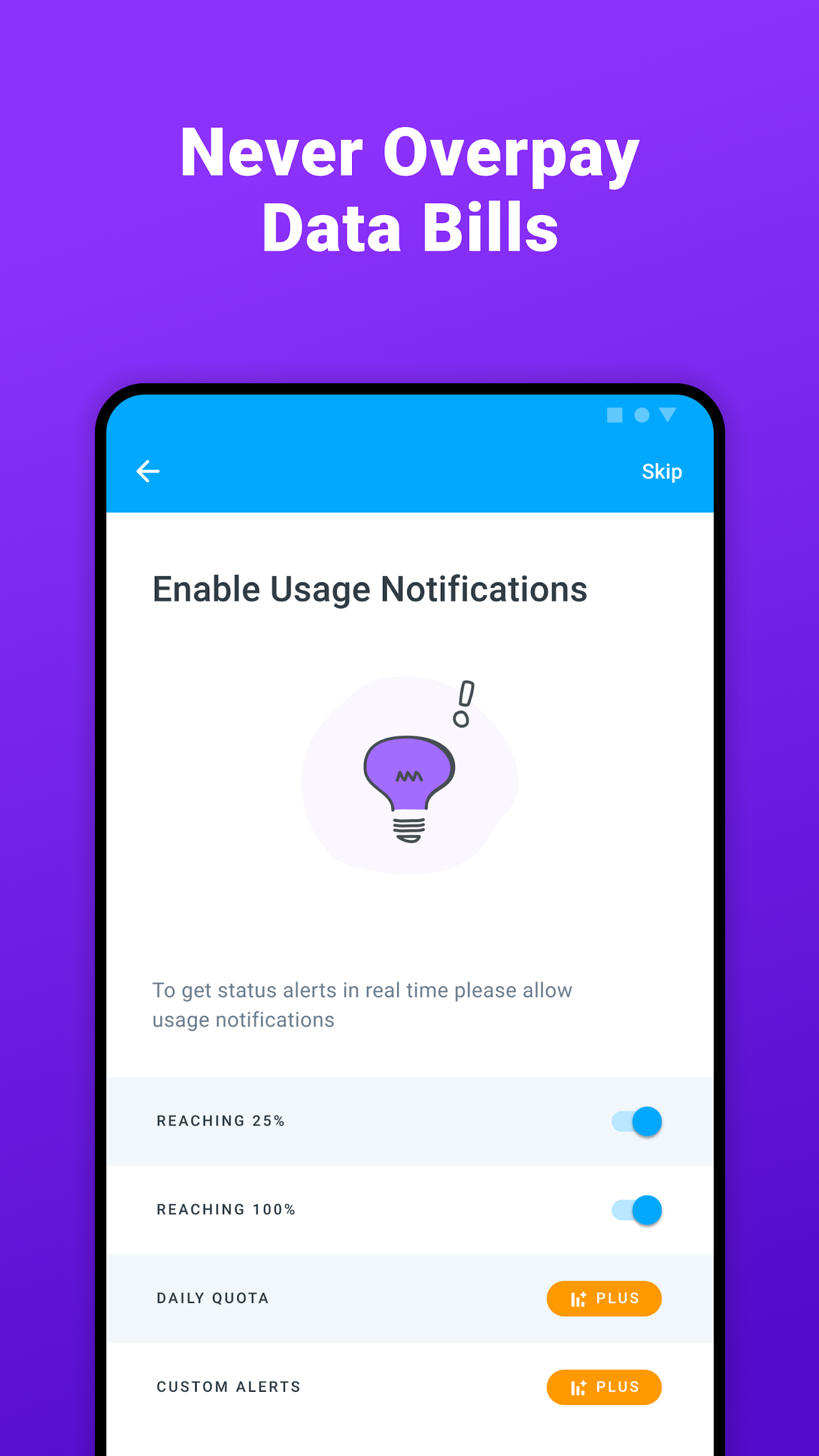
Accessibility is key with Data Usage Manager & Monitor! You can access it directly through the app or add it right onto your home screen for quick views. Its streamlined interface only takes up a smidge of your screen space, leaving room for all the cute cat videos you want to watch! Plus, the app comes equipped with alert features that notify you when you're close to your set limits. Imagine zoning out in an epic scroll session only to hear a friendly beep reminding you to take a breather—this lifesaver feature helps keep your data usage in check so you can surf without worries.
This stellar app makes managing your mobile data as easy as pie! Here are some standout features you’ll love:
Home Screen Widget
Check your data stats at a glance.
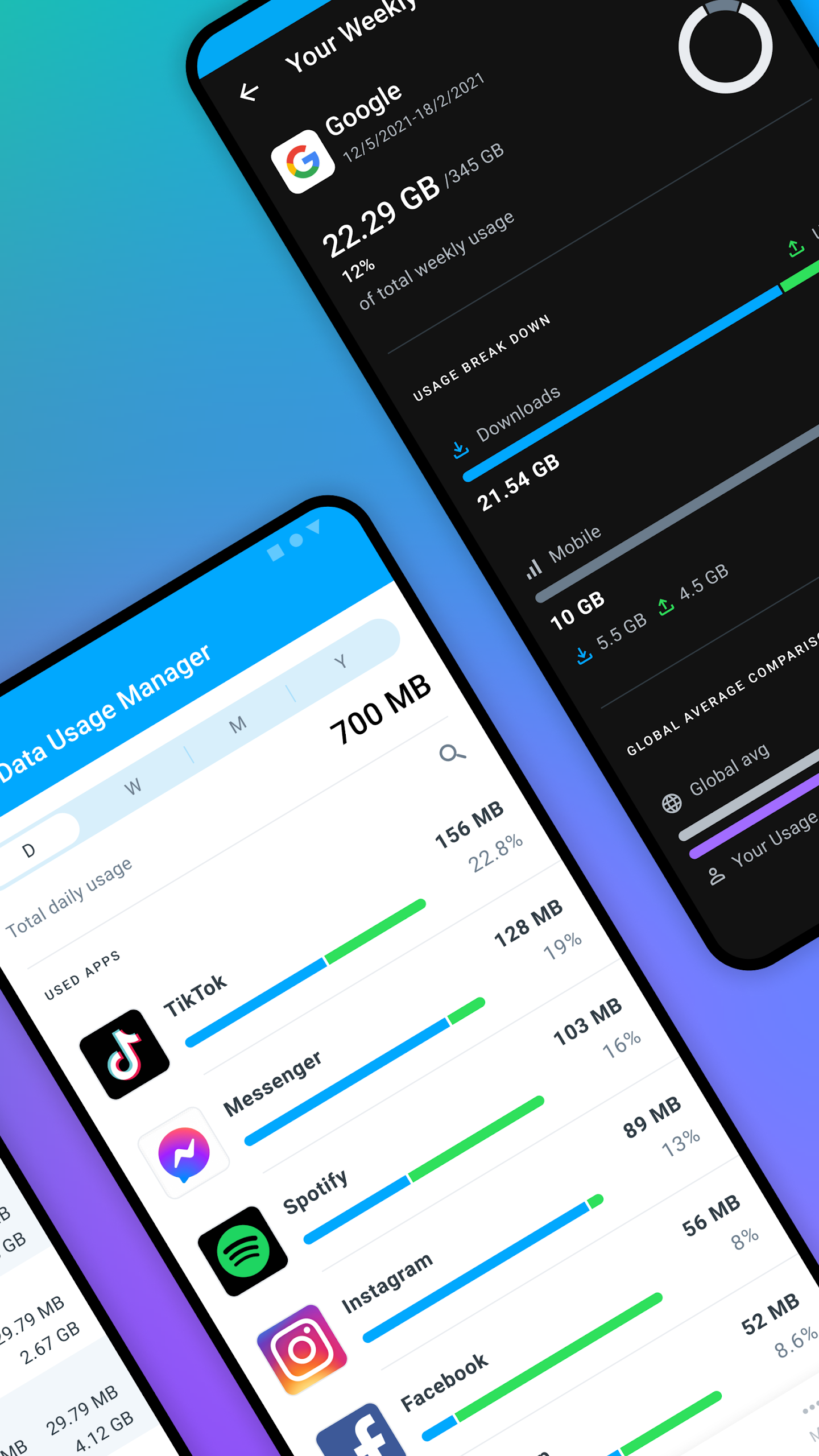
Visual Insights
See your data usage conveyed through clear figures and colorful charts.
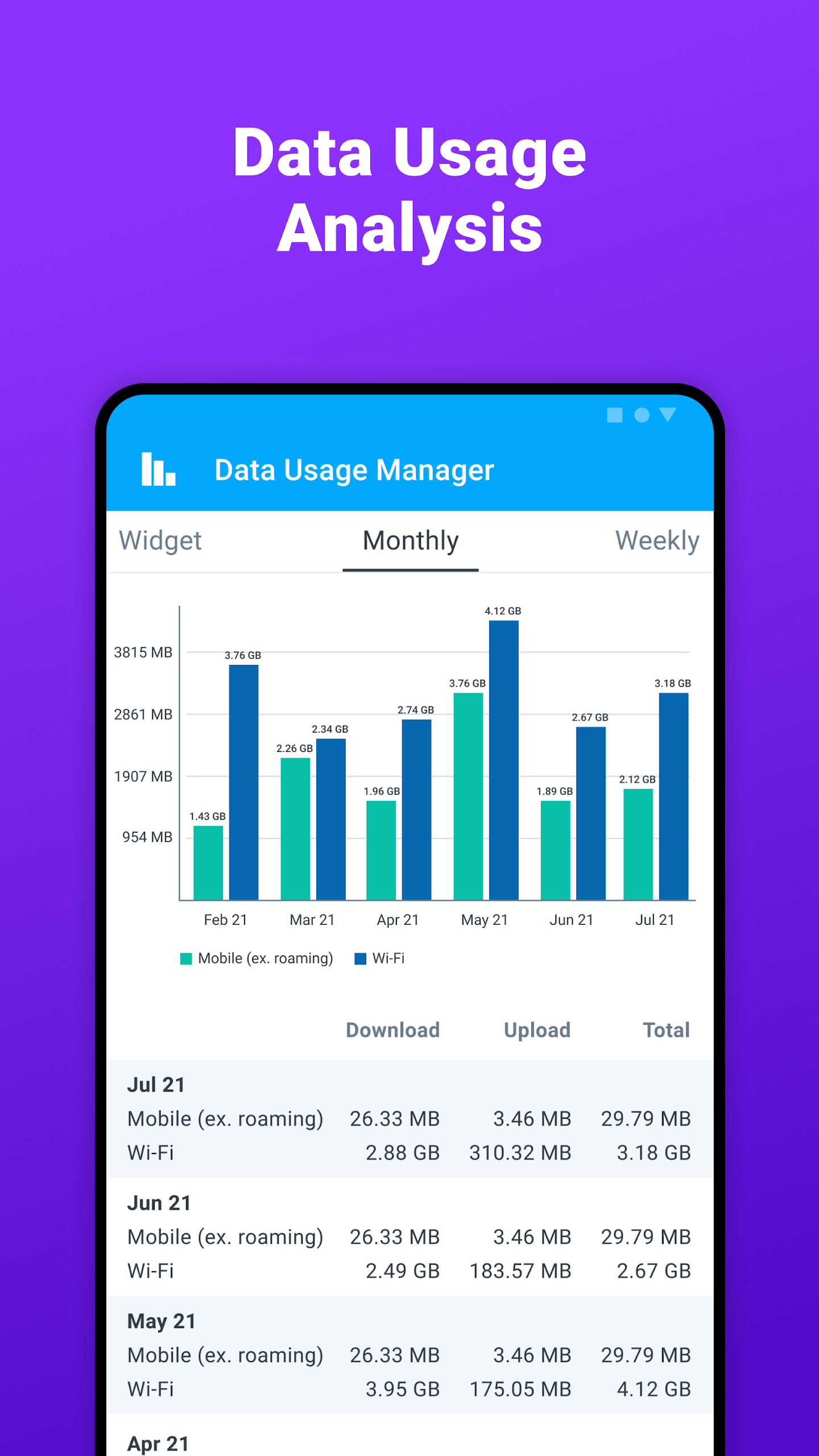
Data History
Hold onto important information from certain periods.
Limit Setting
Establish strict data usage limits and receive timely alerts.
If you're looking to take your control to the next level, consider upgrading to the Pro version. It’s packed with advanced tools and customization options you won’t want to miss:
1.Status Bar Widget:Get instant updates straight from your status bar—how convenient。
2.Data Quota Management:Set a hard limit and wave goodbye to overages—perfect for those with tight data caps。
3.Pro Themes:Personalize the app with vibrant themes that match your unique style。
4.Internet Speed Meter:Keep an eye on your connection speed in real-time from the status bar, ensuring you always know how fast (or slow) your network feels。
And if that wasn’t enough, here’s a recap of what else you can find in this nifty app:
App data usage for Android 6 and above
Device-level data tracking
Roaming data analysis
Historical data insights
Flexible billing cycle support
Internet speed tests powered by Speedtest® by Ookla®
You’ll also enjoy dual/multi-SIM support along with a wider selection of customizable colors for text and backgrounds—all designed to make your experience that much better.
Let's not be shy—this app isn't just for data enthusiasts. Everyone can benefit! Here’s why:
Avoid Overage Fees
Stay financially savvy by remaining within your limits.
Optimize Data Usage
Identify inefficient patterns and adjust accordingly.
Track App Data
Discover which sneaky apps consume the most data and tweak their settings.
Monitor Historical Usage
Understand your long-term habits with thorough reports.
Manage Both WiFi and Mobile Data
Gain complete control over both types of connections.
At the end of the day, keeping track of your mobile data is crucial—not just for your wallet, but for your peace of mind! With Data Usage Manager & Monitor, you’ll wield the superpower of knowledge around your data consumption, sidestepping those pesky extra charges and maximizing your plan. So gear up, take control, and enjoy the internet guilt-free!
| App Name | Data Usage Manager & Monitor |
|---|---|
| Version | 4.5.14.793 |
| Size | 9.37 MB |
| Update | Jun 15, 2025 |
| Developer | Flavrapps |
| Category | Tools |
| Google Play ID | com.roysolberg.android.datacounter |
Data Usage Manager & Monitor 4.5.14.793
Data Usage Manager & Monitor 4.5.12.775
Data Usage Manager & Monitor 4.5.12.775
Data Usage Manager & Monitor 4.5.11.763
Data Usage Manager & Monitor 4.5.11.763
Data Usage Manager & Monitor 4.5.8.726
Data Usage Manager & Monitor 4.5.7.722
Data Usage Manager & Monitor 4.5.2.682
Data Usage Manager & Monitor 3.5.6
Data Usage Manager & Monitor 3.4.6
Data Usage Manager & Monitor 3.4.5
Data Usage Manager & Monitor 3.4.4