
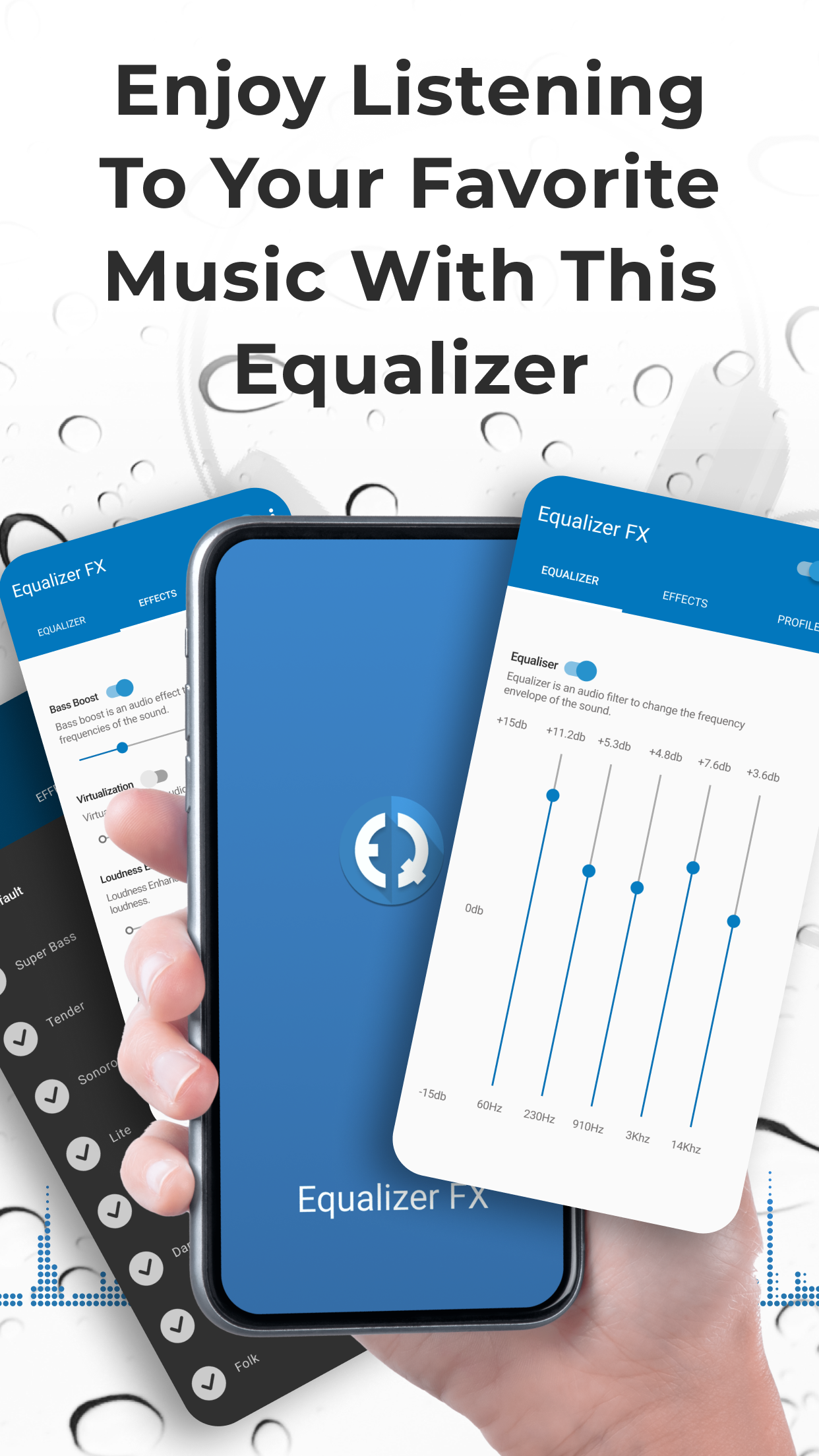


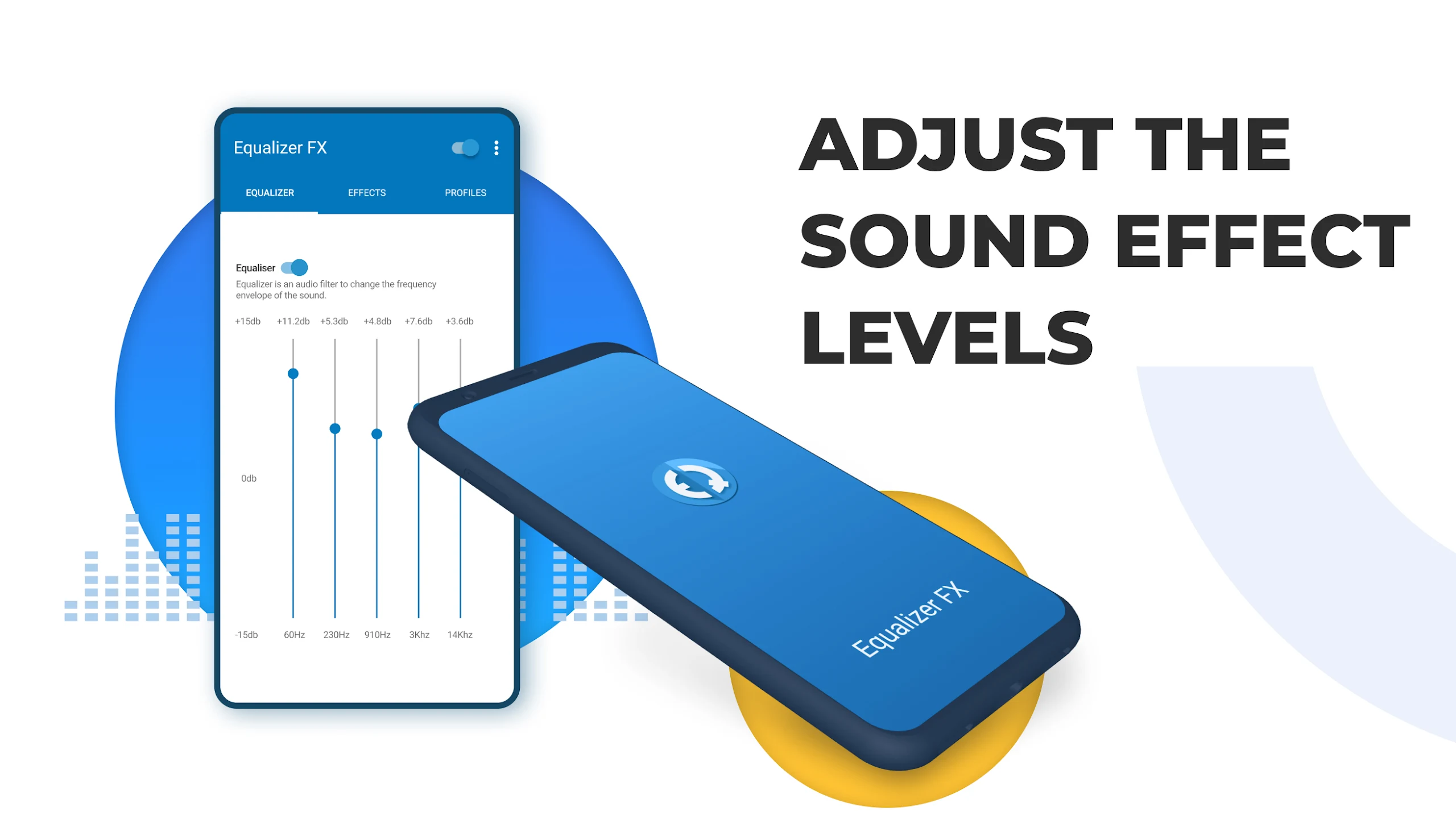

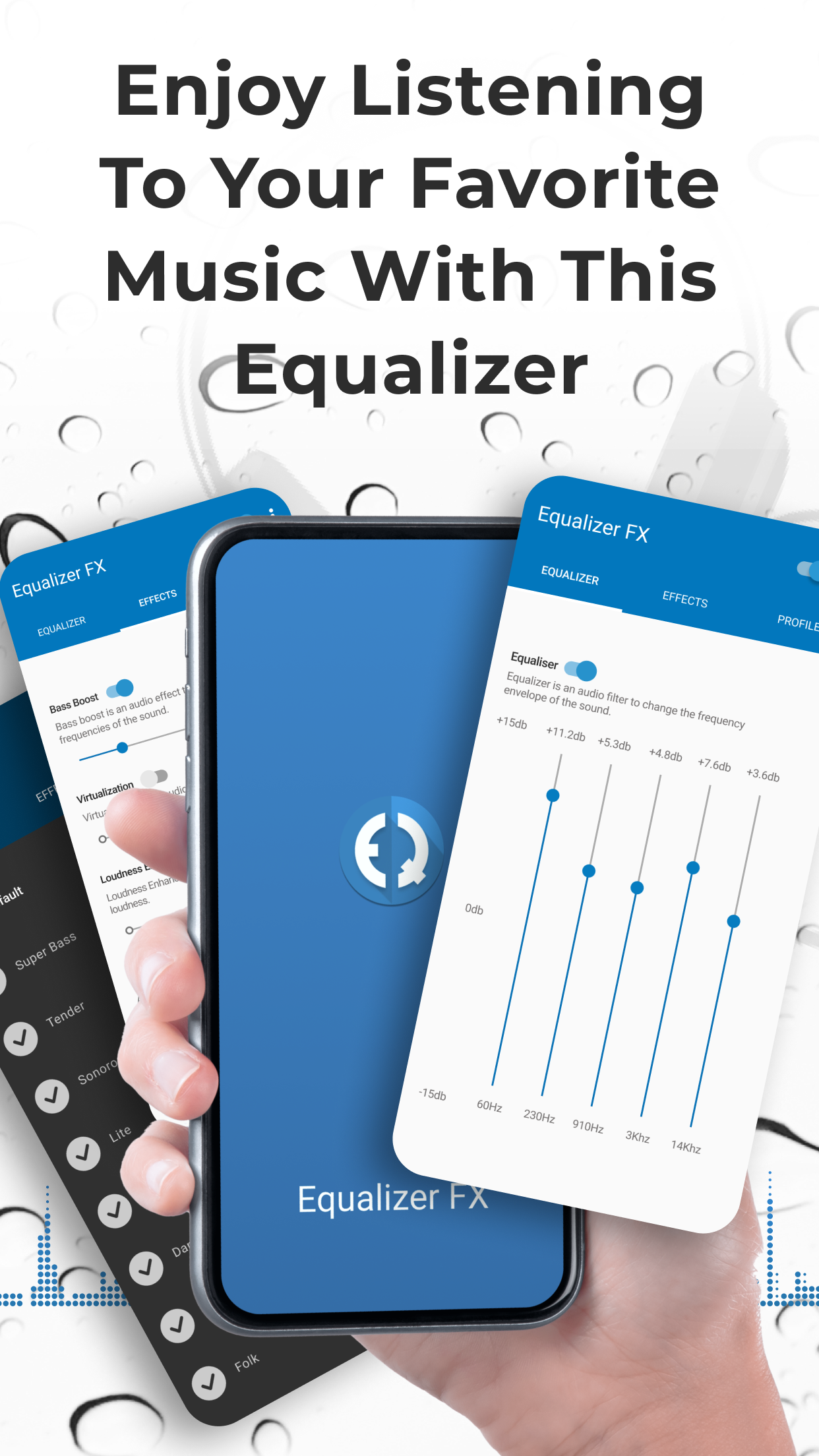
Let’s kick things off! If you’re using Lollipop and want to get the equalizer up and running, here’s a quick guide. First, head to your application settings and select “All Applications.” Find the MusicFX app lurking in your list, clear its data (don’t worry, it won’t bite!), and then install Equalizer FX. Once that’s done, open your favorite music player and select the music equalizer option. Voilà! You should see Equalizer FX ready to work its magic!
Did you know that one reason you might feel uneasy listening to music is due to poor sound frequencies? Seriously, mismatched frequencies can lead to discomfort over time – yikes! The Equalizer FX: Sound Enhancer is your trusty sidekick for measuring audio frequencies while you jam out. This app helps you understand what frequencies are enjoyable for your ears. So, if you find a track that feels a tad too high or low, you can tweak it and wave goodbye to discomfort. Happy listening!
With Equalizer FX, transforming audio quality is a breeze. Imagine customizing your sound to fit just what you need – it’s like giving your music a little spa day! This robust program adjusts audio based on what you input and the songs you're jamming to. Fixing a crummy audio experience could be as easy as flipping a few switches. Once you catch that crystal-clear difference between the original track and your reimagined version, you'll be on a quest to discover endless possibilities in every single release.
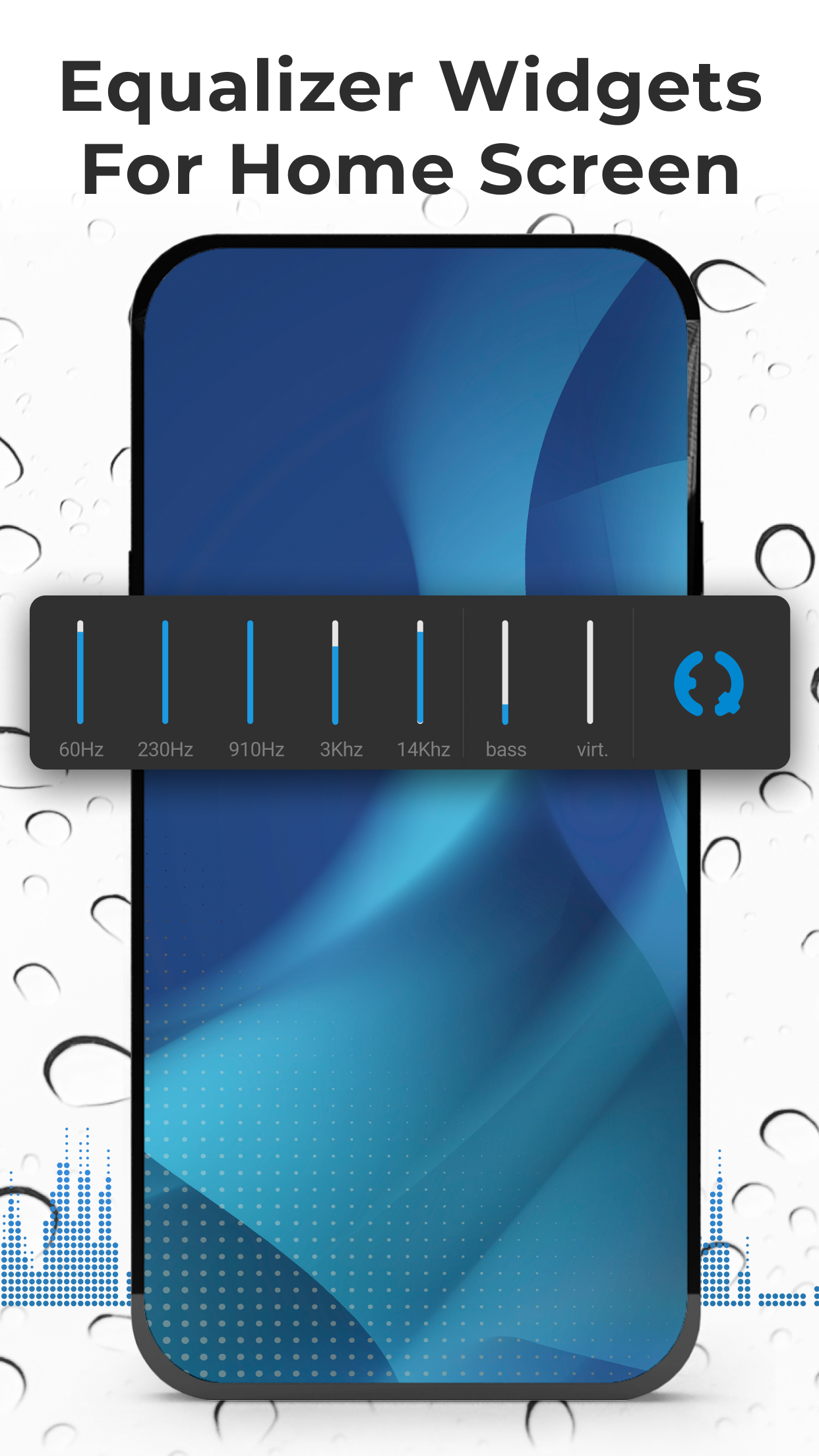
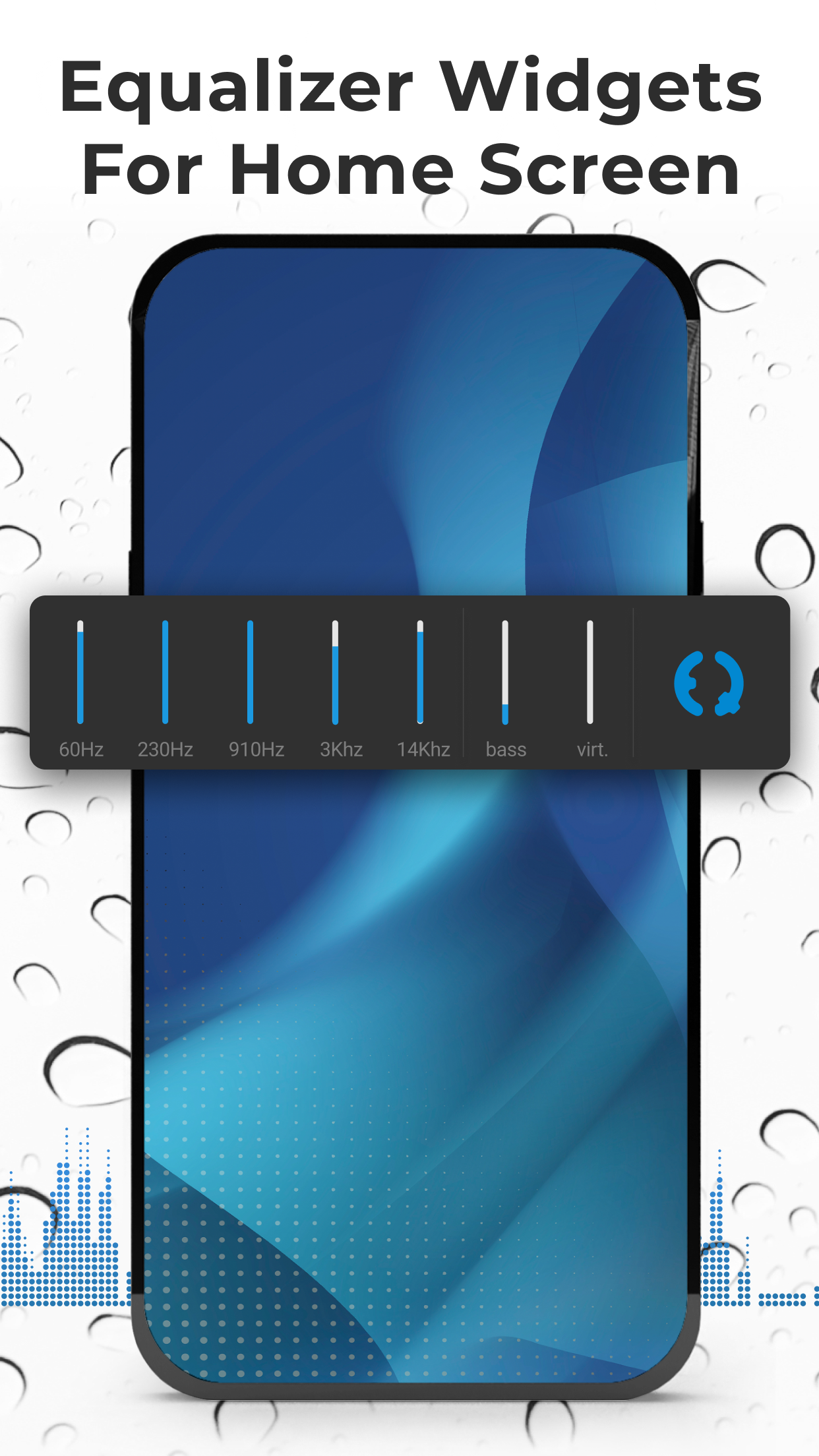
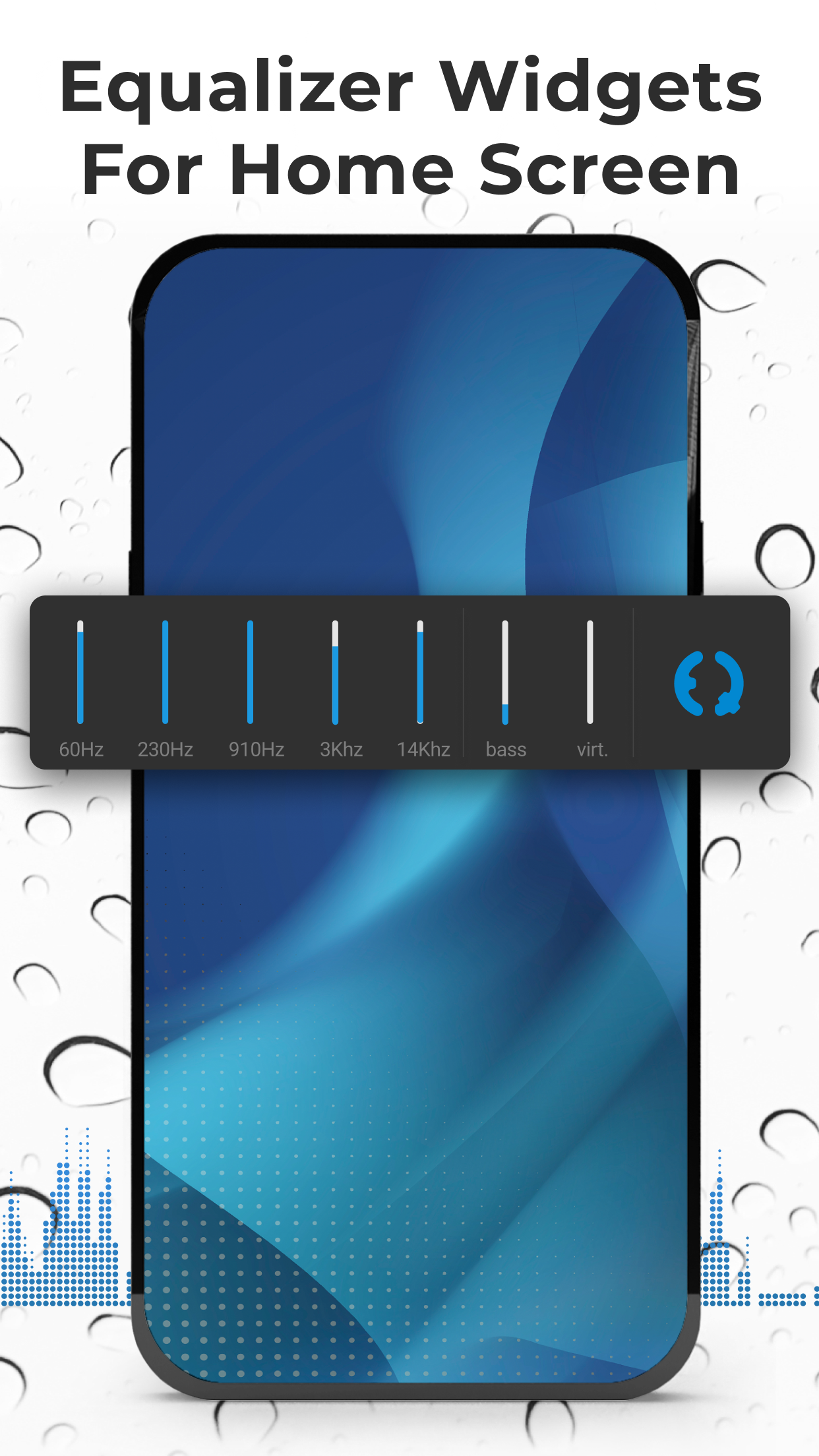
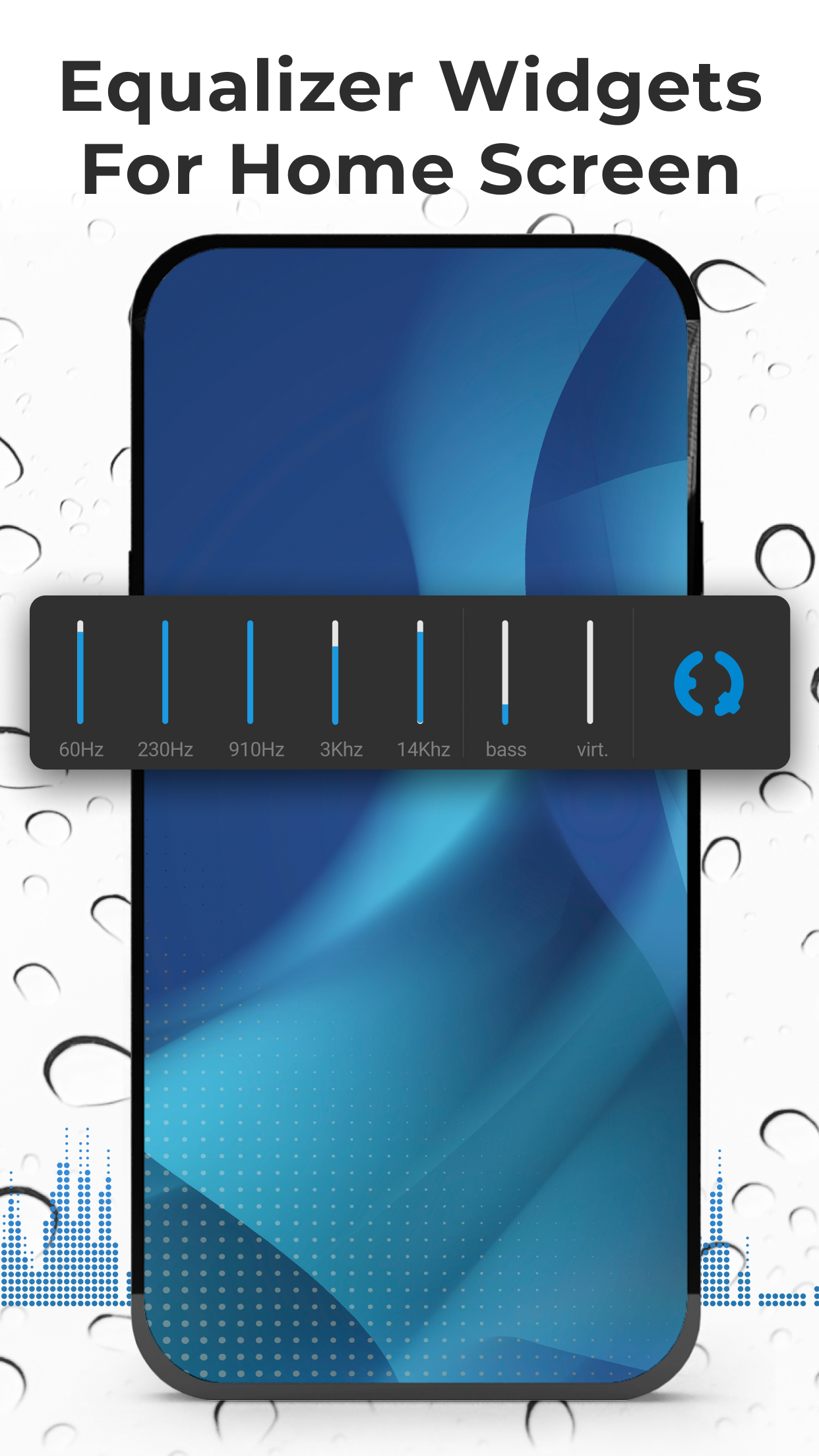
One feature that music lovers will absolutely adore? The ability to automate how the app operates! Yep, this means you can have Equalizer FX turn on or off whenever you launch your music player. No more juggling two apps—just press play and let it work seamlessly in the background. Plus, making adjustments is a breeze thanks to handy widgets, making tweaked listening sessions quicker than ever!
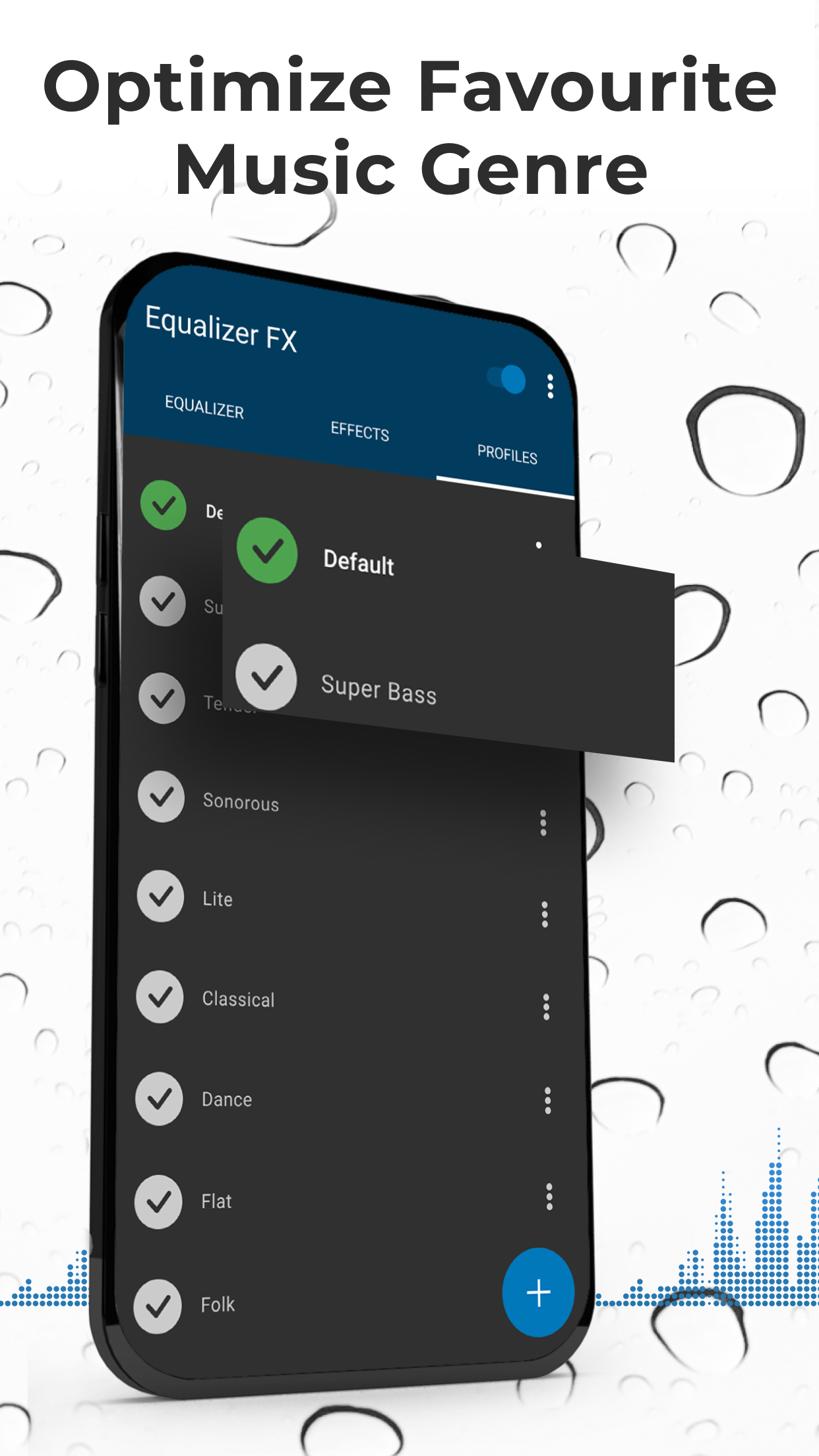
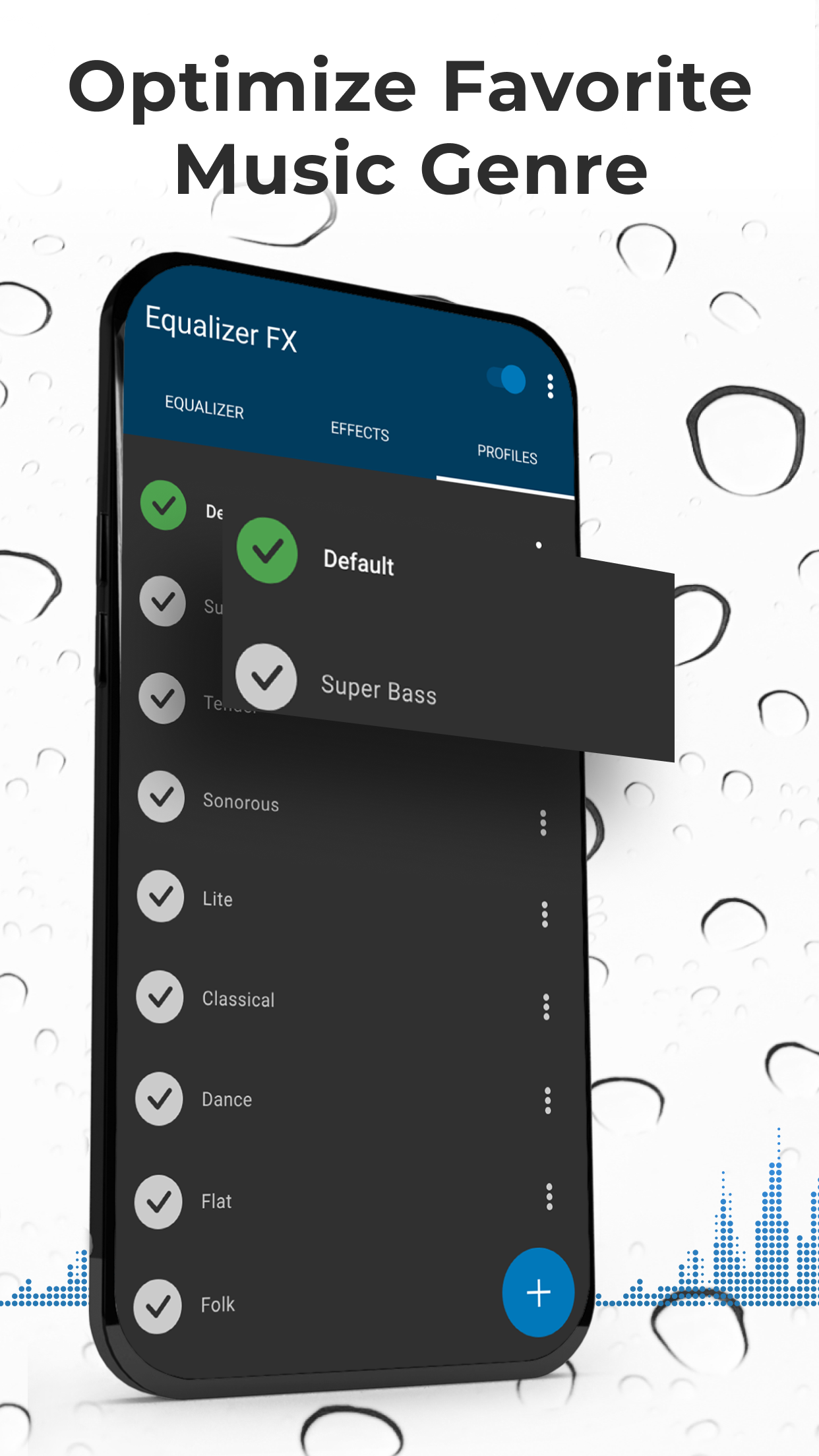
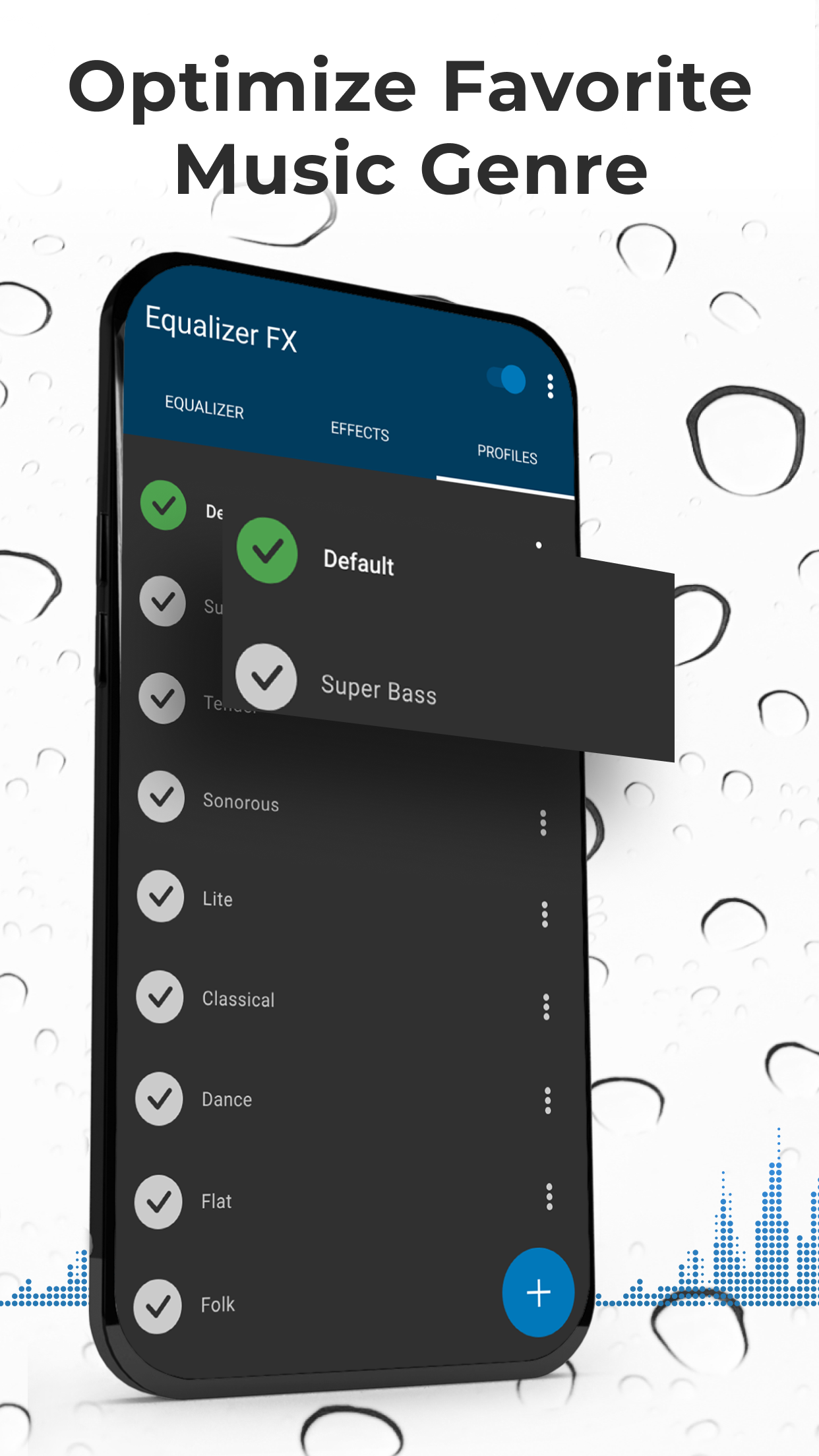
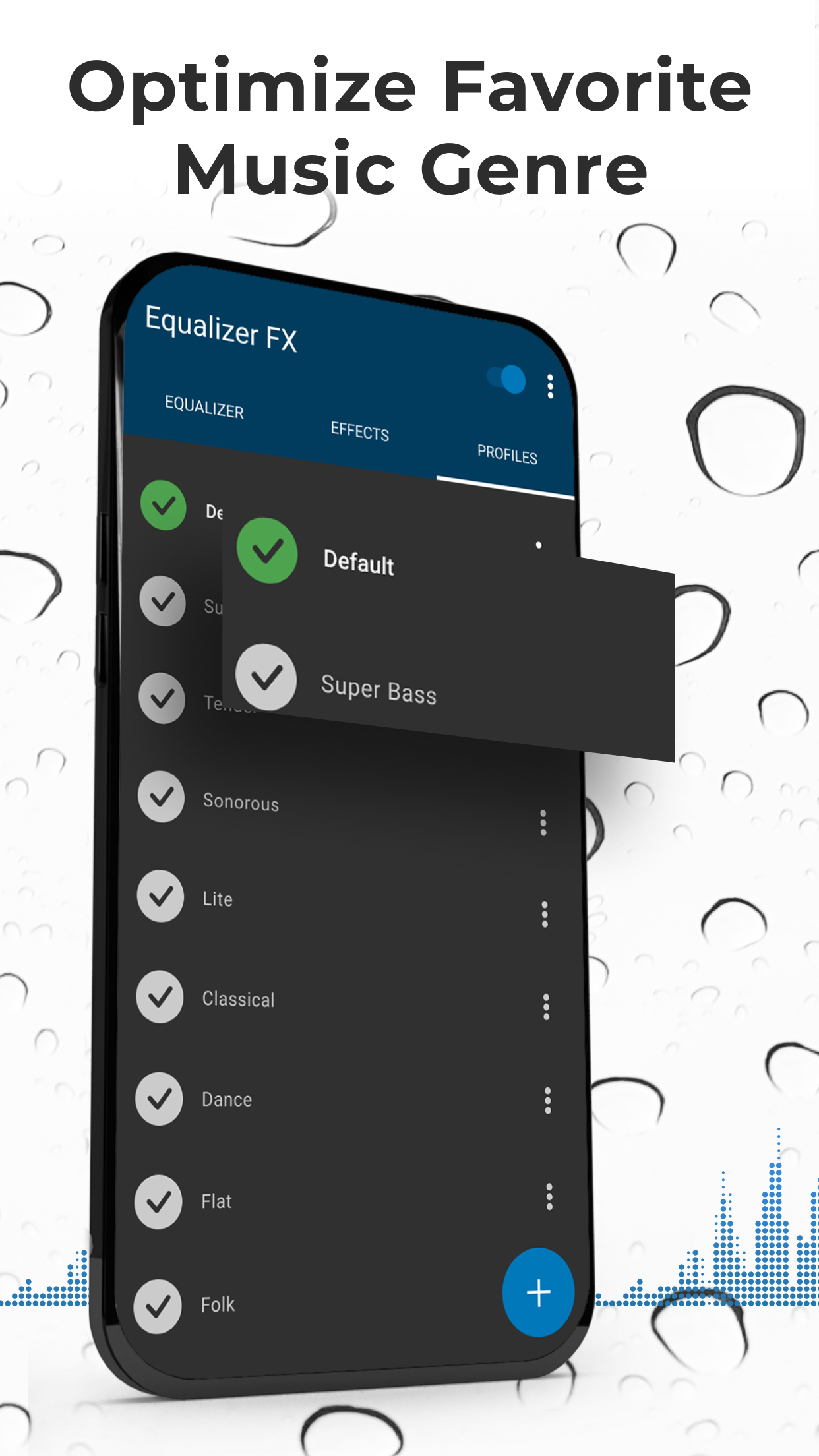
Oh, and let’s talk about presets. This app offers a tantalizing selection of preset styles tailored to different genres. Whether you’re into rock, hip-hop, or classical, simply explore the available options without the hassle of painstakingly adjusting each afterwards. It’s all about enjoying the music without consuming too much of your precious time!
Here’s a taste of what Equalizer FX has in store for you:
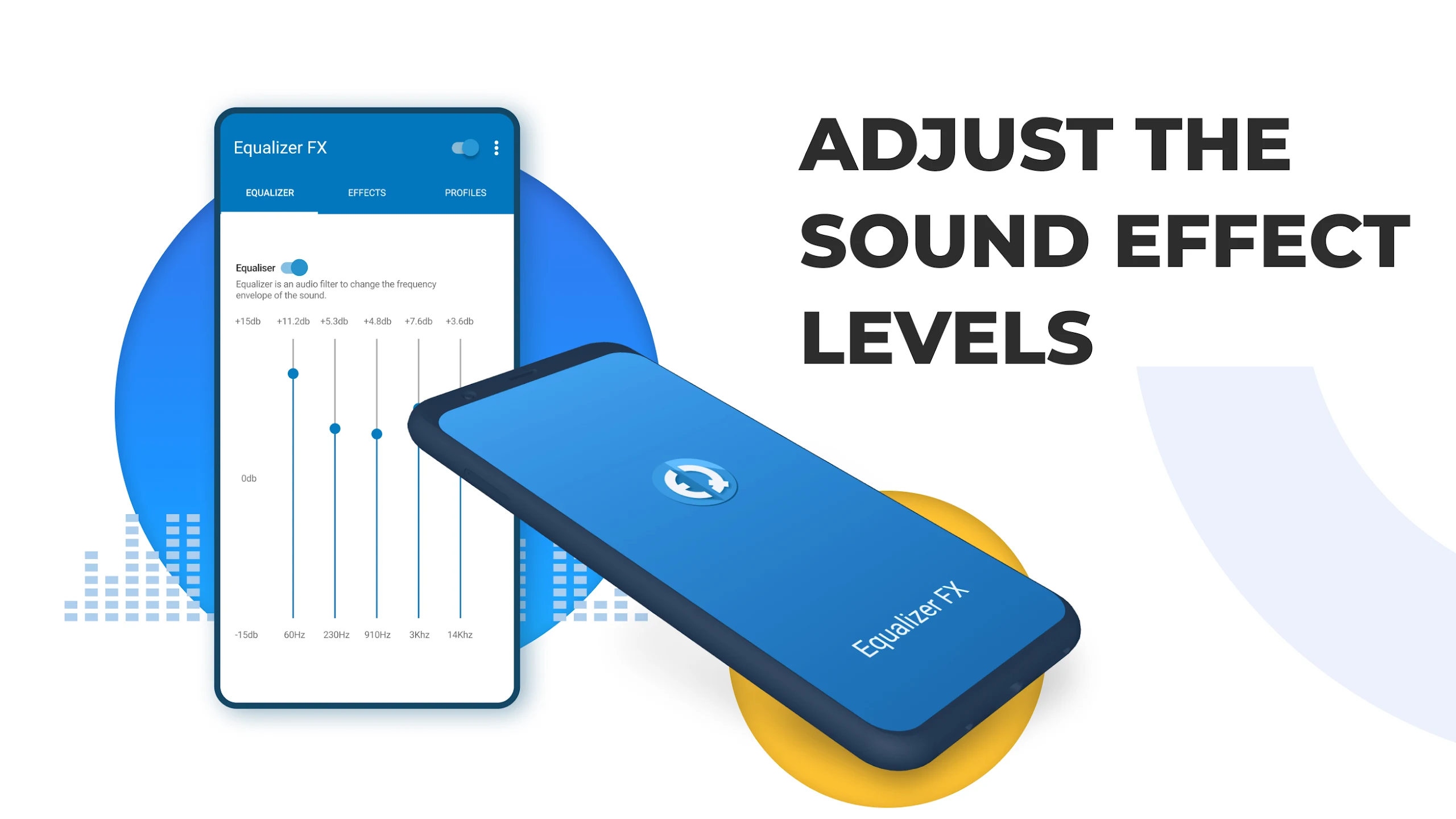
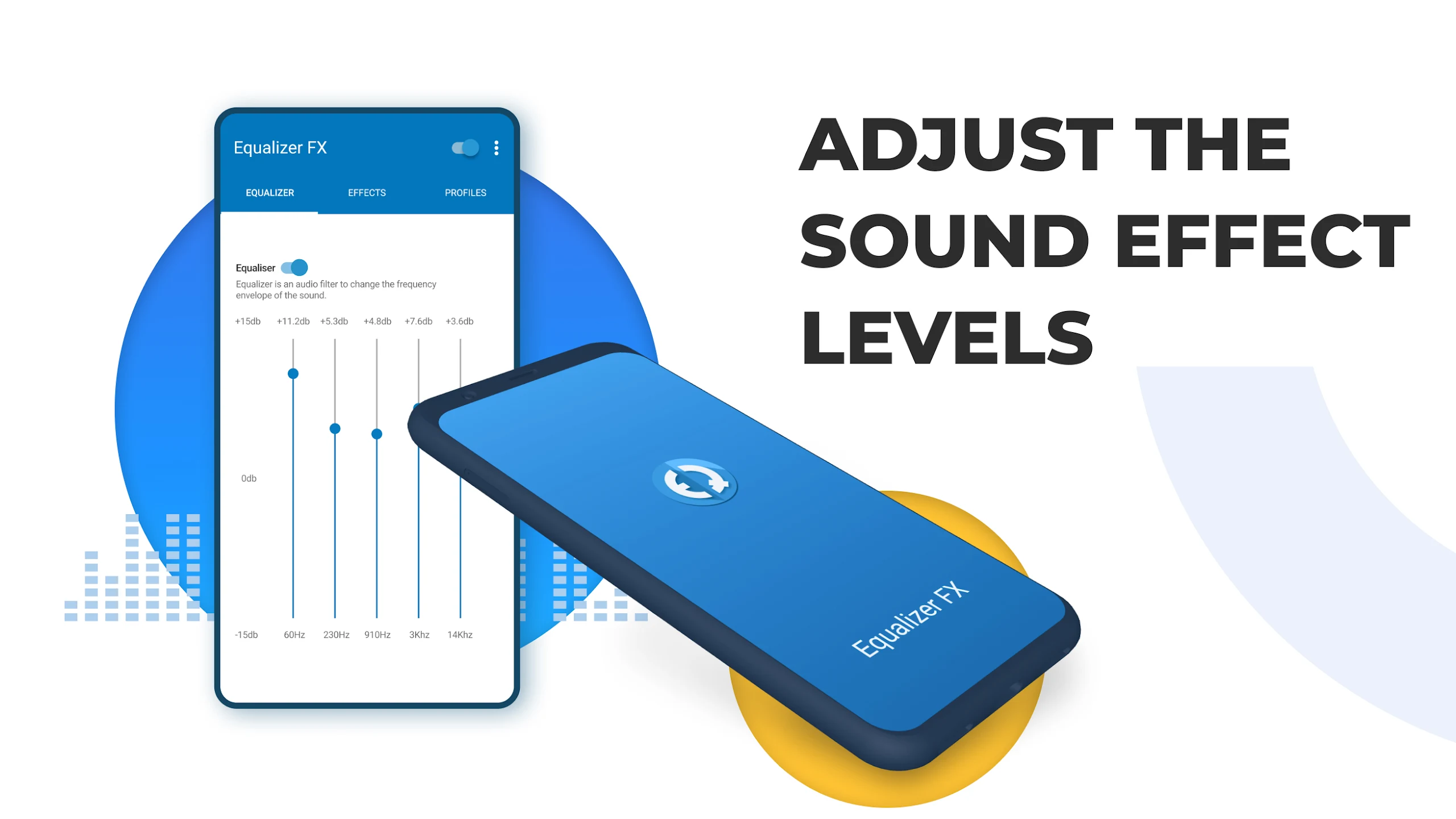
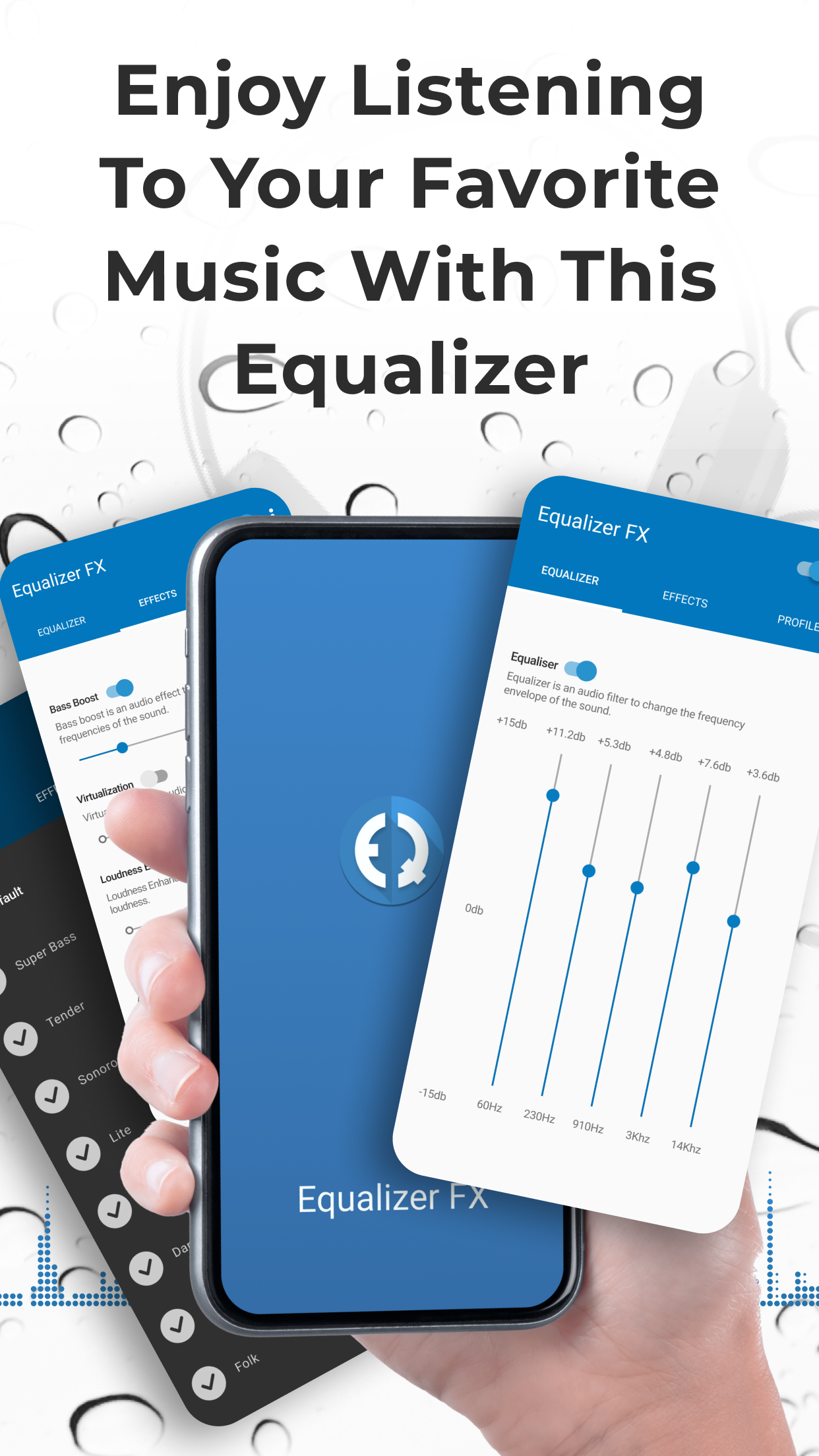
Music Equalizer
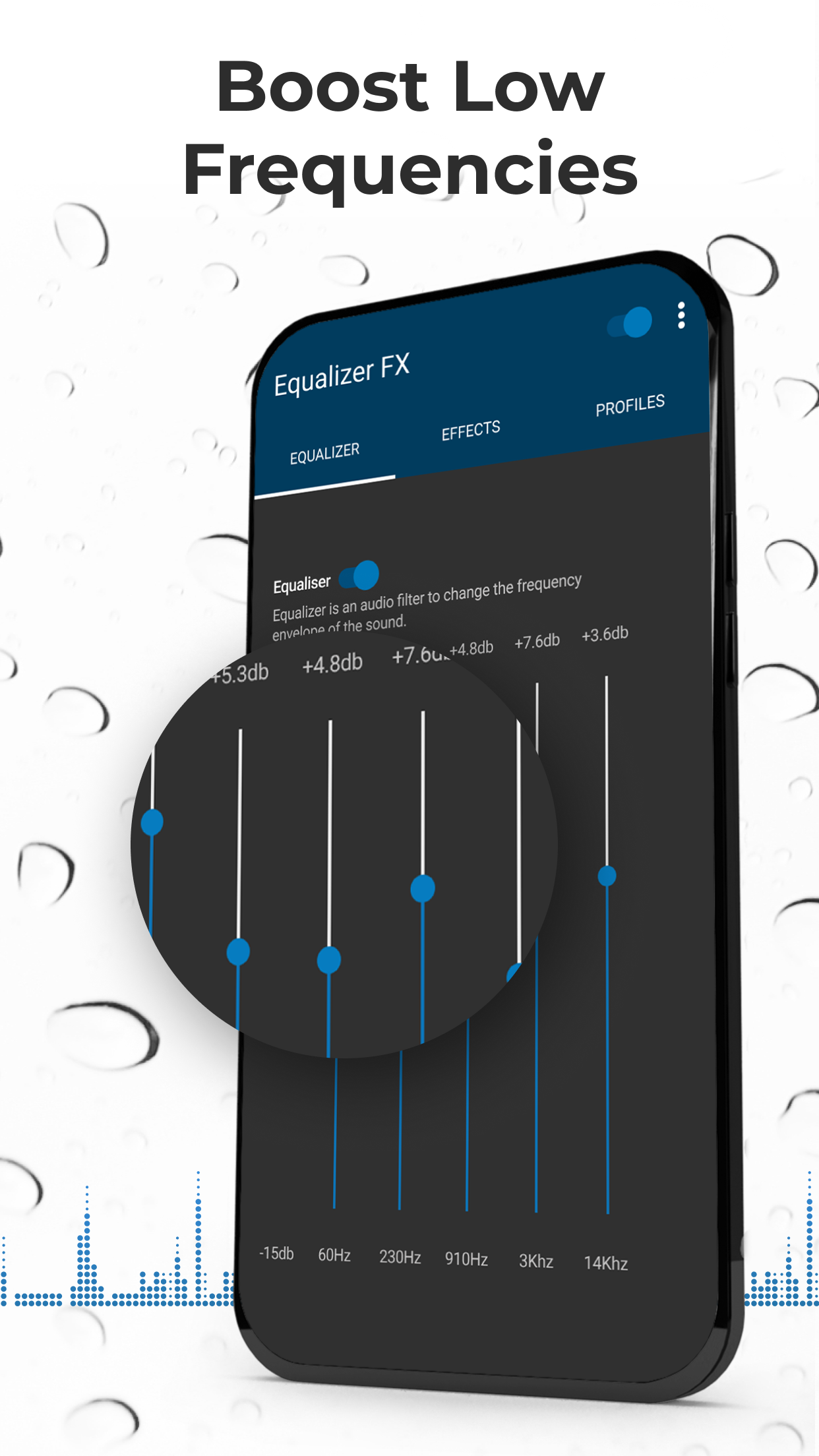
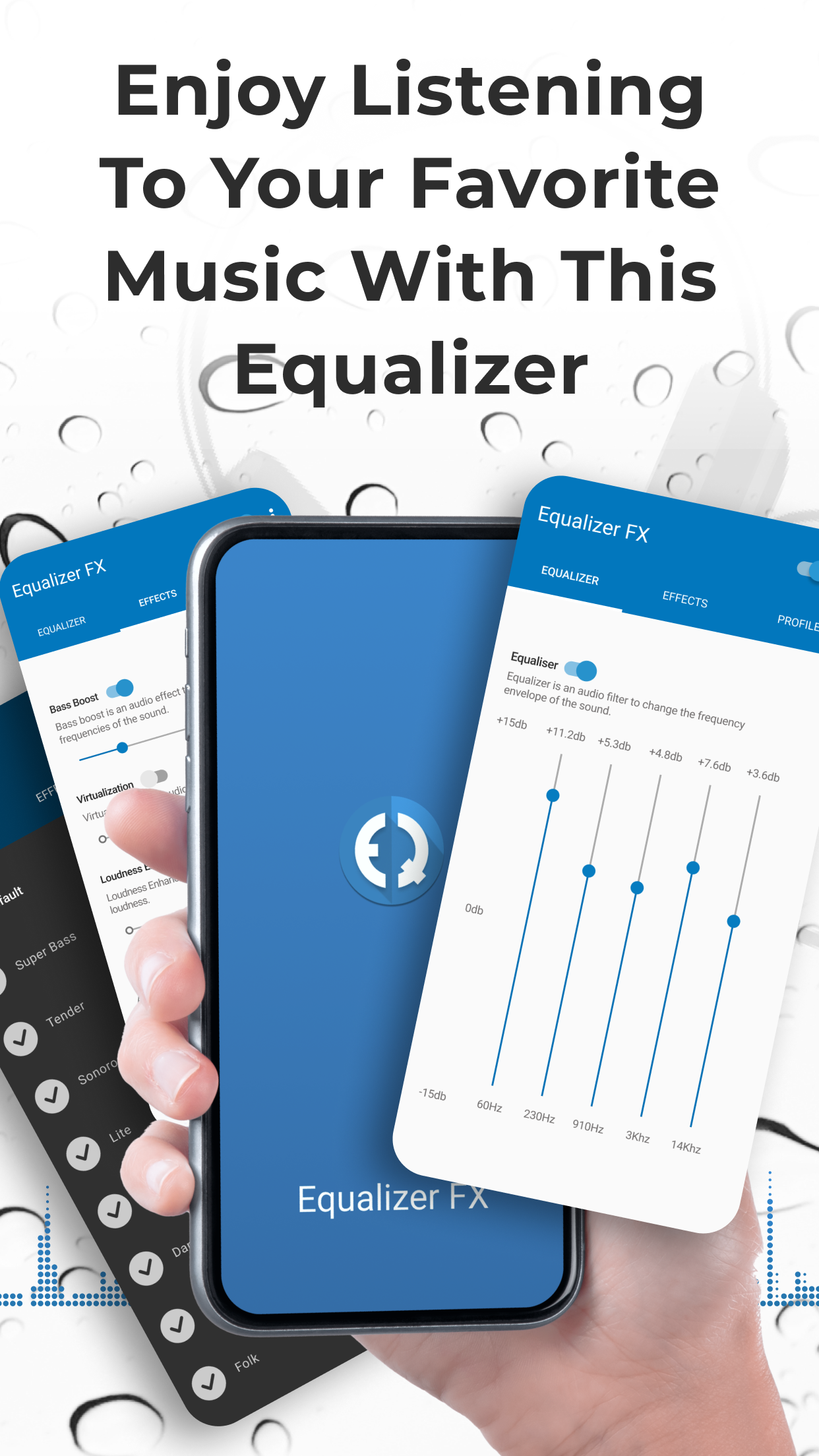
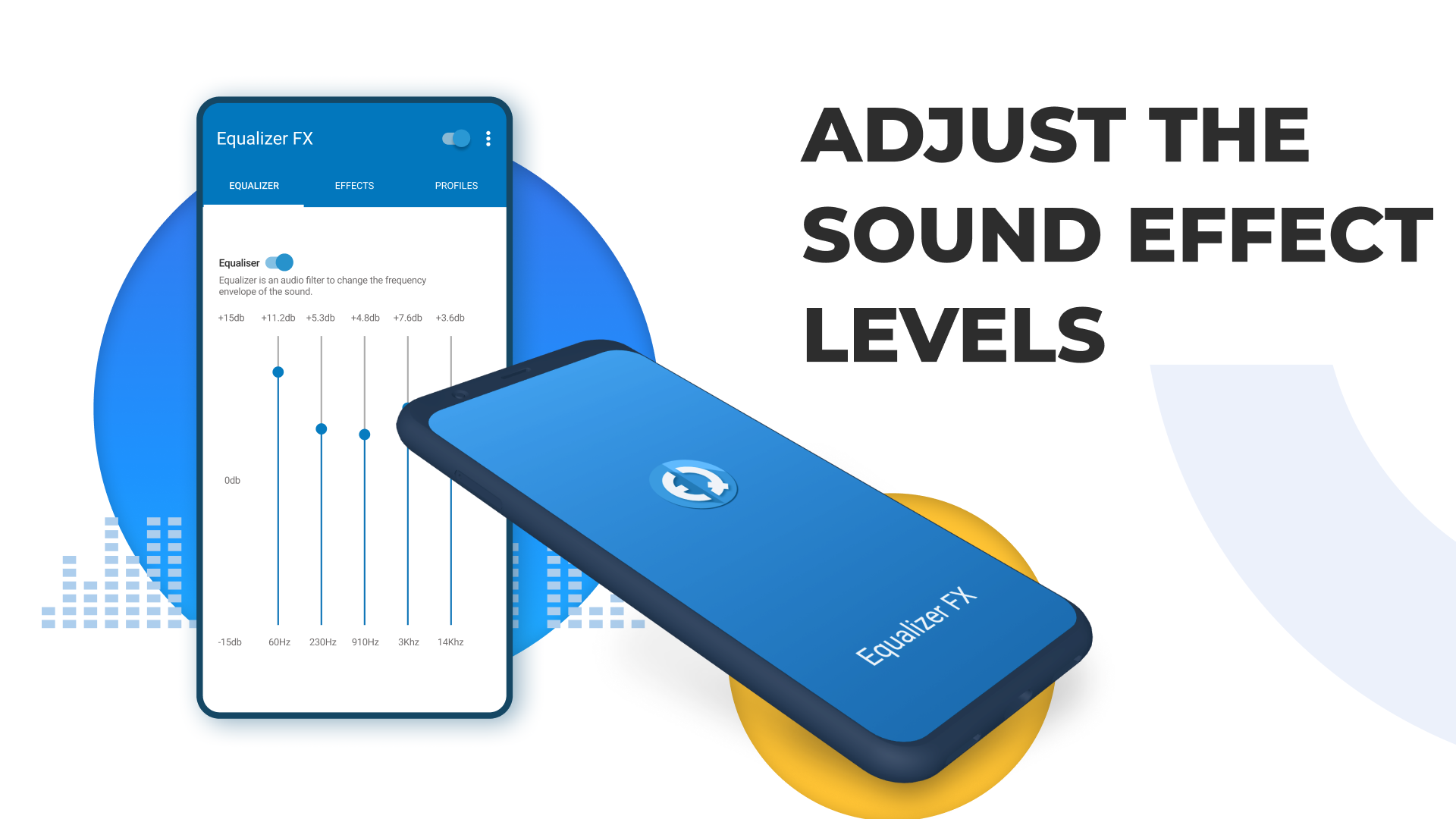
Tweak those frequency envelopes to achieve the sound you crave.
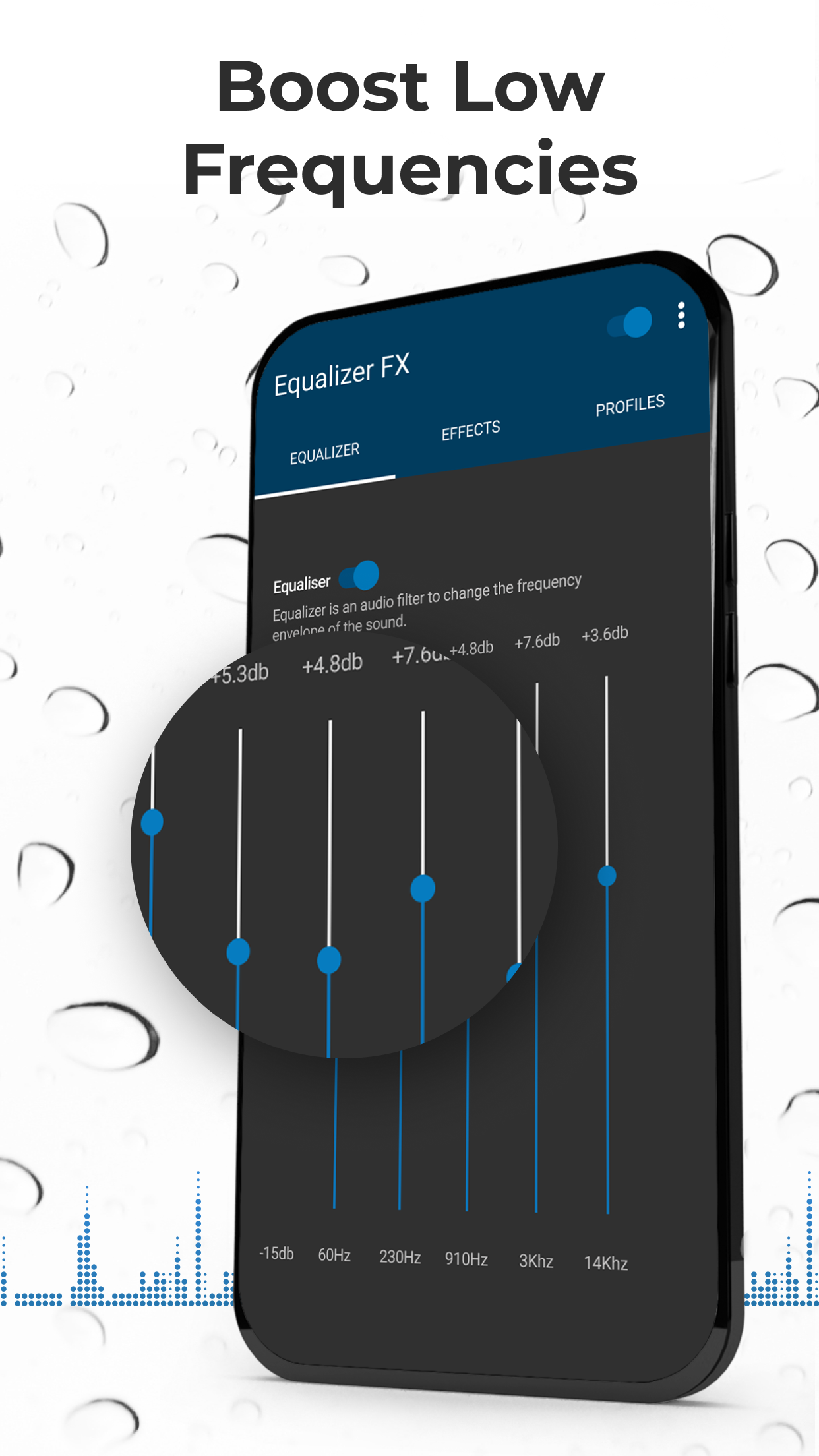
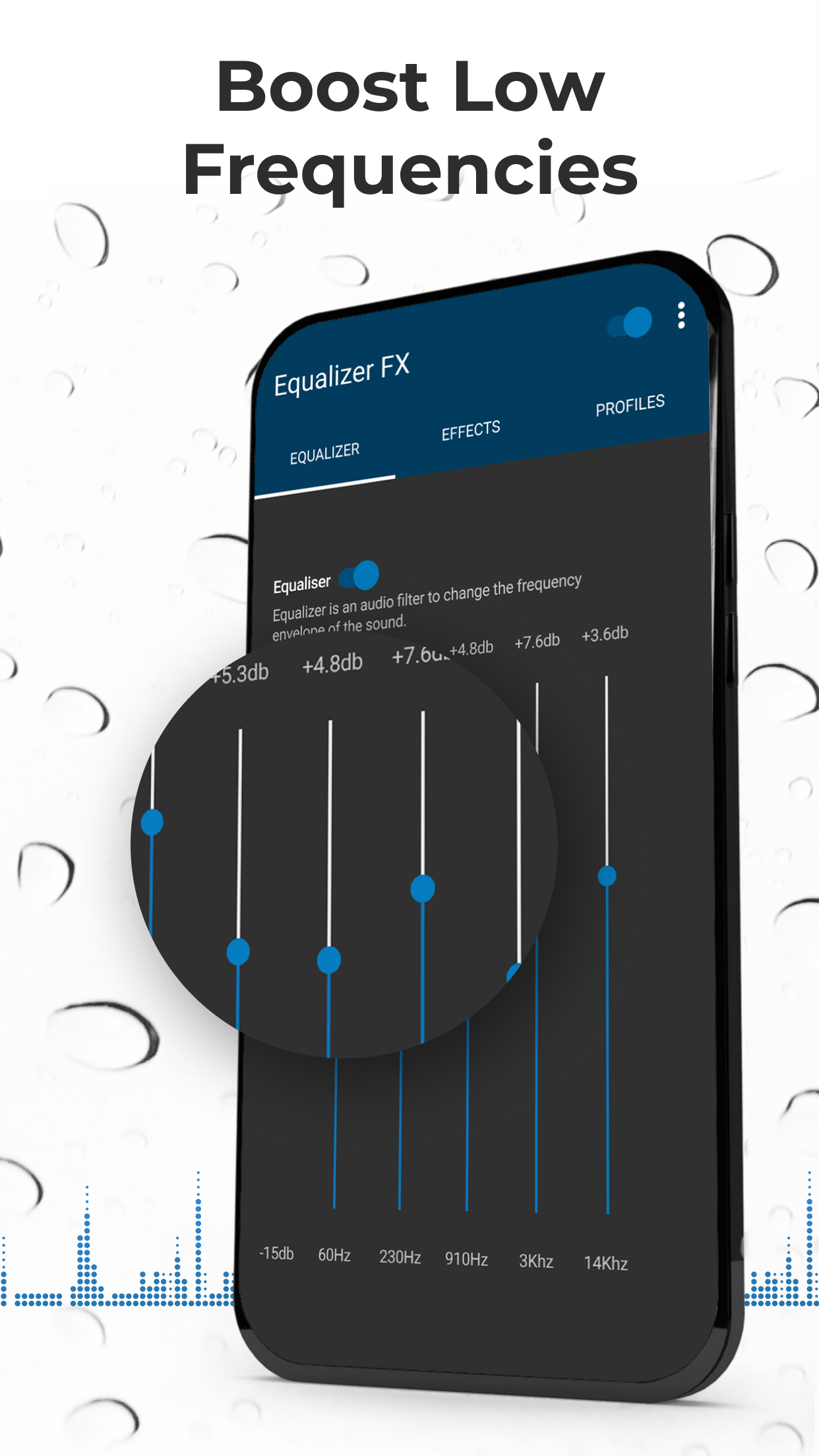
Bass Boost
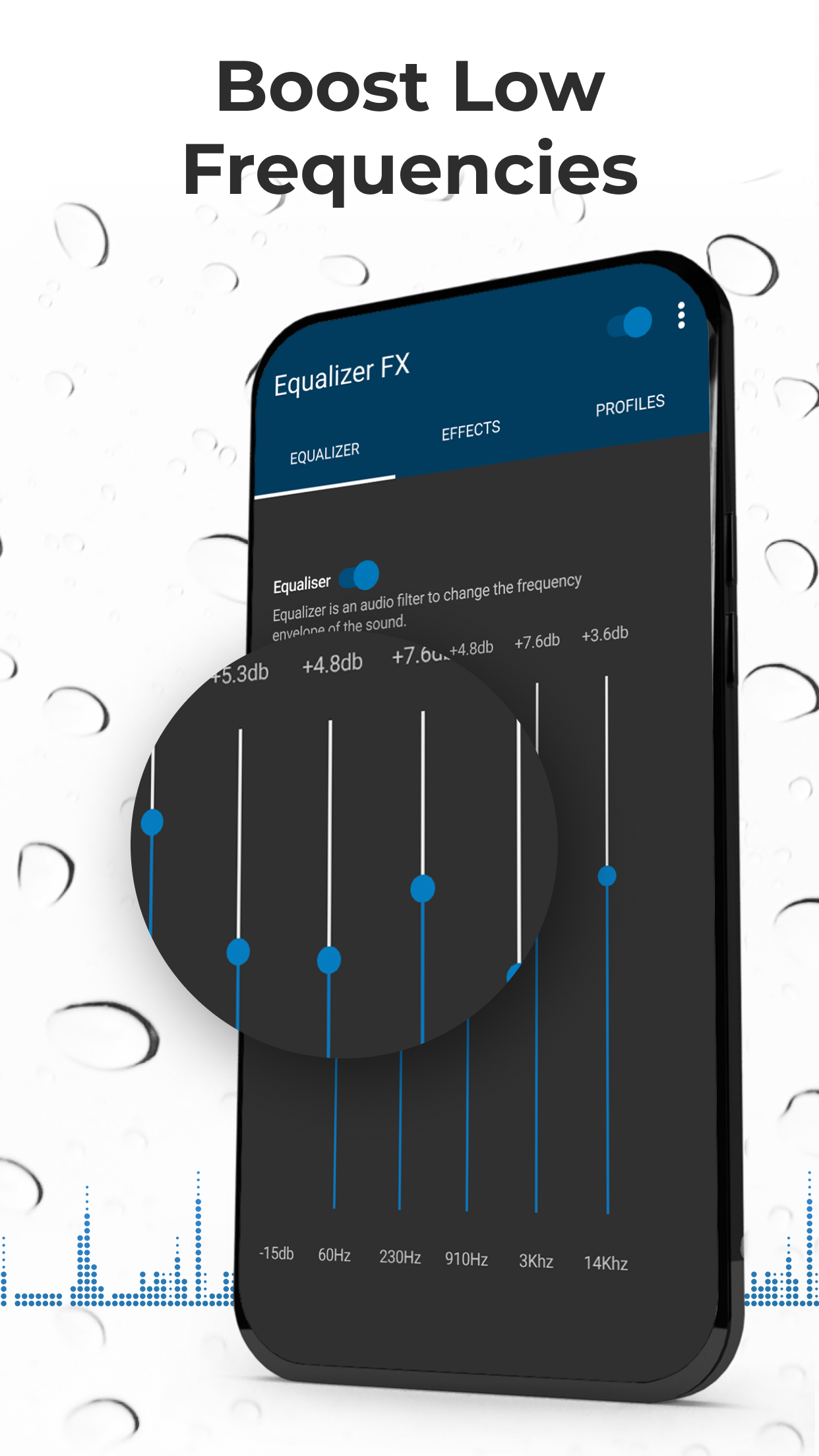
Amp up those thumping low frequencies—turn up the party!
Virtualization
Enhance your stereo effect with some clever audio channeling.
Volume Booster
Ready to crank up the volume? This loudness enhancer does just that (for Android 4.4 and higher).
12 Presets
Choose from these gems or create your very own!
Compatible with music players and streaming services like Pandora, Spotify, TuneIn Radio, VK, etc., this app also includes Equalizer Widgets for easy access right on your home screen. Plus, who doesn’t love the automatic on/off feature that syncs with your music?
Every second spent listening to music should be blissful, right? With this high-quality audio booster and sound enhancer, the Equalizer FX truly amplifies your enjoyment.
Last but definitely not least, editing sounds with Equalizer FX: Sound Enhancer APK 3.8.8.1 is all about ease and convenience. This impressive app allows users to fine-tune audio tracks right from their mobile devices. Want better sound quality? More balanced volume? Perfecting frequencies? You can achieve all this and more with just a few idle tweaks. If you’re not feeling particularly confident in your editing skills, don’t fret! Use one of the preset settings tailored for various genres instead. Select your setting, sit back, and savor the enhanced quality of your favorite tracks.
So, give it a whirl! Your ears deserve some pampering! 🎶✨
| App Name | Equalizer FX: Sound Enhancer |
|---|---|
| Version | 3.8.9.1 |
| Size | 13.16 MB |
| Update | Jun 02, 2025 |
| Developer | ZipoApps |
| Category | Music & Audio |
| Google Play ID | com.devdnua.equalizer.free |
Equalizer FX: Sound Enhancer 3.8.9.1
Equalizer FX: Sound Enhancer 3.8.8.1
Equalizer FX: Sound Enhancer 3.8.8
Equalizer FX: Sound Enhancer 3.8.7.4
Equalizer FX: Sound Enhancer 3.8.3.2
Equalizer FX: Sound Enhancer 3.8.0








42.17 MB 4.8.7