

File Manager makes it super easy to get rid of unnecessary files. It automatically removes files that aren’t needed for your device to work, like those from uninstalled apps. You can customize how this feature works too. Before deleting anything important, it will check in with you. Plus, the app helps save space by sorting files into neat little categories.
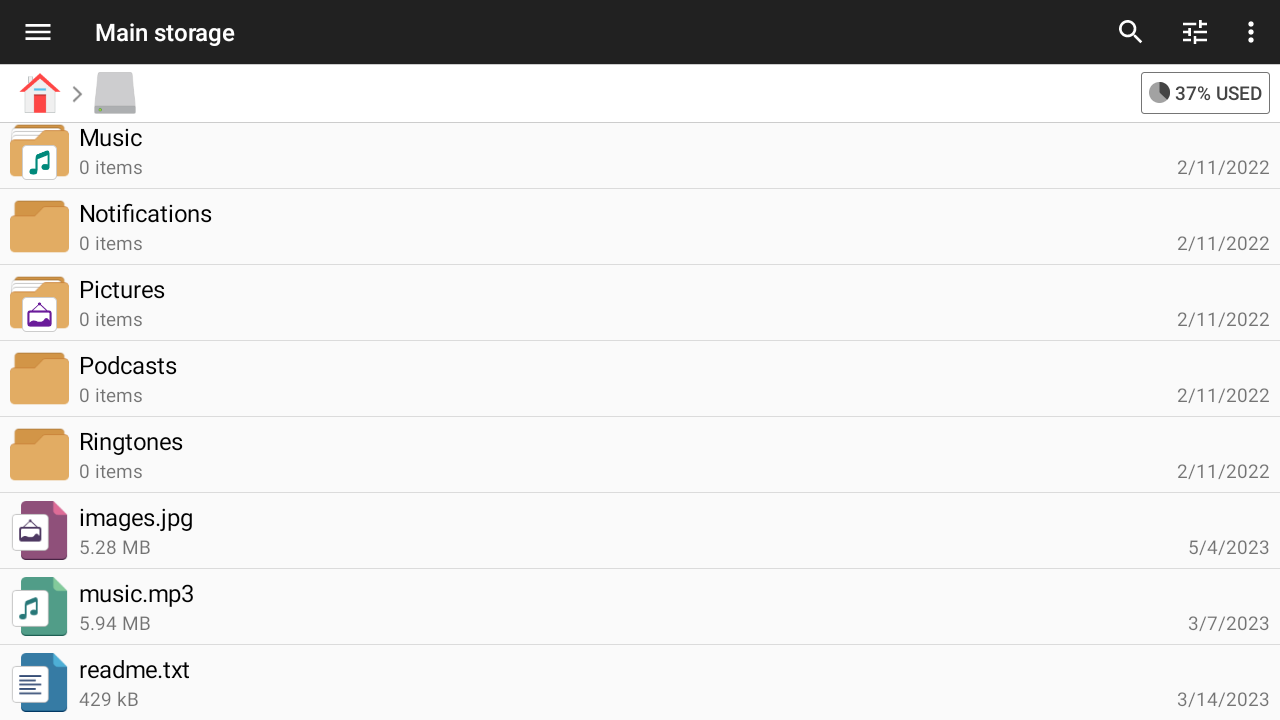
File Manager isn’t just about cleaning up. When you look at a photo or video, sharing it is a breeze! Just hit that share button, and you're all set to show off your favorite moments on social media. The app gives you lots of useful info about each file, too. Want to listen to music? No problem! You can play songs directly without opening another app. With all these tools, it’s truly a multipurpose gem.
This app can read almost every type of file you might have. Whether it’s images, videos, audio, or documents, File Manager has got you covered. There's no need for extra apps to handle those odd files you've never heard of. Say goodbye to those one-off downloads cluttering your device!
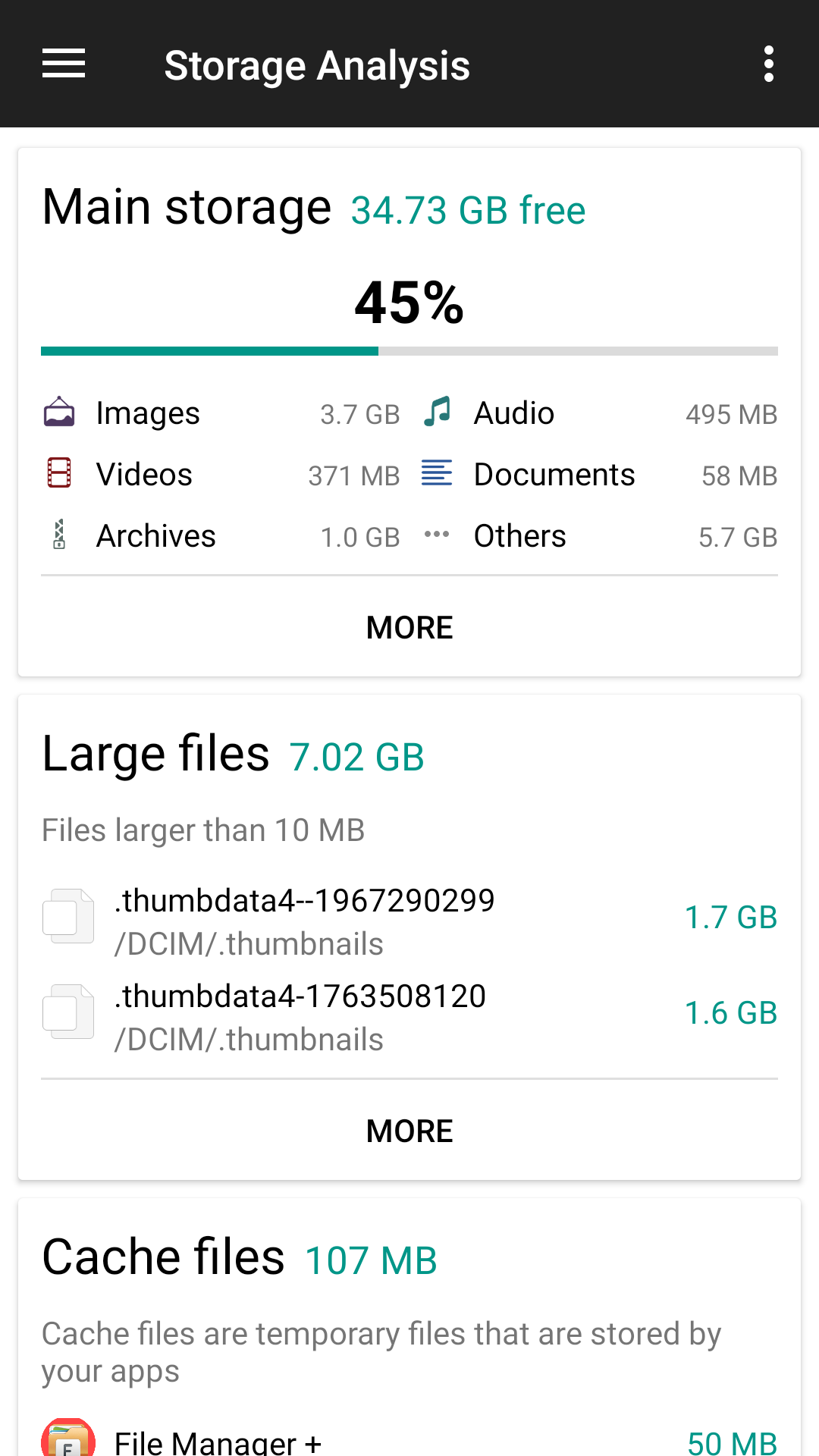
File Manager keeps on scanning your phone in the background. This way, it stays updated on how much space you have left. You can easily view memory usage details and customize how this info appears on your screen. Finding large files has never been easier.
Got a lot of junk taking up space? The app features a handy junk cleaner. It quickly filters out unused files while still checking with you if something looks important before deletion. This function not only cleans but also organizes your space efficiently.
Remember those days of worrying about running out of storage space? Not anymore! File Manager shows your remaining capacity and lists pesky junk files. With just a few taps, you can clear unnecessary clutter and speed up your device.
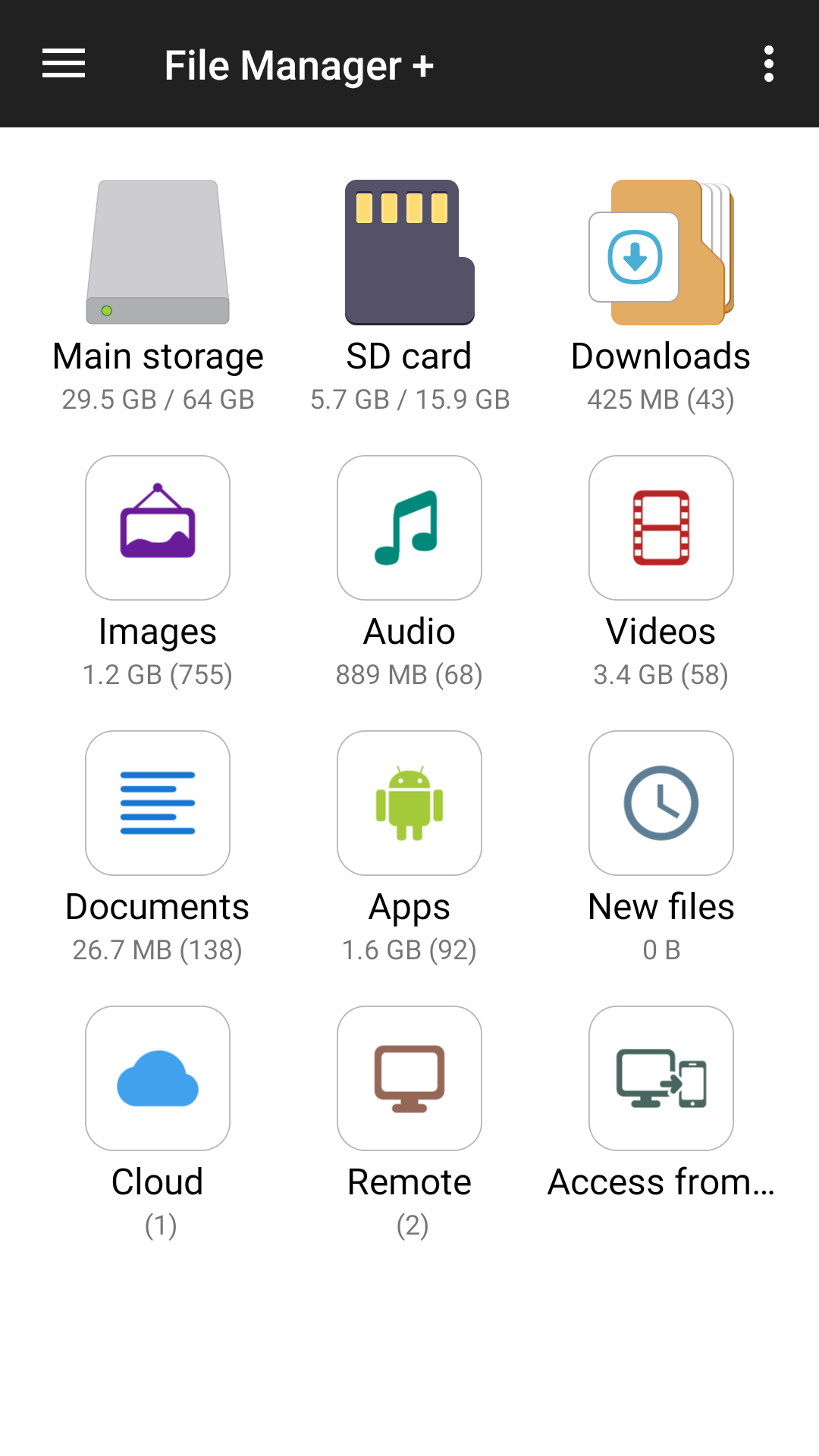
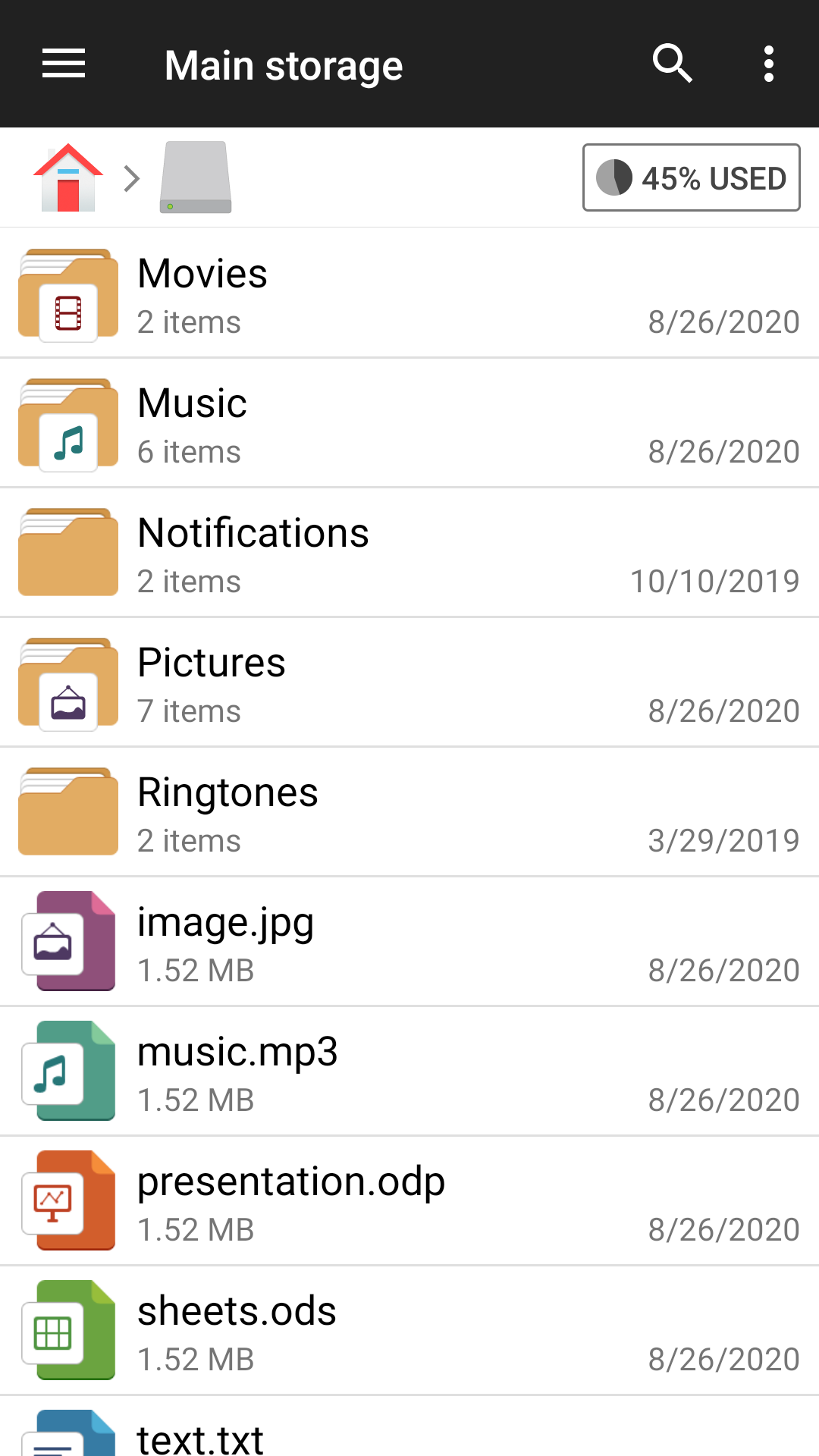
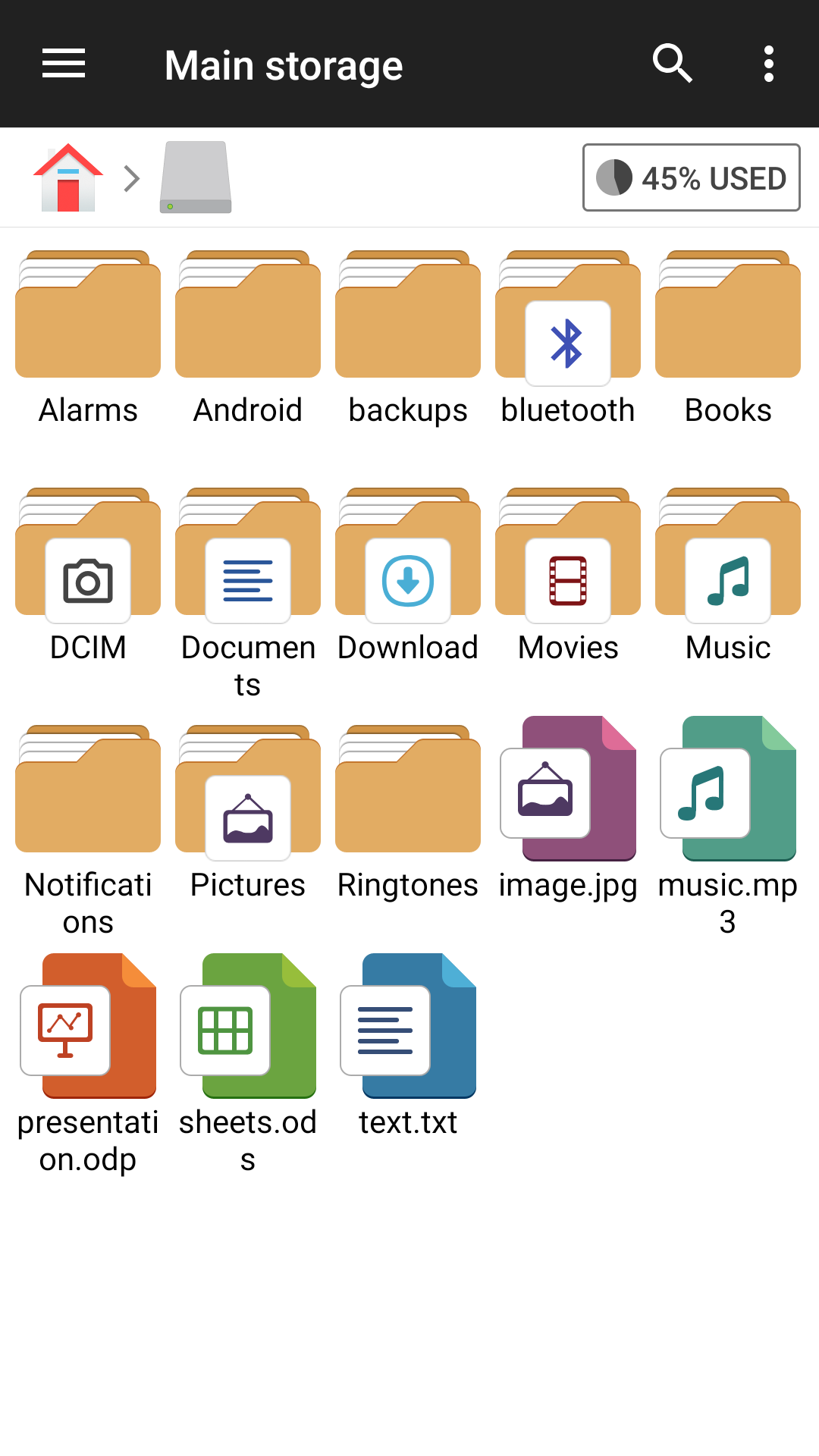
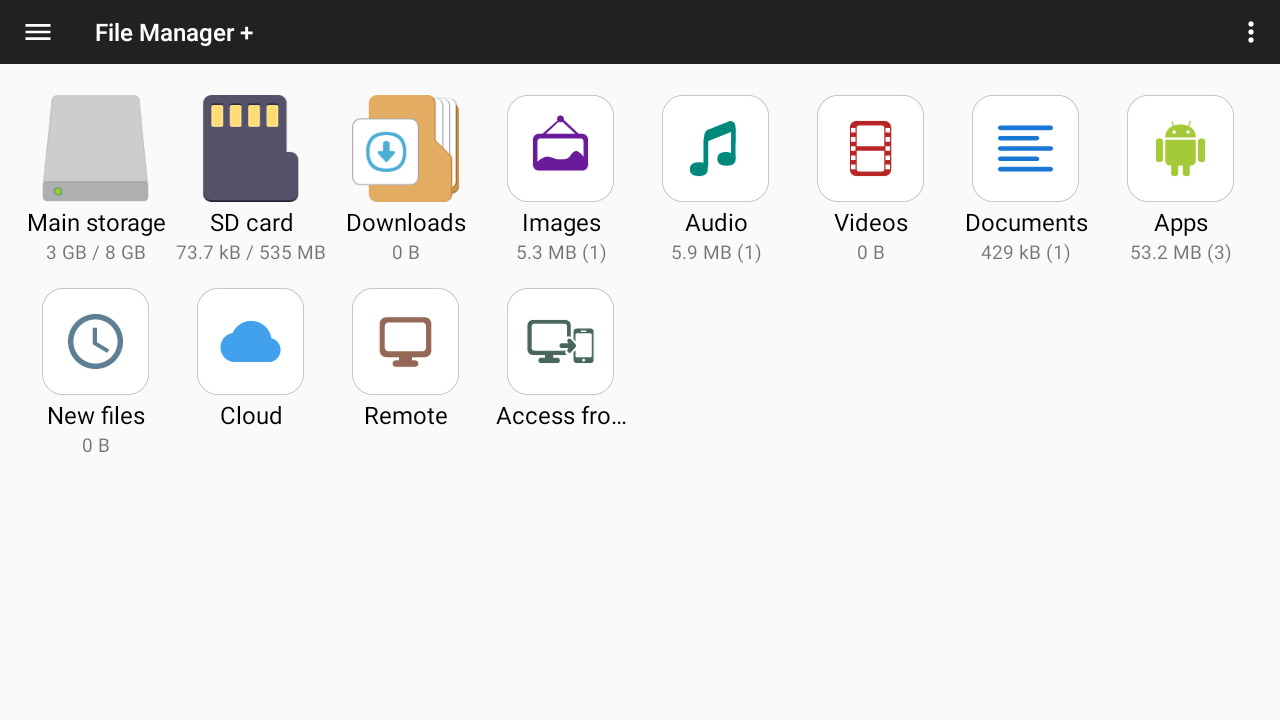
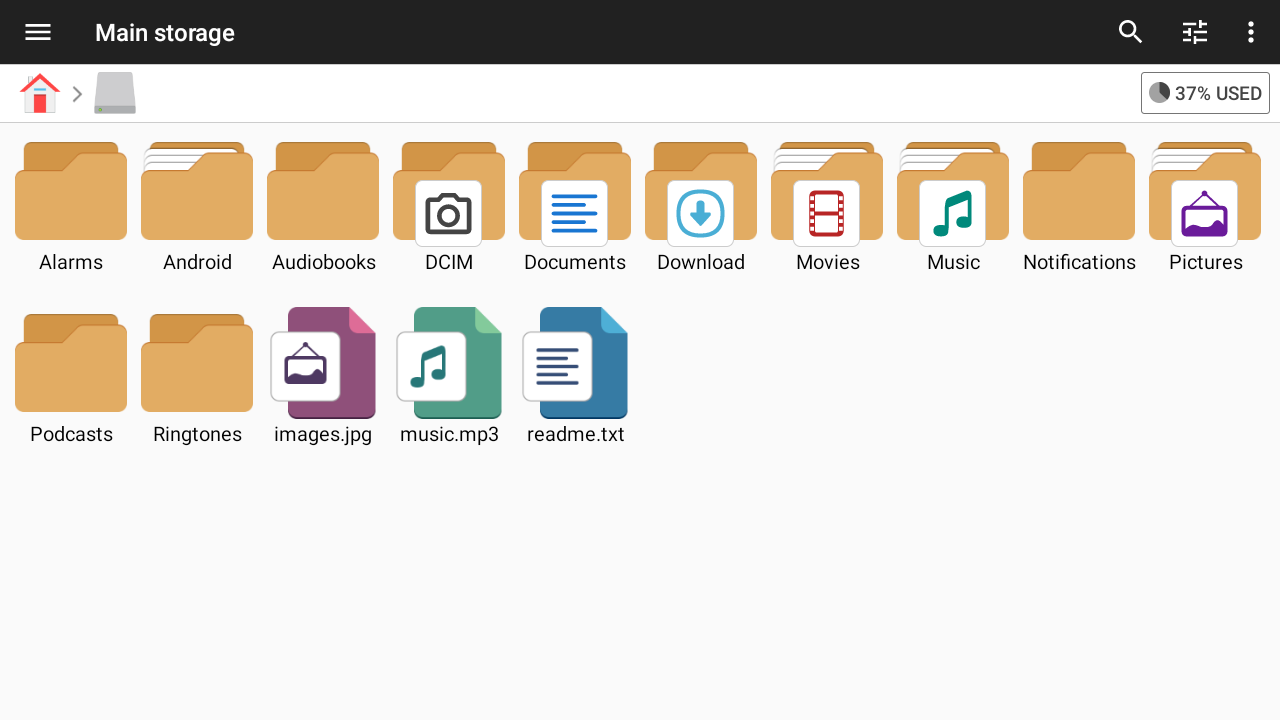
Once you download File Manager+, you'll be greeted by its clean main screen. Everything's organized neatly in folders, making it easy to find what you need. Share, move, delete, or unzip files effortlessly. You can even keep your docs safe in the cloud. Say bye-bye to losing precious memories!
Want to send a bunch of photos without the fear of them being too heavy? Just compress them into a .zip or .rar file. Sending files has never been so easy! If you receive compressed files, File Manager lets you open them instantly without needing more apps.
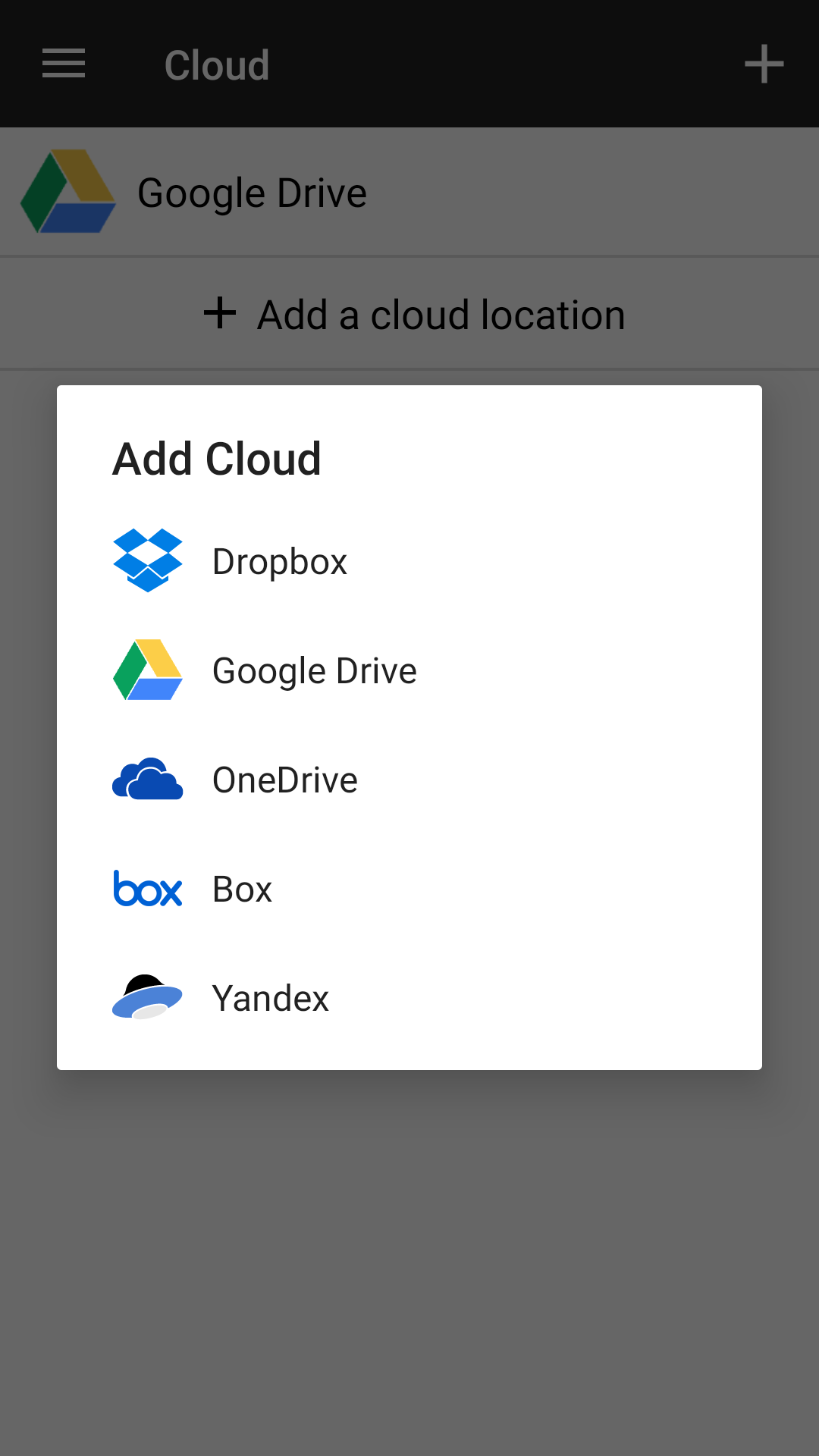
Too many files can weigh down your device. Fortunately, File Manager connects with cloud apps like Dropbox and Google Drive. Transfer files like JPGs, DOCXs, ZIPs, or MP3s to free up your space. This functionality lets you access your data anywhere. Work gets easy when you’re hopping between devices!
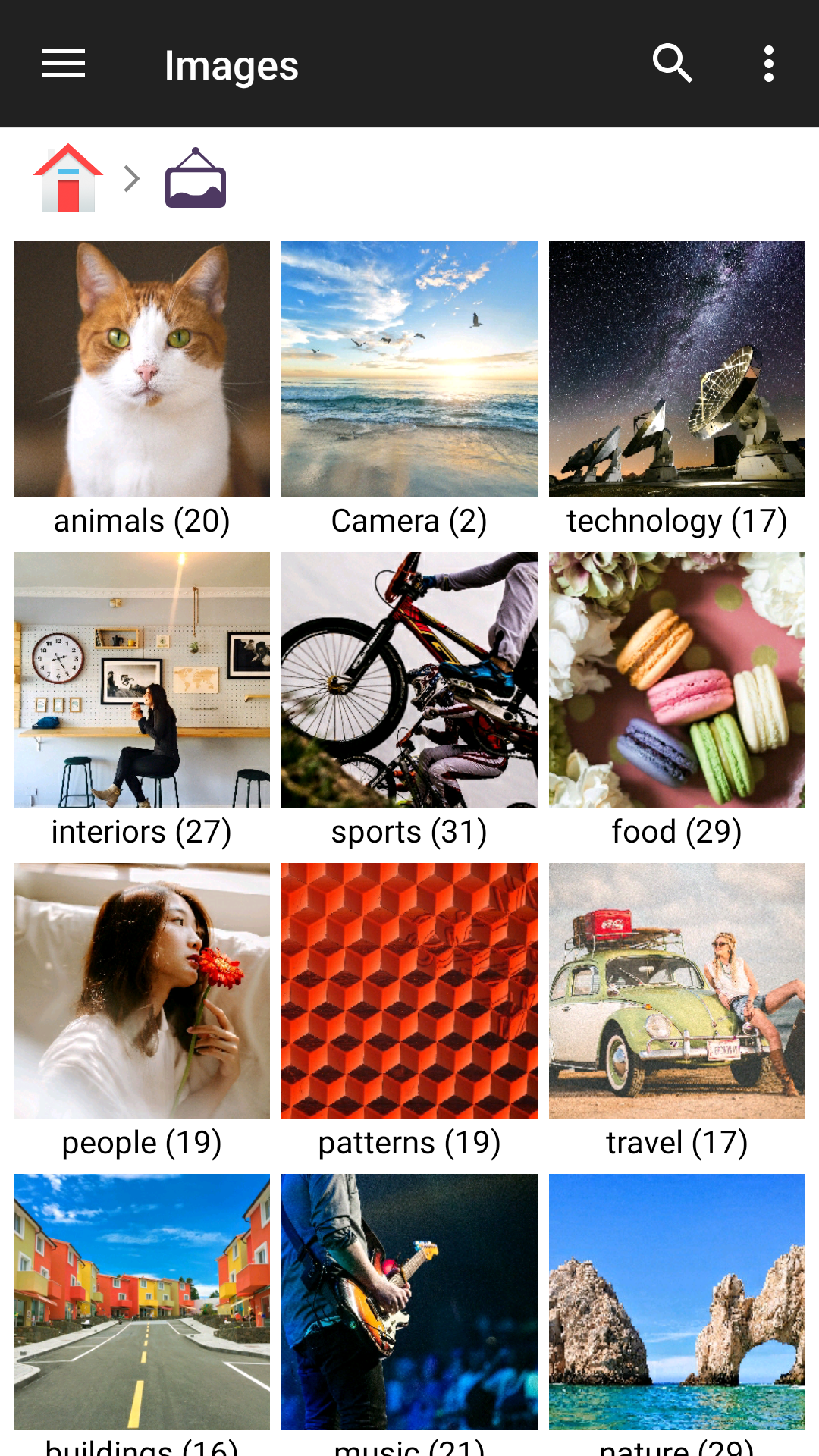
Keeping track of hundreds of files is challenging. But no worries! File Manager sorts everything into categories like media, documents, and audio. You can dig deeper and find exactly what you're looking for using the built-in search bar.
File Manager + is an easy-to-use tool for Android. It’s free and loaded with features. Here’s what you can expect:
Manage files on internal and external storage.
Automatically sort files by type.
Handle installed applications smoothly.
Access remote storage and cloud services like Google Drive.
Connect to your Android device from a PC using FTP.
Analyze local storage to find space hogs.
Built-in image viewer, music player, and text editor for convenience.
Seamlessly compress and decompress various archive formats.
With File Manager +, enjoy a tidy and well-organized device. It's perfect for simplifying your digital life!
| App Name | File Manager |
|---|---|
| Version | 3.5.4 |
| Size | 12.54 MB |
| Update | Mar 27, 2025 |
| Developer | Flashlight Clock |
| Category | Productivity |
| Google Play ID | com.alphainventor.filemanager |





72.22 MB 15.39.50