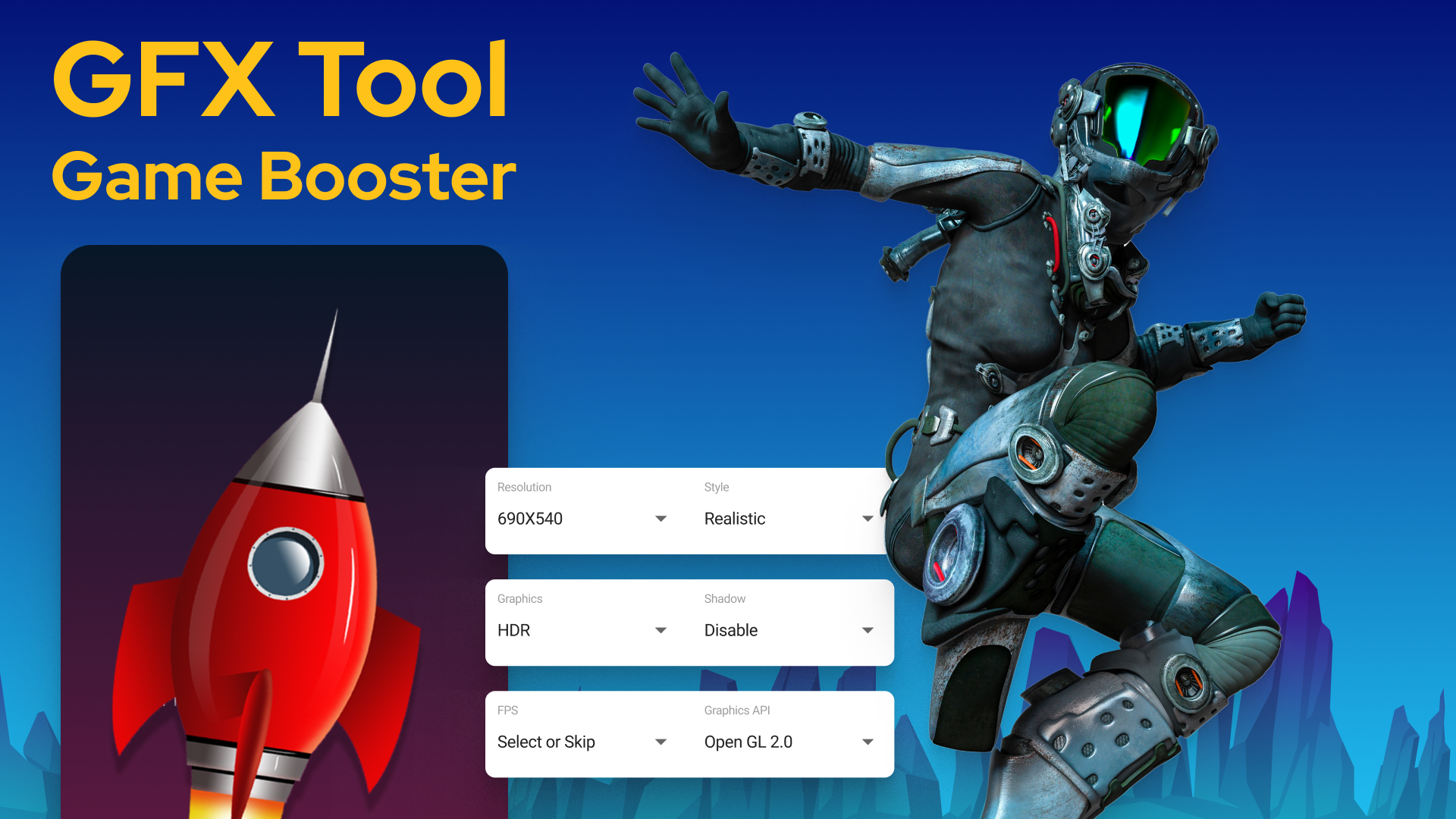
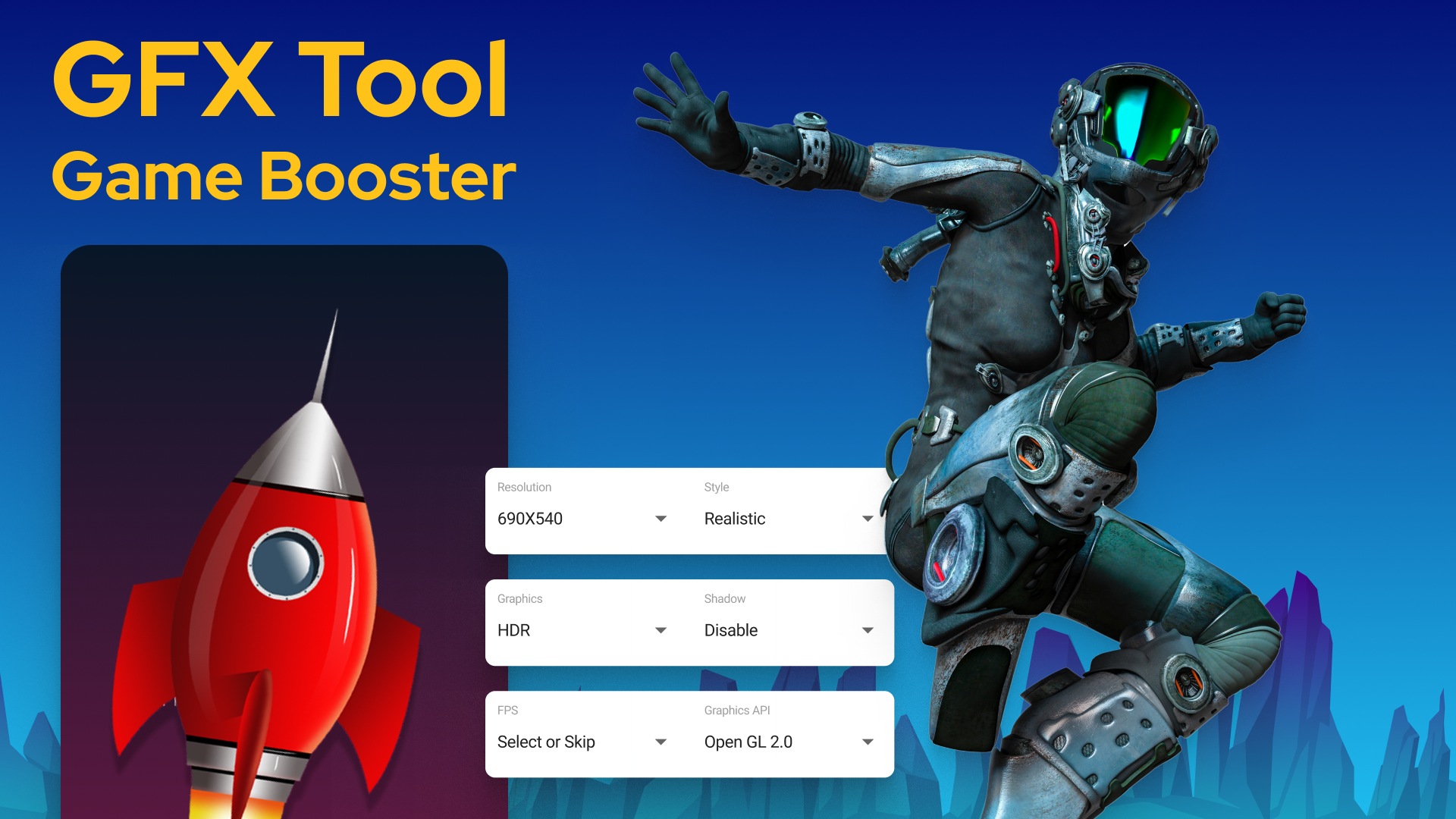
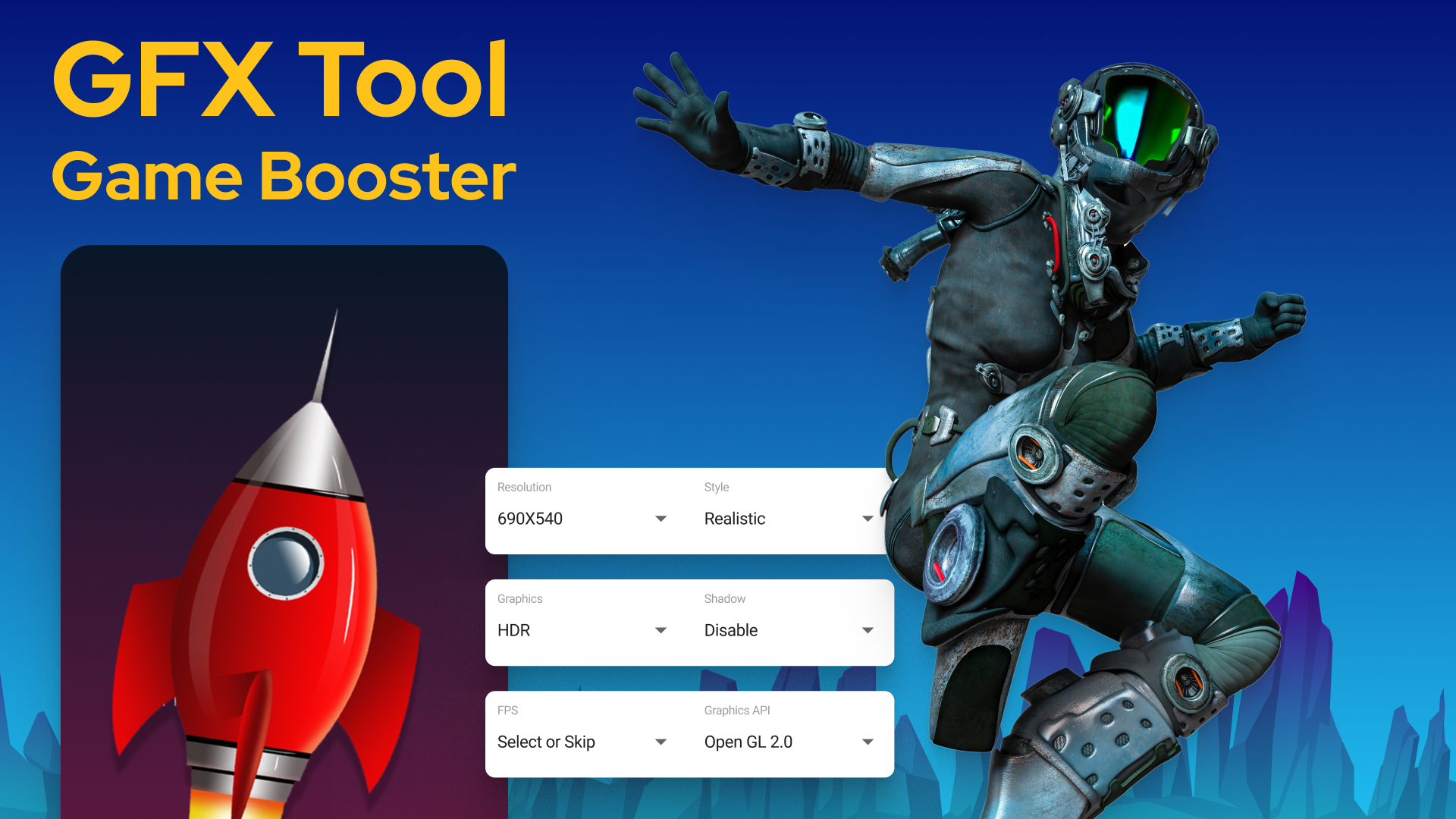
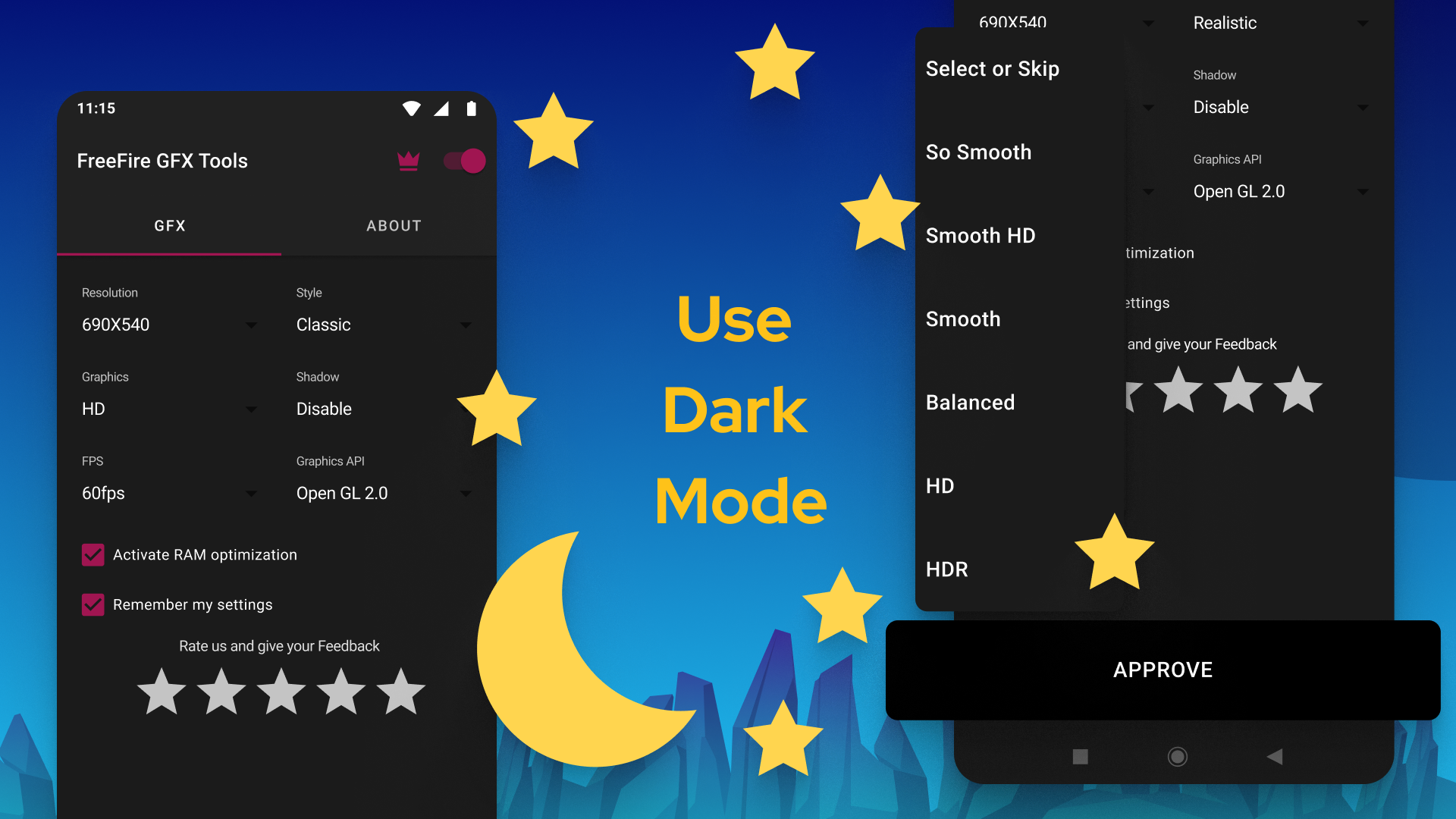
Are you tired of laggy gameplay or mediocre graphics ruining your mobile gaming experience? Well, say hello to GFX Tool, your new best friend in mobile gaming! This handy app is all about tailoring game configurations specifically for your device, giving it a cozy little home that feels just right!
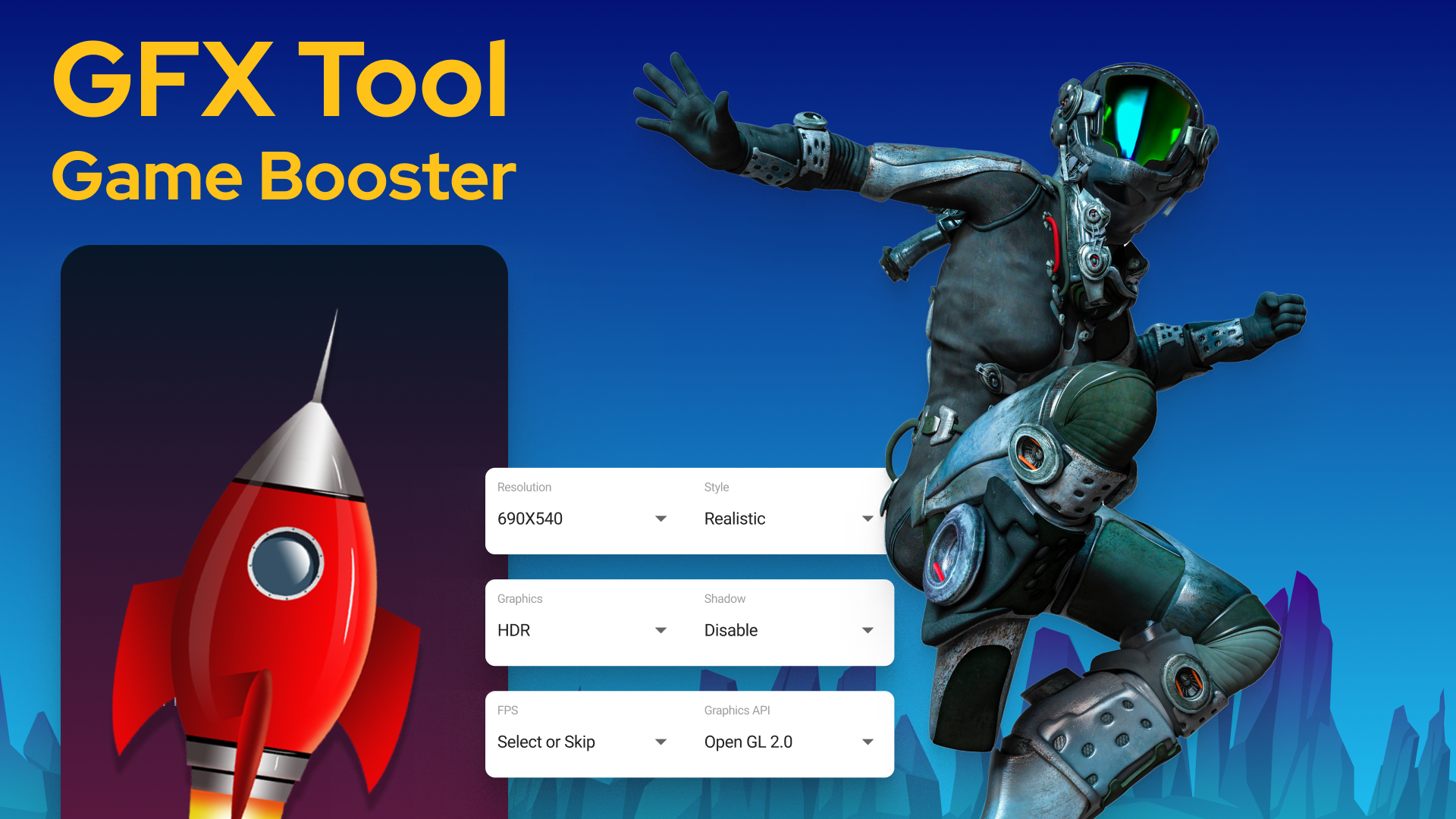
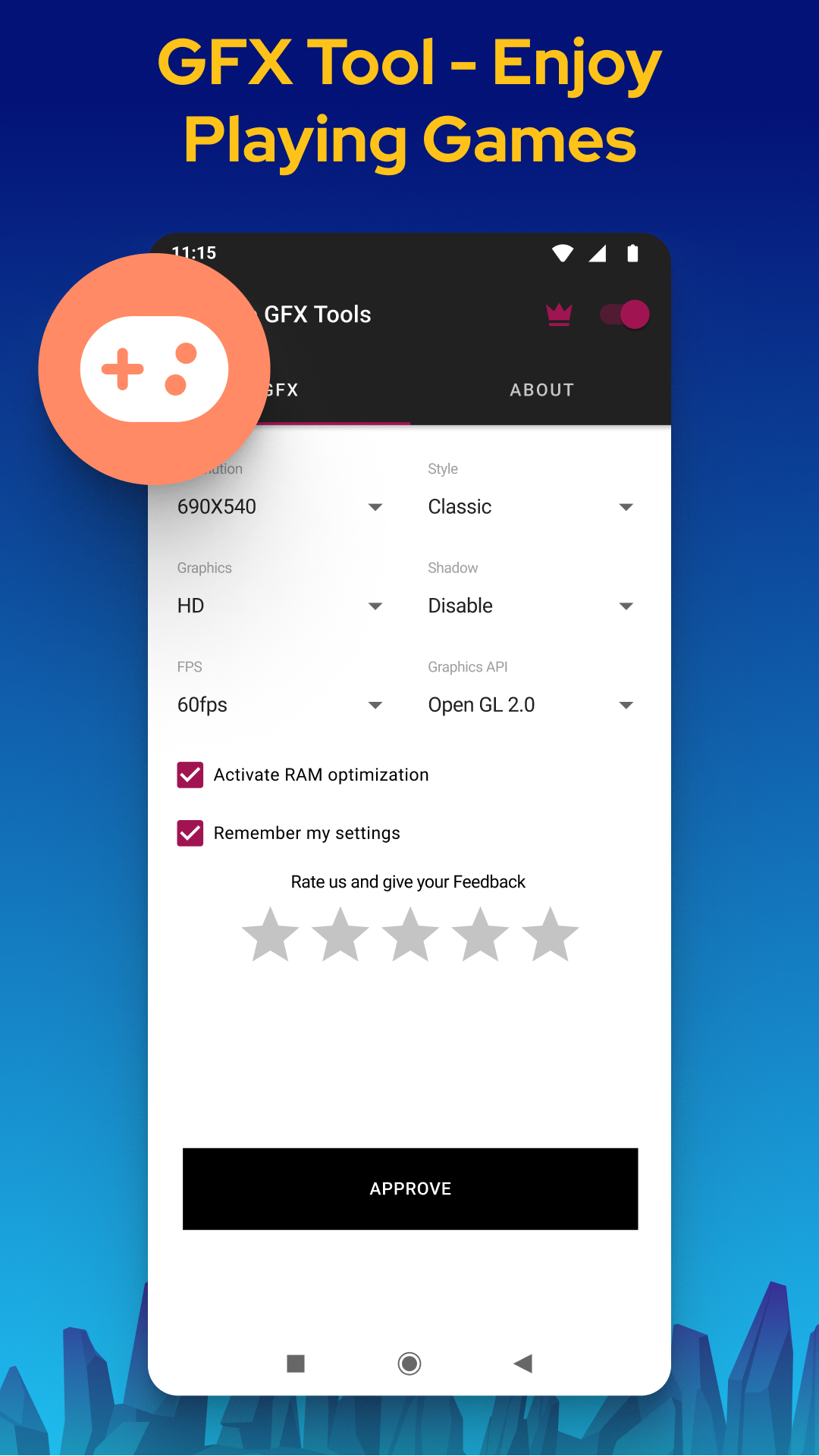
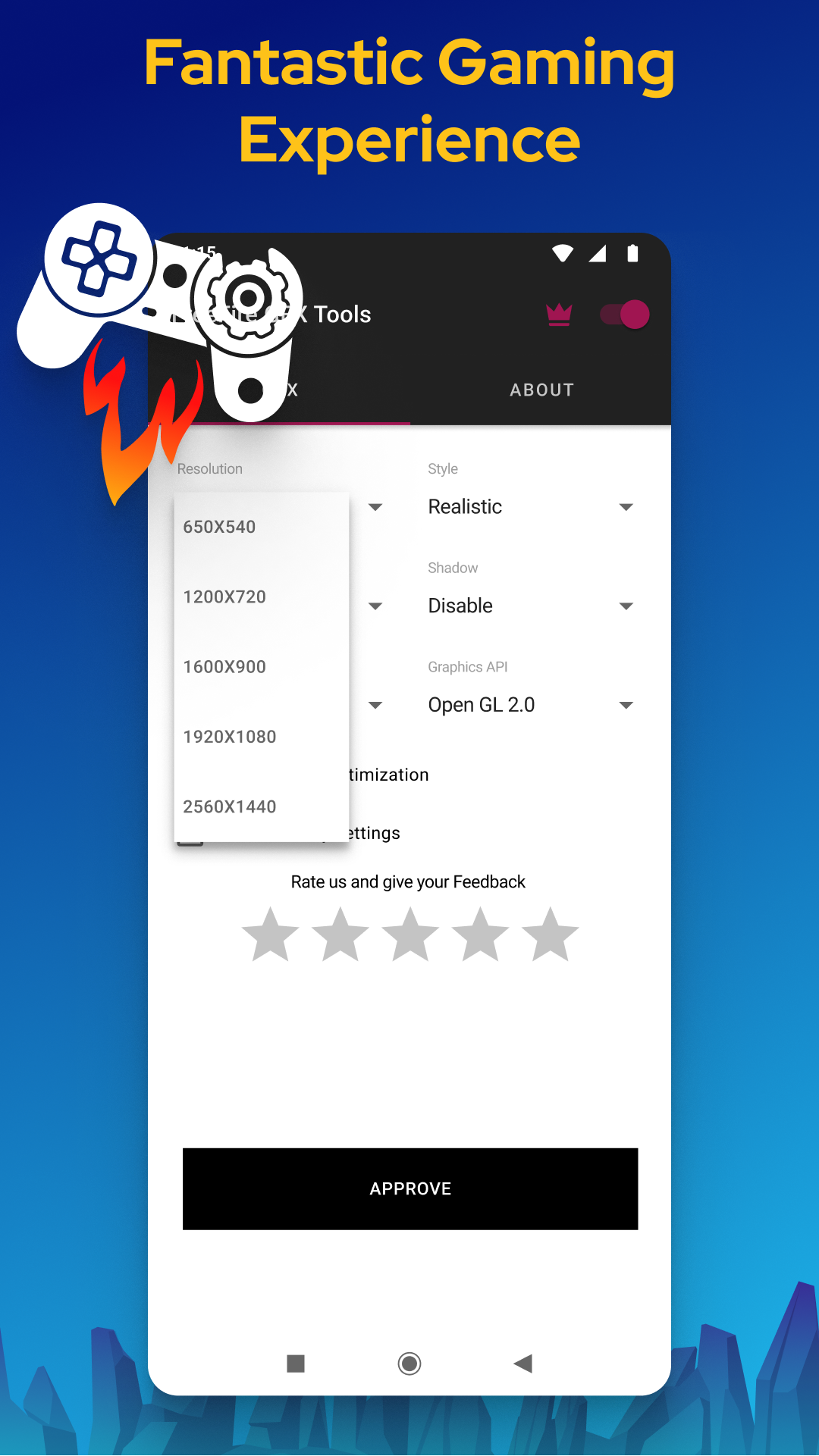
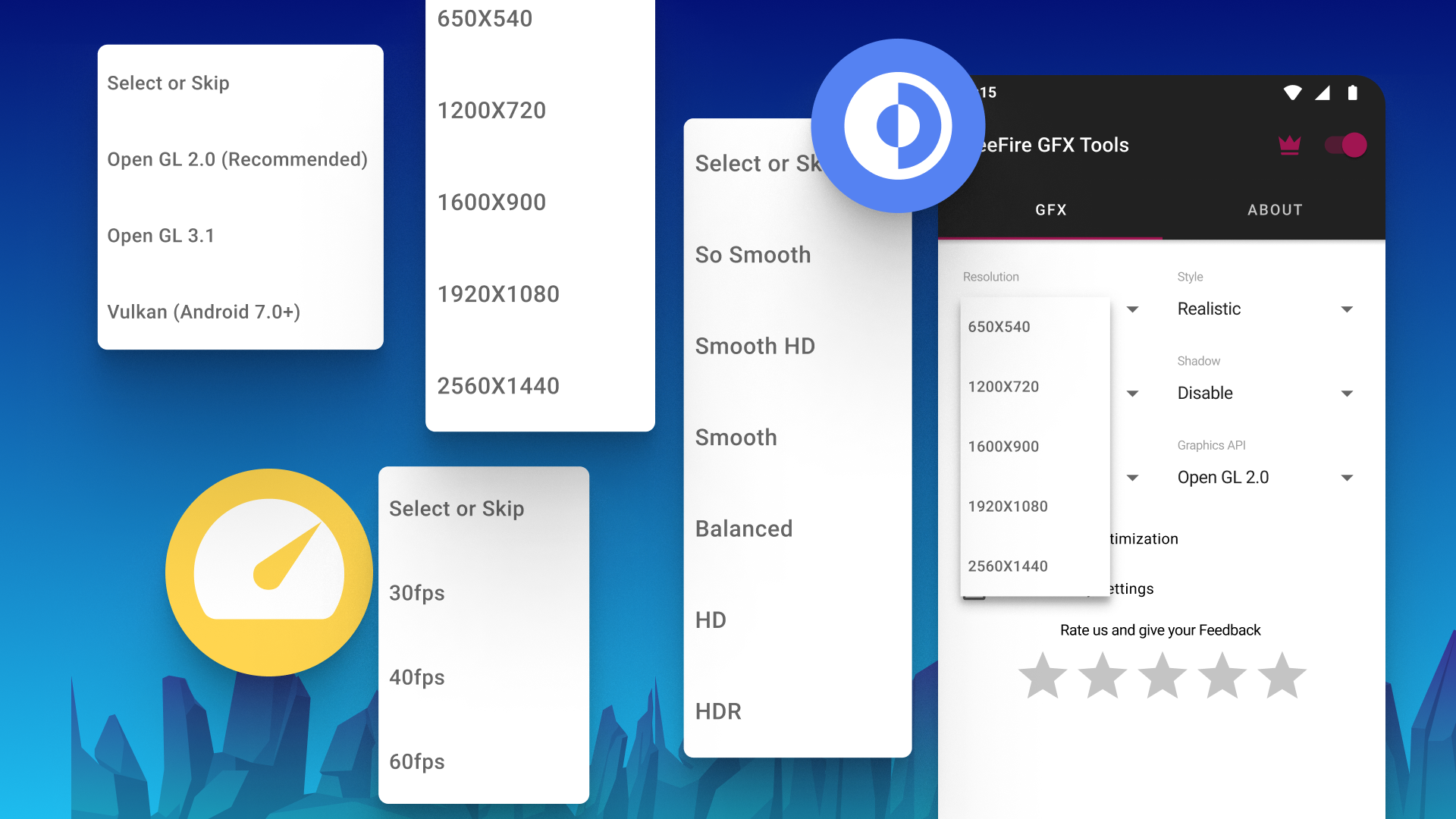
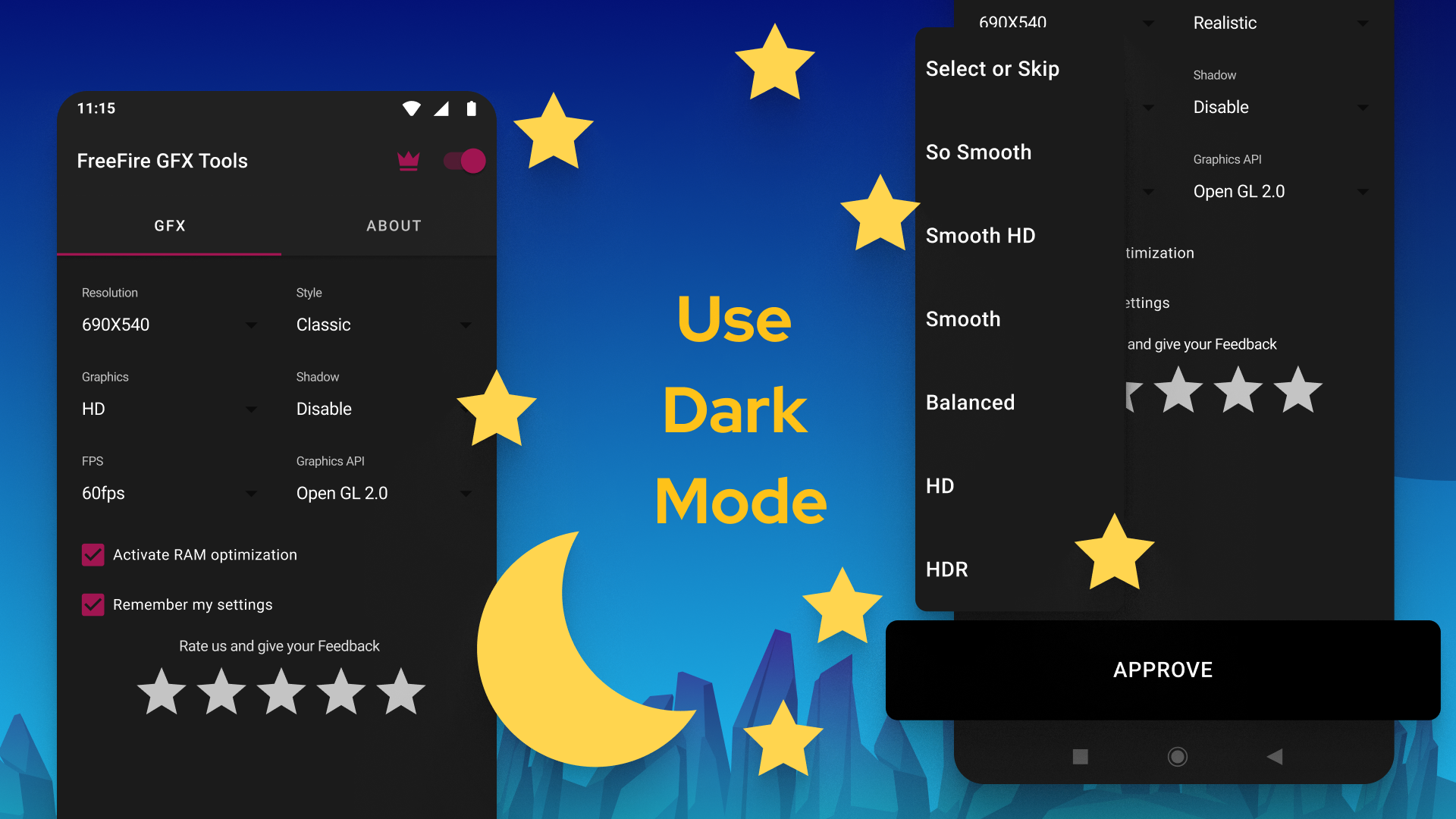
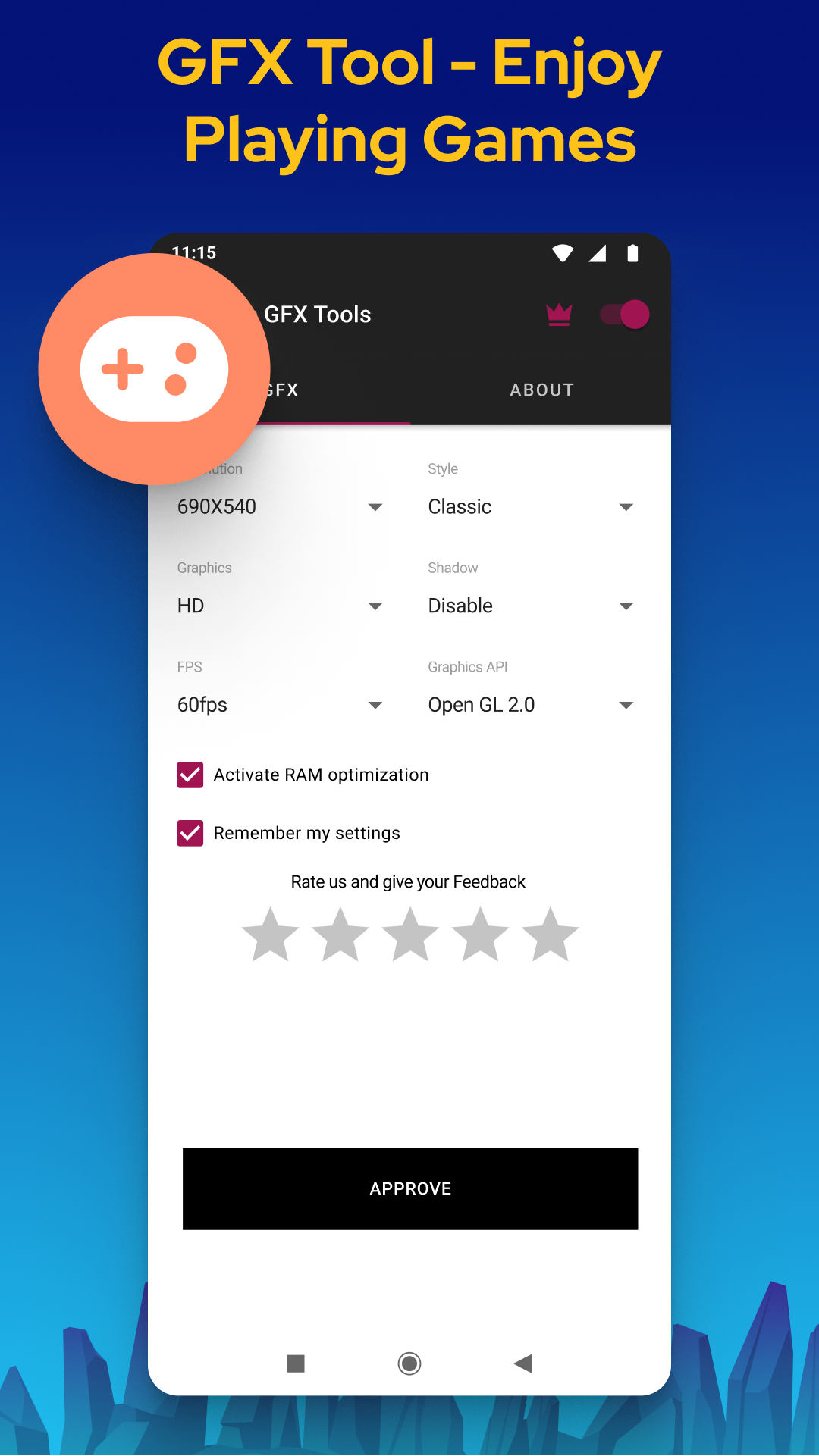
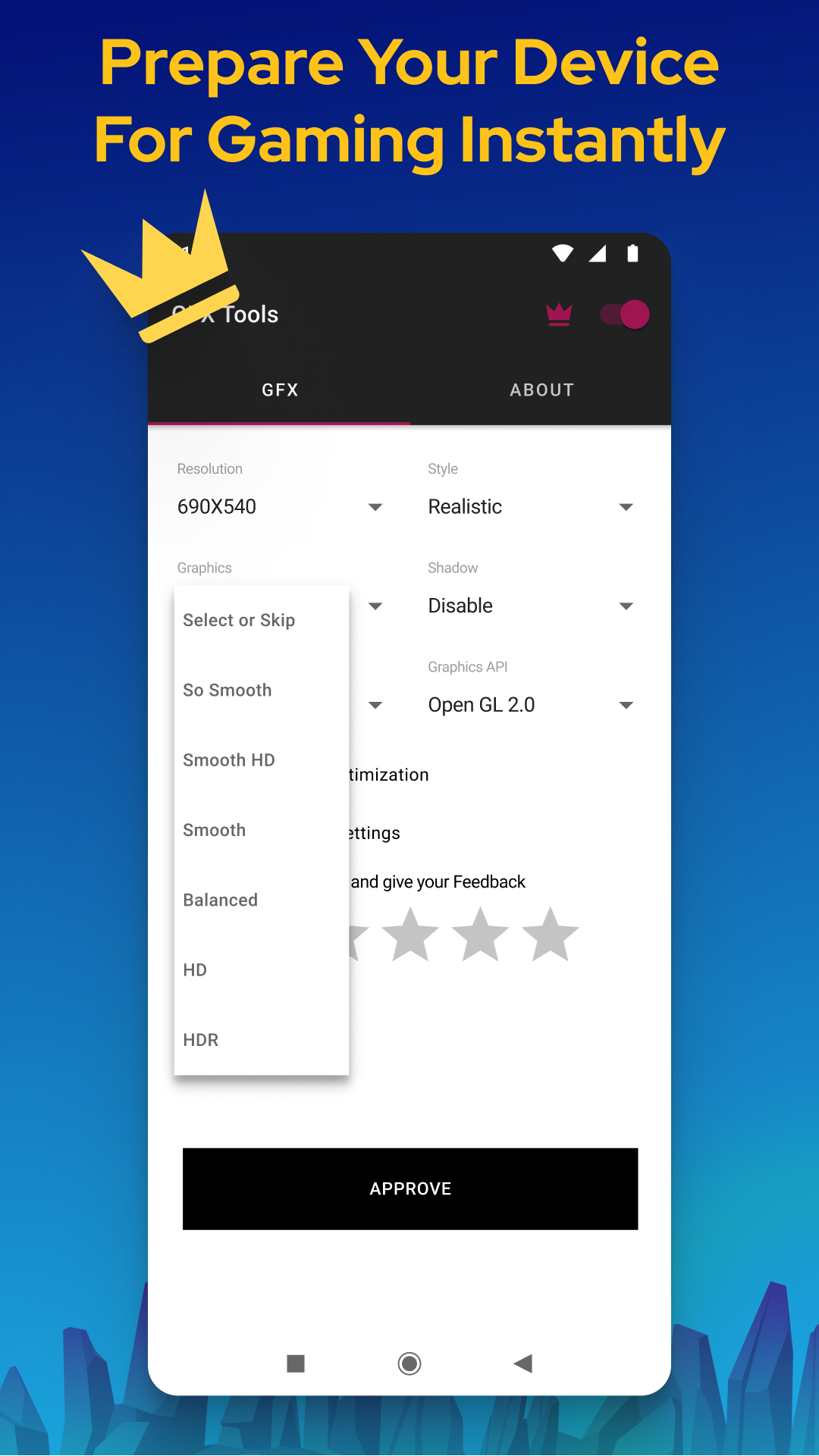
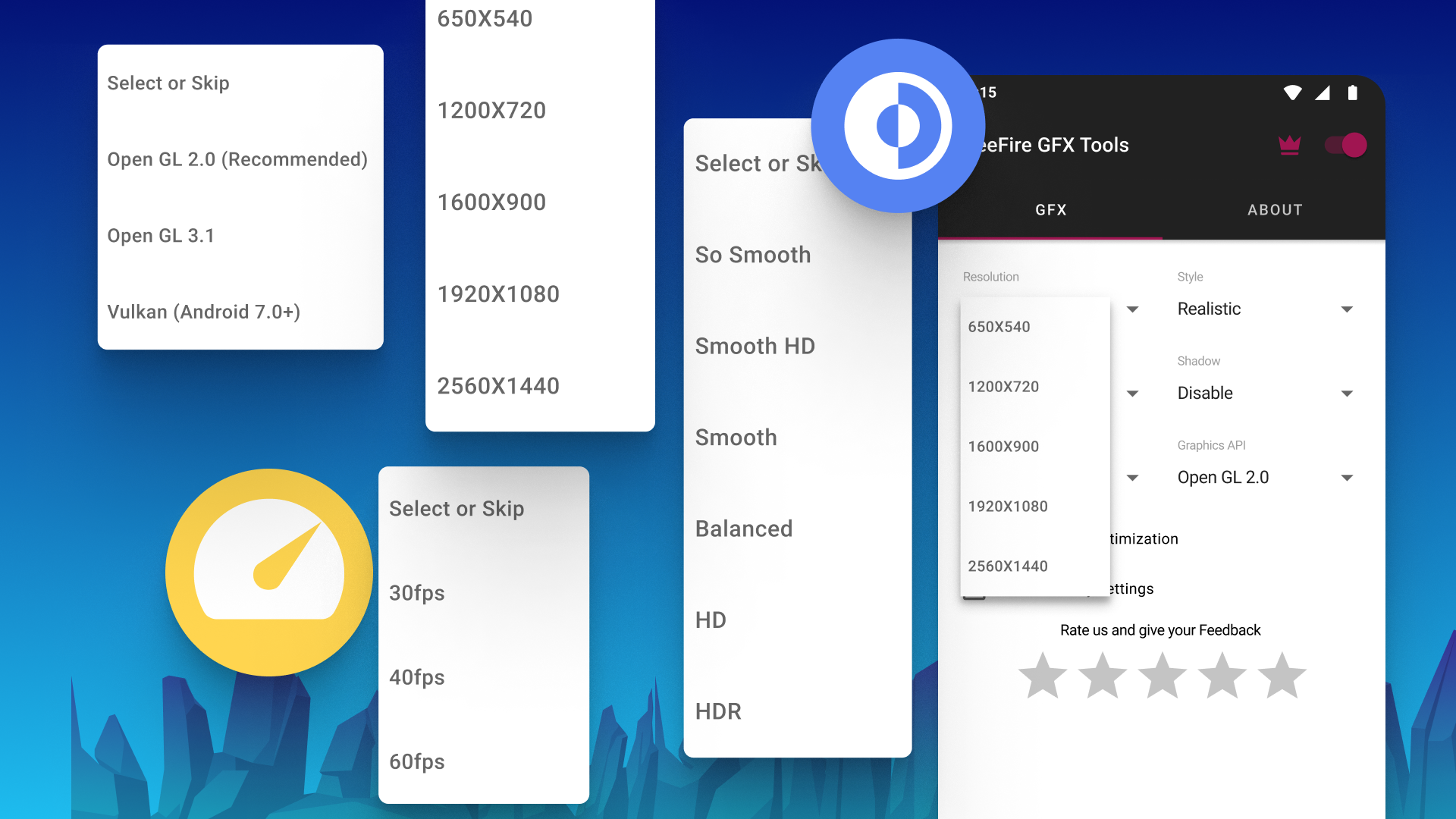
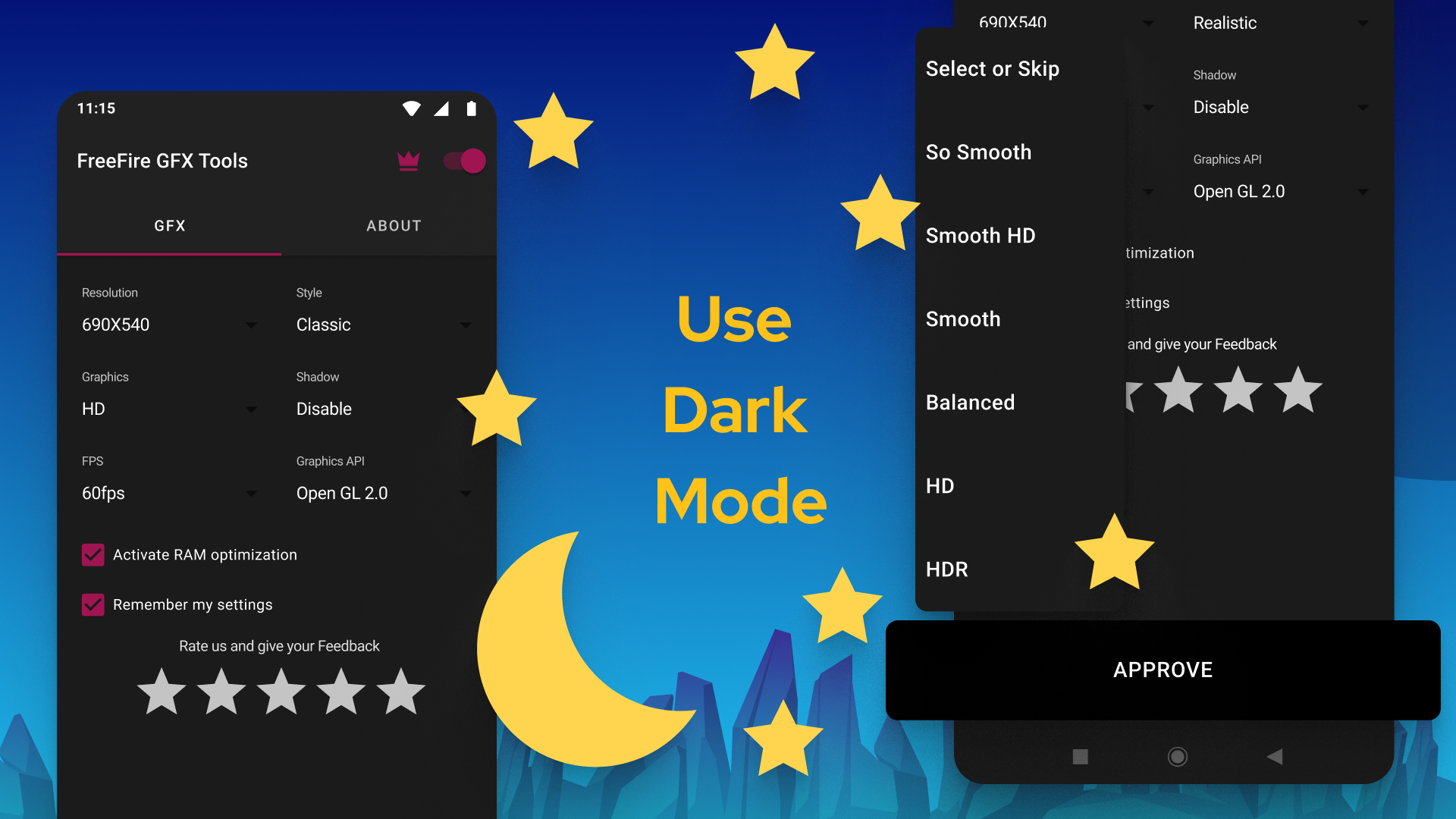
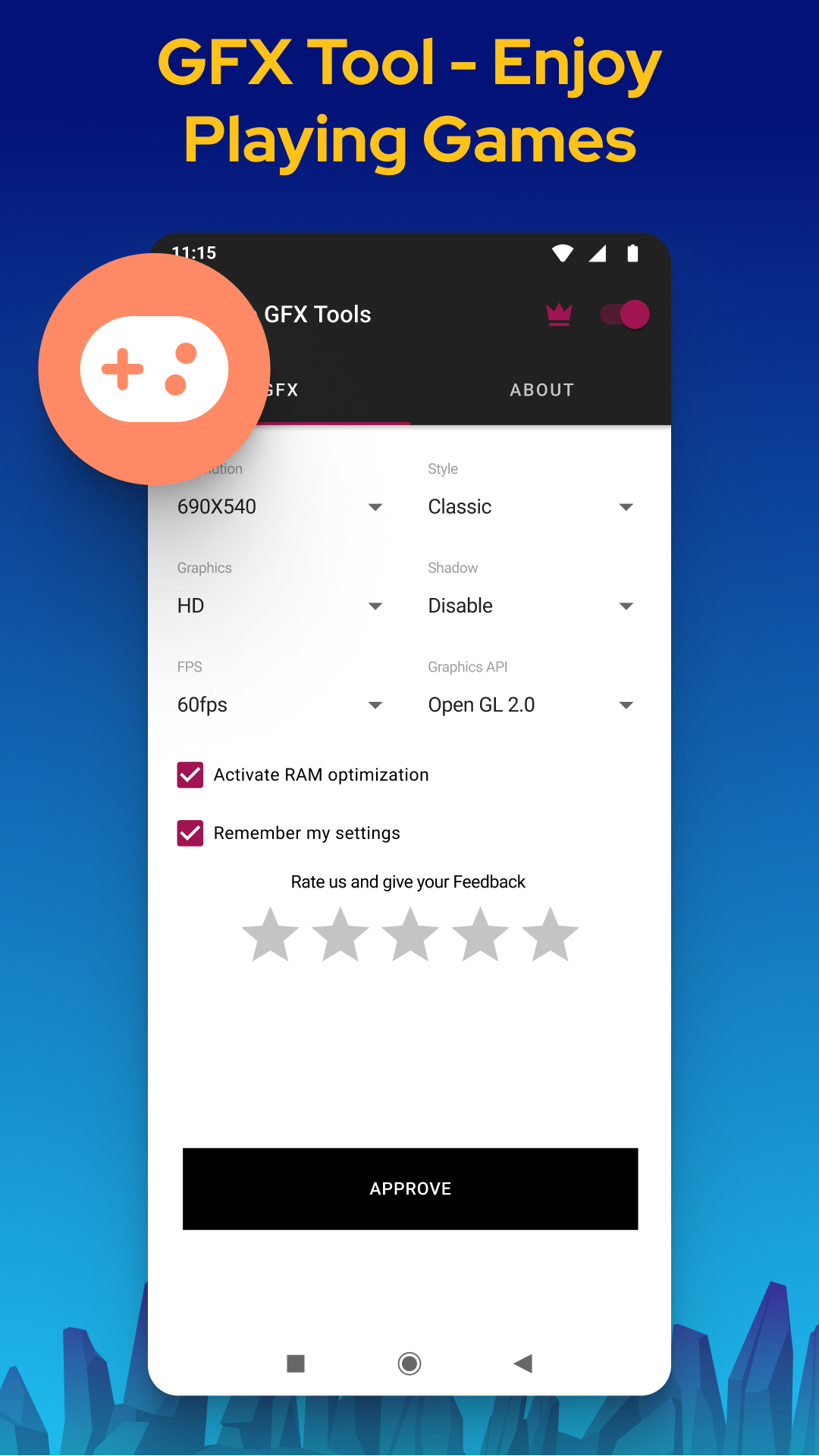
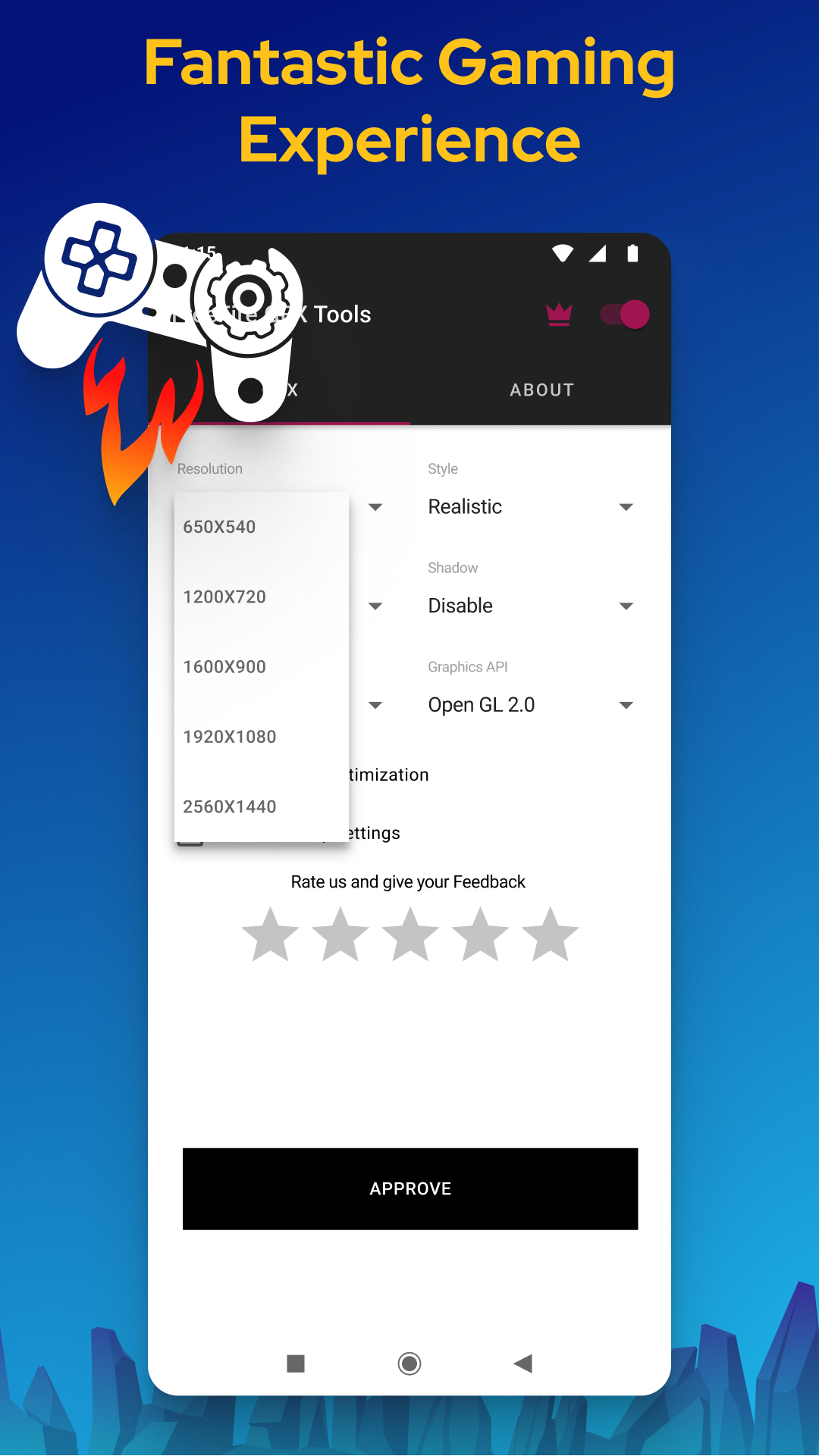
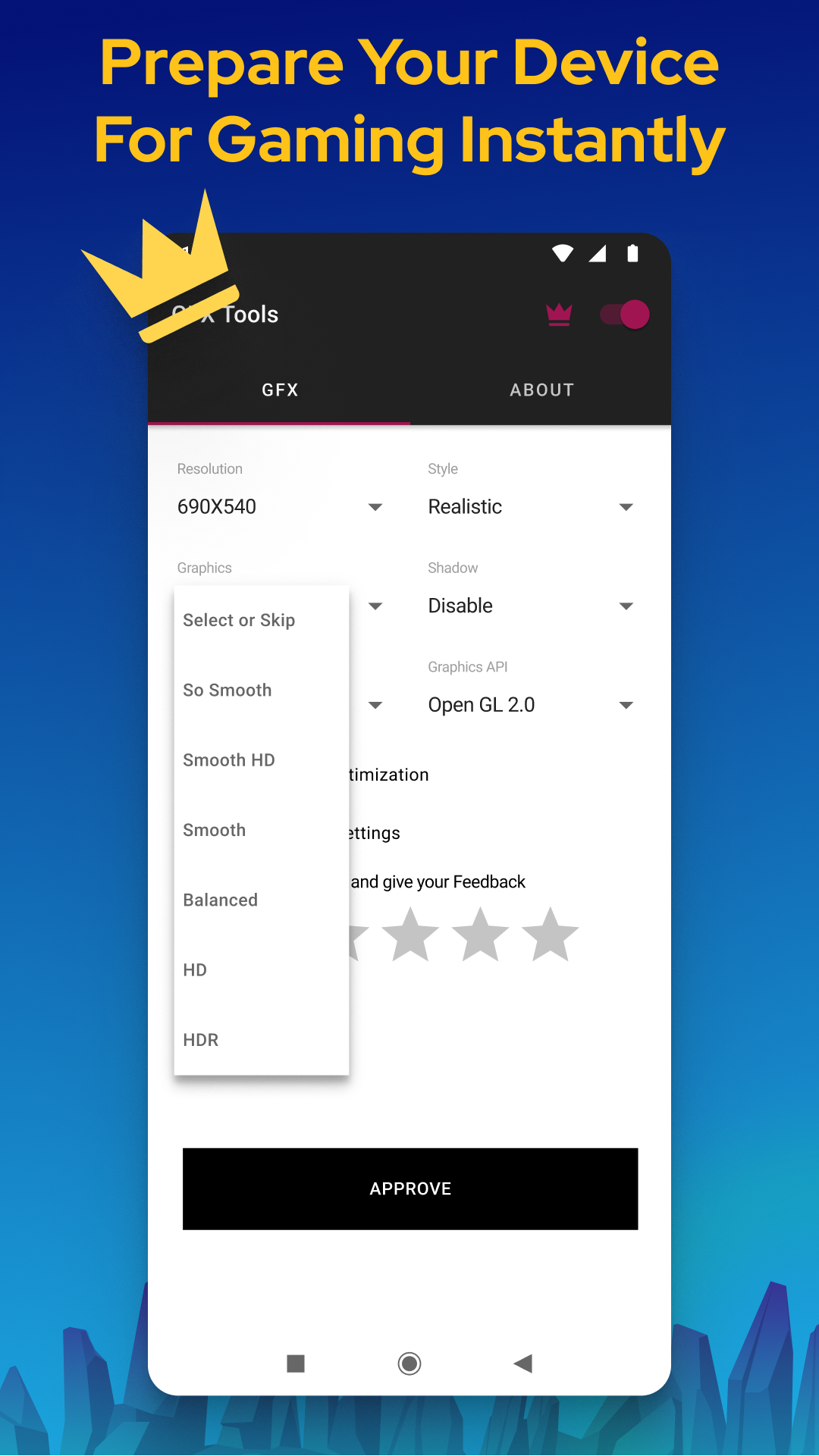
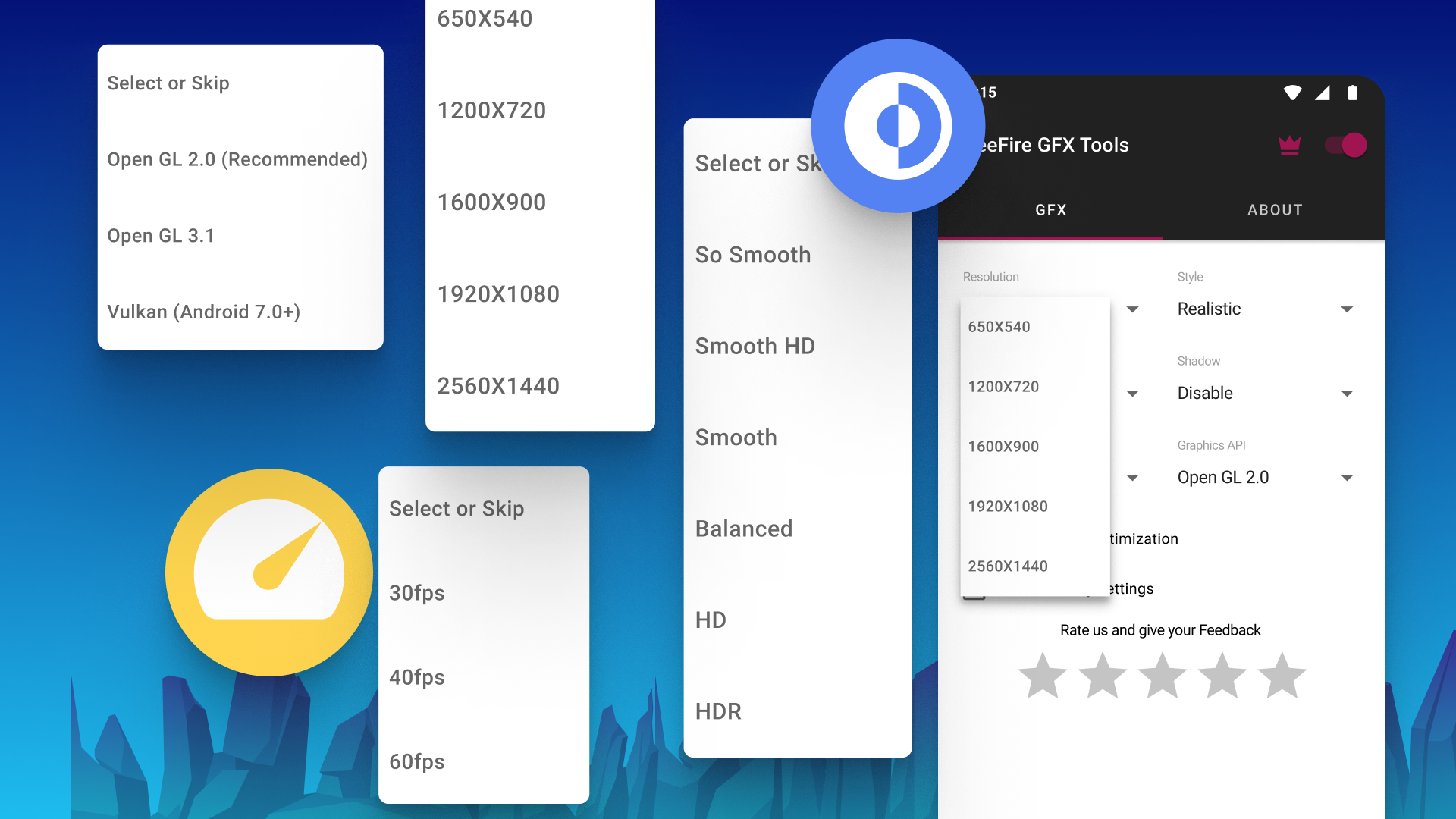
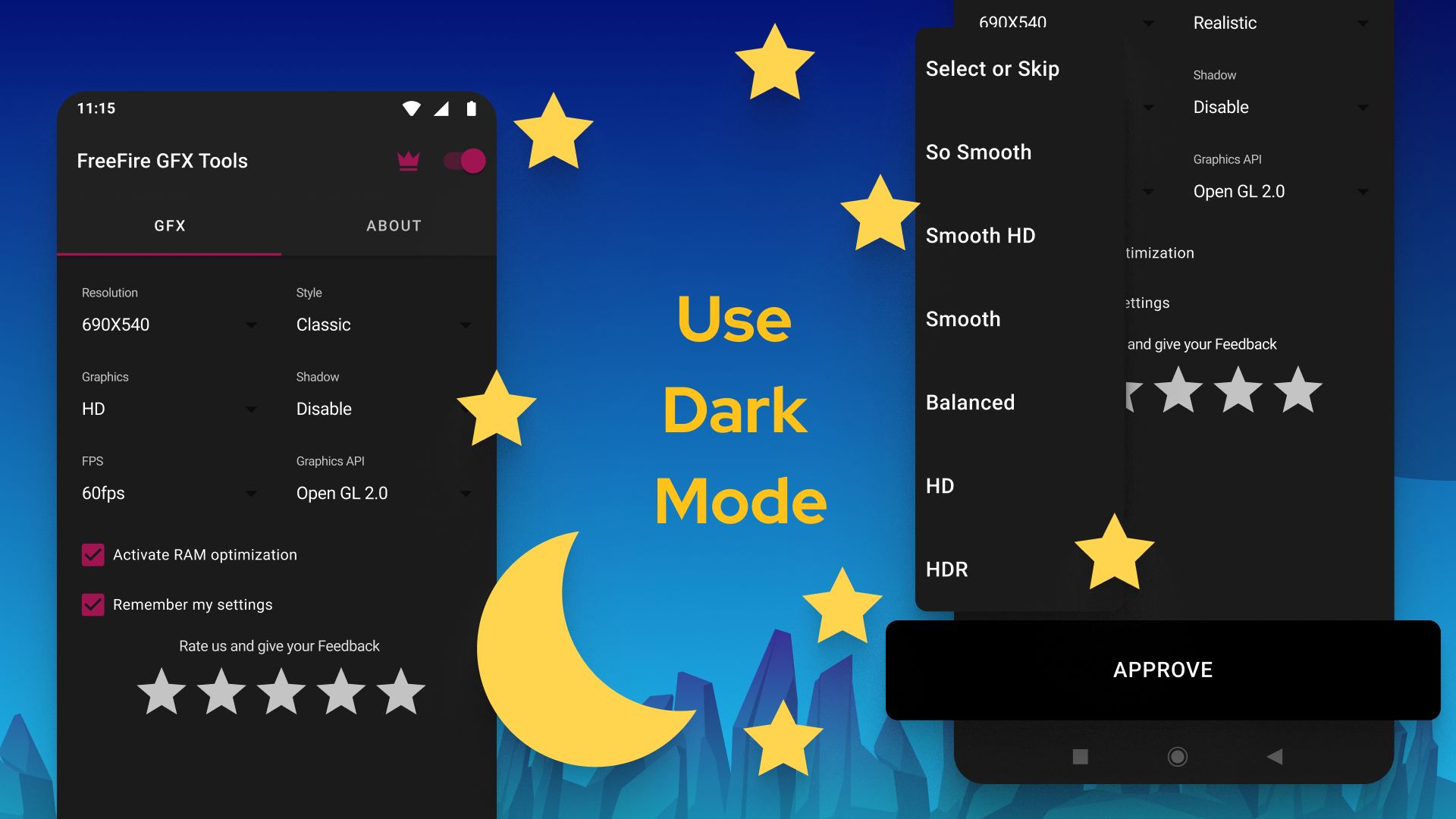
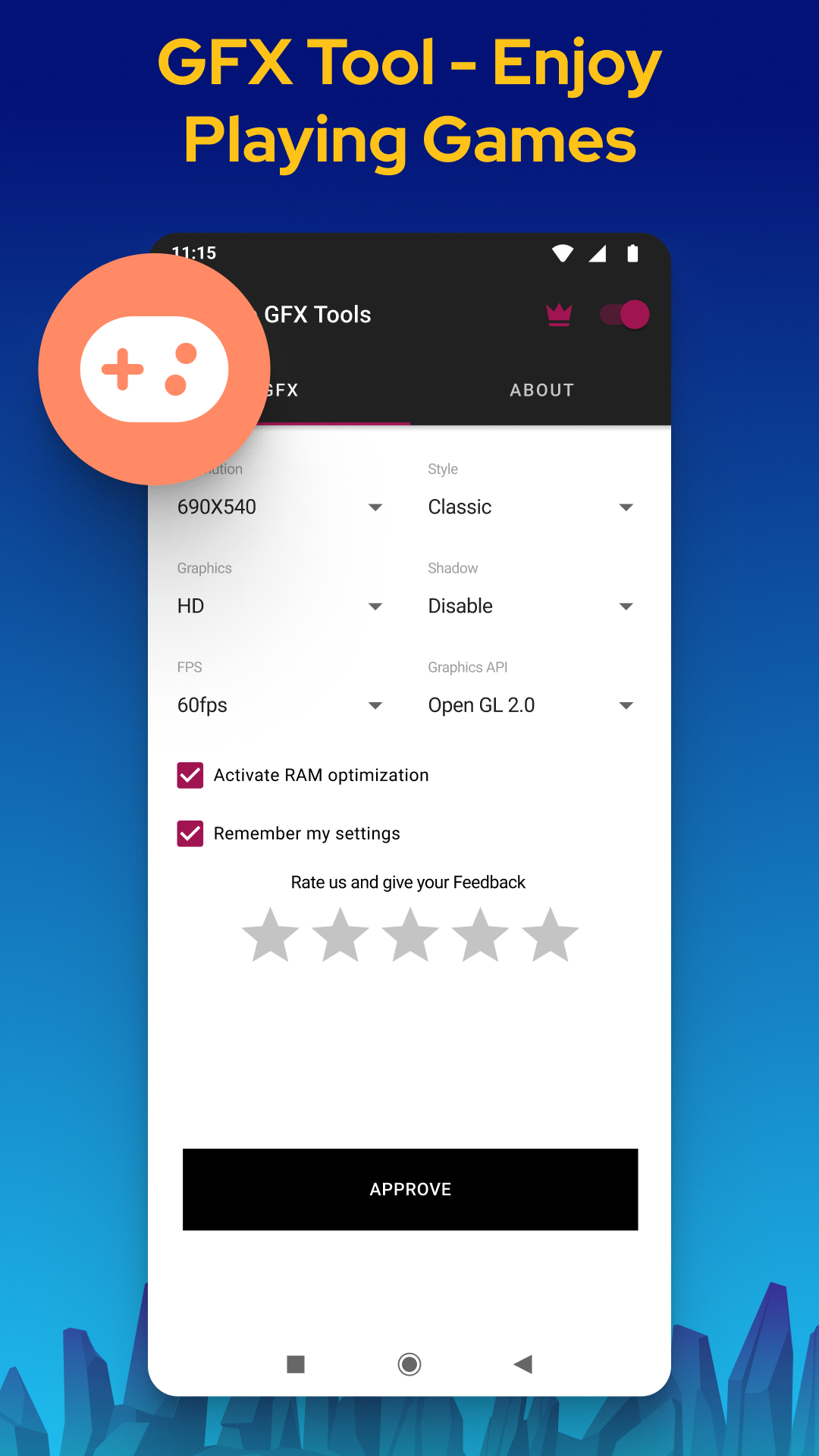
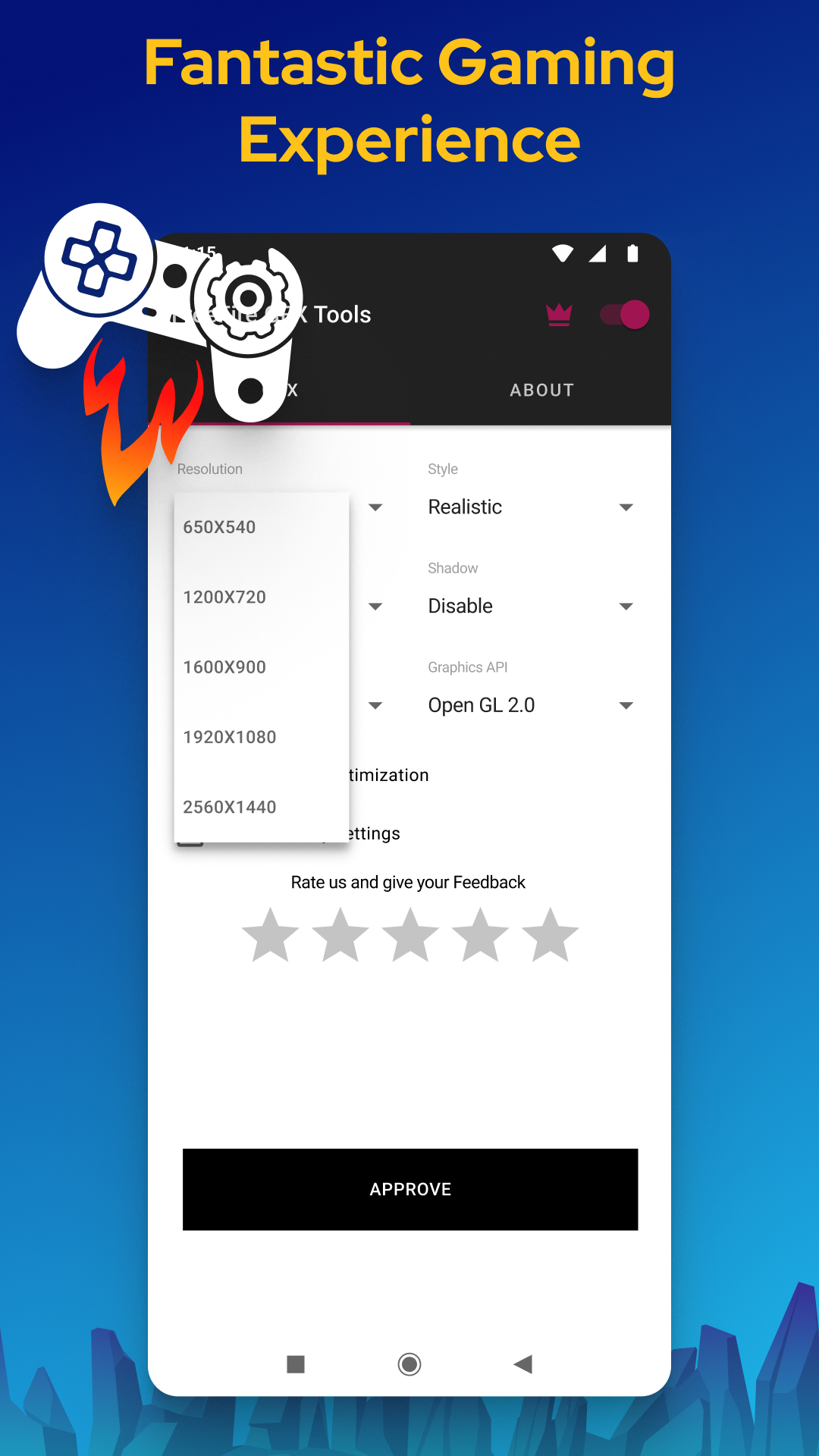
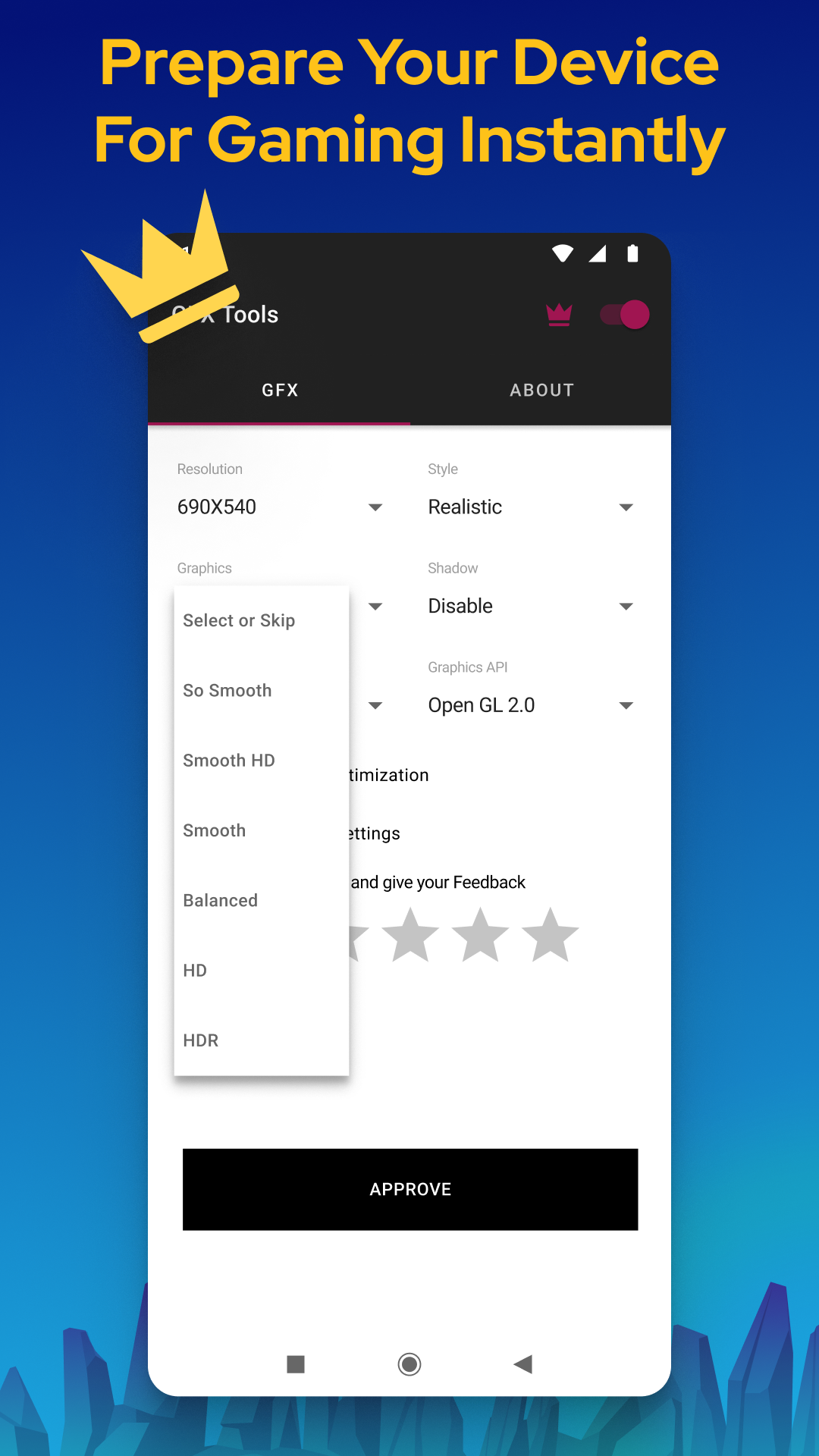
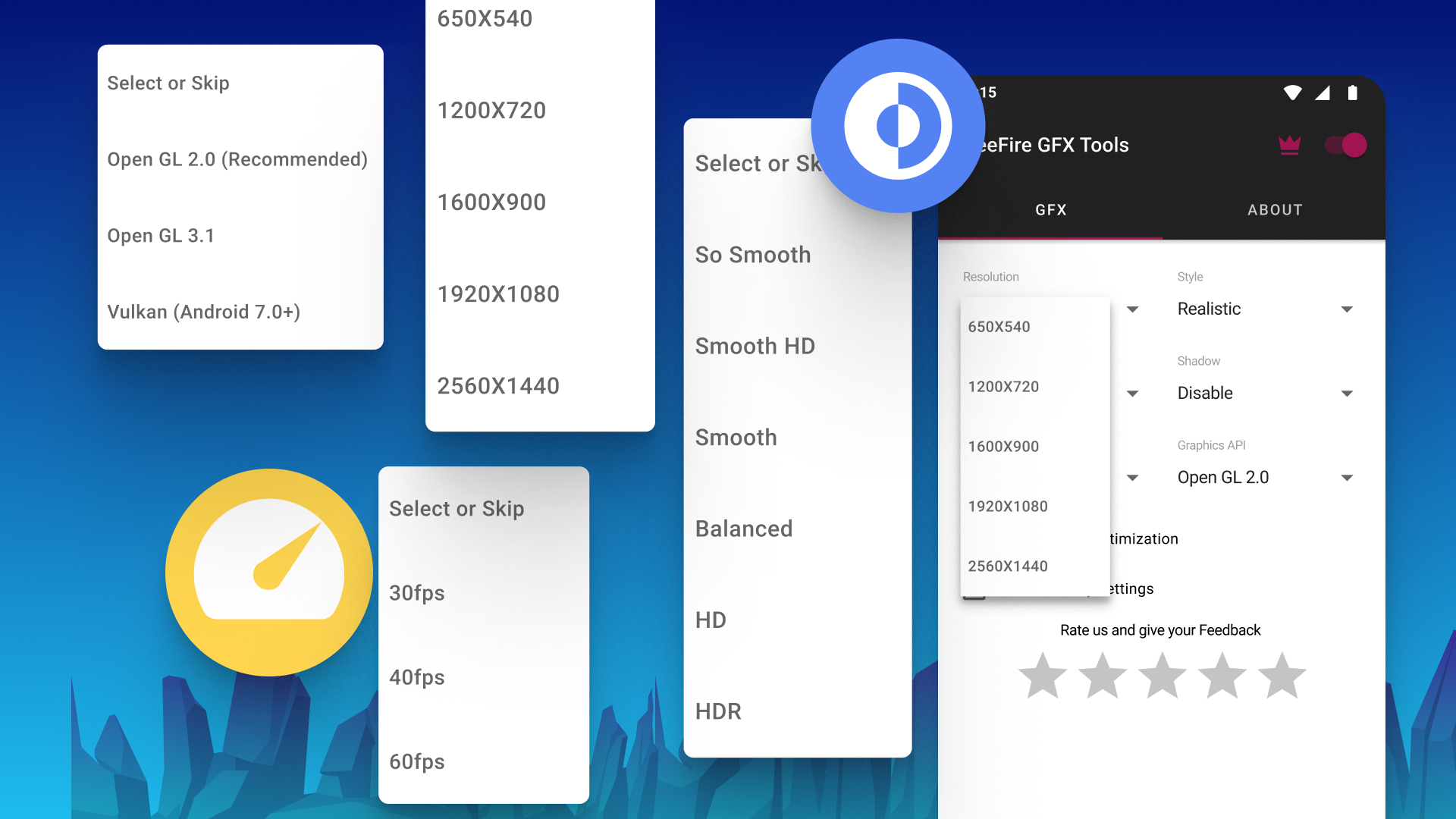
Let’s get things rolling with how user-friendly GFX Tool is. The app's magic happens on a single screen within the “GFX” section, where all the customization options are neatly lined up. Just click on any metric, select your desired level, and voilà! Want to remember those settings? Just tick a box—easy peasy! Need to check out your phone's configuration? No problem! There's an “About” section right next to where all the fun begins. With only a few quick operations, you can jump straight into your upgraded gaming experience—all in just seconds!
With GFX Tool, you can effortlessly adjust crucial parameters that enhance the graphics quality and image clarity of your games. It ensures that gaming feels optimized for the specific device you’re using. Whether you're on a flagship smartphone or something mid-range, GFX Tool makes sure you're playing at your best.
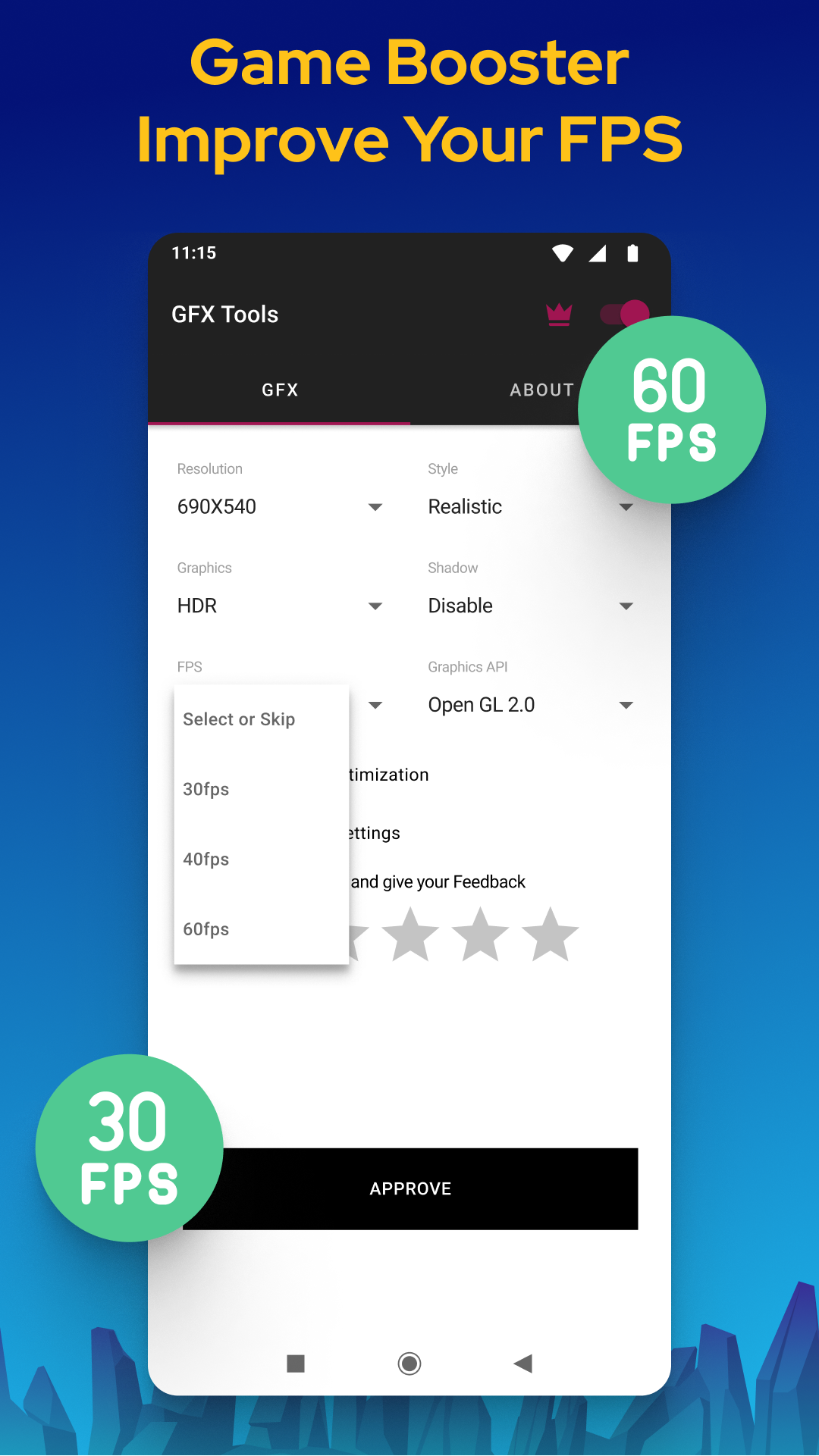
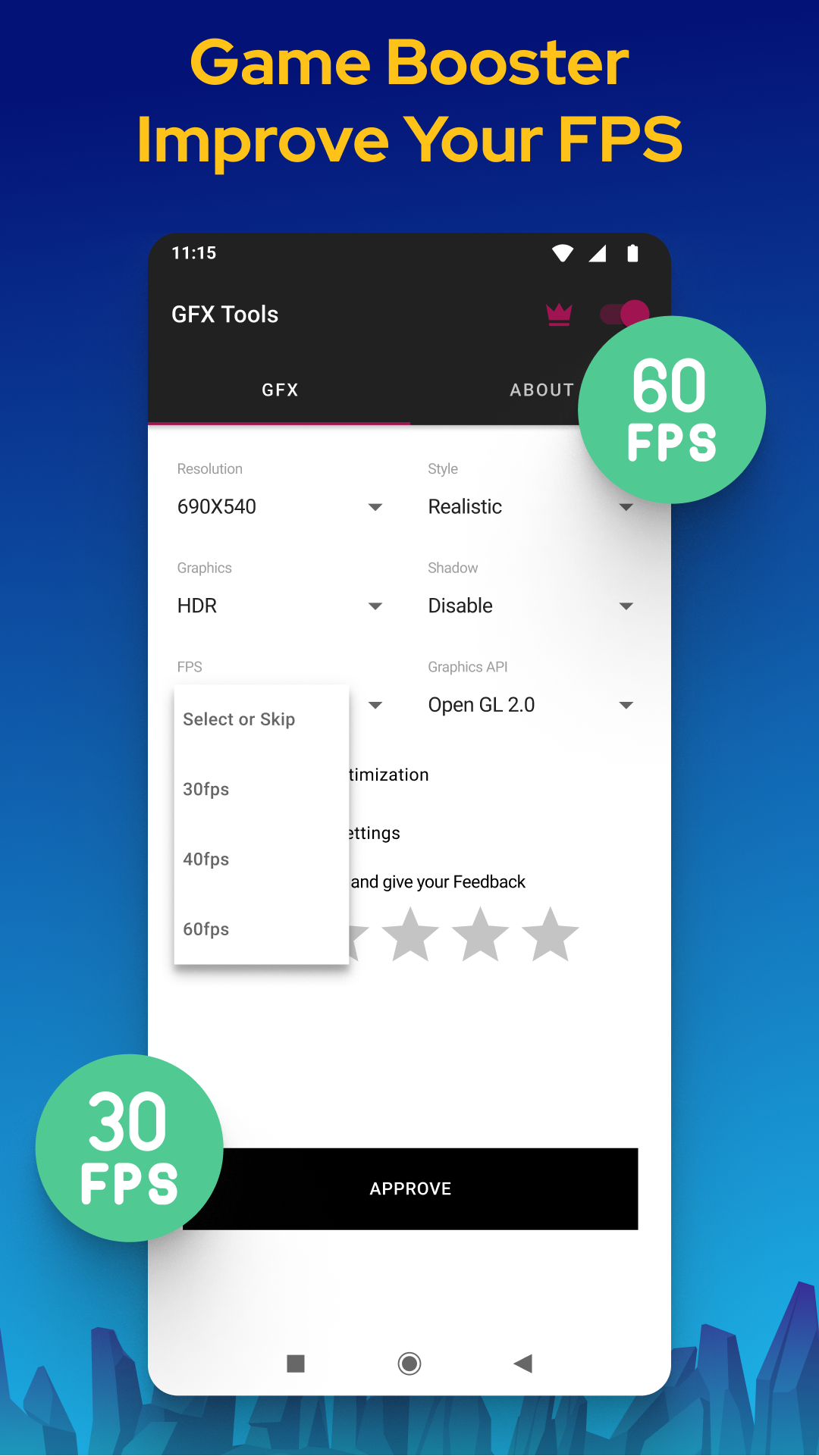
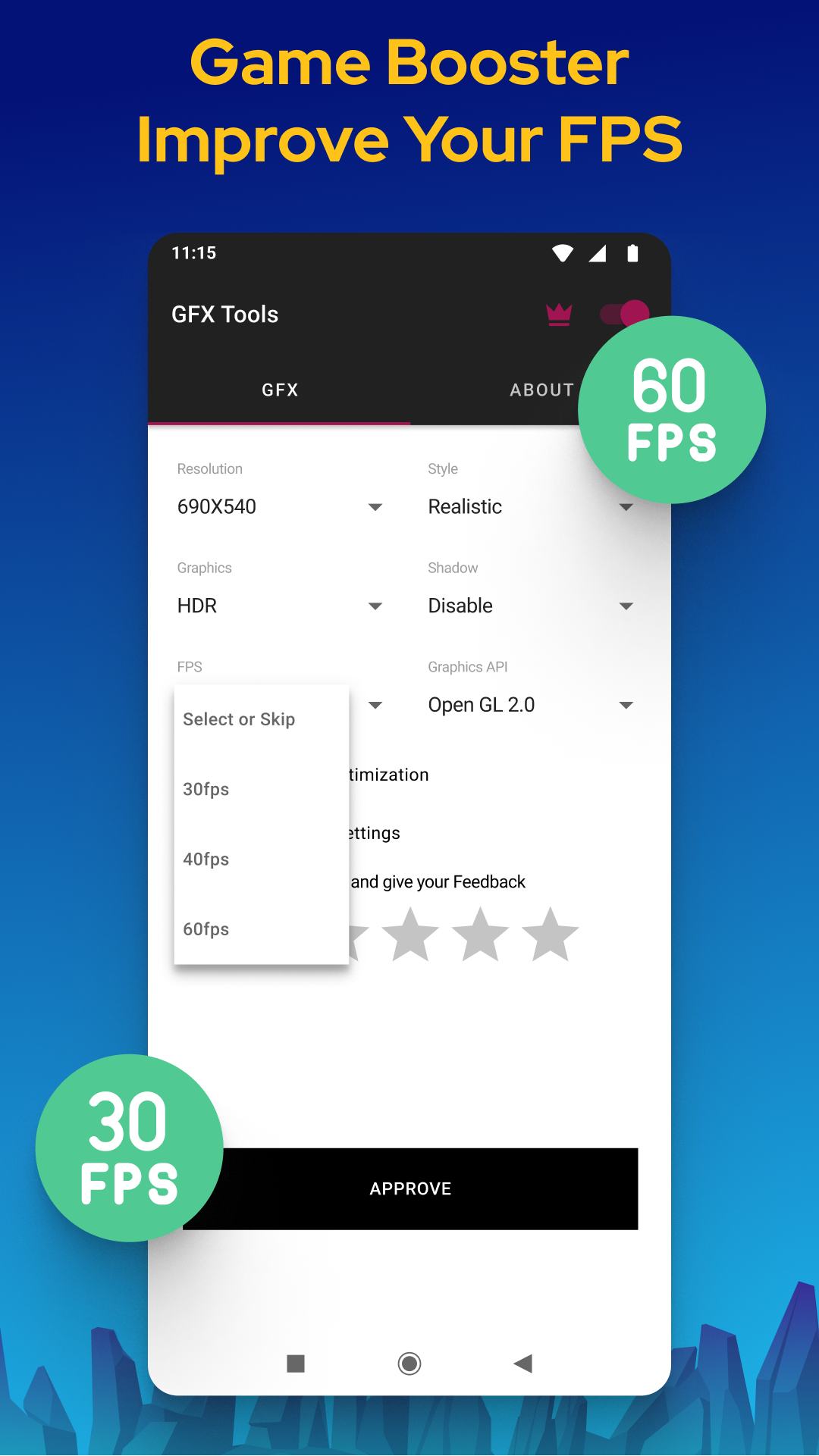
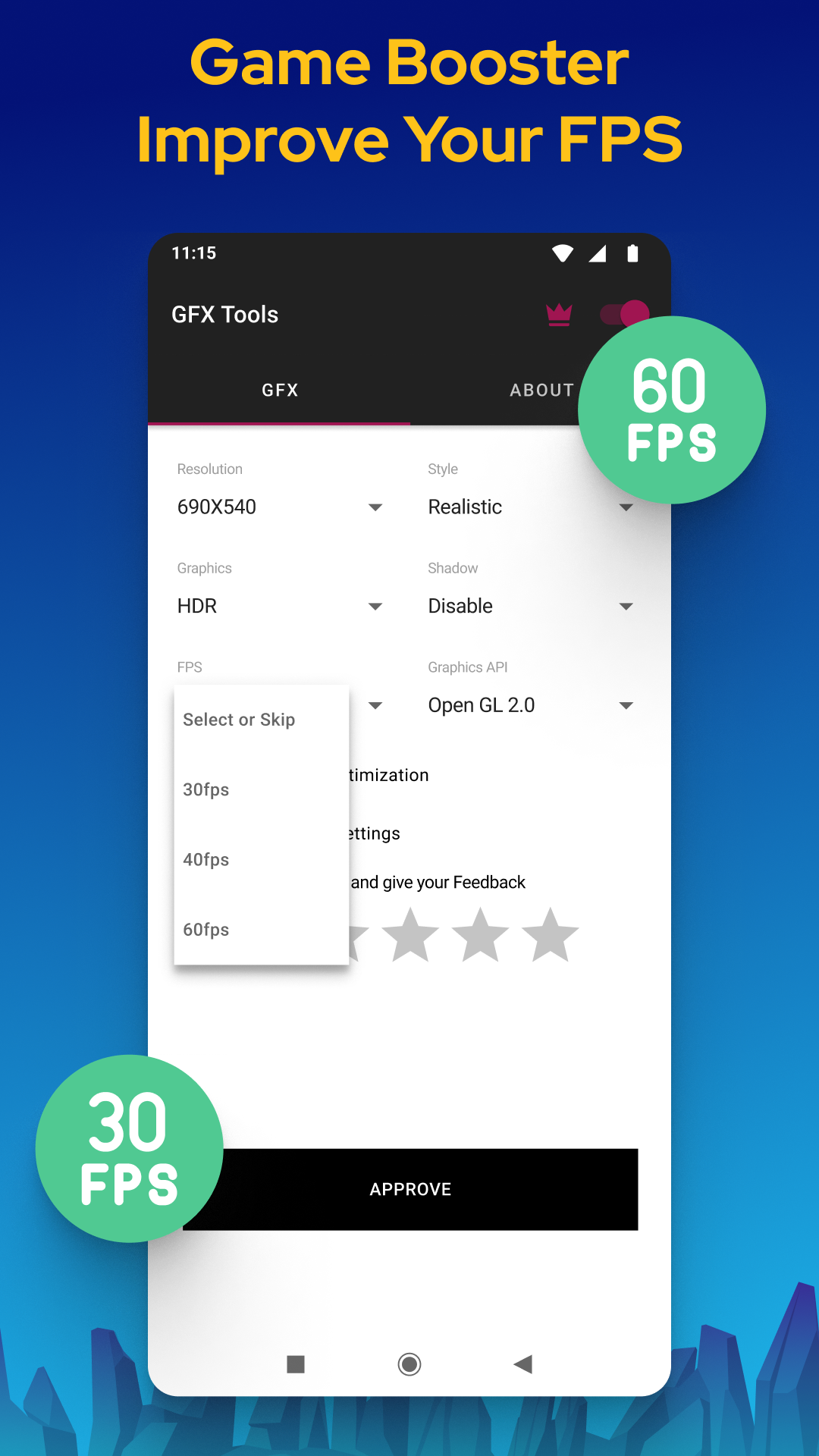
Let’s talk about FPS (frames per second) because we all know that’s the golden ticket to a smoother gaming experience. GFX Tool doesn’t just abide by the usual FPS limits, which often cap around 30; it lets you unleash up to 60FPS! So if you've ever wanted to feel like you were gliding through your favorite game rather than trudging through mud, this feature is a total game-changer. Plus, it comes with unique extensions that ensure everything runs flawlessly.
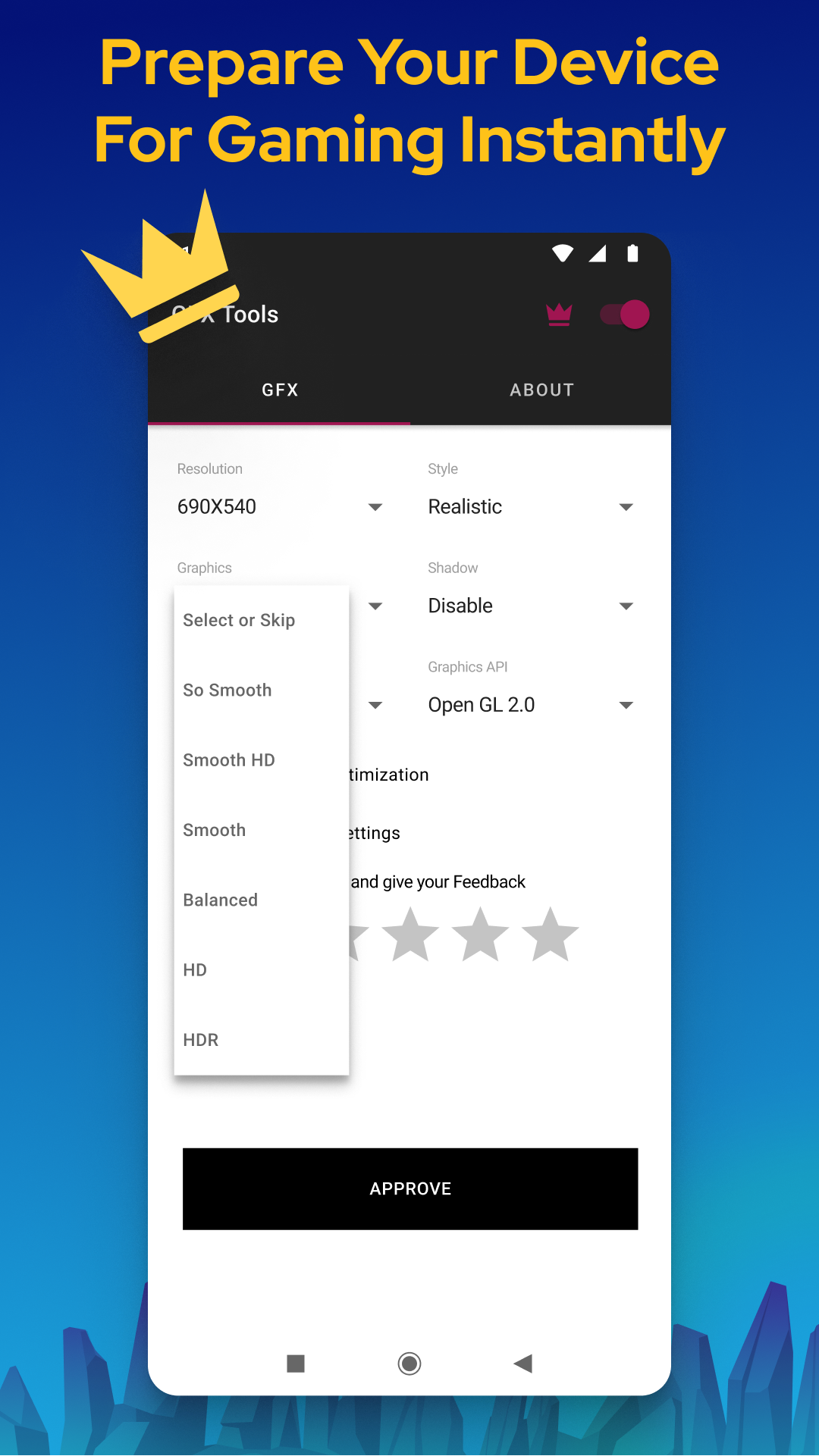
But wait, there’s more! GFX Tool doesn't just stop at FPS improvements; you can go wild adjusting the graphic quality for various games. This app connects directly with multiple features, allowing users to tweak everything and break through the inherent limitations of their games. Each adjustment opens doors to stunning visual exploration that will leave you mesmerized.
Optimization is great, but let’s kick it up a notch with GFX Tool’s booster function! This nifty tool cranks every part of your device into high gear, maximizing picture quality without sacrificing performance. Sure, it might munch a bit more battery, but trust us, the trade-off for enhanced smoothness is totally worth it. Customize your boosting functions and get ready for buttery-smooth gameplay whenever you crave it.
And it doesn’t stop with games! GFX Tool also ramps up critical systems running heavy-duty applications. If you find that some apps are draining your device's memory or performance way too quickly, this app can help maximize productivity. Imagine breezing through demanding applications while maintaining peak performance—now that's something to cheer for!
Optimize your device's performance for better app operation—even if it means draining the battery faster.
Accelerate various system protocols to prioritize your tasks effectively.
Unleash powerful boosts while running resource-heavy applications for an undeniably smoother experience.
Break through FPS barriers in numerous games to achieve optimal frame rates and seamless interaction.
Enjoy a multi-faceted graphical interface tailored to enrich your gaming experiences!
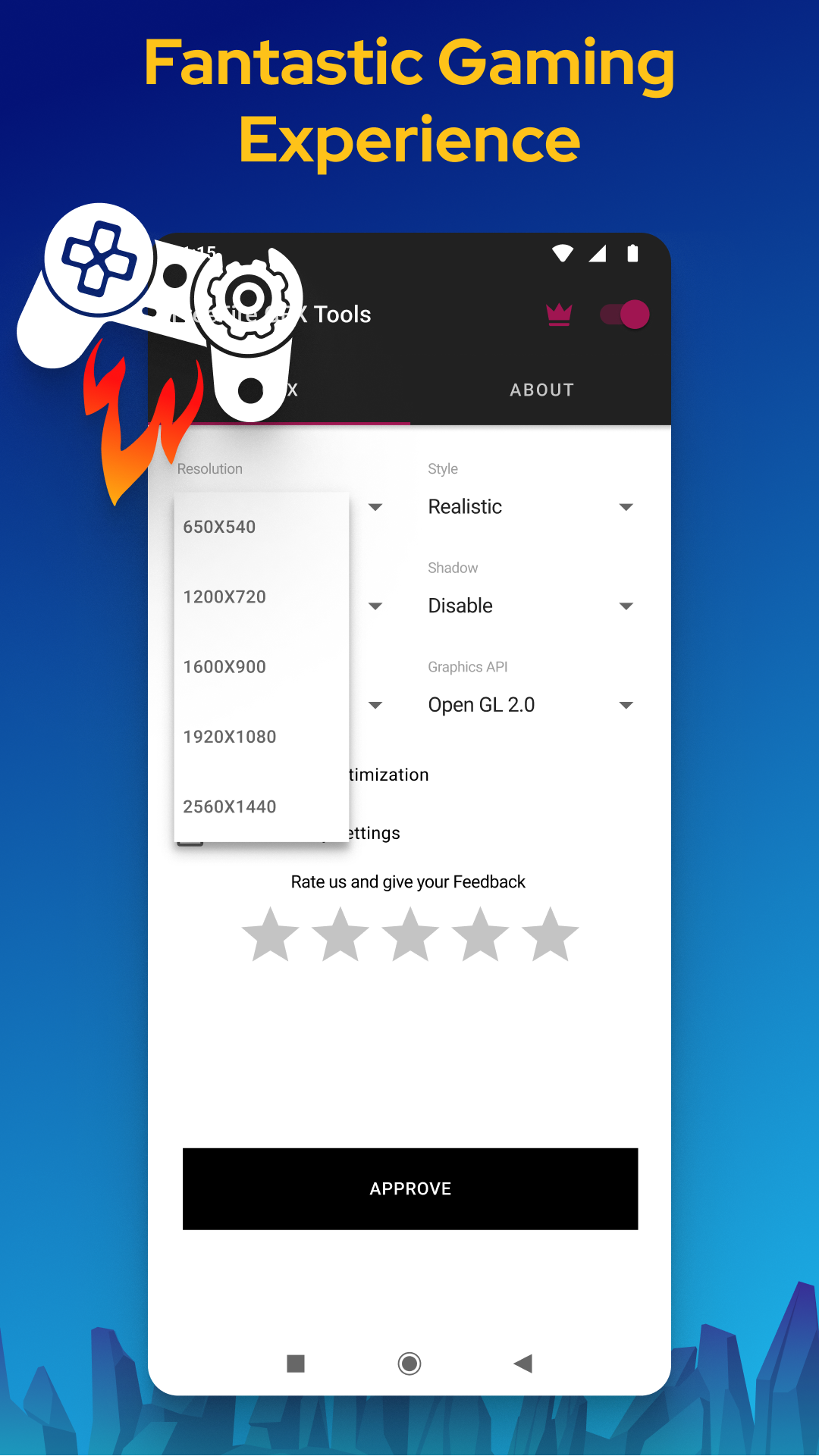
Using GFX Tool not only allows you to fully customize graphics for beautiful visuals but also ensures smooth gameplay. Whether you’re adjusting resolution, FPS, or rendering quality, this app has got you covered for lots of popular Android games!
> Note: GFX Tool isn't associated with any other app nor does it claim rights to third-party logos or names, keeping it nice and legit!
Cache memory can be a sneaky culprit that slows down your phone, especially when gaming gets intense. Thankfully, GFX Tool offers a special cache-clearing feature. Unlike the standard clearing options you find on devices, GFX Tool’s cache clean-up works like a charm, ensuring you play uninterrupted. Say goodbye to sluggish loading times and hello to fluidity!
Don't forget about all the built-in settings where you can change the graphic styles of your favorite games. Each style has its charm, even though one might give you an unfair advantage over others. Customize user profiles, and try to balance the gameplay with aesthetics. GFX Tool keeps delivering innovative updates to push the envelope on graphics quality.
Keep in mind that not all smartphones are created equal! GFX Tool adapts according to your device's capabilities. While high-end models can handle maxed-out settings with ease, mid-range devices might need a gentler approach to prevent overheating—or, dare I say, damage.
Before elevating your smartphone for superior gaming, make sure it's in a stable state. Once optimal conditions are met, GFX Tool becomes extremely effective in enhancing both gaming and everyday tasks.
So the next time you fire up a game, start the GFX Tool and let it do all the heavy lifting for you. It kicks your games into high speed, ensuring you spend less time waiting and more time dominating! Dive into your favorite games enriched with accelerated performance and stunning graphics. You’ll never want to gamer without it again!
| App Name | GFX Tool - Game Booster |
|---|---|
| Version | 1.4.11 |
| Size | 13.84 MB |
| Update | Apr 06, 2025 |
| Developer | Magar App |
| Category | Tools |
| Google Play ID | com.bshowinc.gfxtool |
GFX Tool - Game Booster 1.4.11
GFX Tool - Game Booster 1.4.11
GFX Tool - Game Booster 1.4.6.1