Navigating the complexities of network management can be daunting, but fear not! With IP Tools, you have a powerful ally in your pocket. Whether you're a tech whiz or someone who just wants to keep their internet connection running smoothly, this app is equipped with an array of premium features that will elevate your experience and streamline your connectivity.
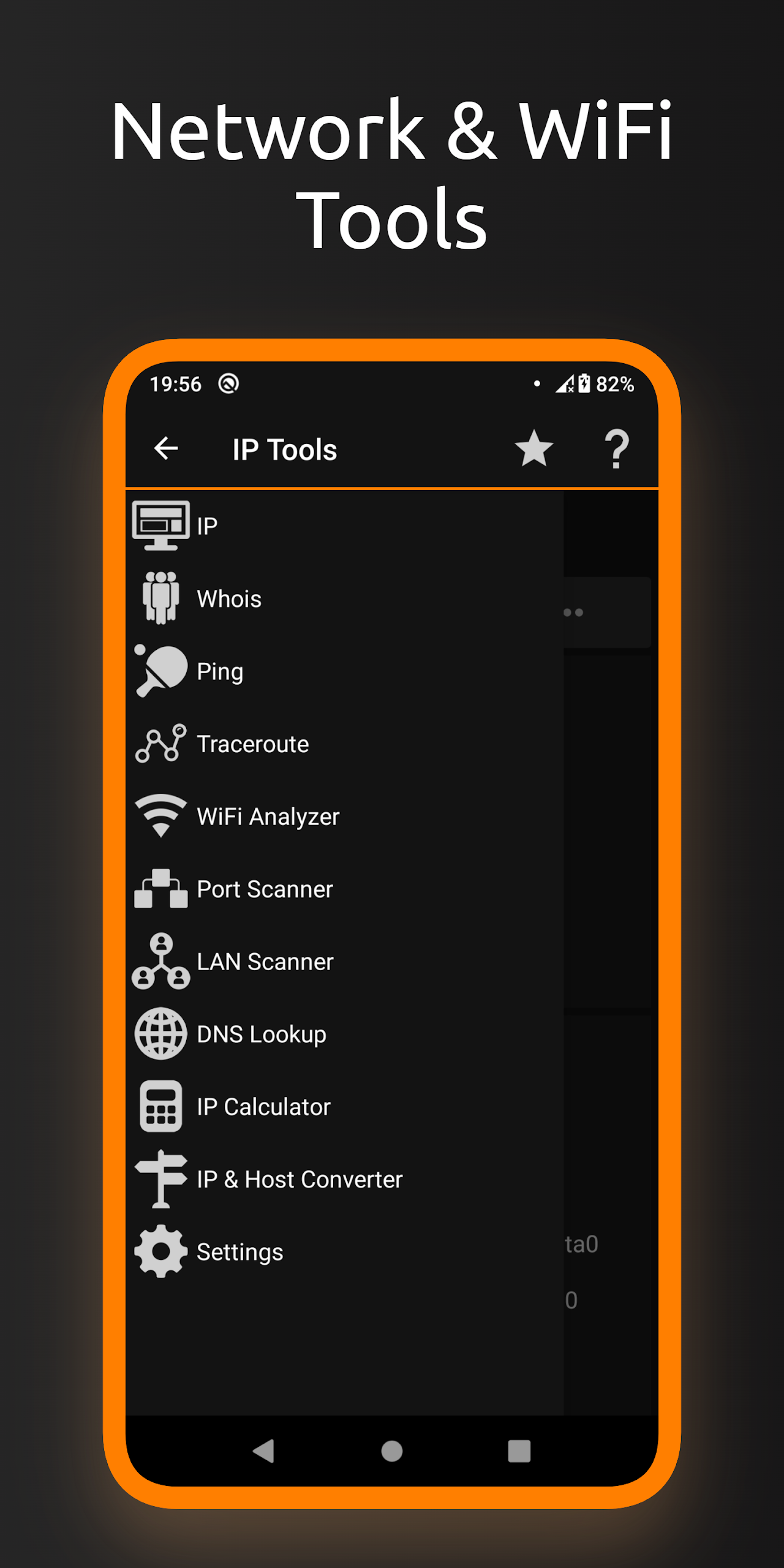
Get ready for a treasure trove of tools at your disposal:
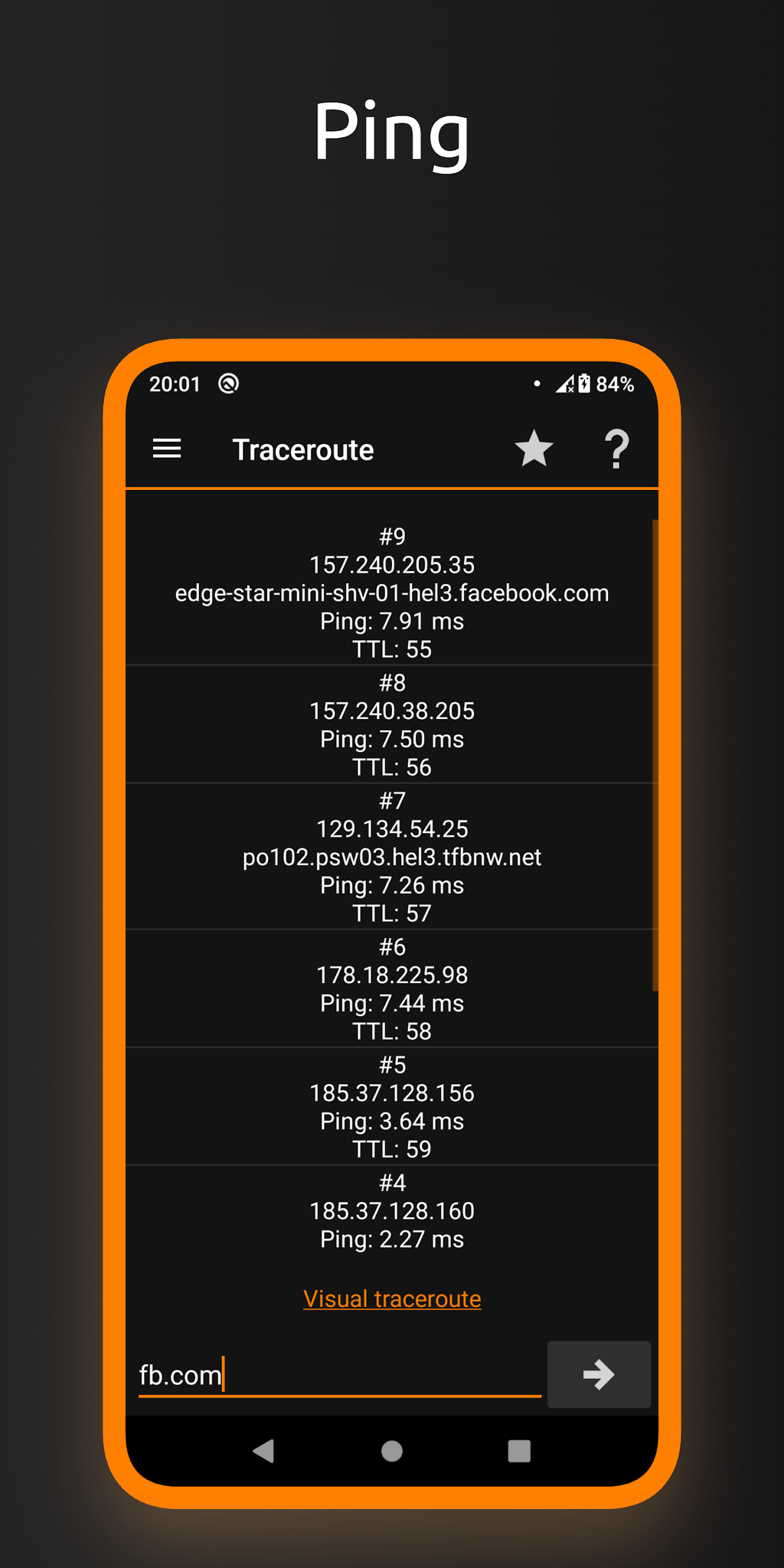
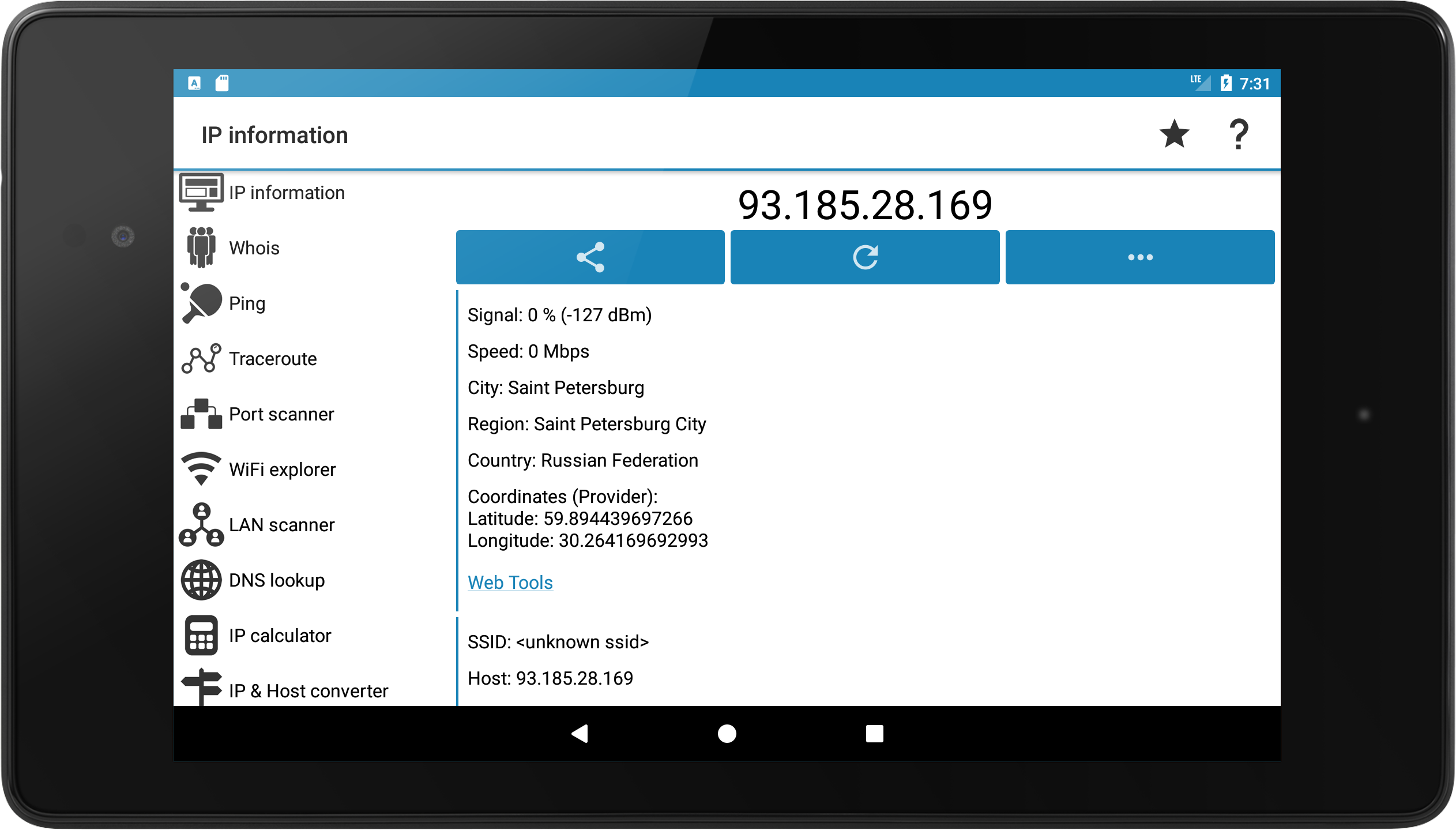
Ping
Test the latency between your device and the server.
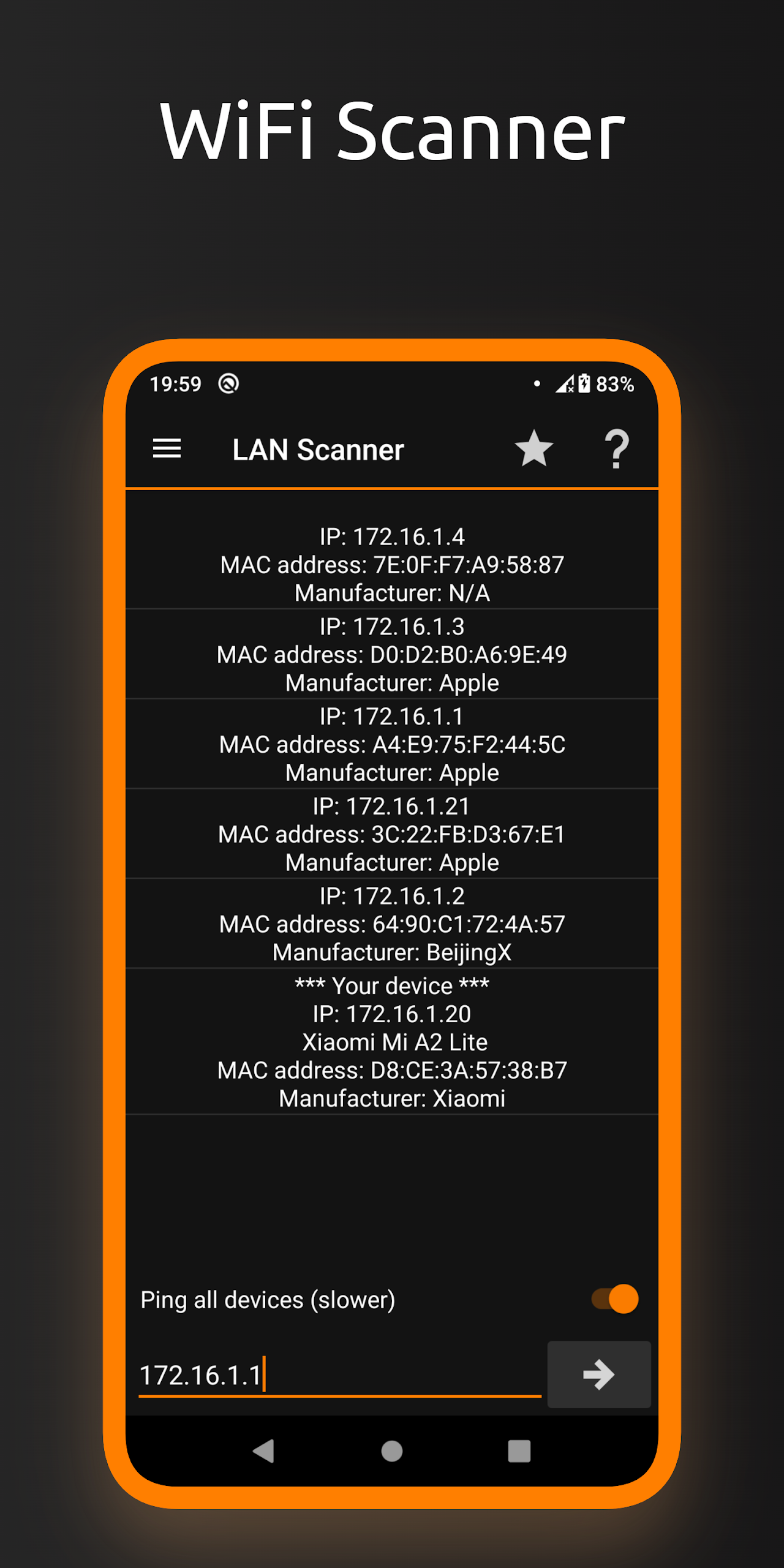
LAN Scanner
Discover all devices on your local area network.
Port Scanner
Check which ports are open or closed on a server.
DNS Lookup
Find out all about your domain name server.
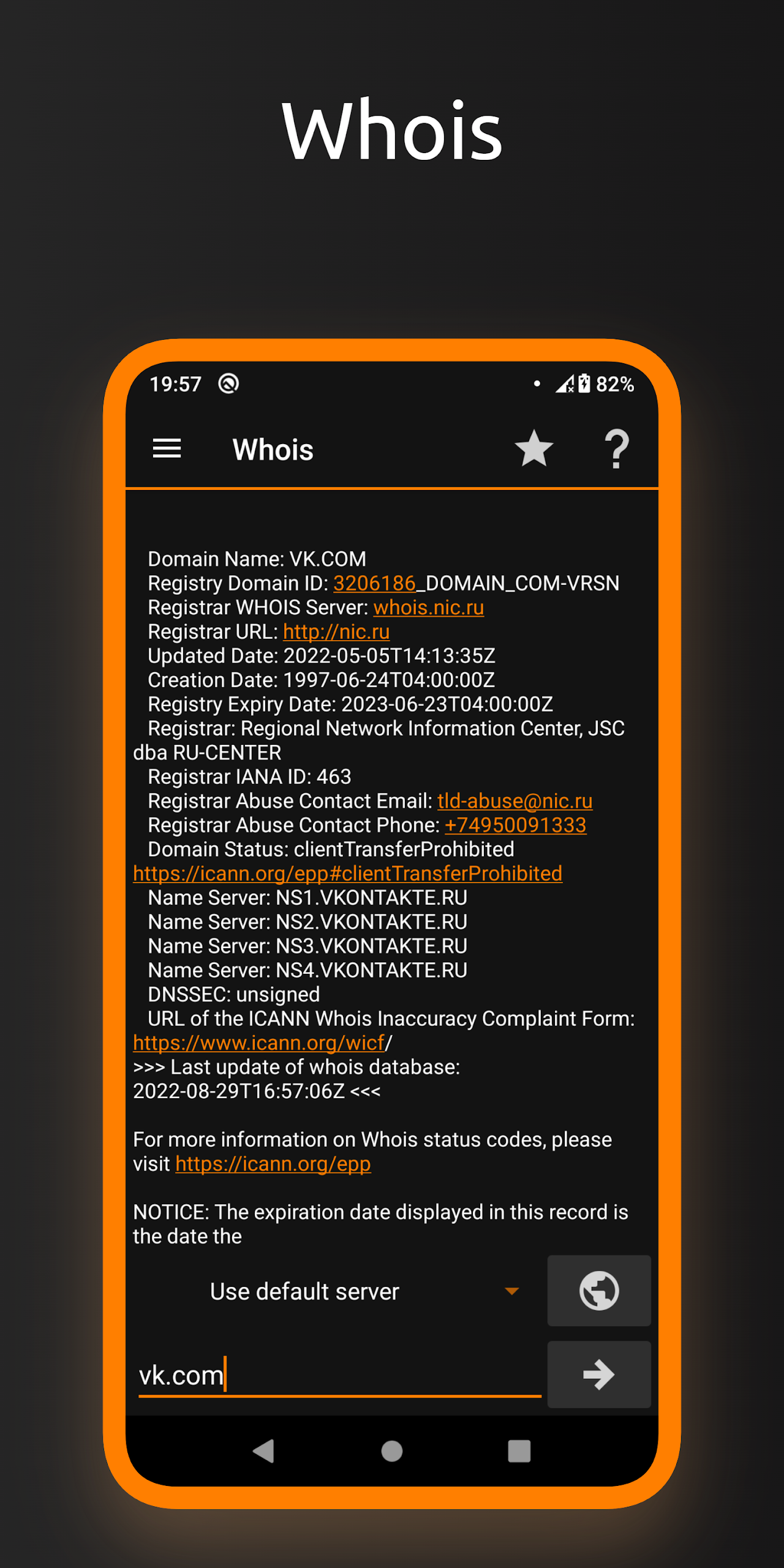
Whois
Uncover details about any website and its owner.
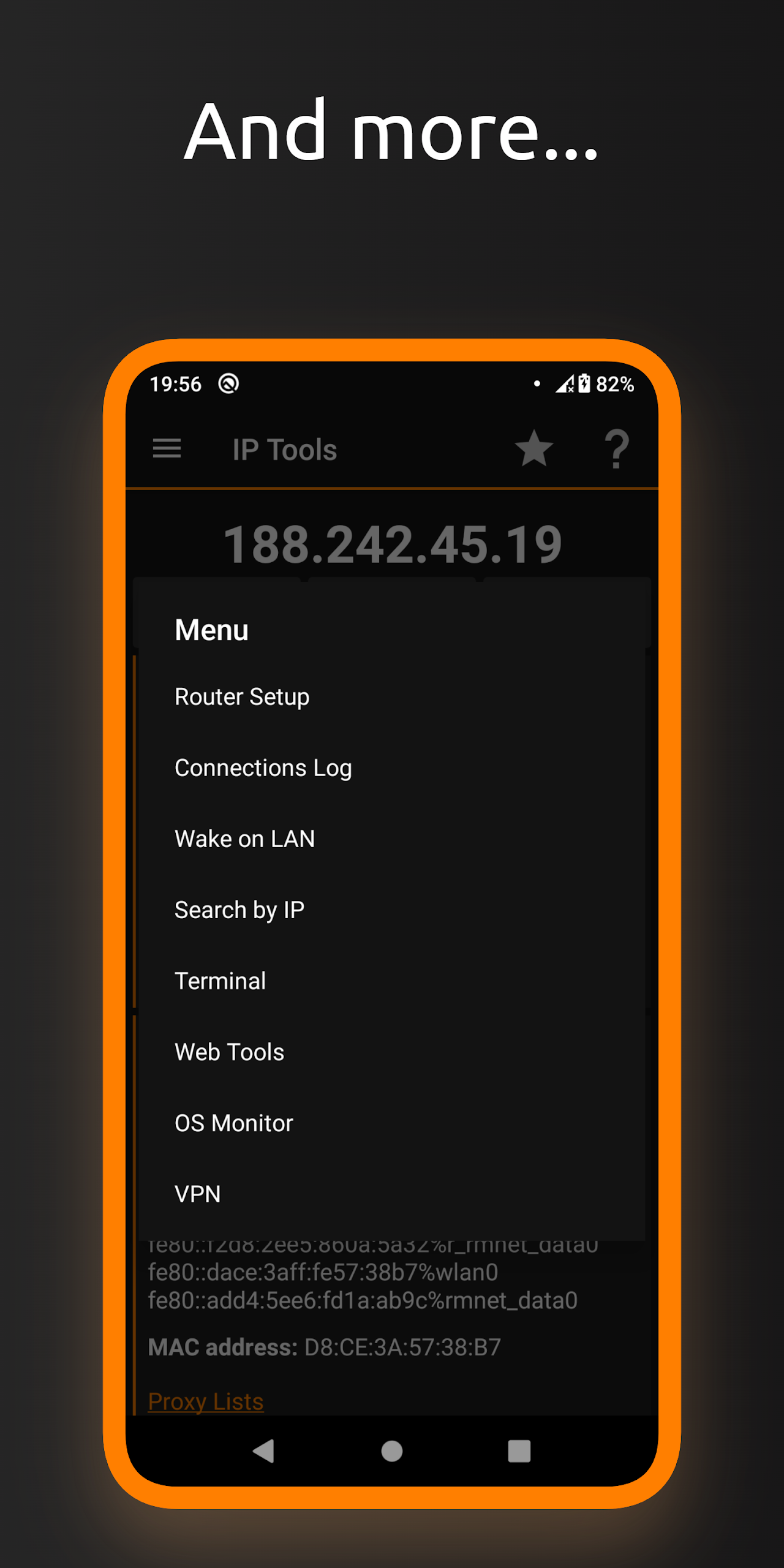
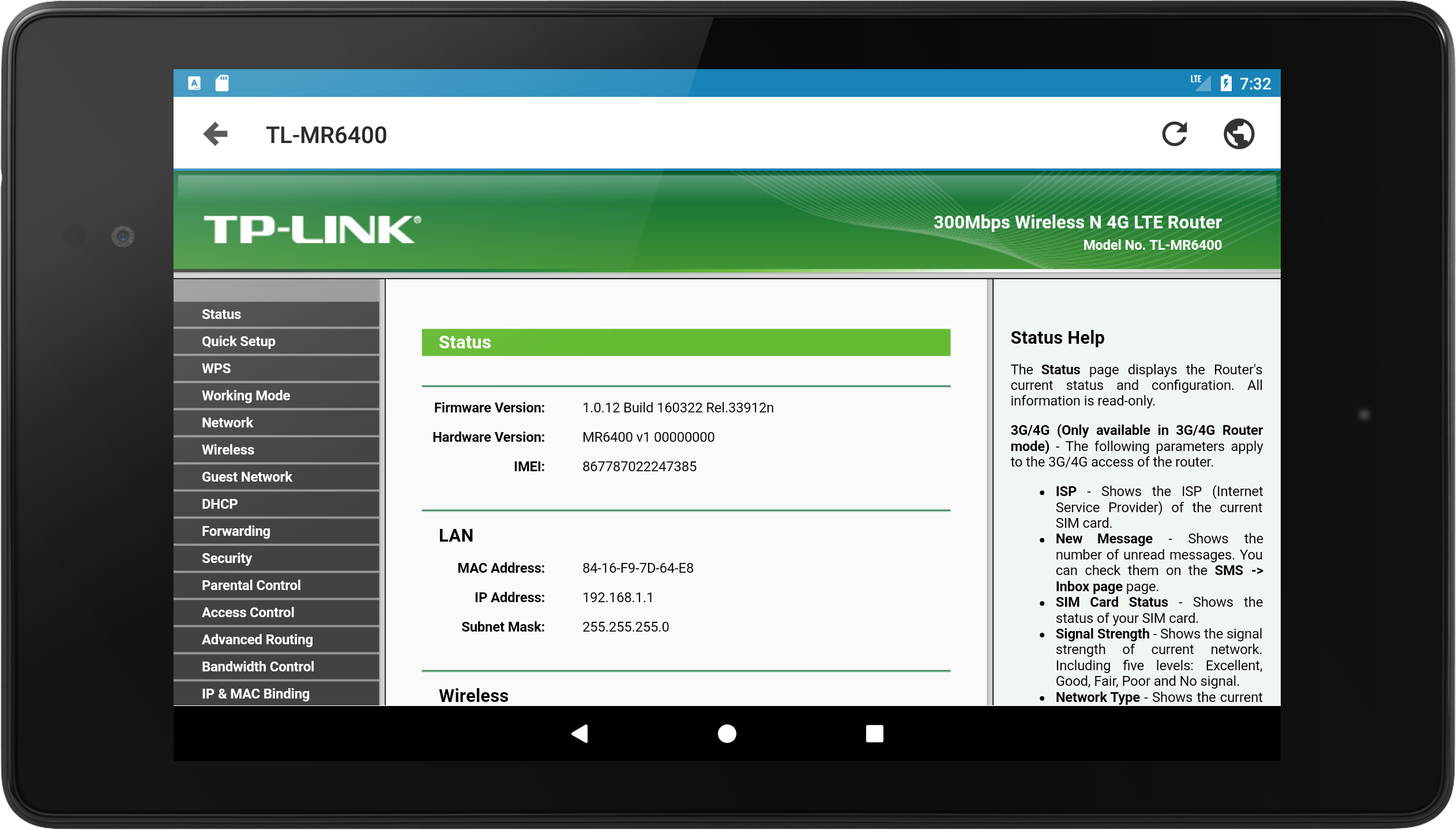
Router Setup Page
Access and manage your router settings effortlessly.
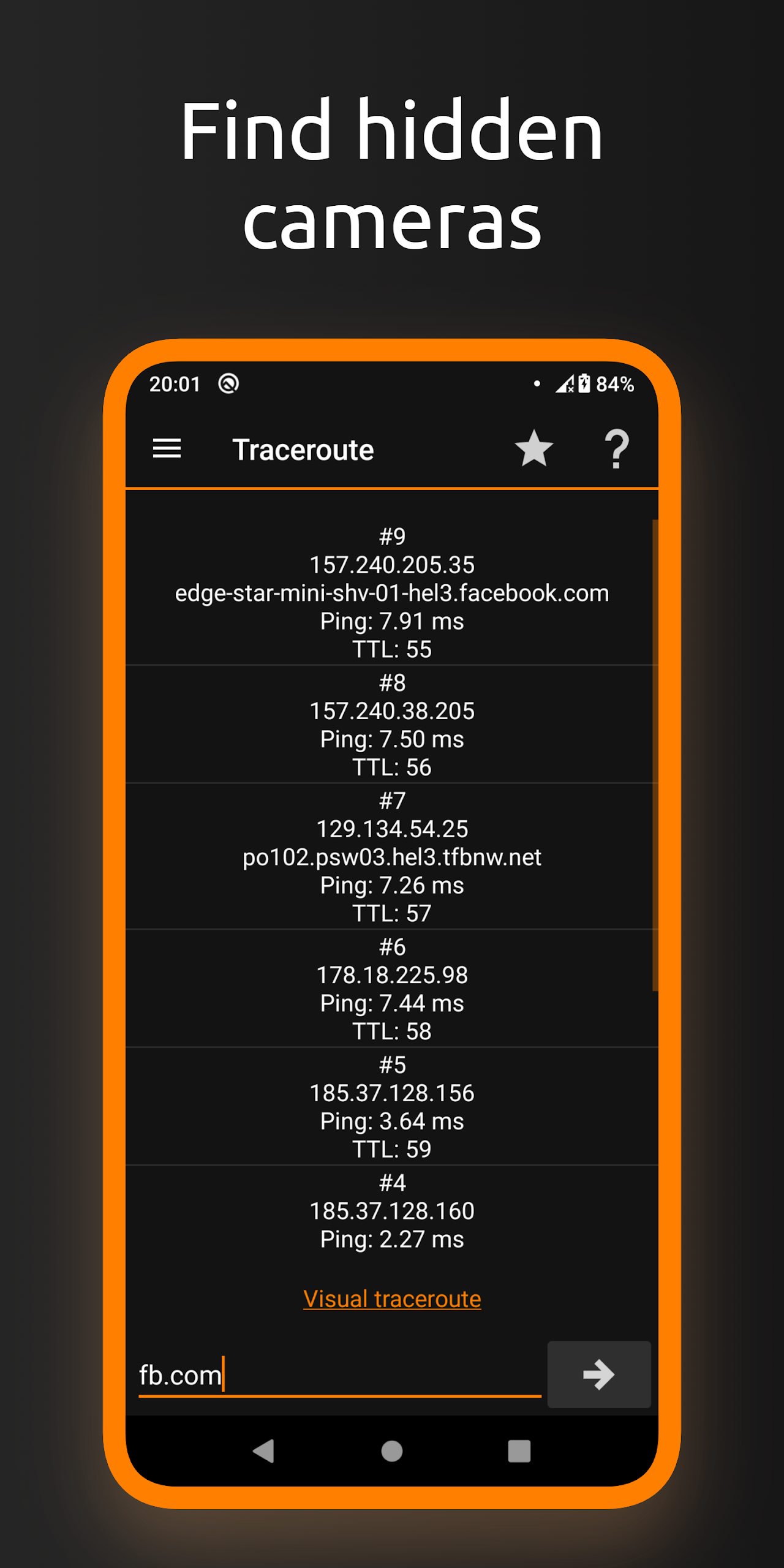
Traceroute
Trace the path your data takes across the internet.
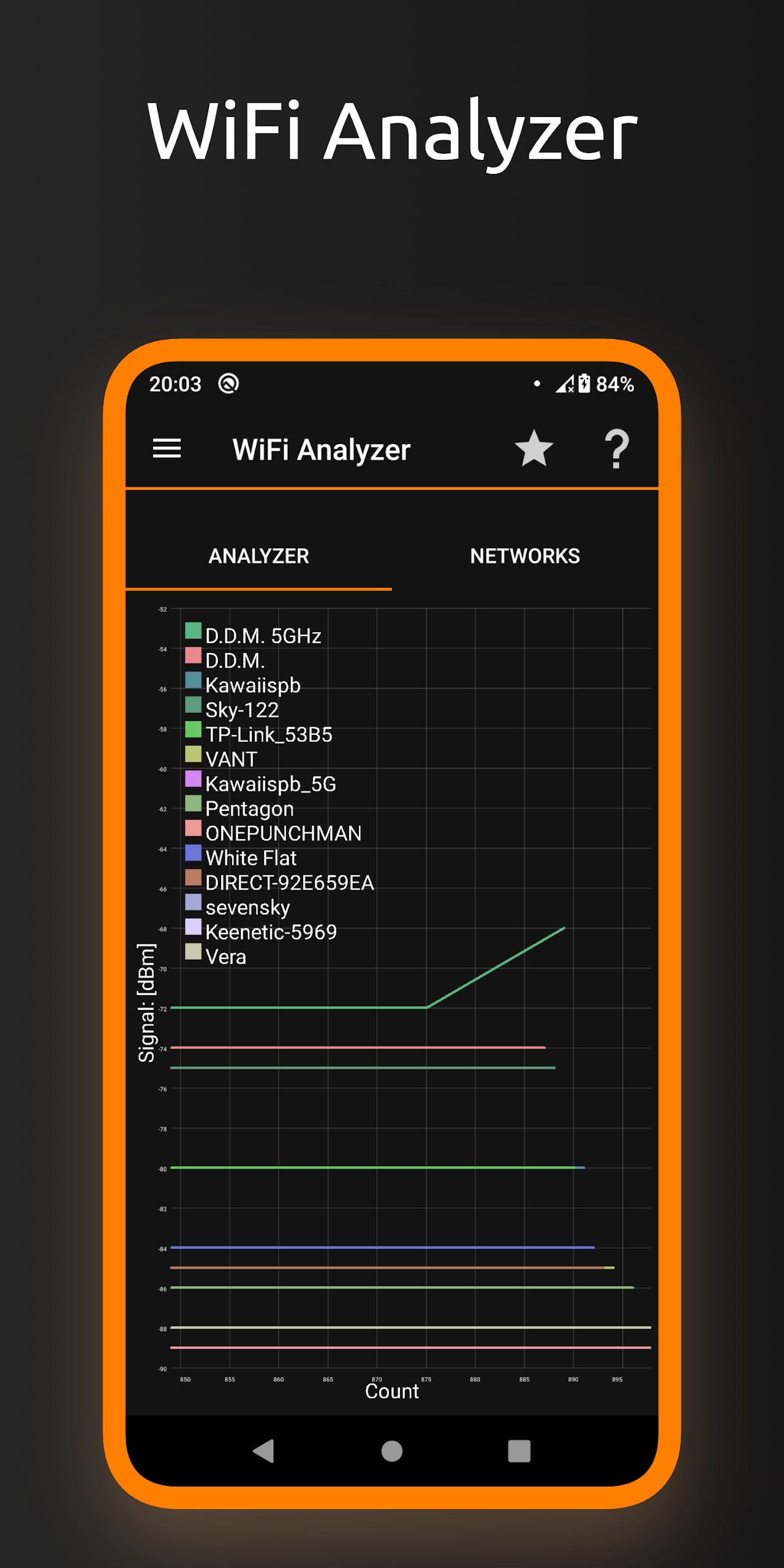
WiFi Analyzer
Evaluate your WiFi performance and connectivity.
My IP
Instantly find out your current IP address.
Connection Log
Keep track of your network activity and history.
IP Calculator
Easily perform calculations related to IP addresses.
IP & Host Converter
Convert IP addresses to hostnames and vice versa.
And much more…
That’s right, this app keeps giving!
If you've got an important project coming up, you won’t want to risk a shaky internet connection, right? Enter IP Tools! This handy application allows users to conduct real-time tests of their network speed. Just input your servers, click on the “Traceroute” section, and voila! You’ll get instant feedback on your Ping Index (in milliseconds) – the perfect way to diagnose whether your network is fast enough for those crucial uploads or downloads.
Plus, worry not about losing valuable information because all your test results and changes are stored neatly in the Connection Log. Review past activities anytime and share the insights with friends or colleagues as needed!
The app's robust IP address detection feature helps users significantly reduce common issues that pop up while using their devices. Worried about security? No problem! You can easily trace your network if someone tries to sneak a peek. Whether it’s an internal or external connection, you’ll uncover detailed data like the destination address or even the country linked to an IP.
Ever feel puzzled by those annoying crashes without knowing the cause? Don't fret! IP Tools has got your back. It provides a comprehensive analysis of the WiFi status and fine-tunes your network connection. The app identifies problems and suggests fixes, ensuring that you never have to suffer from poor connectivity again. Knowing what troubles your device has can make all the difference!
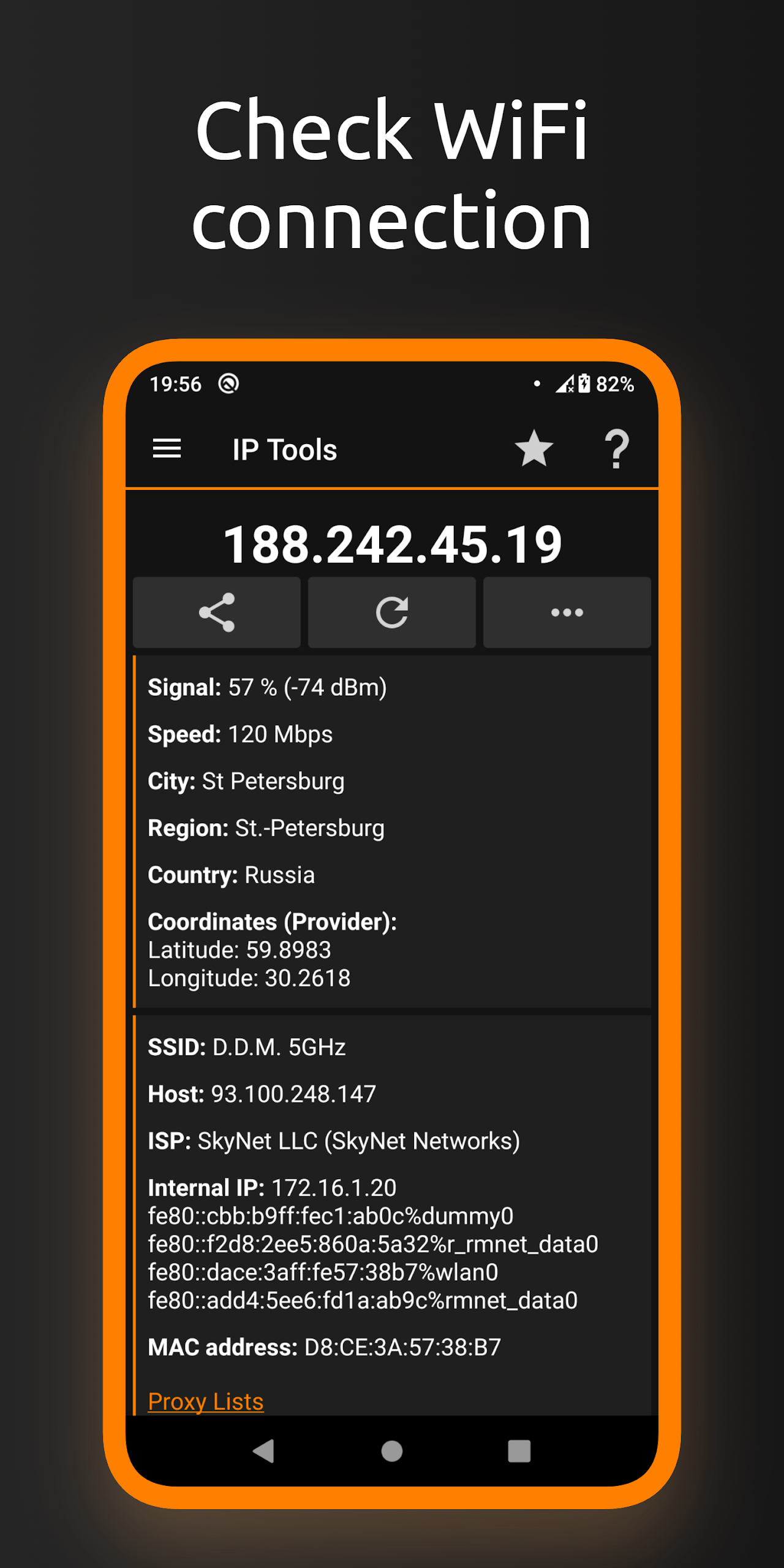
This gem of an app is particularly beneficial for network administrators and anyone looking to gather quick details about their network. Want to know your current city, area, SSID, or IP address? Just open the app, and you'll have all that information at your fingertips. Plus, you can check the signal strength of your connected devices—super handy!
No clue how to set up a network? Don’t sweat it; IP Tools walks you step-by-step through router setup and adjustments. Its intuitive interface means you don’t need to be a tech guru to navigate through the process. Adjusting settings is as easy as a few taps and swipes. So whether you’re a newbie or a seasoned expert, network configuration doesn’t have to be a headache!
Curious about an acquaintance or checking yourself? Use the app to look up any user’s details online via their IP address. You can dig deeper into city, region, country, time zone, and even locate someone’s current network position. And let’s not forget the LAN scanner! Use it to verify which devices are connected to your network—ideal for spotting potential intruders!
For everyone using this robust tool, here’s a recap of what you can expect:
IP Address Detection
Track and protect your connections effectively.
WiFi Analysis
Solve connectivity headaches effortlessly.
Improved Network Performance
Achieve lightning-fast speeds for all your browsing needs.
Network Setup and Optimization
Diagnose, fix, and configure your settings easily.
In conclusion, IP Tools is not just another app—it’s your go-to solution for making sure your network runs like a well-oiled machine. Don’t wait for the next issue to arise or settle for sluggish connectivity; download IP Tools today and turn your networking woes into wins! 🎉
| App Name | IP Tools |
|---|---|
| Version | 8.102 |
| Size | 7.18 MB |
| Update | Apr 20, 2025 |
| Developer | Amazingbyte |
| Category | Tools |
| Google Play ID | com.ddm.iptools |