Hey there! Let’s talk about how iVCam is completely changing the way we think about webcams. Forget about your clunky built-in cameras or those not-so-great USB webcams; iVCam is here to save the day with its seamless integration into almost any application where a webcam is needed. Yes, from Zoom meetings to live-streaming shenanigans, it’s got you covered!
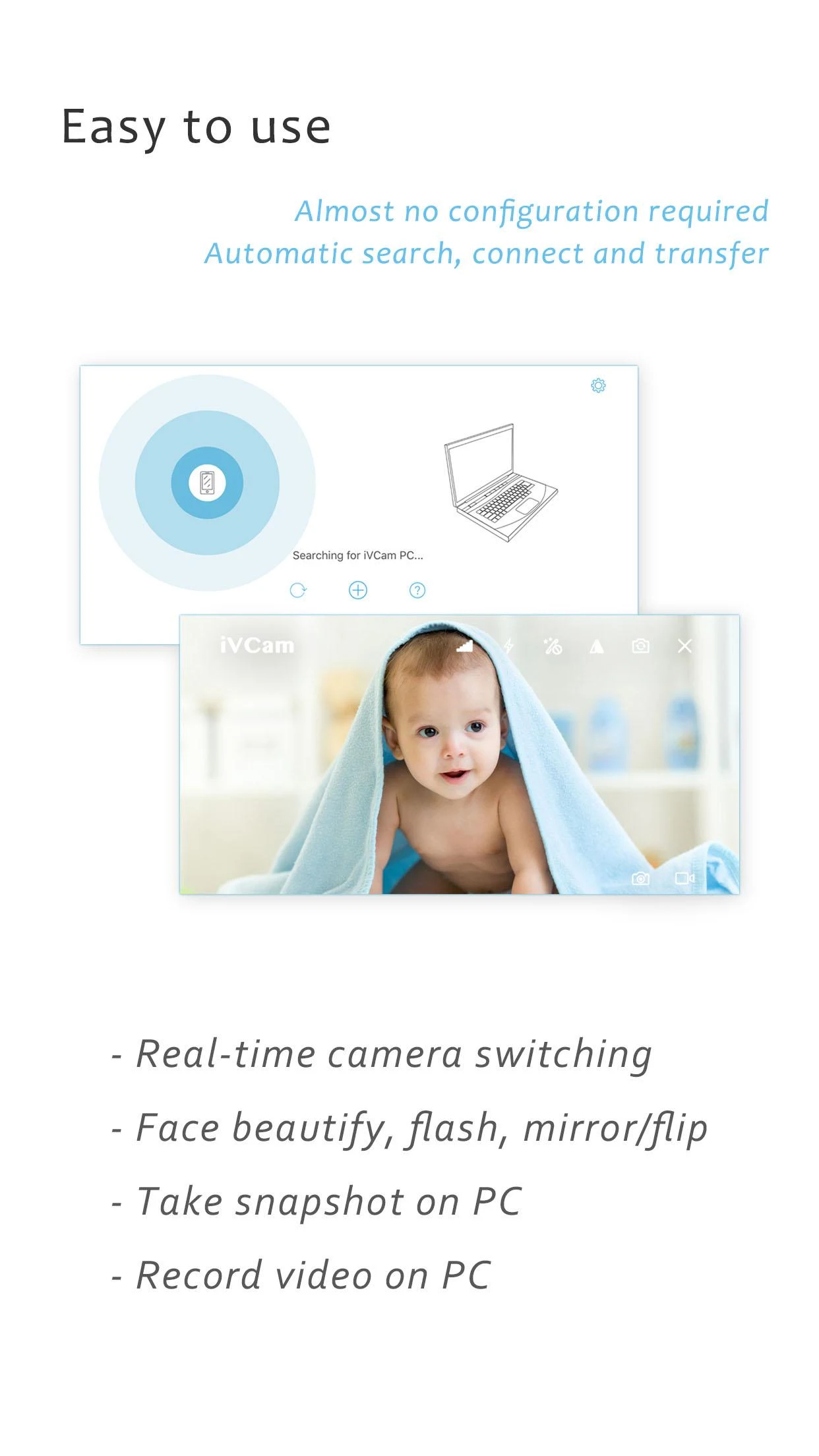
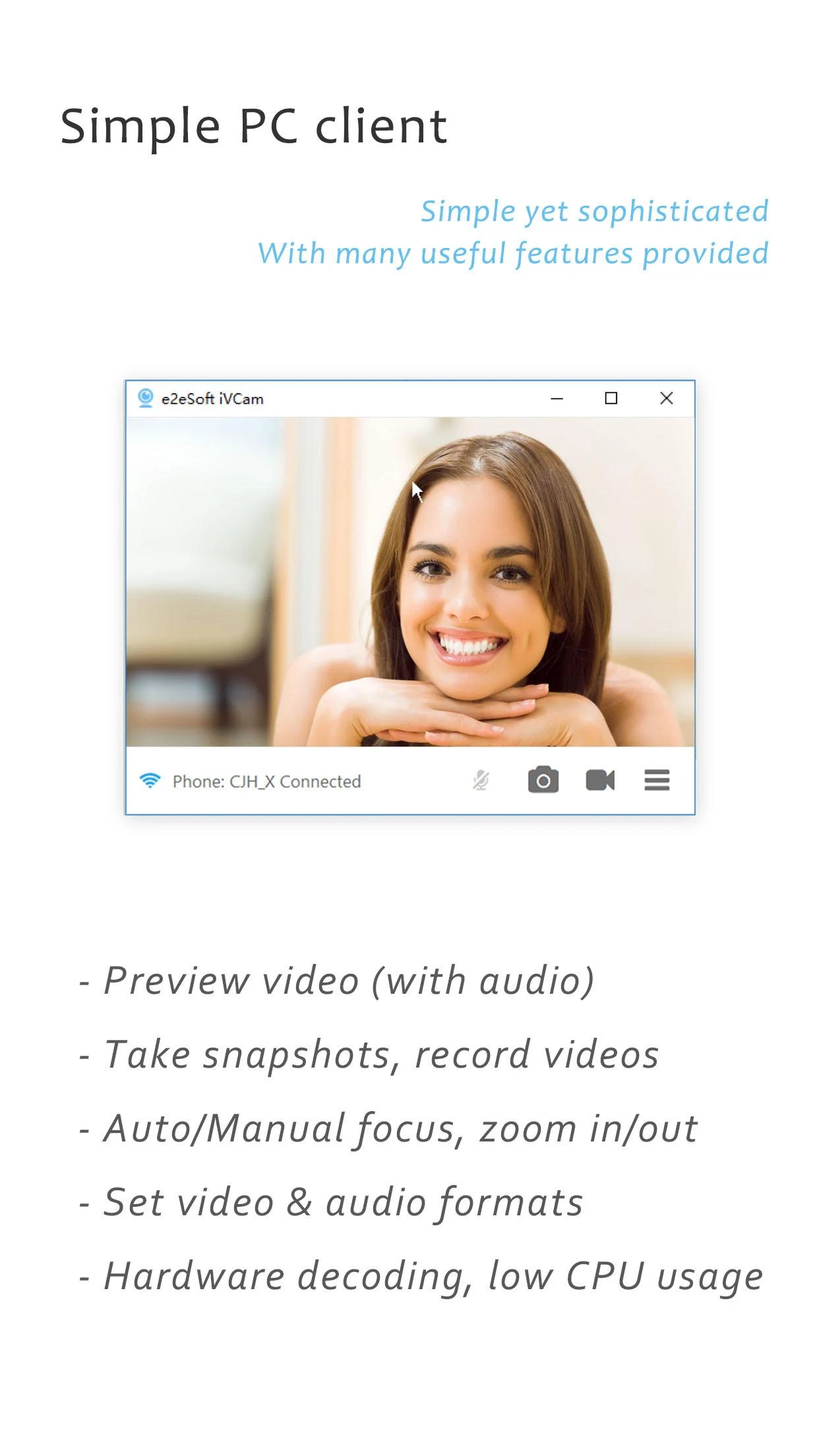
With the included Windows client software, you can preview your video feed, snap some cute selfies, and record video files without breaking a sweat. It hands over all the control to you for an awesome content creation journey—perfect for both work and play!
Have you ever wished you could capture every important moment during a meeting? Well, the built-in recording feature lets you do just that! Whether it's sounds from the microphone or even app menus, you can record everything in high quality and save them in formats that suit your needs. You won’t have to juggle multiple devices either, as all recordings automatically sync with the PC client, making it super convenient.
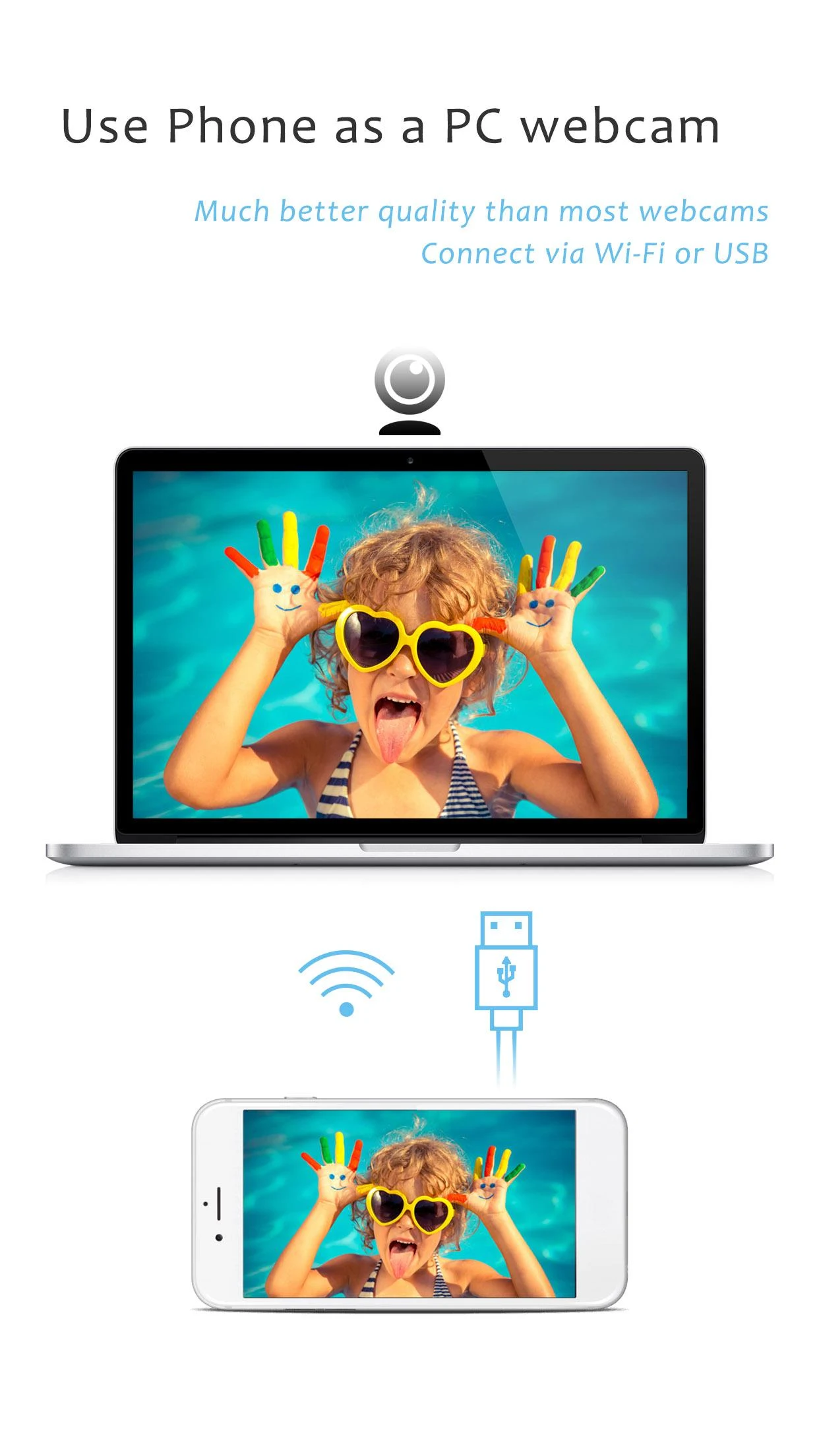
One of the best things about iVCam is its user-friendly design. Swapping out your laptop's main camera for a standalone one is as easy as pie! This nifty little tool allows you to connect effortlessly through Wi-Fi or USB, giving you options galore for maintaining high quality and smooth performance. Plus, you can customize the settings to fit your specific recording needs—talk about flexibility!
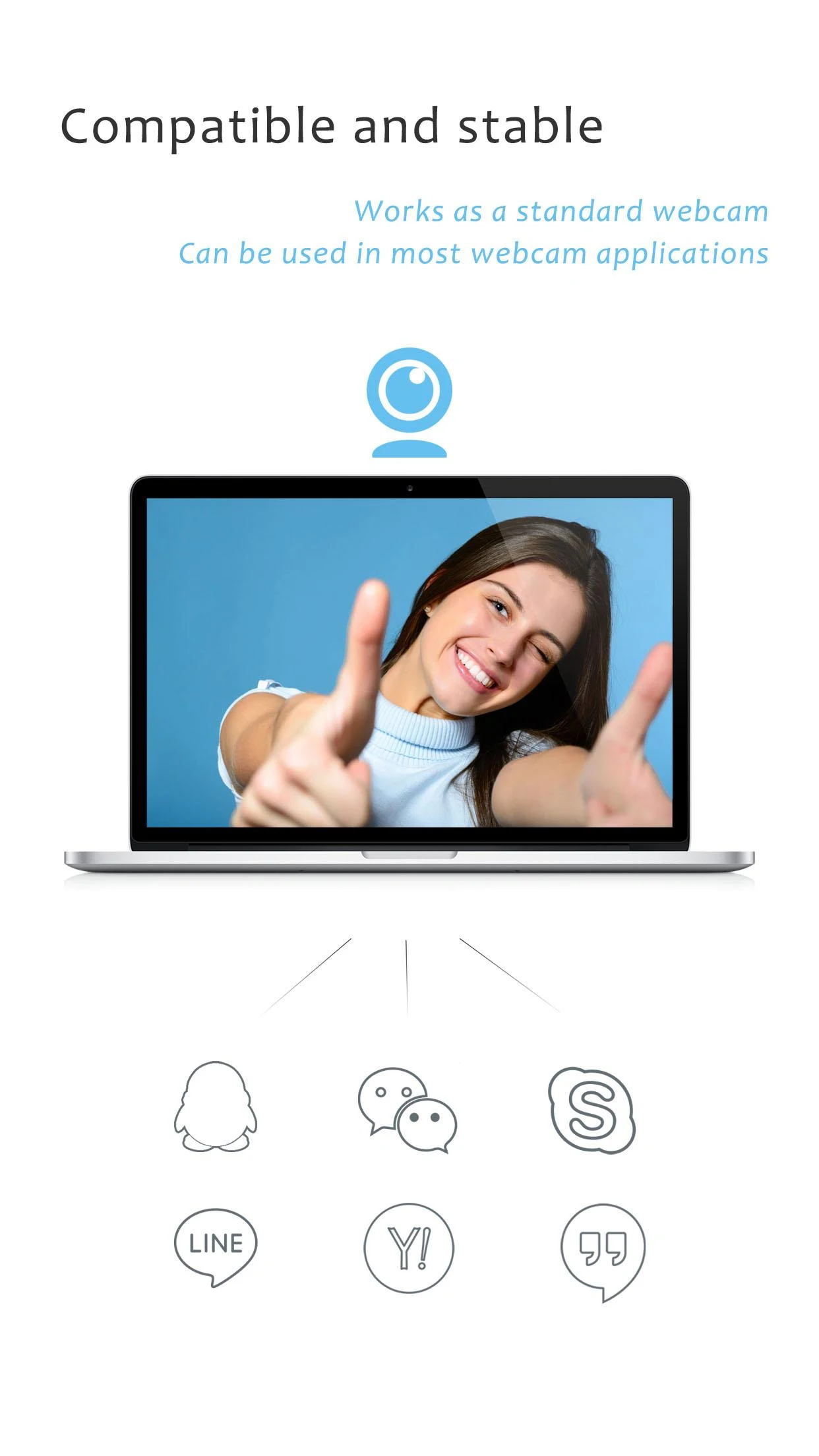
Now let’s be real—a lot of apps struggle to mesh well with external webcams. That’s where iVCam shines! The app works flawlessly with various applications, streamlining your workflow and opening doors to new mobile working possibilities. You can even use your phone as a high-quality recorder while sharing video footage via your computer. Honestly, who needs fancy hardware when you have this amazing app at your fingertips?
Let’s dive into what makes iVCam such an exceptional tool:
High-Quality Video Streaming
Say goodbye to blurry visuals. Enjoy crystal-clear video with minimal delays!
Multi-Device Connectivity
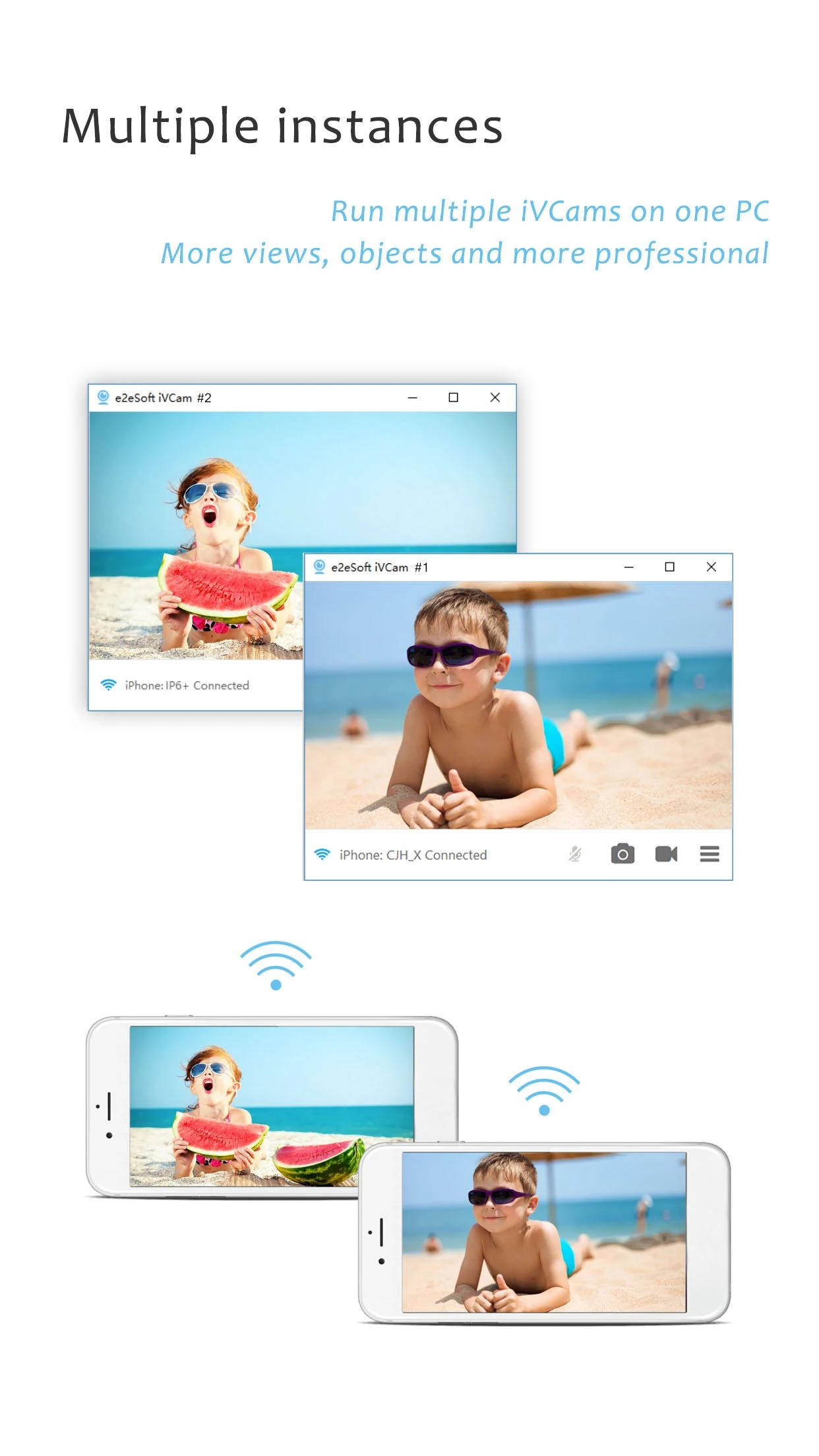
Connect several devices to a single PC simultaneously, perfect for showcasing multiple angles.
Versatile Video Settings
Need different sizes? No problem! Switch up between 4K, 1080p, or lower resolutions based on your needs.
Orientation Flexibility
Whether you're feeling Landscape or Portrait, iVCam has you covered. It even allows for quick swapping between front and rear cameras!
Okay, hear me out—the setup process is as breezy as a sunny day! Download and install the client on your Windows PC, and just like that, you’re good to go. The app handles connection setups automatically, so you can focus on having fun rather than getting lost in complicated instructions.
Here are some cool bits that really make iVCam stand out:
Super quick video streaming with low latency
Easy connections with multiple devices
Customizable settings for video frame rates and quality
Options to beautify your face or adjust focus settings—that’s right, you’re going to look fabulous!
Perfectly replaces those outdated USB webcams and integrates beautifully into most applications
Have you ever wanted multiple angles during a live show? Well, guess what! With iVCam, you can connect multiple devices, like smartphones and even GoPro cameras, to capture footage from various angles. Plus, thanks to advanced encryption, streaming is safe and secure.
No one wants to run out of space while recording a crucial meeting or precious moments. iVCam lets you record videos directly to your PC, freeing up your smartphone’s limited storage. It's basically like having a remote video recorder that always has plenty of space to catch those unforgettable memories!
So, there you have it! iVCam isn’t just another app; it’s a revolution in how we perceive webcams. Why stick to the old and clunky when cutting-edge technology is just a download away? Get ready to elevate your video communication game—you're going to love it! 🎥🎉
| App Name | iVCam Webcam |
|---|---|
| Version | 7.0.8 |
| Size | 7.38 MB |
| Update | Mar 30, 2025 |
| Developer | e2eSoft |
| Category | Tools |
| Google Play ID | com.e2esoft.ivcam |