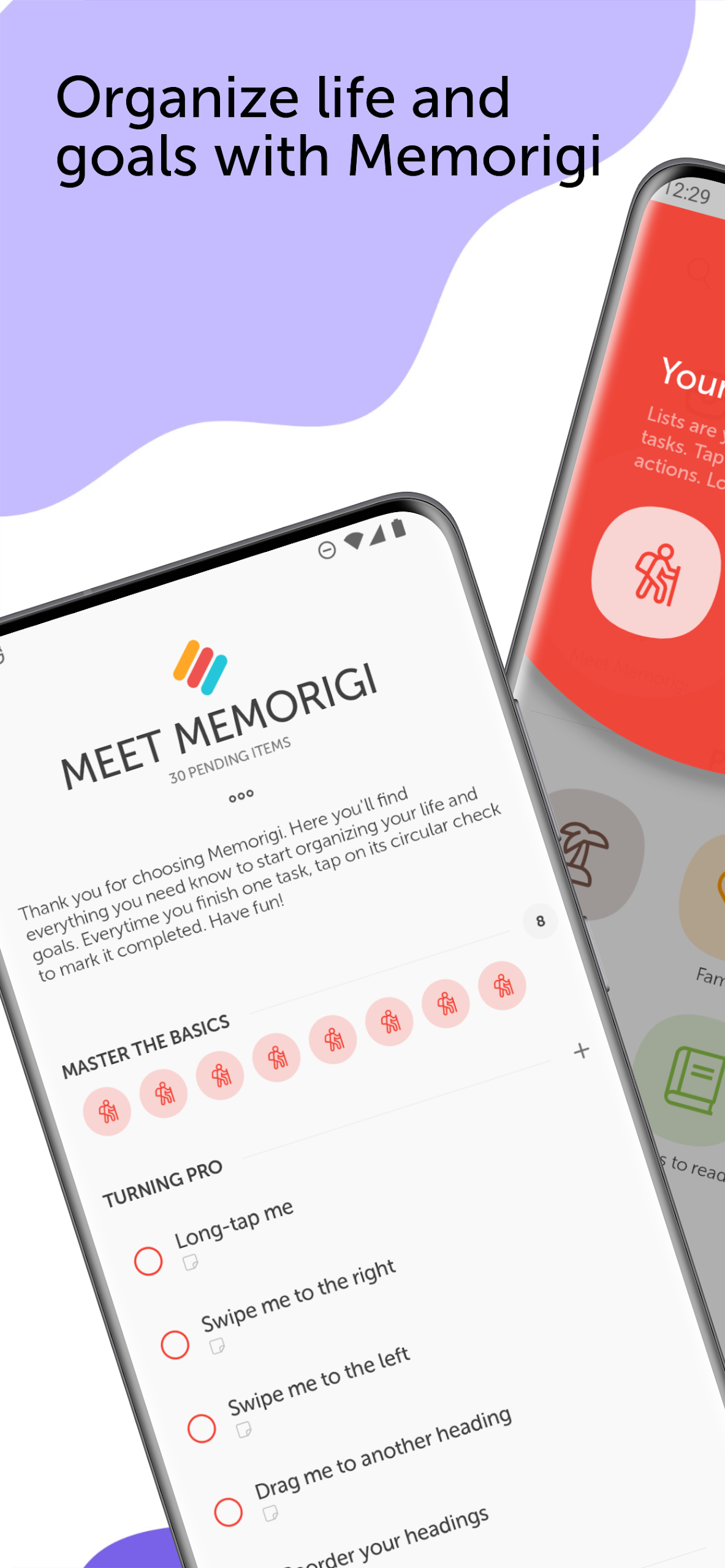
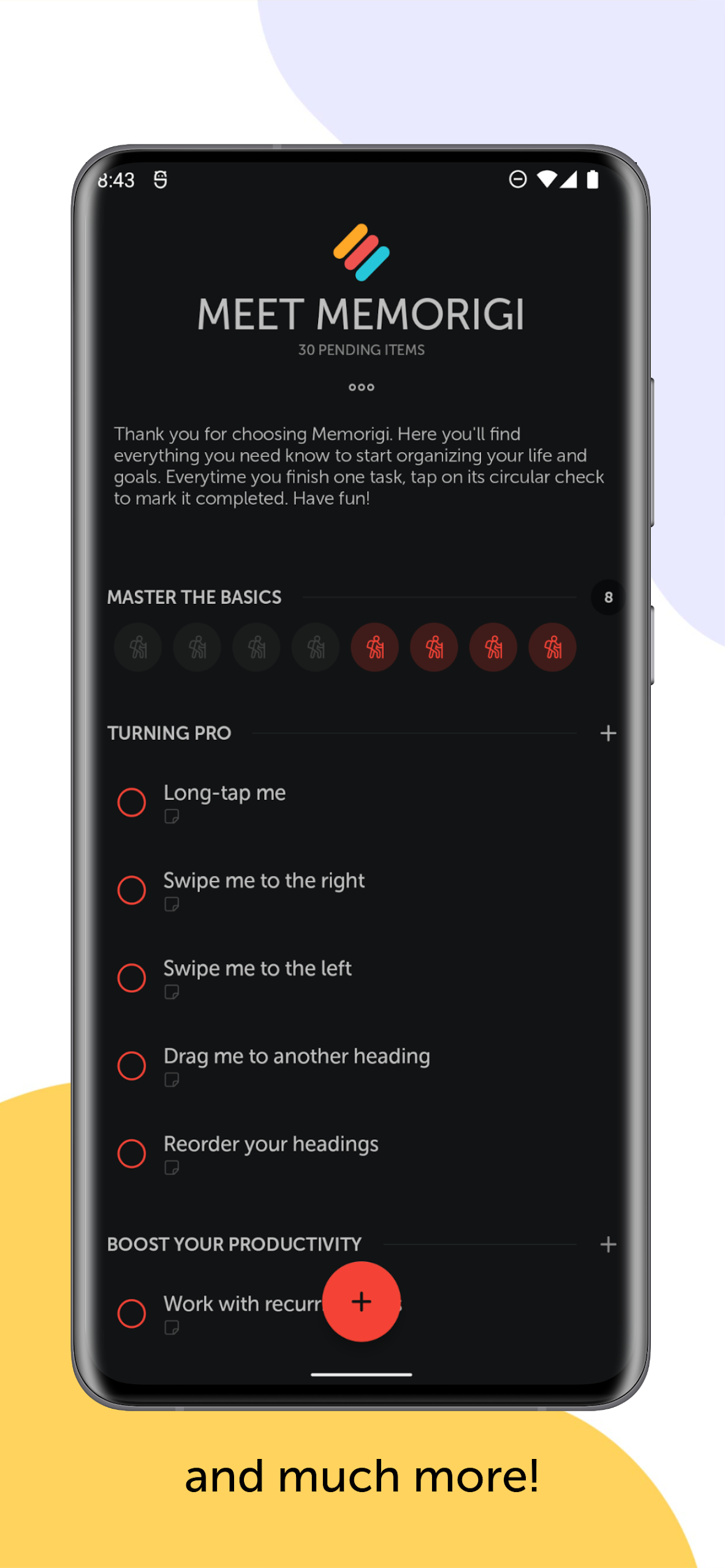
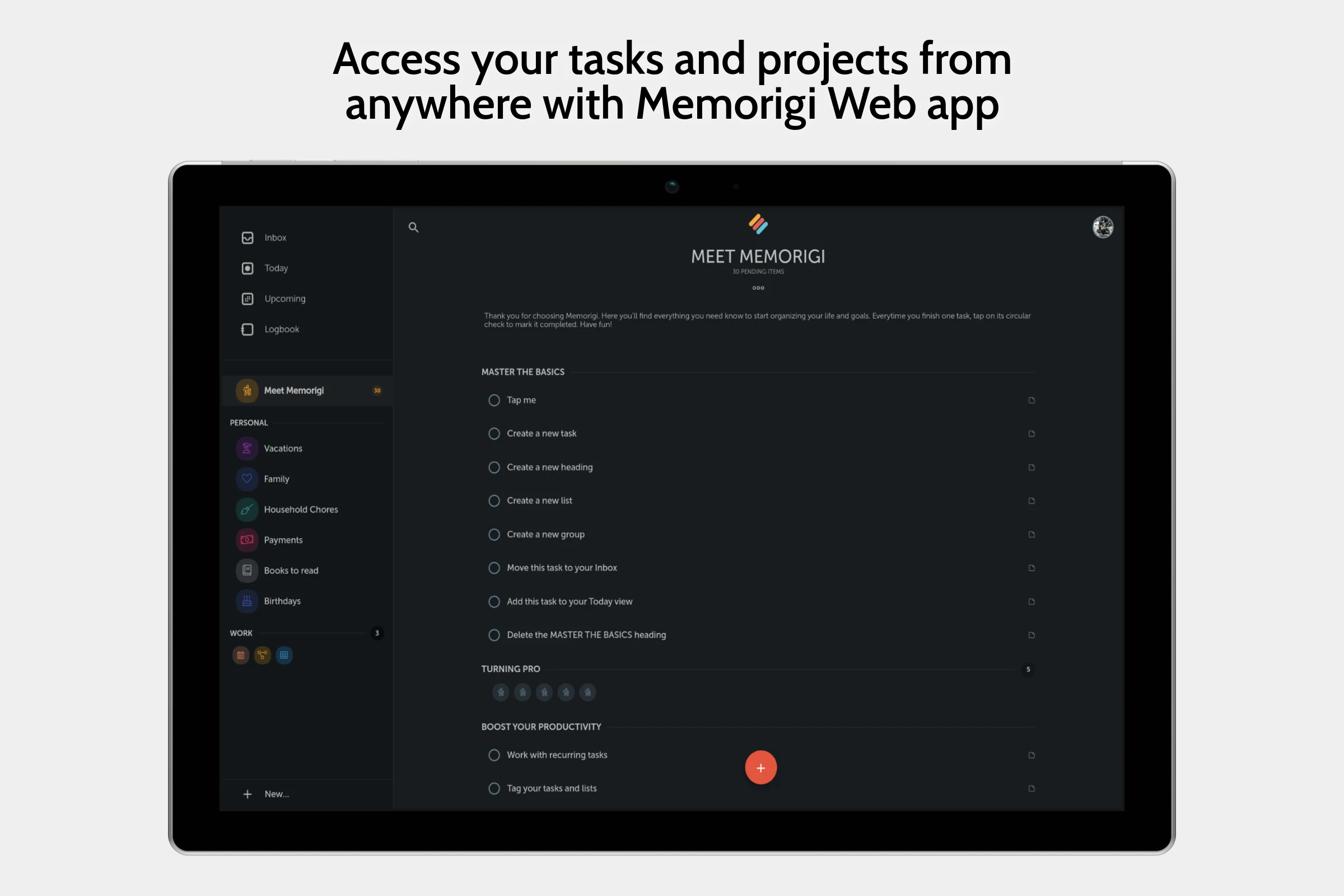
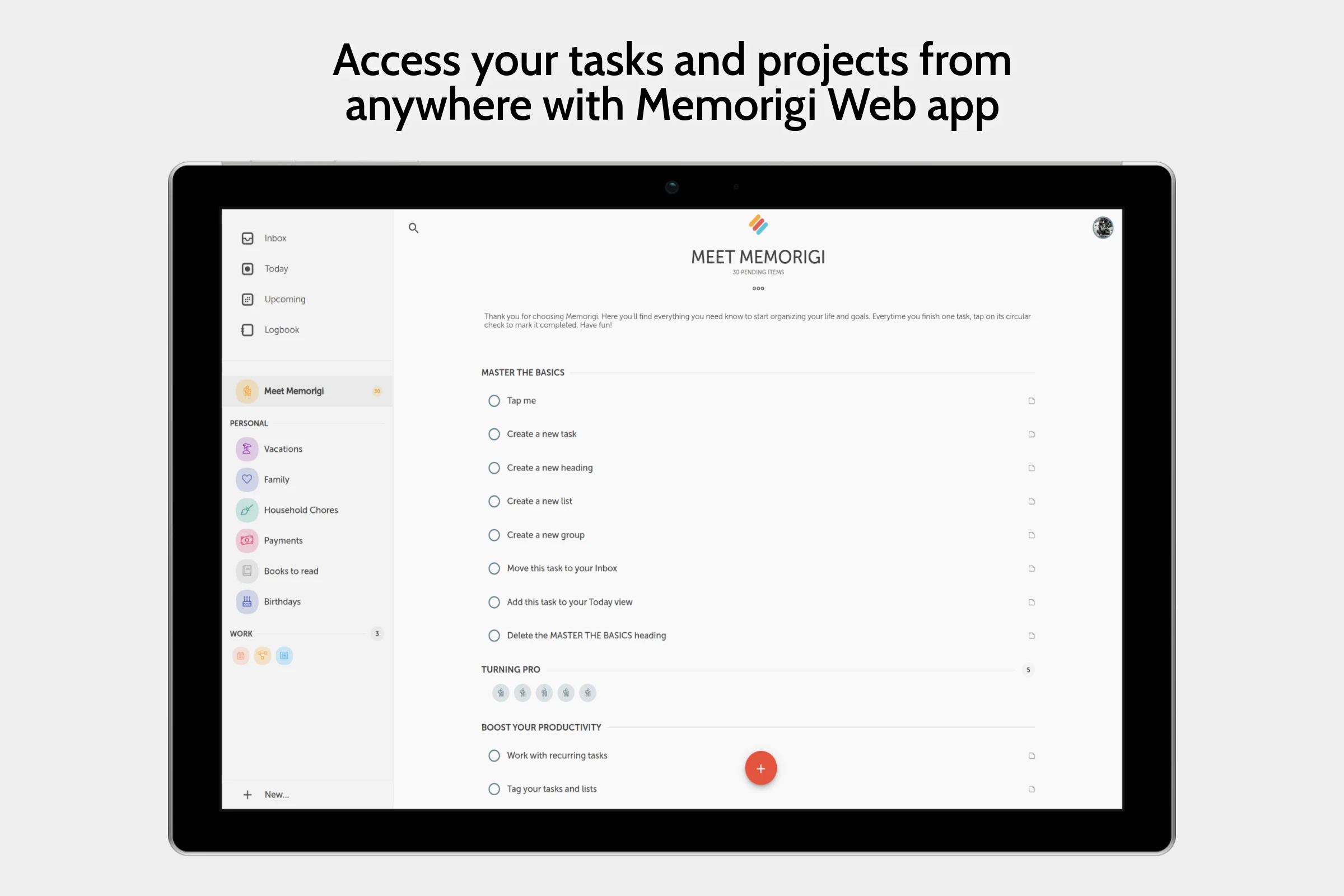
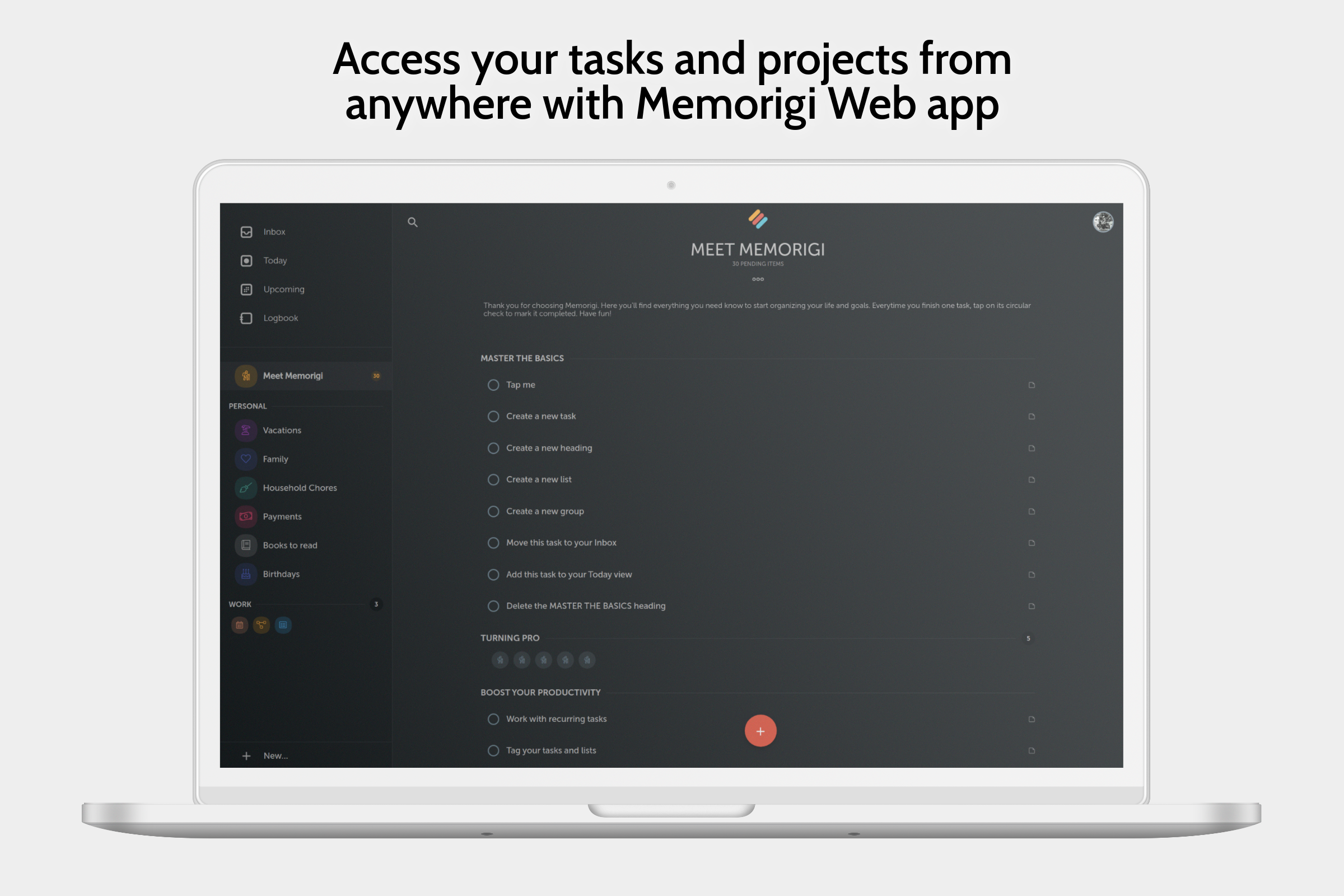
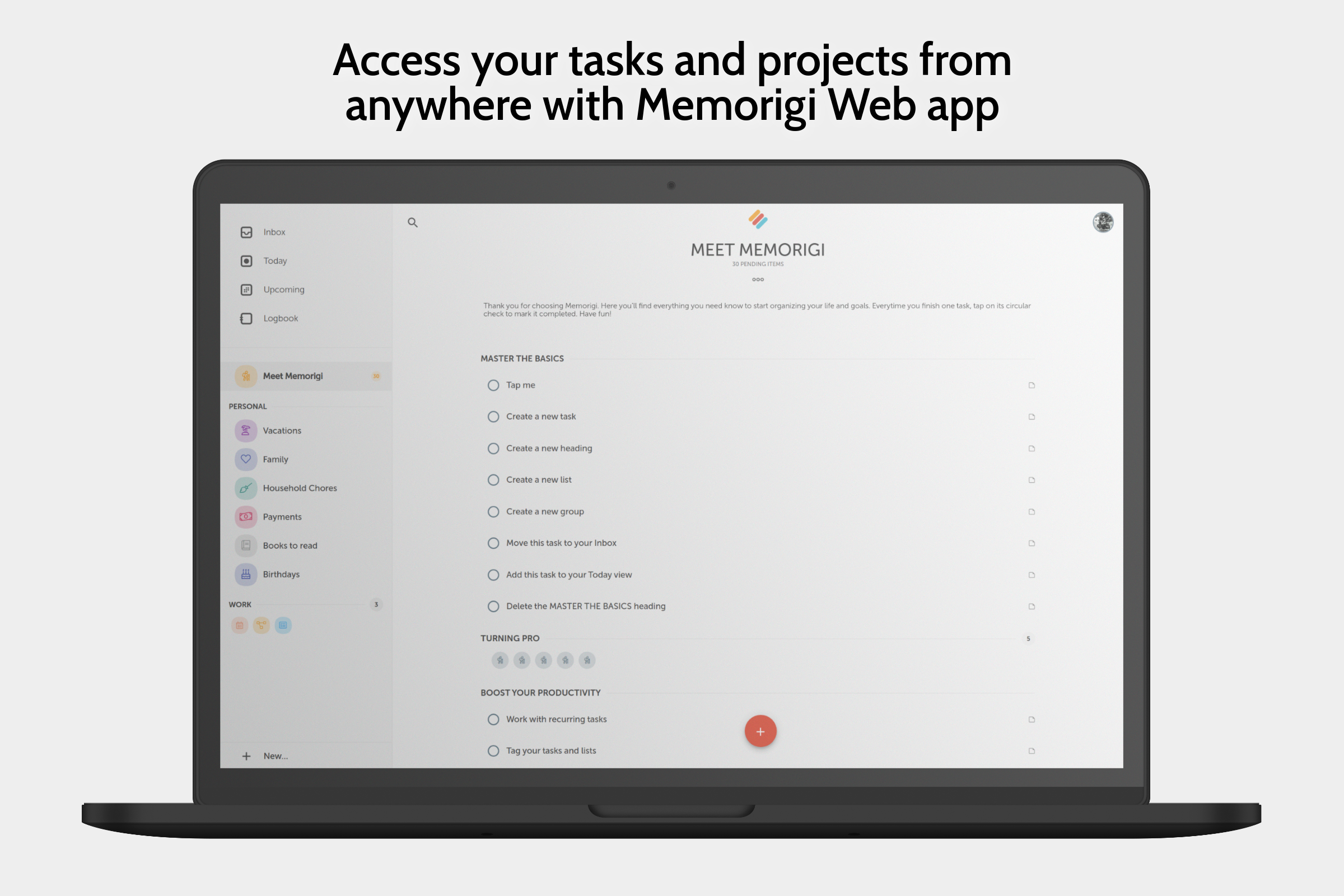
Memorigi isn’t just about listing tasks and reminders. This app comes with several useful features that can make managing your day-to-day activities easier.
One standout feature lets you turn emails into tasks. You can easily add an email task to a specific list or send out multiple emails to different people at the exact date and time you set in your to-do list. Imagine having your emails scheduled just like your errands!
Another handy tool in Memorigi is tagging. You can add hashtags to tasks right when you save them. When the time comes to search or group your tasks, these tags will help you find what you need quickly. No more endless scrolling through lists!
Memorigi includes cloud synchronization. Keep your data secure and updated across various apps. Access your information wherever you are, whenever you need it.
Setting reminders is essential to using Memorigi effectively. You can pick how you want to be reminded—be it loud ringtones, soft vibrations, or even your own voice! The choice is yours. Customize it however you like so you feel comfortable and less pressured.
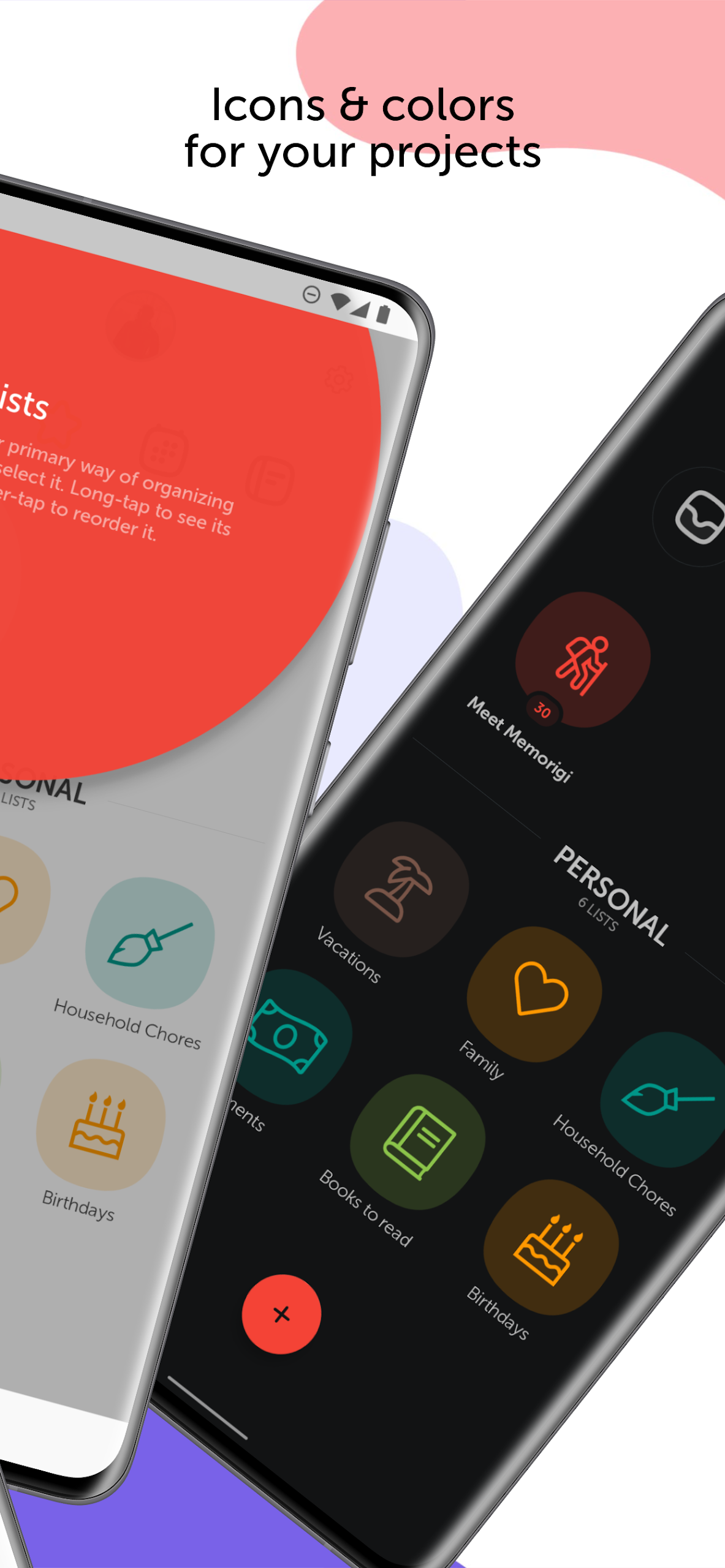
When you start using Memorigi, you'll encounter a simple and accessible interface. It'll guide you as you add tasks comfortably. You can categorize your activities by color-coding them. A vibrant schedule can keep you motivated while stickers add a fun touch to your tasks.
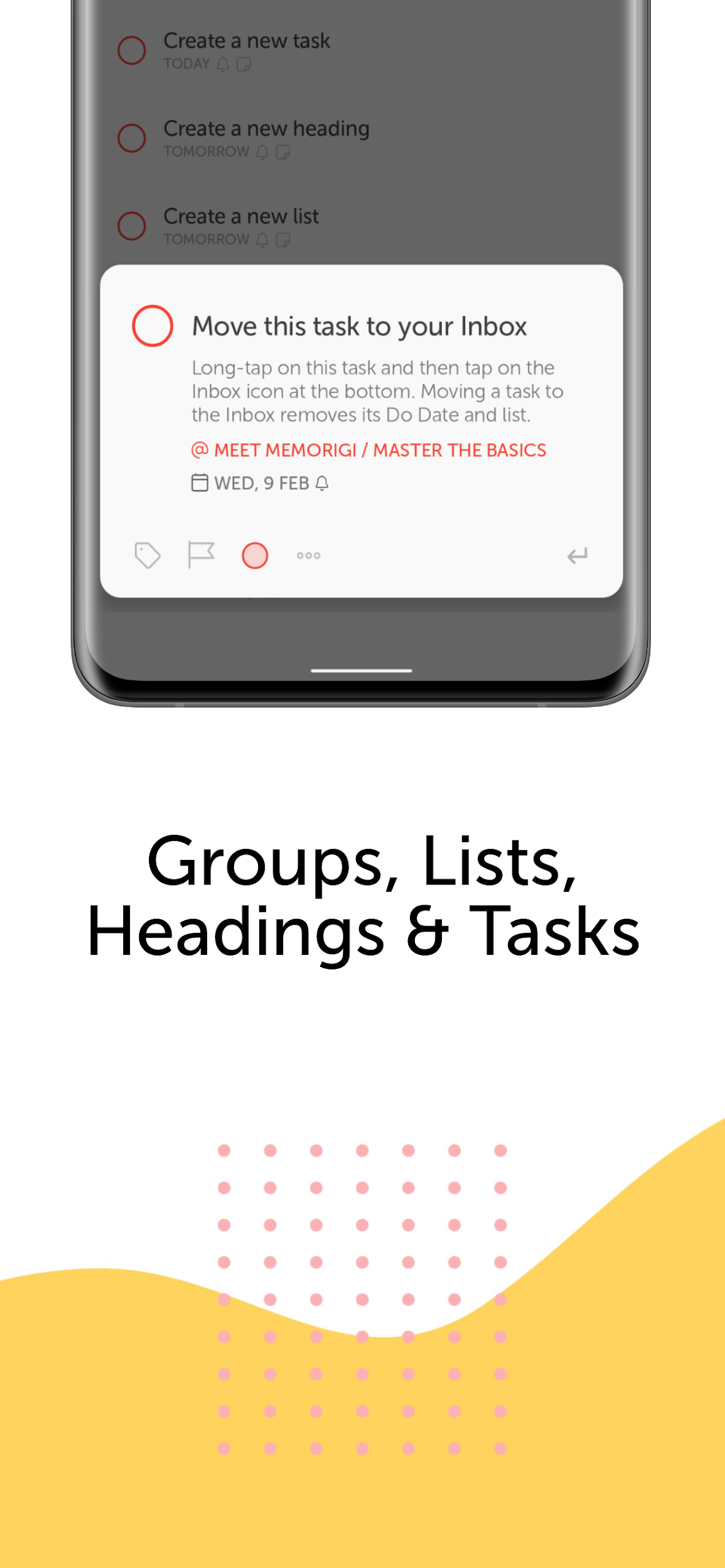
To use Memorigi effectively, start by creating your to-dos. Choose from different layouts, including paragraphs or statistics to organize your tasks. Set reminders, and when they come due, Memorigi will notify you even if your phone is locked. Those reminders will pop up on your screen, ensuring you never miss a thing.
Work is often about priorities. With Memorigi, you can decide what’s most important. Use items, tags, and lists to sort your tasks based on their urgency. Whether it's finishing a draft or completing an exercise, this feature helps you take charge of your workload.
Making a to-do list in Memorigi is as easy as pie. Thanks to its minimalist design, you can create new tasks with just a few taps. Open the app, jot down your thoughts or type your tasks, choose start and end dates, and Memorigi organizes everything smartly. It groups related tasks together, arranging them chronologically to save you time.
This helpful app boasts a dual-screen setup and voice recognition. It presents beautiful reminders and functional to-do lists that enhance your organizational efforts. Switch between your schedules effortlessly using simple swipe gestures. You can plan your day in a way that boosts productivity while keeping stress at bay.
Memorigi doesn’t just remind you of work-related items; it also keeps track of personal activities like running or yoga classes. Stay organized not only in your work life but also in your leisure time by efficiently managing all your commitments in one place.
Looking fresh and different, Memorigi is designed to help you manage tasks, reminders, and to-do lists more effectively.
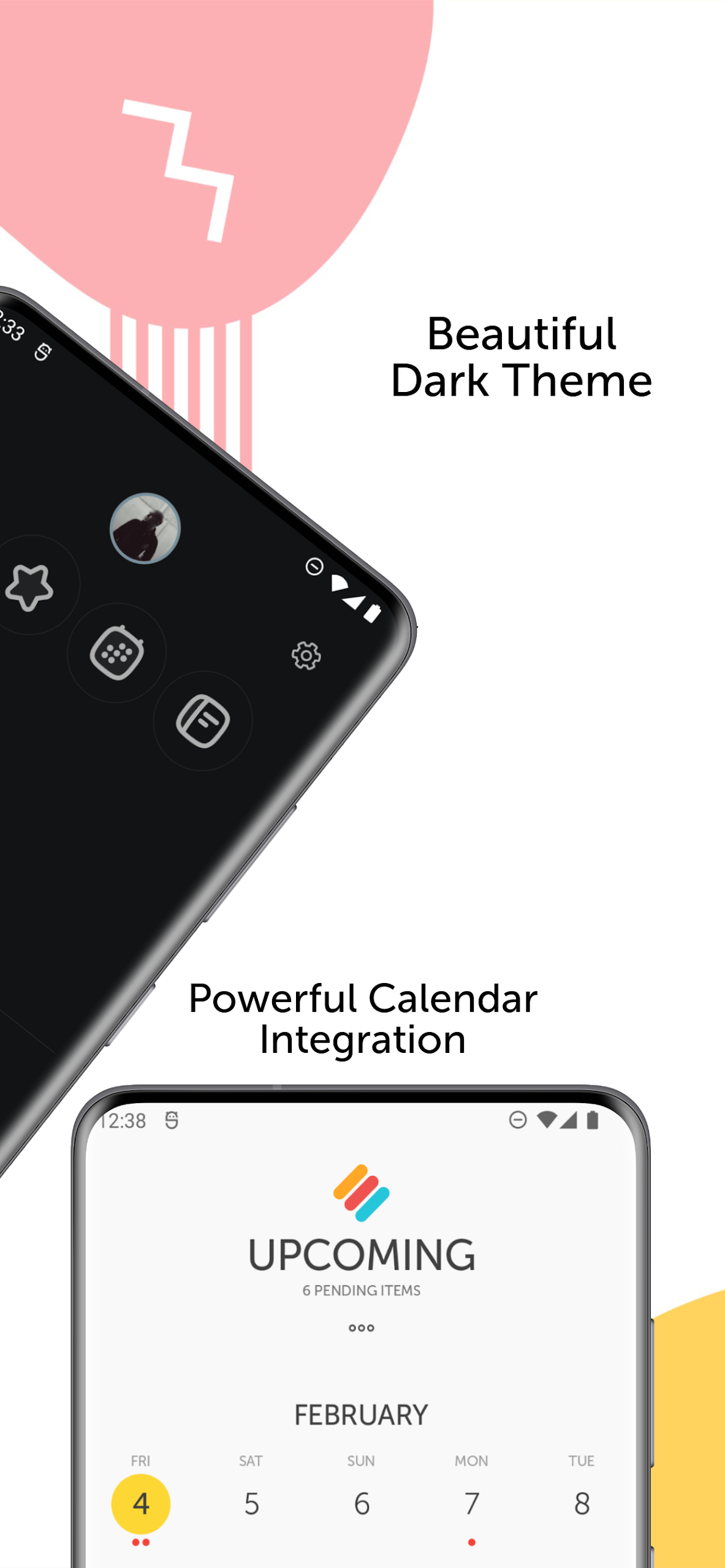
Stay on top of everything with a system that works for you. The app allows you to log tasks with accurate details like times and dates. View your calendar lists on your home screen to stay informed about your daily activities. Switch to time mode for a general view of your tasks, helping you manage your schedule better. Memorigi enhances your productivity while improving your quality of life, making it a fantastic personal task manager.
Now, dive into a smarter way of organizing your life. Memorigi has got your back!
| App Name | Memorigi |
|---|---|
| Version | 7.4.1 |
| Size | 11.66 MB |
| Update | Mar 27, 2025 |
| Developer | Randy Saborio |
| Category | Productivity |
| Google Play ID | io.tinbits.memorigi |





72.22 MB 15.39.50