
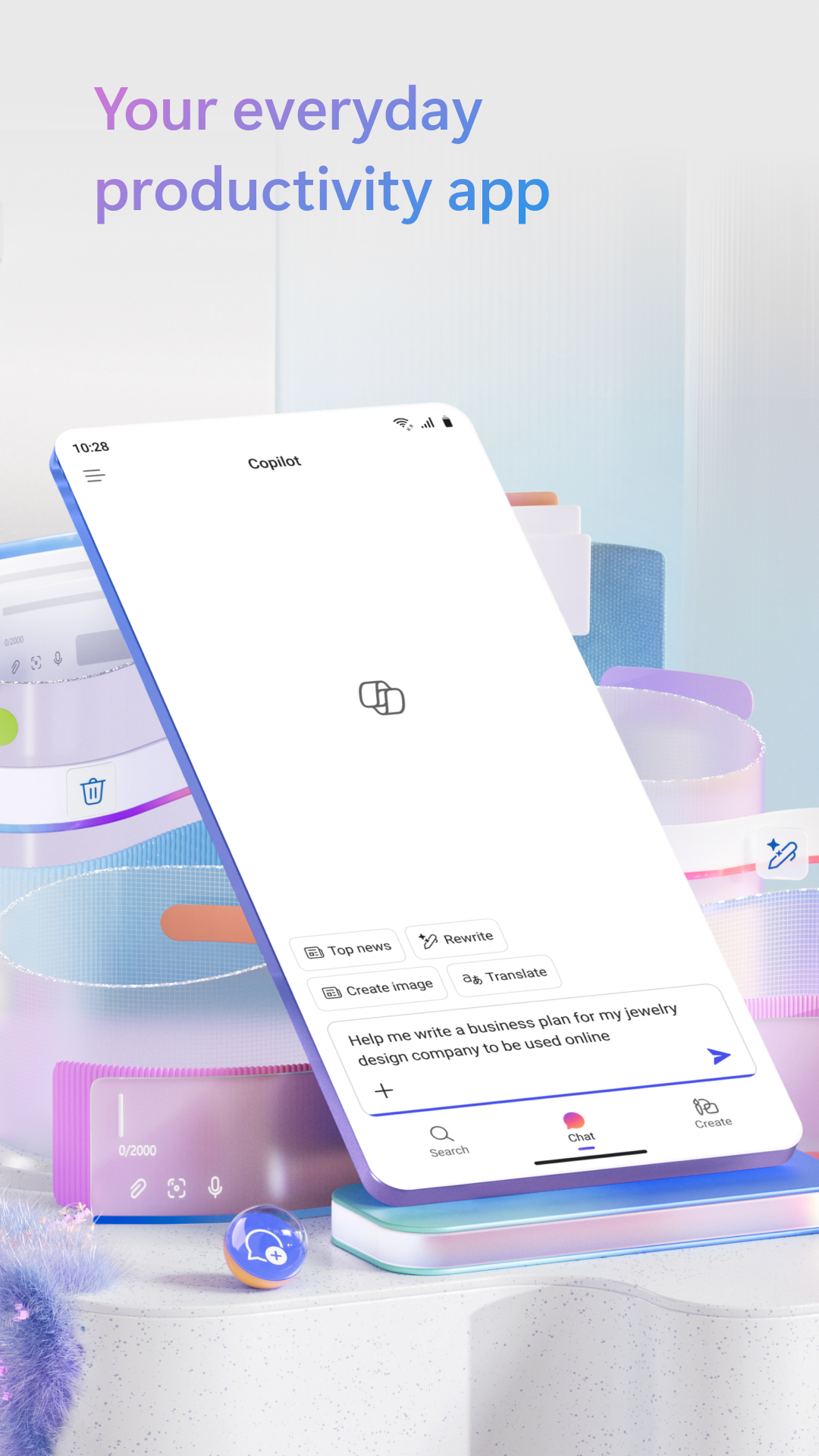
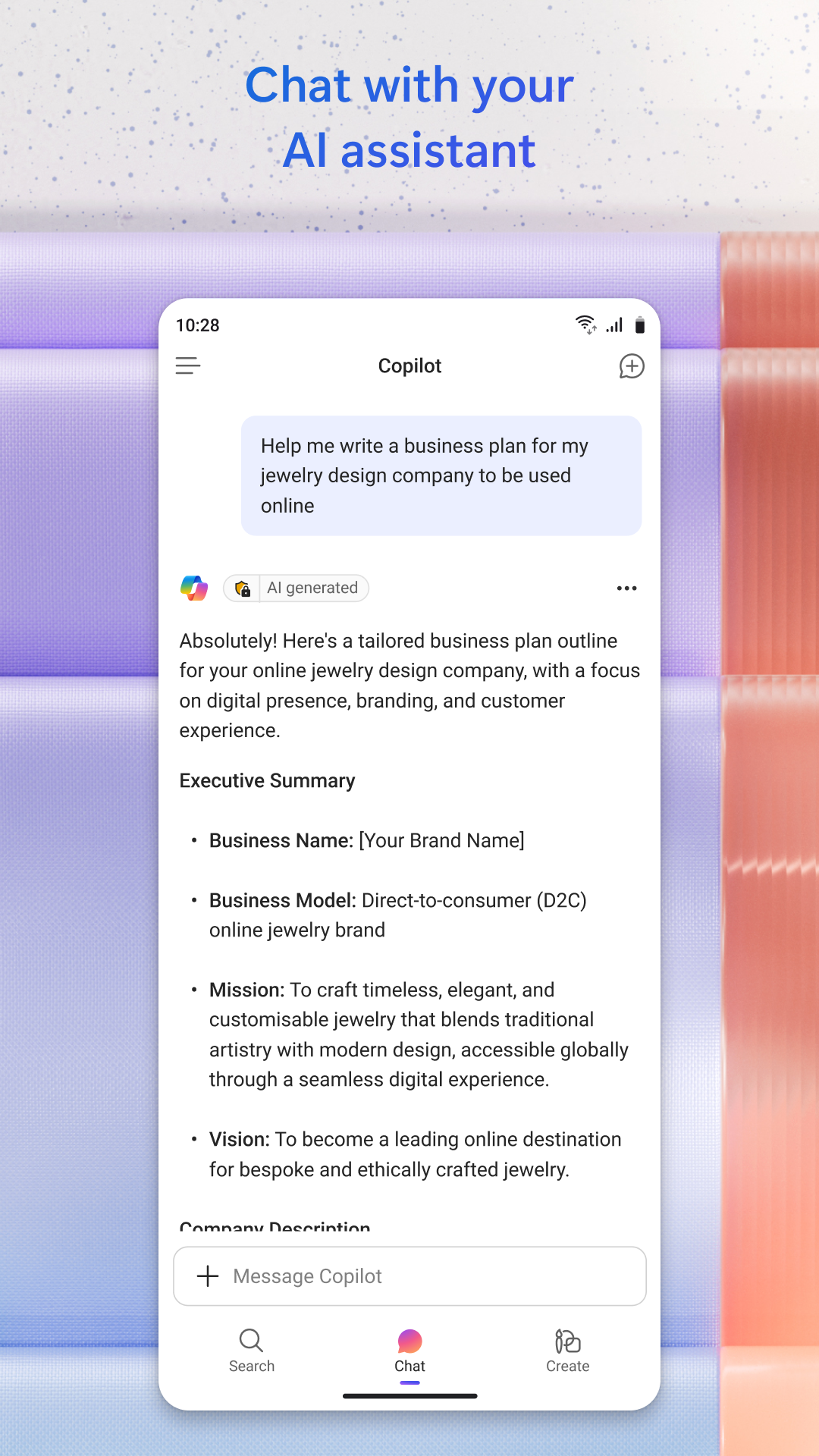
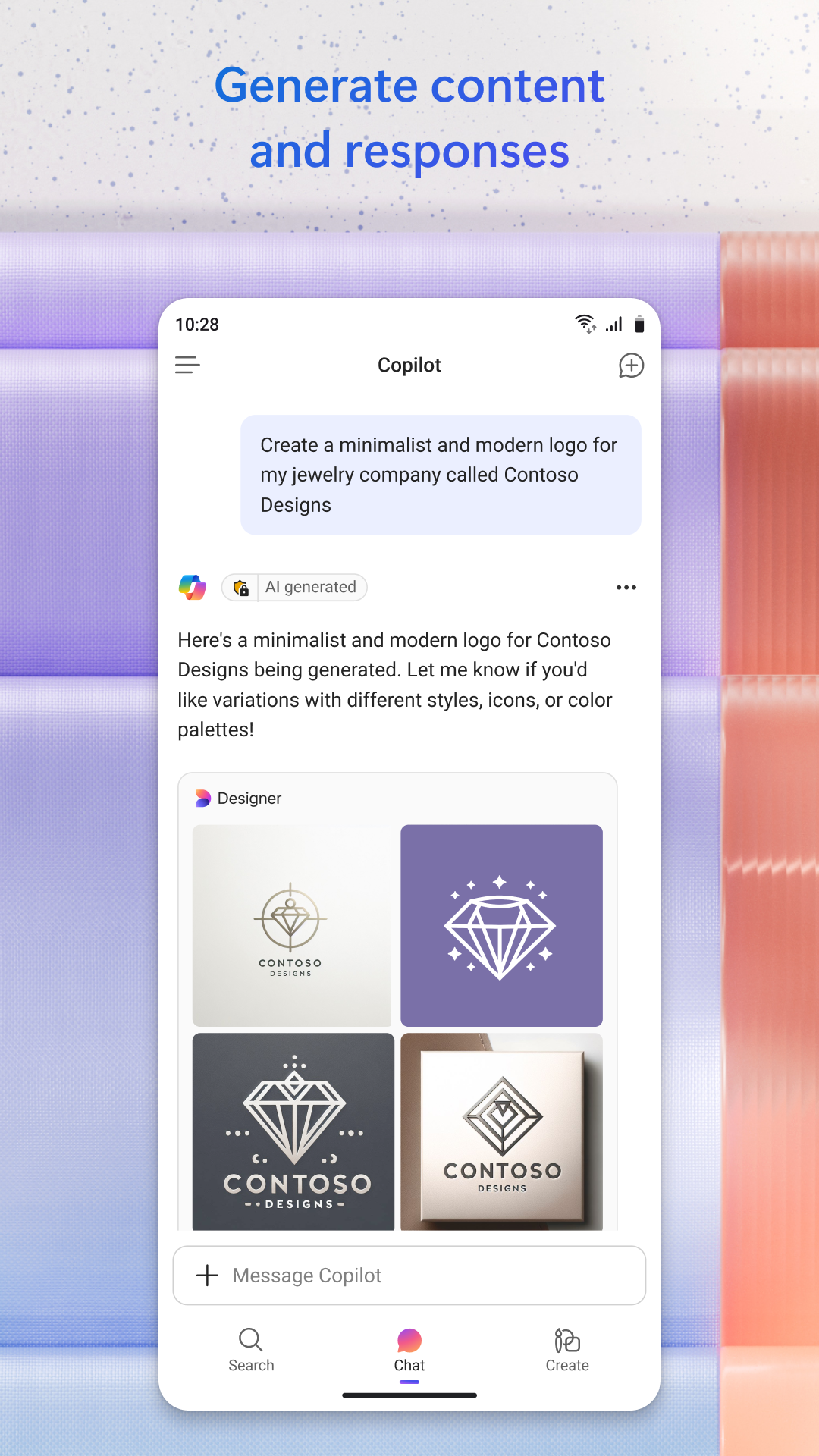
Let’s talk about Copilot! One of the most exciting features of Microsoft 365 is undoubtedly your very own AI assistant, Copilot. Picture this: a super-smart buddy that’s always ready to assist you—integrated all throughout the app! With the powerful capabilities of the latest OpenAI models like GPT-4 and DALL·E 3, Copilot helps you be more productive than ever before. Need quick info? Want to brainstorm ideas? Maybe you're in the mood to generate a cool image? Just ask Copilot! You’ll receive instant answers and smart suggestions to make your tasks easier. Plus, everything you create with Copilot can be easily exported to Word. Talk about convenience!
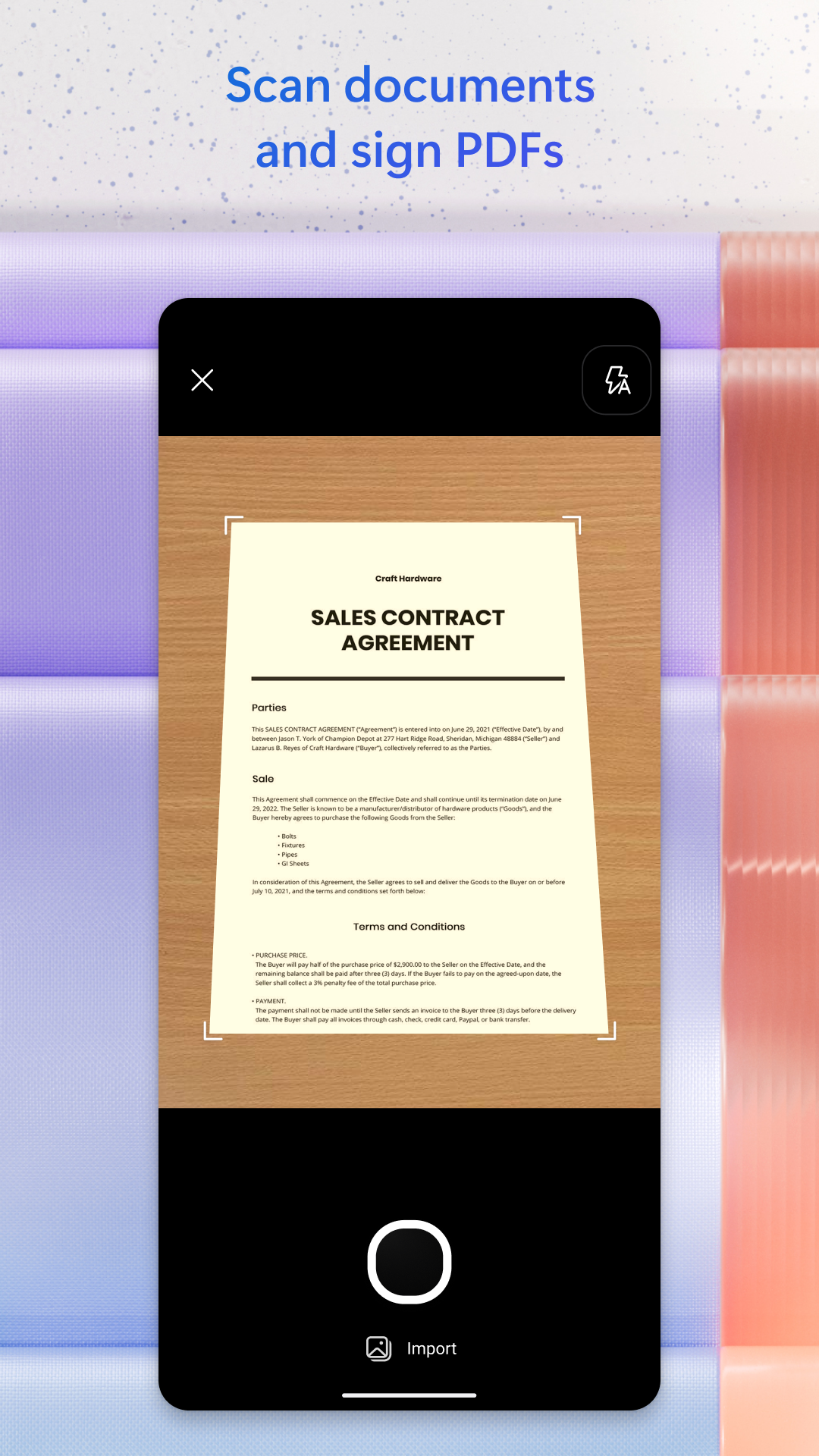
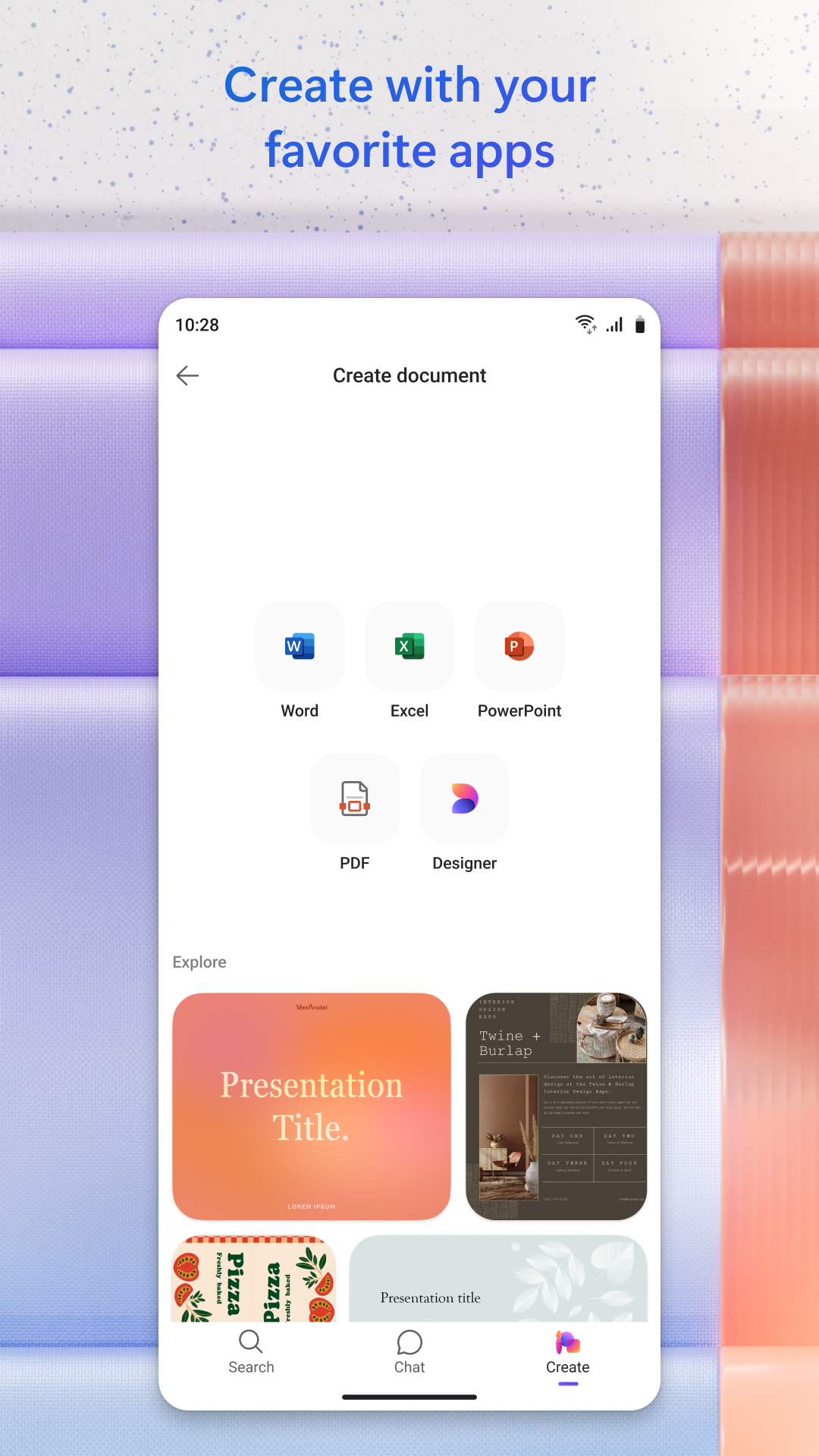
Now, Microsoft 365 isn’t just about Copilot—it also gives you an impressive arsenal of document editing tools right in your pocket. Imagine having robust versions of Word, Excel, and PowerPoint wherever you go. Whether you’re drafting that blog post you’ve been thinking about, balancing your budget, or gearing up for an important business presentation, you’ll find everything you need in one handy app. Feeling fancy? You can scan and sign documents, whip up PDFs, or even polish that resume—all with just a few taps on your screen.
Microsoft 365 is your one-stop-shop for all traditional office applications. Nope, no need to waste time downloading each tool separately; they’re all conveniently packed into this power app! Feel free to dive into Word to create stunning documents, edit text, or stitch together cover letters and resumes using the various templates available. Does PDF conversion sound neat? Well, Microsoft 365 has got your back! It can effortlessly scan PDF files and turn them into editable Word documents for you.
Need to present? Fire up PowerPoint! You won’t miss out on any functionalities compared to the desktop version. It’s loaded with powerful editing tools to ensure your presentation shines bright. Bonus alert: the Presenter Coach feature helps you practice, complete with a timer and unique feedback features, so you can nail your performance every time. Confidence level? Sky-high!
And for all the number crunchers out there, Excel is your trusty sidekick! It allows you to create worksheets, manage budgets, analyze data, and make eye-catching charts. Seriously, it’s productivity magic in formula form!
Let’s not forget about other useful tools you have under your belt! Outlook keeps your emails and calendars organized, making sure you never miss important notifications from work, school, or your social life. And OneNote serves as your trusty digital notebook, where you can capture and organize your thoughts and ideas beautifully.
Ask away! Think of Copilot as your personal assistant with some serious AI superpowers. Whether you need questions answered or suggestions made, it’s here to help boost your productivity!
Craft impressive cover letters or CVs with built-in professional templates in Word. Its sleek design and intuitive tools mean you can create documents that truly shine.
When preparation meets technology! PowerPoint's Presenter Coach provides instant feedback to refine your skills, ensuring you deliver engaging presentations without a hitch.
Excel is the ultimate playground for managing numbers. From budget tracking to complex data modeling, its range of templates and features means you can easily manage all your financial needs.
Let your creativity soar with Designer! This fabulous AI-powered feature lets you whip up stunning designs and edit photos in no time, giving your projects that professional flair.
With Microsoft 365, say goodbye to collaborative headaches! Share, edit, and work simultaneously on documents with others regardless of distance and keep your teamwork efficient and seamless.
Let’s get back to Copilot for a moment, shall we? Beyond being just an office tool, this virtual assistant is like having a savvy friend by your side, equipped with the latest OpenAI tech and Microsoft AI models, including DALL·E 3 and GPT-4. Seriously, it’s a game changer!
From casual chats to command prompts, asking questions leads to fully realized responses—Copilot has your covered. Take advantage of Copilot’s many unique features, such as summarizing text, translating languages, or crafting stunning AI-generated images from your requests. Chatting with Copilot will inspire learning, creative development, and realization of your wild ideas!
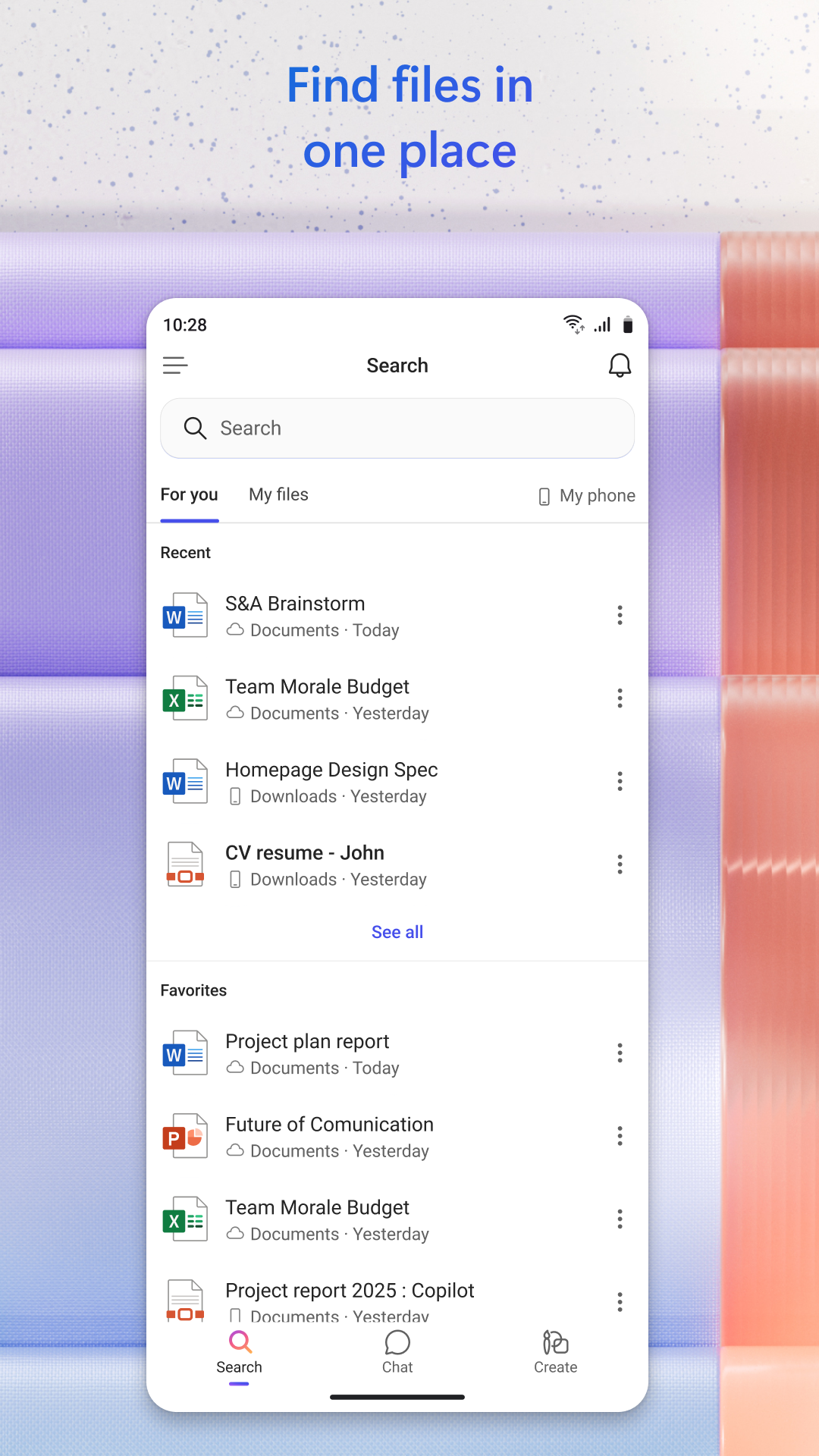
One of the big perks of Microsoft 365 is the peace of mind it brings when it comes to file storage. Utilizing cloud services like OneDrive ensures that your precious documents are securely saved and easy to retrieve whenever you need them. Concentrate on what truly matters—your productivity—whether it's juggling projects or tasks at home, without any worries about storage or safety.
Last but not least, let’s chat efficiency. With all these powerful tools uniquely packaged into a single application, everything you need is interconnected and accessible anytime, anywhere! Simply open Microsoft 365 and voila—grab any file you desire from Word, Excel, or PowerPoint. Like magic, it’s all set and ready for you.
Thanks to modern cloud computing technology, your work data is continuously backed up. Say goodbye to anxiety over accidental deletions or tech mishaps! Security experts give high praises for Microsoft 365’s safeguards against data theft and leaks, ensuring that your sensitive information remains tightly under wraps.
So what’s holding you back? Dive into Microsoft 365 today, unleash your productivity potential, and welcome Copilot into your daily routine!
| App Name | Microsoft 365 Copilot |
|---|---|
| Version | 16.0.18730.20008 |
| Size | 143.25 MB |
| Update | Jun 16, 2025 |
| Developer | Microsoft Corporation |
| Category | Productivity |
| Google Play ID | com.microsoft.office.officehubrow |
Microsoft 365 Copilot 16.0.18730.20008
Microsoft 365 Copilot 16.0.18526.20042
Microsoft 365 Copilot 16.0.18227.20088
Microsoft 365 Copilot 16.0.16827.20058



72.22 MB 15.39.50