

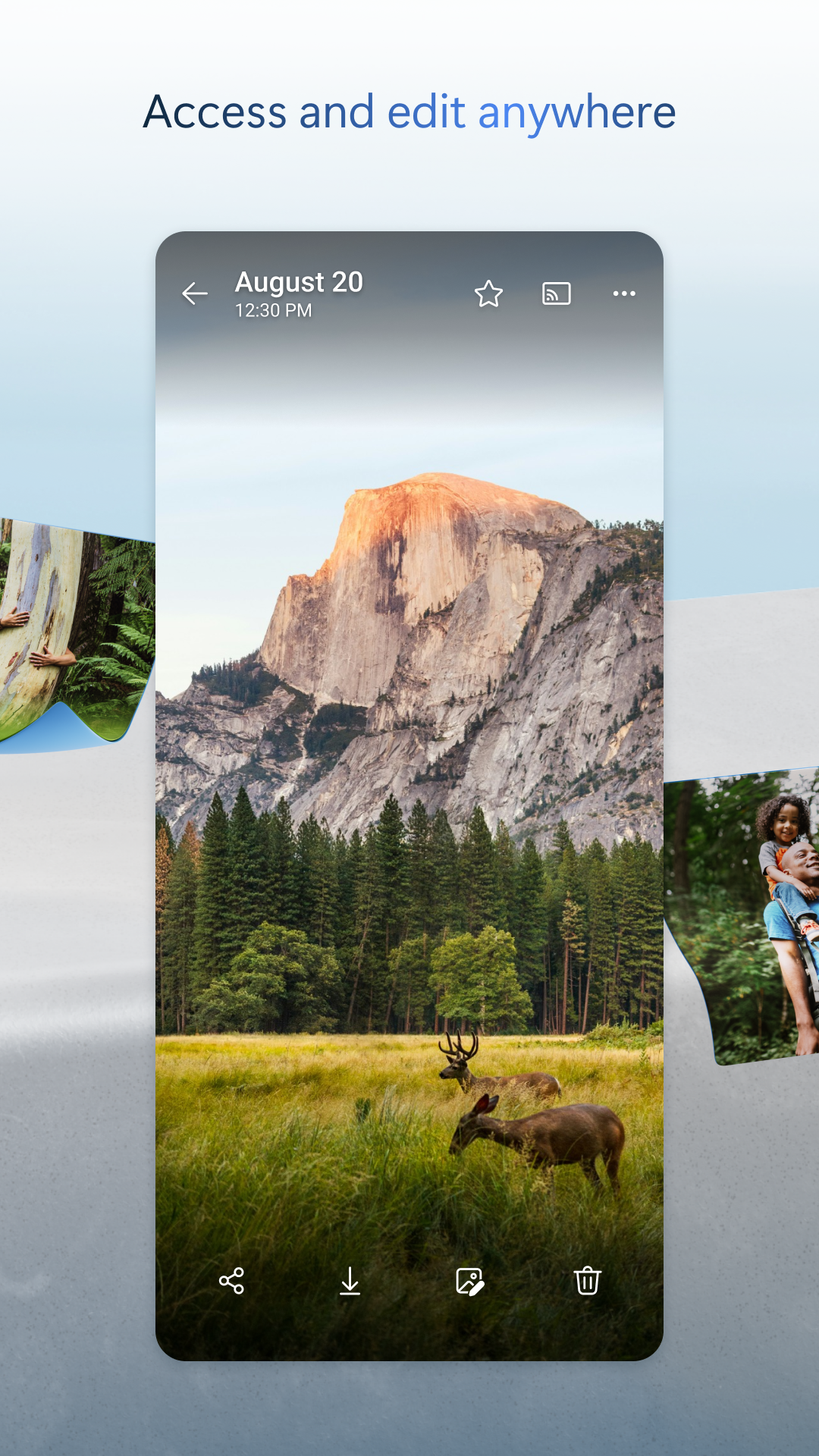
So, you’re curious about Microsoft OneDrive, huh? Well, let me tell you, it's not just your average cloud storage; it's a fantastic way to keep your files safe and sound while giving you the freedom and flexibility to access them anytime, anywhere—yes, even when you're offline! Let’s dive into everything this handy tool can do for you.
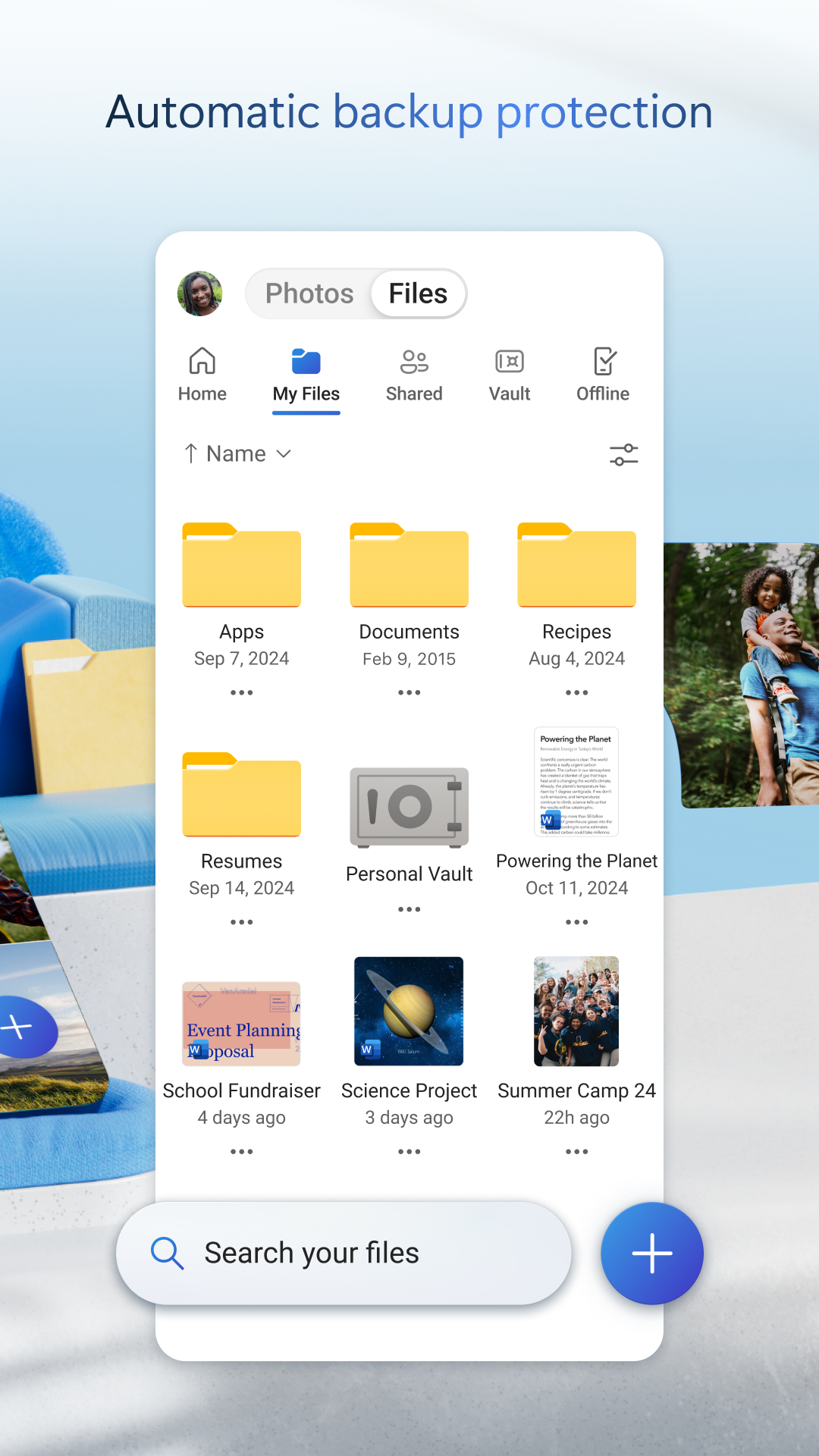
Are you out and about with no Wi-Fi in sight? Don't worry! With OneDrive, you can save files offline so you can still view or edit them whenever the mood strikes. Yup, that means you can stay productive even when you're cut off from the internet—how's that for a game changer? The app is pretty clever too; any changes you make when you're offline will be automatically updated as soon as you connect again. Talk about smooth sailing!
If you're saving documents like Word, Excel, PowerPoint, OneNote, or even emails from Outlook—guess what? You can open, copy, view, and edit all of those formats directly within the app! It’s seamless, user-friendly, and makes working on the go feel like a breeze. Whether you're drafting an important report or brushing up on that presentation, OneDrive has got your back.
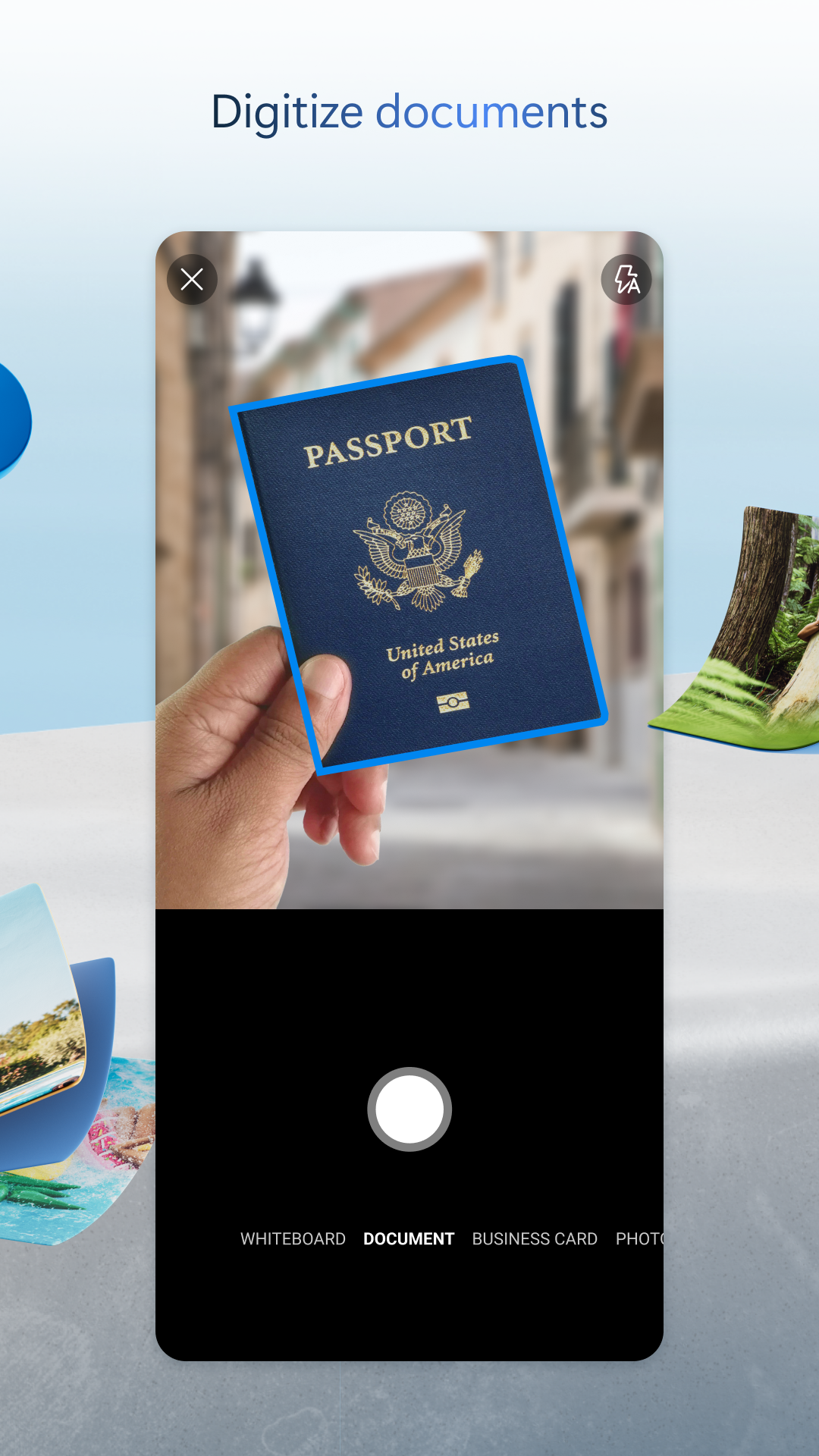
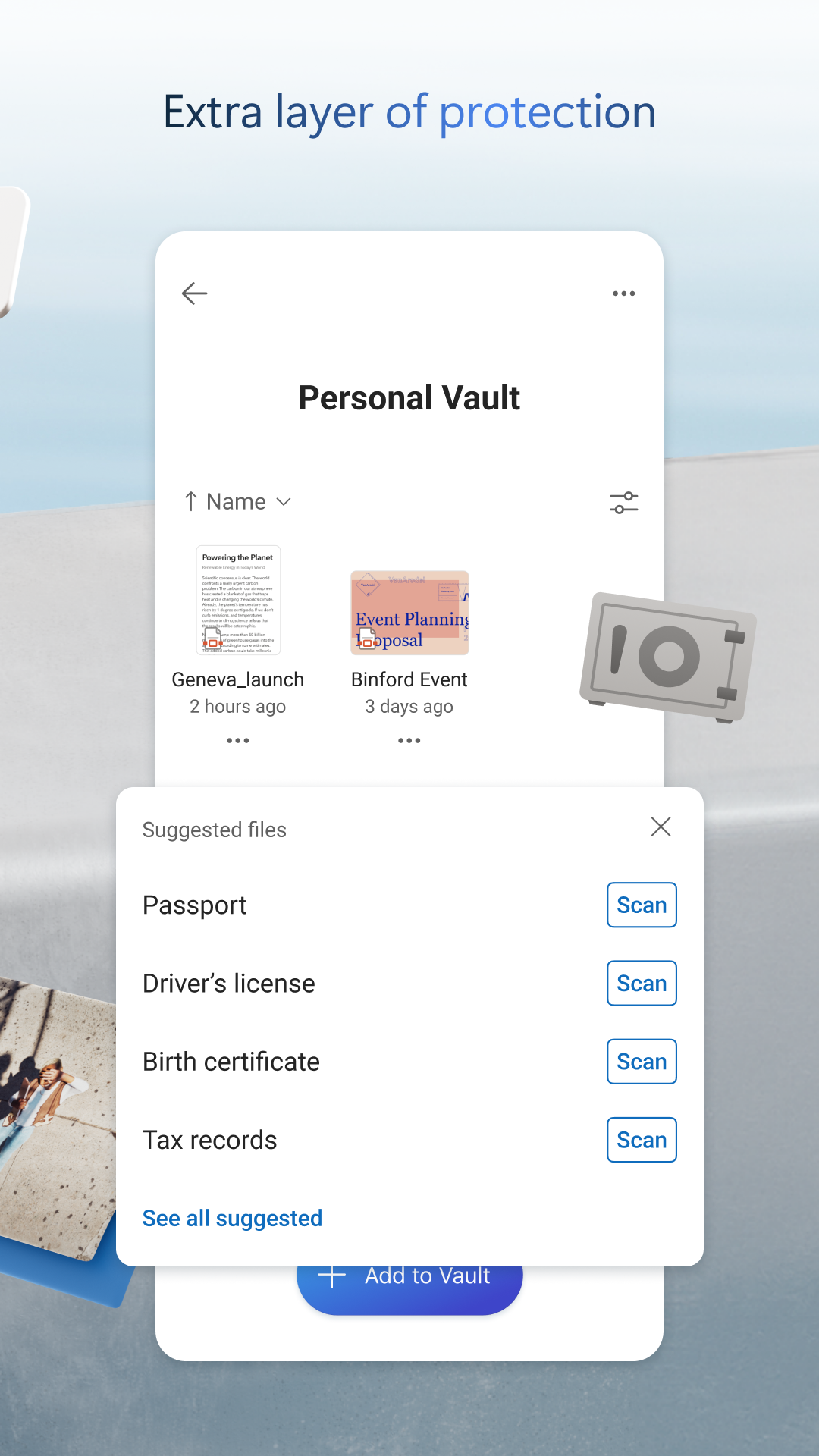
Ever find yourself needing to sign a document or capture a receipt? With the OneDrive mobile app, you can easily scan, sign, and send documents—right at your fingertips! Plus, if you want to get fancy, you can markup receipts, whiteboards, and more. Who knew going digital could be so cool?
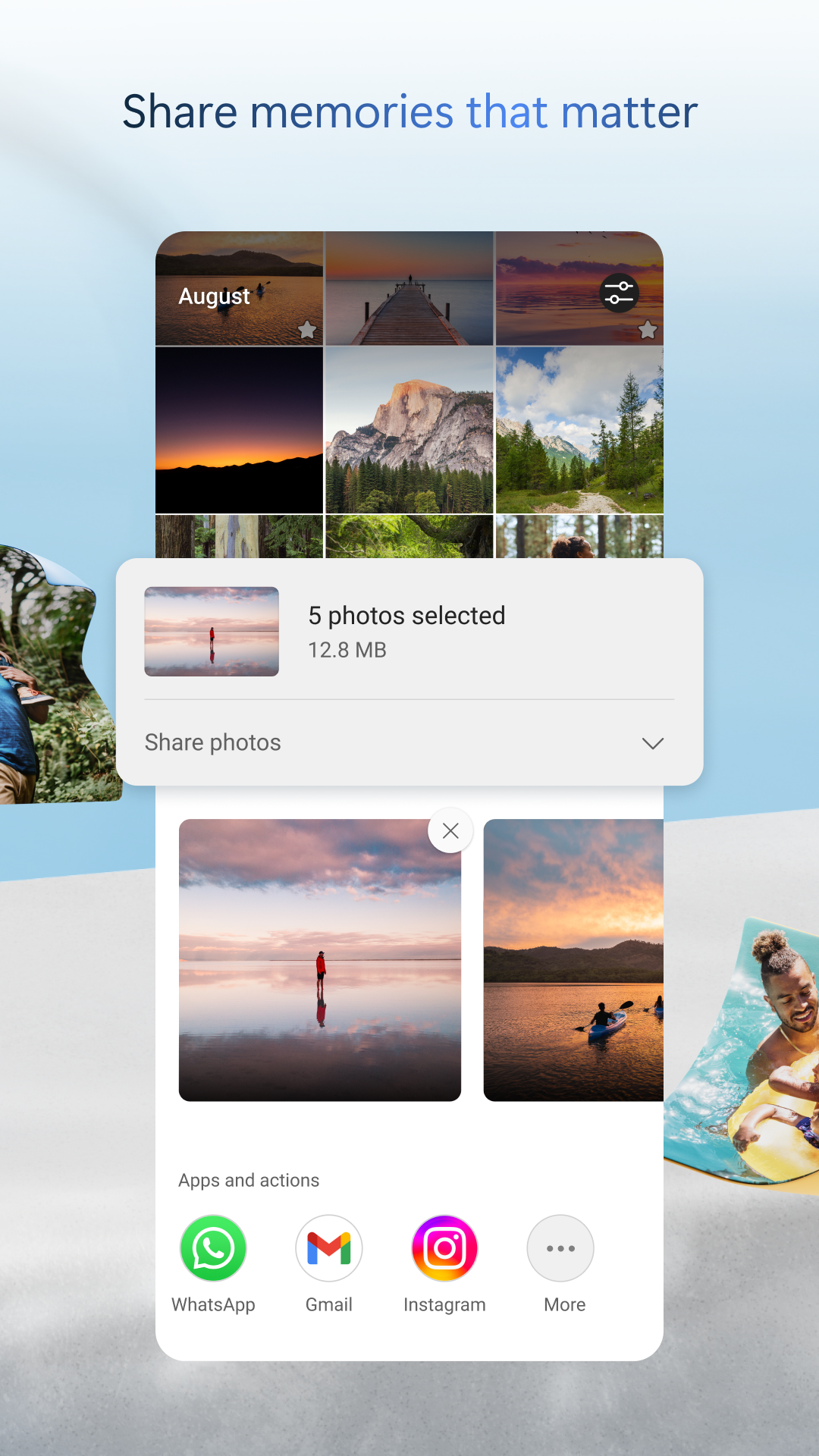
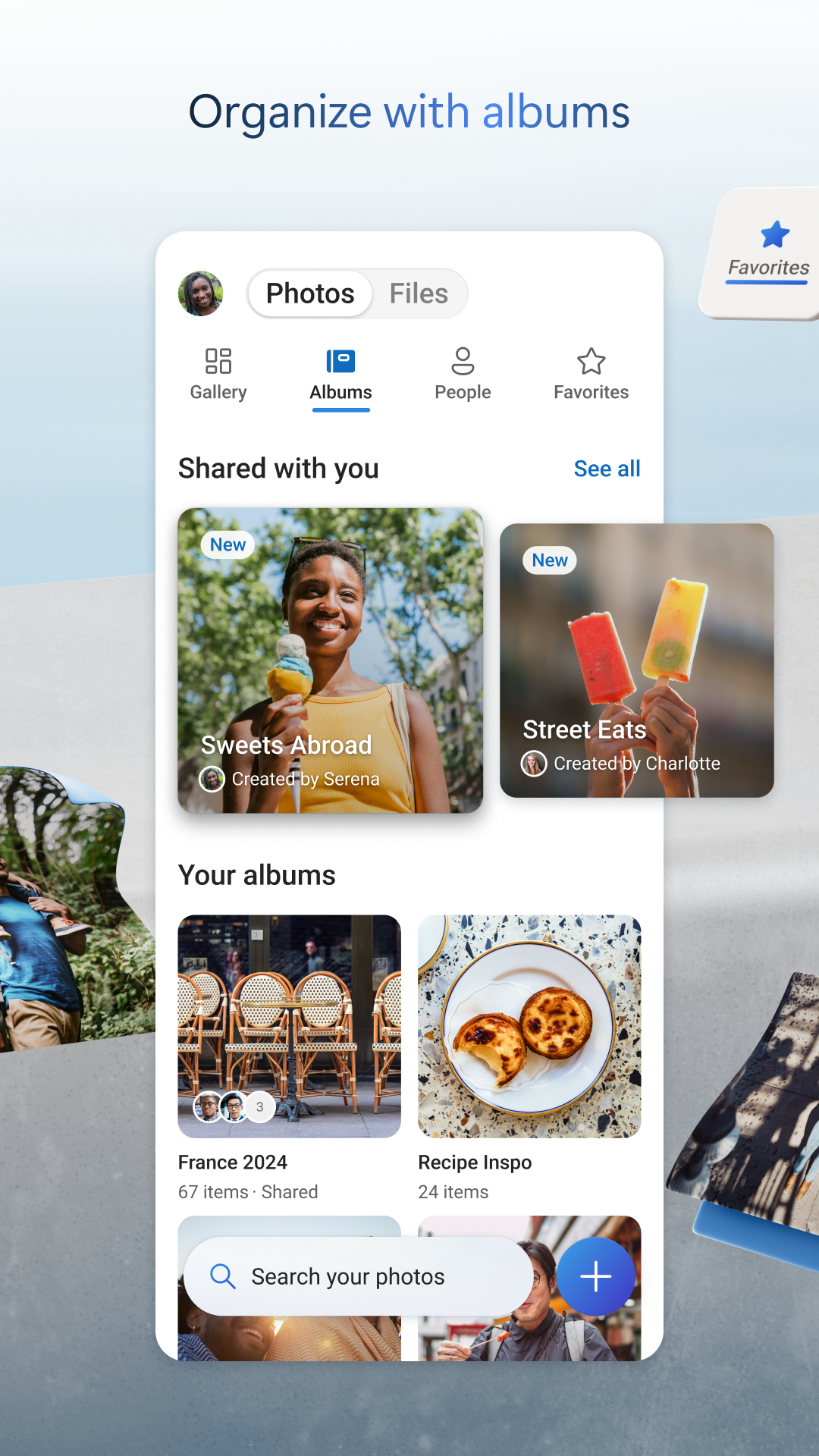
Sharing is caring, am I right? OneDrive allows you to share files, photos, videos, and entire albums with friends and family in just a few clicks. You'll even get notifications when someone spruces up a shared document—keeping everyone in the loop! Need a bit more security? No problem! You can set password protection or create links that expire after a certain time. Consider it your added layer of virtual security.
Okay, picture this: you need a place where you can copy, rename, upload, download, share, and save your dazzling array of data files. If that's you, OneDrive is your new best friend! This online information hub integrates loads of modern features while boasting a super friendly interface. So why waste time fumbling around with complicated apps? OneDrive’s multifunctionality makes life oh-so-easy!
Let’s talk organization. With OneDrive, managing your files couldn't be simpler. Rename files, move them between folders, create new ones, or arrange everything according to your unique style. We all know how chaotic it can get when files are scattered everywhere, but with a little OneDrive magic, finding what you need becomes a total breeze.
Did you know that Microsoft OneDrive is one of the top-tier online storage services today? Seriously, it's renowned for offering solid cloud storage solutions for both personal and professional needs. Accessible through any web browser, this platform ensures that your files are just a click away, provided you have an internet connection. Android users have reason to rejoice too; recent updates have made the app feature-packed and accessible across all devices. Just drag and drop your precious files onto the interface, and BAM! They're safely living in the cloud.
Here’s the cherry on top: you can start using Microsoft OneDrive for absolutely free! With 5 GB of initial cloud storage, you can dip your toes in and see how it feels. If you find yourself needing more space (and who wouldn’t?), there are options to upgrade through Microsoft 365 subscriptions that offer up to 1 TB of storage. For just $1.99 a month, you can snag an extra 100 GB—plenty of room for lots of memories like photos and documents.
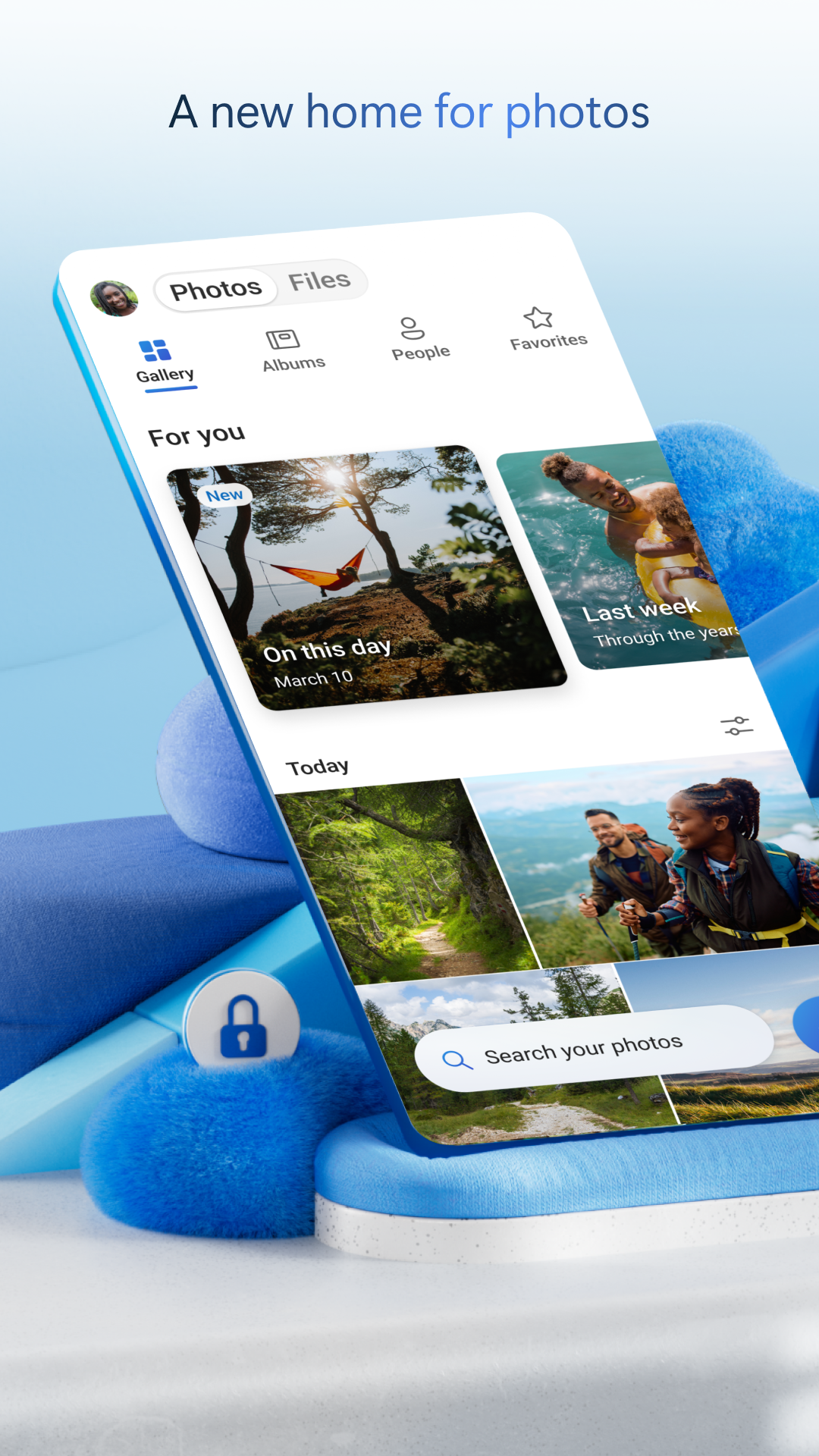
OneDrive isn’t just a pretty interface; it’s packed with intelligent features too. Its advanced search functionality helps you track down specific photos in a snap! Forget endless scrolling through your library—tag your pictures by themes or subjects, and voilà! Instant results. Imagine searching for “beach vacation” and getting all your sandy snaps in seconds—exactly what we need!
Want peace of mind knowing your memories are safe? Enable Camera Upload for automatic photo backups. Plus, with automatic tagging, finding that perfect shot is so easy; goodbye cluttered galleries! Your photos will be viewable on your phone, computer, and online—all neatly organized for your convenience.
With all these incredible features and nifty functionalities, Microsoft OneDrive stands out as an essential tool for anyone looking to manage their files effortlessly. So, why not give it a try? Happy storing! 📦✨
| App Name | Microsoft OneDrive |
|---|---|
| Version | 6.55.1 |
| Size | 92.79 MB |
| Update | Jun 04, 2025 |
| Developer | Microsoft Corporation |
| Category | Productivity |
| Google Play ID | com.microsoft.skydrive |






72.22 MB 15.39.50