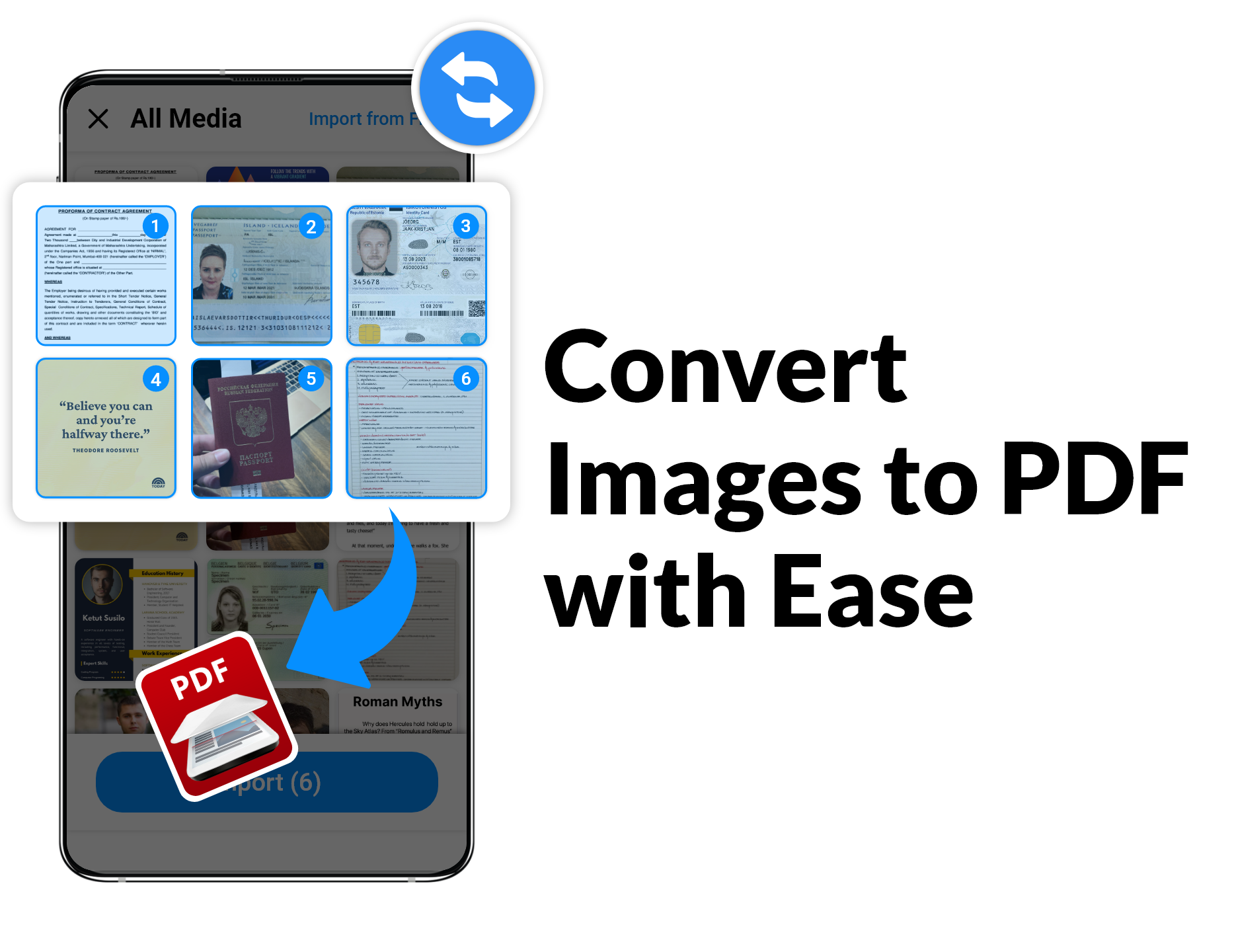
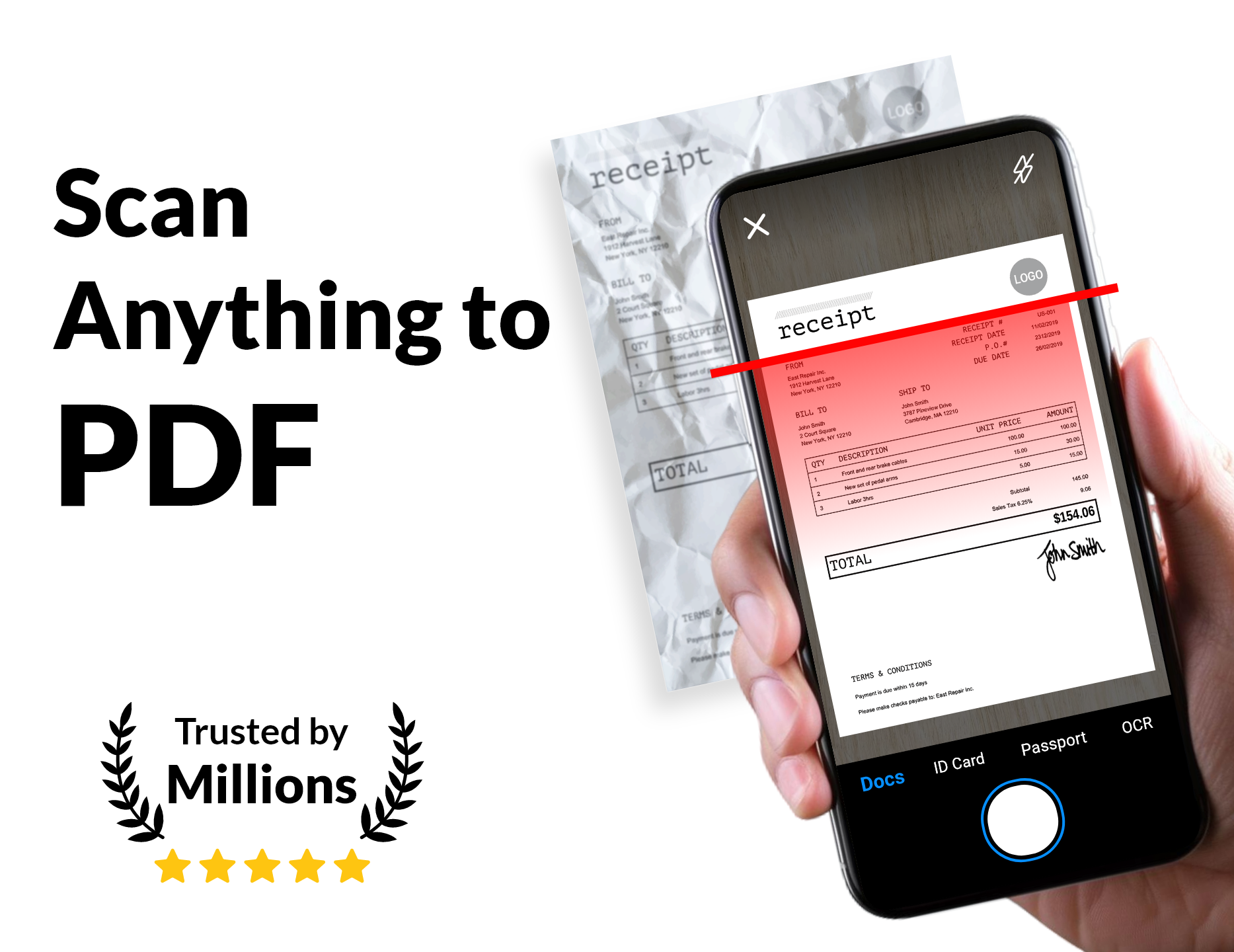
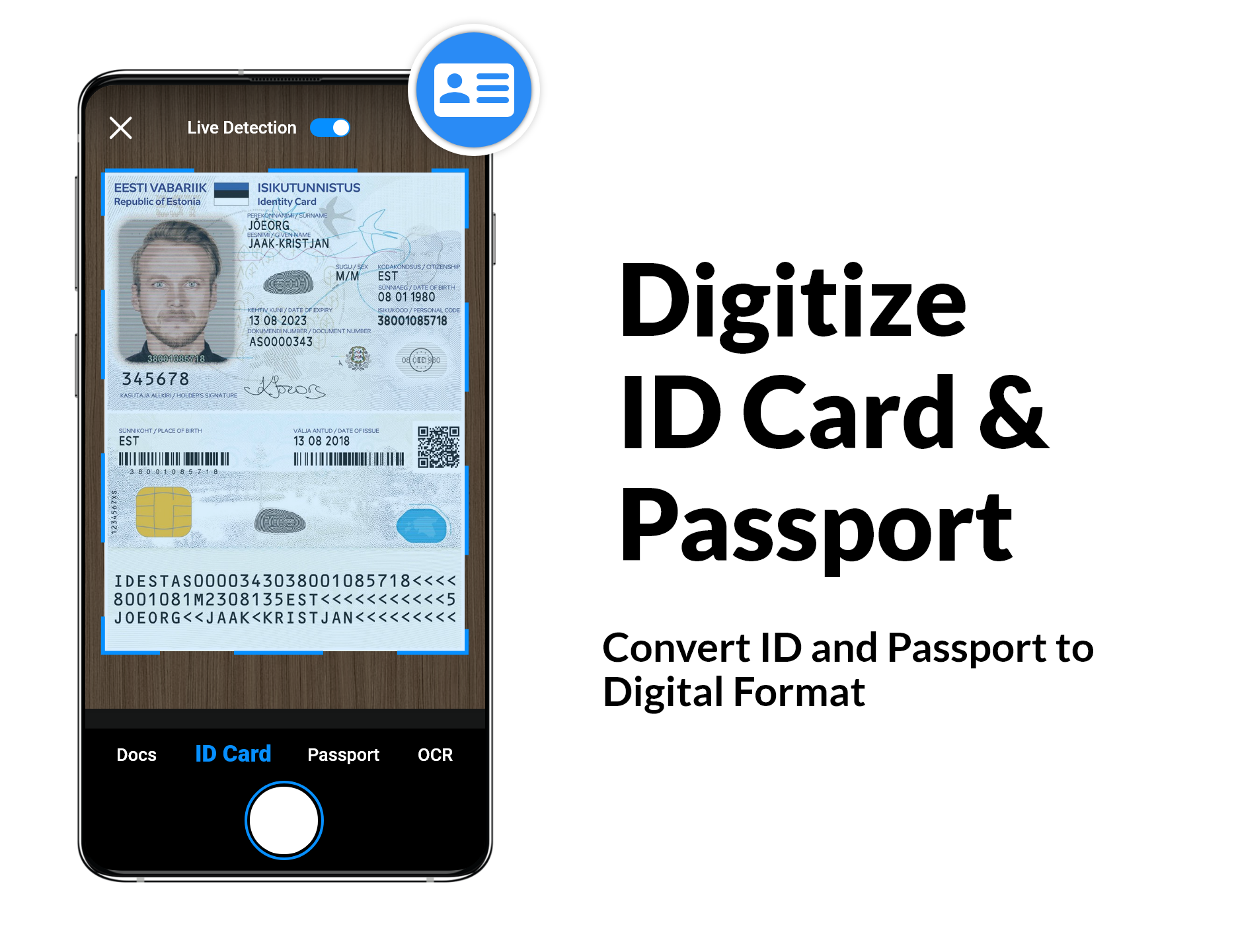
If you're tired of cluttered documents and endless searches, let me introduce you to your new best friend: the PDF scanner app! This nifty tool not only helps you scan documents but also makes it fun and super efficient. Let's dive into its fabulous features that will make you wonder how you ever managed without it!
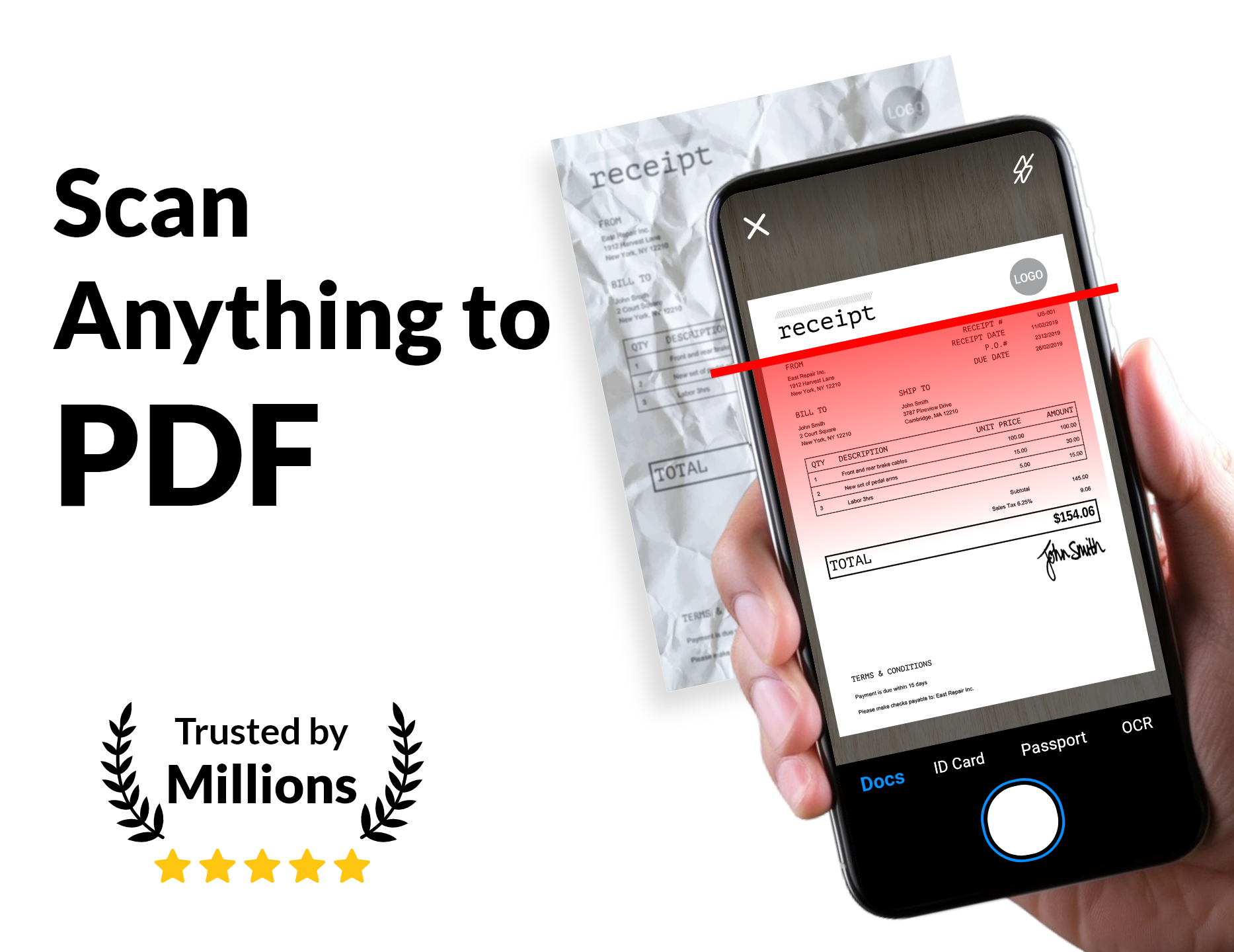
This app’s got some serious skills! For starters, automatic edge identification and perspective adjustment mean you don’t have to stress about getting your scans perfectly framed. And if you want to take it a step further, you can manually enhance the scanning quality using Photoscan—how neat is that?
Oh, and did I mention the organization capabilities? You can easily arrange your documents into folders and subfolders, making it a breeze to retrieve what you need when you need it. Plus, it's a free scanner program for both photographs and documents. Yes, free!
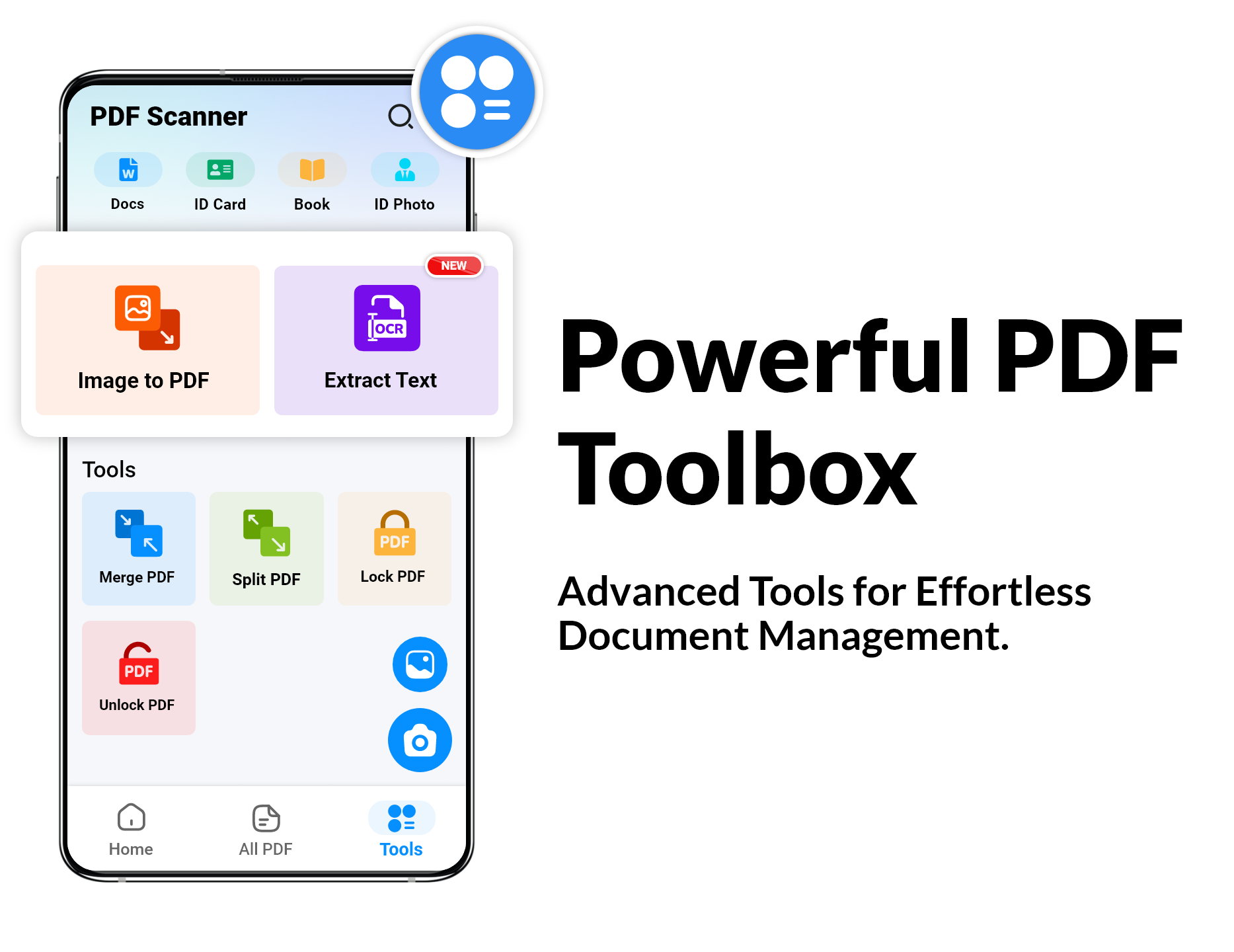
And for those who love versatility, the PDF maker lets you create documents in various sizes—from A1 to A6—and formats like postcards, letters, and notes. How cool is that?
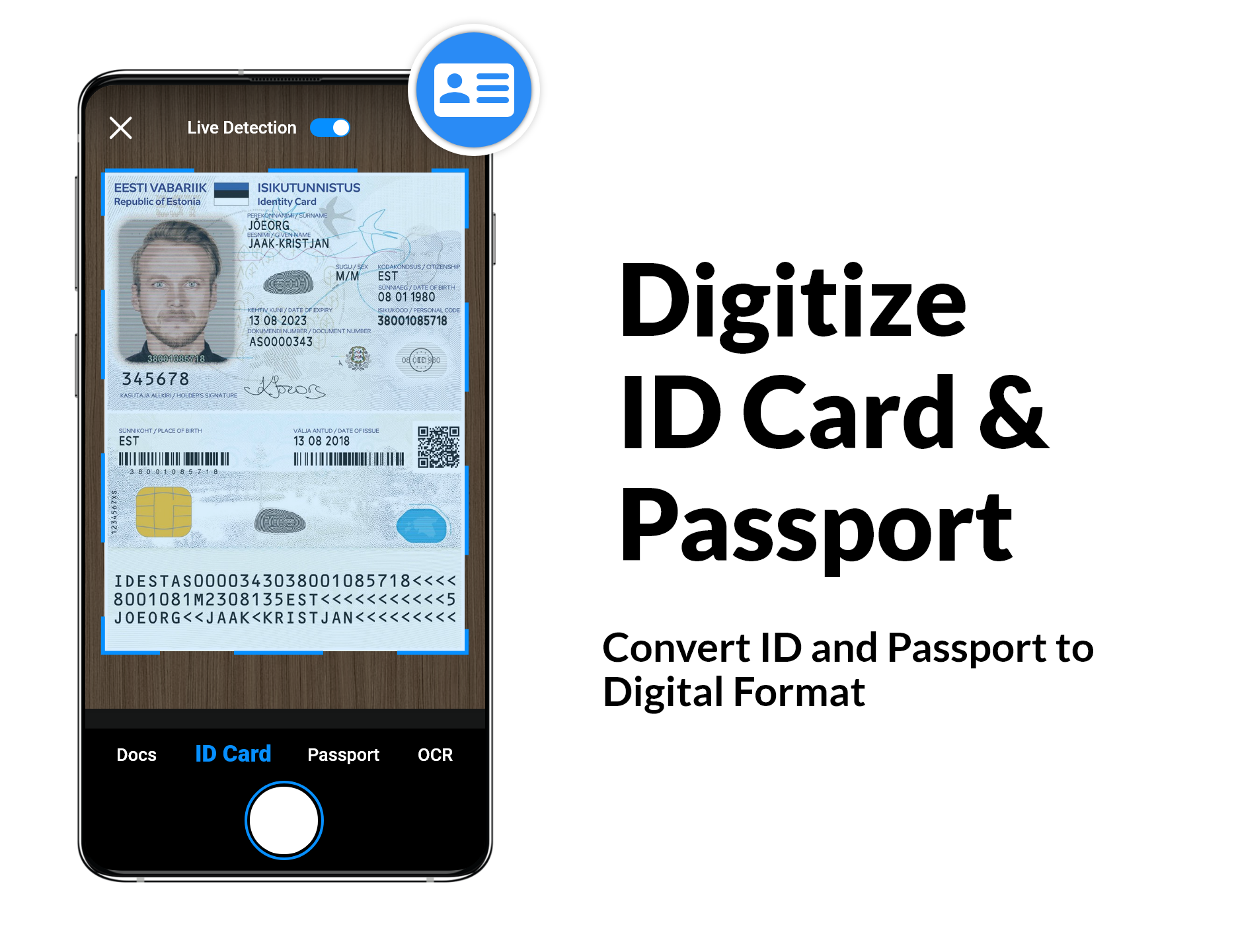
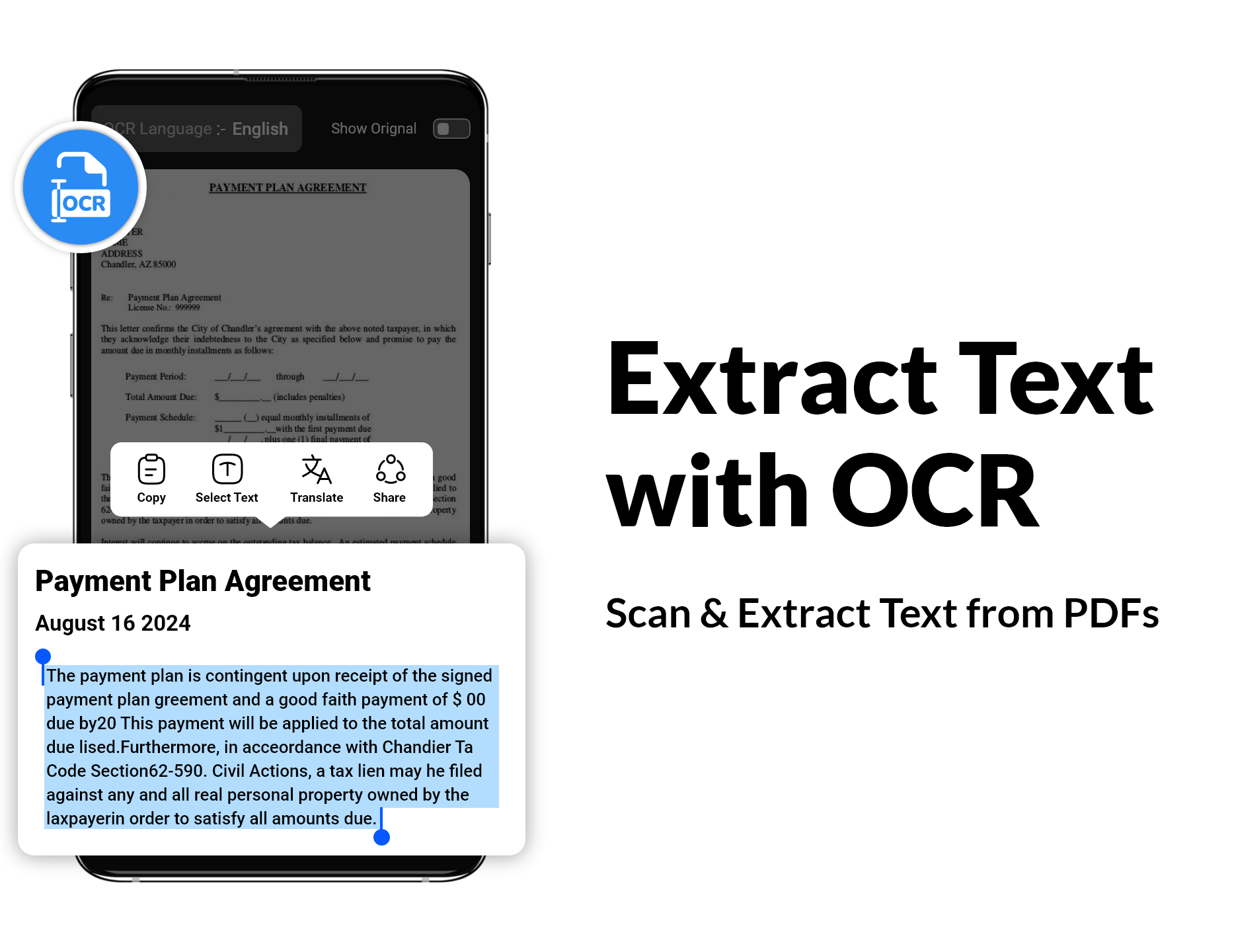
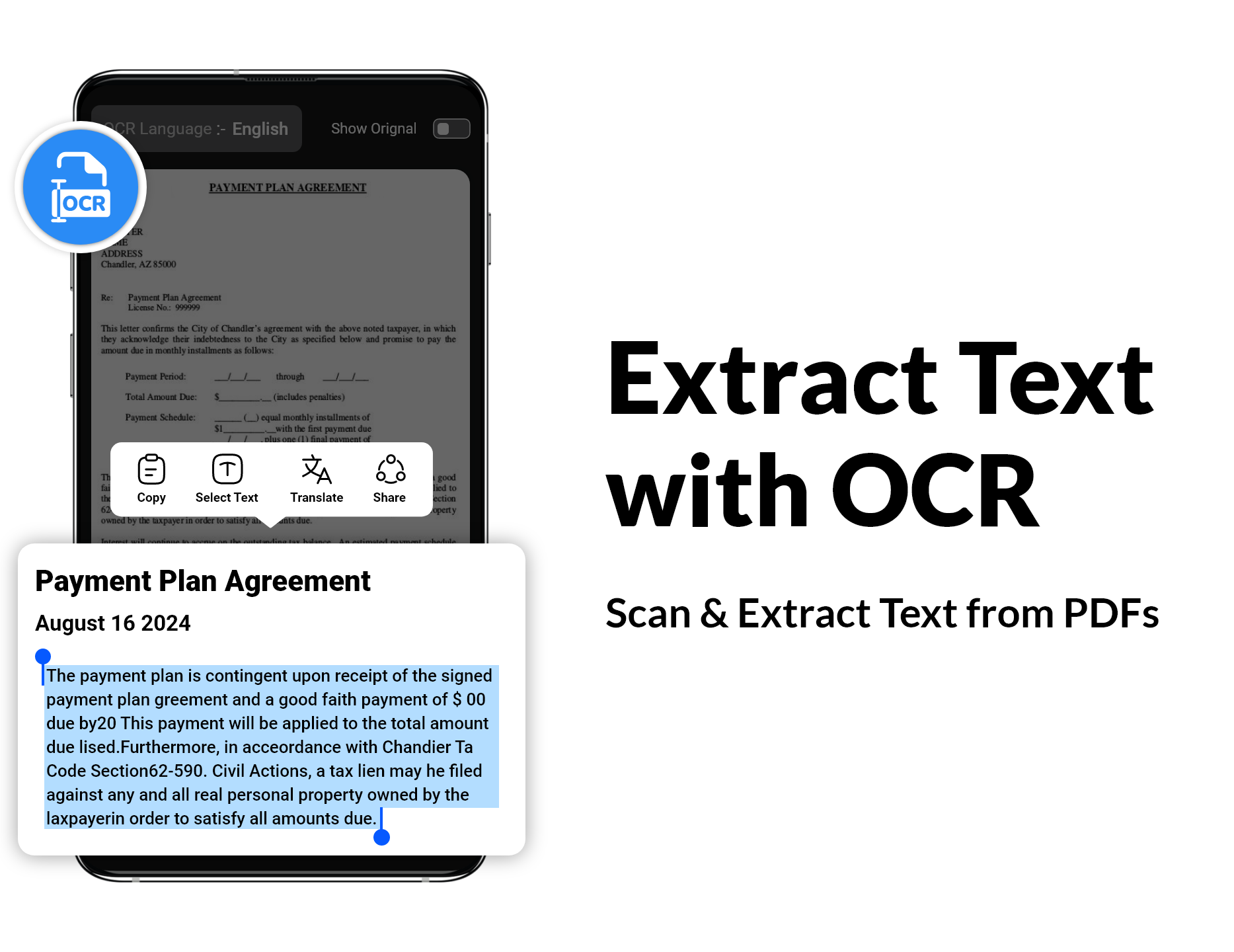
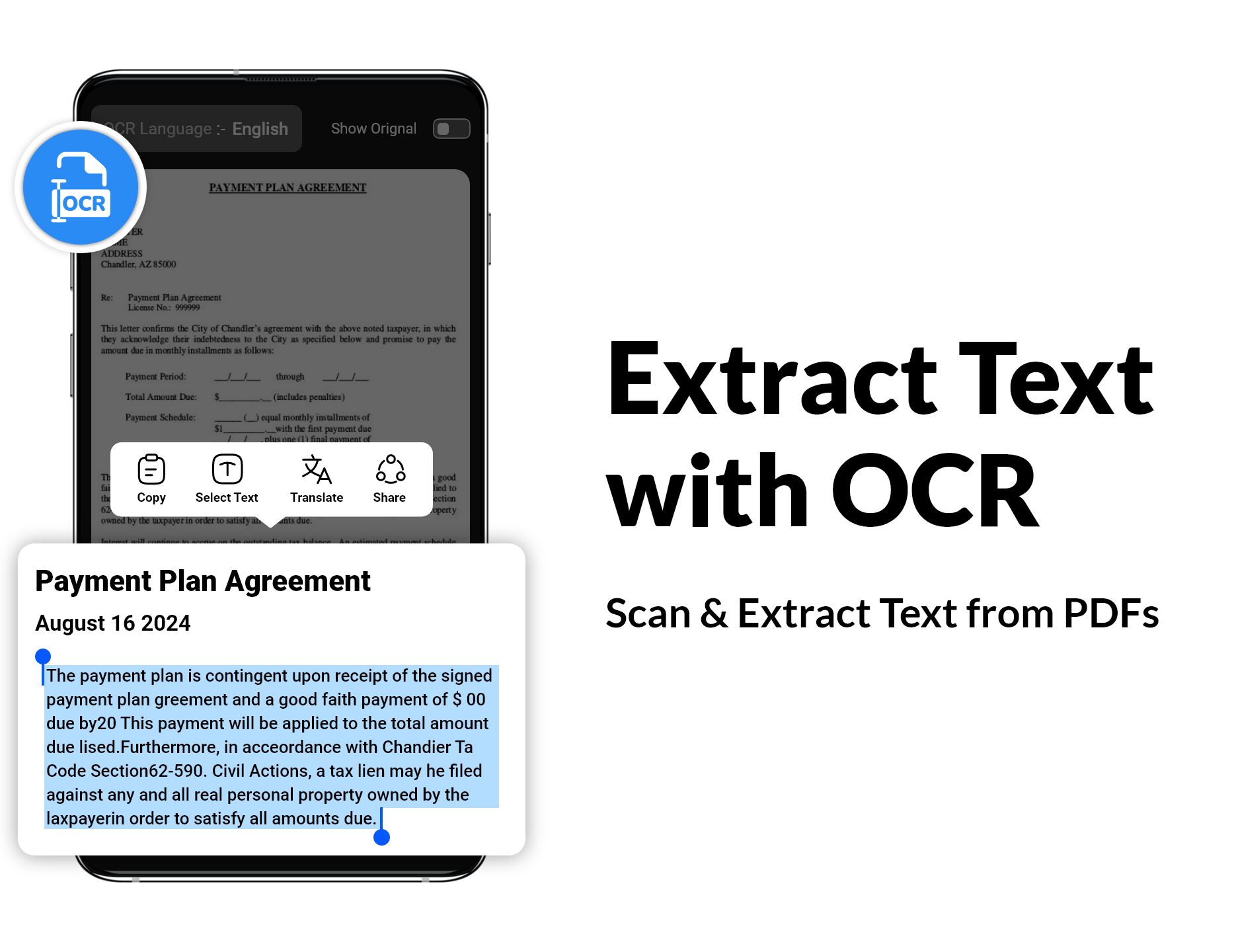
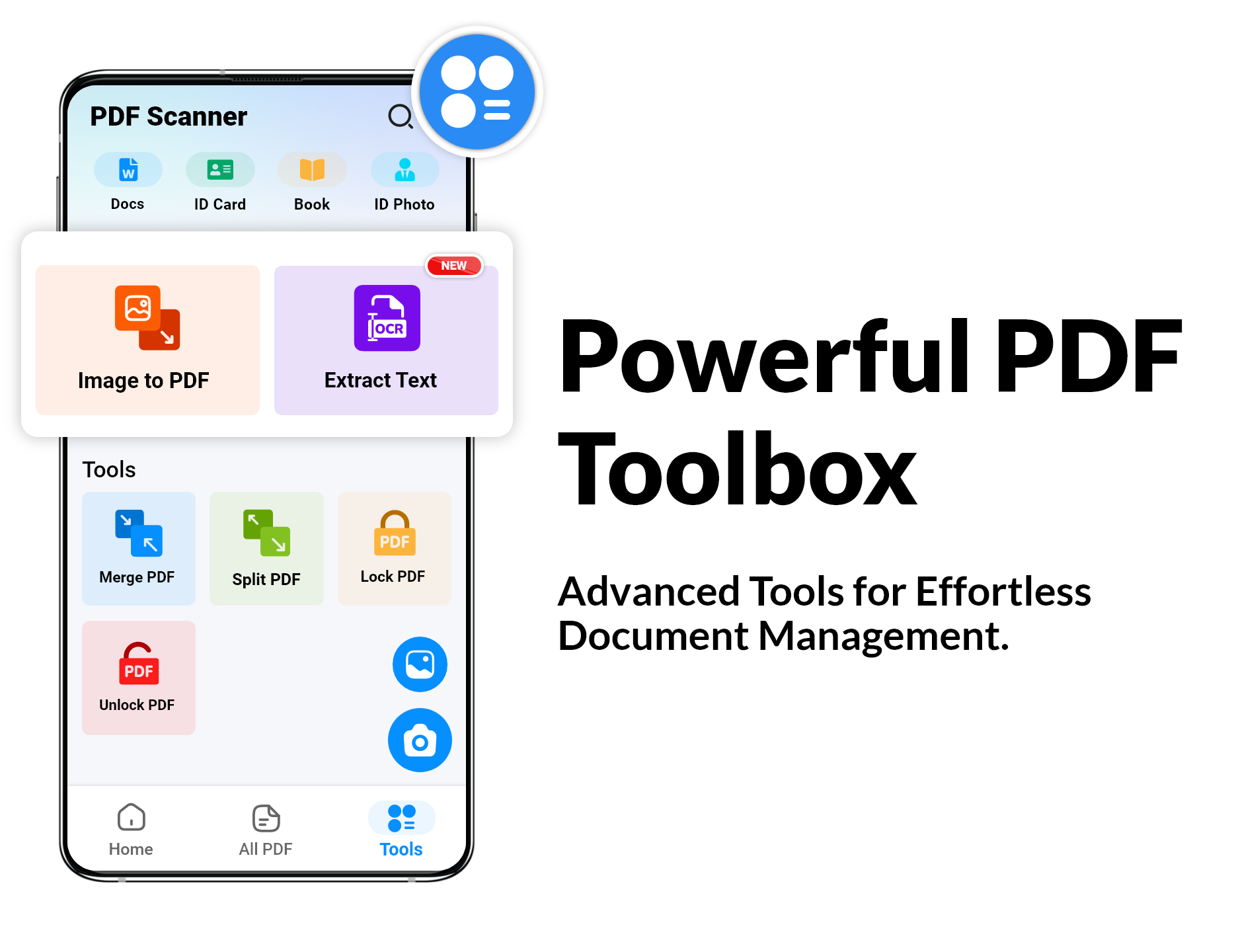
Let’s not forget about the magical world of text extraction through OCR (Optical Character Recognition). With this feature, you can grab text from images and transform them into searchable, editable, or shareable content.
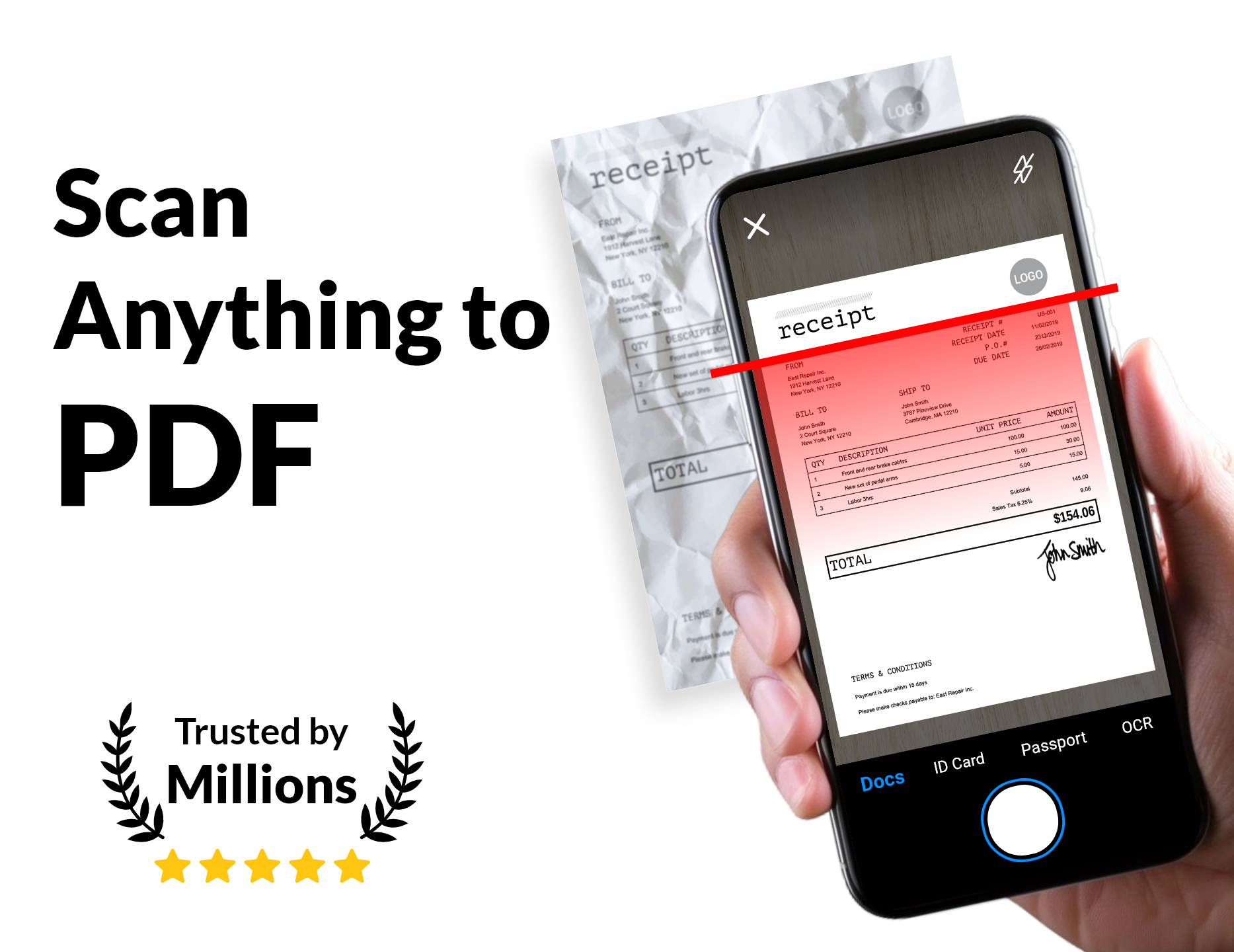
Scanning documents is as easy as pie. Here’s how:
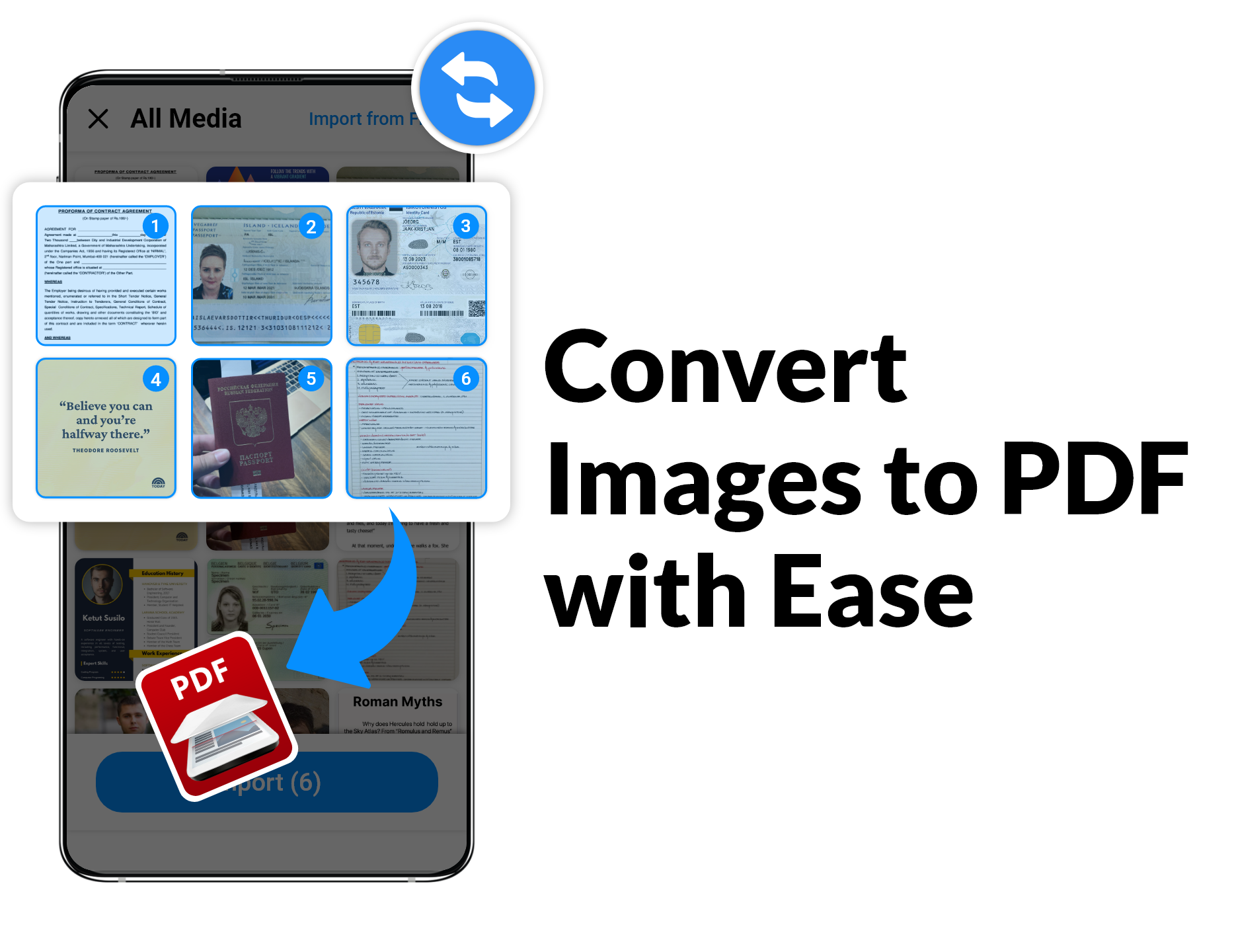
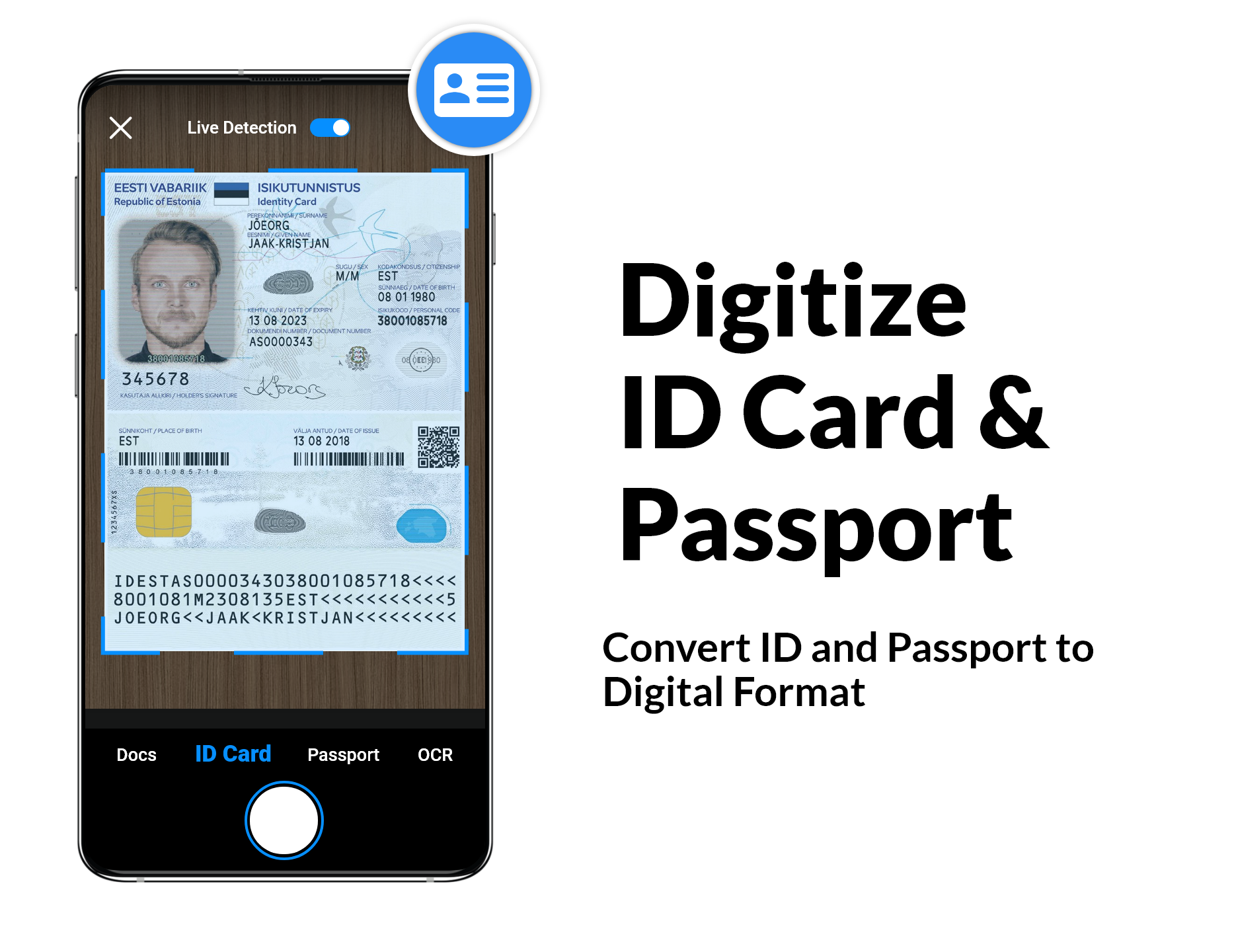
1.Choose your weapon:Select the camera or pick photos from your gallery。
2.Crop it:Use the 8-point multi-selection tool for precise cropping。
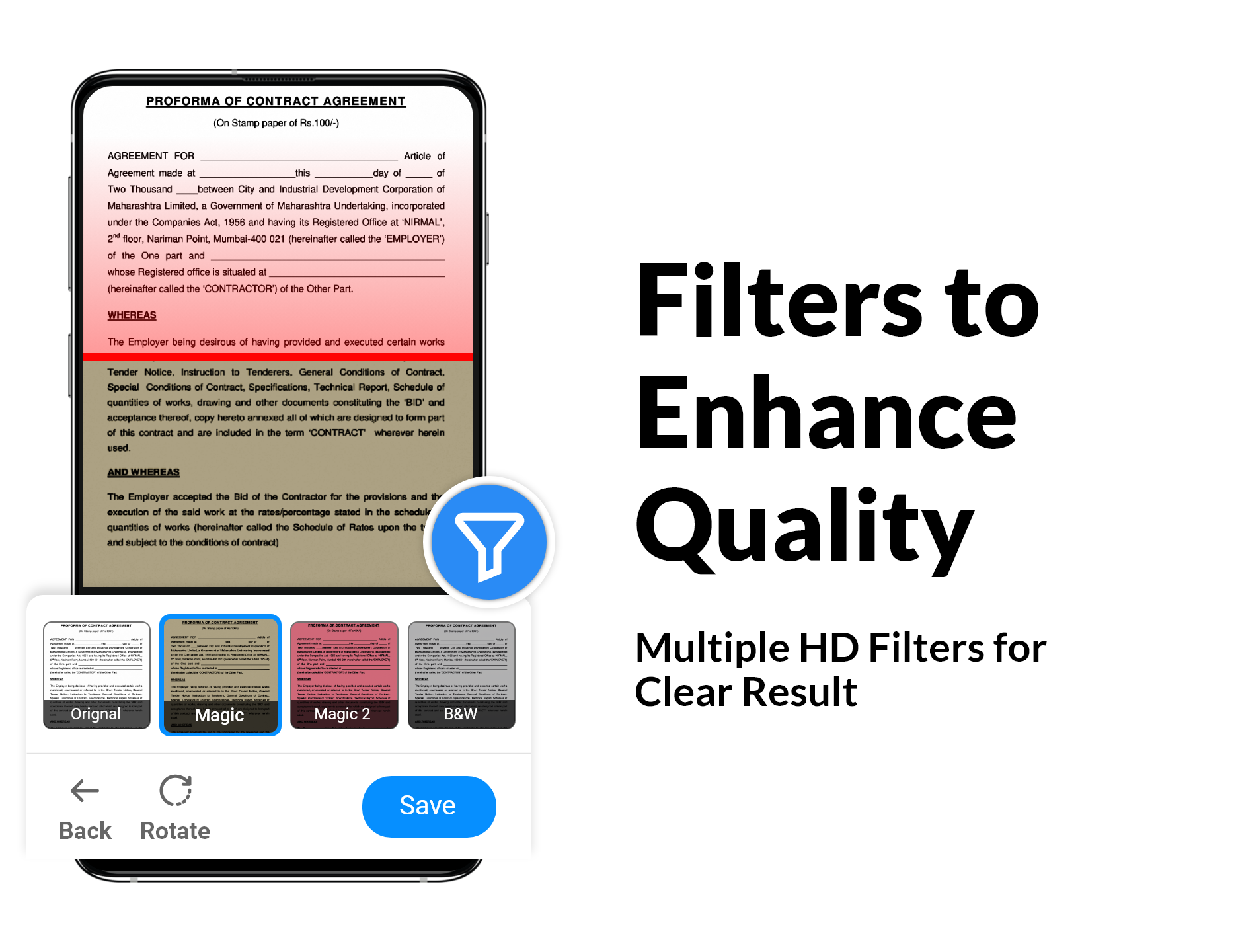
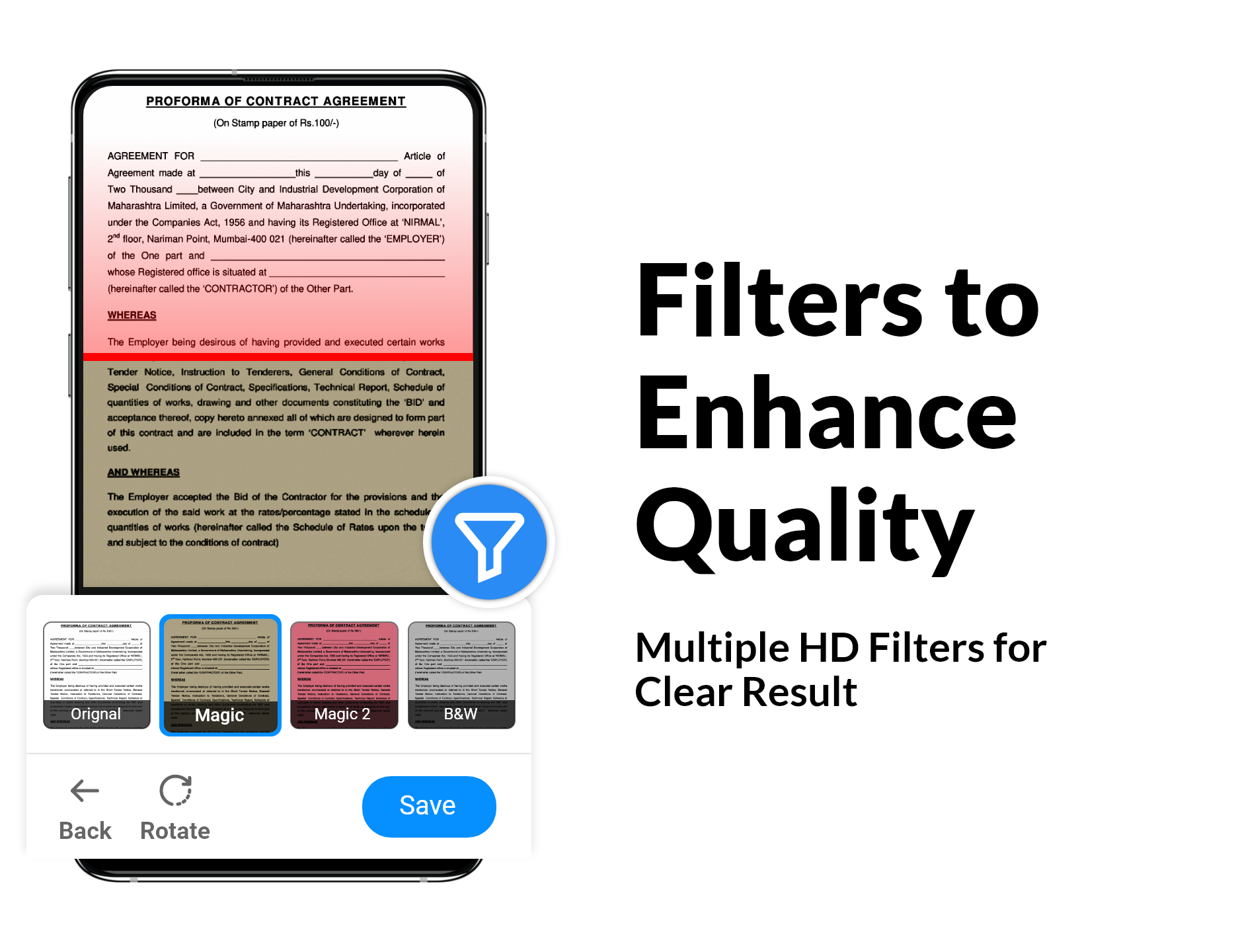
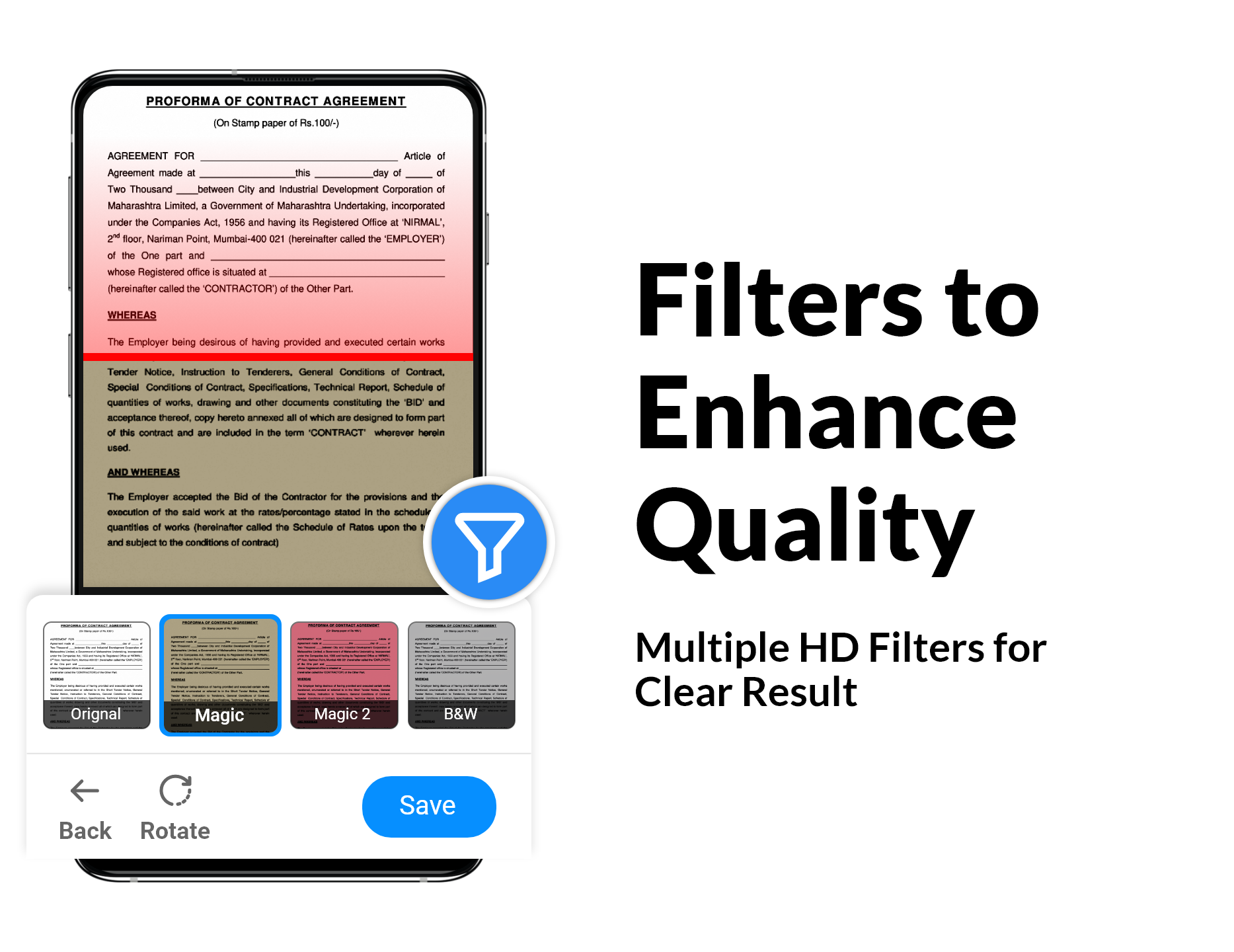
3.Enhance:Apply filters to give that image an extra glow。
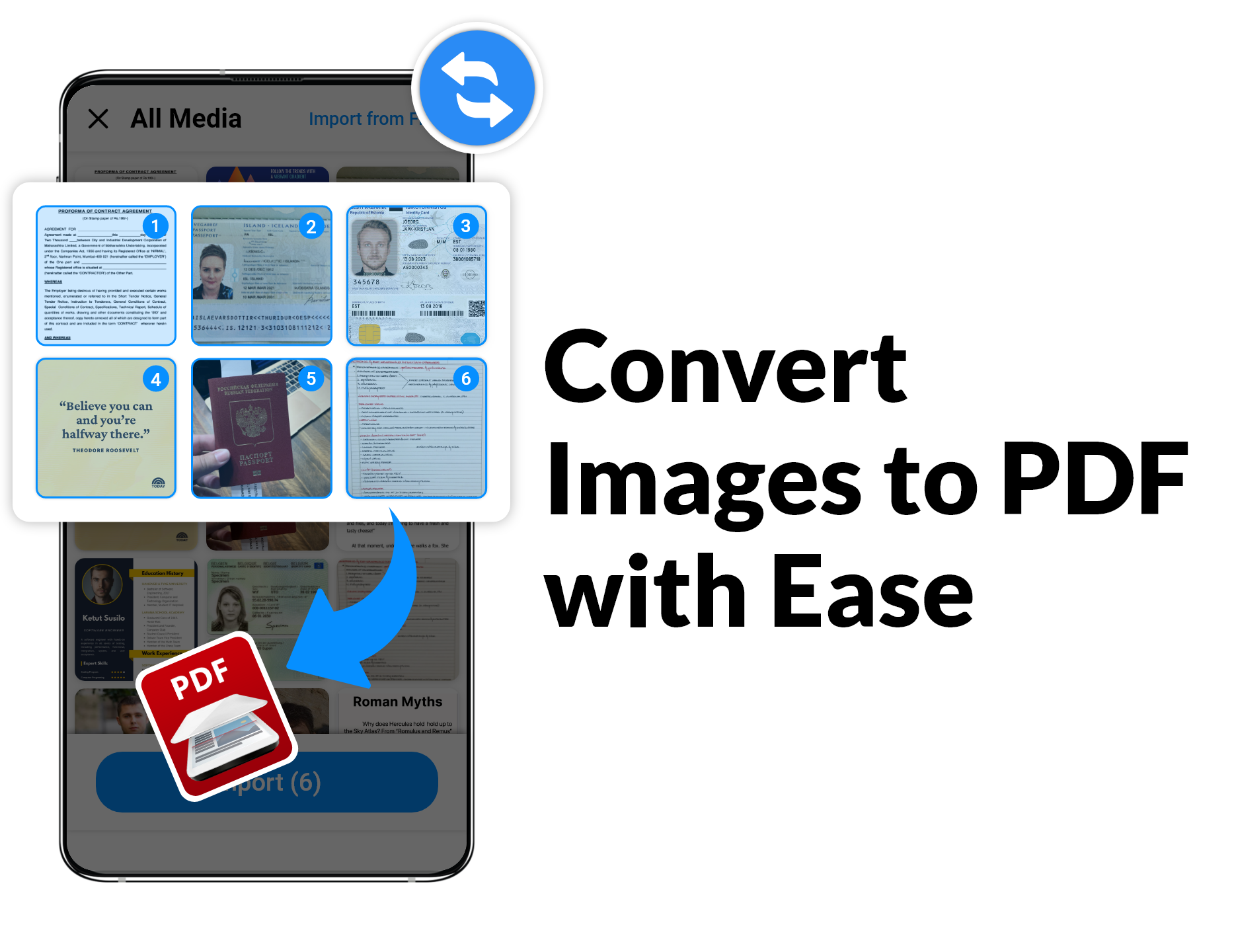
4.Export it:Go ahead and save it as a PDF or JPEG if you fancy。
Seriously, with the Document Scanner & Scan PDF recommendations flying around, you know you’re getting the crème de la crème of scanning apps!
When it comes time to export your masterpiece, the app offers various formats. Whether you choose PDF, PNG, or another format, you'll find just the right fit for your needs. It's all about convenience, baby!
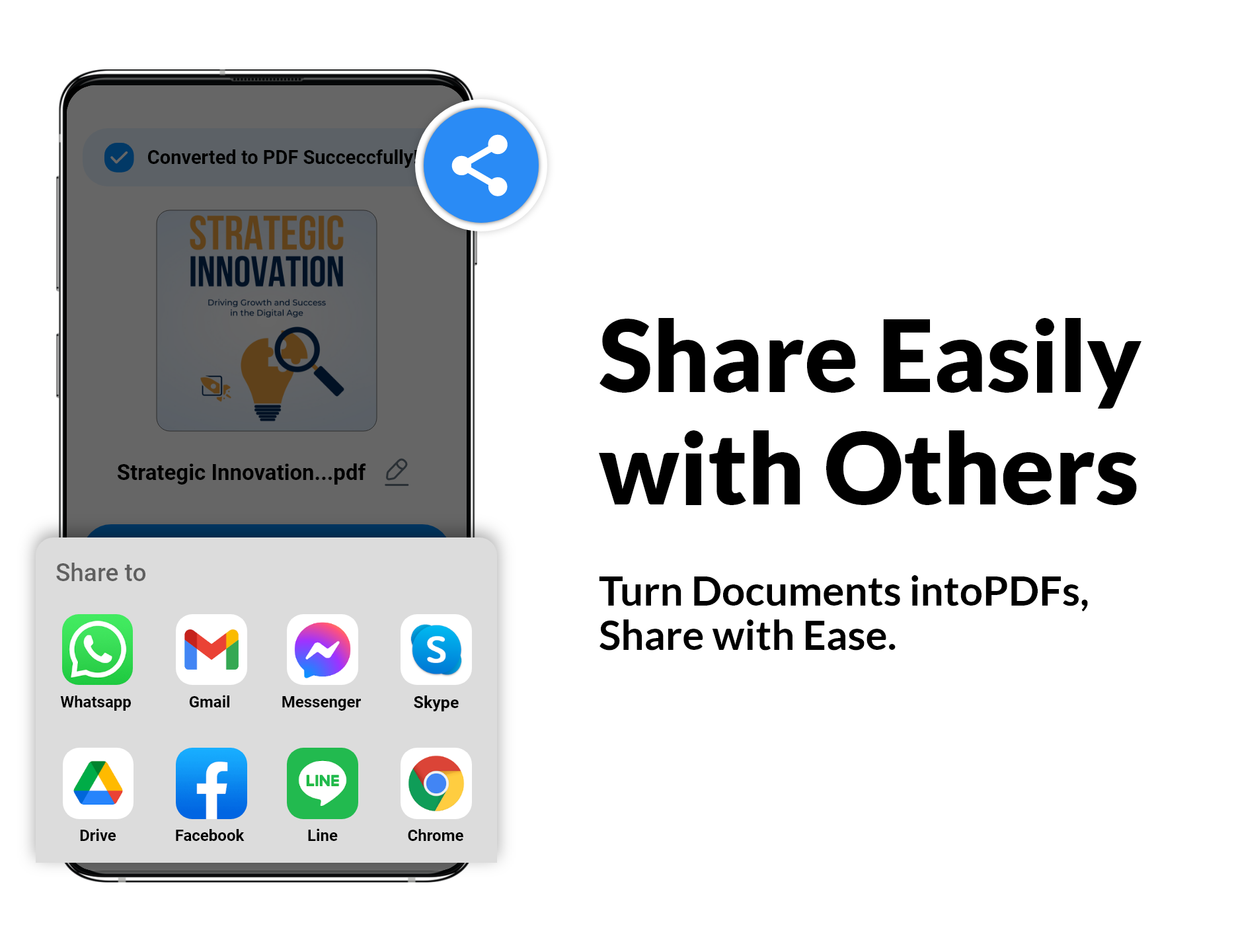
One feature everyone raves about is the ability to manage multiple copies in one document. The PDF Scanner supports creating multi-page PDFs, which allows you to compile all your scans conveniently. Got text within your scans? No worries! The app’s OCR feature extracts that for you to edit or share seamlessly.
Let’s talk organization! The PDF Scanner app includes a friendly system for managing your scanned files. You can easily navigate through folders and subfolders to find your documents, displaying all the essential details like date and document name. No more digging through piles of digital papers!
Here’s a quick recap of why this PDF scanner app deserves a spot on your device:
Automatic edge recognition and perspective correction.
Both automatic and manual scanning enhancements.
Efficient document organization with folders/subfolders.
Free document and photo scanning abilities.
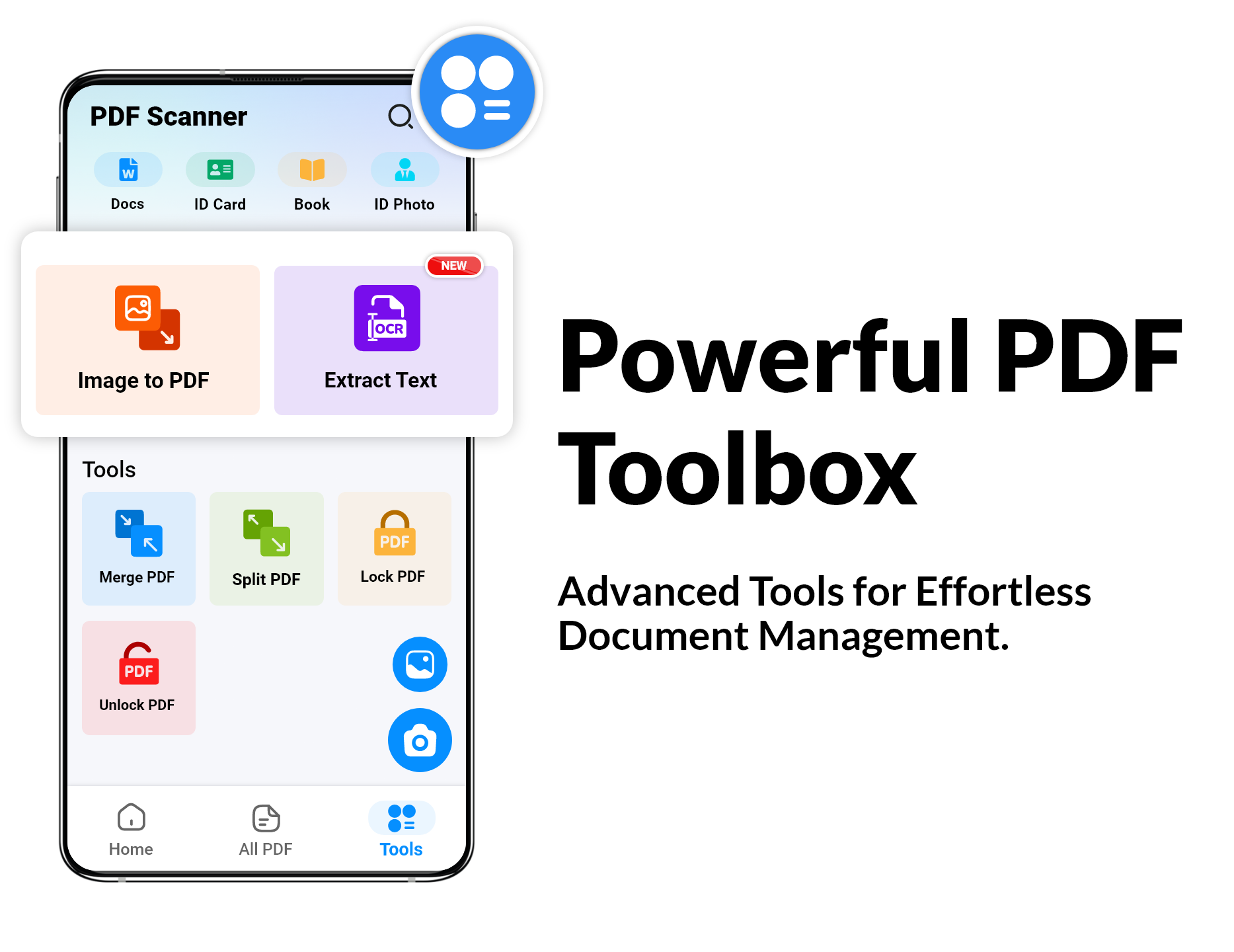
PDF creation in numerous sizes and formats.
Text extraction with OCR for easy edits.
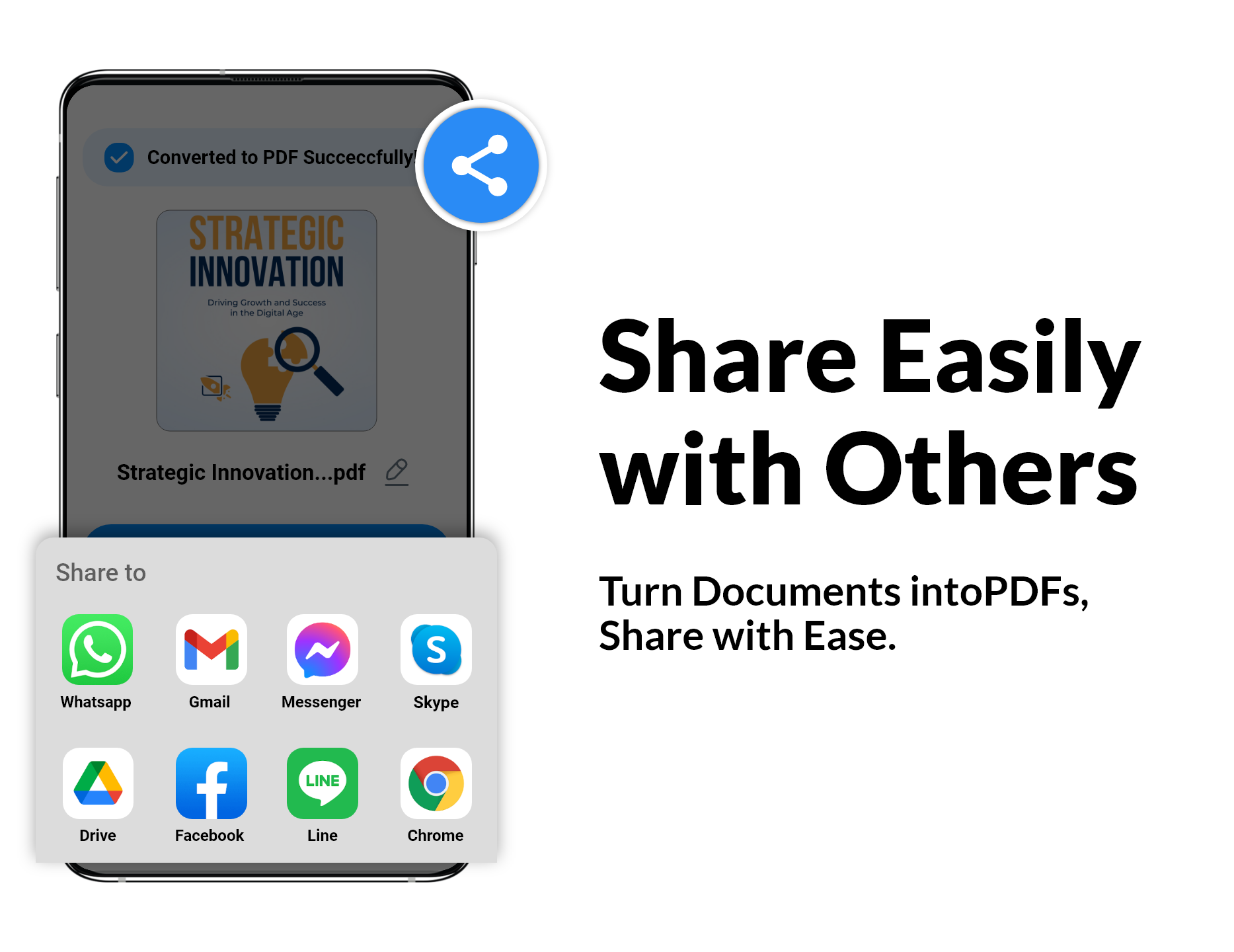
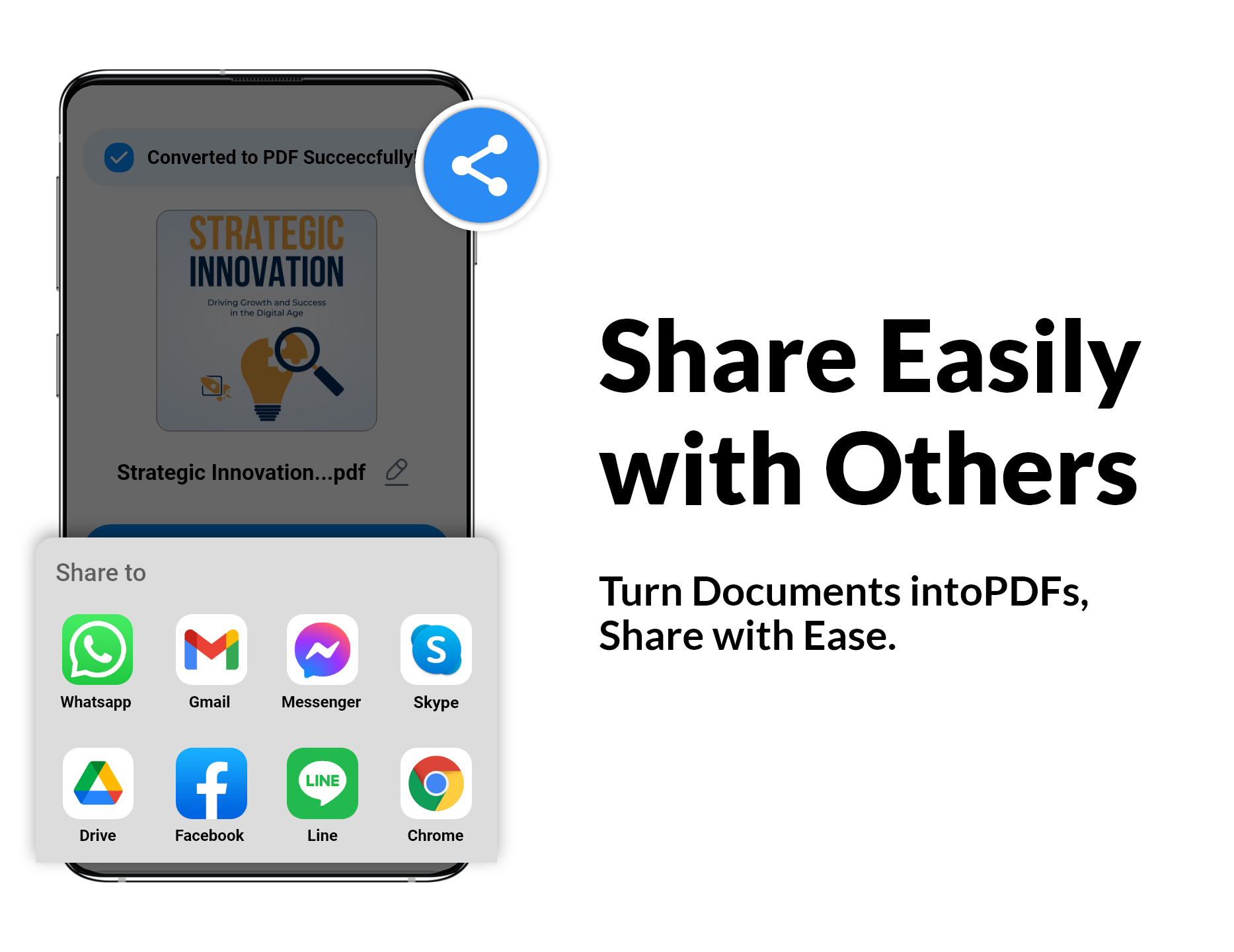
Capability to scan, print, and share in various formats.
Not only can you scan and process content, but you will also love the document organizer that this app provides! Picture an easy-to-navigate library that keeps chaos at bay. Managing and sharing your files has never been simpler!
If you've dabbled in document scanning on Android before, you’ll find this app very familiar, and that's a good thing! Just follow these simple steps to get going:
Choose the camera or pick a photo from your gallery.
Use the intuitive cropping tool.
Apply any desired filters to jazz up your images.
Export as a trendy PDF or JPEG file.
So, what are you waiting for? Dive into the fantastic world of scanning with this PDF scanner app and simplify your document management experience. Happy scanning! 📄✨
| App Name | PDF Scanner - Document Scanner |
|---|---|
| Version | 5.0.37 |
| Size | 53.34 MB |
| Update | Mar 29, 2025 |
| Developer | Tools Utilities Apps |
| Category | Tools |
| Google Play ID | com.camscanner.documentscanner.pdfscanner.textscanner.photos.scanner |
PDF Scanner - Document Scanner 5.0.37
PDF Scanner - Document Scanner 5.0.37
PDF Scanner - Document Scanner 5.0.31
PDF Scanner - Document Scanner 5.0.27