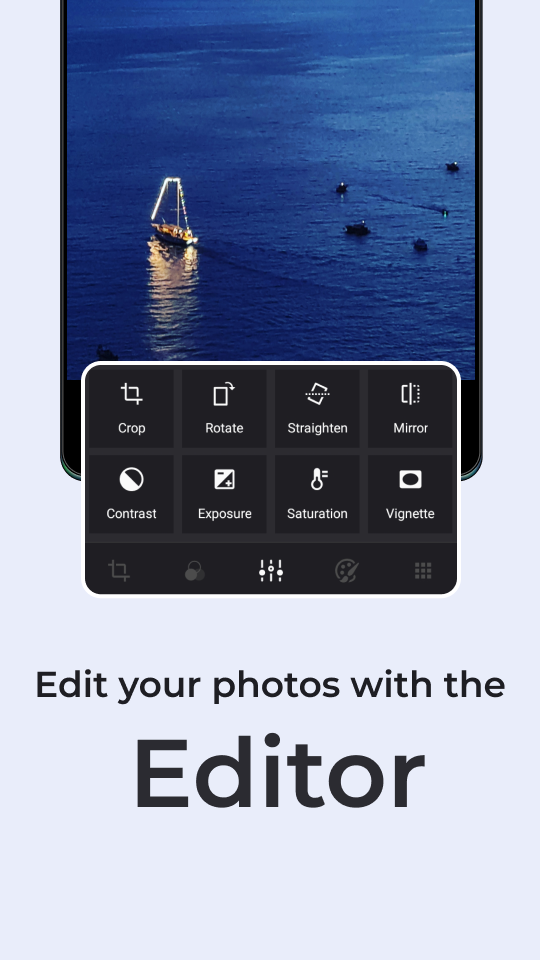

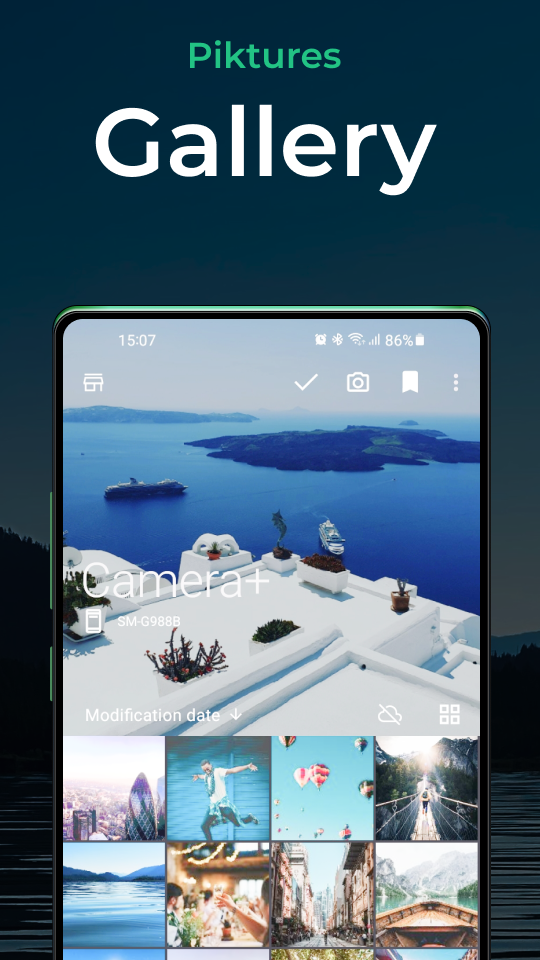
Let’s talk about getting your photo library in tip-top shape, shall we? Piktures is here to make that tidying up a breeze! It isn’t just any old gallery app; it has a whole suite of editing tools that lets you customize your photos like a pro. Need to crop an image, adjust sizes or apply filters? No problem! Just a few taps, and voilà – your photos are transformed.
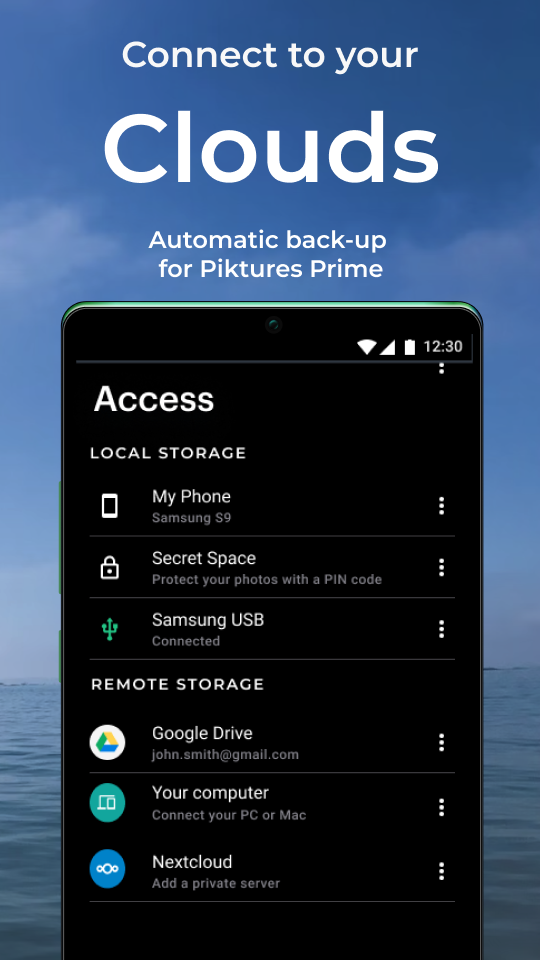
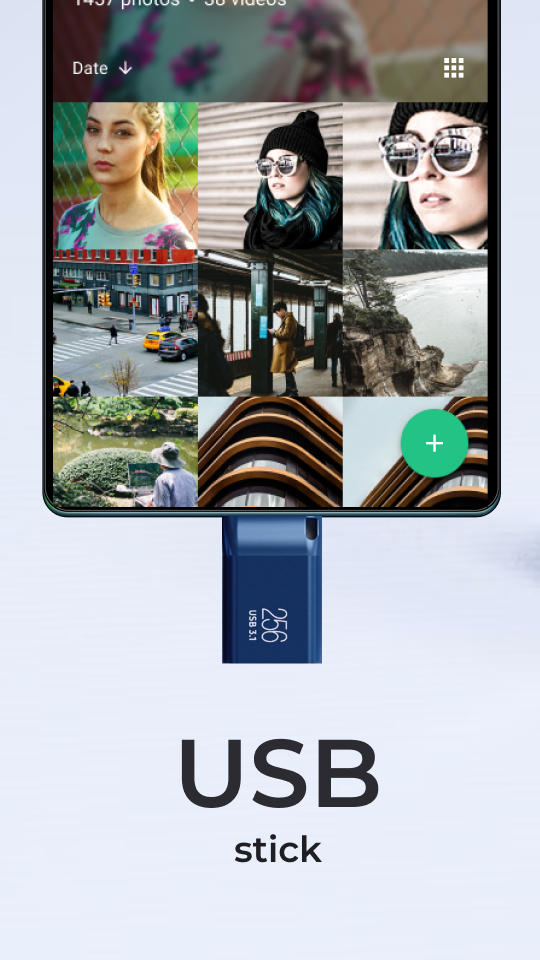
Got a bunch of memories stored on a USB drive? Piktures has got your back! You can seamlessly access photo and video folders tucked away on your USB as long as it's formatted in FAT-32. Who knew storage could be such a smooth ride?
Here’s the scoop on what makes Piktures special:
Super User-Friendly
Just swipe and tap to navigate through your collection.
Smart Design
This application excels at organizing your photos, making management effortless.
Night Mode
Say goodbye to staring into a boring screen—enjoy a fancy interface when the sun goes down.
Cloud Access
Instantly store and retrieve your photos thanks to easy access to cloud services.
USB Connection
Music to your ears! Direct USB access means you can have all your memories at your fingertips.
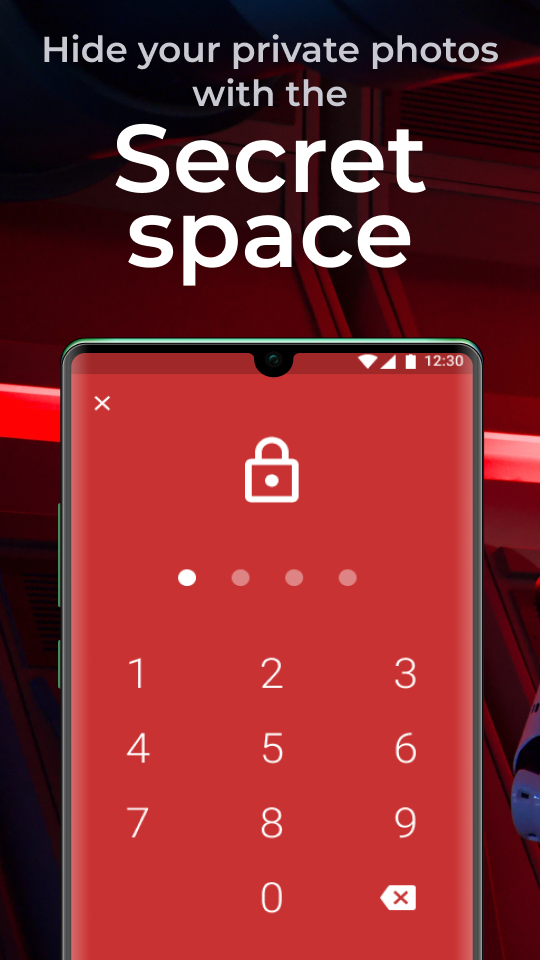
Custom Secret Space
Keep your precious photos under wraps with a PIN.
Direct Transfer
Send folders of pics and videos to nearby devices without racking up data charges. How cool is that?
QR Code Scanner
No extra apps needed—just scan away!
One of the coolest features of Piktures is its direct transfer capability. You can share folders of images with friends nearby without chewing up any of your data. Just imagine being able to swap vacation photos with a friend instantly—no Wi-Fi required!
Need to scan a QR code? Forget downloading yet another app for that purpose. With Piktures, everything is neatly bundled up in one convenient location. Just fire it up and start scanning—it’s literally at your fingertips!
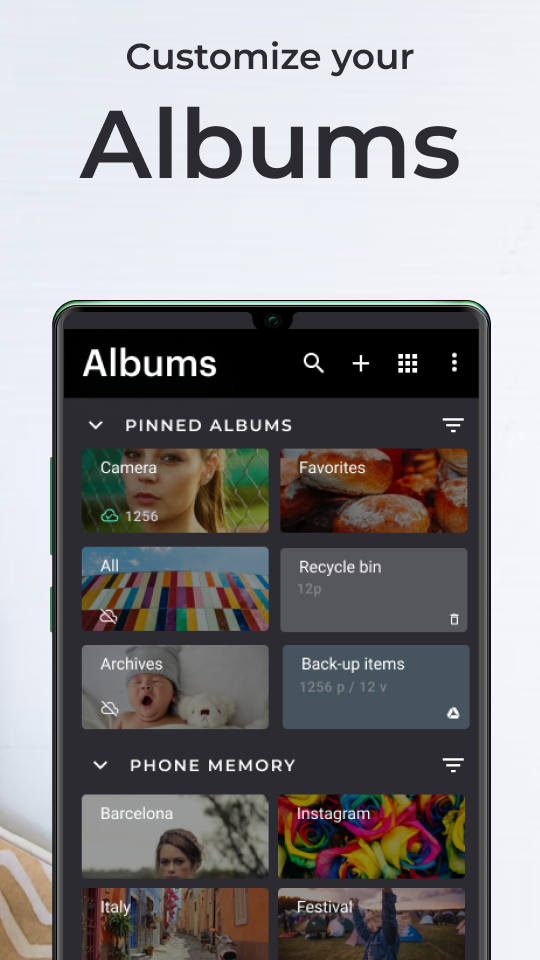
Have you ever found yourself drowning in a photo mess? The struggle is real, my friend! But fear not, Piktures Gallery is here to save the day by effortlessly categorizing all your pictures and videos according to your preferences. Unlike standard galleries, this app comes packed with tools designed to unleash your creative side. You’ll arrange content into themed albums and find everything with ease!
With just a few simple steps, you can organize your albums without losing your mind. Rather than dragging and dropping each photo into its respective folder, Piktures automatically sorts everything by date, month, and year. Plus, you can put similar albums together and even shuffle their order if you feel like changing things up. And did I mention the camera shortcut? Snap away whenever inspiration strikes!
Safety first, always! With Piktures, you’ll have an exclusive area to stash those secret photos no one else should see. Worried about someone snooping around if your phone gets lost? Enable the privacy mode, and rest easy knowing your treasured moments are locked up tighter than Fort Knox! Plus, you can easily navigate through cloud services like Google Drive and OneDrive to get your media safely.
Piktures does wonders when it comes to accessing your cloud-stored photos and videos. Whether it's Google Drive, OneDrive, or other cloud platforms, locating your library is just a click away.
Create, delete, and customize your albums in no time.
Add covers, view sub-folders, and bookmark your favorite albums and photos. ⭐
Resize photos and strip away GPS info before sharing—easy peasy!
With Piktures in your corner, organizing those precious pics will take way less time compared to traditional methods. Want to rearrange albums? Just drag and drop them wherever you need. And yep, that handy camera shortcut lets you capture every memorable moment with just a touch!
Let your creativity shine with the built-in photo editor! Crop, rotate, resize, and apply filters to make your photos pop—all within the same app! ✂️✨
If you’re new to the tech world, don’t sweat it! Piktures keeps operations super straightforward, so anyone can jump in and start organizing in no time. A little swipe here, a tap there, and totally organized photography is yours! So, let’s get snapping and organizing!
| App Name | Piktures |
|---|---|
| Version | 2.21 |
| Size | 20.03 MB |
| Update | May 02, 2025 |
| Developer | DIUNE |
| Category | Photography |
| Google Play ID | com.diune.pictures |