If you're a designer or someone who struggles with less-than-perfect vision, get ready to meet your new best friend—Pixolor! This innovative app is not just any run-of-the-mill application; it’s packed with features that can make tasks easier, whether you’re creating visual masterpieces or just trying to read that tiny text on your screen. Let’s dive into all the fantastic benefits and surprises this handy tool has in store for you!
Here are just some of the ways Pixolor can elevate your digital experience:
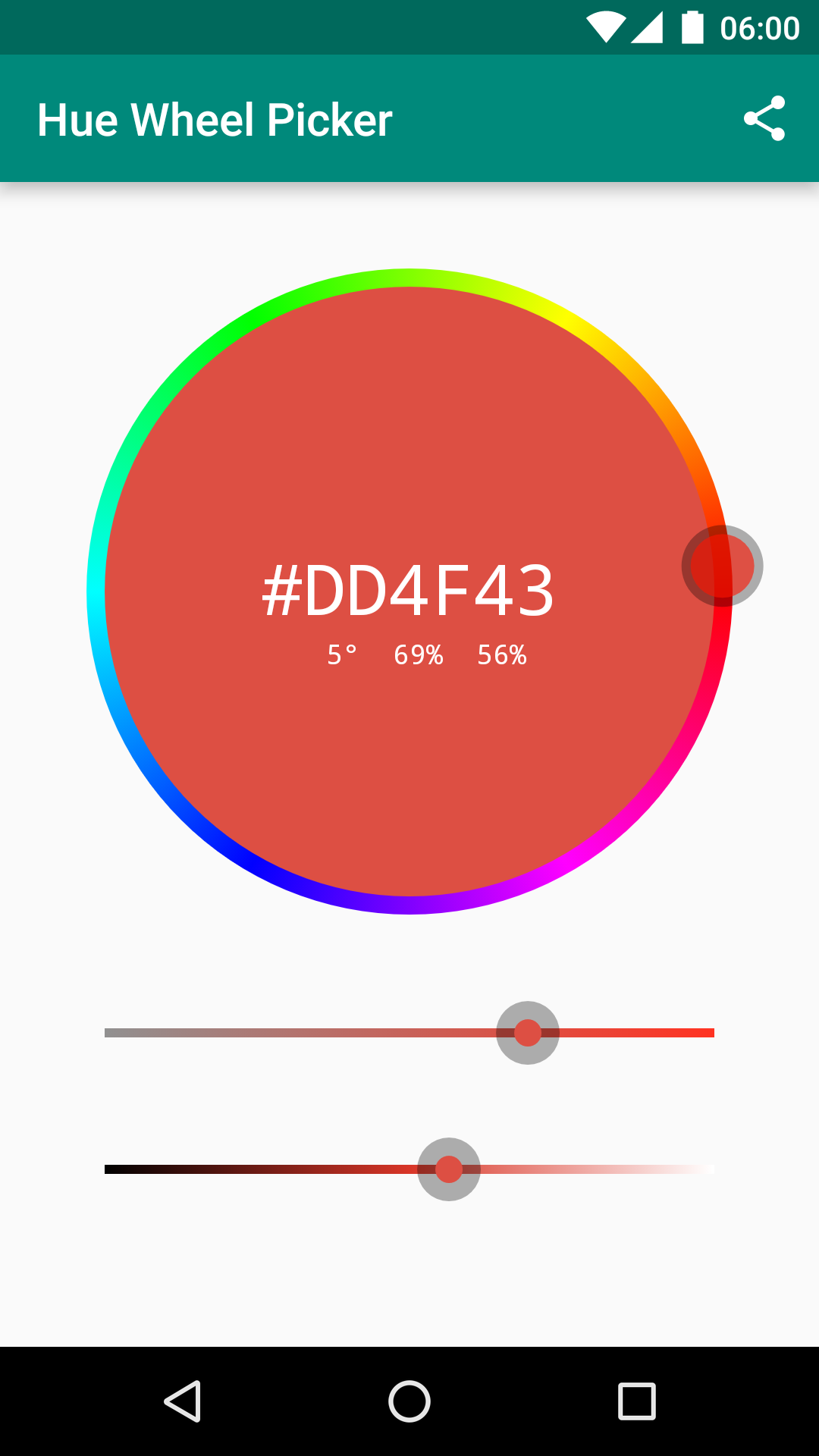
Know Your Colors
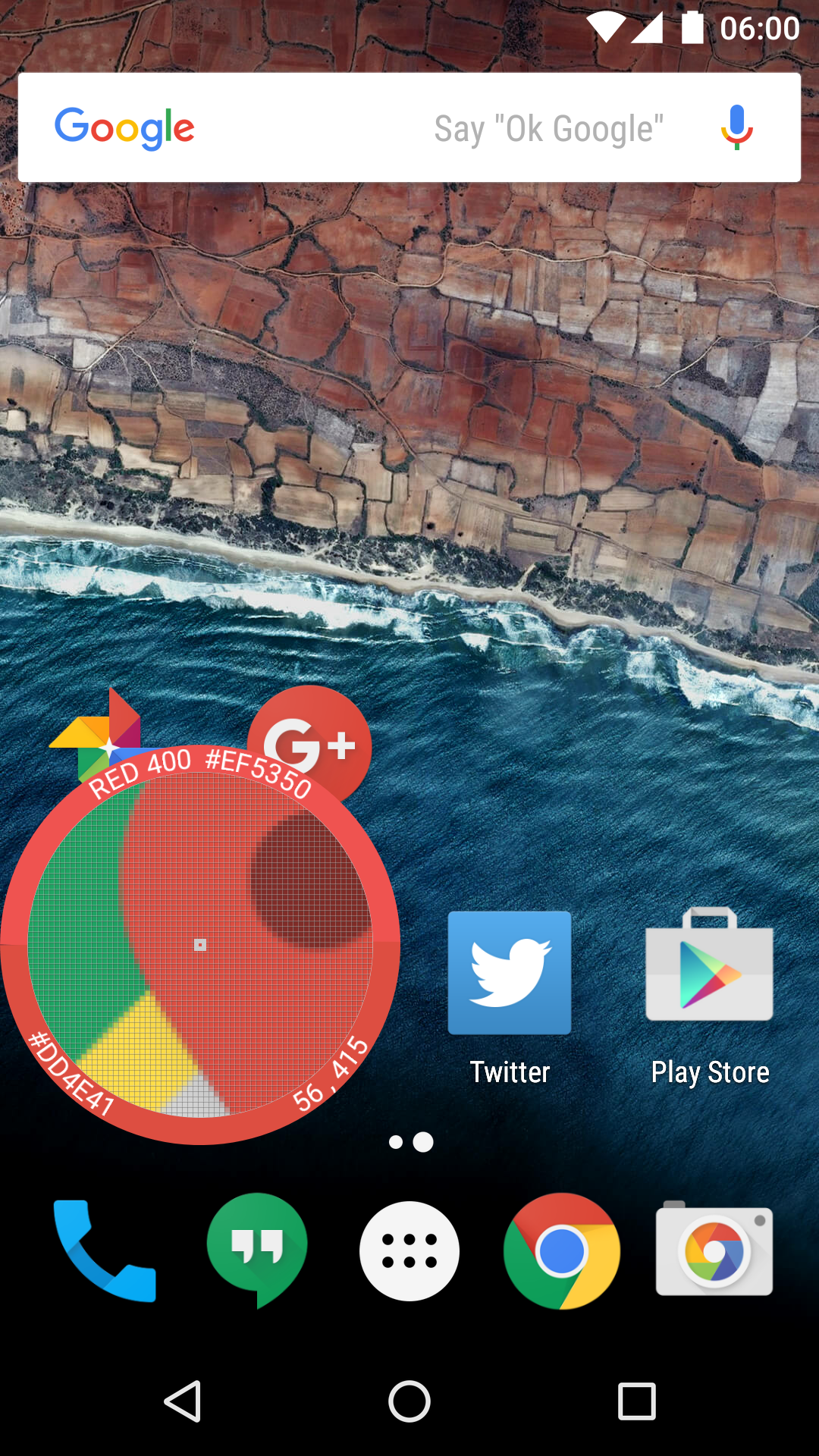
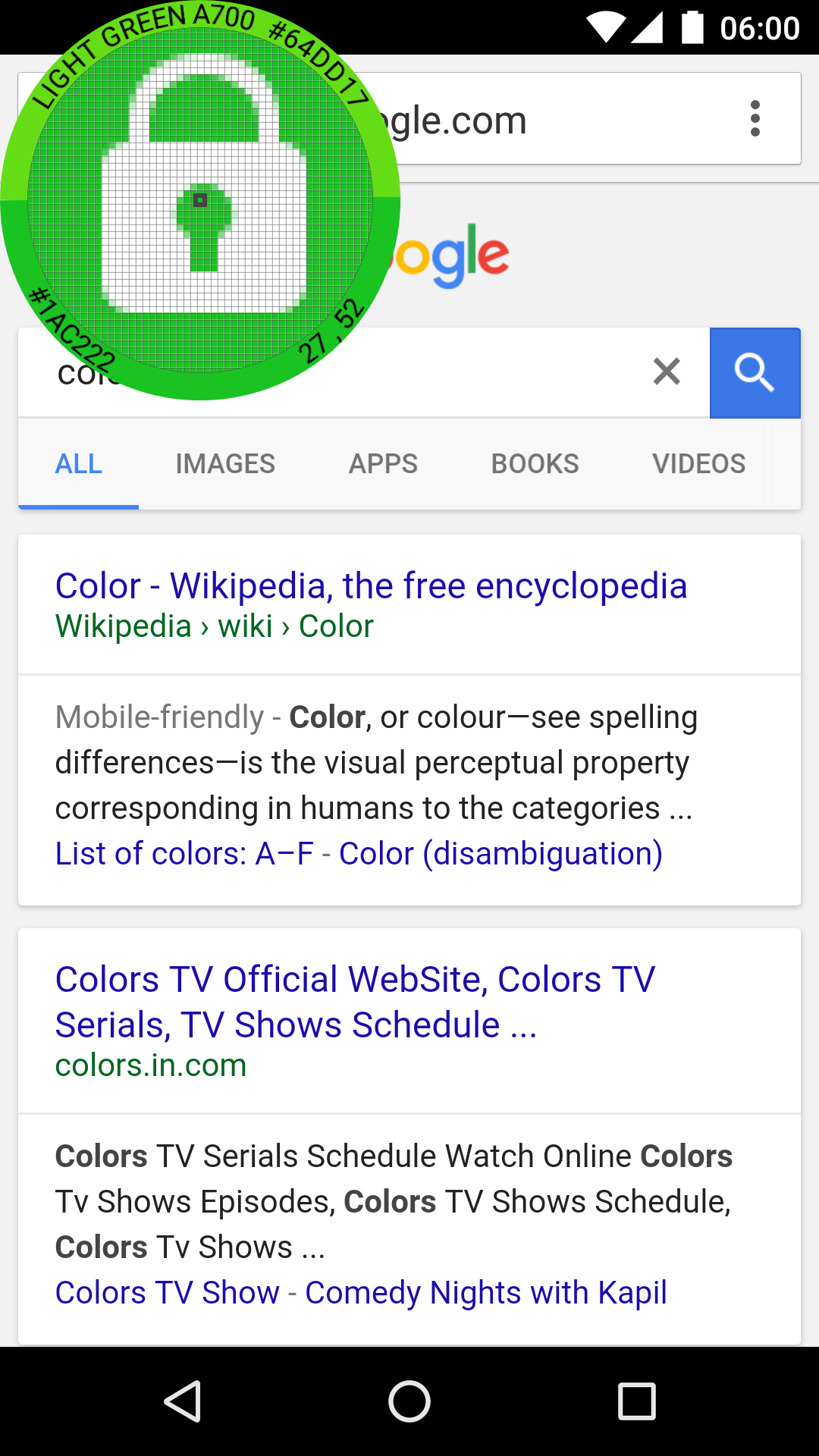
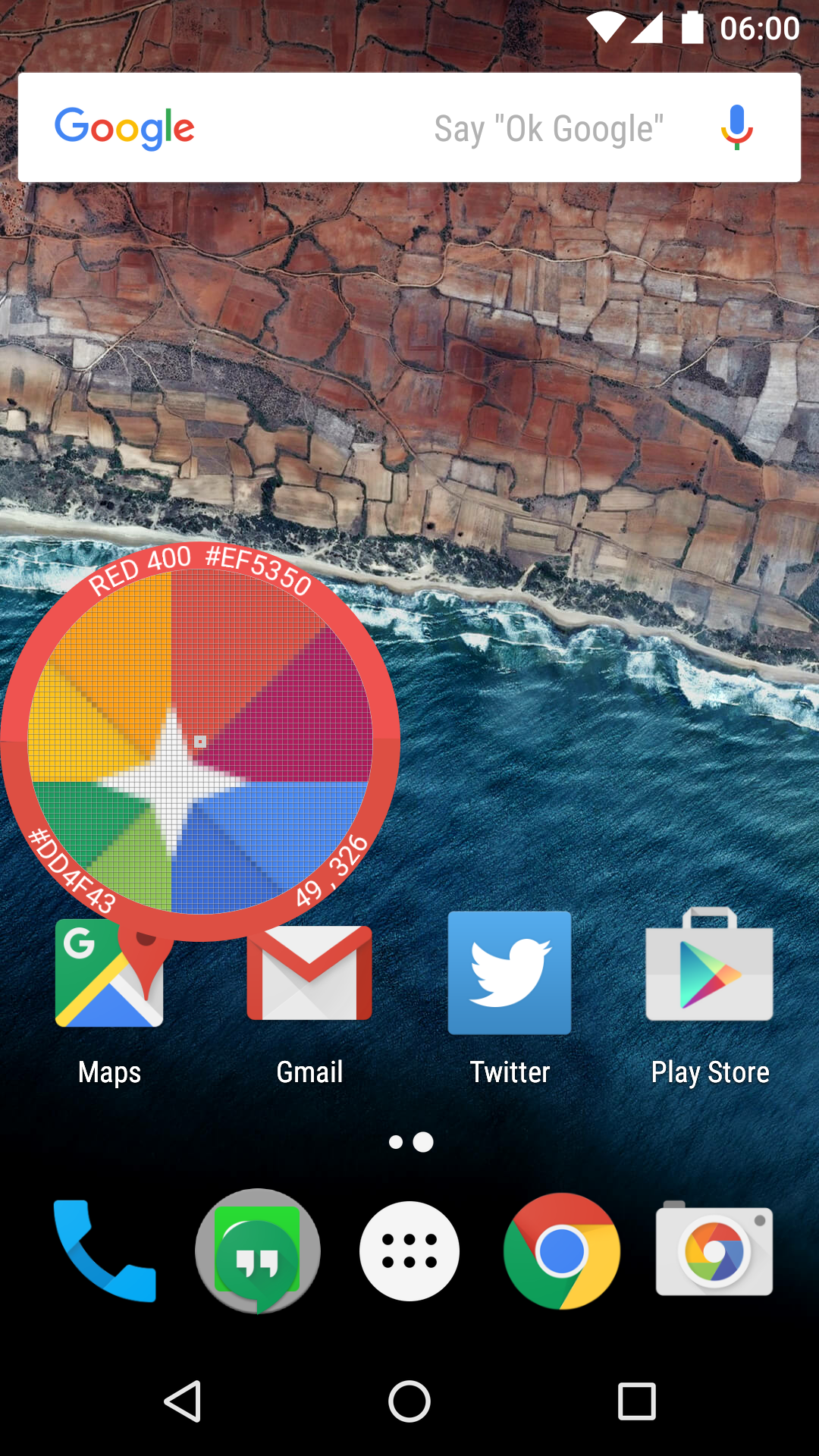
Instantly know the RGB color code or DIP coordinates of any pixel on your screen. Perfect for designers who need precise information!
Measure Screen Size
Get the size (DIPs) of any area on your screen. Before you let go of the circle overlay, you’ll see the x/y distance dragged—so no more guessing!
Find Your Material Design Match
Ever wondered what the closest Material Design Color is to your chosen hue? Pixolor lets you find out!
Zoom In For Clarity
Struggling to read something? The app allows you to enlarge hard-to-read text, making life a lot easier for those with vision challenges.
Screenshot Capabilities
Share screenshots or circular images easily—just long press on the thumbnail to send them off via email or another app.
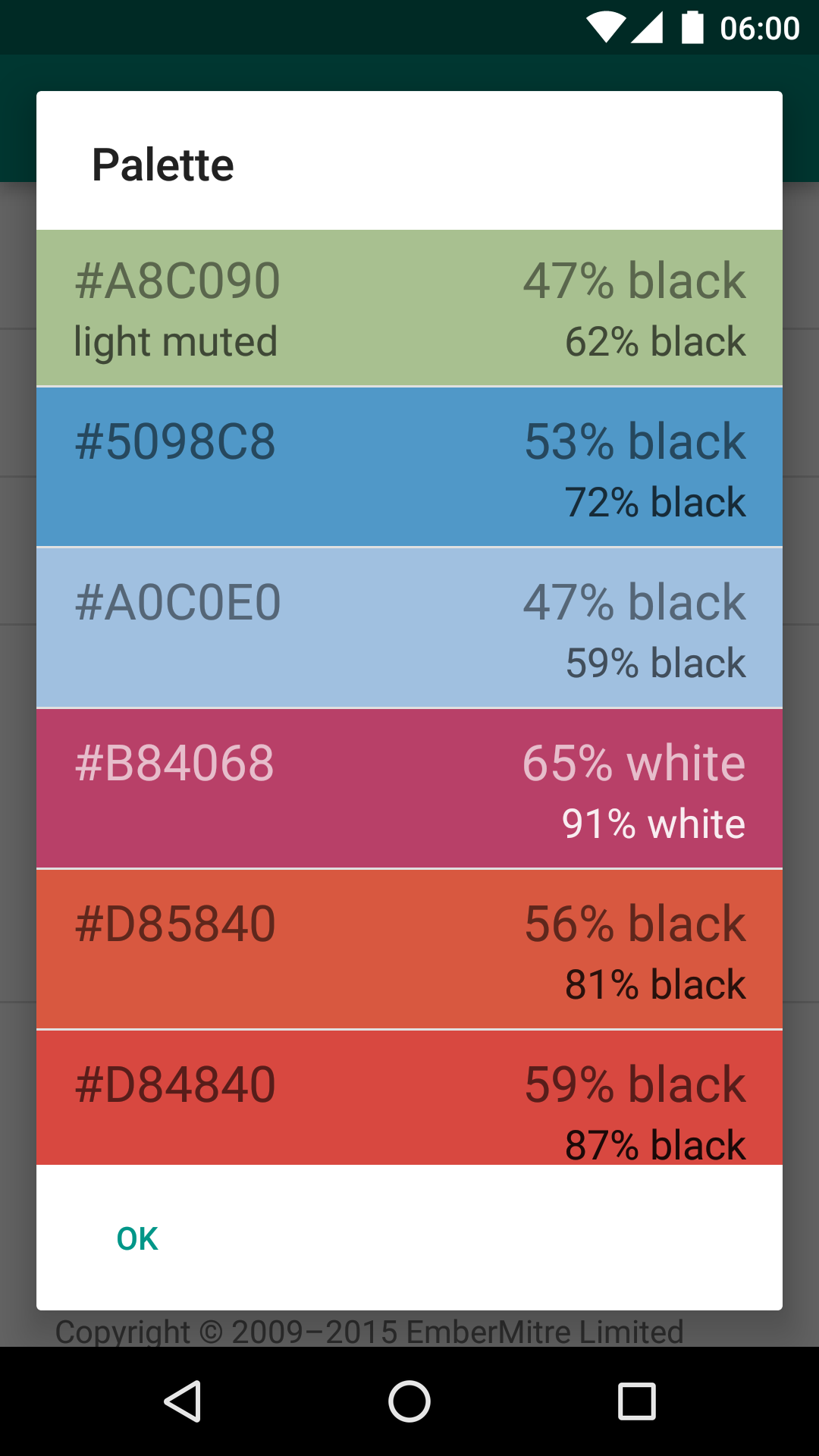
Create Custom Palettes
Generate a color palette right from your latest screenshot or the most recent section you’ve zoomed into.
Easy Sharing
Crop areas of the screen with a focus overlay, drag to your chosen corner, and get a thumbnail to share almost instantly.
Stellar, isn’t it? But wait, there’s more!
Undoubtedly, privacy is essential, especially when we talk about apps that interact with our screens. Pixolor keeps this front and center:
Every time you place your finger on the circle, the app takes a single screenshot indicated by a brief appearance of the Chromecast status bar icon. When the icon isn't visible, you can rest easy knowing no app is reading your screen.
Screenshots are never sent anywhere outside of your device unless you explicitly choose to share them! So save some dignity with peace of mind.
This application was truly created with a diverse audience in mind. Designers thrive on pulling pixel-level details necessary for art and creativity, while those with impaired vision can gain access to a clearer view of their content. Talk about a win-win situation!
Moreover, even if you don’t fall neatly into either category, Pixolor is simply a handy app that many users would appreciate exploring at least once.
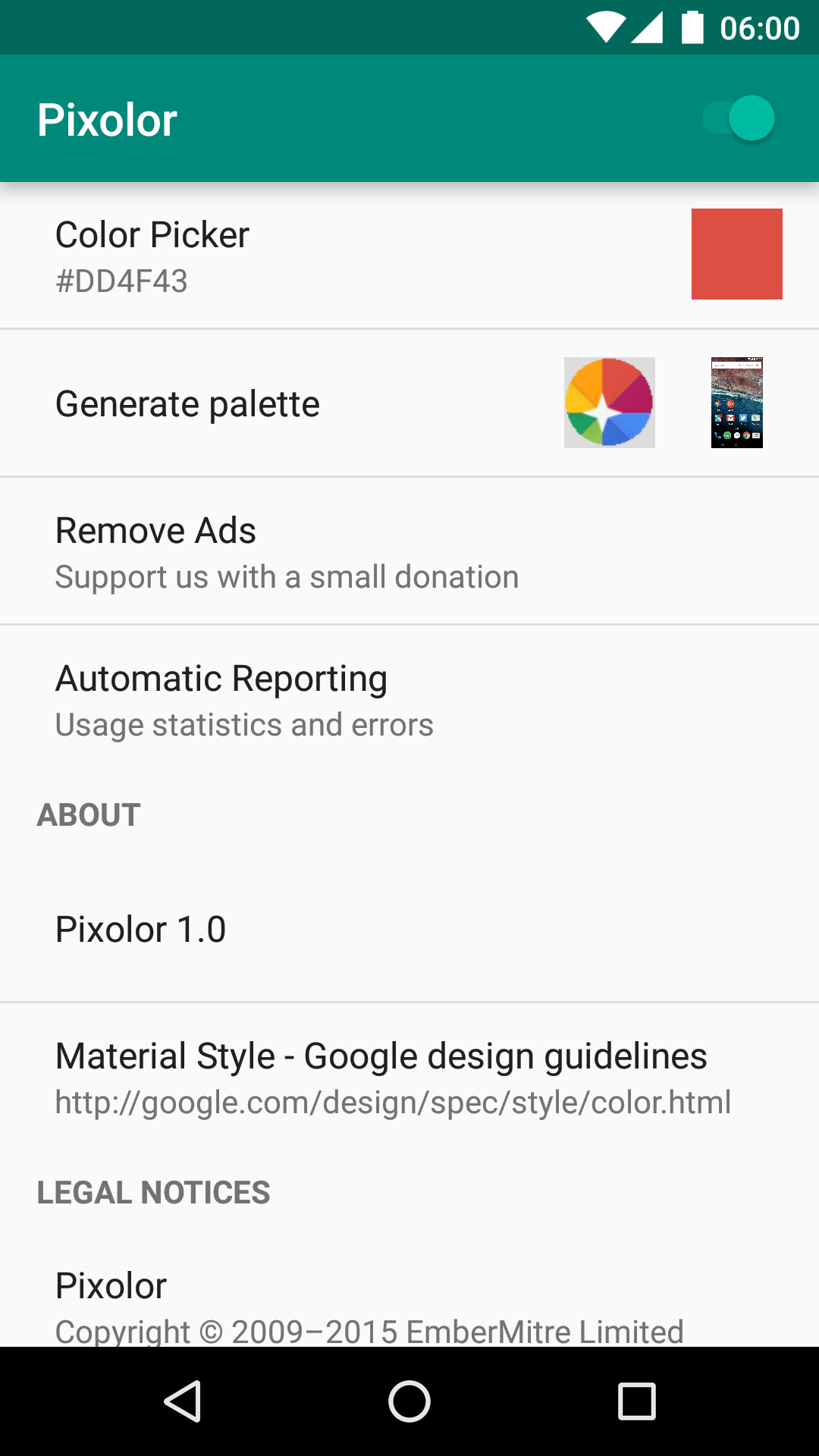
The creators of Pixolor operate on a value-first philosophy. They prioritize delivering an exceptional experience and then invite users to support development by purchasing the “Remove Ads” feature. It’s a small gesture to ensure ongoing improvements, so consider throwing them some love!
Let’s not forget, Pixolor first strutted its stuff in 2015 and made headlines as one of Android Police's "20 Best Android Apps." Now that’s quite the accolade!
To add to its appeal, Pixolor includes features like:
Pinch to zoom
Fine two-finger panning
An easy way to copy RGB color codes to your clipboard
A quick toggle mosaic setting for activating or deactivating overlays
And remember, it showcases ads for a limited time before offering the option to remove them. Thanks for supporting amazing developments like this!
In summary, whether you’re hunting for color codes, needing to magnify text, or simply looking for a practical digital assistant, Pixolor stands out as your go-to app. Trust us—you won’t want to miss out on this delightful blend of functionality and user-friendliness. Plus, your iPhone friends will be dying of envy when they learn of this amazing tech too! 😜
| App Name | Pixolor |
|---|---|
| Version | 1.5.3 |
| Size | 5.17 MB |
| Update | May 10, 2025 |
| Developer | Hanping |
| Category | Tools |
| Google Play ID | com.embermitre.pixolor.app |