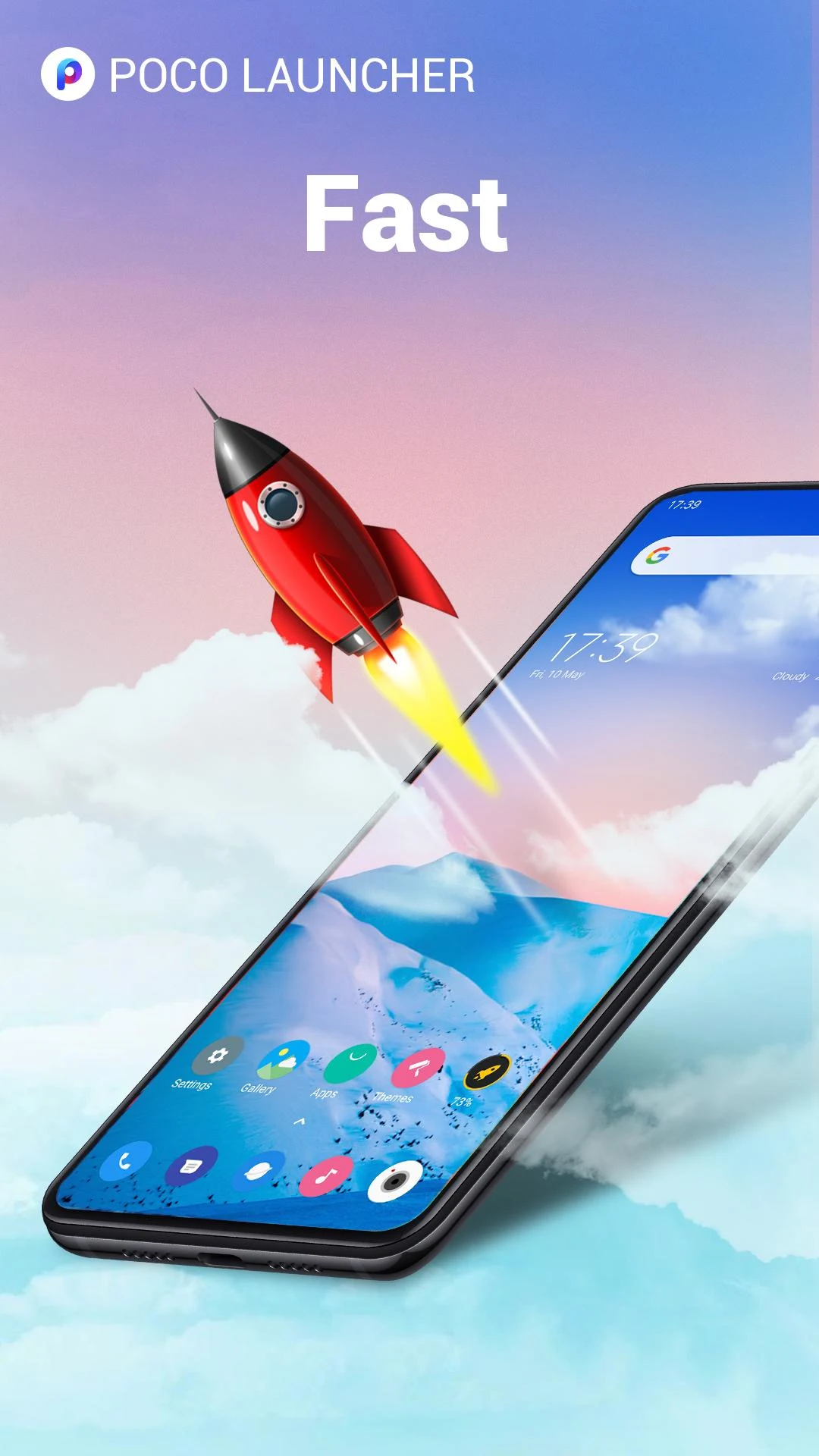
Are you tired of your smartphone looking like a cluttered mess? Want to give it a fresh, sleek look while boosting its functionality? Let me introduce you to POCO Launcher 2.0, where minimalism meets personalization in an exciting symphony of design brilliance! 🎉
First off, let’s dive into what makes this launcher so captivating!
🏠 Minimalist Design
Channeling the spirit of Material Design, POCO Launcher tidies up your Home screen by housing all apps in the App drawer. It's like Marie Kondo came to your phone and worked her magic – neat and clean!
🌟 Personalization Galore
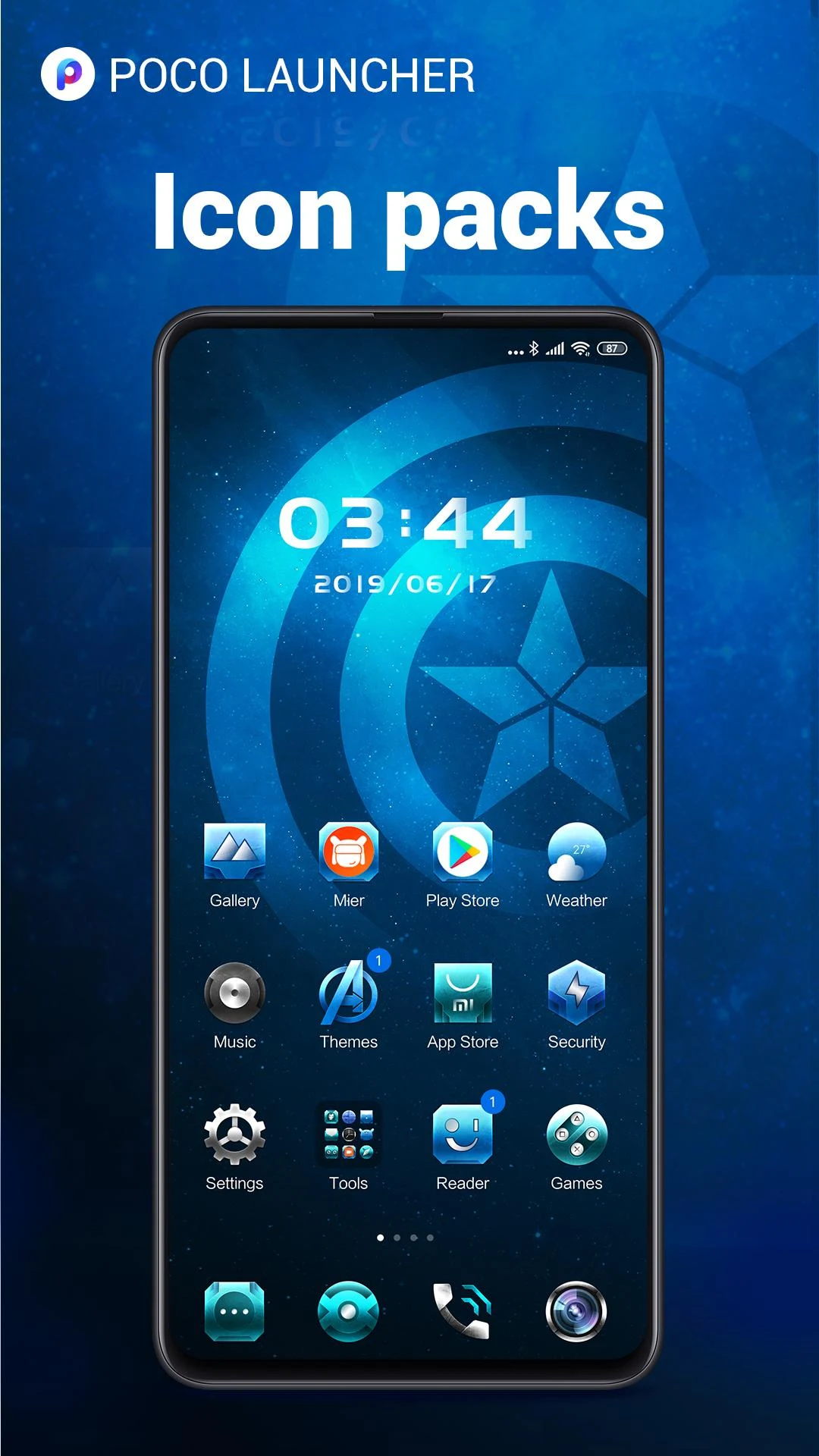
Bored with your device's appearance? Resize your Home screen layout and app icons! Play around with customized wallpapers, themes, and peek at some cool animations. Plus, toss in third-party icon packs for a whole new vibe.
🔎 Convenient Search
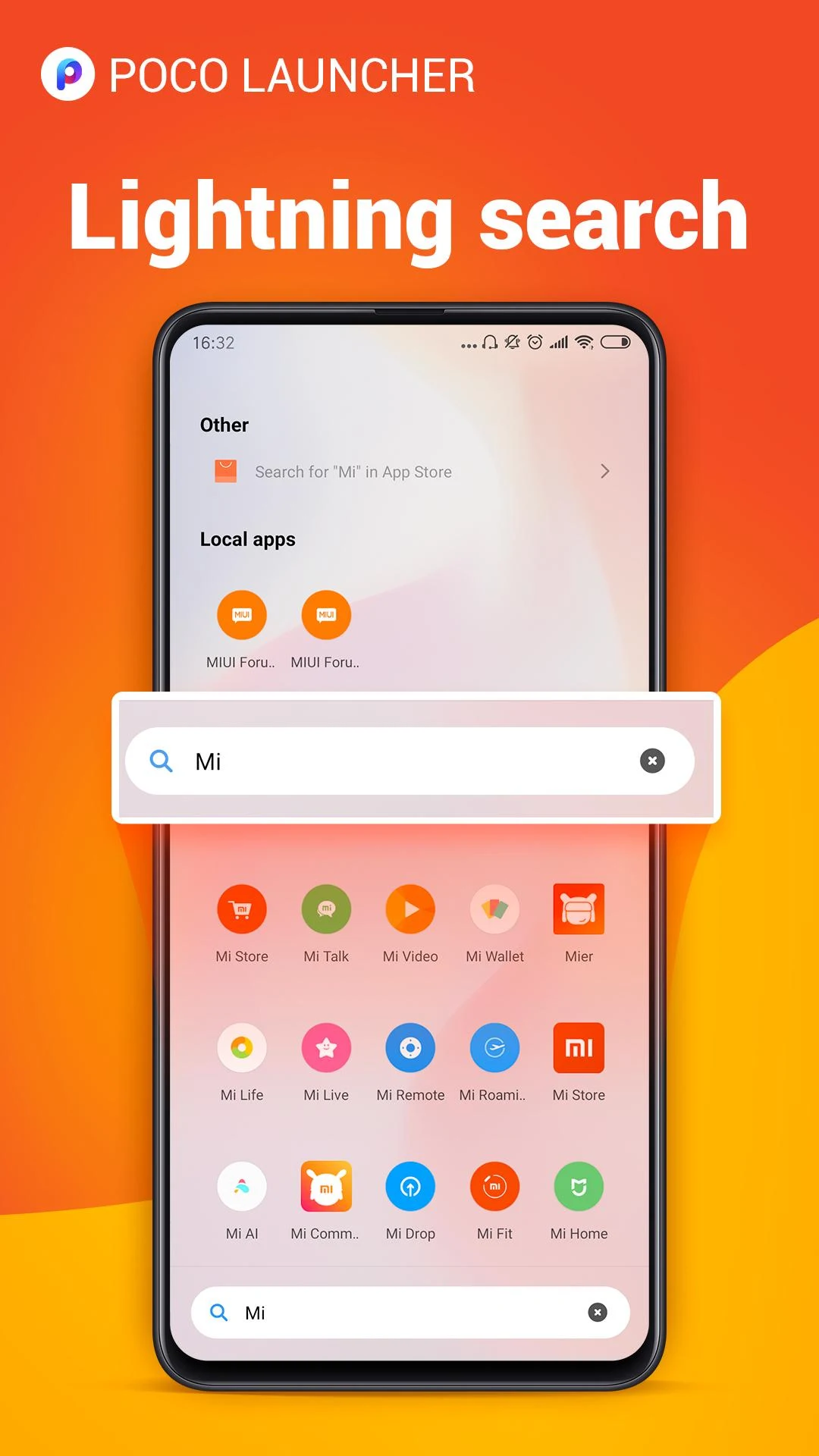
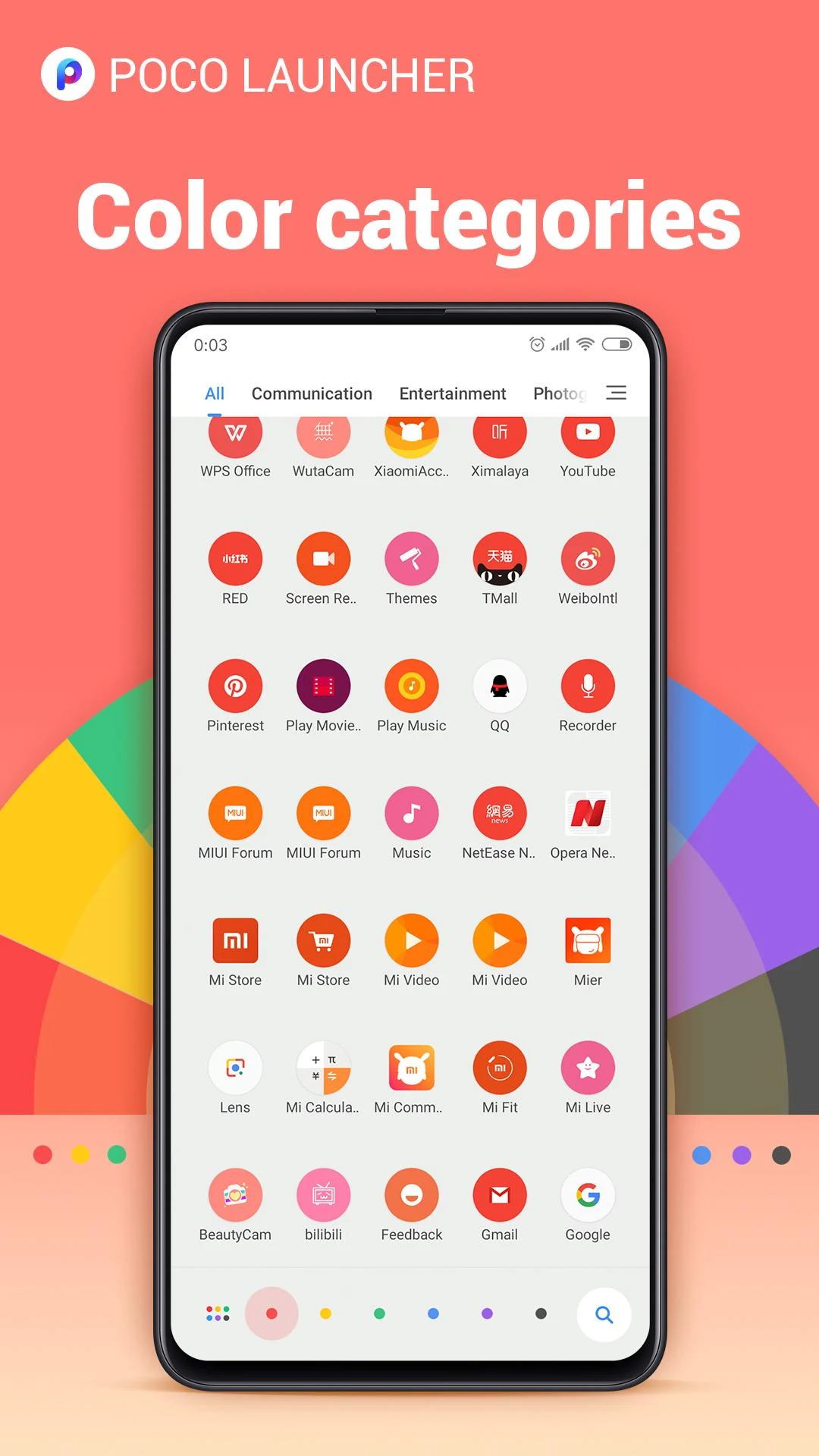
Finding what you're looking for should be quick and easy. With smart app suggestions, color-coded categories, and a slew of customizable features, you'll navigate through your apps like a pro.
🎯 Smart App Management
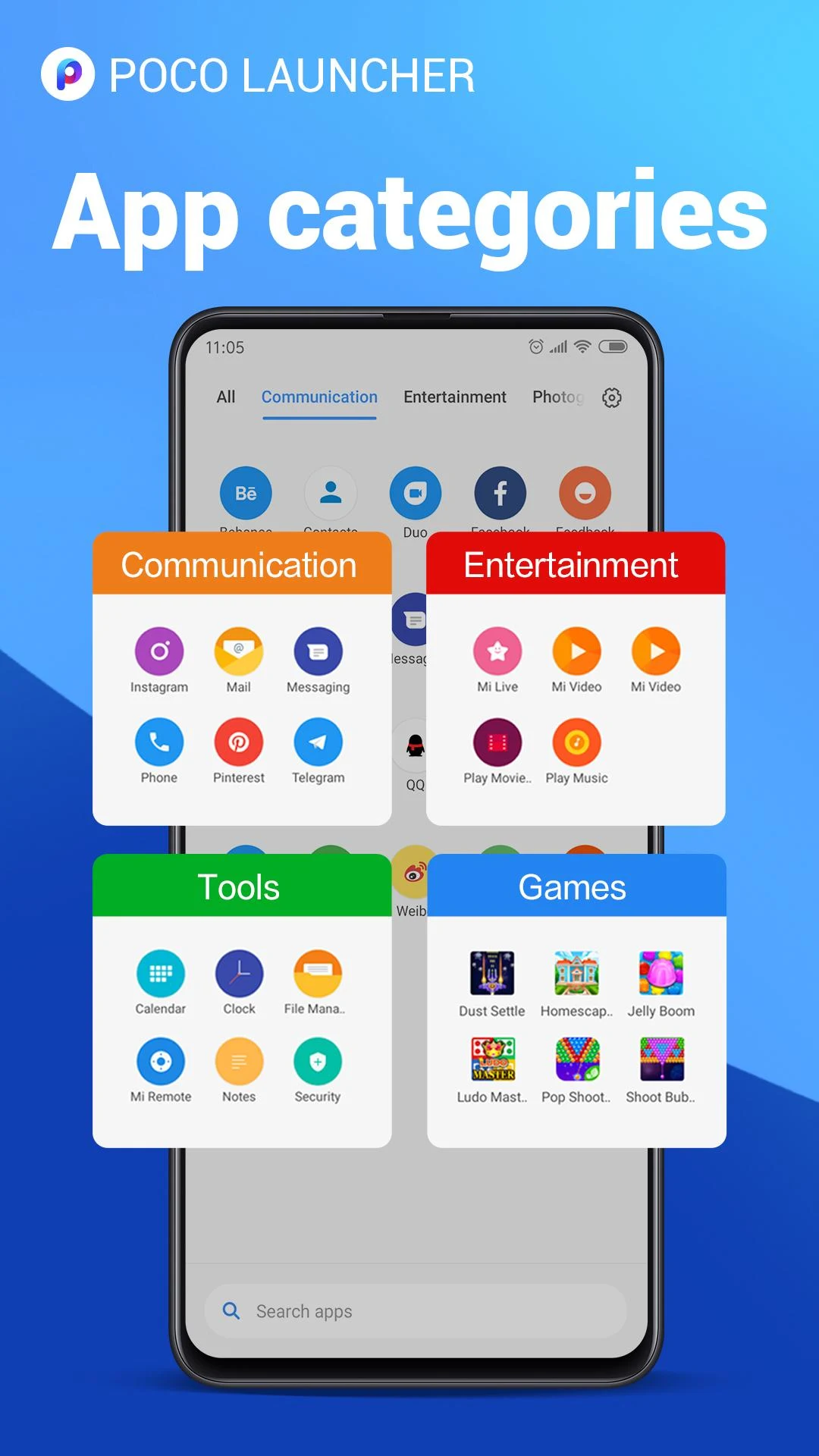
Group your apps automatically by category, or get creative and make custom groups. Important apps right at your fingertips? Yes, please!
🔐 Privacy Shield
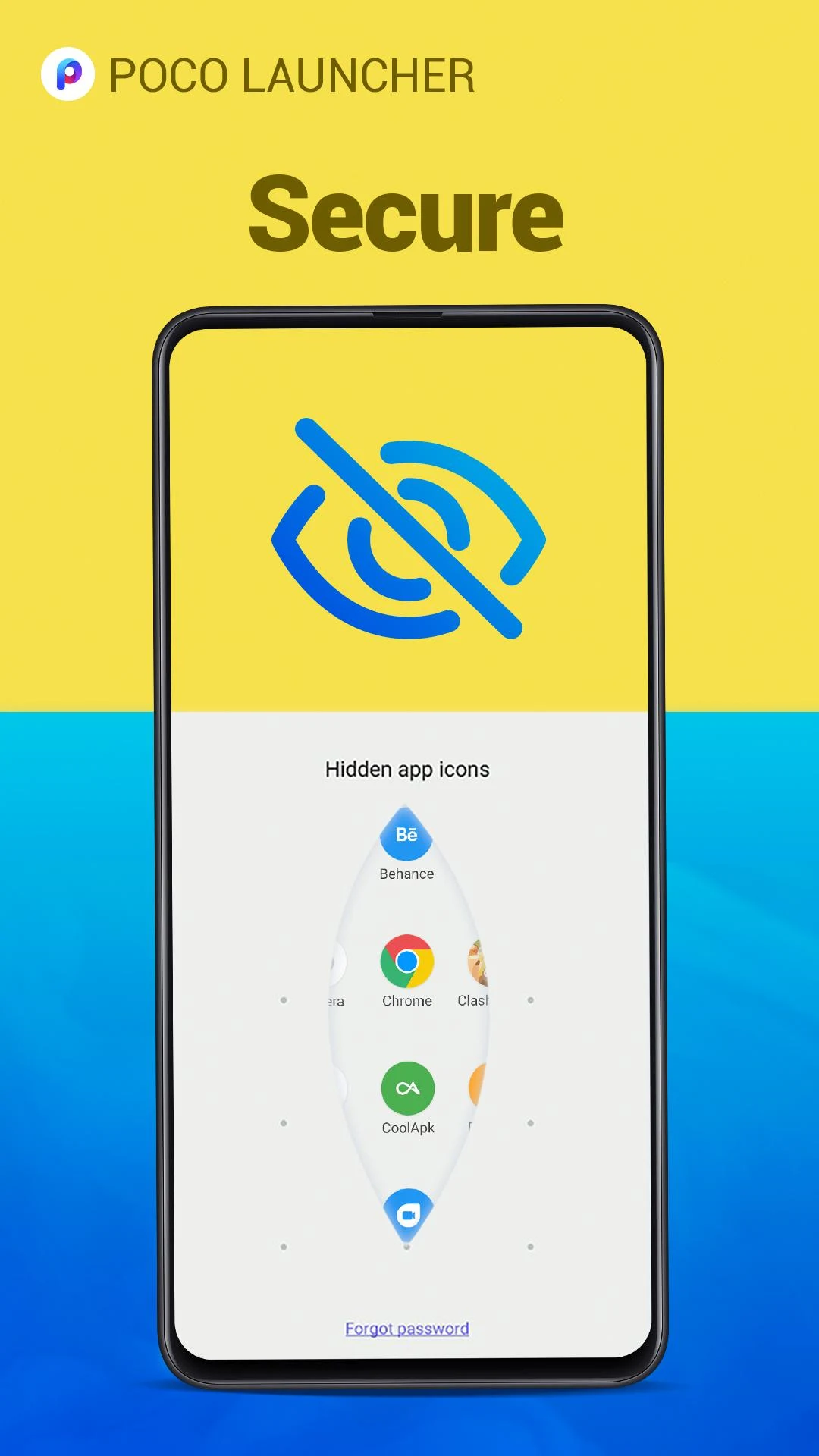
Privacy is crucial. Easily hide app icons to keep nosy eyes off your secrets.
🚀 Speed Demon
Feel that Need for Speed? This launcher is optimized for mind-blowing performance. Forget about sluggish animations; POCO Launcher glides like butter!
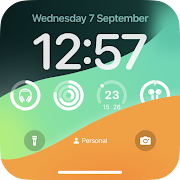
When you step into the world of POCO Launcher 2.0, you’re in for a serious treat. 🚀 The transformation starts with a friendly recommendation: a wallpaper tailored just for your device! Once you open the app, it gets better – the organization is on another level!
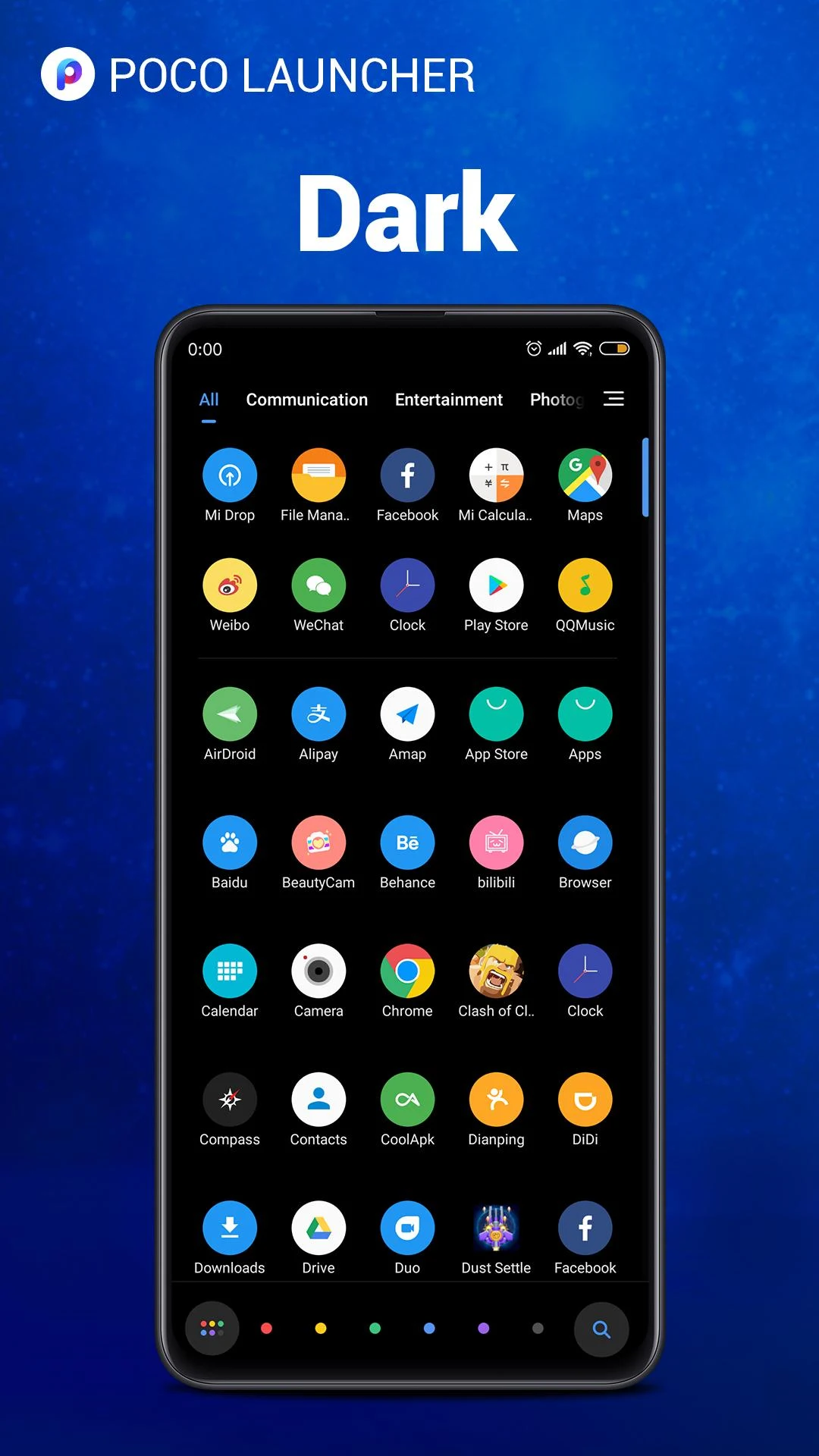
Imagine this: your app icons might look exactly the same location-wise, but they are arranged in a way that allows easier access and searching. Swipe through beautifully categorized applications – how convenient is that?
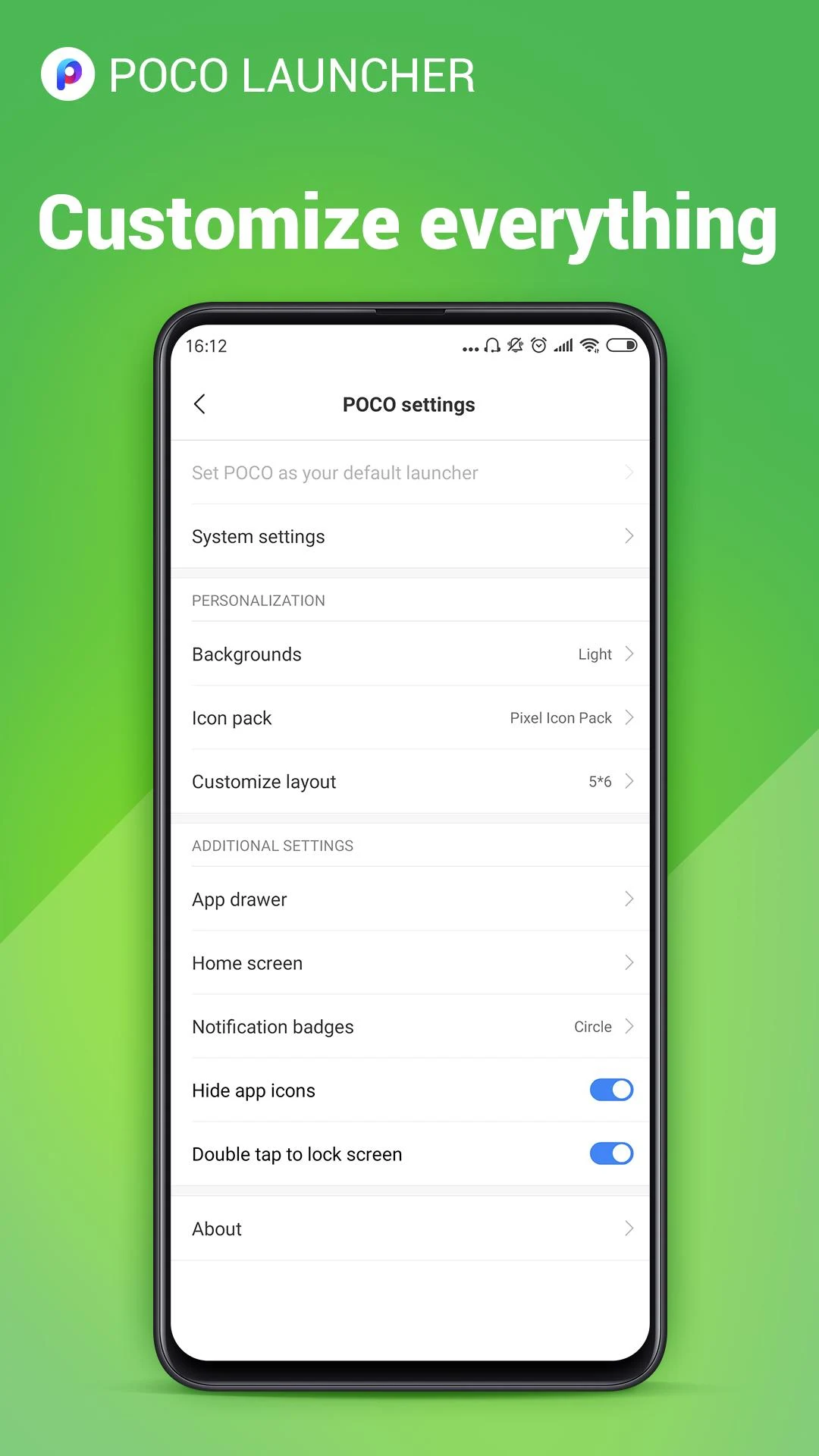
Not only do you have the power to change up the aesthetics, but the customizable settings add a touch of personality. You can choose backgrounds, update layouts, and even enable the ‘hide app’ feature, which adds an air of mystery to your device. Intrigued? You should be!
Worried about prying eyes? Fear not! With POCO Launcher, hiding those sensitive apps is as simple as a tap. Set passwords for folders to lock stuff away securely. You can opt for PINs, biometrics, and more jazzy password types to amp up that security level!
As you journey through this app, you’ll undoubtedly come across stunning icon packs begging to be tried out. No need to rush to uninstall POCO Launcher; simply download your favorite icon packs and jazz up your home screen. Rest assured, compatibility is usually spot on!
Want to find those frequently used apps faster? Organize them into established categories or create your own funky folders. With options for colors, icons, and layouts, not only will your apps be organized, but they'll also look fabulous. Take charge of your files and declutter your system memory too — it’s a win-win!
The charm of Material Design lies in its modern and minimalist aesthetic that has captured the hearts of millions. BOOM! Enter POCO Launcher 2.0, taking the clean design to the next level. Why is everyone raving? Because with no fuss and muss, your apps organize themselves without breaking a sweat. Customize your phone’s home screen with whimsical backgrounds and widgets, and don’t forget those third-party icon packs!
Built with speed in mind, using POCO Launcher feels like a blissful breeze. Say goodbye to tedious waiting times and sluggish animations! Glide through your apps effortlessly, integrate hand gestures for quick access, and experience mobile interaction like never before!
With support for Android Q and above, POCO Launcher is like a superhero for your smartphone! It promises an enhanced experience for devices running on newer operating systems. Feeling a bit rebellious? You can disable your screen with a double-tap after enabling it in the settings — how cool is that?
The user interface boasts simplicity and efficiency, adhering closely to Google’s Material Design. Manage your apps in a drawer that's neither flashy nor overwhelming — it’s all about ease of use, darling! Installation is a breeze, and you’ll have widgets paired to enhance your app interactions seamlessly.
Why waste time rummaging through endless pages of apps? With a user-friendly search tool right at your fingertips, discovering media, documents, or that random app you had downloaded is quicker than you'd think!
In summary, if you're looking to boost your smartphone experience with flair and finesse, POCO Launcher 2.0 is the golden ticket. Embrace a cleaner, smarter way to enjoy your device, and you may never look back! Happy customizing! 💖
| App Name | POCO Launcher 2.0 |
|---|---|
| Version | 2.20.1.35 |
| Size | 27.46 MB |
| Update | May 21, 2025 |
| Developer | Xiaomi Inc |
| Category | Personalization |
| Google Play ID | com.mi.android.globallauncher |






29.06 MB 2.0.5

5.26 MB 1.0.8