In our modern digital world, sharing screenshots can sometimes come with unwanted consequences. Many messaging apps notify the other party when you've snagged a screenshot from your chat, making it feel like you’ve been caught in the act! But worry no more—Private Screenshots is here to save the day, allowing you to capture your conversations with absolute confidentiality.
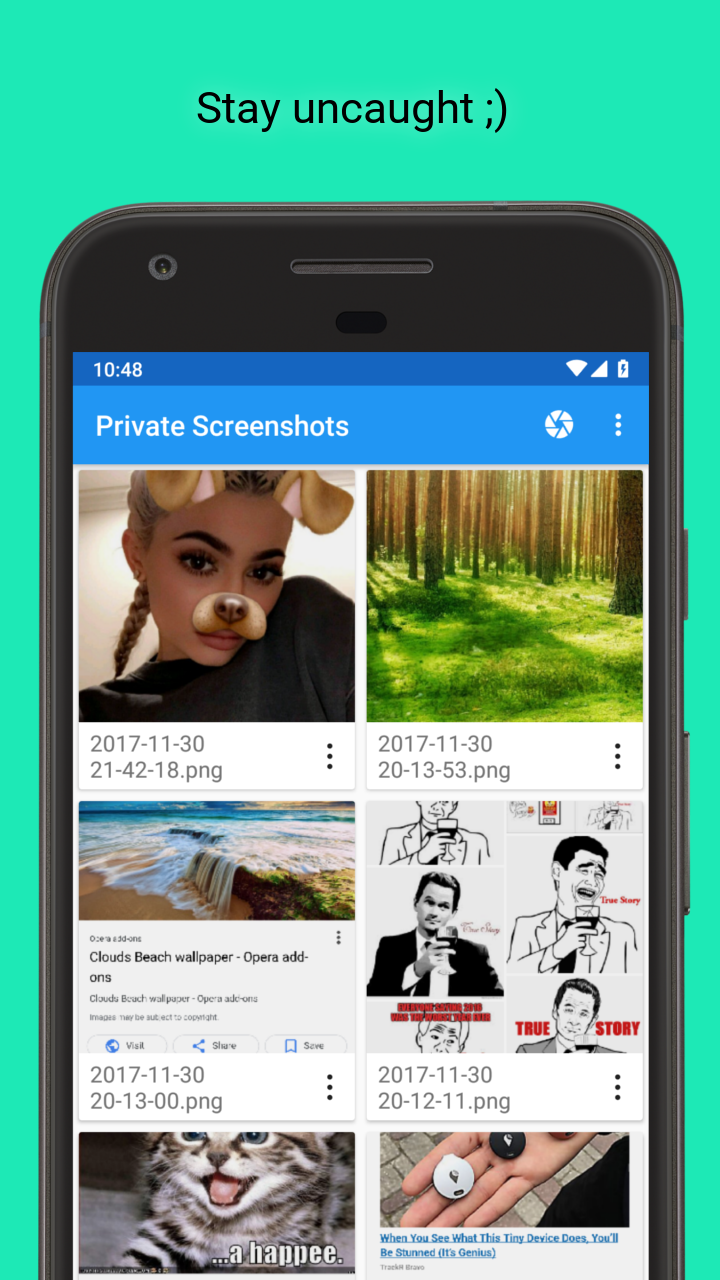
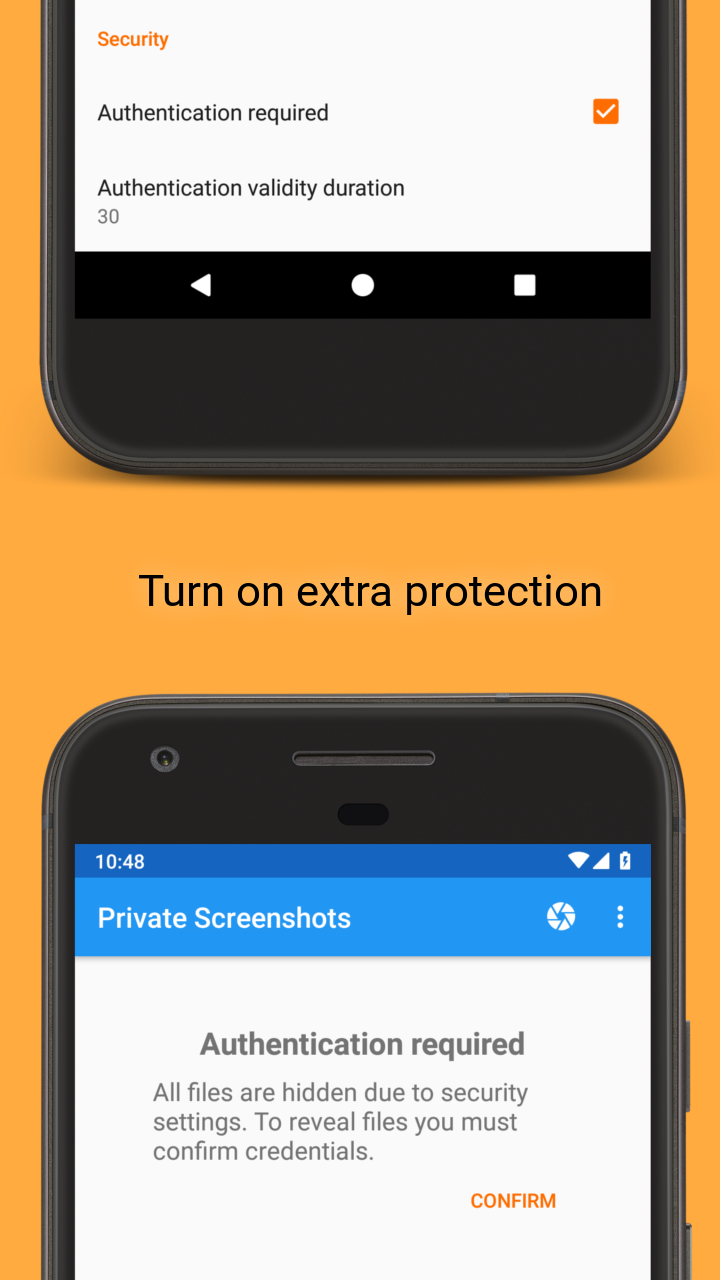
This nifty app puts your privacy first! You needn’t fret about anyone snooping around; all your files are stashed away in a hidden directory that’s virtually off-limits for prying eyes. Oh, and guess what? There are zero notifications sent out after taking a screenshot. It’s like having your own secret vault!
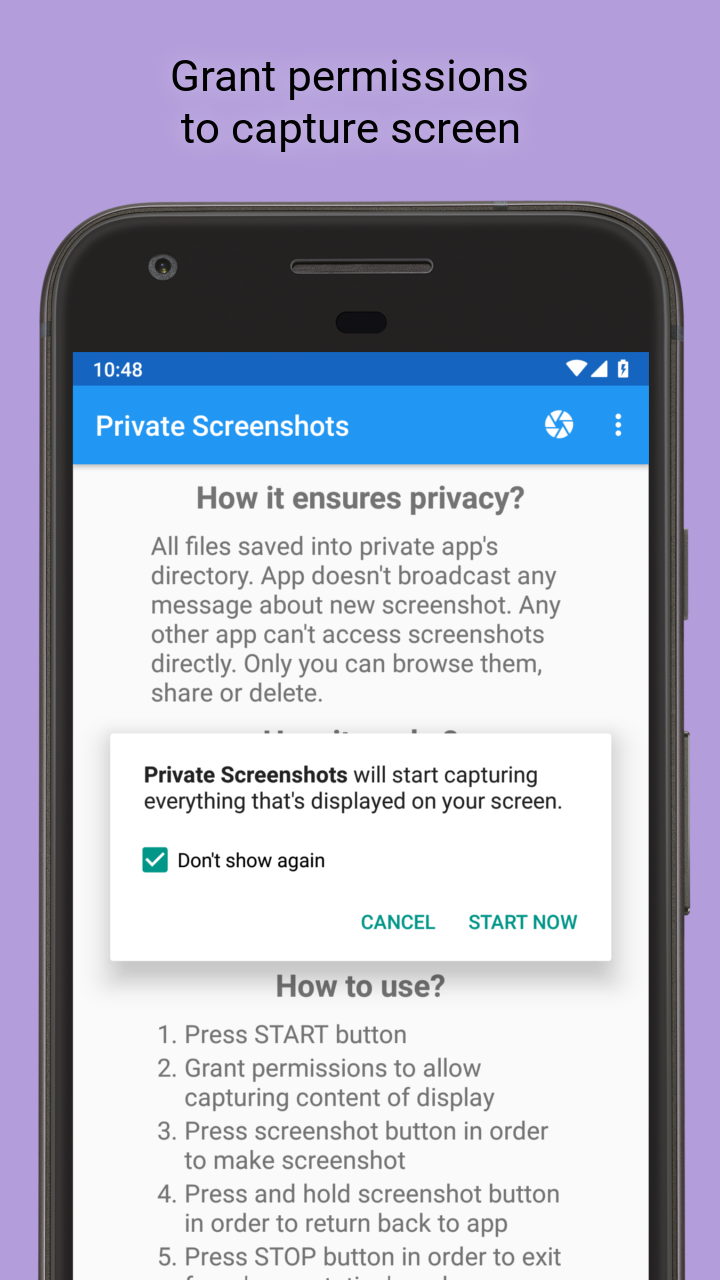
Getting started with Private Screenshots is a breeze. Just hit the Start button, give it permission to capture what’s on your screen, and you’re ready to go! If you see something fabulous in a chat that you absolutely must immortalize, just tap the screenshot button for crystal-clear captures. And if you ever need to return back to the app, simply press and hold that screenshot button until you’re back in. Ready to exit? A quick click on the Stop button will do the trick!
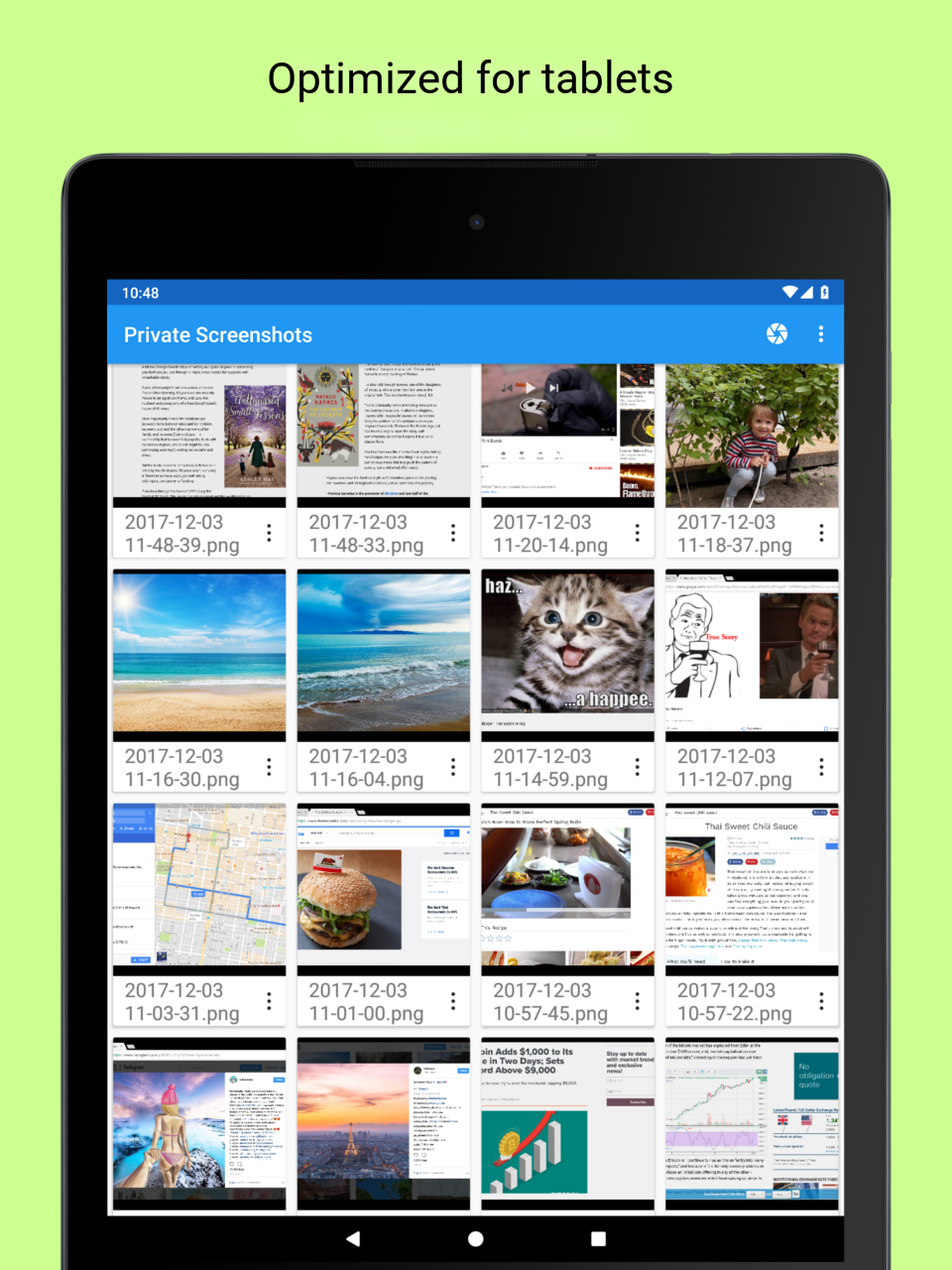
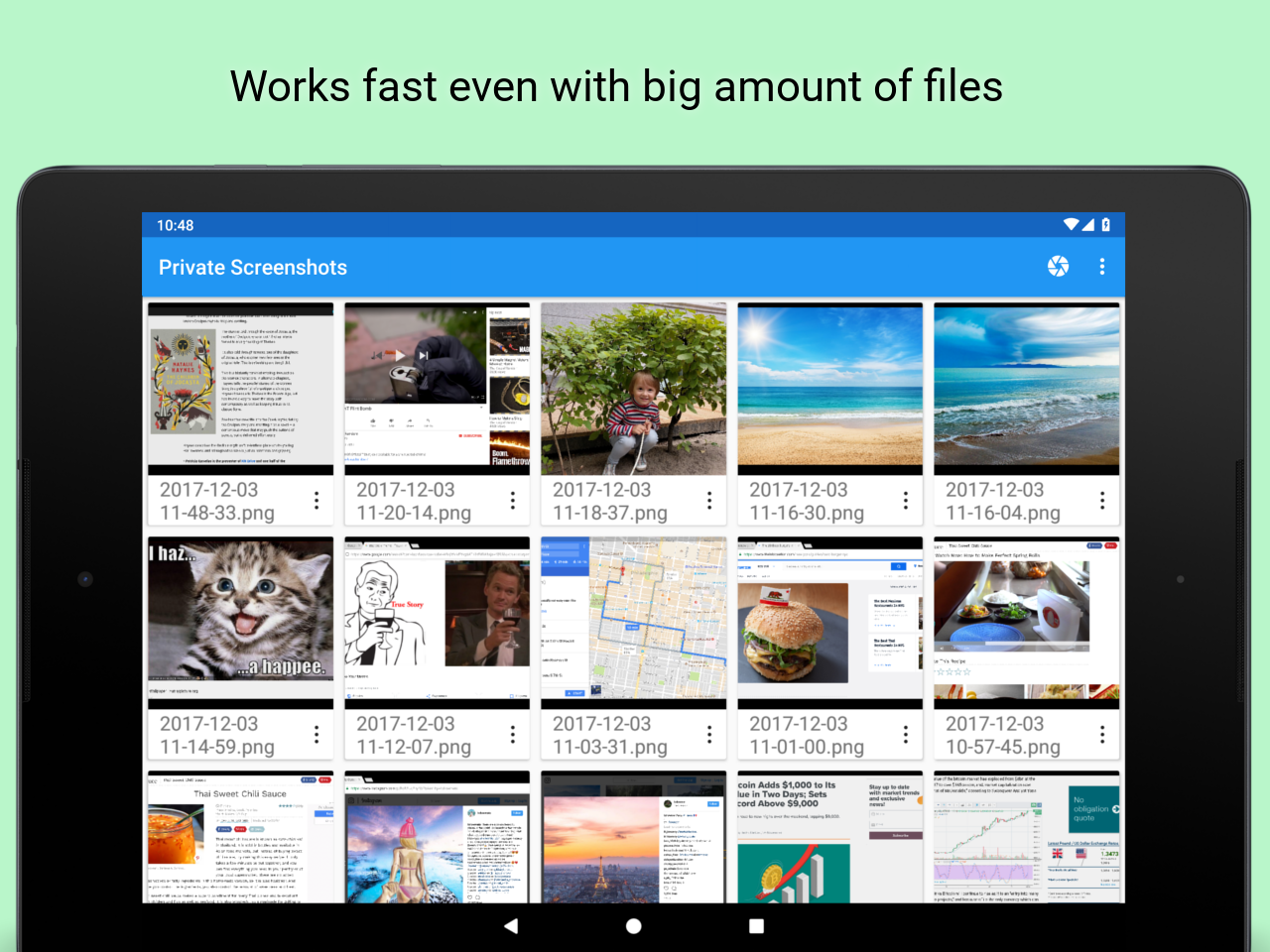
One of the best things about this app is its charming, clean design. The colorful interface isn’t just easy on the eyes; it’s also super intuitive! Every feature is laid out clearly, making navigation a walk in the park. Plus, if you have any suggestions or queries, drop a comment so the developers can keep improving your experience!
Private Screenshots goes above and beyond in ensuring user privacy. Trusted and reliable, it saves all your precious files in a secret folder, safe from nosy onlookers. With this app, you can finally breathe easy knowing your sensitive messages won’t accidentally slip into the wrong hands—no notifications mean no worries!
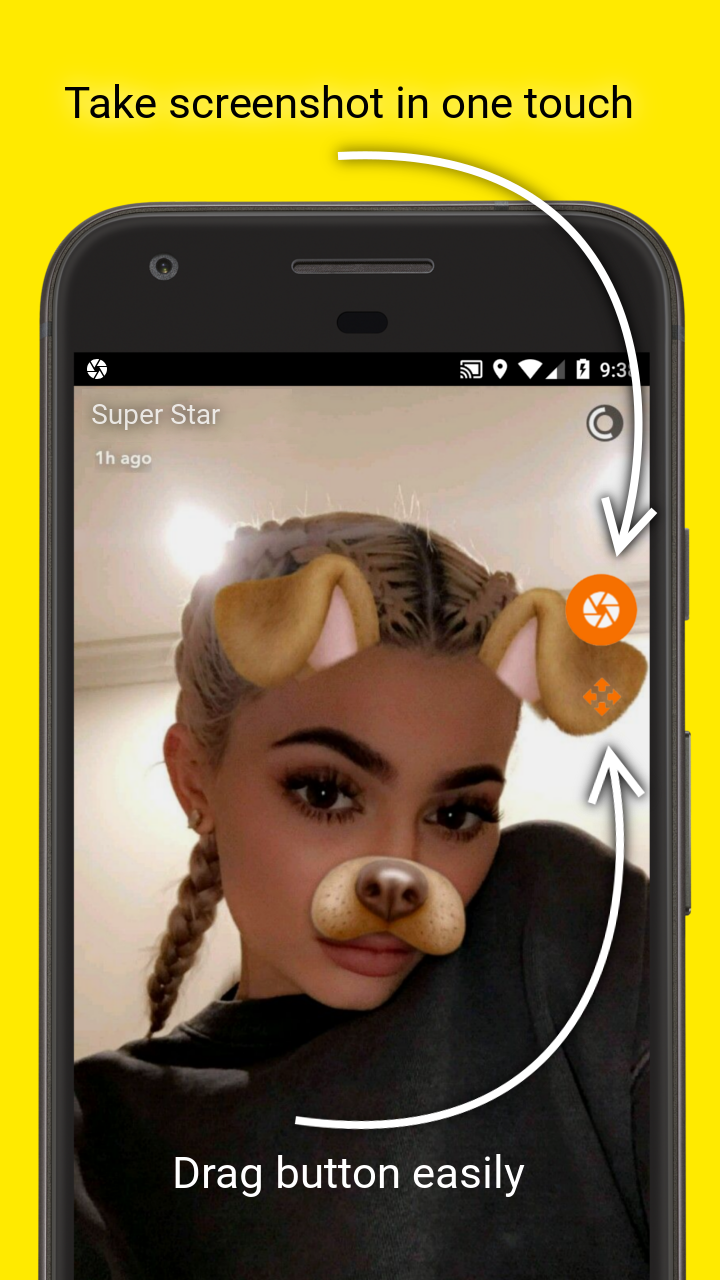
How does this marvelous app work its magic? It launches a 'presentation' mode that captures everything displayed on your device’s screen. This is how it manages to bypass the restrictions set by regular screenshot functionalities. Once you see the adorable draggable button pop up, just click it, and voilà—you’ve saved your screenshot!
While this app works like a charm for most platforms, it has its limitations. It won’t function with highly secure apps like Netflix, Chrome Incognito, Tor Browser, private Telegram chats, or banking applications. You might end up with a black screen or error—definitely not what you want when trying to use it!
Here’s a handy guide to using the app:
Press the START button
Grant permissions to allow capturing content of display
Press the screenshot button to make a screenshot
Press and hold the screenshot button to return back to the app
Press the STOP button to exit from 'presentation' mode
If you are using Android 7 or higher, you can add a shortcut to your Quick Settings drawer for even quicker access. What’s cooler? On Android 7.1 and upward, just hold the app icon to reveal shortcuts for rapid Start/Stop functions—talk about convenience!
In sum, Private Screenshots is a practical solution for anyone wanting to maintain their privacy while taking screenshots. The sleek interface, effortless usability, and strong privacy measures make this app a keeper! So go ahead, let your creativity flow without fear. Explore this innovative tool and elevate your screenshot-taking game to new heights!
| App Name | Private Screenshots |
|---|---|
| Version | 1.18.11 |
| Size | 9.60 MB |
| Update | May 31, 2025 |
| Developer | ShamanLand |
| Category | Tools |
| Google Play ID | com.shamanland.privatescreenshots |