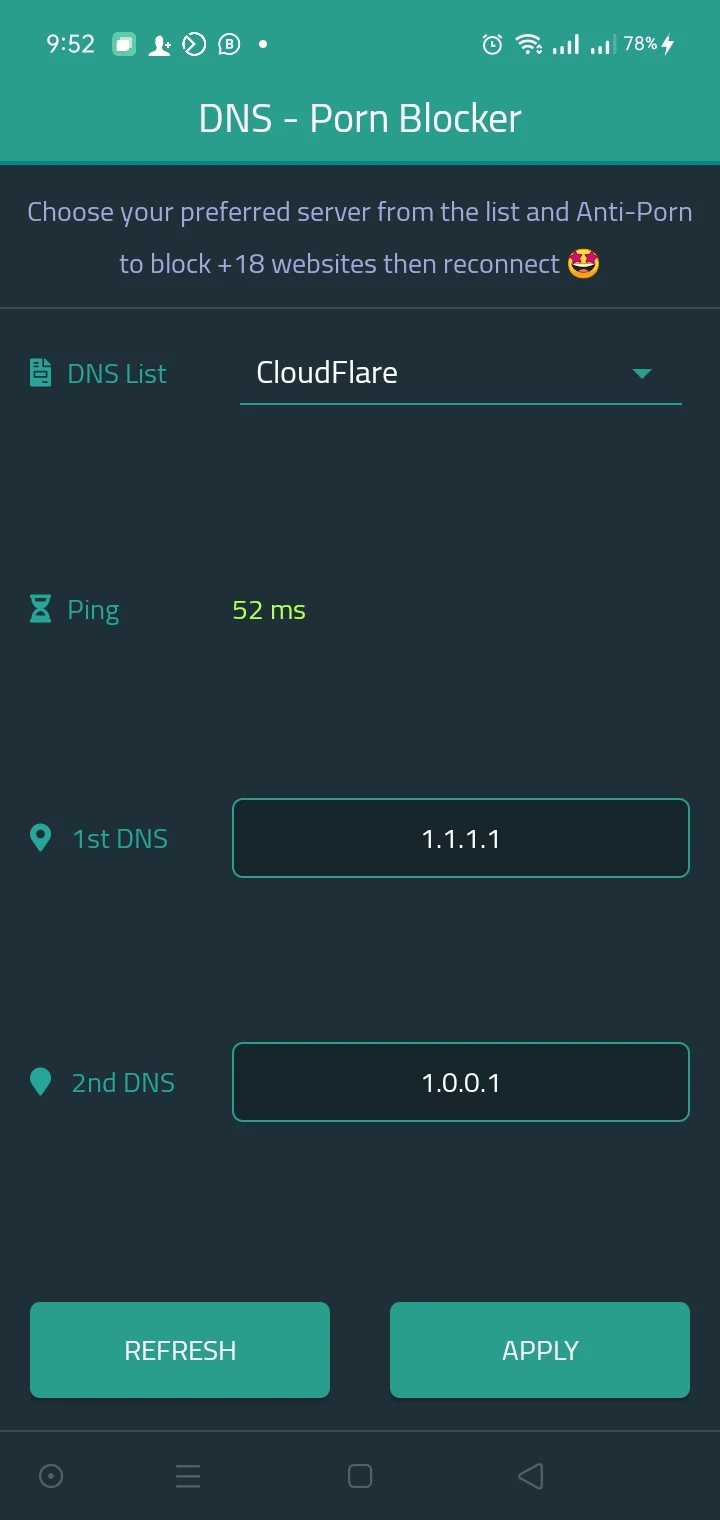
Ah, WiFi. It's the magic potion that keeps our devices connected to all things internet. It’s hard to imagine life without it, right? But there’s more to getting a speedy connection than just having a fancy router. From the devices linked to your network to those sneaky settings, let’s explore how you can get the most out of your WiFi experience.
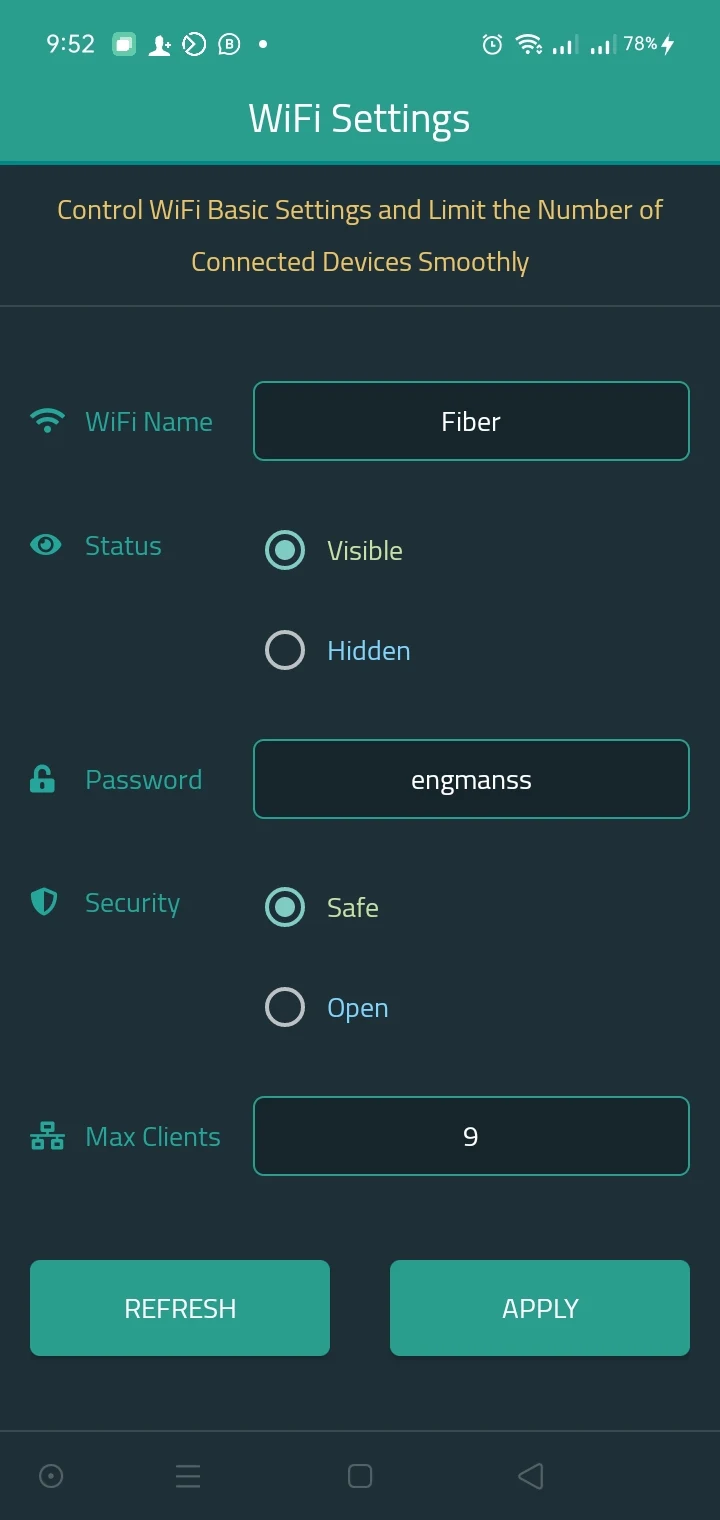
It’s essential to acknowledge that your home network speed can be influenced by many factors beyond just your trusty router’s quality. One particularly sneaky culprit? The number of devices connected to your wireless network. You might not realize it, but if you're suddenly binge-watching and the buffering seems endless, it could be because too many gadgets are hogging your bandwidth. This is where a strong password comes in handy! By setting one that's a mix of characters, you can boost your security and keep those unauthorized users at bay.
Feeling like your router is functioning like an ancient tortoise rather than a swift gazelle? Don’t panic! Sometimes, a simple reboot could work wonders. Just unplug it for a few minutes, plug it back in, and let it breathe a little. If things are still wayward, you might consider resetting it, but tread carefully! Resetting wipes all your custom settings away, so it’s only for the brave (or tech-savvy). If that’s not you, a reboot should suffice!
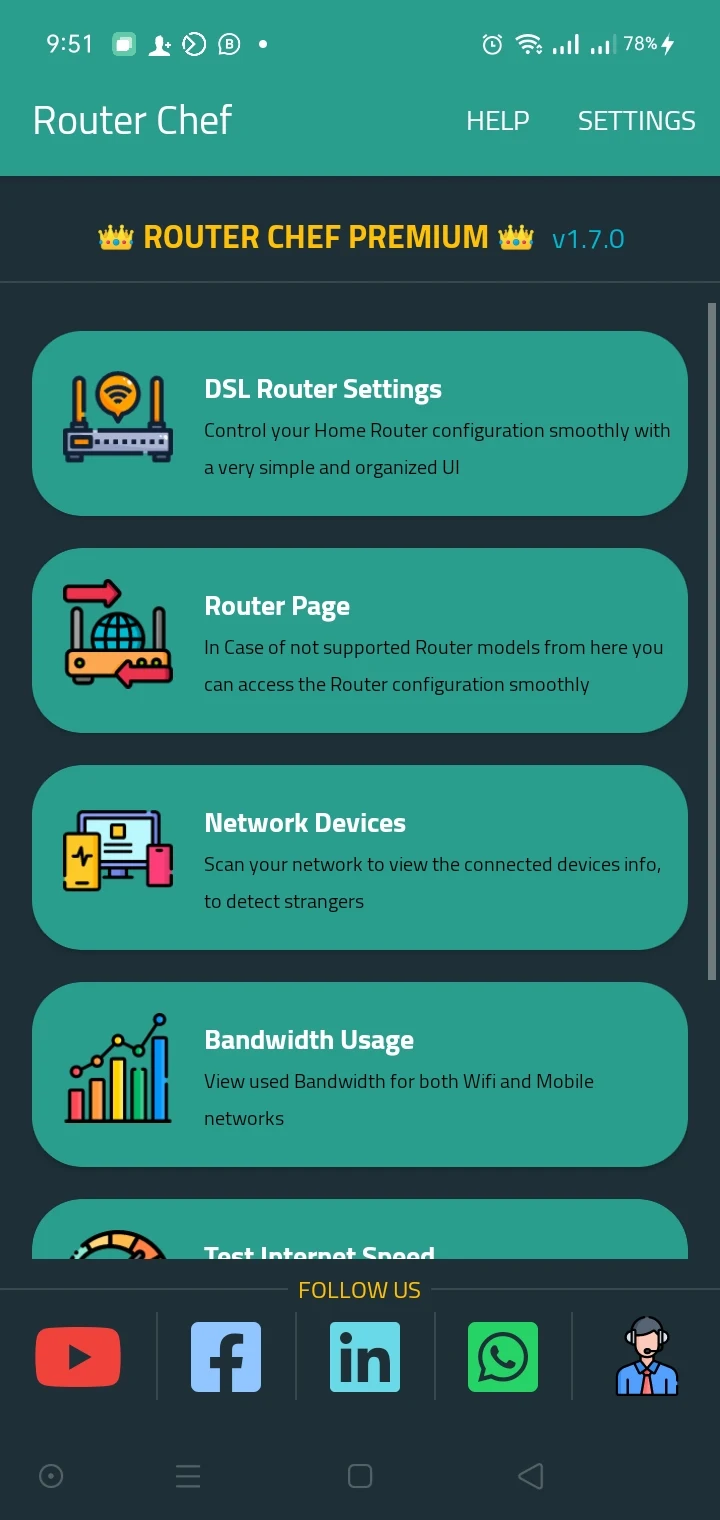
Now that we’ve taken a peek at troubleshooting, let’s introduce you to your new best friend, Router Chef. To start your journey, you’ll need to access your router—that’s easier than pie! Just enter your IP address, username, and password, and voilà! You’re greeted with a friendly home screen featuring various functions, each with a cute little description to help guide you along.
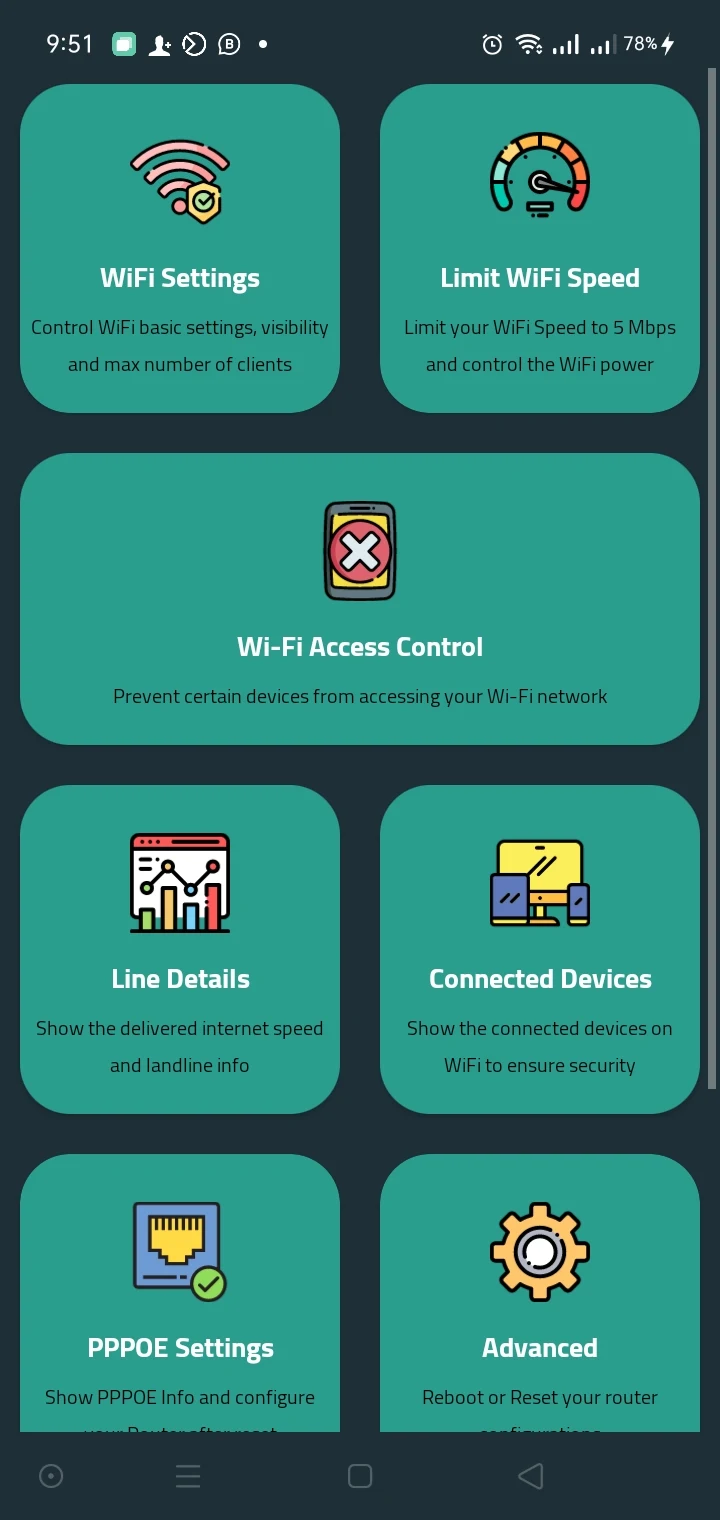
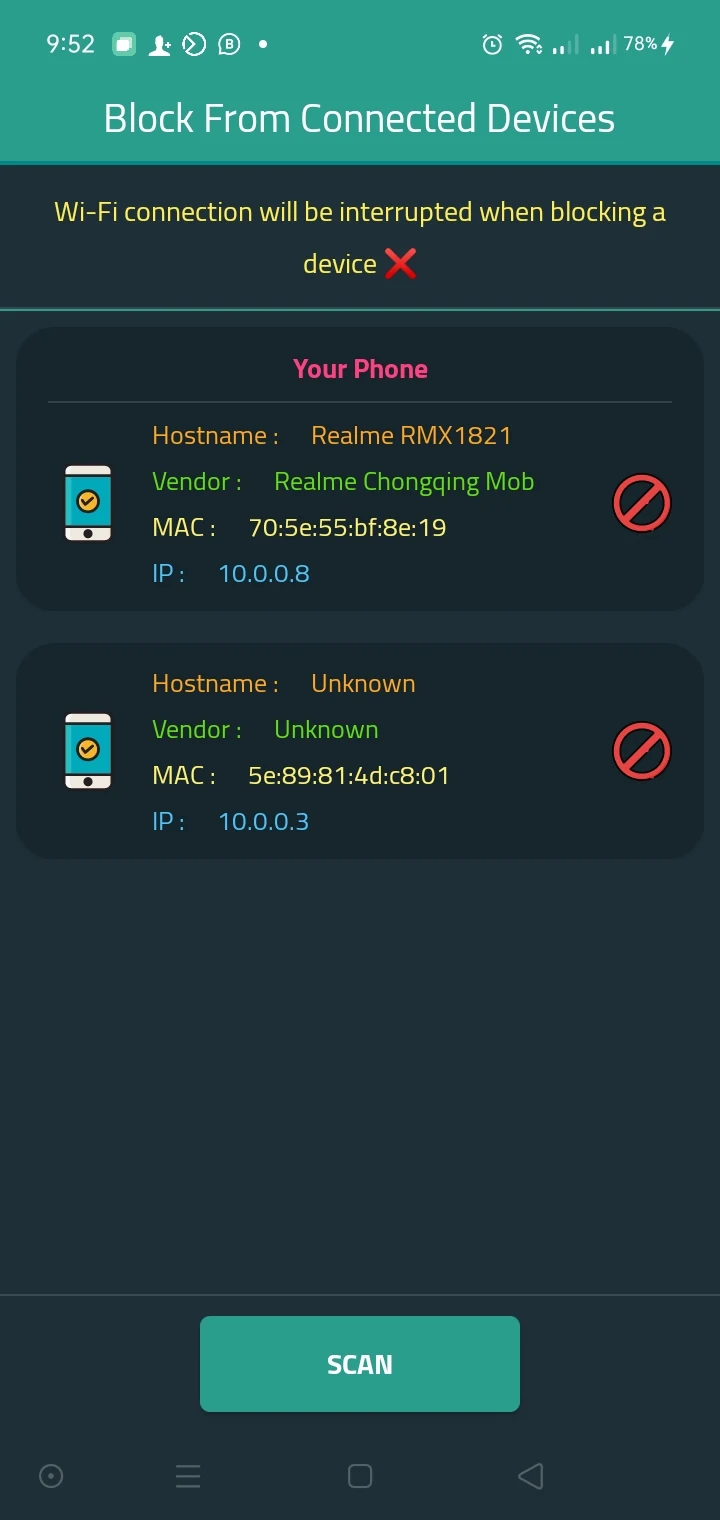
Once you're in, feel free to pull a few tricks on Router Chef. Want to change your WiFi name or password? No problem! This nifty little app is like your personal concierge for network management. And it doesn’t stop there—it also reveals how many devices are hanging around on your WiFi line. Too many connections? That’s probably the reason your speeds have hit rock bottom. So, remember to regularly update that password to keep uninvited guests off your network!
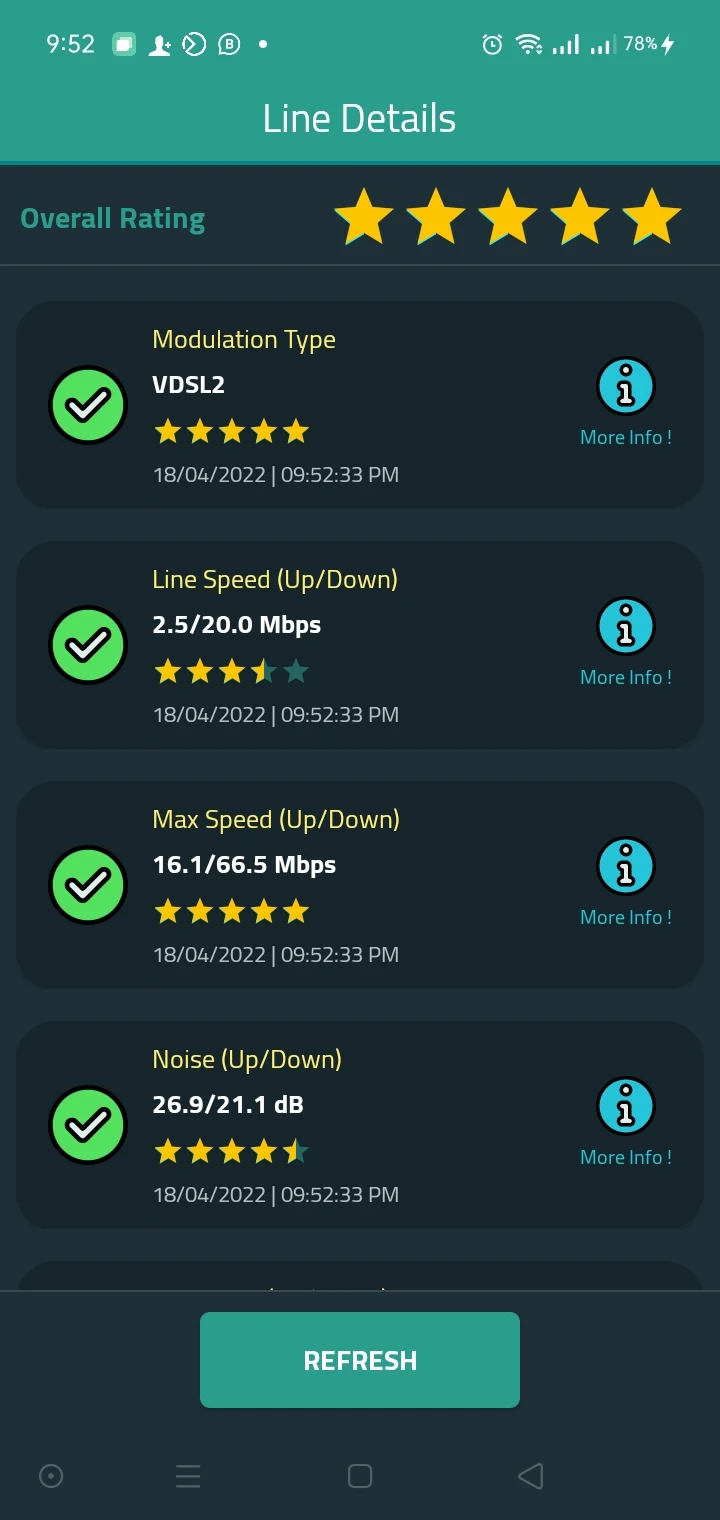
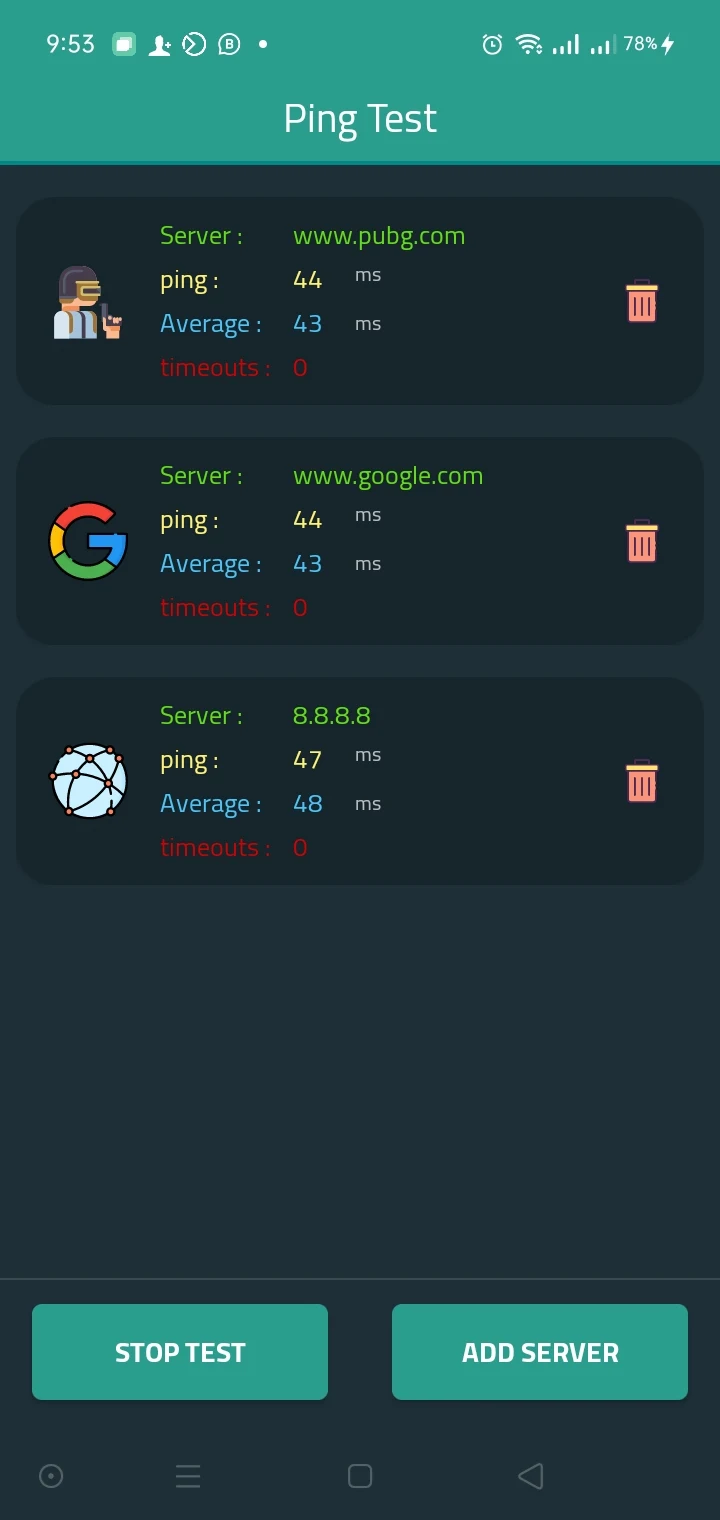
Curious about what’s going on with your WiFi? Router Chef has got you covered. Thanks to its comprehensive line indicators, you can monitor your connection status and take action promptly if there's a dip in performance. You’ll also stay updated on the number of devices connected, allowing you to manage your network better.
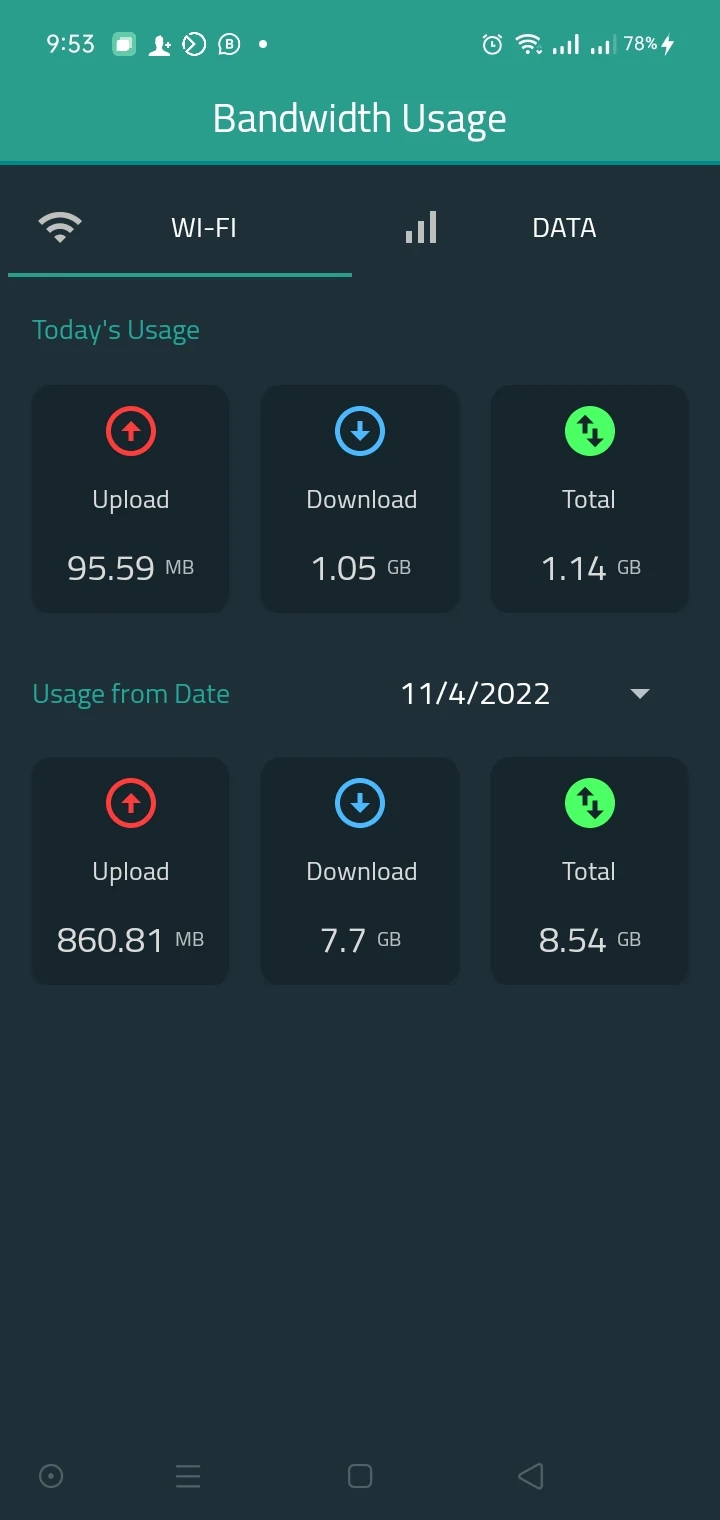
The Router Chef APK mod isn’t just for show—it's a powerful tool that allows you to control every aspect of your router without breaking a sweat. Once connected, you harness the power to customize settings according to your liking. Need to check signal strength or daily usage stats? It’s all right there! Plus, with compatibility spanning from DN8245V to TP-Link models, most routers are on board this train.
Let’s take a step back. WiFi has become so intertwined with our daily routines that we sometimes overlook its importance. It’s the lifeline connecting us to information, entertainment, and social interactions. Yet, managing our router settings can be a bit daunting. Enter Router Chef—this app is decked out with robust features designed to simplify your WiFi experience.
Did you know that even a little speed limit can drastically change your whole WiFi vibe? It’s true! On Router Chef, you can define your network’s speed limits easily. Whether you opt for a specific range or go wild with unlimited options, understanding these numbers can help optimize your Internet use. So if your streaming feels sluggish, head on over to those settings!
In conclusion, staying connected in today’s fast-paced world means keeping an eye on your WiFi setup. With tools like Router Chef, you can become the master of your domain, ensuring all your devices work harmoniously and efficiently. Happy surfing! 🌊✨
| App Name | Router Chef |
|---|---|
| Version | 2.2.13 |
| Size | 12.71 MB |
| Update | May 30, 2025 |
| Developer | Mohraouf |
| Category | Tools |
| Google Play ID | com.raouf.routerchef |


4.96 MB 1.0.10