If you're on the hunt for an all-in-one solution to capture images and record videos on your mobile device, look no further than the *Screenshot Touch* app! This nifty tool is packed with features that make taking screenshots and recording screencasts a breeze. Allow me to walk you through its impressive capabilities with a sprinkle of excitement!
One of the coolest features of *Screenshot Touch* is its ability to record screencast videos, which you can easily save as MP4 files. Imagine this: you're creating high-quality content, whether for work or play, and you need to share your screen. With just a few taps, you can select from different video resolutions, including HD, Full HD, or even 4K—so you can capture all those tiny details.
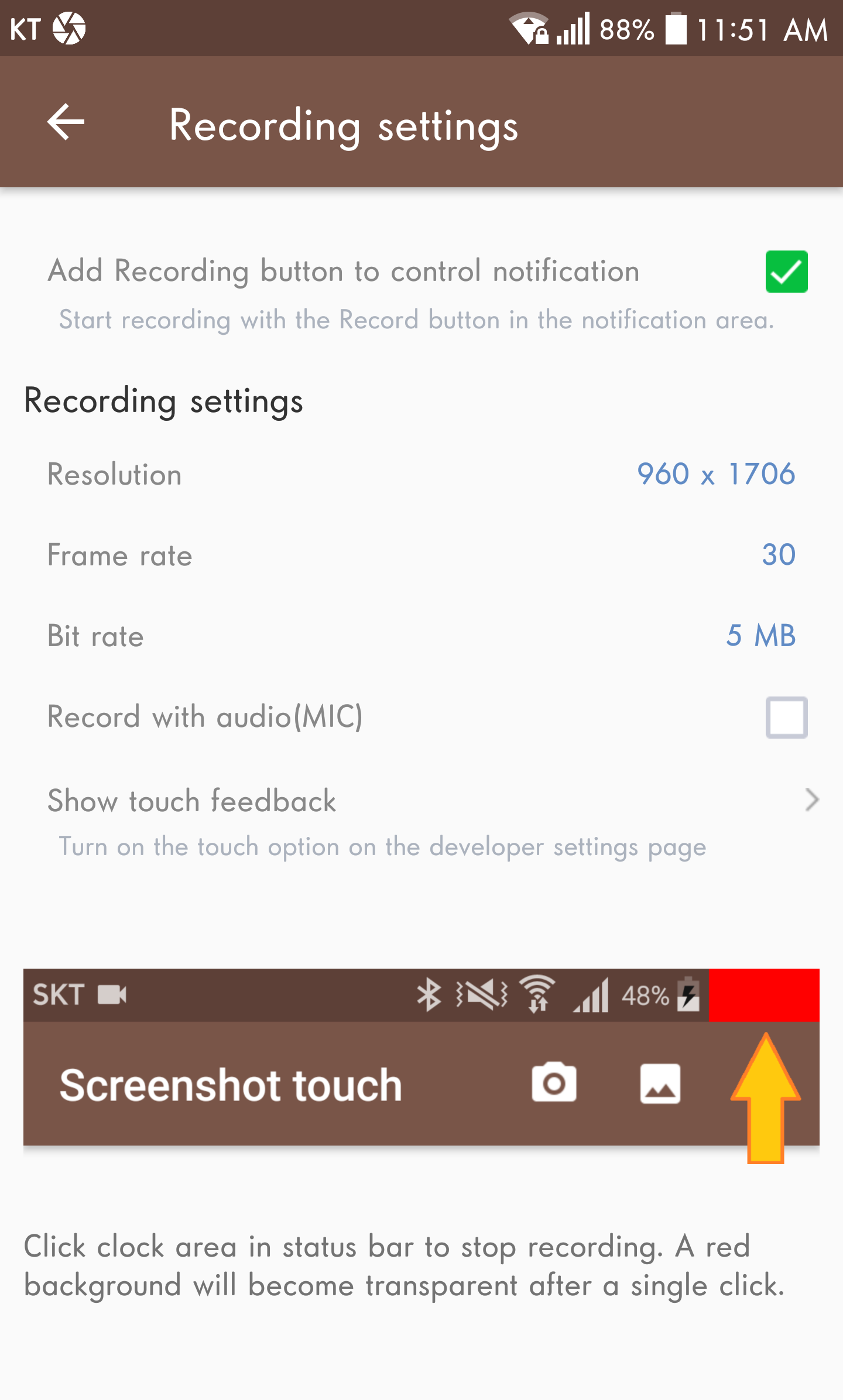
But wait, there's more! You get to choose your audio settings too. Whether you want to include sounds from your microphone, specific apps, or both, it's totally customizable! And for the perfectionists out there, don’t forget to tweak the Bitrate and Frame rate for that polished finish.
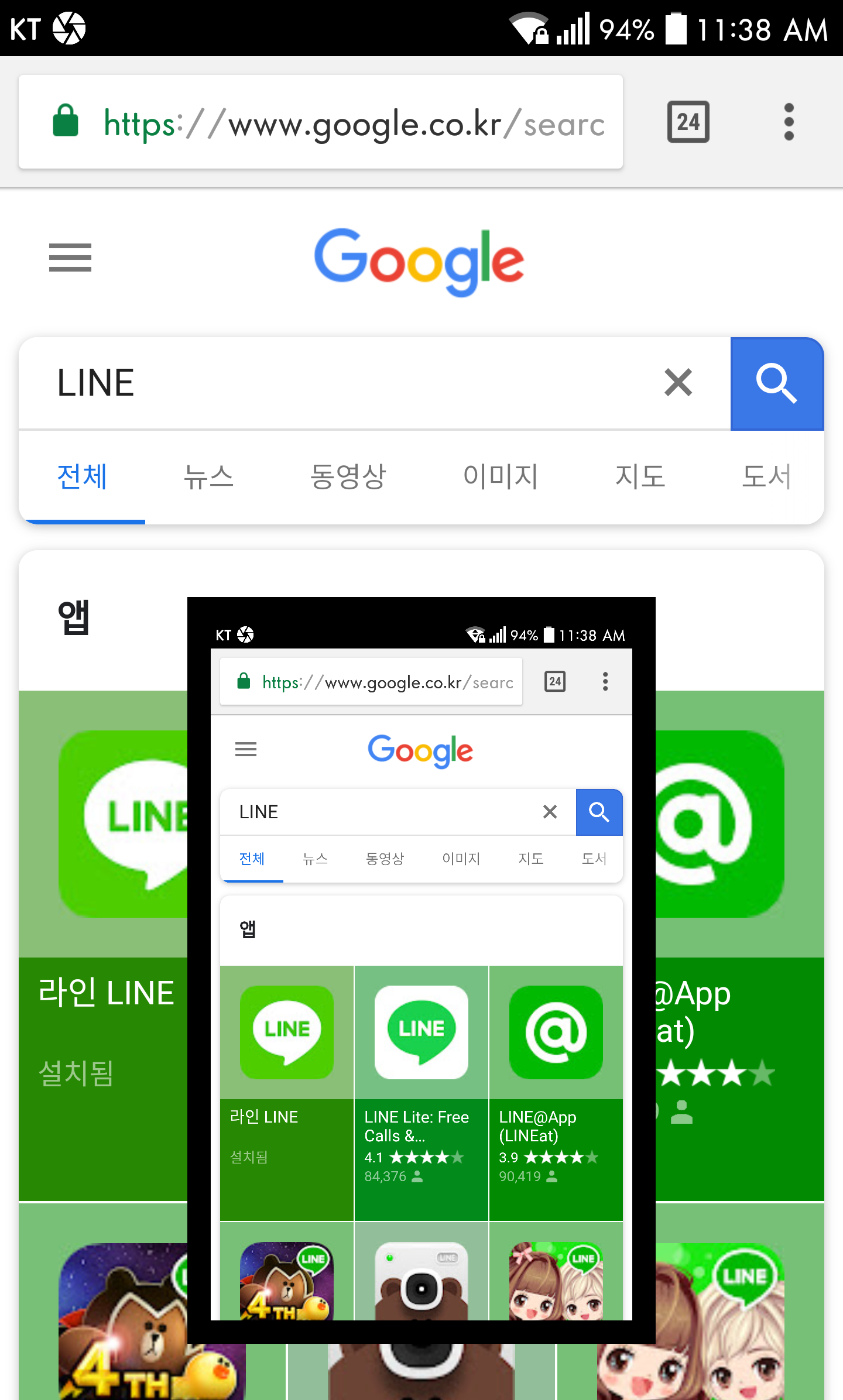
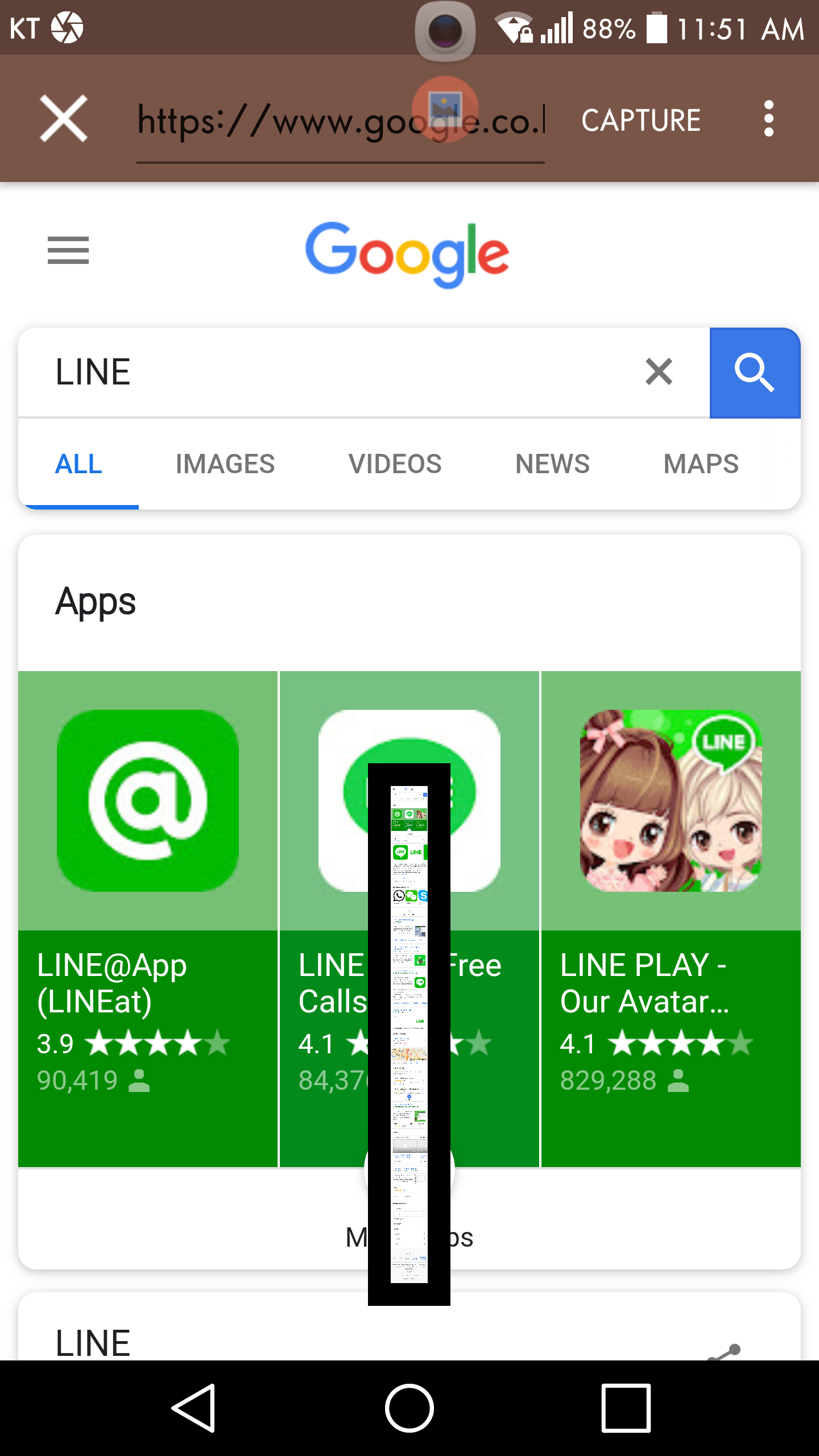
Mobile users rejoice! The *Screenshot Touch* app offers a plethora of ways to snap those desired screens. Do you need to capture an entire webpage? No problem! With just a scroll, the app’s smart feature will collect everything visible—and even what isn’t—to give you a full image without the hassle of multiple shots.
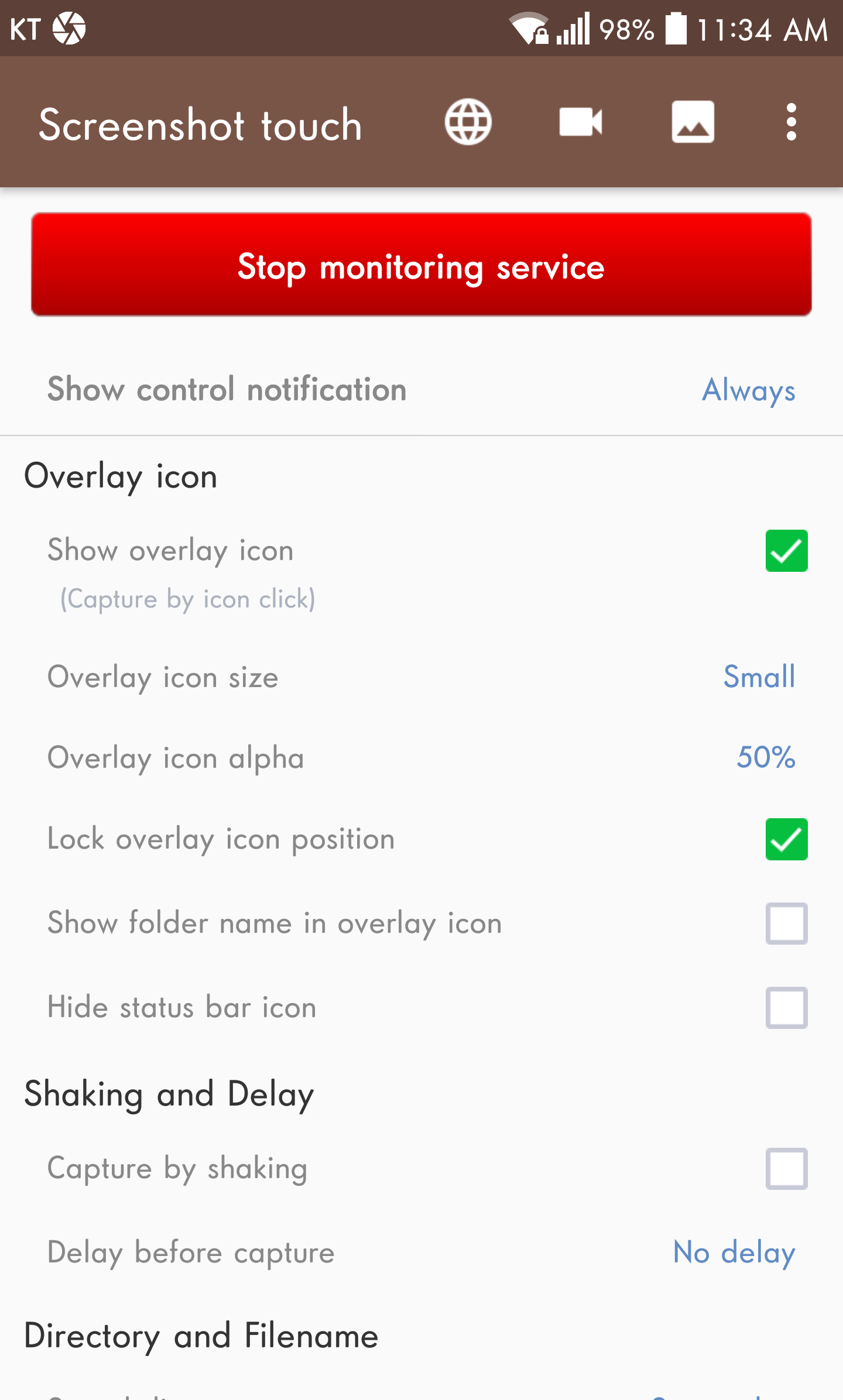
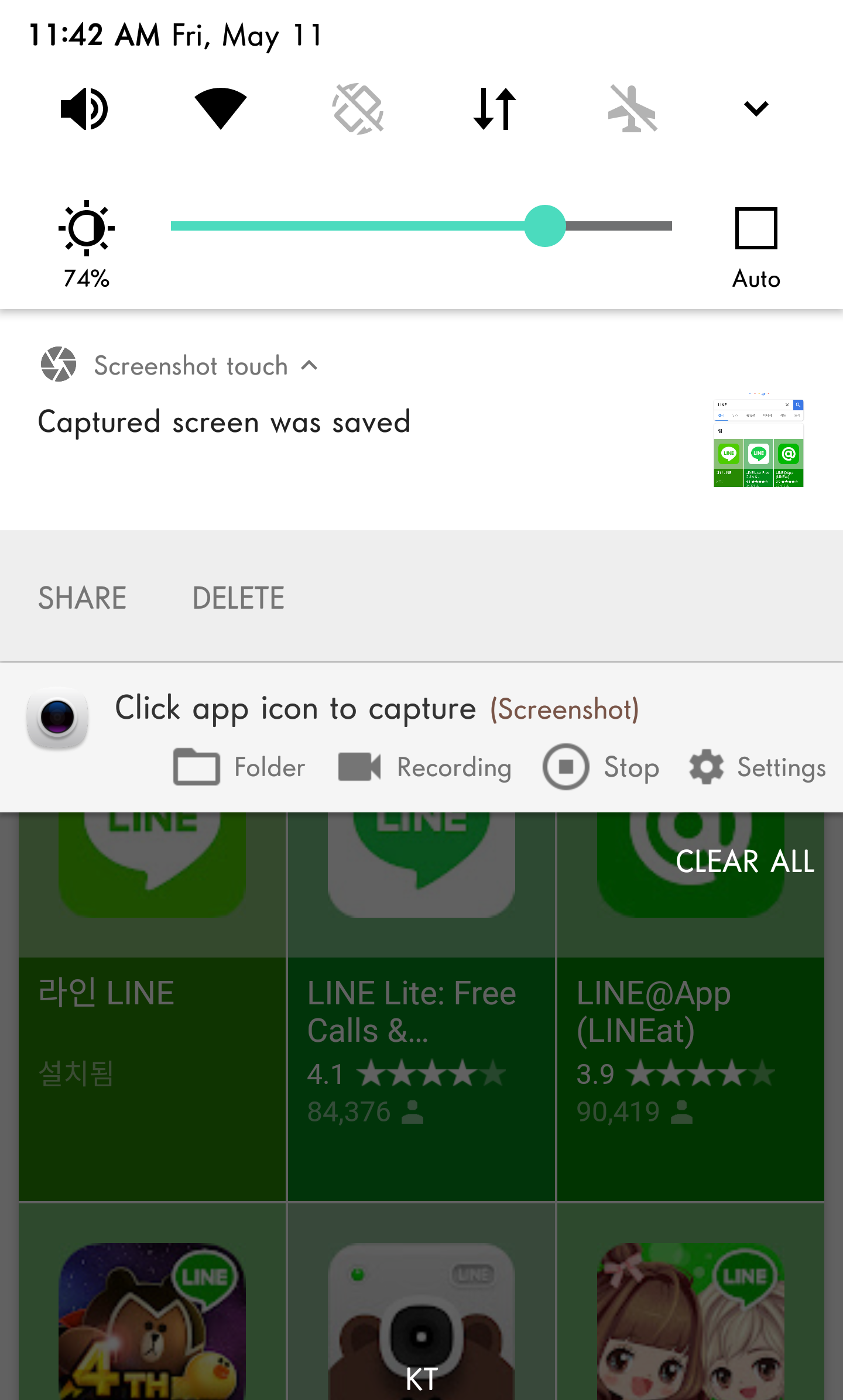
Plus, let’s talk about convenience. All it takes is a single touch on the overlay icon, or even a shake of your device, to take a screenshot with zero fuss. Say goodbye to clunky processes of the past!
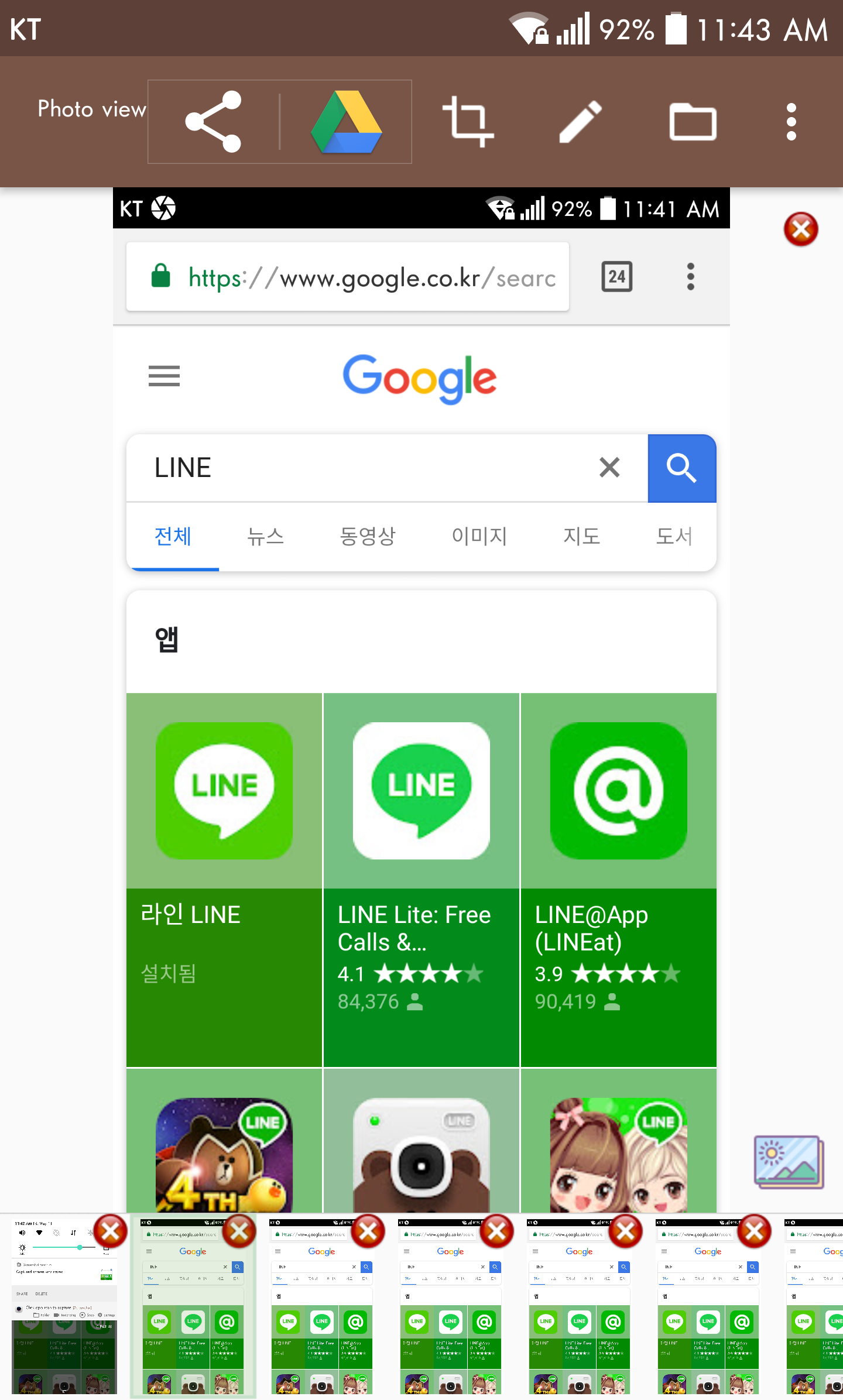
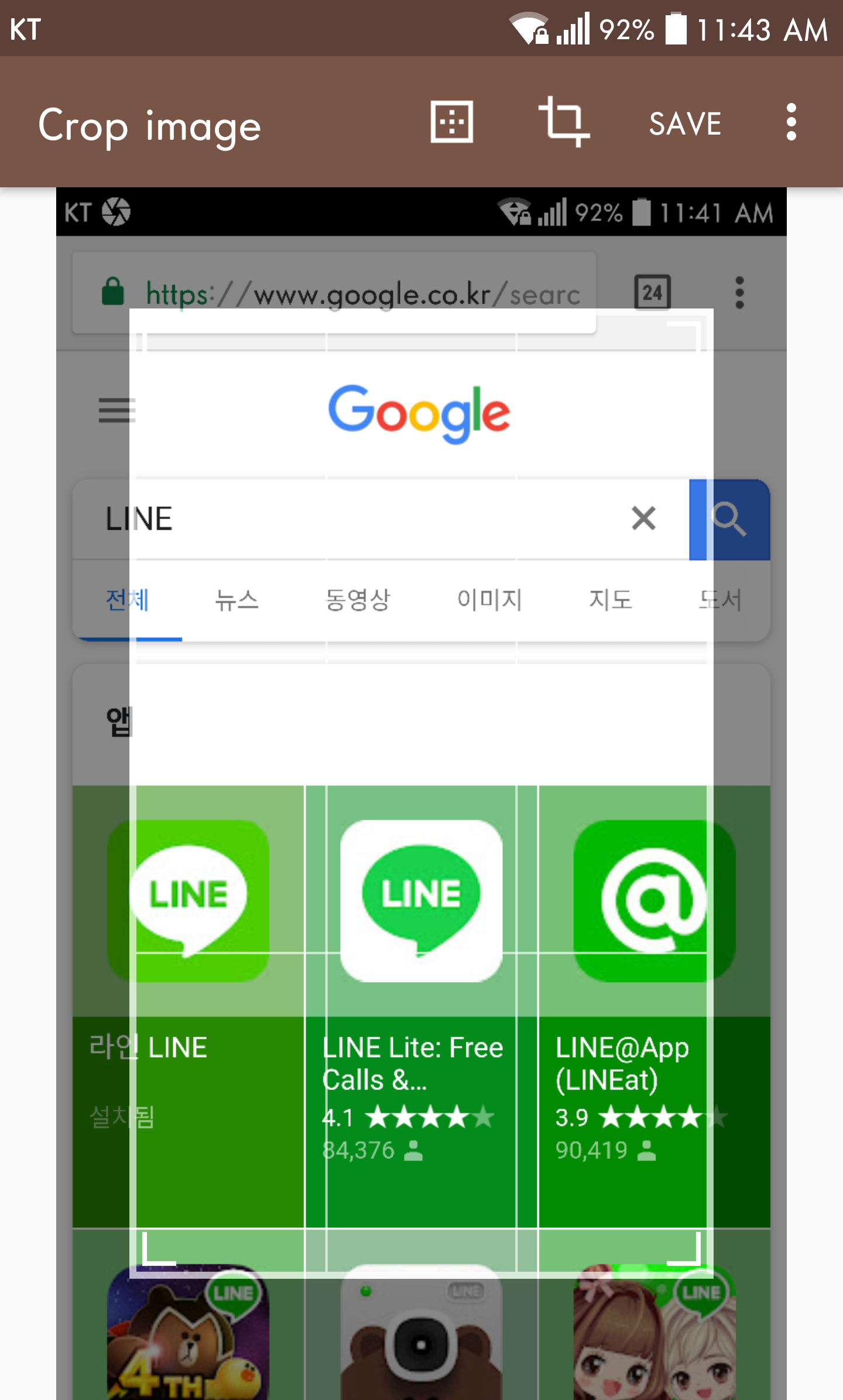
Now that you've captured your glorious screenshots, it’s time to polish them up! *Screenshot Touch* provides a suite of editing tools that will have you feeling like a pro. Want to crop out the clutter? Done! Need to rotate or adjust the colors to match your aesthetic? You got it!
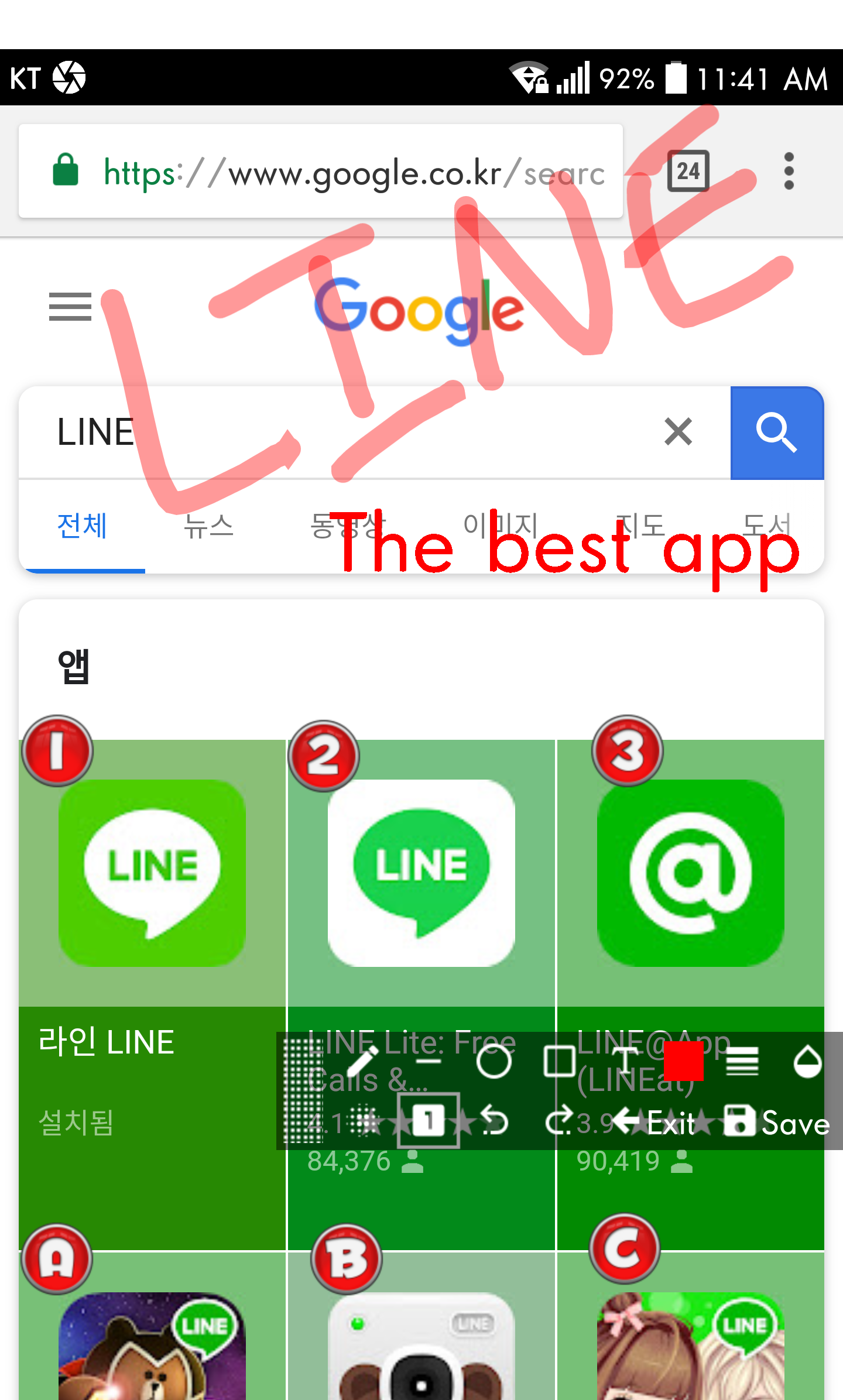
The application comes equipped with options for fine-tuning brightness, contrast, and saturation. Want to add some flair? Get crafty with various brush types that let you doodle and decorate your screenshots before sharing them. Isn't it fun to turn the mundane into something extraordinary?
Excited yet? Here’s a little sneak peek into what else *Screenshot Touch* has to offer:
Capture Options
You can decide where to save your captures, choose subfolders, set file formats, and even adjust jpeg quality!
Persistent Notification
This handy notification remains on screen until you swipe it away, making access quicker than ever.
Multiple Saving Folders
Organize your screenshots by creating subfolders for different categories, so you never mix up your Facebook snaps with your gaming highlights again!
With *Screenshot Touch*, managing your screenshots is a walk in the park. Create folders to suit your preferences effortlessly! By doing so, the app will help you keep your phone neat and tidy, ensuring you find what you need without diving deep into the endless sea of files.
Did I mention automatic sorting? Yes, that’s right! The app can automatically organize your screenshots chronologically, eliminating the tedious task of manual arrangement.
Need speed? This app lets you pick and install your favorite applications for quick access. Save your captures wherever you like thanks to its massive storage capacity—no more worrying about running out of space! Plus, with its adjustable file quality options, you can always achieve the results you desire, down to the last pixel.
And for those moments when you need to act fast, the timed capture feature lets you snag snapshots effortlessly. Just tap, and voilà—you’ve got your image!
So, if you're looking for the perfect companion for capturing screenshots, *Screenshot Touch* is your go-to app! Its intuitive interface allows you to easily grab full screens or specific areas, then refine them with awesome editing choices. Once you’re happy with your creations, share them with friends over email or social media—it couldn't be easier!
Be aware that secure pages (like banking apps) won’t be capturable due to security settings.
The app utilizes Android’s Media Projection Service, so a consent window will pop up when accessing this functionality.
In summary, *Screenshot Touch* is here to make your capturing and editing experiences enjoyable and efficient. So go ahead and download it today; your future self will thank you!
| App Name | Screenshot touch |
|---|---|
| Version | 2.3.7 |
| Size | 13.82 MB |
| Update | Apr 22, 2025 |
| Developer | Daejeong Kim |
| Category | Tools |
| Google Play ID | com.mdiwebma.screenshot |