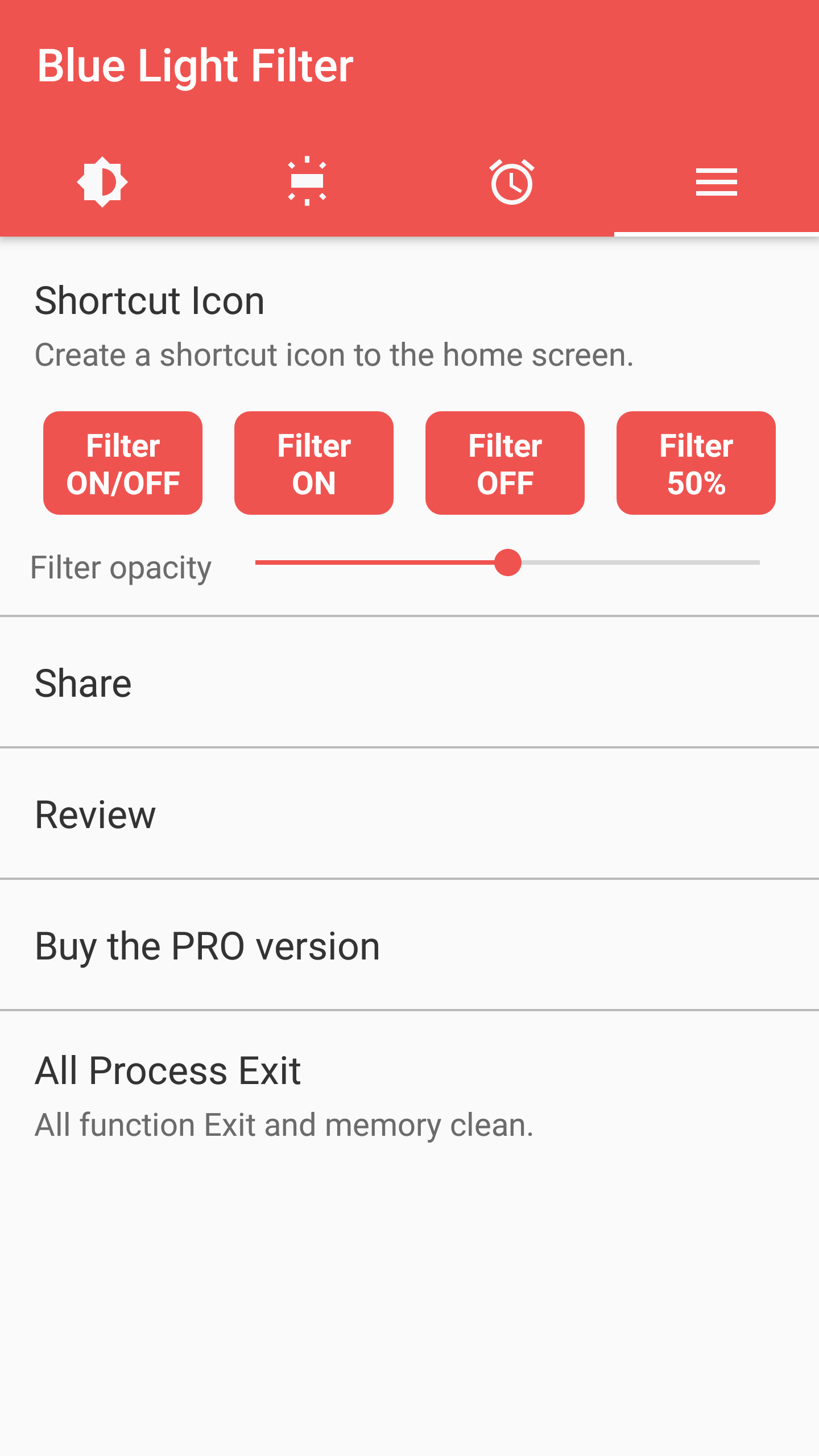
Did you know that those pesky electronic devices we adore can actually wreak havoc on our eyes? Yep, we’re looking at you, phones, tablets, and computers! Long-term exposure to blue light emitted by these screens can lead to eye fatigue and discomfort. That's where our star player, sFilter, swoops in to save the day!
This advanced light filter app is designed to be your eyes' best friend. It’s like a stylish pair of sunglasses for your device, offering protection and comfort with ease. Here’s how it works:
Bye-Bye Blue Light
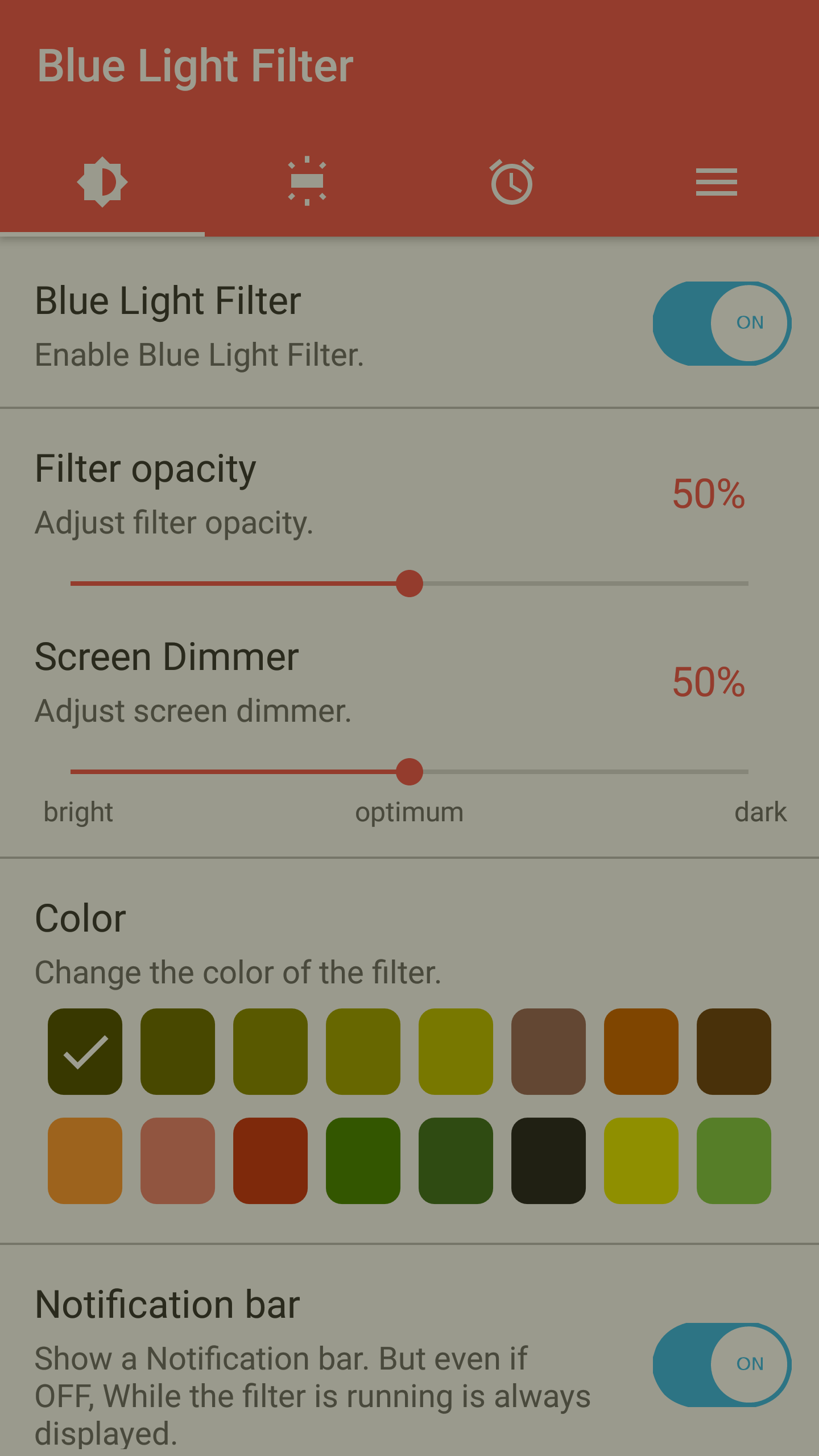
The app does a fantastic job of blocking harmful blue light, which helps reduce eye strain.
Color Customization
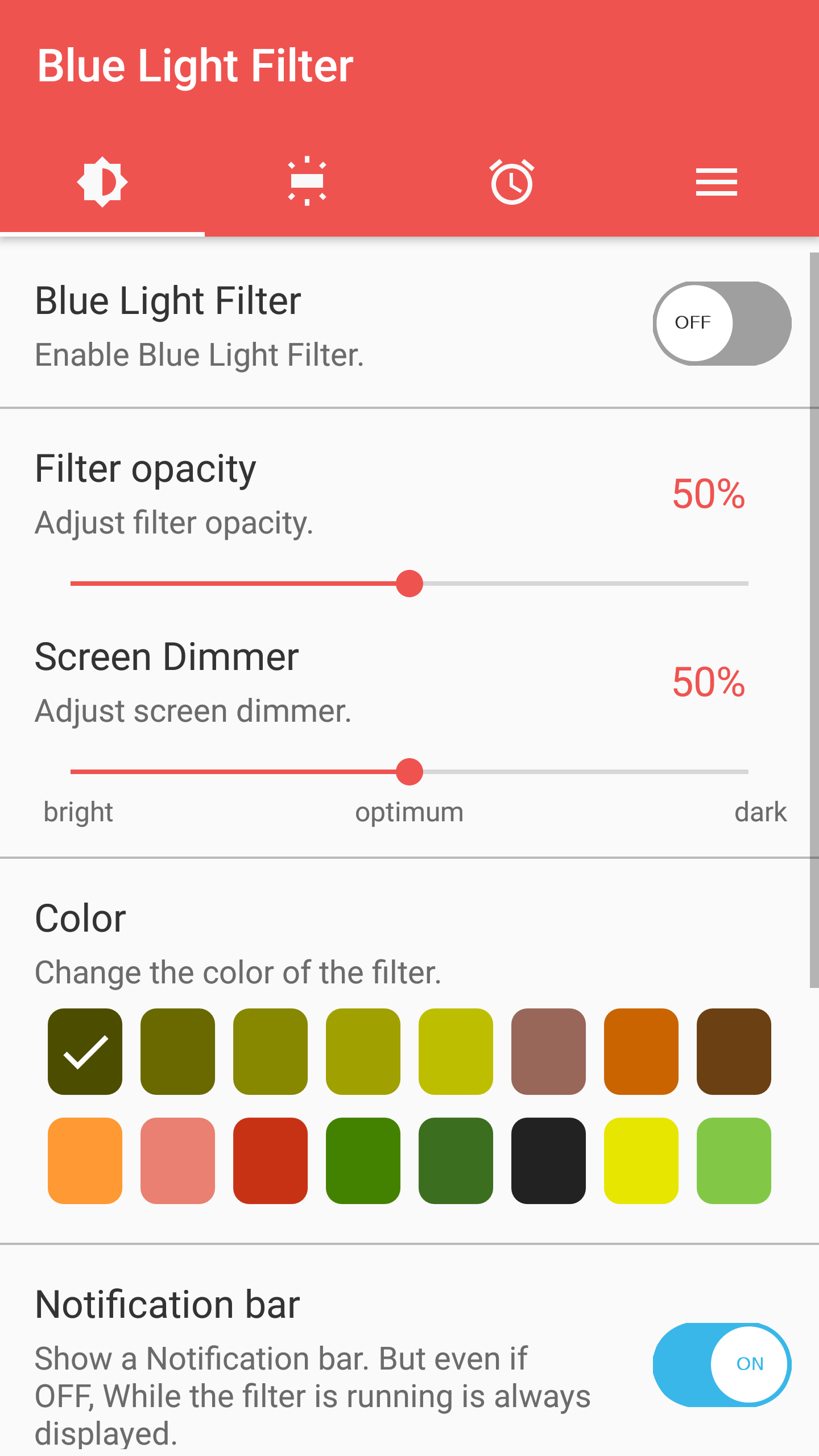
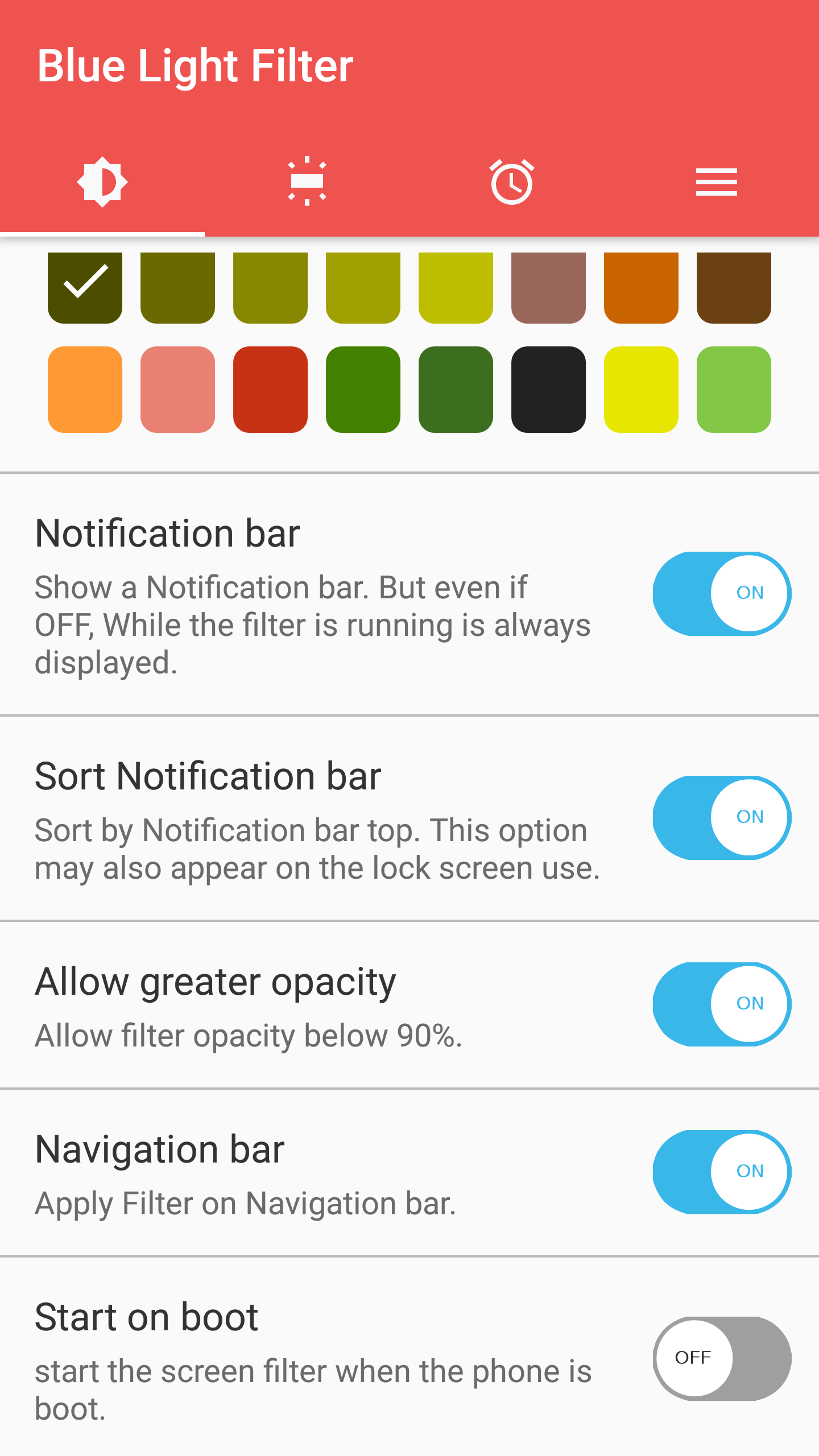
Fancy changing things up? You can select from an impressive palette of **18 vibrant colors** to replace that harsh blue light.
Brightness Adjustments
The app auto-adjusts screen brightness based on your surroundings to ensure your eyes aren’t straining to see clearly.
Imagine gliding through your phone or tablet without the worry of your eyes feeling like they’re on fire after a long binge-watching session. With sFilter, that dream becomes a reality. The app cleverly connects with your device's controller, allowing you to switch colors and filter light with just a few taps.
Plus, if you're energy-conscious (and who isn’t?), this app cleverly reduces power consumption when high brightness isn't necessary, all while keeping your device running smoothly.
Struggling with eye fatigue during late-night scrolling? You’re not alone. Many users find adjusting to blue light a hassle, but sFilter really steps in here. It not only minimizes the harmful blue light effect, but it also provides total flexibility in customizing the interface. Want shortcuts, animations, or just something different? You got it!
The app lets you tailor your experience down to the tiniest detail, setting yourself up for success whether you’re working late or enjoying some downtime.
sFilter isn’t just all talk, either! Here's what makes it stand out:
Blue Light Blocking
Because no one wants tired eyes!
Swift Adjustments
Switch settings in the status bar like a pro.
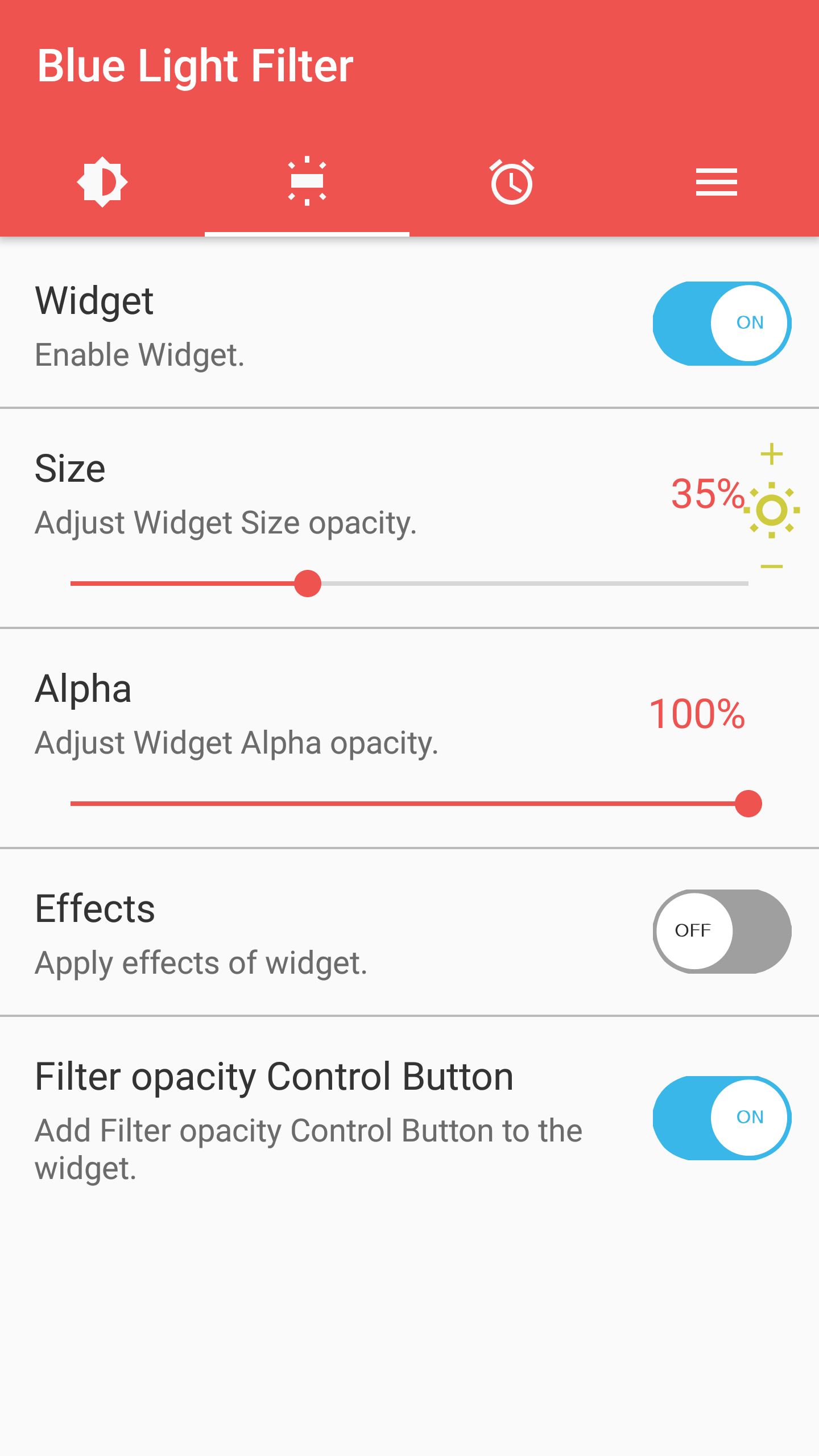
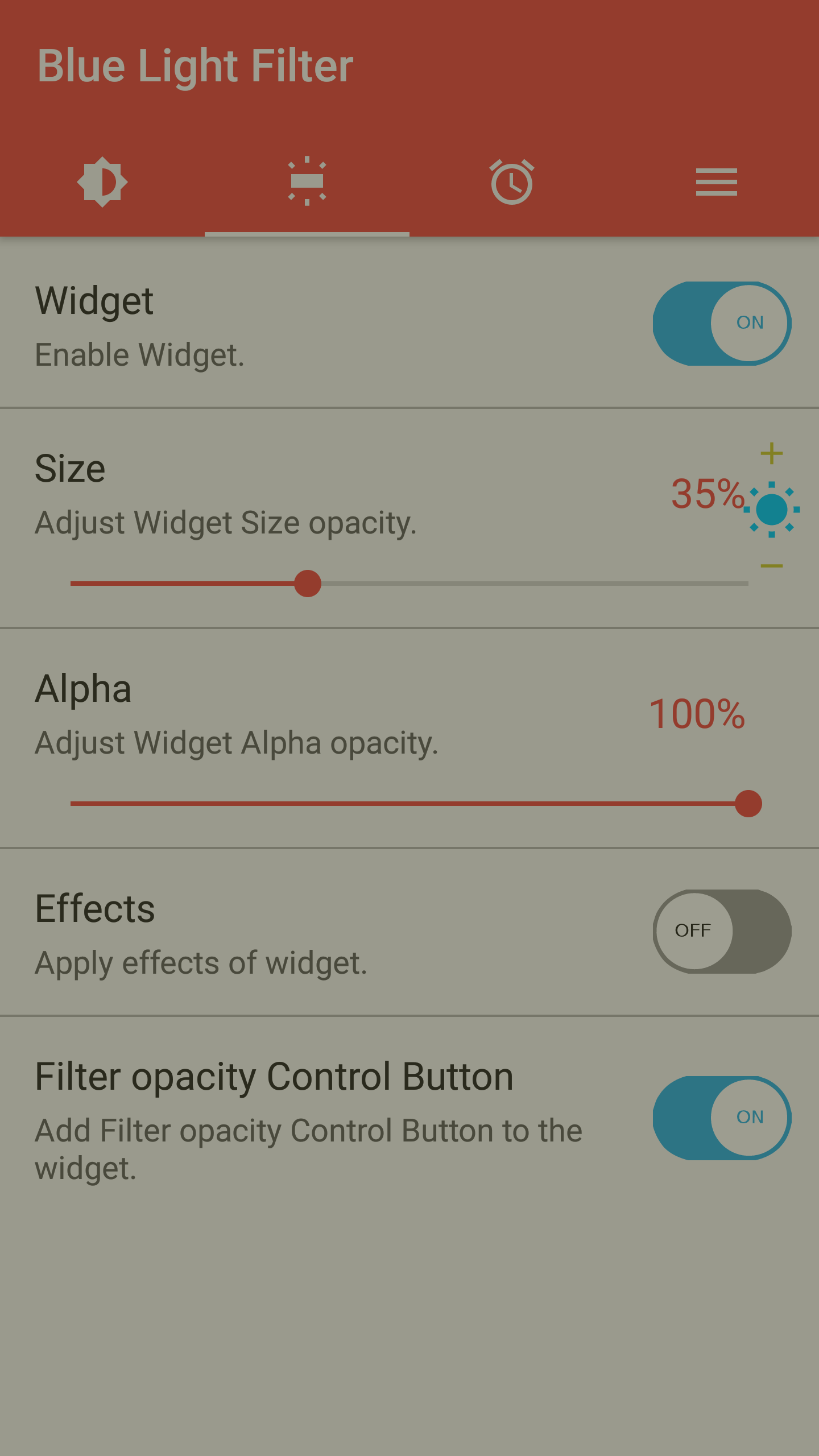
Custom Widgets
Easily move around widgets to suit your style and needs.
Schedule It Out
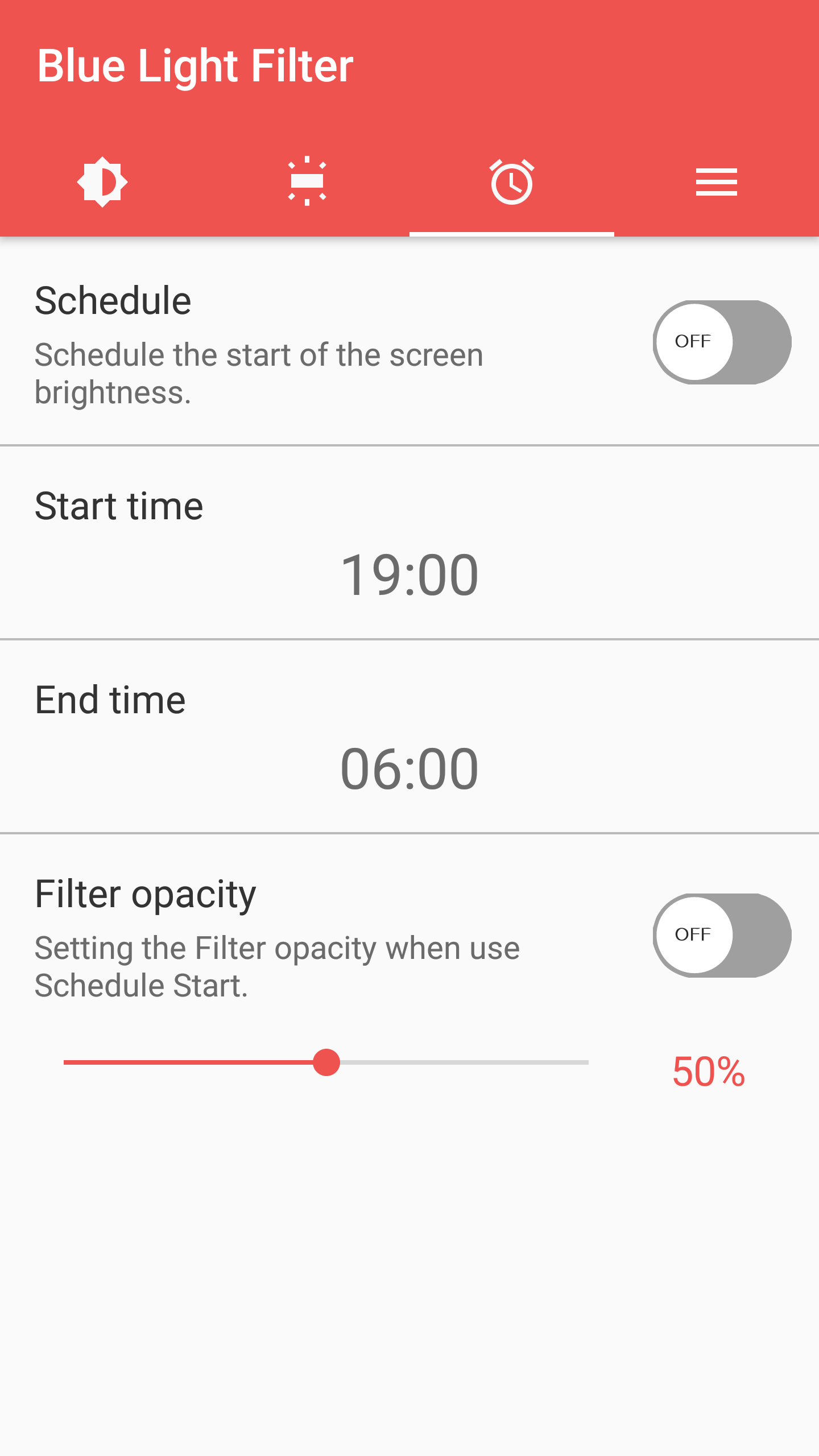
Set specific times for your blue light filtering to kick in—no need to remember manually!
Let’s spill some tea about what's brewing in the future. Rumor has it that new versions of sFilter will introduce even more features, along with quick fixes to enhance performance. Plus, there will be improvements, like treating your navigation and status bars as filters! Exciting, right? Oh, and they’re planning to add language options too—hello global reach!
This isn't just any ordinary blue light filter—it’s packed with convenient features:
Automatic Timer Activation
Scheduling made simple so your filter turns on without any extra effort.
Adjustable Brightness and Color Temperature
Tailor your display to keep your eyes happy.
Quick Access to Settings
Adjust things on-the-go with an integrated light meter for optimal eye health.
If you want to protect your vision while still enjoying your favorite screens, don’t miss out on sFilter! Not only does it come loaded with essential functions, but it operates efficiently without draining your battery or data. So, go ahead and download this fabulous app and give your eyes the pampering they deserve! 🌟
| App Name | sFilter |
|---|---|
| Version | 2.3.1 |
| Size | 3.58 MB |
| Update | May 26, 2025 |
| Developer | Siso Mobile |
| Category | Health & Fitness |
| Google Play ID | com.sisomobile.android.brightness |