Before diving into the world of shortcuts, let’s talk about permissions—yup, those little things your device always asks for. The Shortcut Creator app requires a few to function smoothly:
Reading Files on SD Card
This is necessary when you want to pick out local files that will be used as targets for creating shortcuts.
Access to Contacts
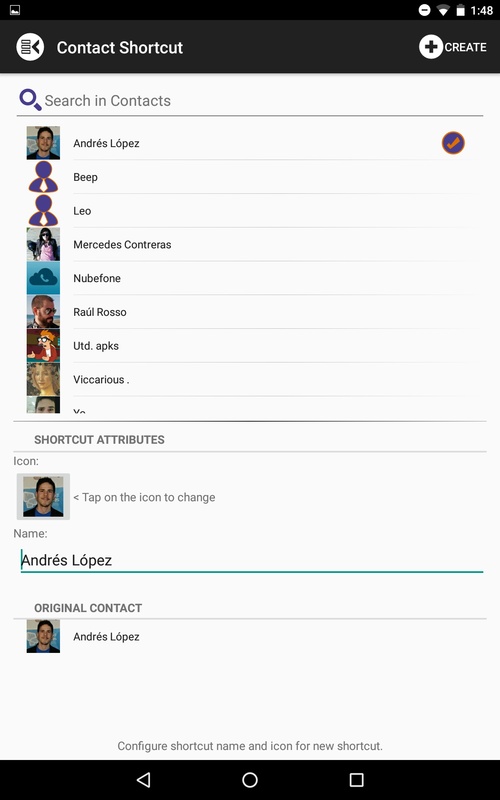
Need a shortcut to a friend? It’s essential to read your contacts to select one that’ll serve as your shortcut target.
Installing Shortcuts
Without this, well, we’d be stuck in the world of regular old app usage and won’t be able to create any dynamic shortcuts!
Internet Access
Just for advertising purposes (because who doesn’t like a good few ads?), but fear not—it won't interfere with other parts of the app!
This app is packed with fabulous features! Let’s break it down:
Create Shortcuts Like a Pro
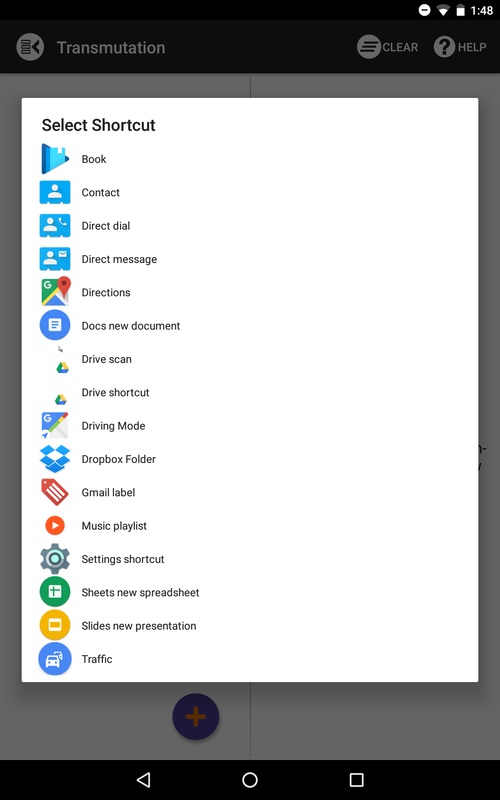
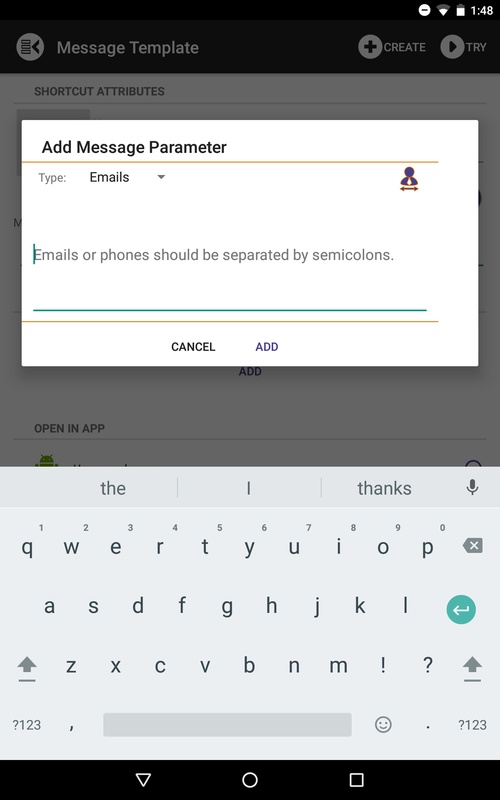
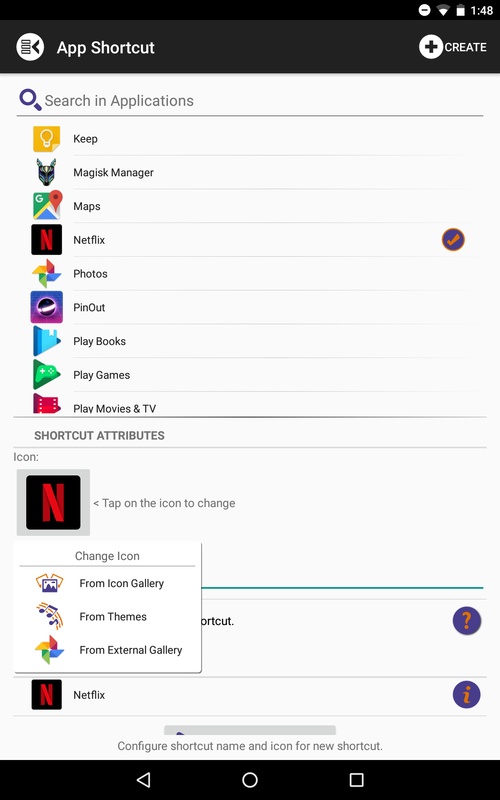
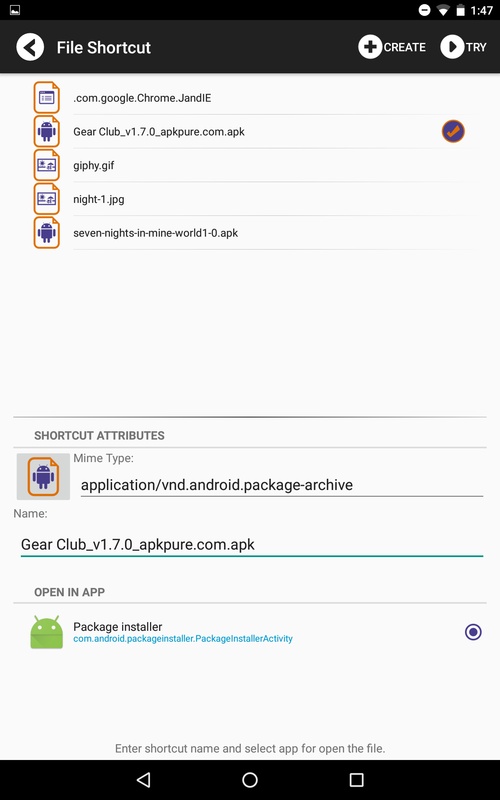
Easily set up shortcuts to local files, folders, apps, settings, contacts, and messages. Talk about streamlining!
Reusable Shortcuts
Missed one? No problem! You can reuse previously created shortcuts from the handy History feature and even add shortcuts from other apps.
Organized Collections
Organize all your shortcuts in the Collection database, where you can effortlessly export or import selected shortcuts.
Automatic Labeling
The system automatically assigns labels to each type of shortcut; for apps, you can even add category labels and create your custom tags!
Customizable Design
Enjoy a flexible design setup that makes navigating through the file explorer and collections a breeze.
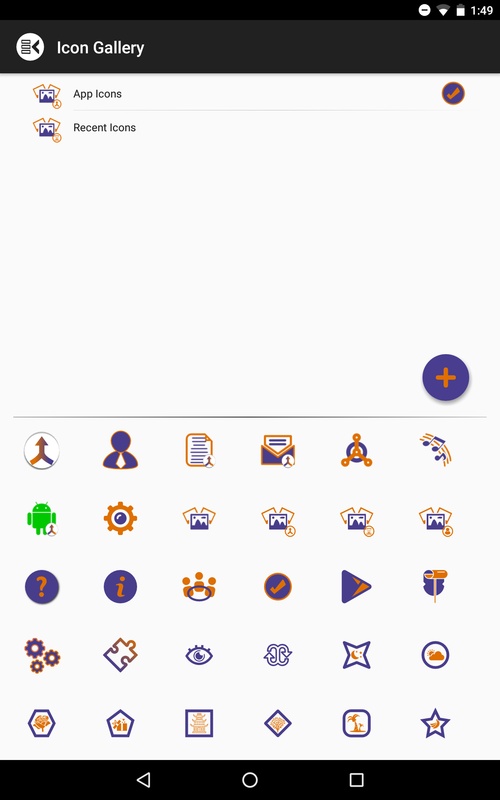
Icon Management
You can manage your icon collections and even import new icons from ZIP files (Pro mode required!).
Image Selection & Cropping
Choose images from different Android galleries and take advantage of the cropping functionality to give your shortcuts a personal touch.
Theme Analysis
Check out themes from popular launchers and use their icons and wallpapers (again, Pro mode will be your BFF here).
No External Writing Access
Rest easy knowing the app doesn’t have writing access to internal storage or SD cards; it functions only within its private area.
Tablet Support
Yes, this app is totally tablet-friendly!
What about Pro mode, you ask? It comes packed with benefits to skyrocket your Shortcut Creator experience:
Import Icons Galore
Want to jazz up your collection? Import icons right into the gallery.
Utilize Theme Icons
Make shortcuts look glam using icons from various themes.
Sub-Collections Management
Tidy up with sub-collections available in the Collection database.
Easy Exporting
While importing remains free, exporting shortcuts becomes a piece of cake with Pro mode.
Ad-Free Experience
Say goodbye to pesky ads and those annoying pop-up dialogues if they ever arrive!
With Shortcut Creator, the convenience is at your fingertips! By creating quick access options, you’re leveling up your productivity game. This new collection will allow you to organize your apps with remarkable ease, and best of all, no sneaky access rights—your info stays securely hidden away!
Now, just log in, configure your processes, and start by choosing the relevant application section. The path to creating shortcuts becomes smooth as butter, allowing you to reach all your apps with just a few taps—no matter how many applications are running in the background!
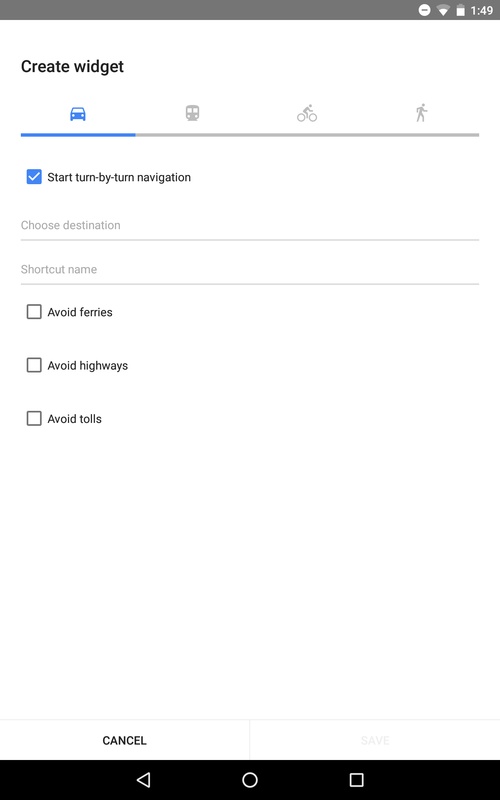
Once you create a shortcut, it gets added to your history—a fantastic feature that saves you time! Forget starting from scratch every time; just pull up something you’ve made before. Plus, the app supports widgets, making it even more flexible for shortcut management.
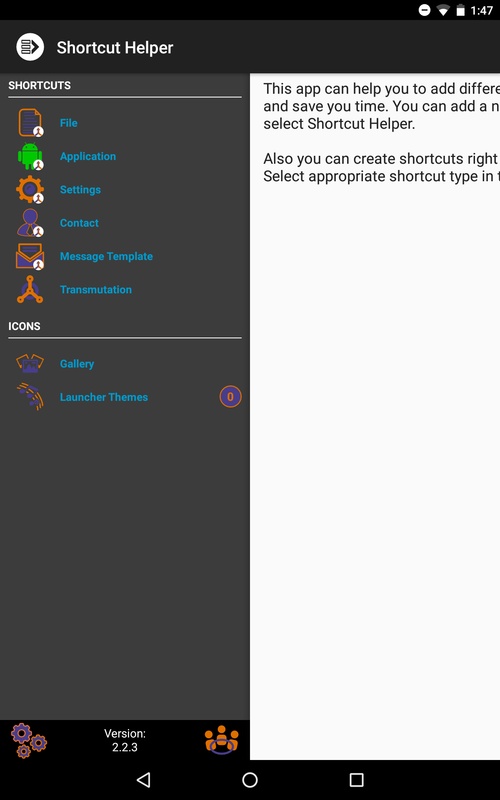
The Control Panel of Shortcut Creator consists of two primary sections. The Icons section lets you manage your shortcuts effectively. The moment you dive into the app for the first time, this distinction leaps out at you. Navigate easily through various file types, such as folders and applications, and with just a tap, you’re creating shortcuts like a pro!
Yes, some features require Pro mode (don’t worry, there’s an in-app purchase), but hey, the Trial mode gives you room to explore before you commit. It’s practically identical to Pro, so think twice before rushing into any purchases.
For those rocking Android Oreo (8.0) or newer, adding shortcuts directly to your main screen gets a bit trickier, as a cute little Shortcut Creator icon appears in the bottom corner of your shortcuts. The workaround? Add from widgets, my savvy friends! Check out the how-to video linked in the app for guidance.
And that's the scoop on Shortcut Creator! Ready to elevate your shortcut game and streamline your app access? Happy tapping! 🎉
| App Name | Shortcut Creator |
|---|---|
| Version | 3.2.4 |
| Size | 6.66 MB |
| Update | May 27, 2025 |
| Developer | Alexternhome |
| Category | Tools |
| Google Play ID | com.alextern.shortcuthelper |



8.38 MB 7.50.2-1