Hey there, fellow tech enthusiasts! If you’re worried about your personal information falling into the wrong hands, then *Super Backup & Restore* has got your back. This handy app allows you to set up password protection for all your backups. Imagine being able to secure those crucial messages and sensitive data, so only those with the right key can unlock them! You can even create unique passwords for each backup—talk about double security!
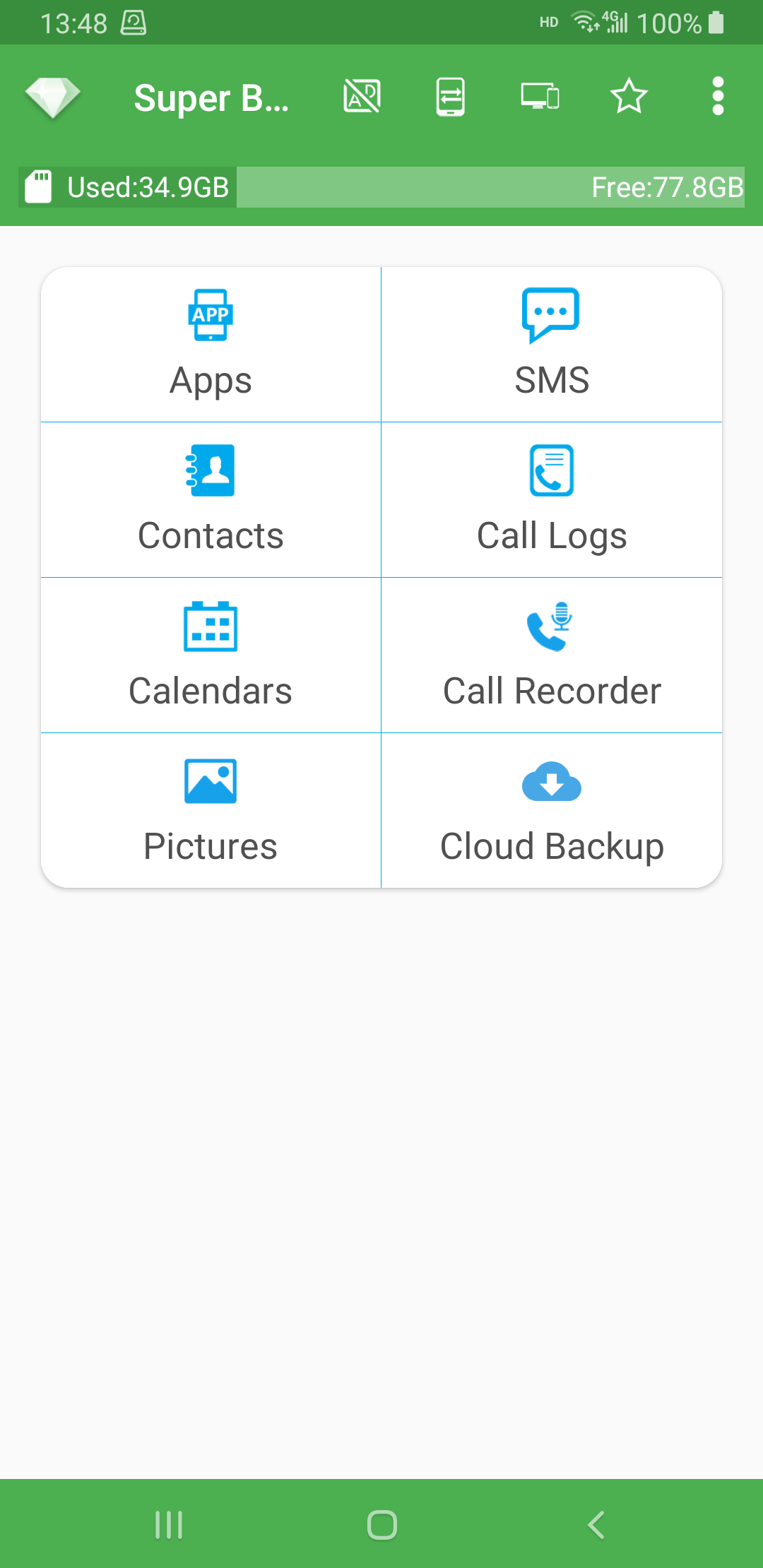
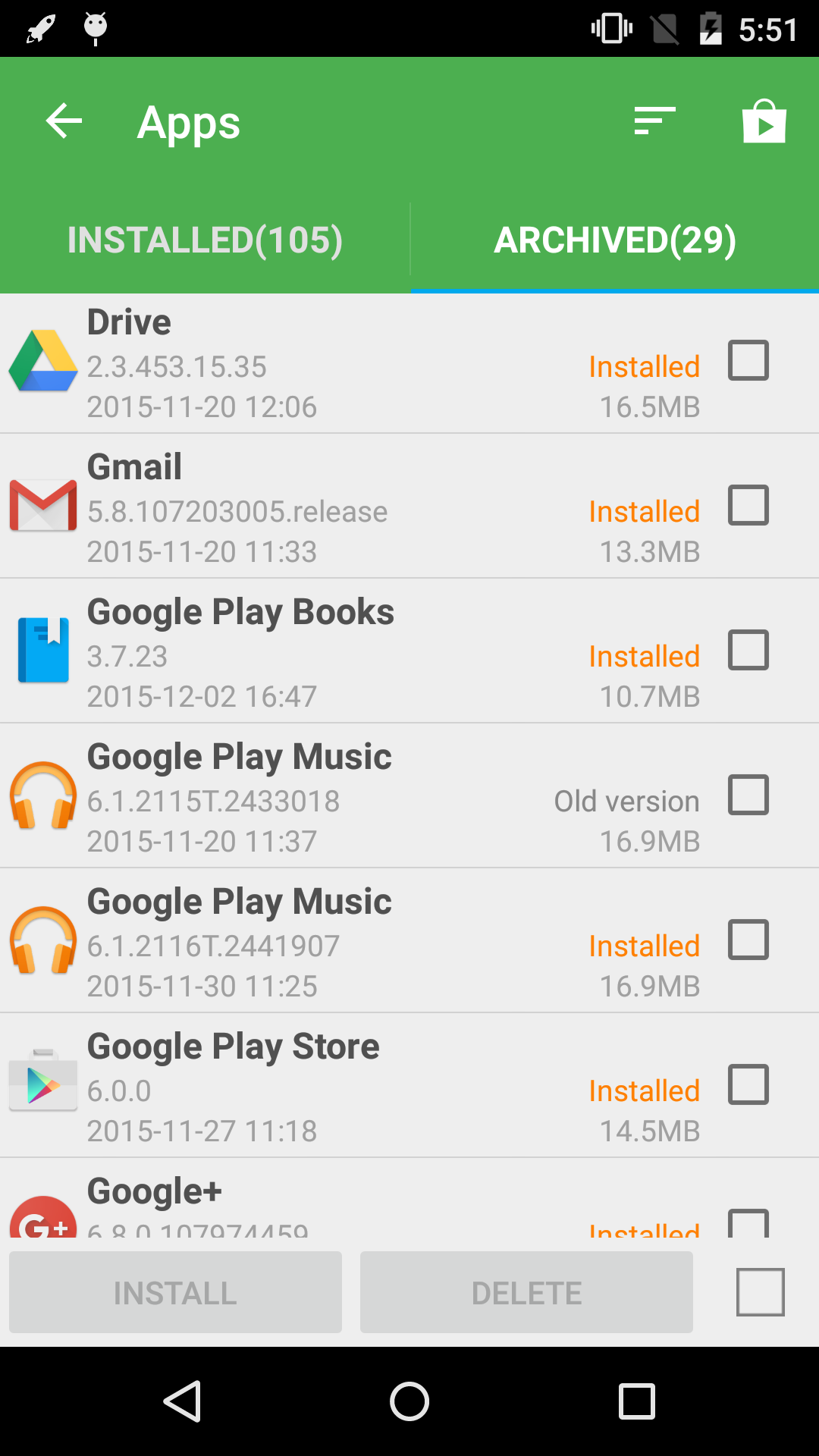
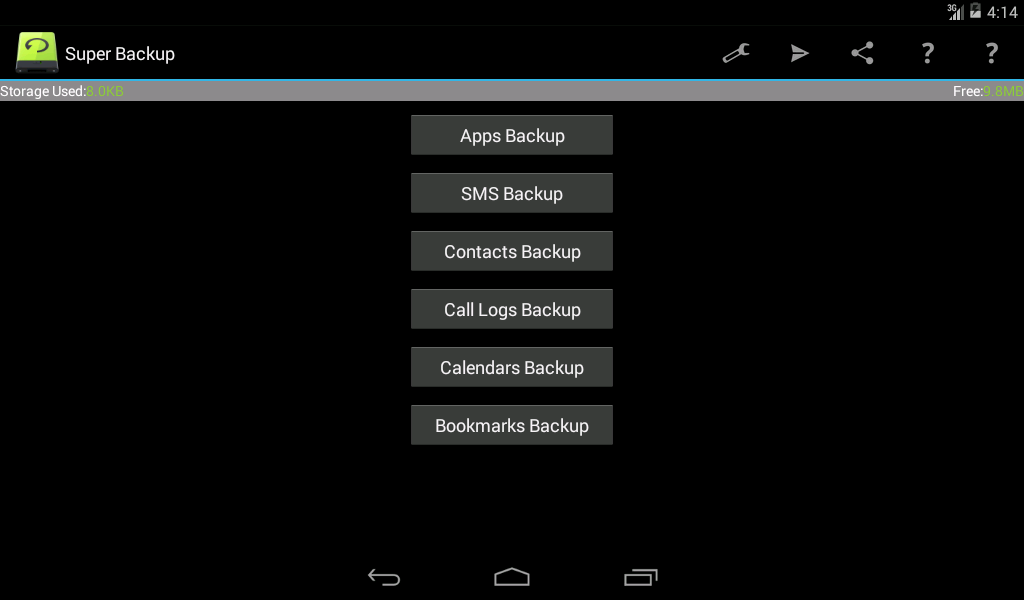
Now let's talk about versatility! *Super Backup & Restore* is like the Swiss Army knife of backup applications. It doesn’t just stop at one type of data; you can back up your Apps, Contacts, SMS, Call Logs—pretty much any kind of data you can think of. Sure, some folks might argue that backing up their data is unnecessary—who needs to save every message or call log, right? Wrong! Trust me, when you find yourself needing that vital piece of information later on, you'll be grateful you took a minute to save it now. It's like having your entire life recorded in one spot.
Let's face it—our minds are not designed to remember everything! Juggling hundreds of contacts, messages, and calls can get overwhelming. Saving all that data eliminates the stress! Many people overlook this until it's too late and they lose something irreplaceable. Don’t let that be you! Back it up today and give yourself peace of mind.
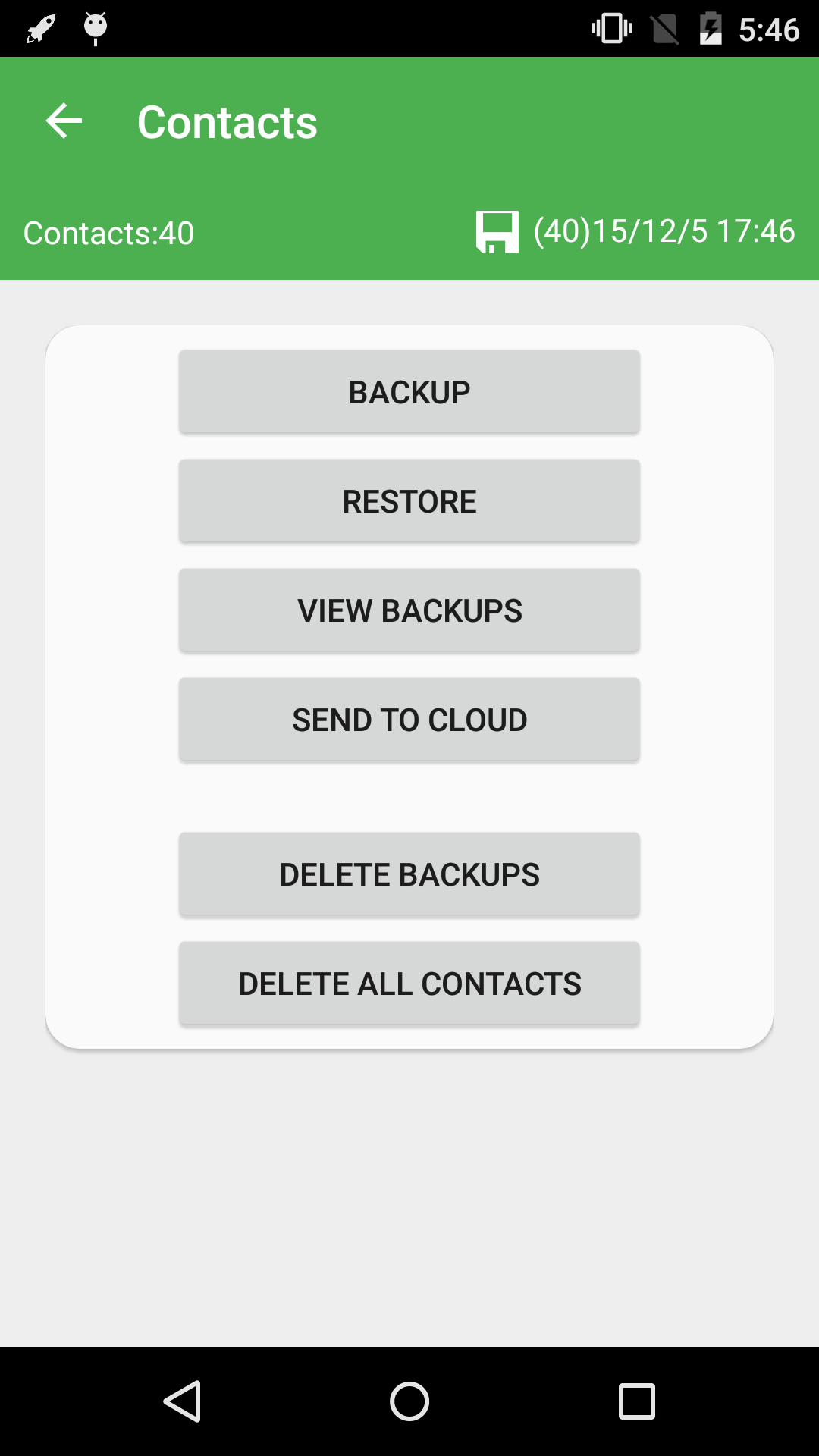
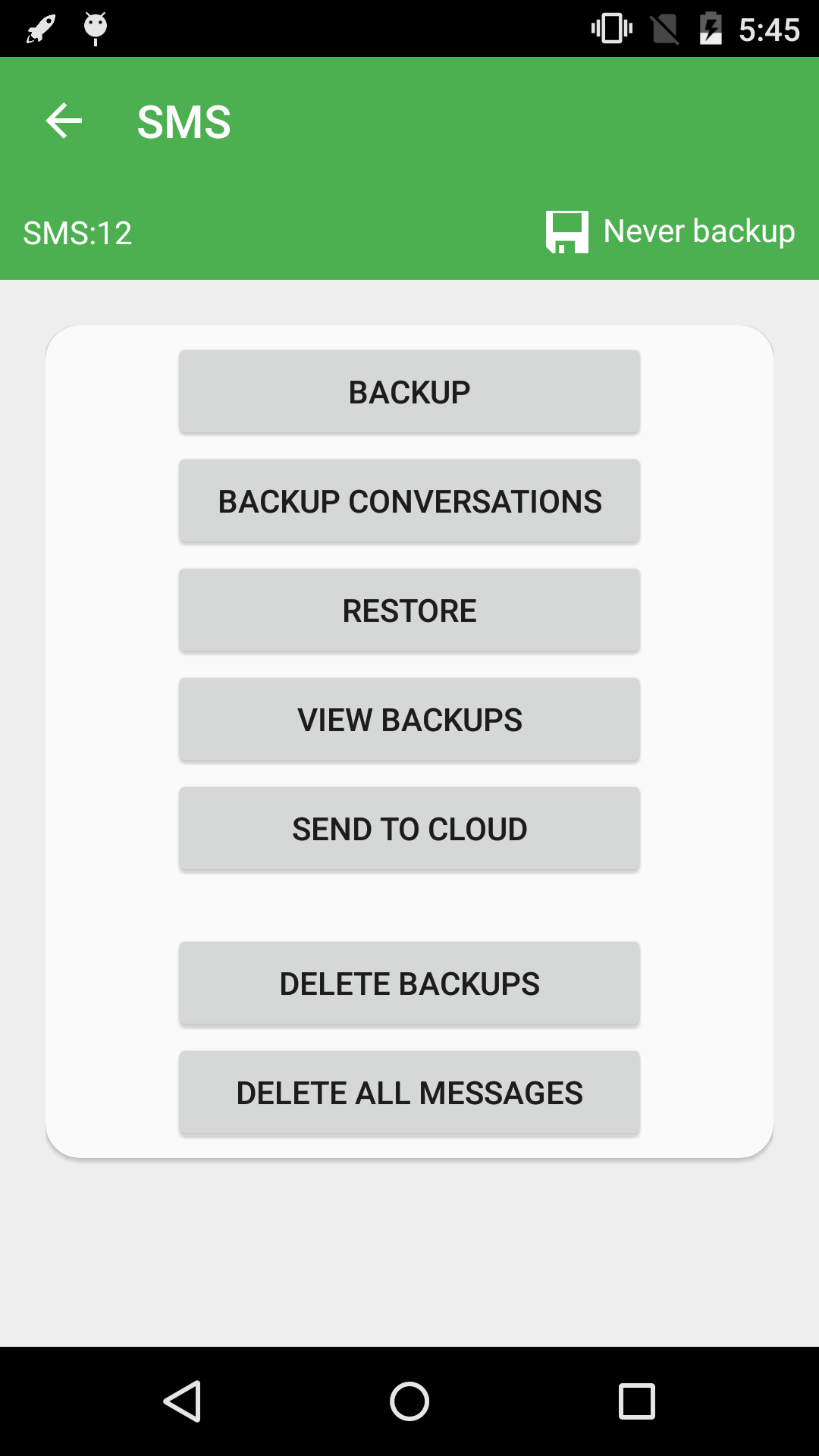
Ready for some good news? The *Super Backup & Restore* app makes the backup and restore process positively breezy. With just a couple of taps, you can back up your contacts, messages, call logs, and even installed apps directly to cloud storage or your device's storage. How easy is that?
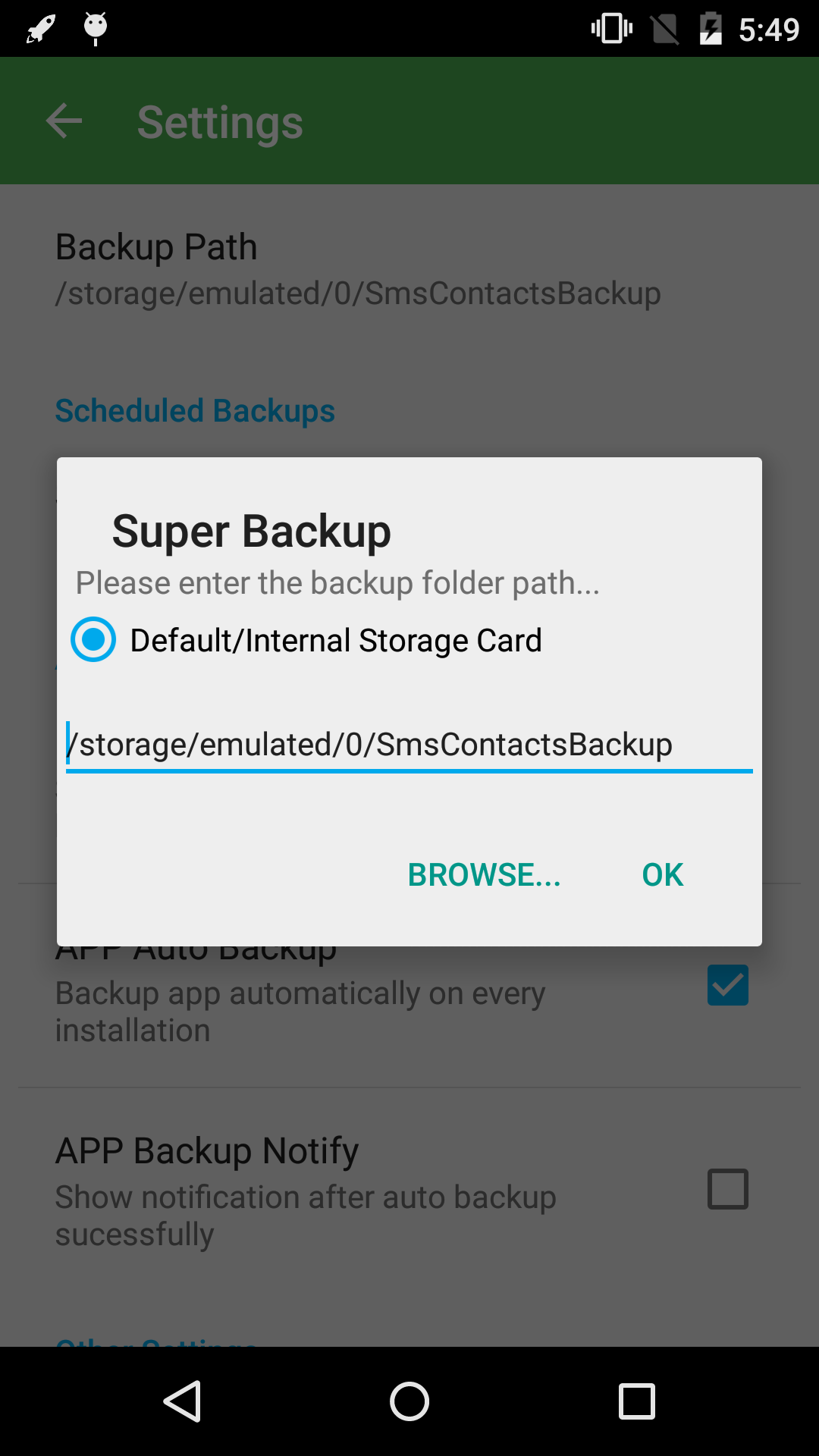
SD Card Storage
Your entire backup easily gets stored on an SD card, meaning if you accidentally delete something important from internal memory, you can retrieve it effortlessly.
Comprehensive Data Types
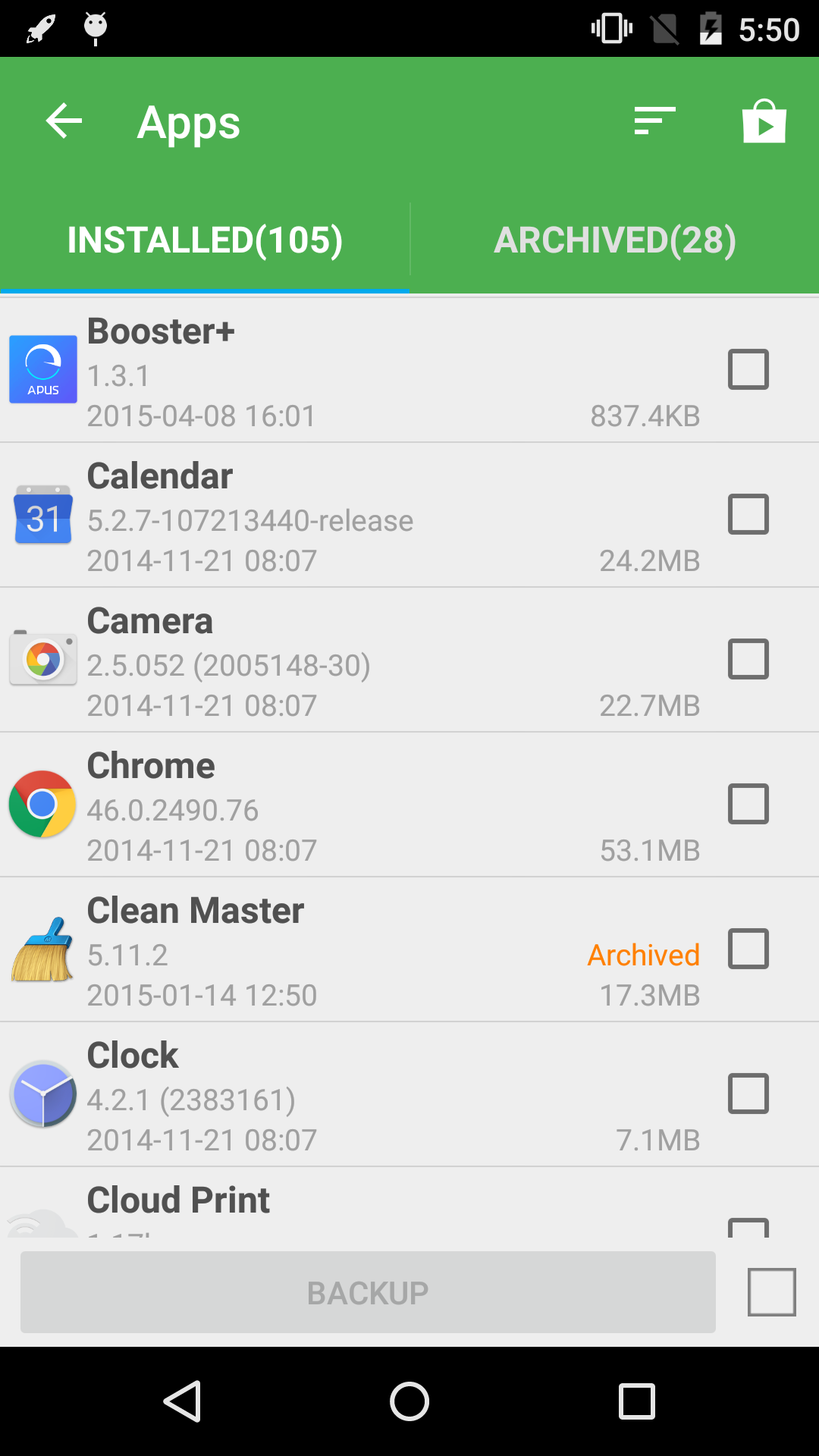
From apps to text messages, this app backs it all up, ensuring nothing slips through the cracks.
Quick Recovery
Whether data gets lost or you simply need to restore things to a previous state, recovery is swift and precise.
Automatic Backups
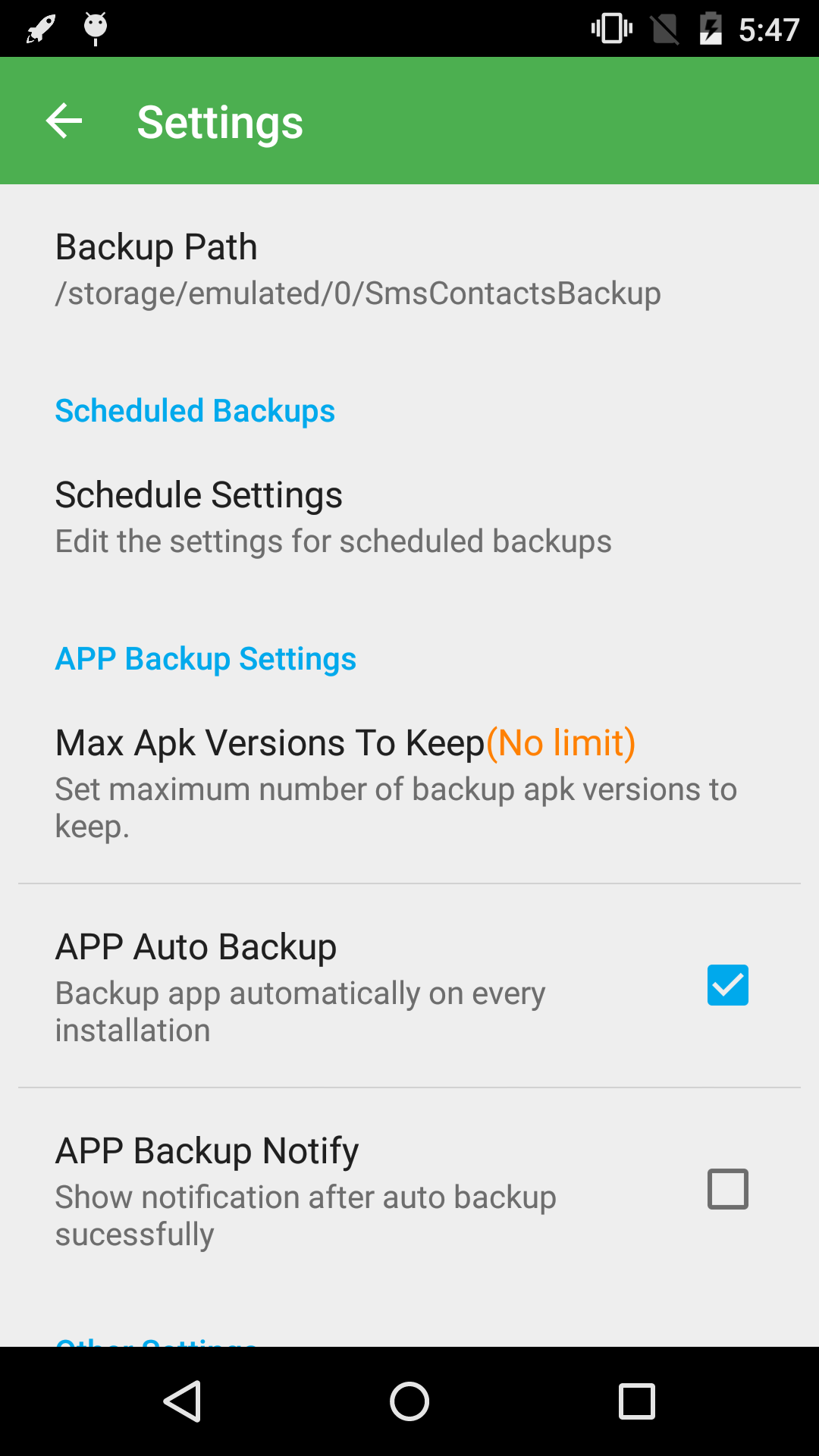
Say goodbye to manually checking for new data to back up! The app can automatically back up your data, saving you the hassle.
Call Recording
Need a record of your conversations? No problem! You can save and track your calls right through the app.
Just a quick heads-up! The app will request various permissions for smooth functioning:
SMS Permissions
These allow the app to back up and restore your messages.
Contacts Permissions
Needed to manage your precious contact lists safely.
Web History Permissions
For backing up your bookmarks. Can’t lose those cute cat meme links!
Calendar Access
To keep track of your events and appointments without missing a beat.
Call Log Access
So you never forget who you've spoken with.
And yes, there’s a location permission required for transferring files between devices via Wi-Fi peer-to-peer, but rest assured, your location remains private!
Getting started is super simple! First things first—download *Super Backup & Restore* from APKMODY.COM. Once you're in the app, you'll find various types of data ready for backup: “Contacts,” “Messages,” “Apps,” “Call Logs,” “Calendar,” and more.
1.Select the type of data you'd like to back up.
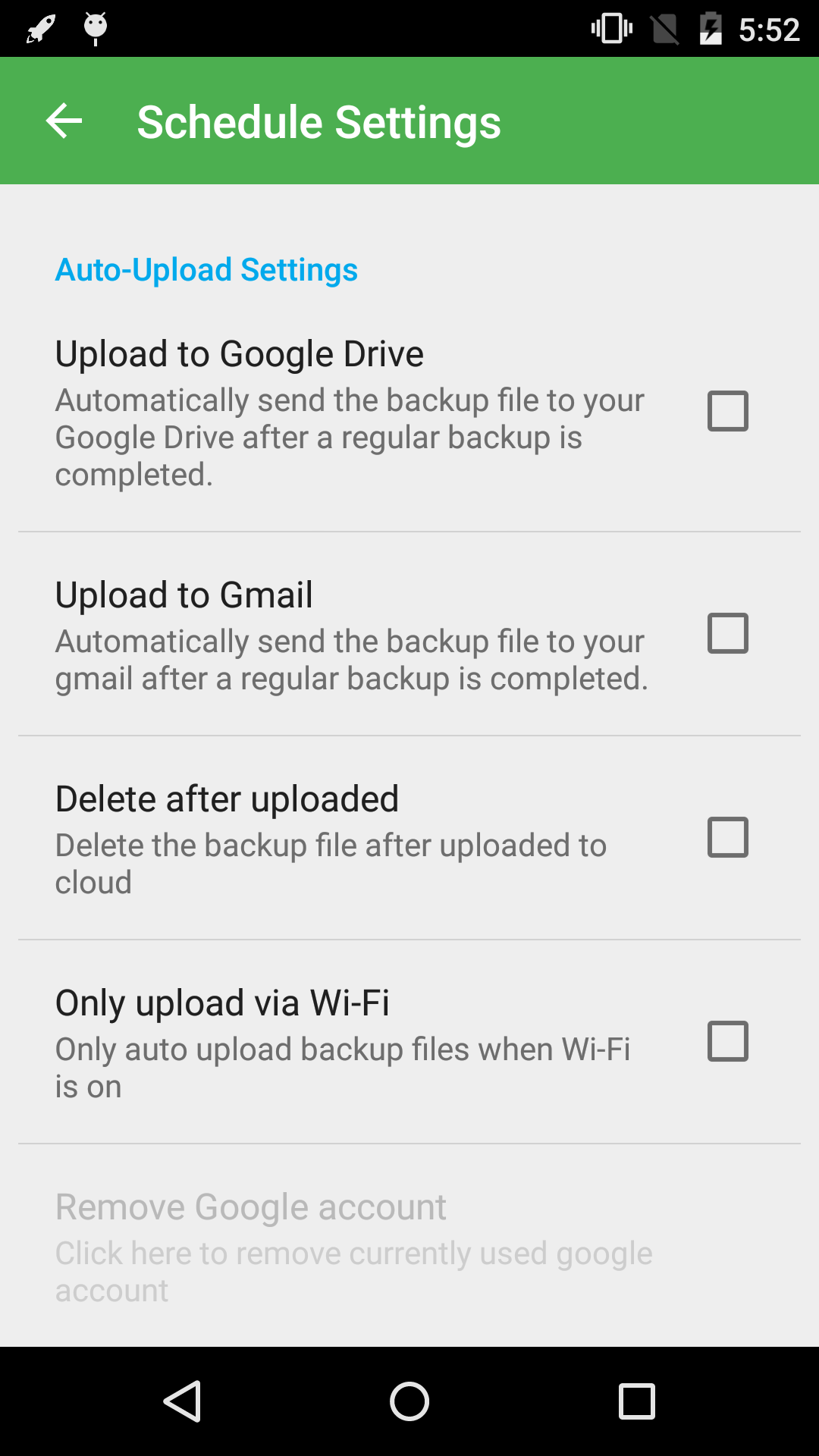
2.Choose where you’d like to store your backup—on-device or in the cloud (like Google Drive or Dropbox).
3.Hit that "Backup" button and watch as your data gets safely saved away.
Easy peasy!
Got a shiny new phone? Switching over is smoother than ever with this app! All you need to do is back up your important data, and when it’s time for a new device, transferring that info becomes a breeze.
If you’ve scheduled automatic backups, make sure to add *Super Backup* to the whitelist of any Task Killers you might be using. Otherwise, those seamless backups might stall, and we definitely don’t want that, do we?
Oh, and for our non-English speaking pals, don’t worry! *Super Backup & Restore* is available in multiple languages including Italian, Portuguese, Korean, Arabic, Russian, and more. Everyone deserves to keep their data safe, right?
Did you know you can rely on this app to copy all your data and files from your Android device straight to an external storage device? It’s like a cozy home for all your important information! Plus, creating free backups of app links is as easy as pie.
Last but not least, *Super Backup & Restore* works seamlessly with services like Google Drive. This means your backups aren’t just safe—they’re accessible everywhere! Its user-friendly interface makes it perfect for everyone, even those less tech-savvy.
So why wait? Start backing up today with *Super Backup & Restore*, and safeguard your digital life effortlessly!
| App Name | Super Backup |
|---|---|
| Version | 2.4.03 |
| Size | 19.86 MB |
| Update | Apr 29, 2025 |
| Developer | MobileIdea Studio |
| Category | Tools |
| Google Play ID | com.idea.backup.smscontacts |