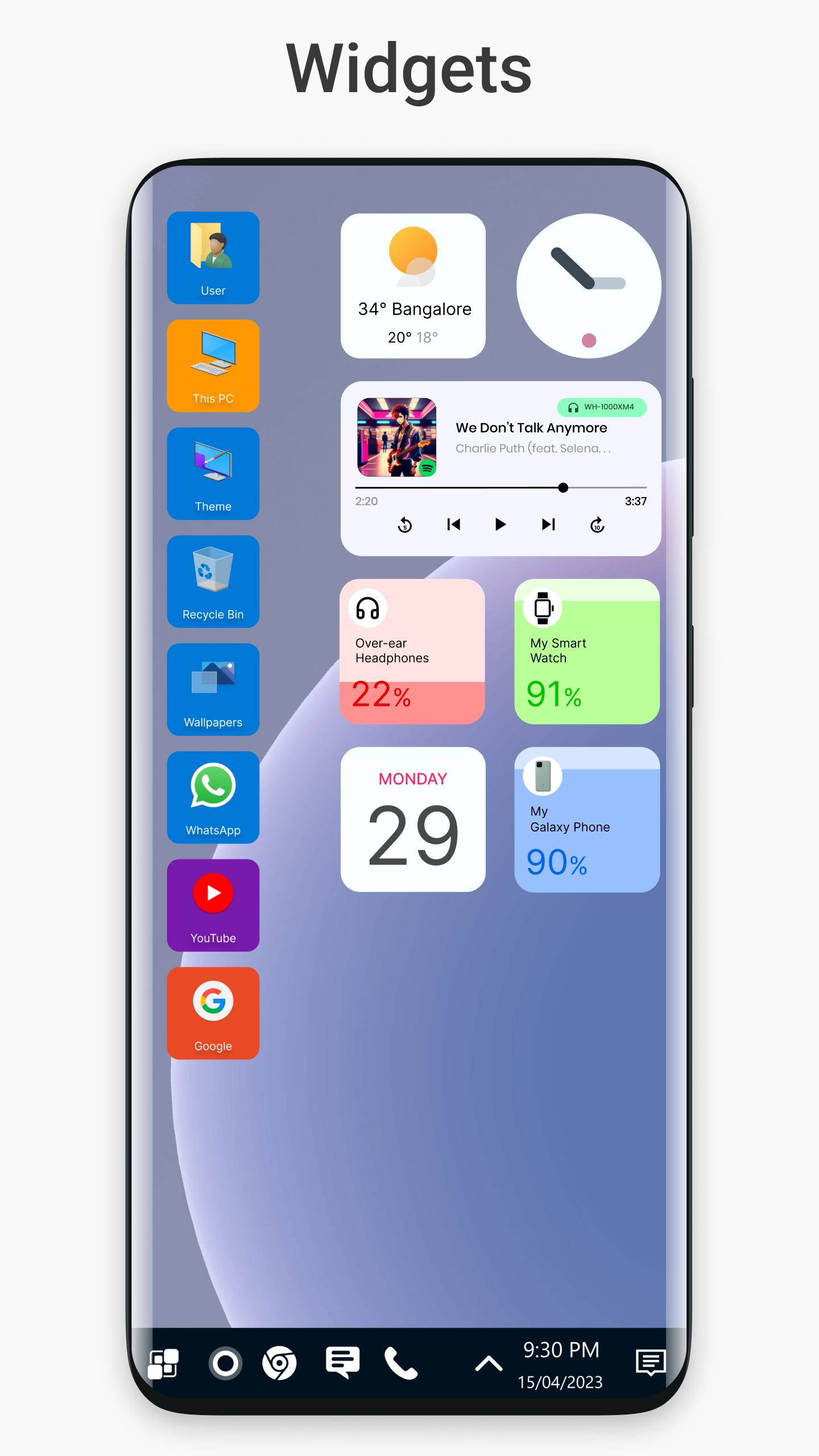
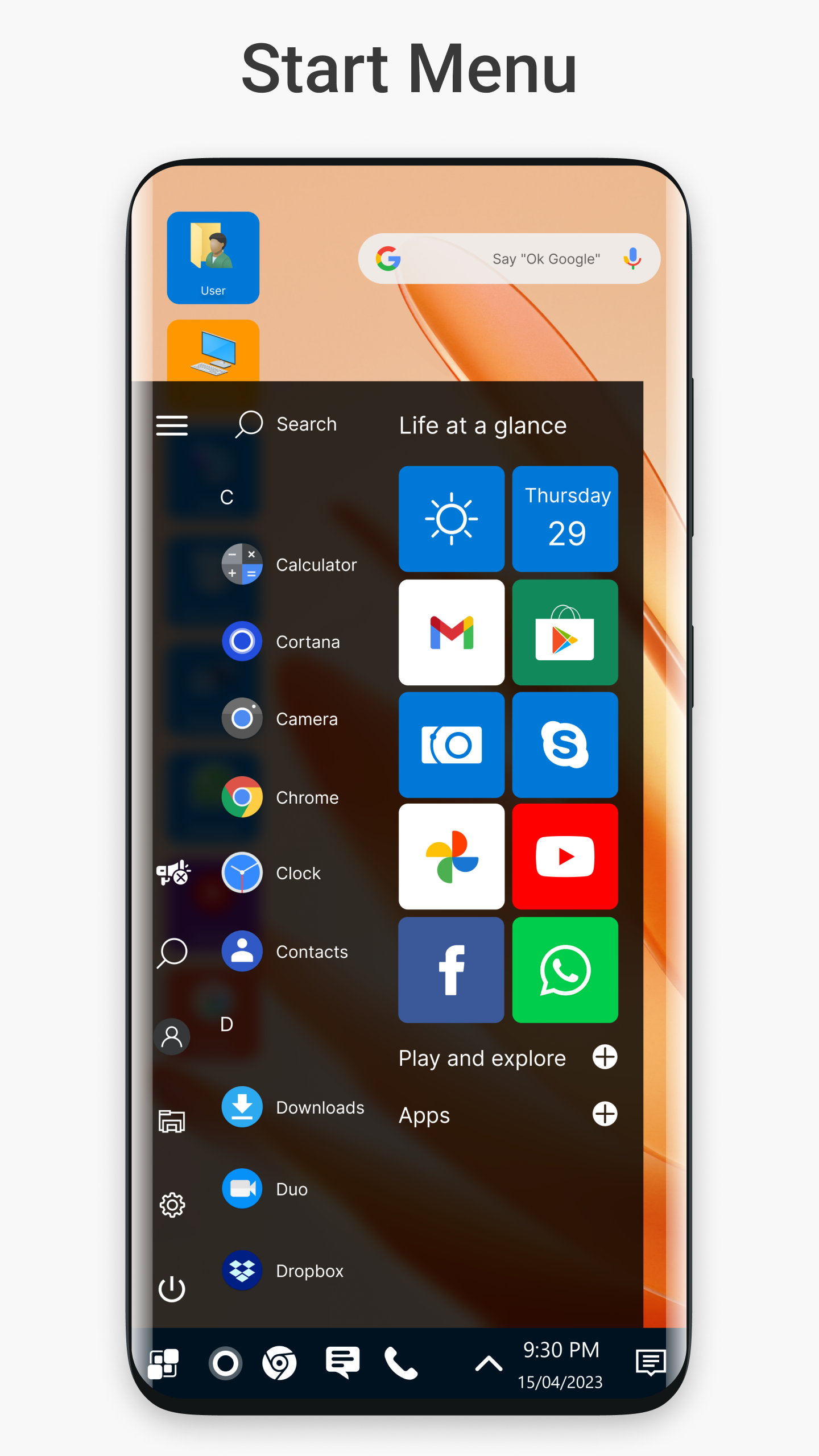
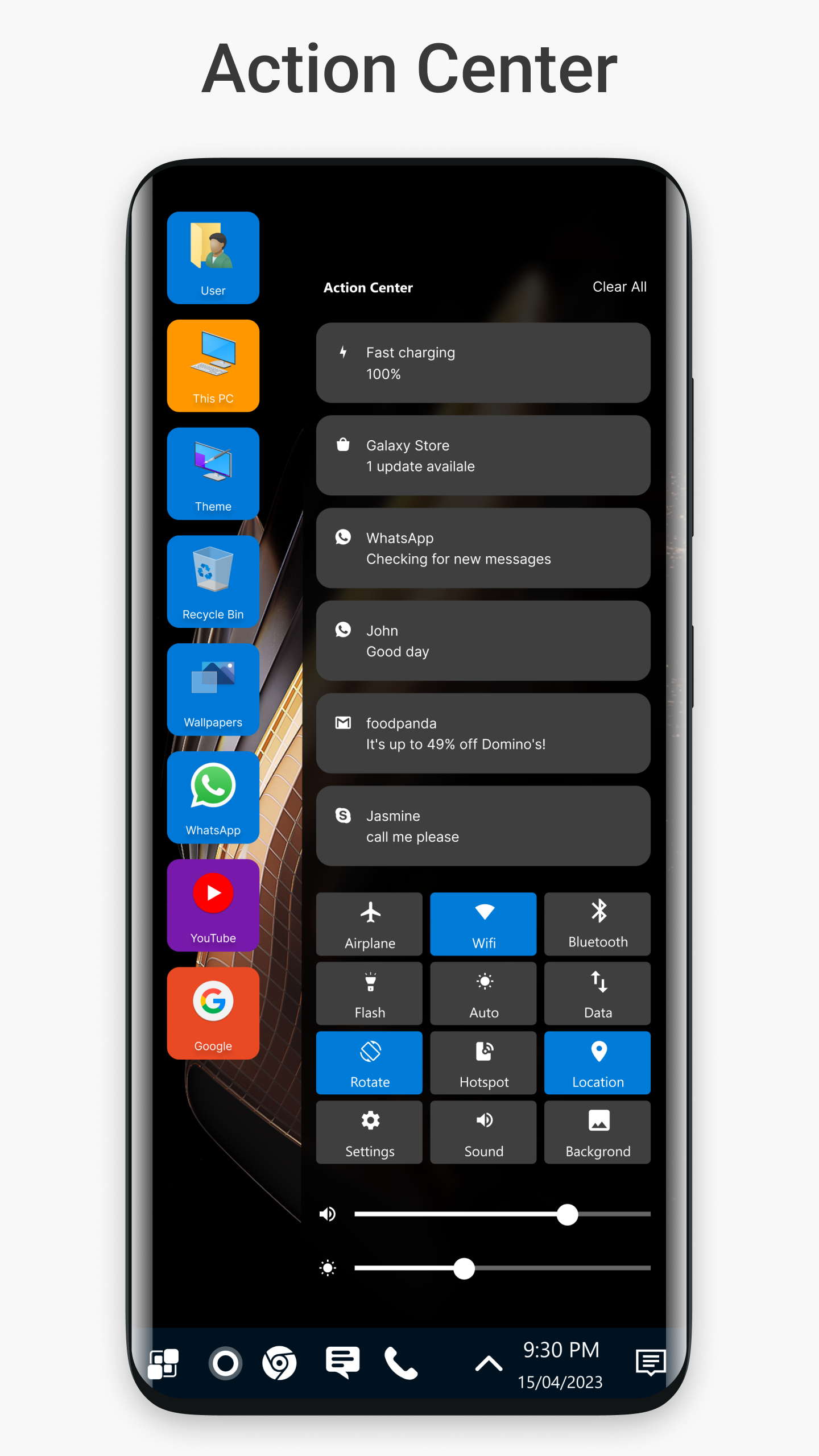
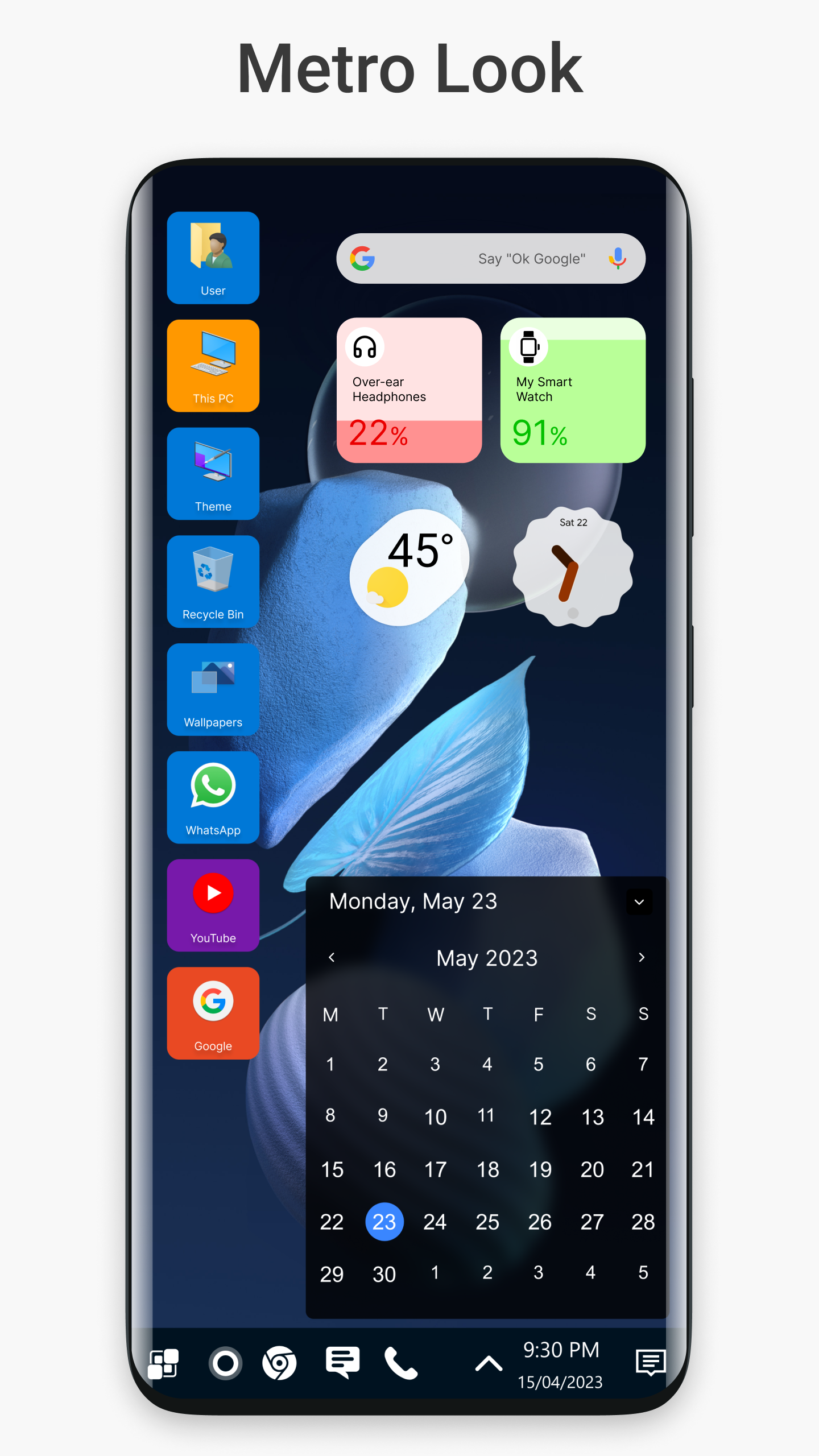
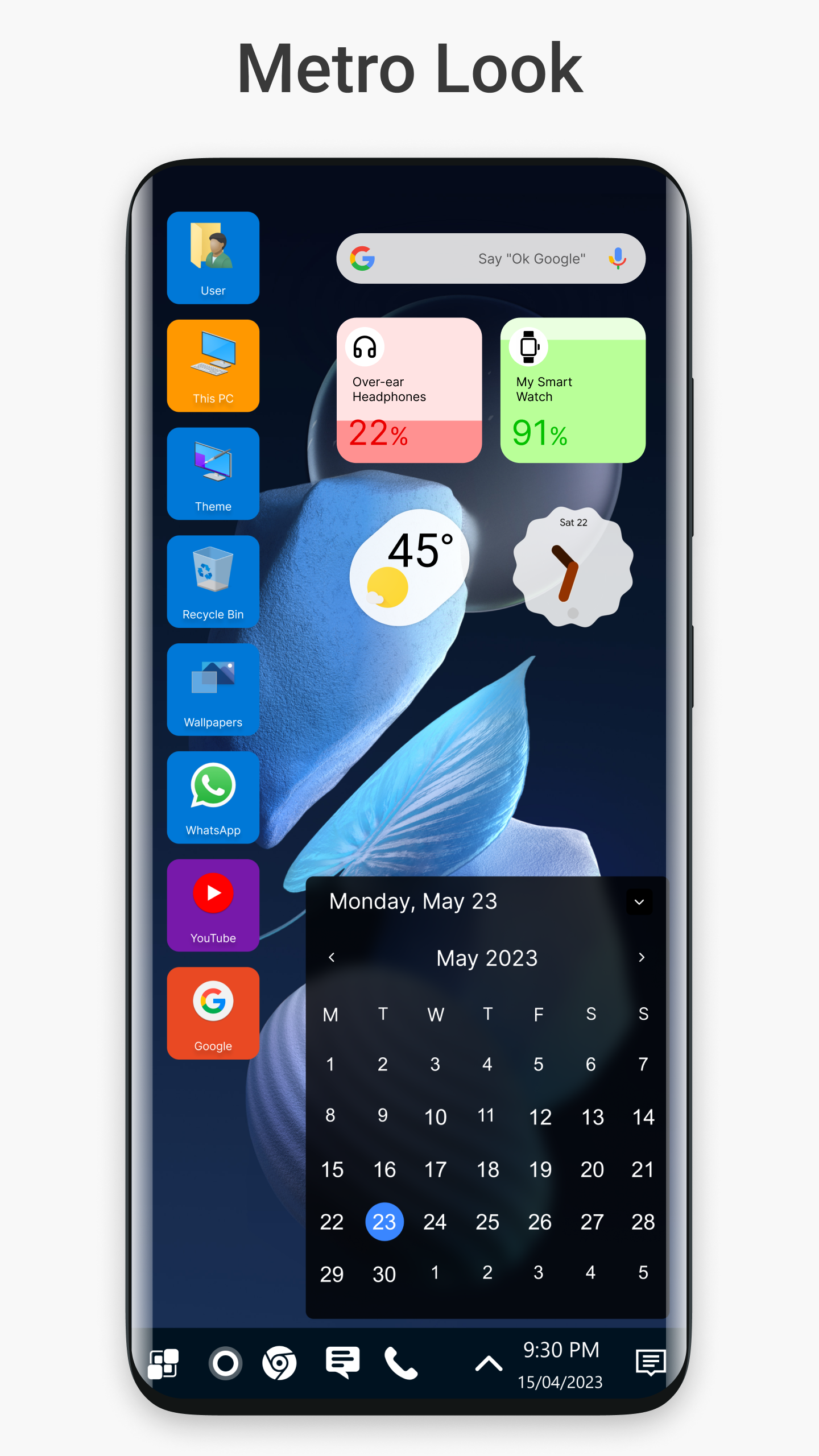
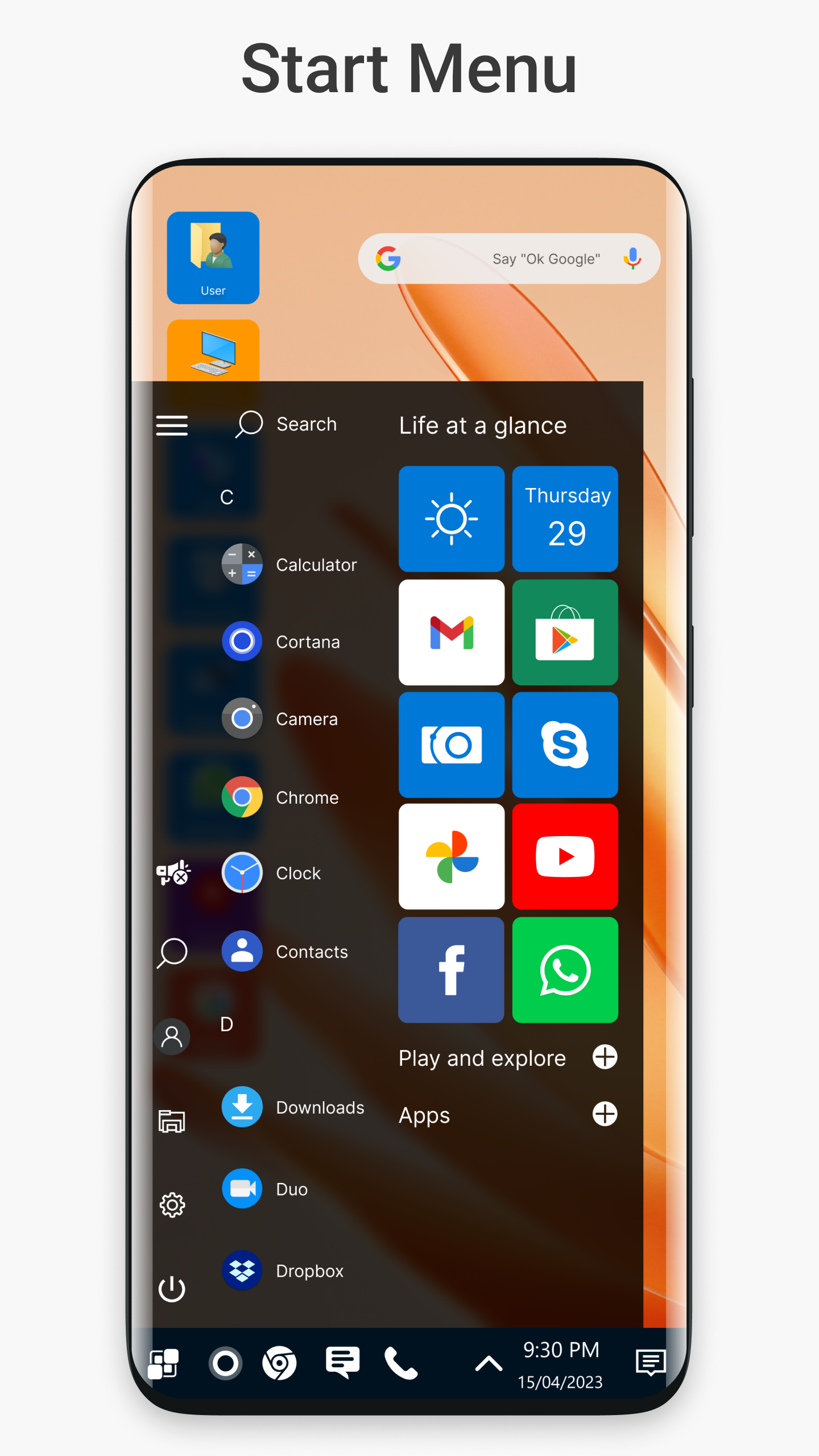
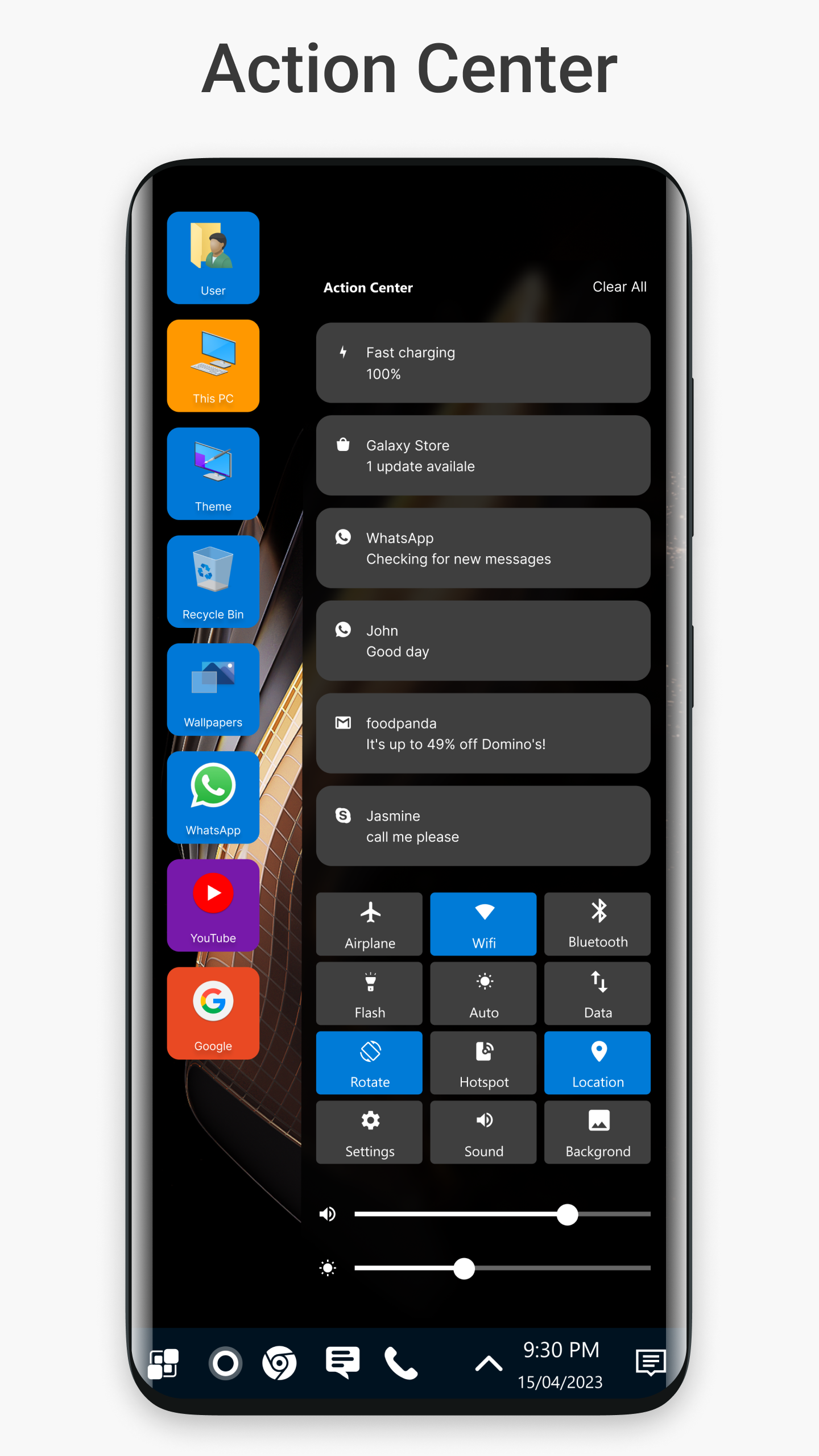
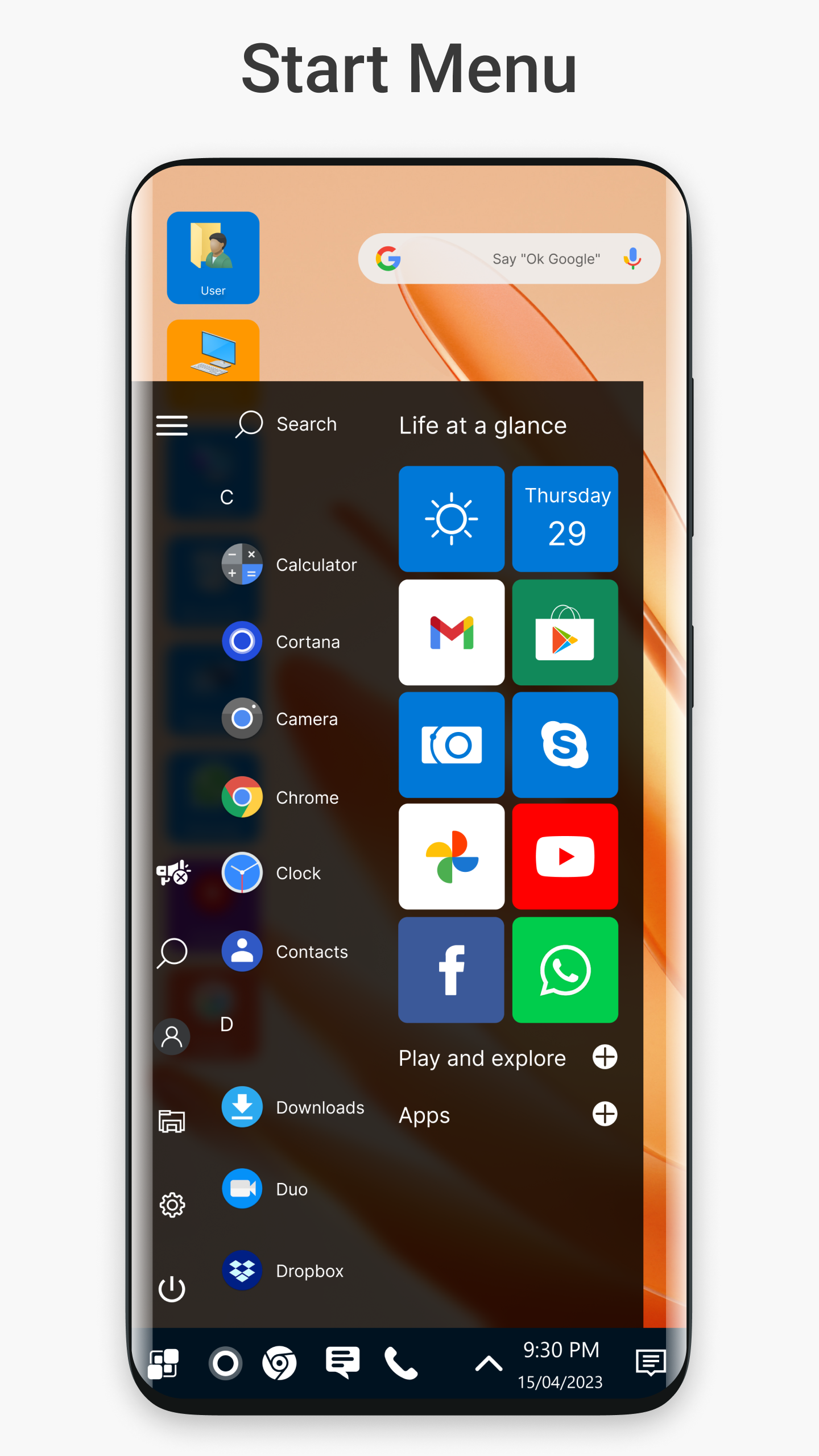
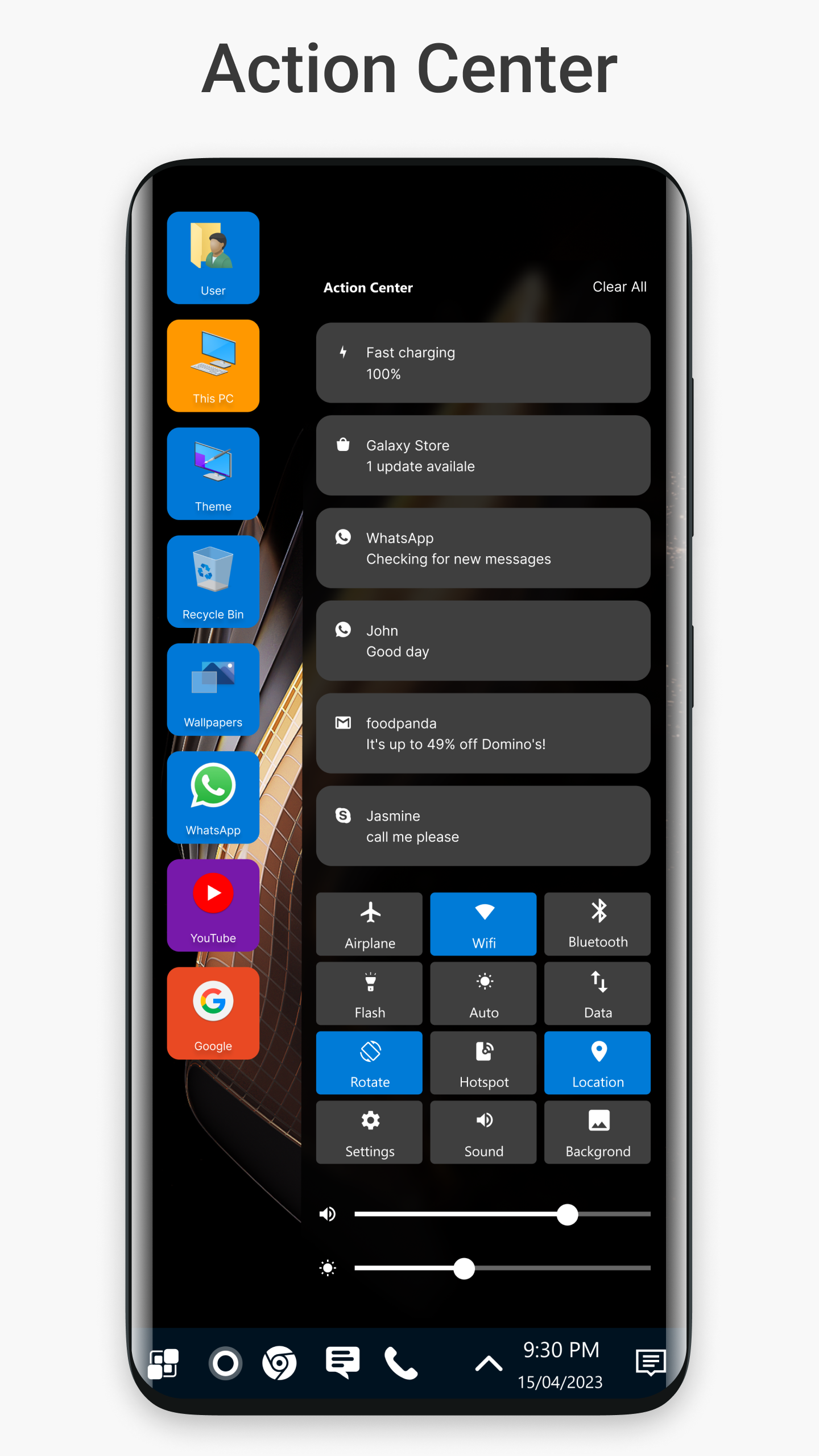
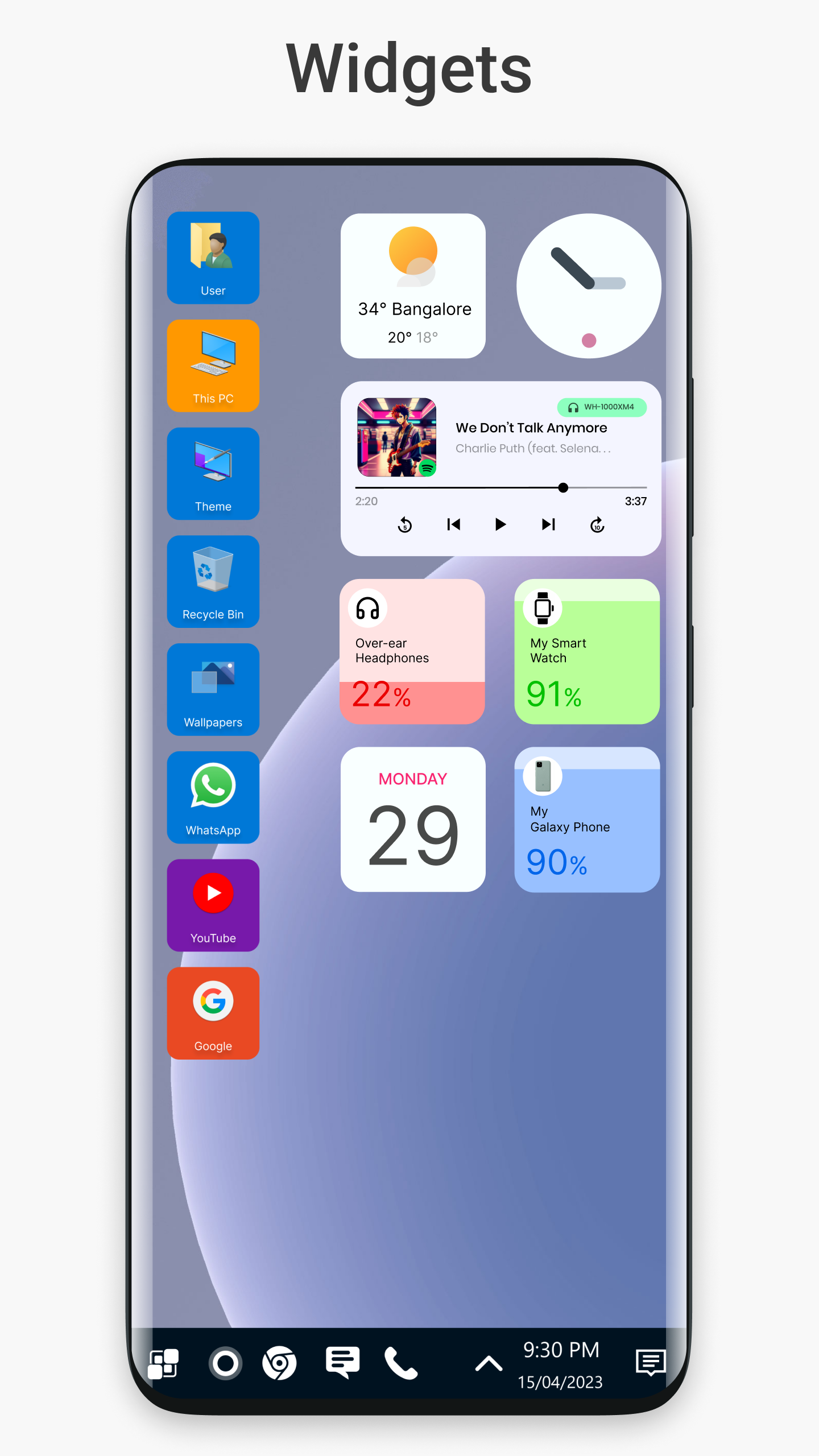
Are you tired of the same old look on your Android phone? Ready for a fresh, sleek new feel? Say hello to Win 11 Launcher—the coolest way to transform your device into a Windows-inspired masterpiece! This launcher packs in all the cozy familiarity of Windows 11 right at your fingertips. Let’s dive into what makes this launcher an absolute game-changer!
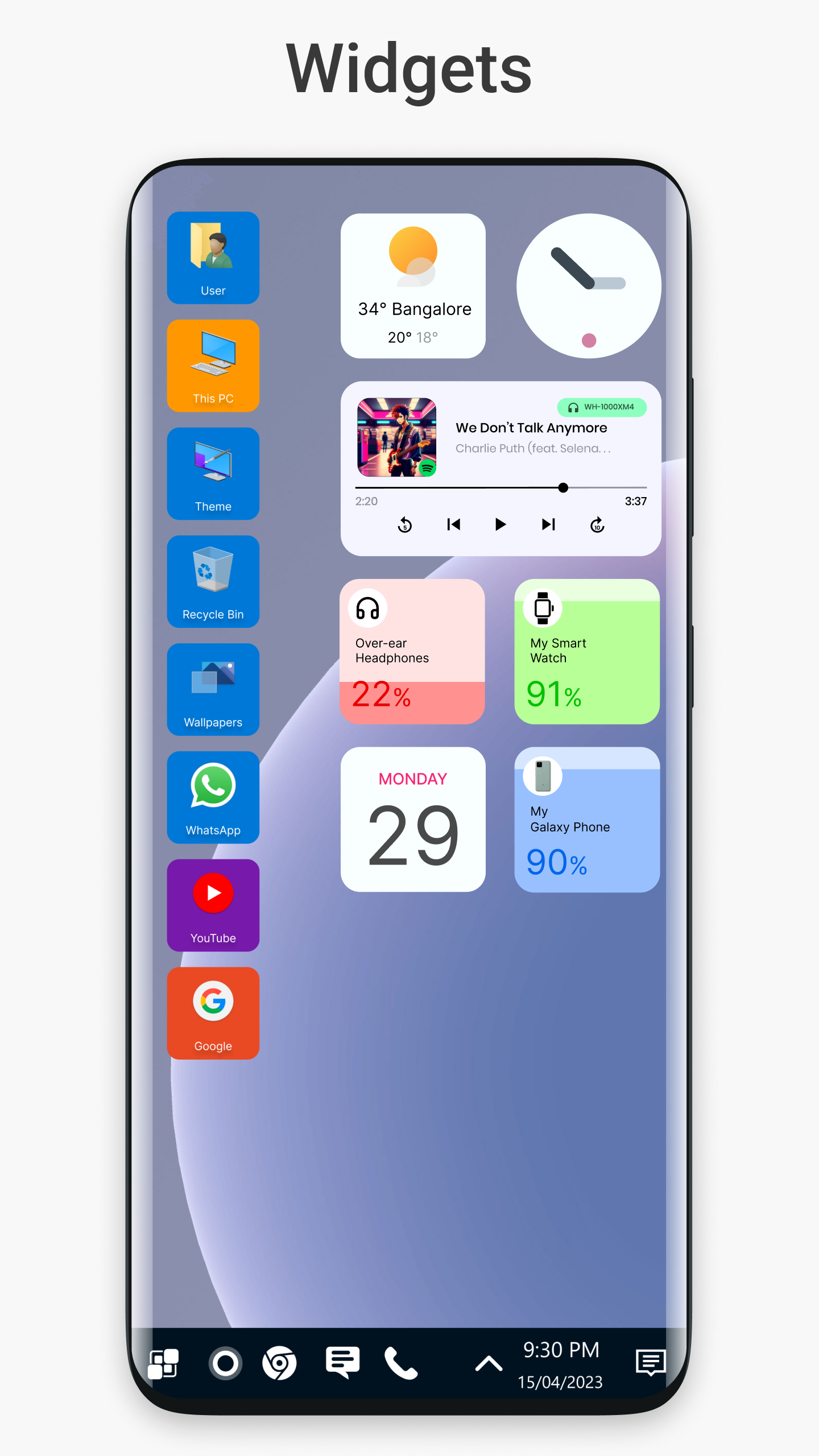
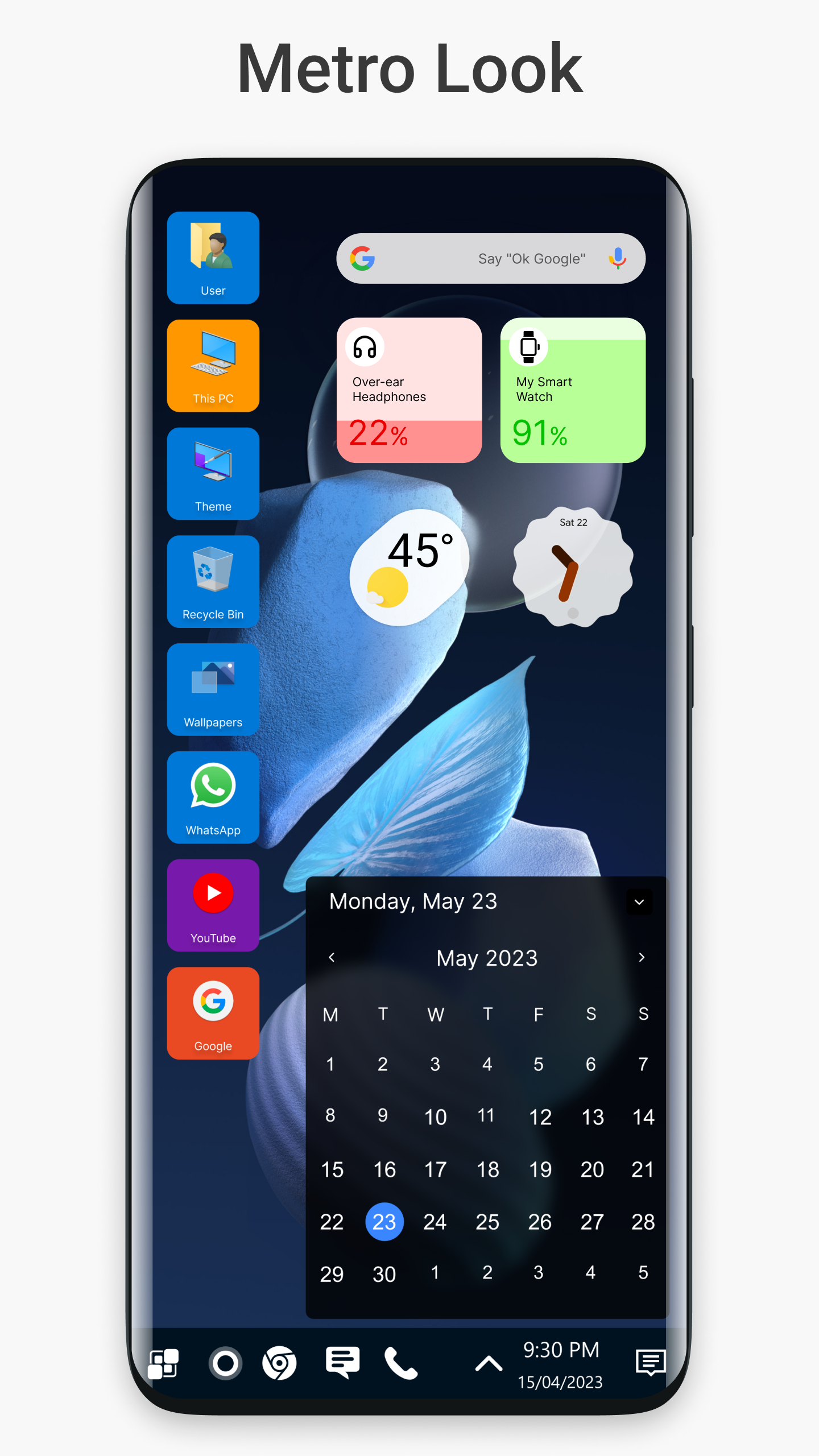
With Win 11 Launcher, you can enjoy a desktop-style interface that brings everything you love about Windows directly to your smartphone. It seamlessly integrates mobile tools and features while making navigation a breeze! You’ll wonder how you ever lived without it. In just a heartbeat, your Android user interface will feel like a whole new desktop.
The launcher isn’t just about looks; it's designed for efficiency! Want to open apps quickly? You can do that with ease using intuitive gestures. Whether you want to swipe or pinch, creating shortcuts for your go-to activities is easier than pie. Just imagine controlling your phone with all the finesse of a desktop—it's super cool!
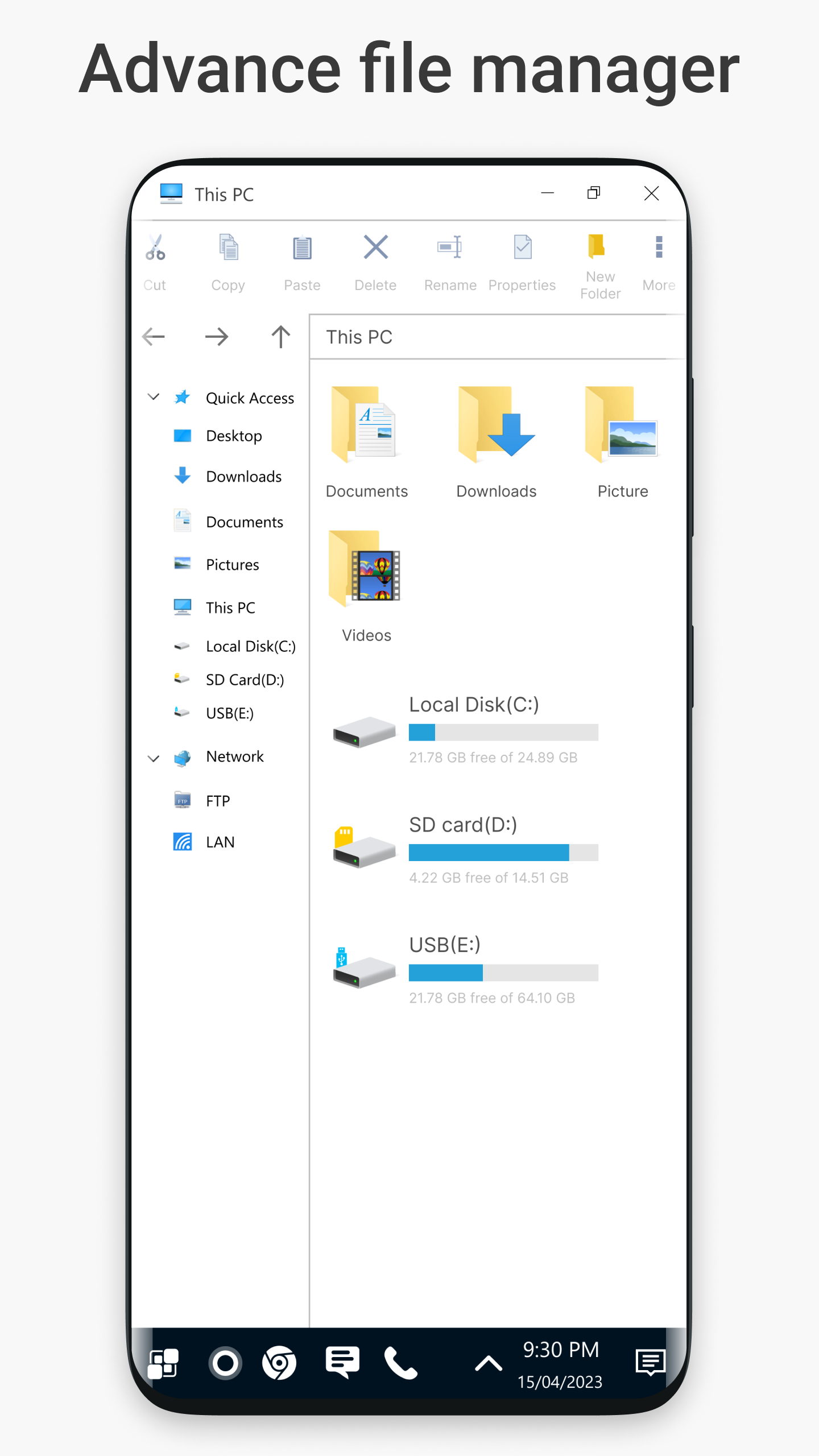
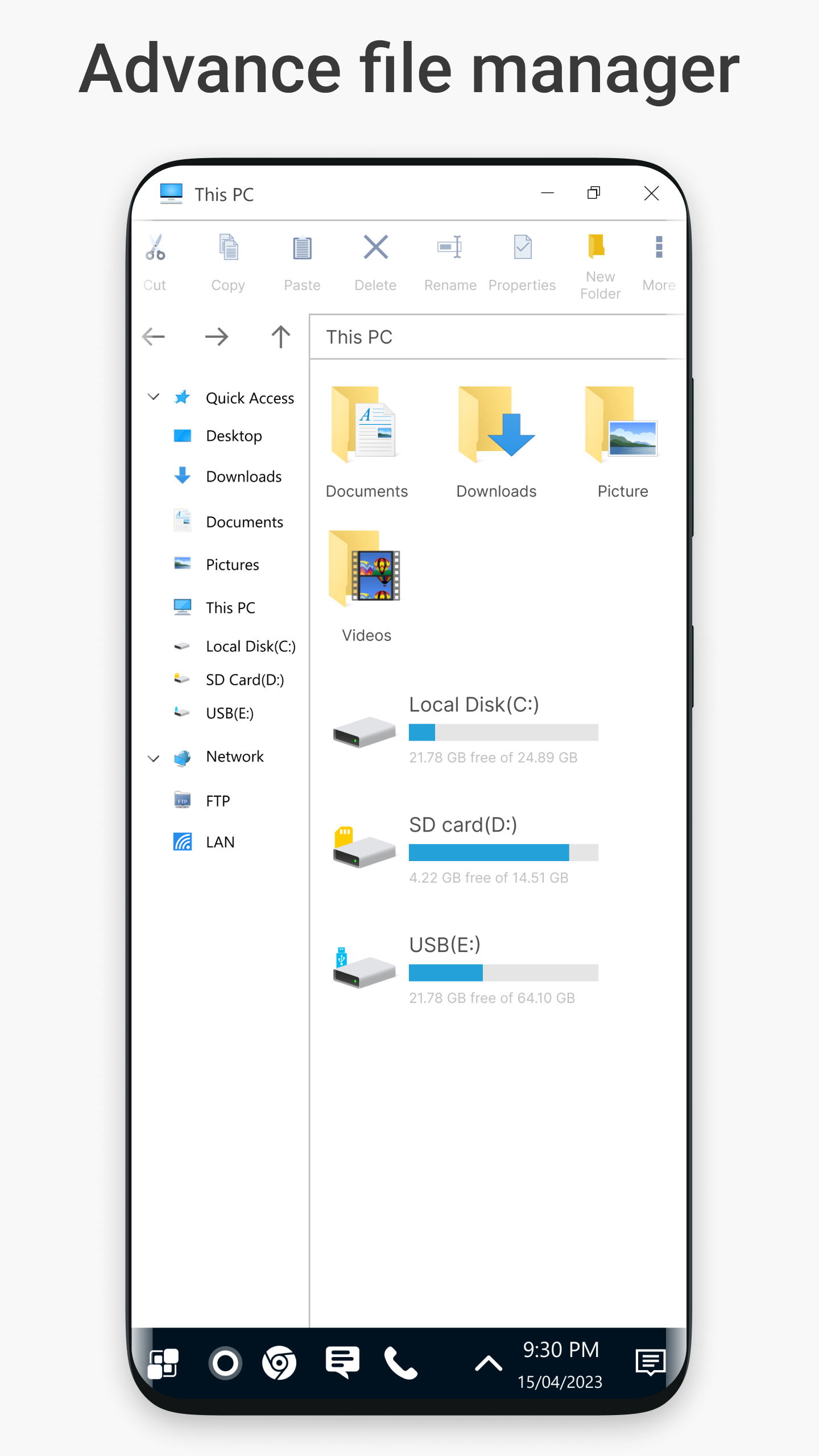
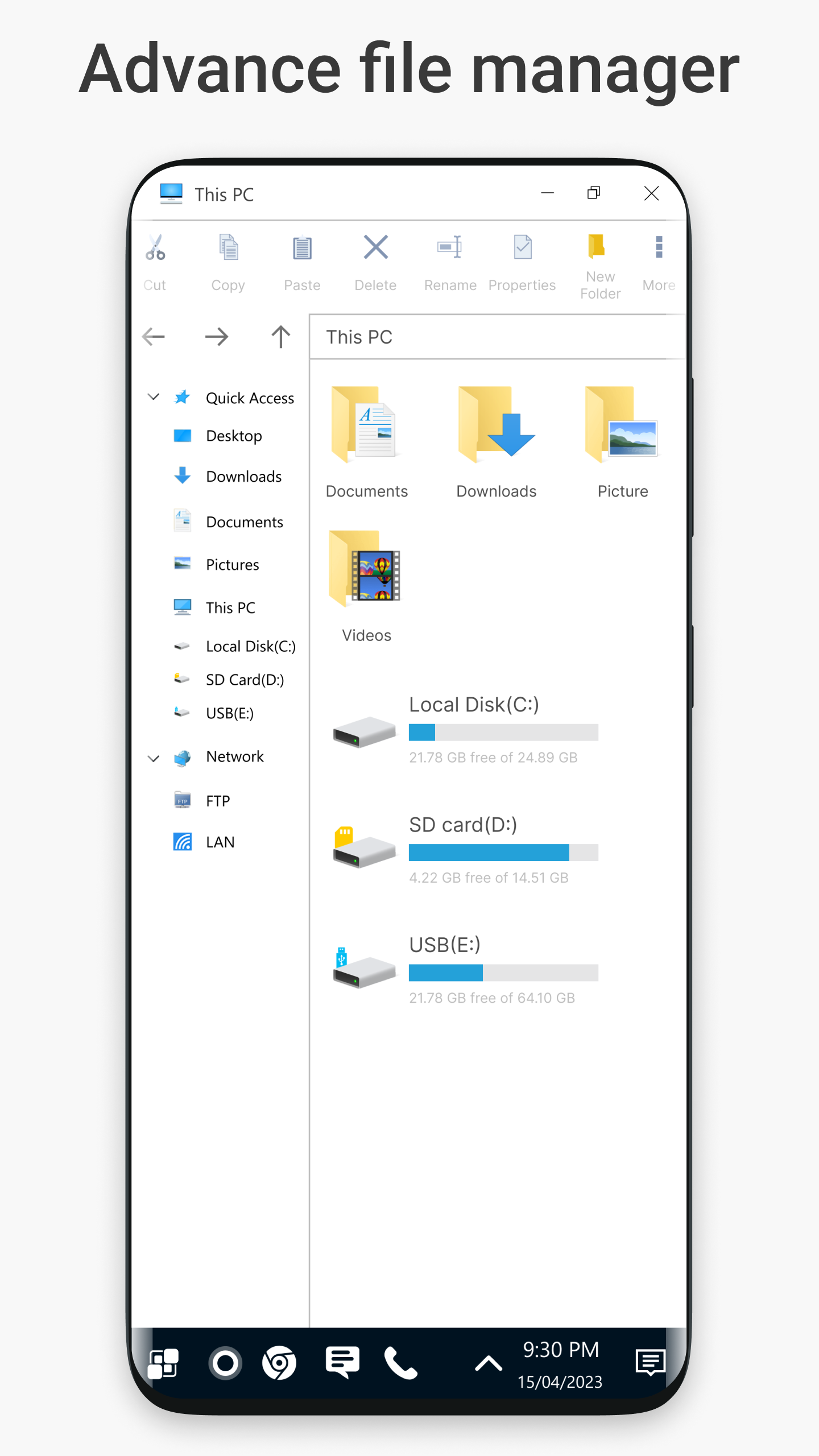
Are you someone who juggles files like a circus performer? Well, get ready to add an incredible tool to your toolkit. The Windows-inspired file manager that comes with Win 11 Launcher will have you cutting, copying, pasting, renaming, zipping, and unzipping files like a pro!
This feature-rich file management system boasts a familiar GUI design, so you'll feel right at home. Want quick access to file properties? Done! Need to create folders or customizable shortcuts? No problem! Every detail has been thought out to ensure that managing your files is as fun as it gets.
We know that keeping your stuff safe is super important, and that's why Win 11 Launcher includes security a notch above the rest. Activate the Launcher lock using all sorts of device locking methods to keep nosy individuals away from your personal space. That's right—privacy matters!
Plus, with App Lock, you can shield private applications behind personalized passwords and unique lock screens. Want to safeguard your data? You got it! Easily back up essential info and restore it whenever you need—it’s like having your own cyber bodyguard.
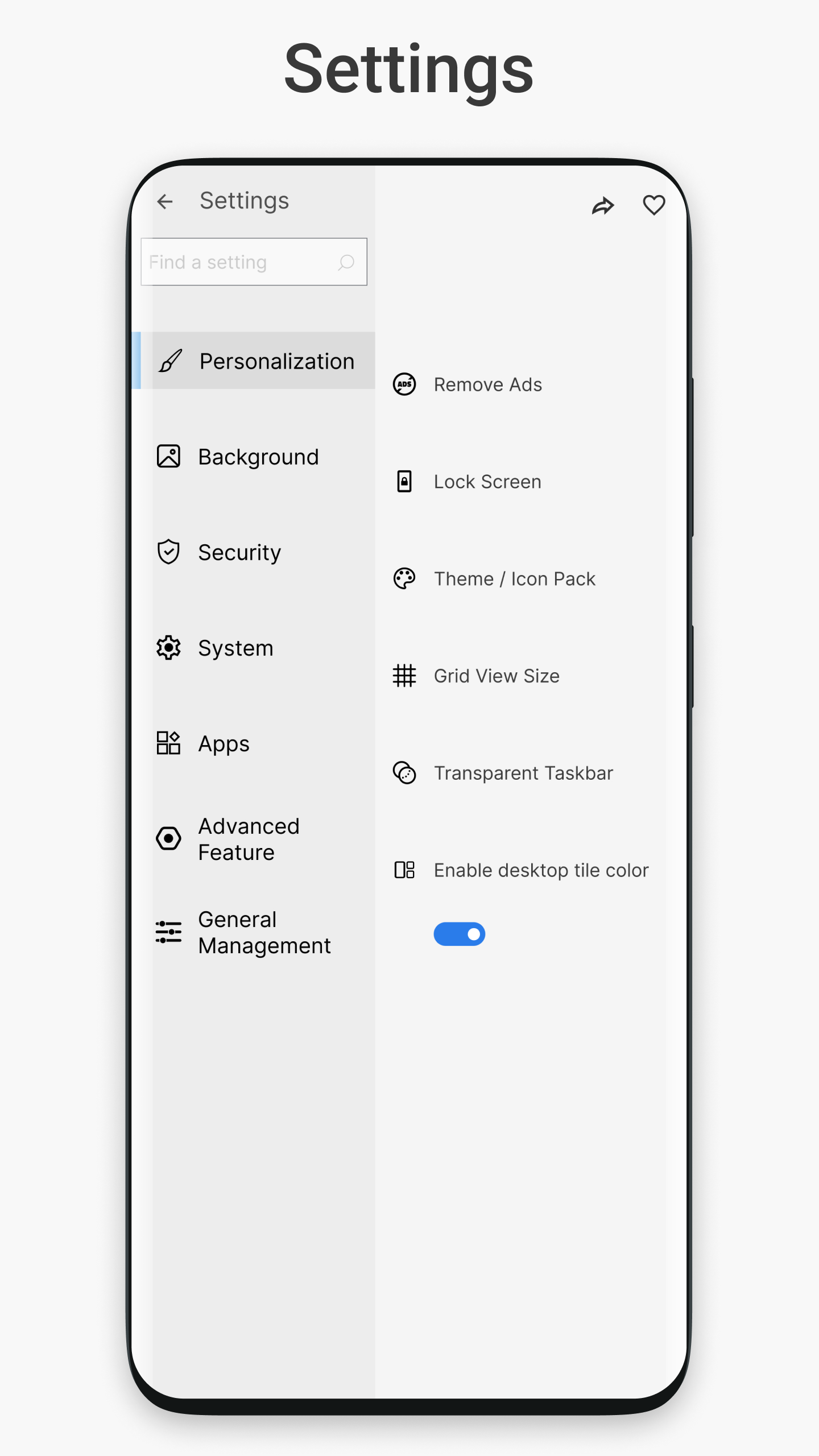
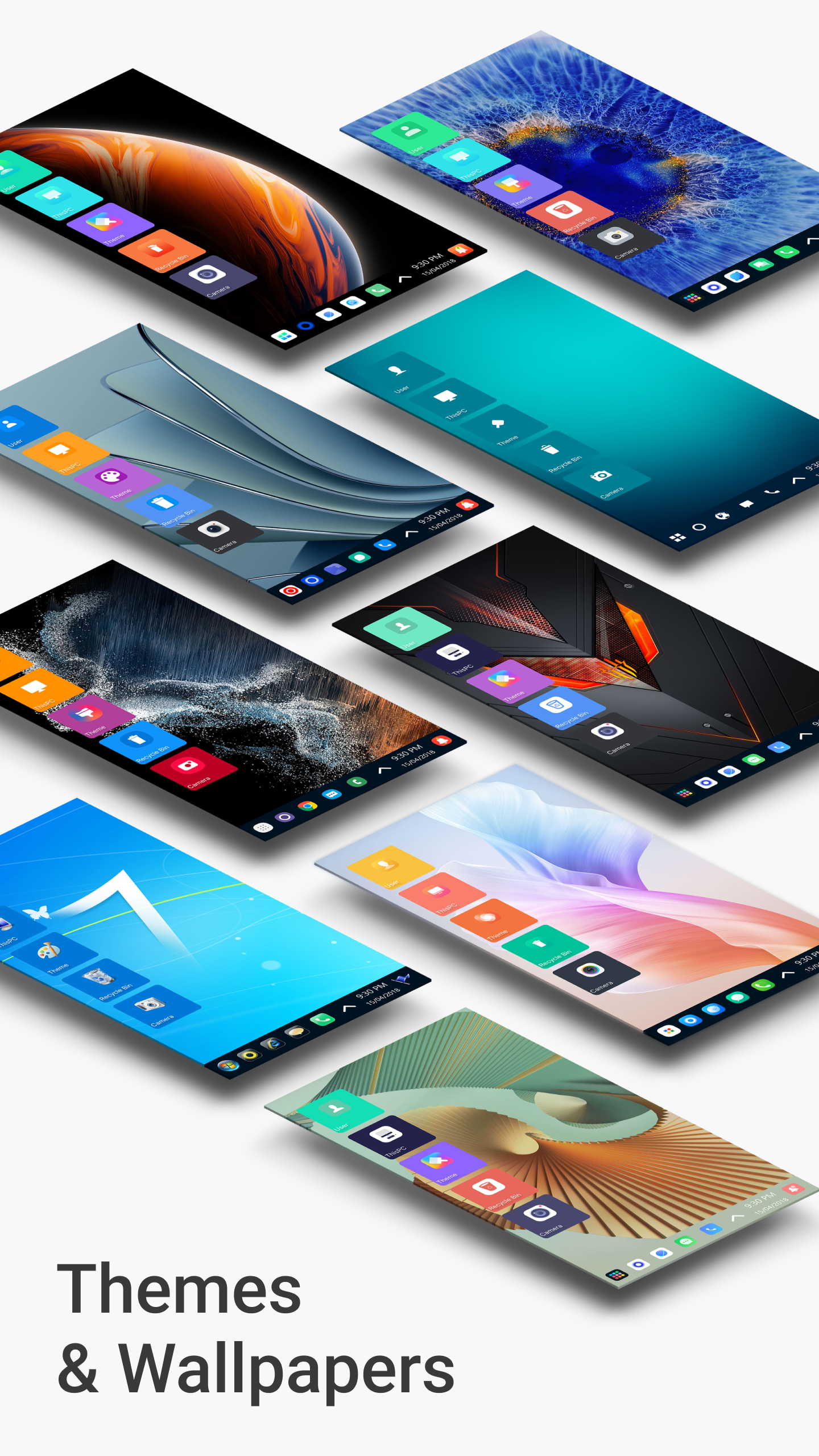
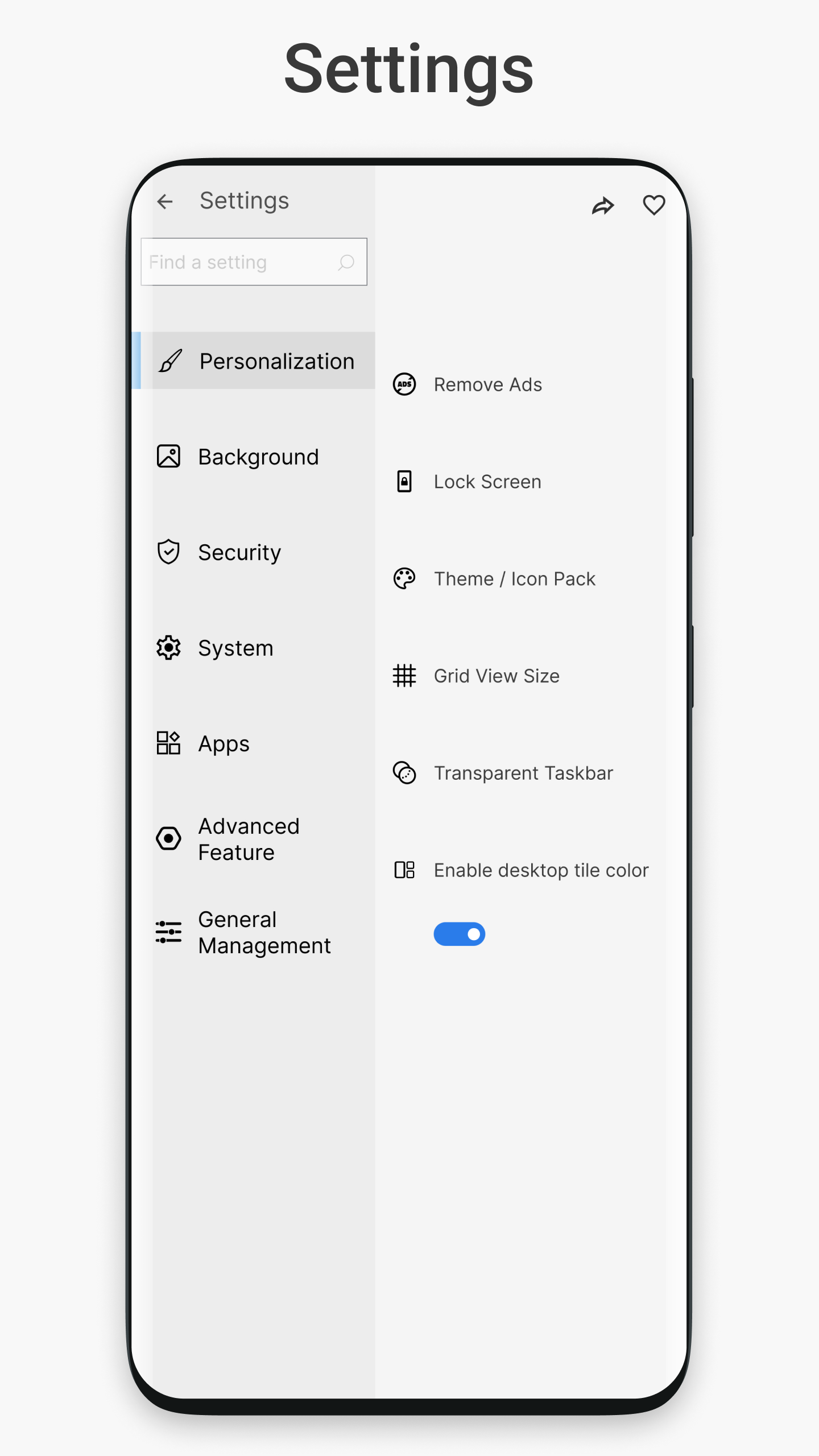
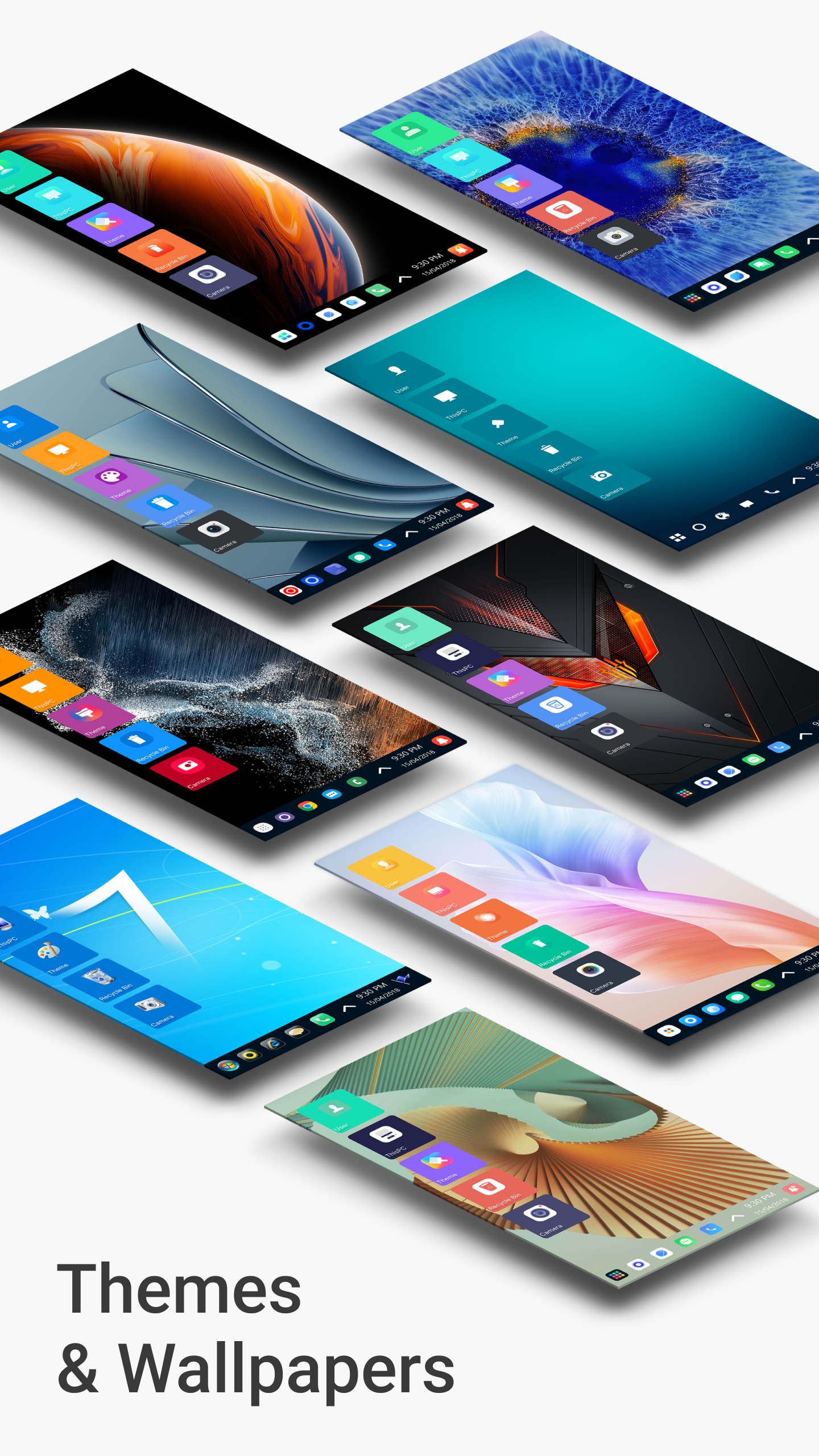
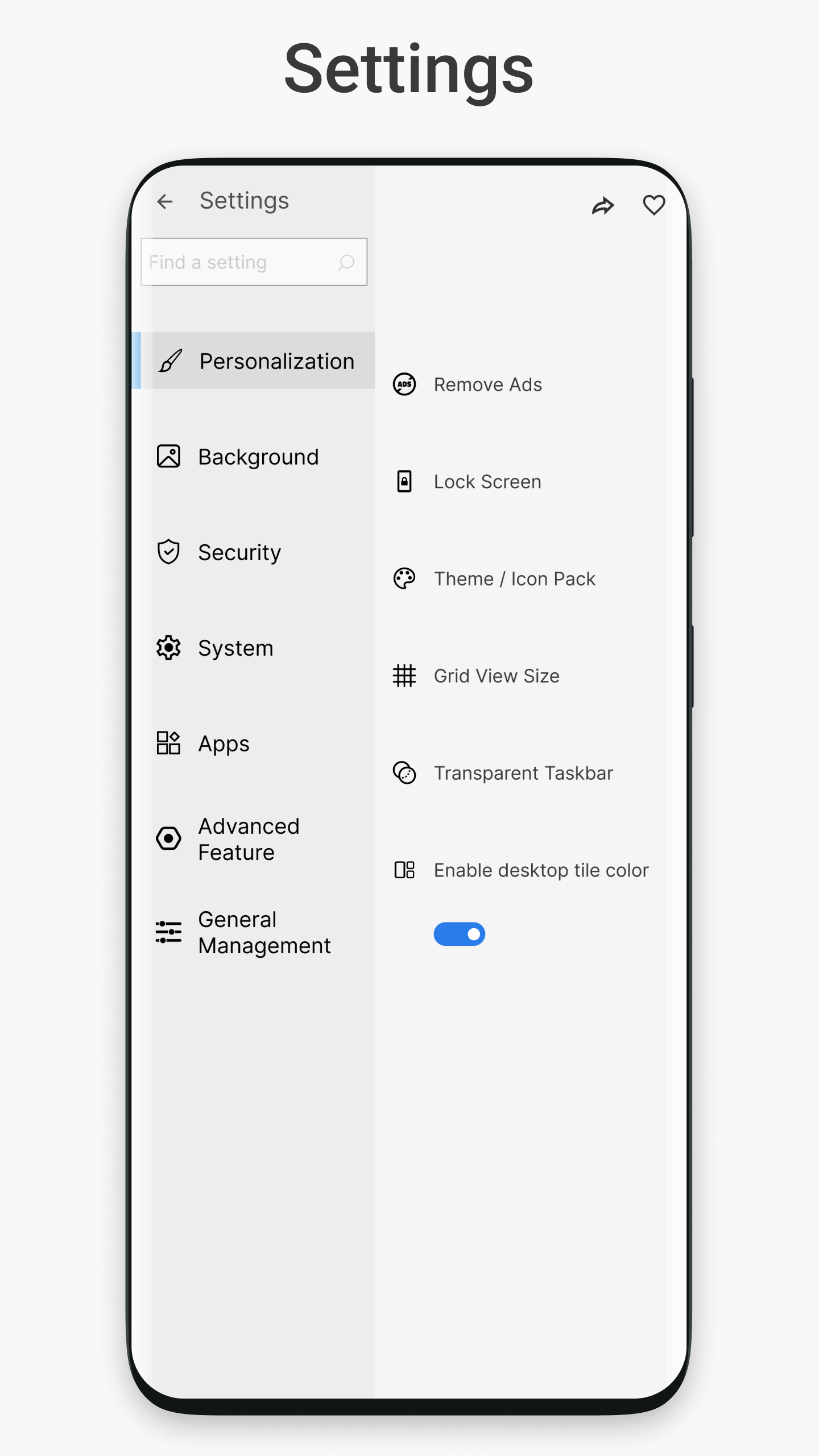
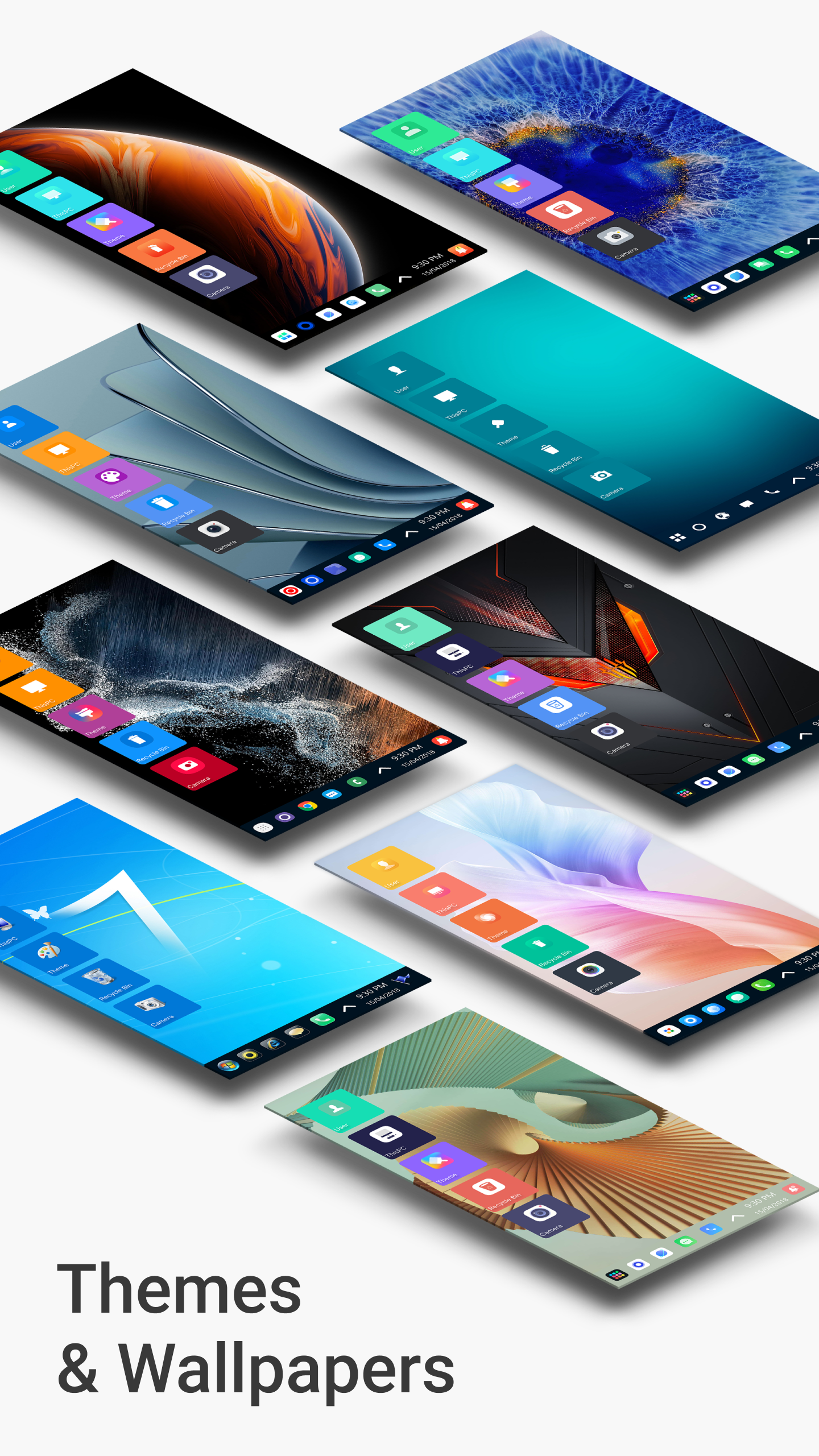
Let’s talk about customization! Everybody wants their phone to reflect their personality, right? With this handy launcher, you can tweak virtually anything according to your style. Choose from various theme colors, including classic Light and Dark options. Switch things up anytime—it'll never get boring!
Explore the vast array of stylish tiles that will give your most-used apps a trendy makeover. Want something fresh? The launcher supports themes inspired by Win 10, Metro, MIUI 11, and more. With plenty of UI types to sift through, there’s something perfect for everyone. Get creative and make sure every tap feels just right!
Here’s a snappy rundown of what you’ll find:
File Manager Features
Cut, Copy, Paste, and Rename Files
Zip/UnZip Files easily
Access File Properties anytime
Create Folders effortlessly
Set up Shortcuts for quick access
Themes & Customization
Customizable Theme Colors
Stylish Tiles for Android Apps
One-click access to the best apps
Windows Phone-like experience for Android
Easy navigation throughout your apps
So, are you ready to ditch the dull and embrace the exciting? With Win 11 Launcher, you can customize your phone, enhance your workflow, and keep your data secure—all while enjoying a snazzy Windows-style vibe. Don’t hold back—level up your Android experience now and watch your friends’ jaws drop when they see your new look!
| App Name | Win 11 Launcher |
|---|---|
| Version | 9.01 |
| Size | 13.34 MB |
| Update | May 06, 2025 |
| Developer | Spark Planet |
| Category | Personalization |
| Google Play ID | com.real.launcher.wp.ten |








29.06 MB 2.0.5