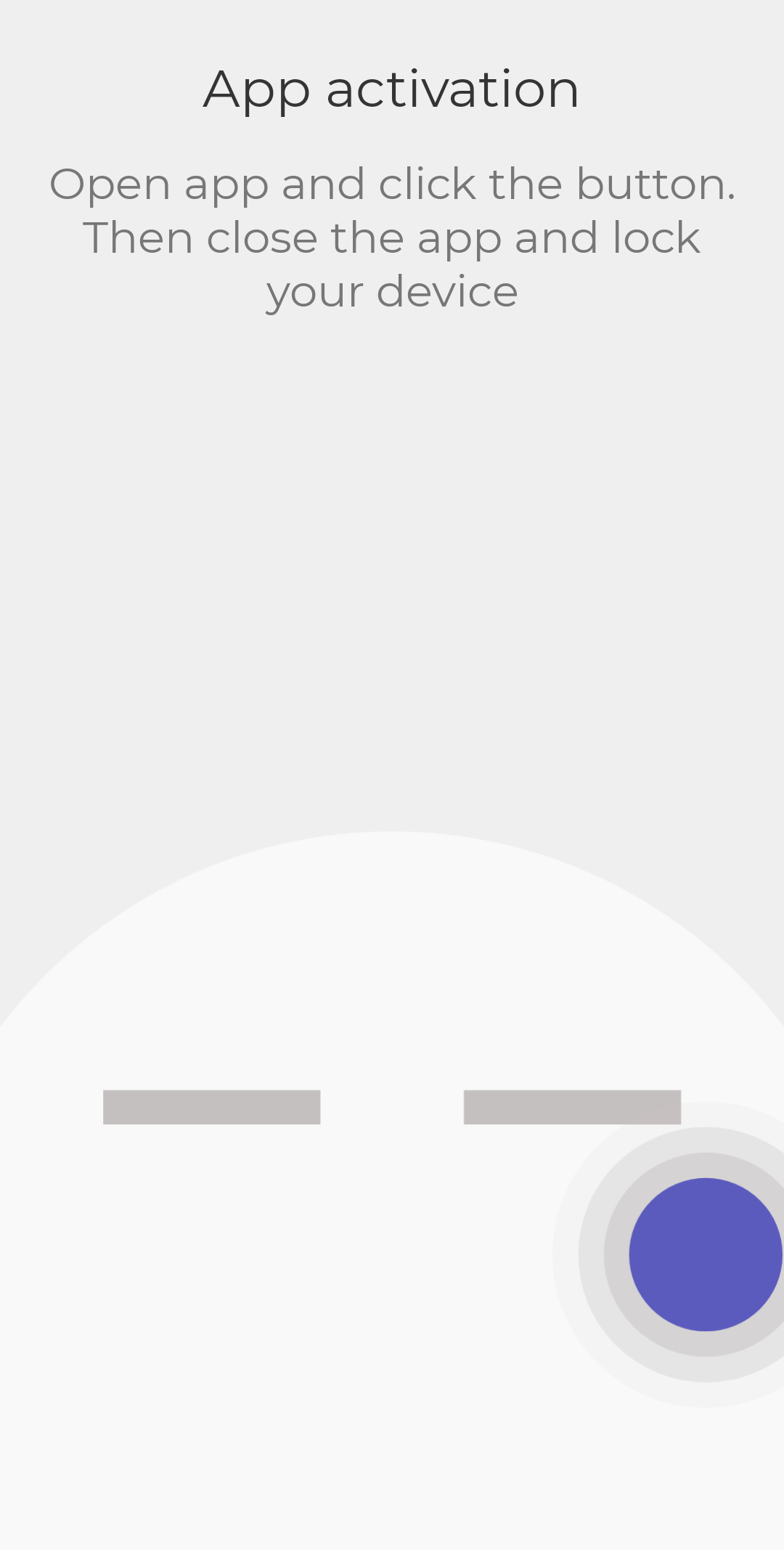
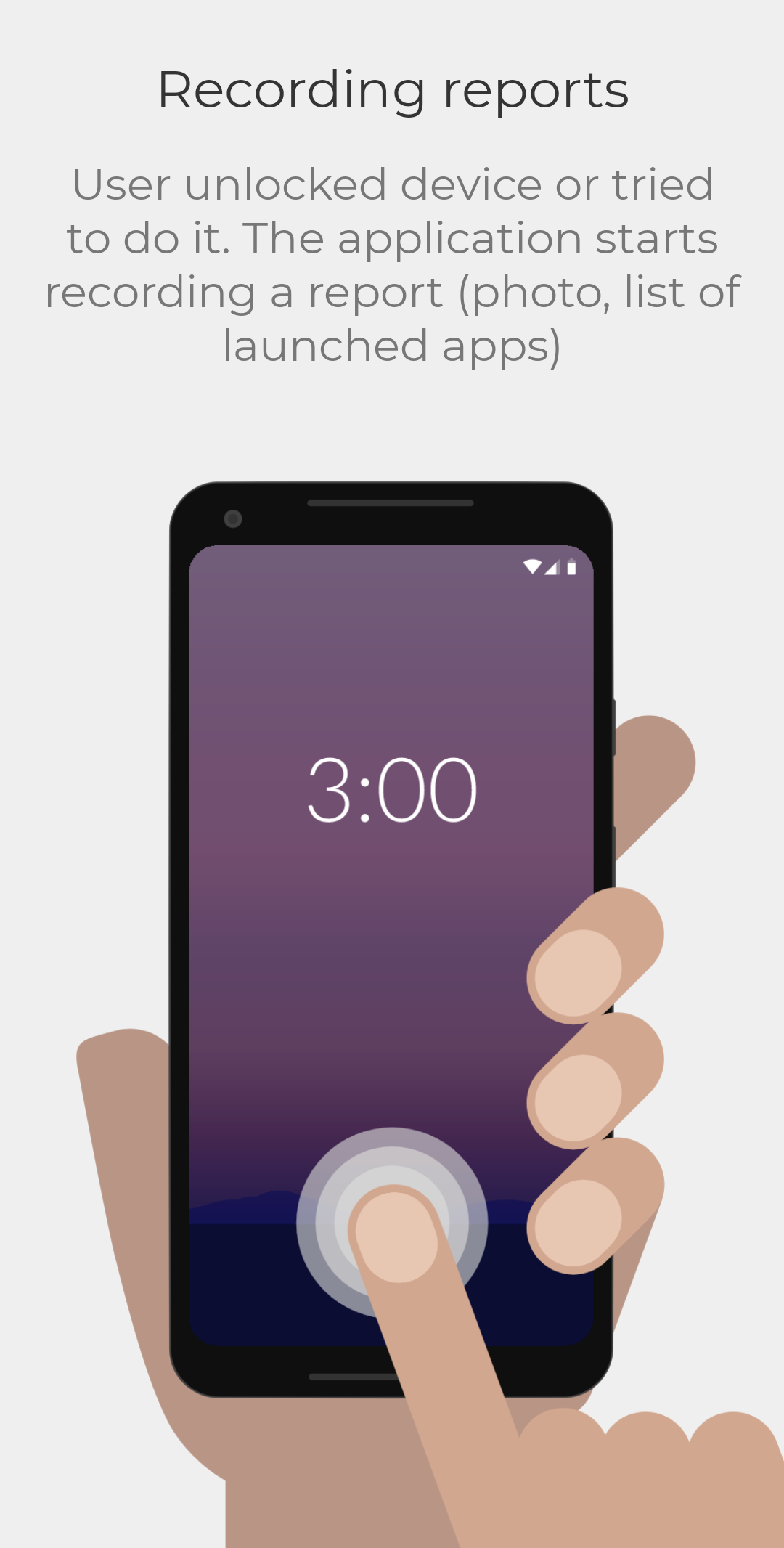
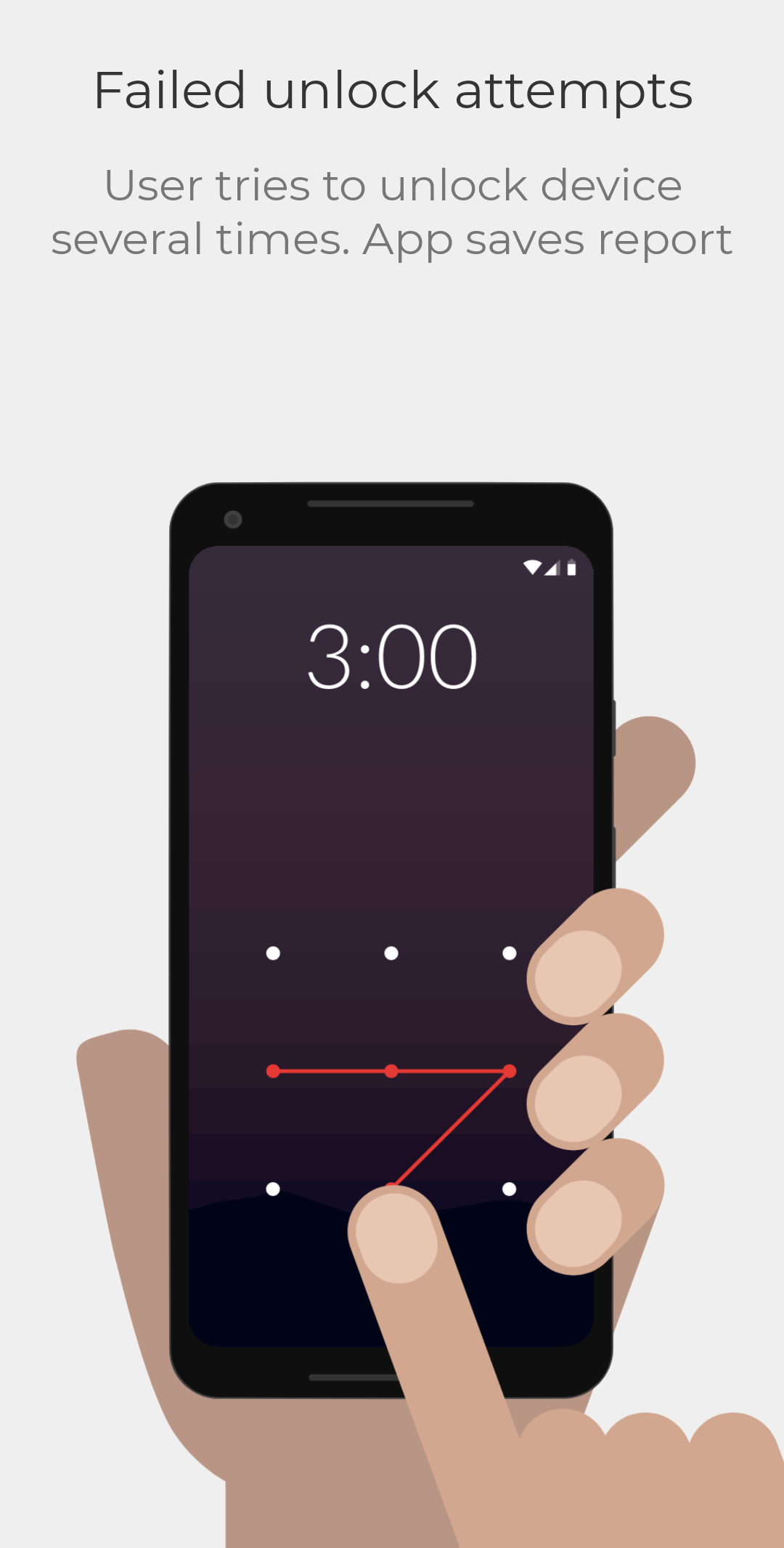
If you’re often wondering who’s sneaking a peek at your phone, then the Who Touched My Phone (WTMP) app is about to become your new best friend! With a user-friendly design and straightforward features, WTMP lets you take control of your device like never before. Just tap on the app icon from your home screen, and voilà—you’re in! It offers self-explanatory options, making it super easy for anyone to tweak their settings without breaking a sweat. And guess what? If someone tries to access your phone without permission again, the app automatically creates a report. Consider it your personal bodyguard!
Let's talk vibes. The app doesn’t just stop at tracking—it's got style too. You can easily switch between a Dark or Light theme according to the time of day or your mood. Feeling a bit sunny? Go with the Light theme. Prefer the mystery of night? Dark theme it is! This customization not only makes the app look great but protects your precious eyes while you’re navigating through its interface. Because no one wants eye strain while keeping tabs on nosey friends!
Navigating around WTMP feels as smooth as butter! Its interface is designed with simplicity in mind, helping users quickly jump into tracking who’s been messing with their devices. Right at the center of the screen, you'll find a button that kicks off the tracking feature. But wait, there’s more! Apart from this central function, all sorts of personalization options are right at your fingertips, letting you decide how you want to protect your phone to suit your unique style.
Now, let’s get real. To make WTMP effective, it does require Device Administrator permissions. This means it can keep an eye out for any unauthorized unlocking attempts. Here’s a little tip: Android will only flag unlock attempts as incorrect if they’re at least four characters long—so we're talking serious security here. And remember, if you ever decide to uninstall the app, just deactivate the Device Administrator first or you might hit a snag.
WTMP doesn’t just stand there looking pretty; it’s packed with some truly impressive features:
Easy Navigation
The friendly layout ensures smooth interactions and quick access to its built-in tracker.
Automatic Logging
It keeps records anytime it doesn’t recognize a user trying to access the phone.
Background Recording
Whether through pictures or videos, it captures everything silently in the background, depending on how you've set it up.
Battery Friendly
You won’t even notice it’s running—it consumes minimal battery life while you remain protected.
Device Synchronization
Pair it with other devices for seamless notifications whenever an attempted breach occurs.
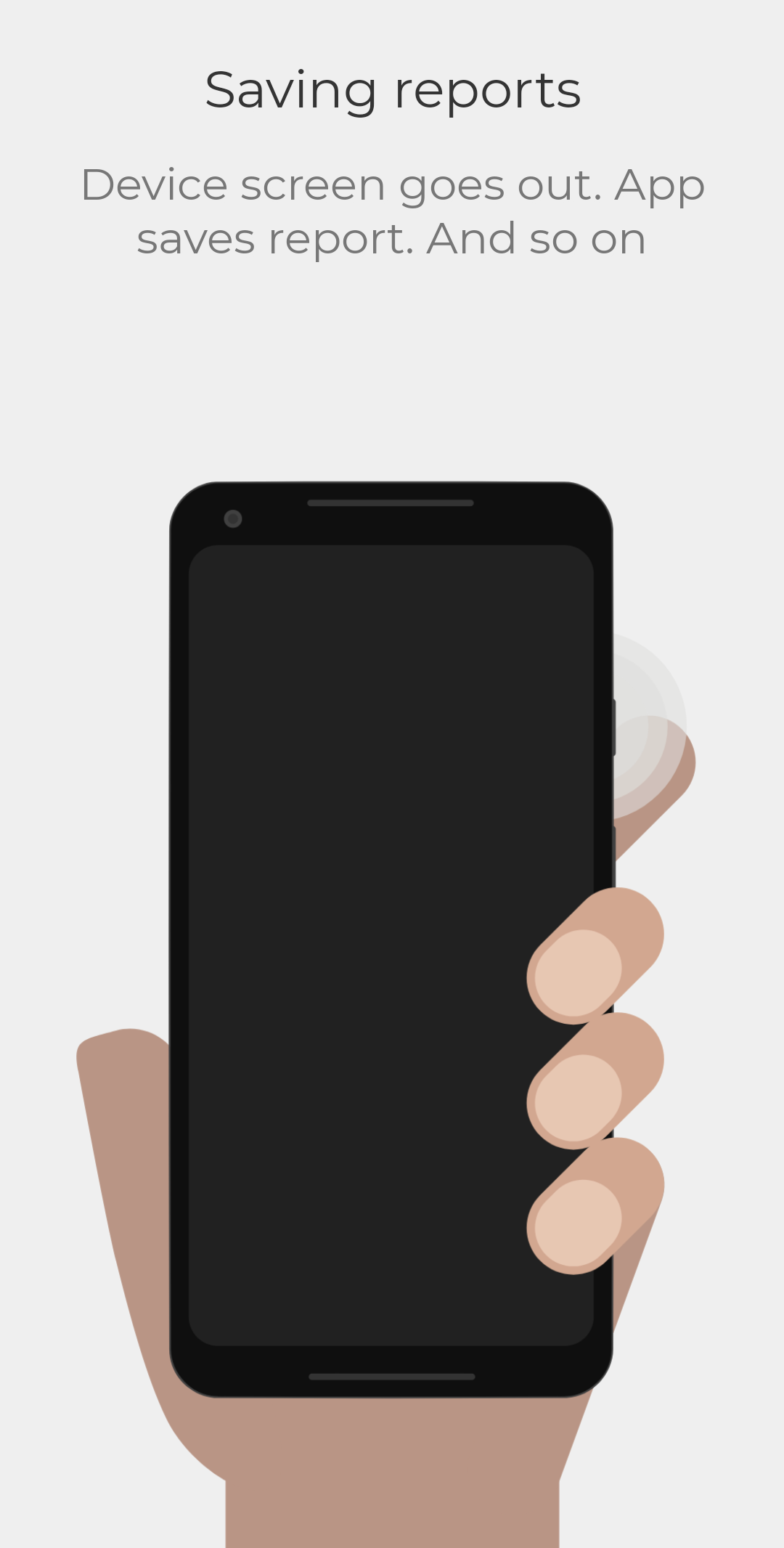
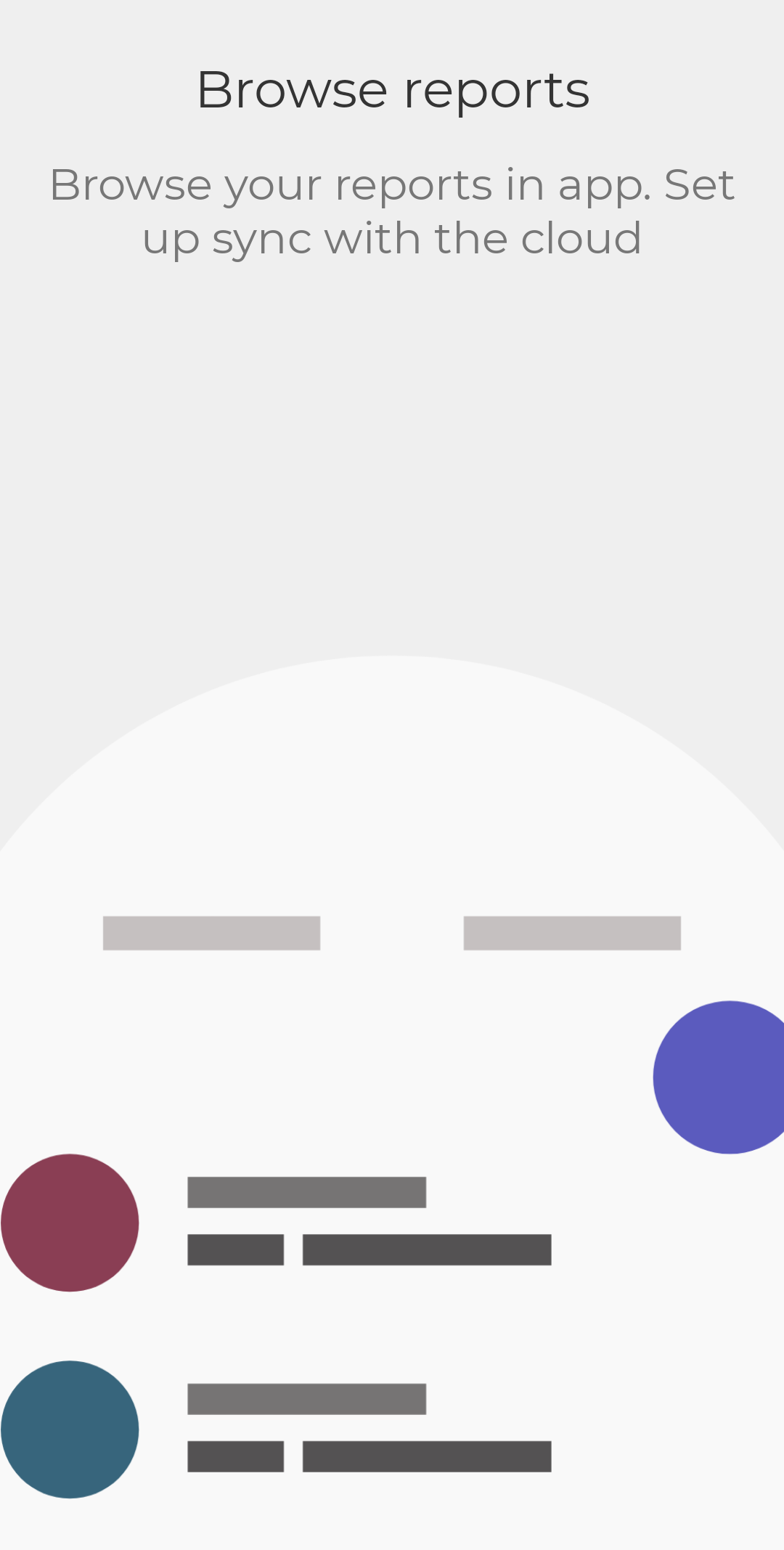
Missed a face? No big deal! One of WTMP’s standout features is its ability to save reports automatically if it fails to recognize a user. You can link multiple biometrics and set off alerts when access attempts don’t meet your specifications. Whether it's a caught-off-guard selfie or video recording, it stores all those juicy details for you to review later.
Looking to dive in? The app offers a basic version available for free on the Google Play Store that should be accessible to every Android user. If you're eager to explore its premium features, there are in-app purchases available. Just keep in mind that the app needs certain permissions to really shine, so you’ll have to grant it access each time you open it. Be sure your device is rocking Android 6.0 or higher, since compatibility and stability improve greatly with the latest firmware versions.
So, are you ready to reclaim your phone’s privacy with WTMP? Happy tracking! 🚀
| App Name | WTMP — Who touched my phone? |
|---|---|
| Version | 6.4.2 |
| Size | 3.98 MB |
| Update | Jun 05, 2025 |
| Developer | MidnightDev |
| Category | Photography |
| Google Play ID | com.wtmp.svdsoftware |
WTMP — Who touched my phone? 6.3.8
WTMP — Who touched my phone? 6.3.4
WTMP — Who touched my phone? 6.3.1
WTMP — Who touched my phone? 6.2.5
WTMP — Who touched my phone? 5.7.3

3.98 MB 6.4.2