
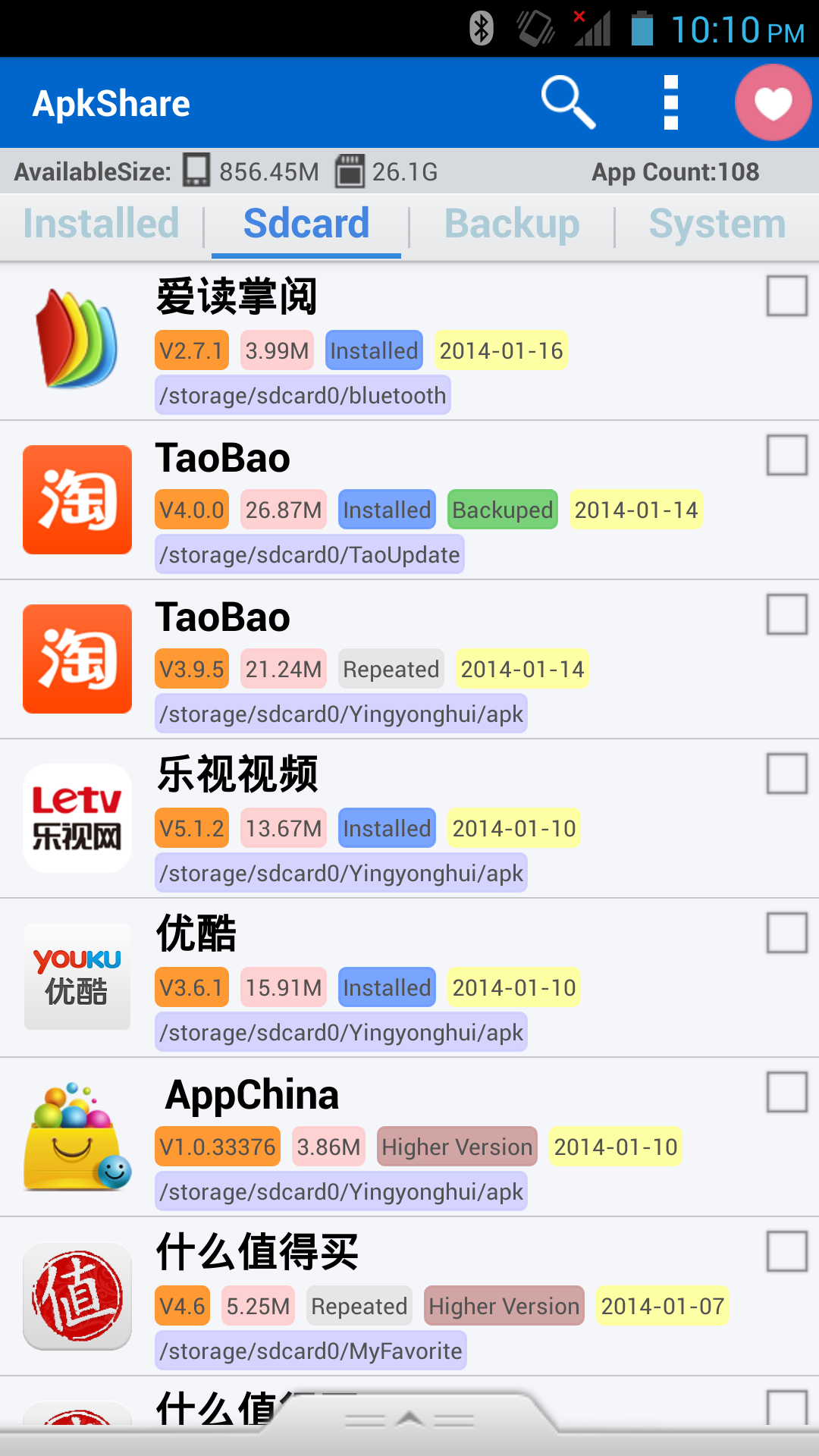
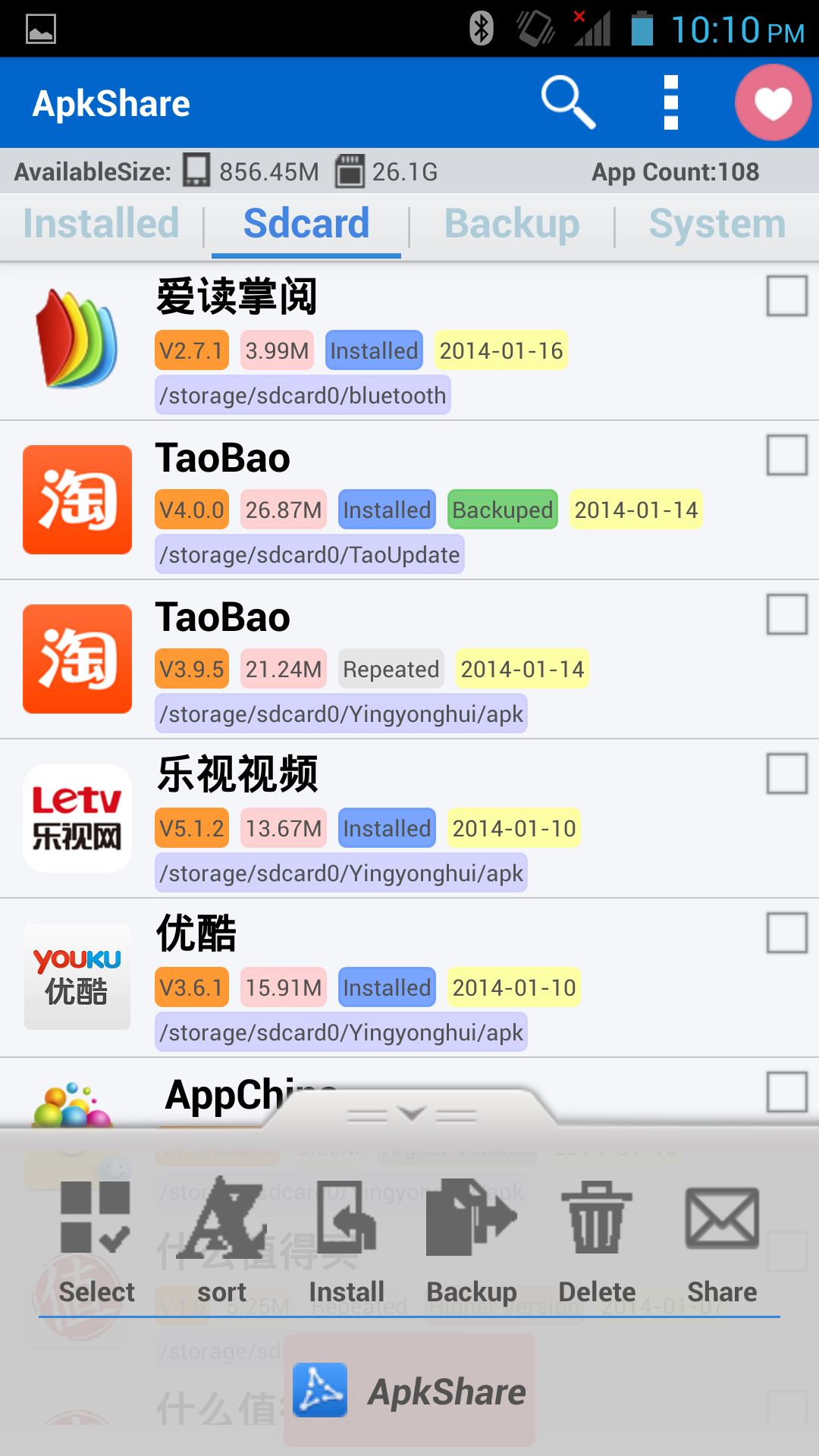
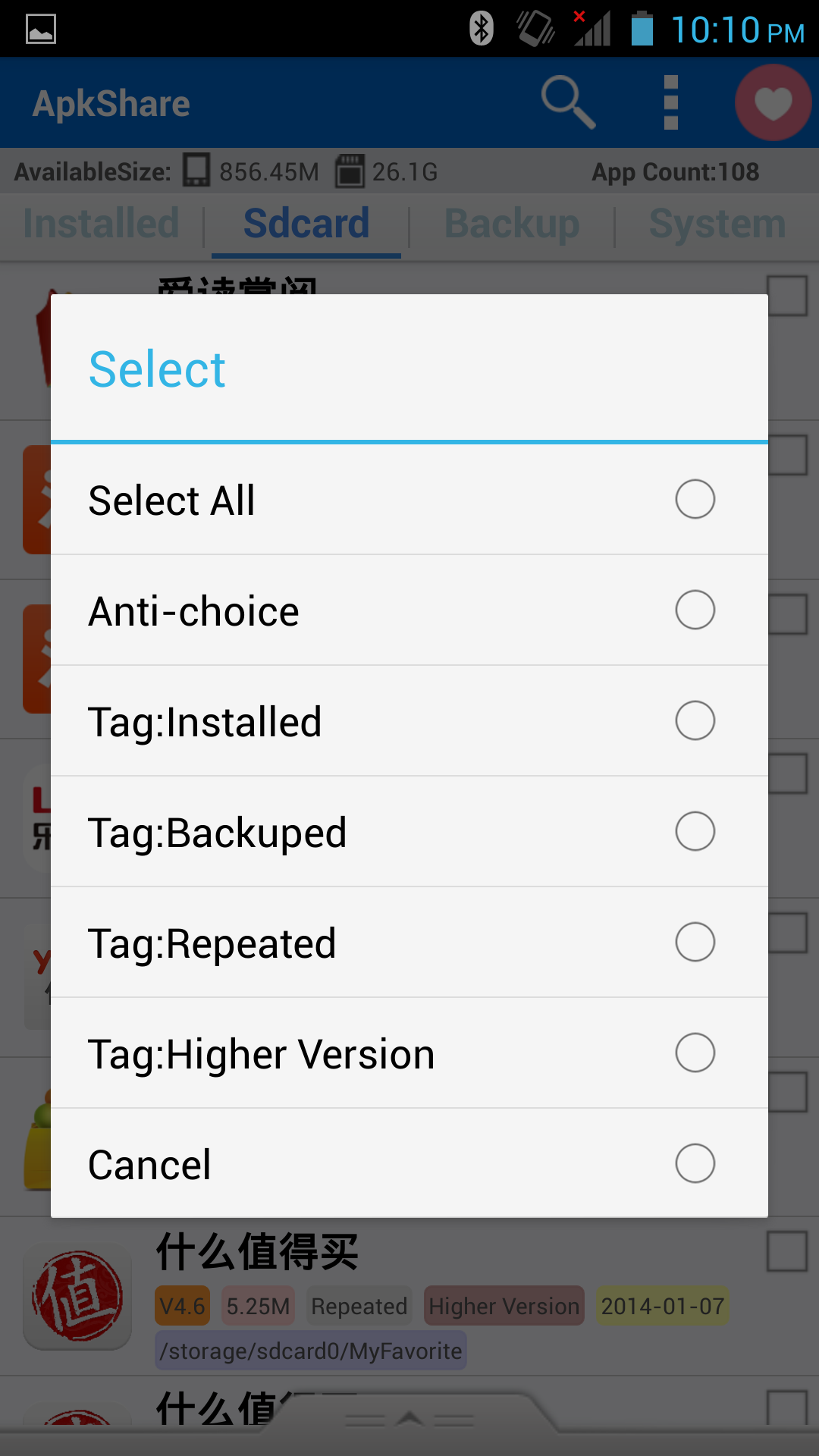
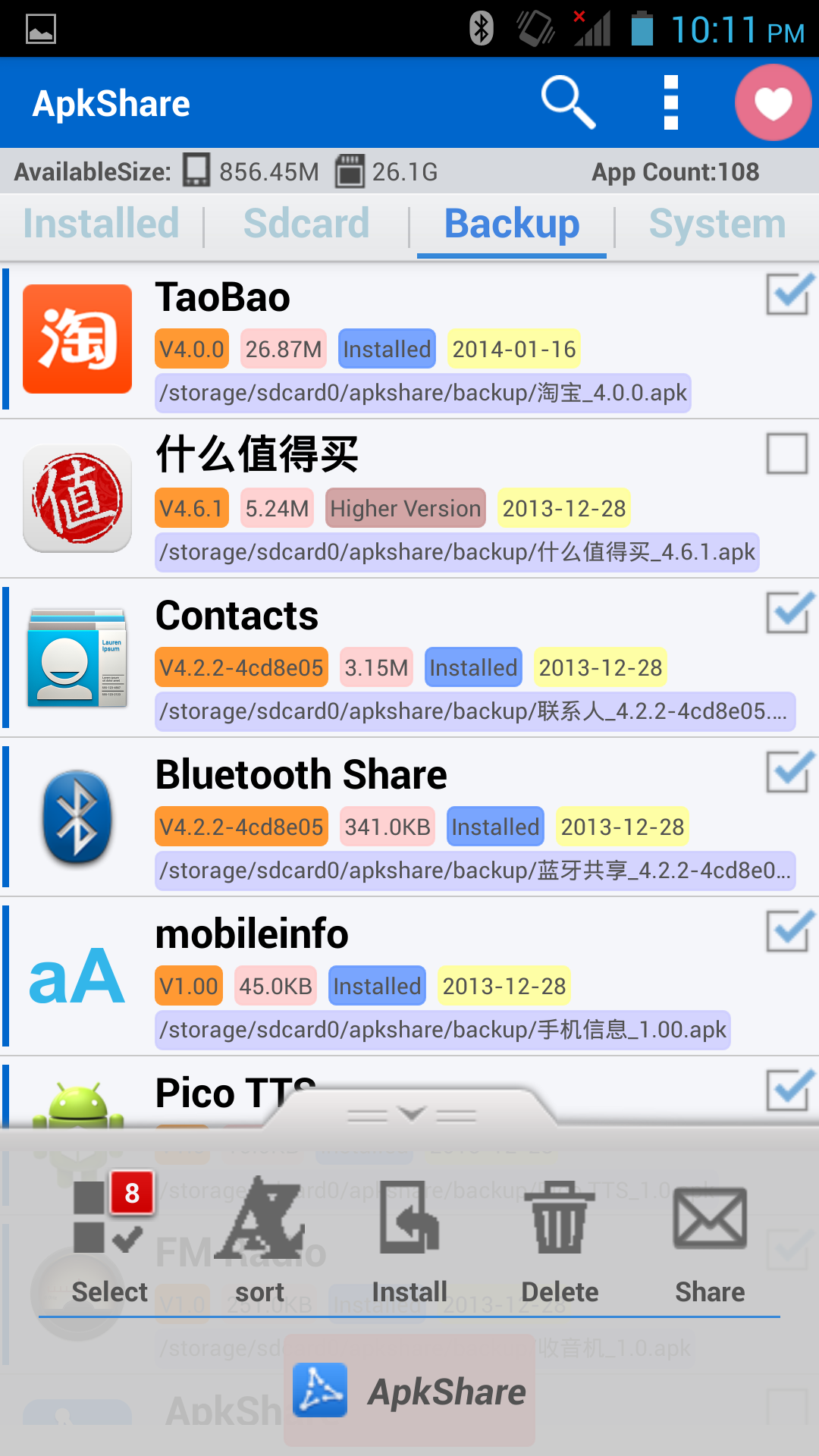
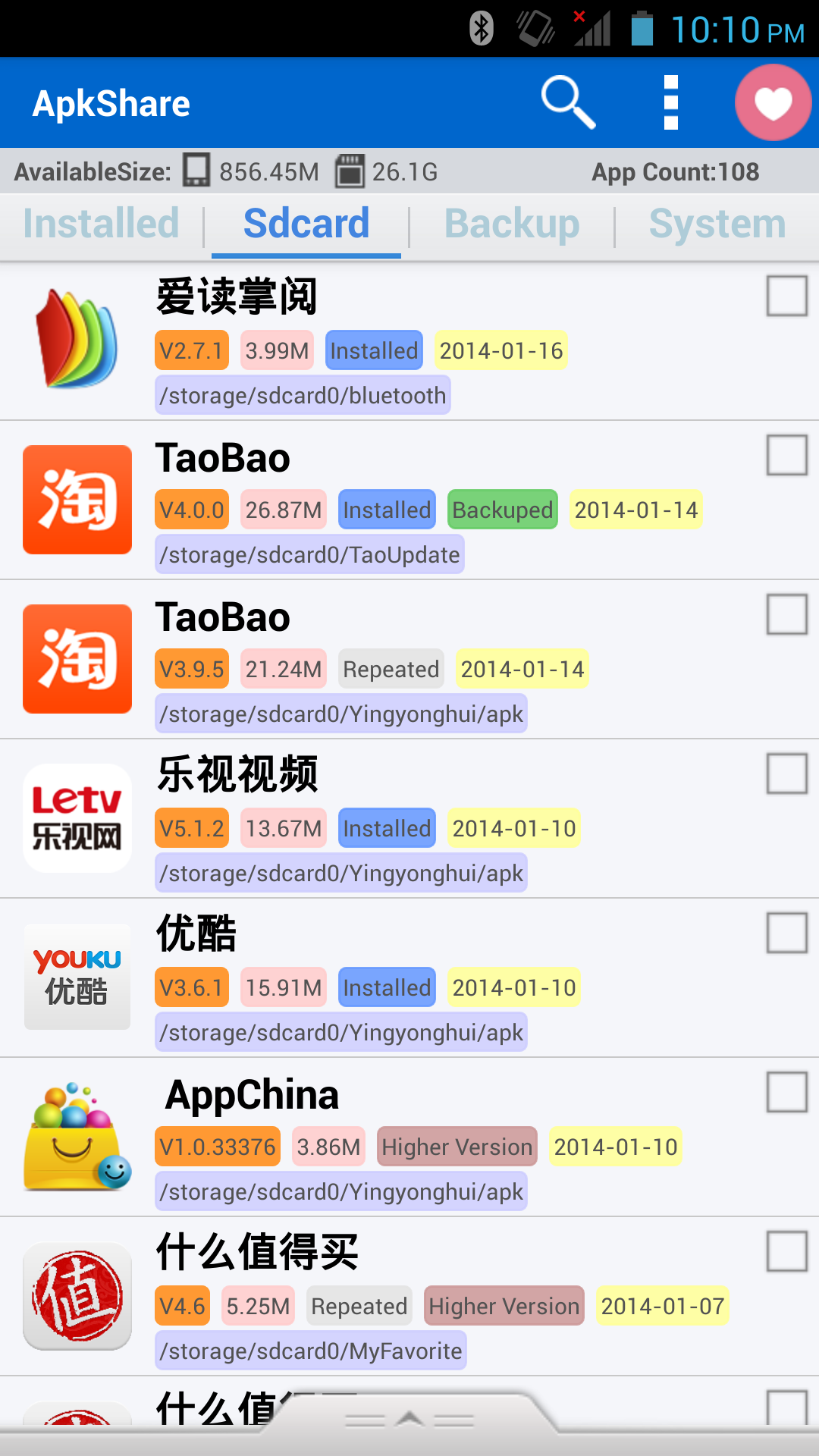
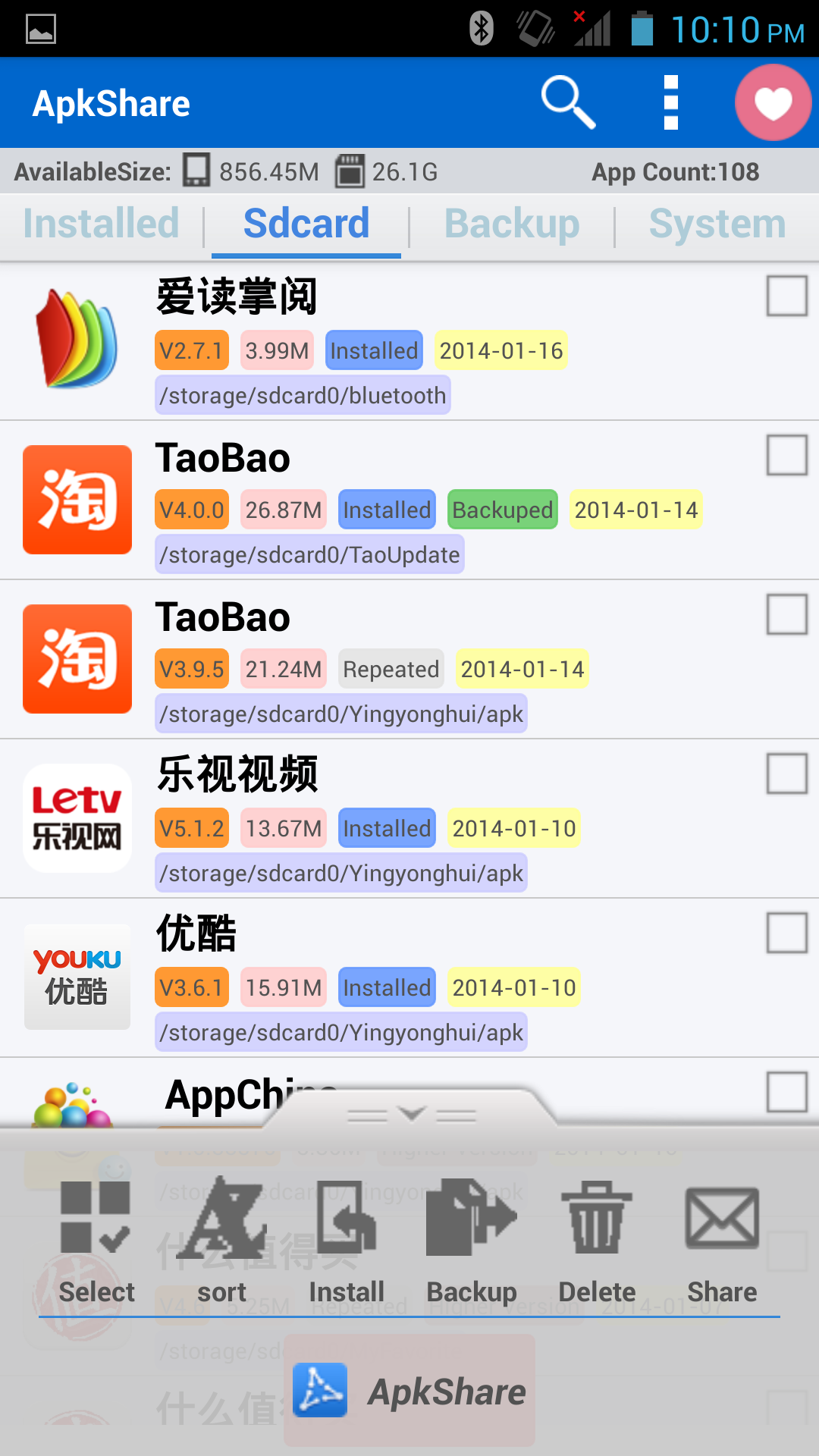
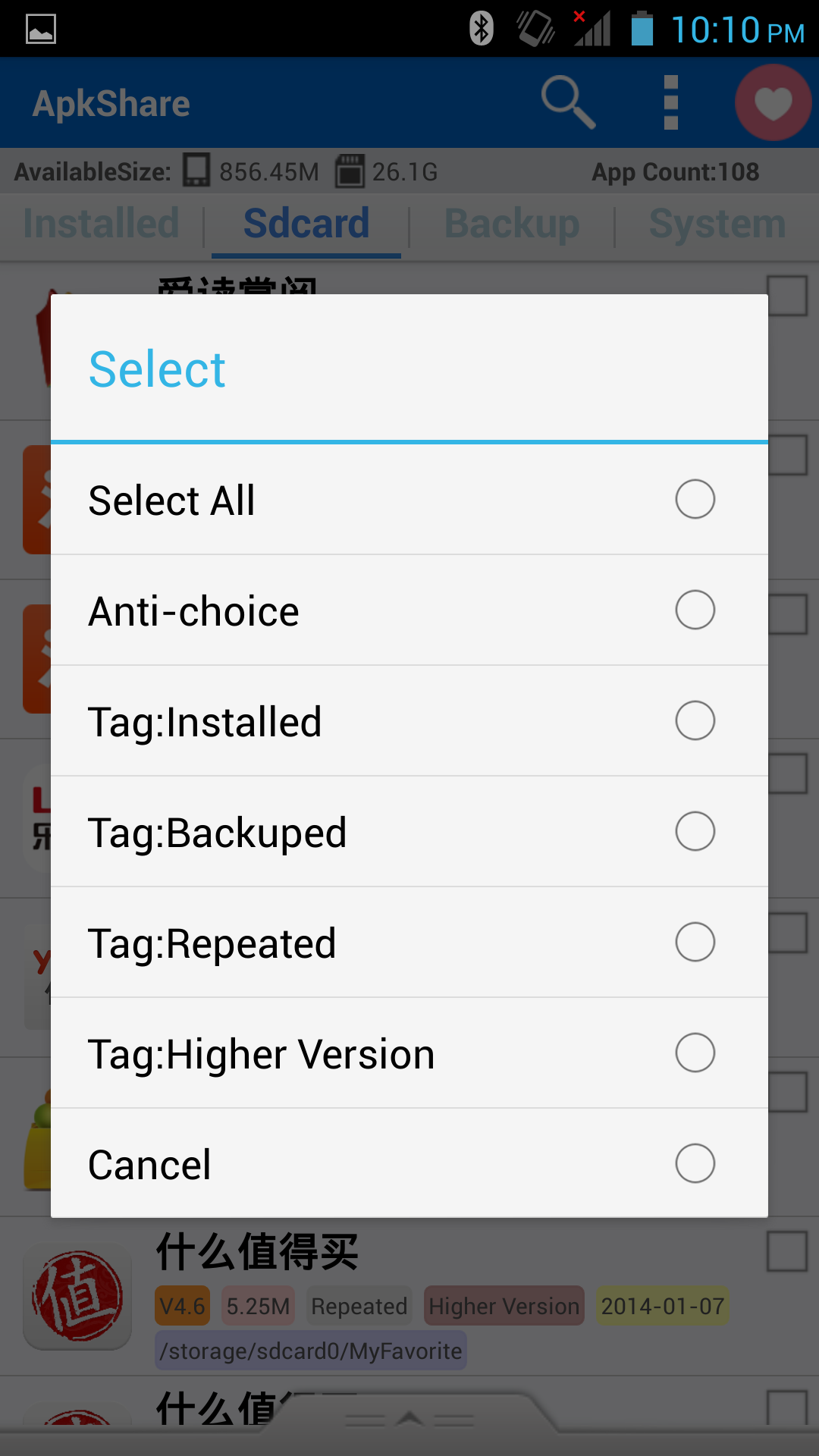
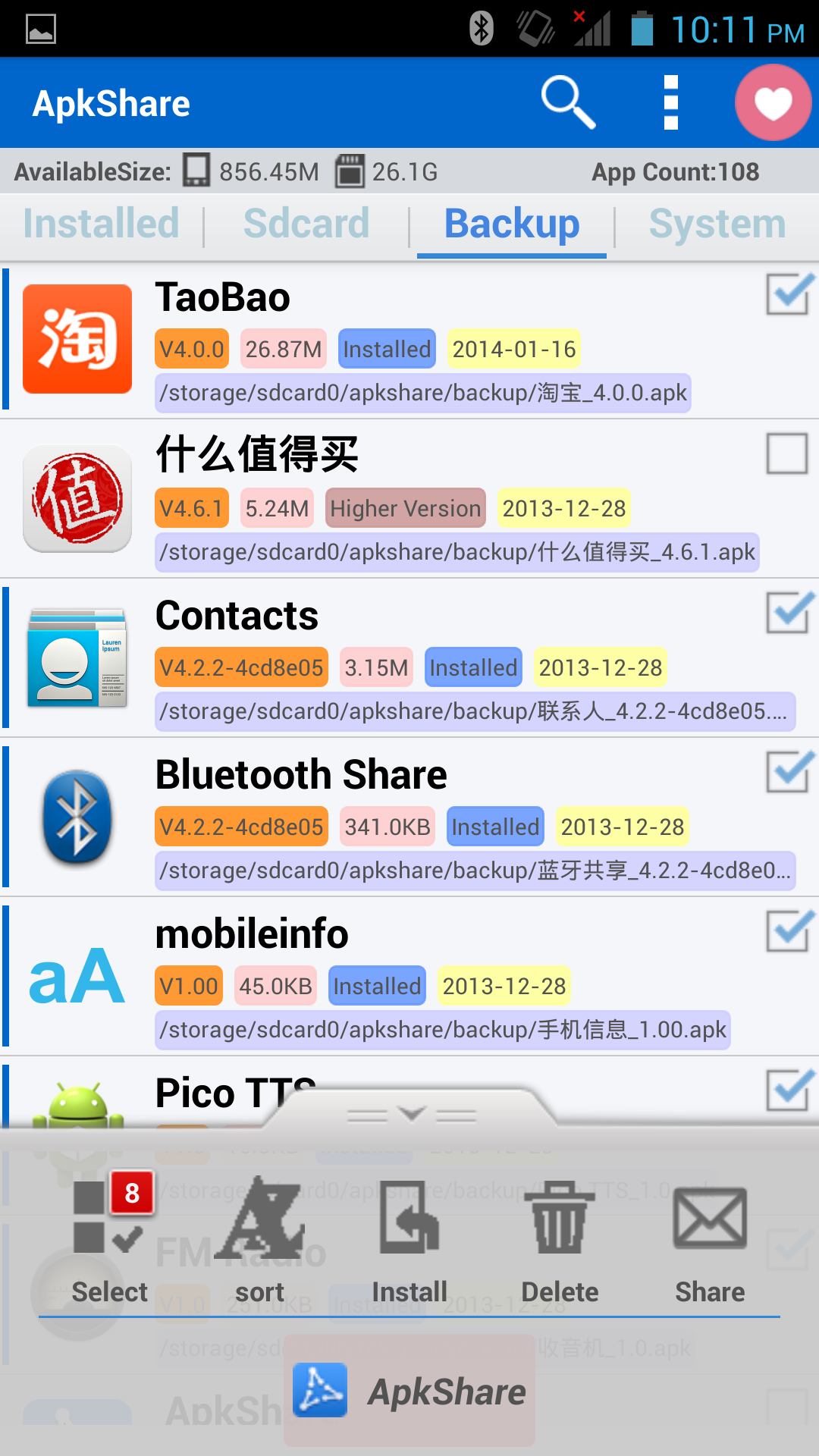
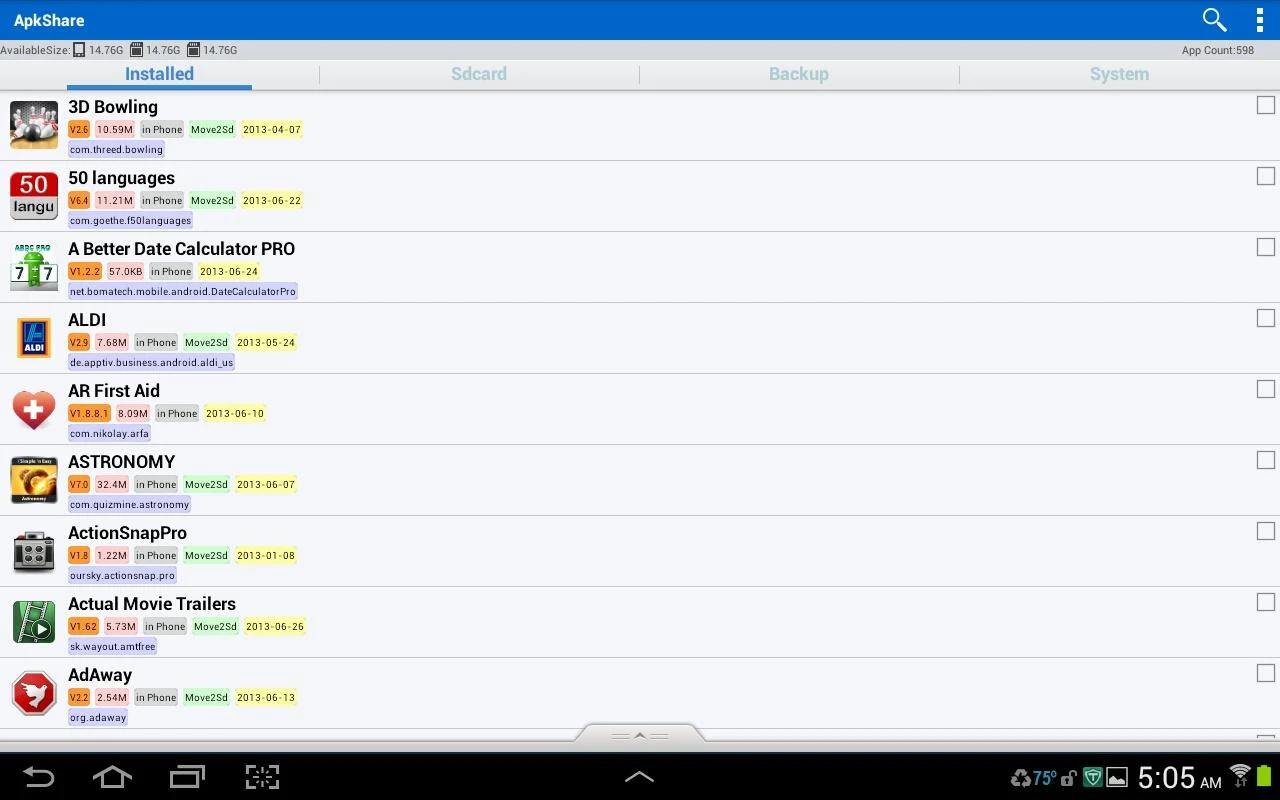
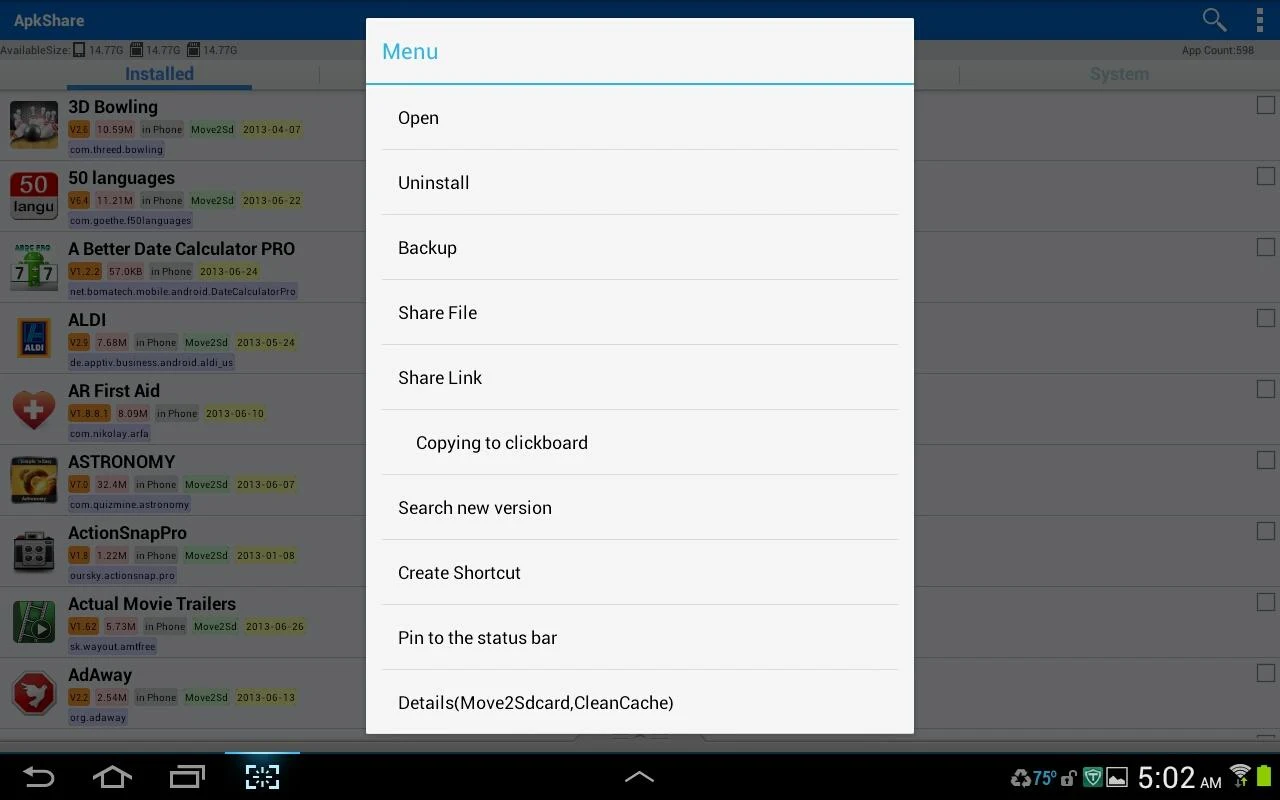
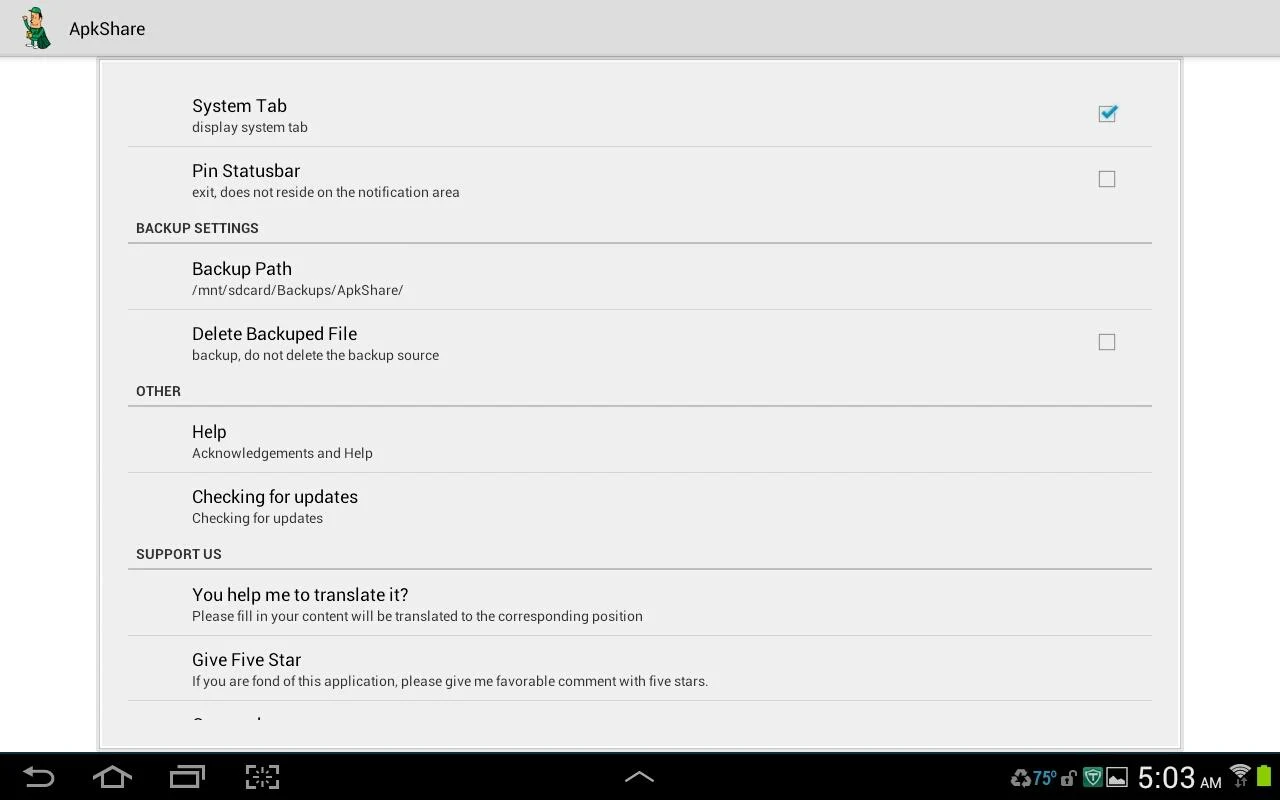
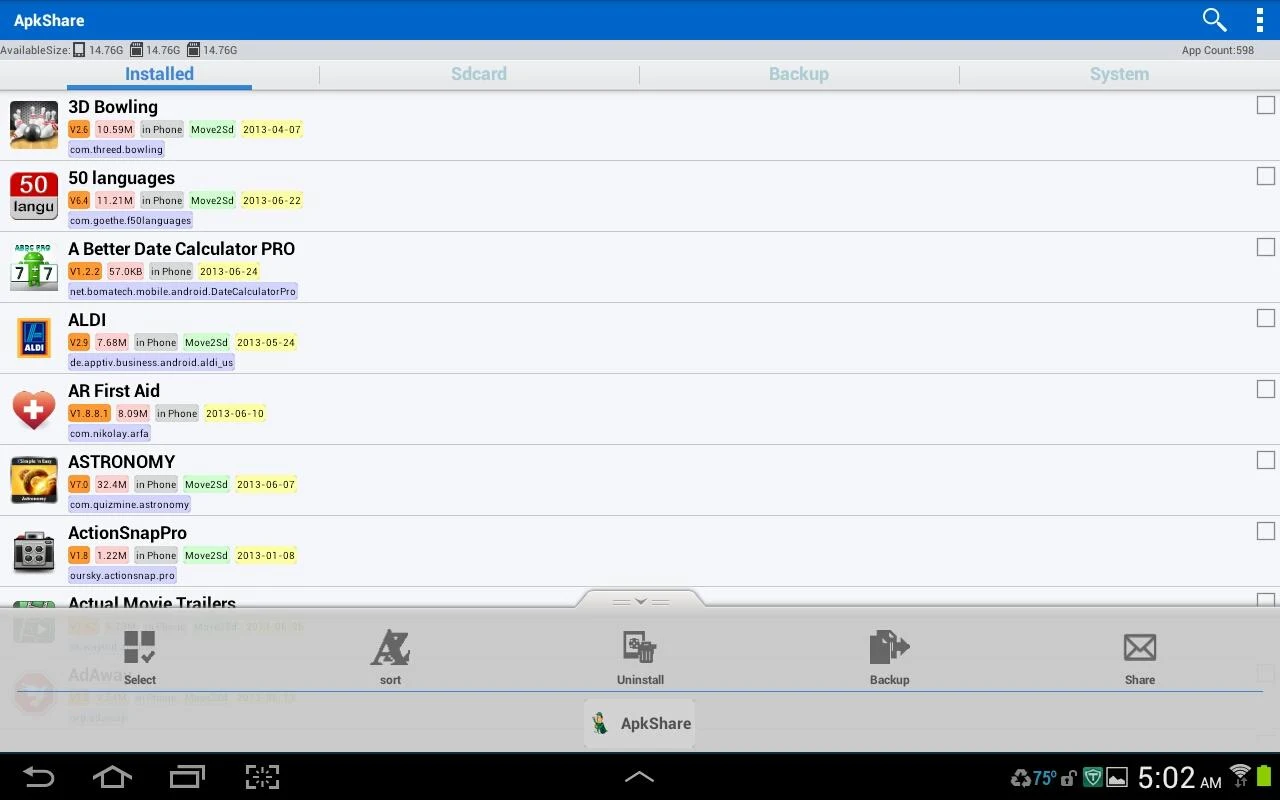
If you're diving into the world of app management on your Android device, look no further than ApkShare! This nifty application is packed with features that not only help you install and uninstall apps but also make sharing and organizing them a breeze. Let’s explore what makes ApkShare the perfect companion for all your app management needs.
With ApkShare, managing installation is as simple as clicking a button. The software automatically scans for app files on your storage card, whether you’re installing one app or a whole batch. Plus, if you're feeling particularly tech-savvy, you can enable silent installation after accessing the ROOT lab function—no hands required!
Need to declutter your phone? ApkShare lets you effortlessly find and uninstall apps with just a click. Do you want to do it all at once? You can also perform batch uninstalls! And yes, there's a silent uninstall option for those lucky enough to have rooted devices.
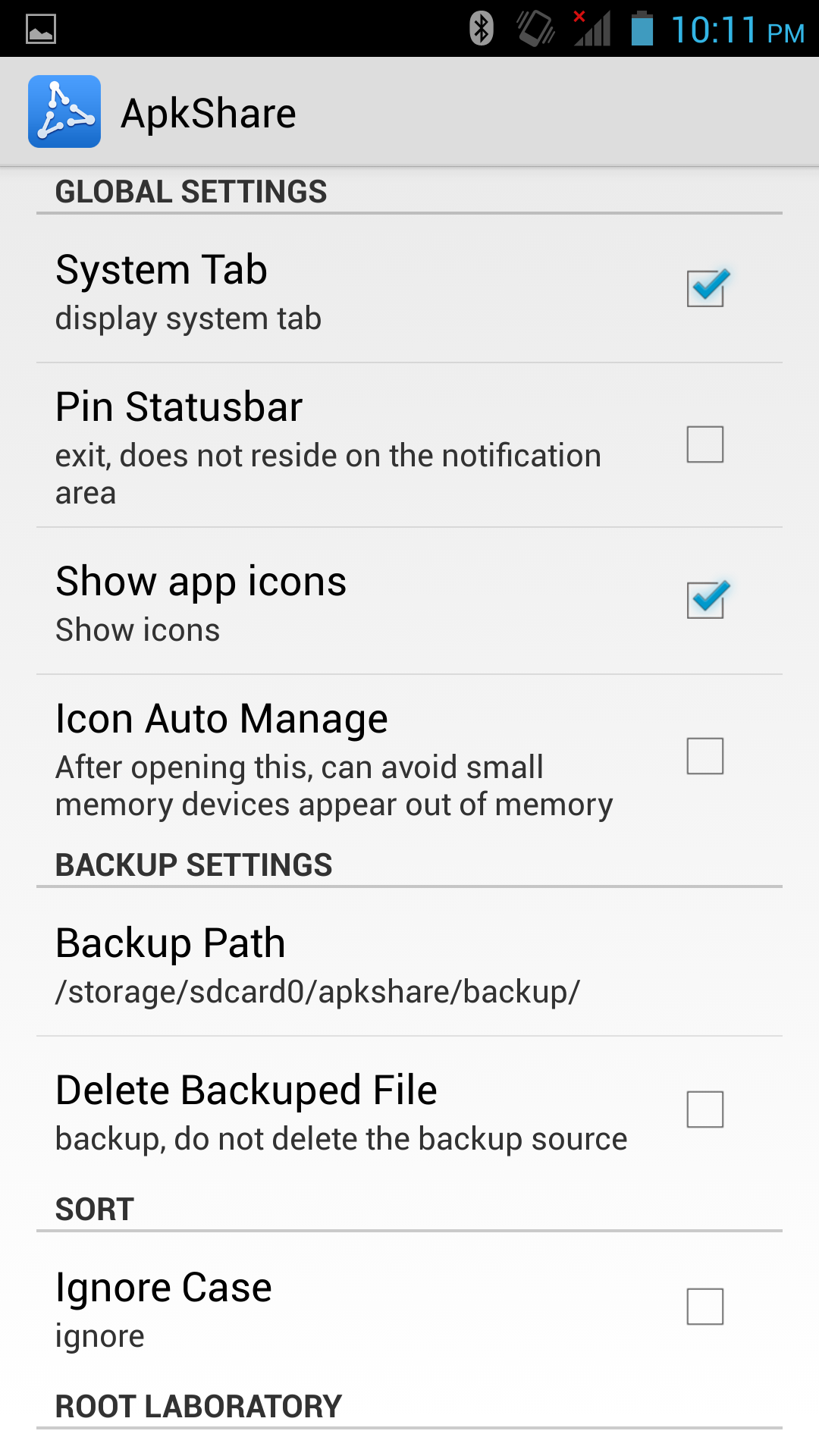
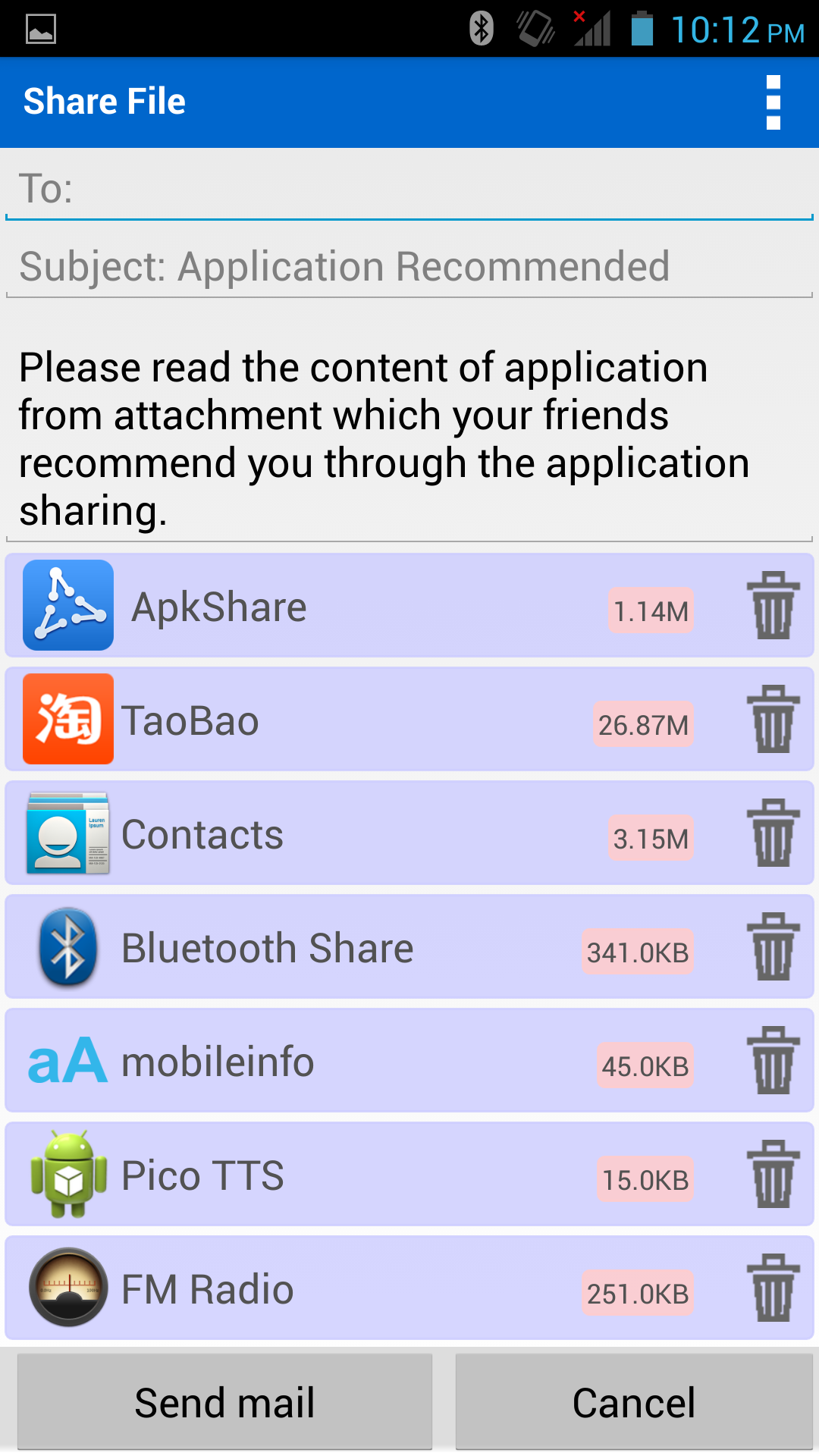
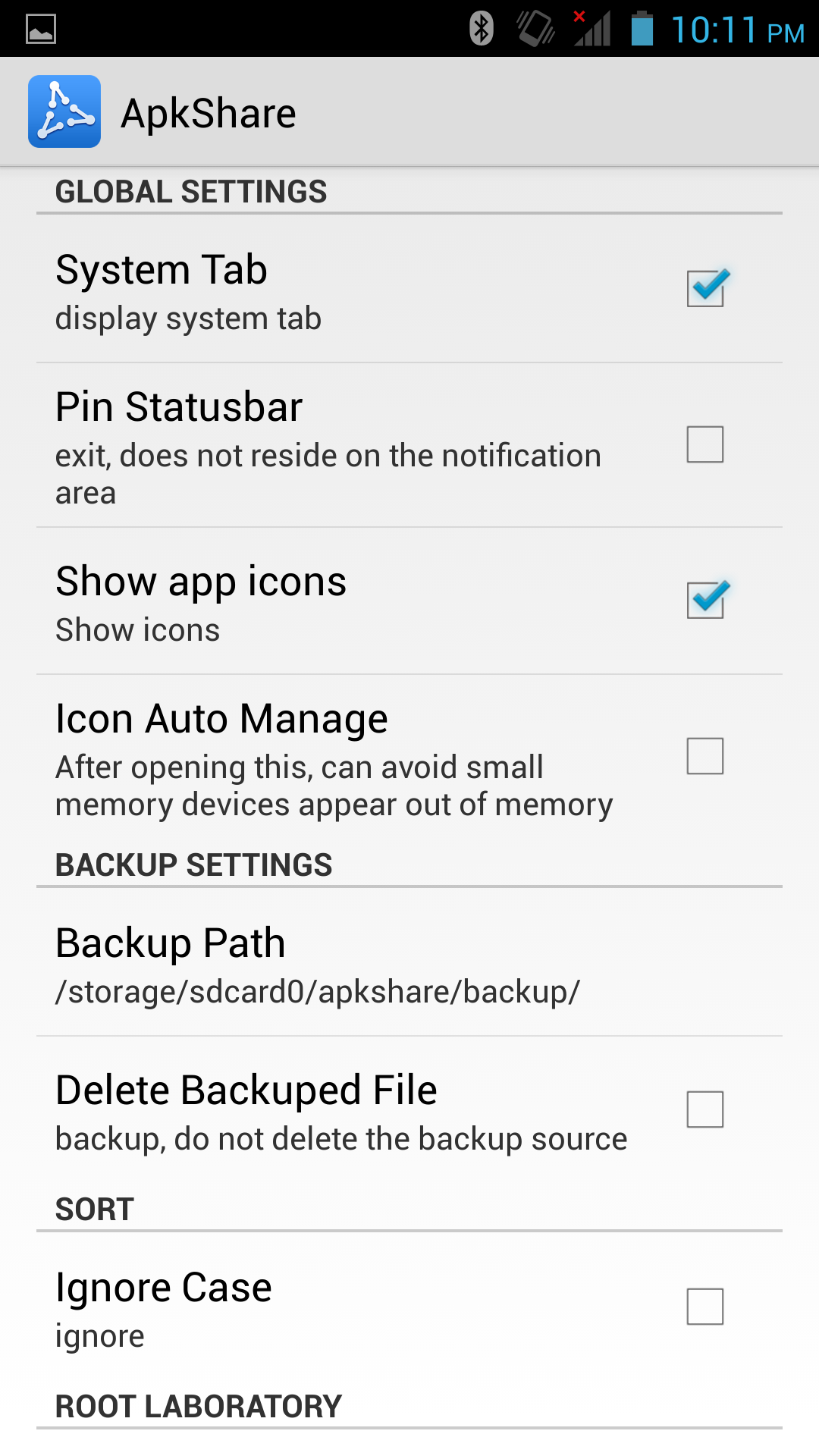
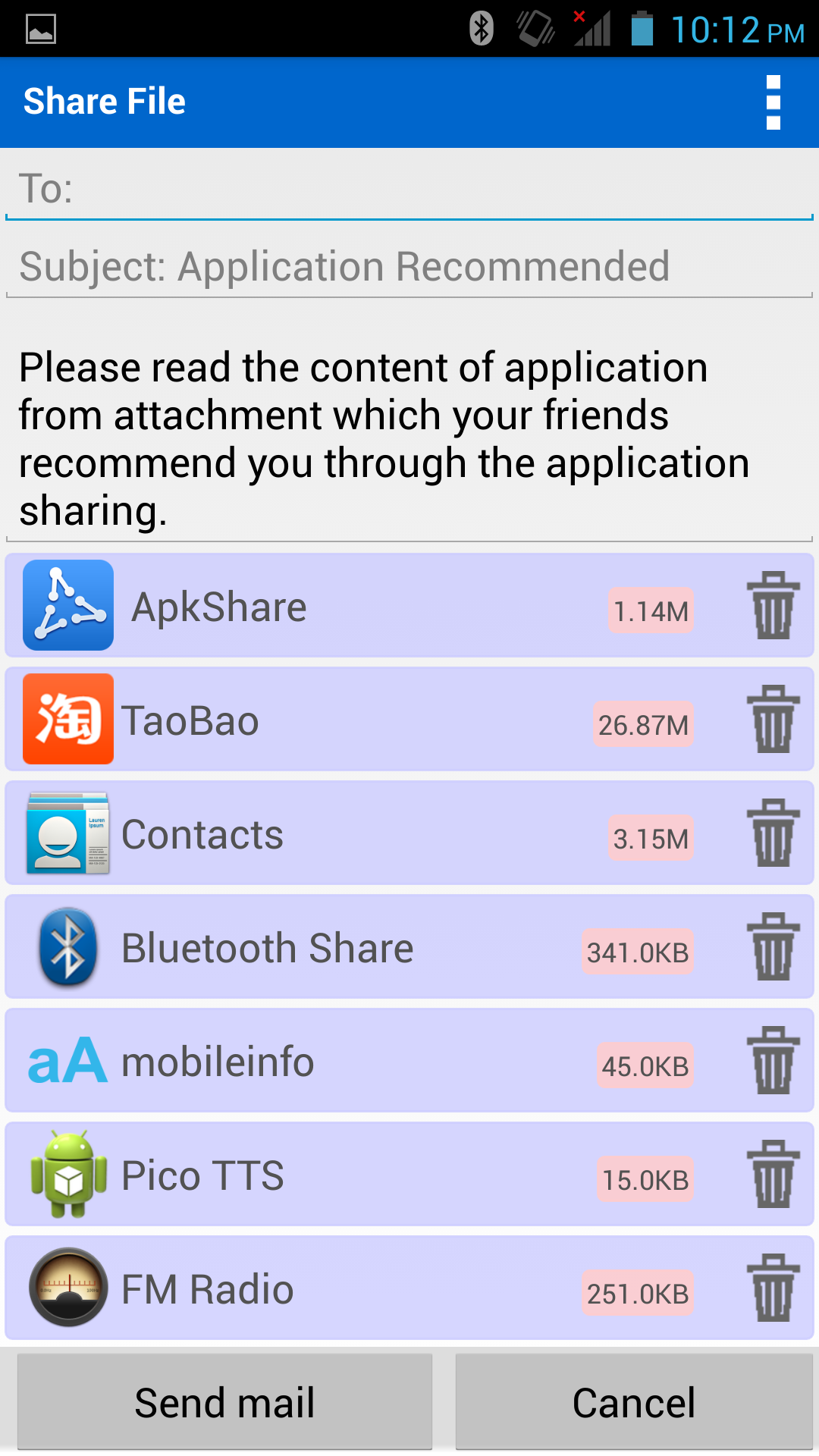
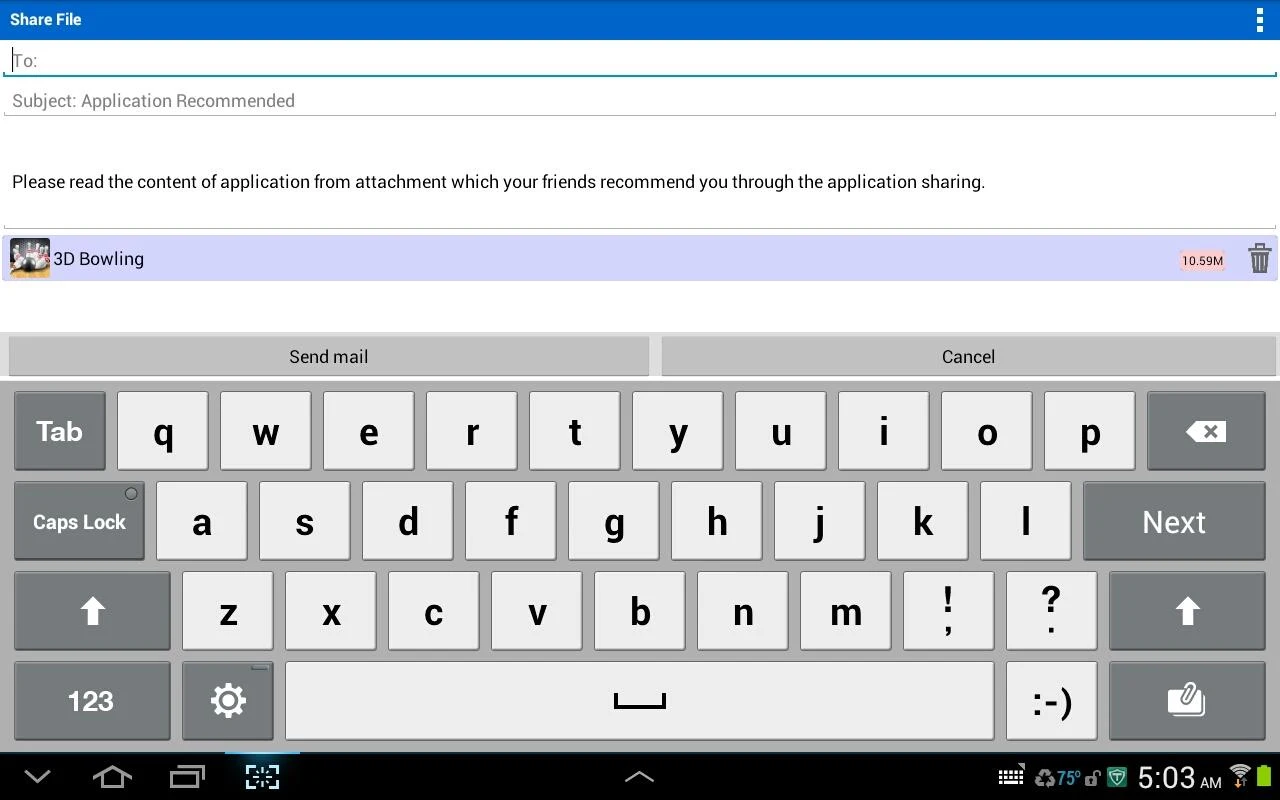
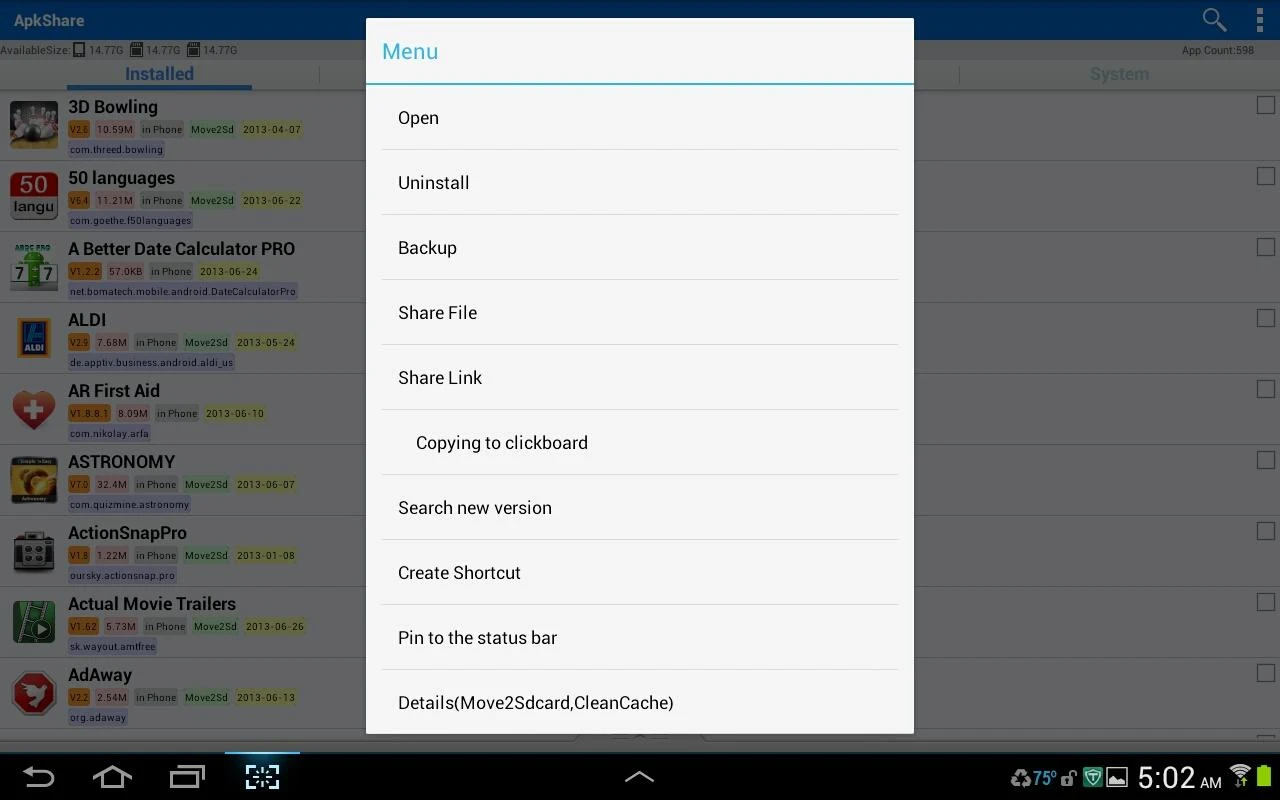
Want to keep your favorite apps safe? ApkShare supports backing up your app programs directly to your storage card, typically found in `/sdcard/apkshare/backup`. Sharing is just as easy; send apps to friends via email or Bluetooth, but remember—network strength matters. Pro-tip: Sending through Gmail works best under solid connections due to attachment size limits.
Launching your favorite apps is now just a button-press away, thanks to quick launch options. No more digging through menus! Need to access an app frequently? Create a shortcut right on your desktop for even faster access!
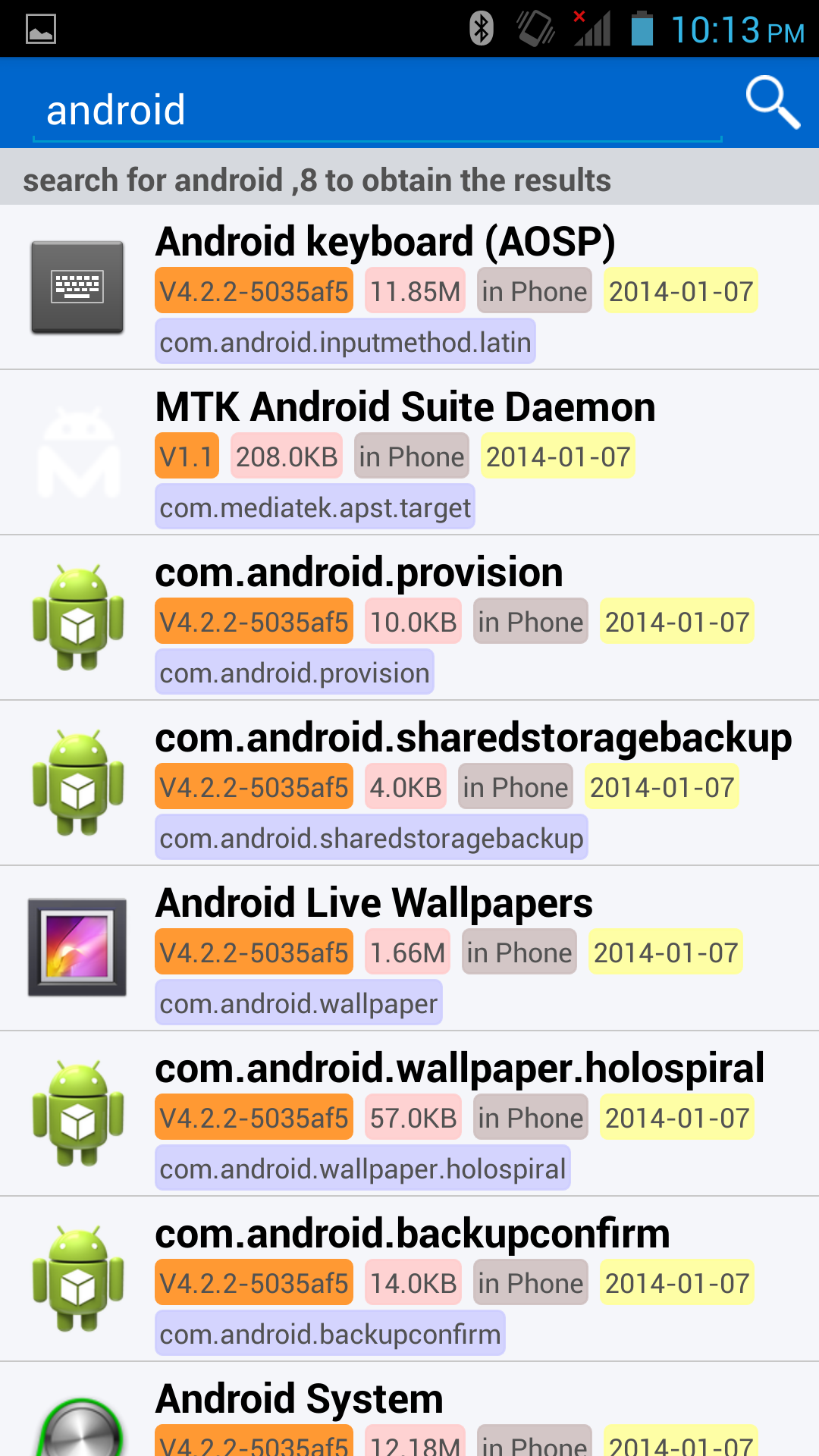
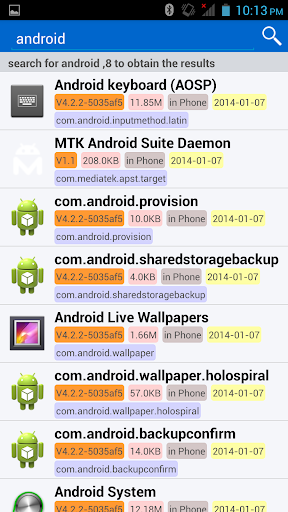
But wait, there’s more! ApkShare allows you to sort your apps by various criteria like package name, size, and location. Searching for that elusive app just got so much easier.
For face-to-face sharing, ApkShare can leverage WiFi hotspots to transmit apps directly between devices. Sharing your favorite game or productivity tool has never been so seamless!
What sets ApkShare apart from other app managers? For starters, it supports a plethora of operations including installation, uninstallation, and backing up—just think of it as your mobile app concierge! Not to mention, it's designed to give you control over everything on your device.
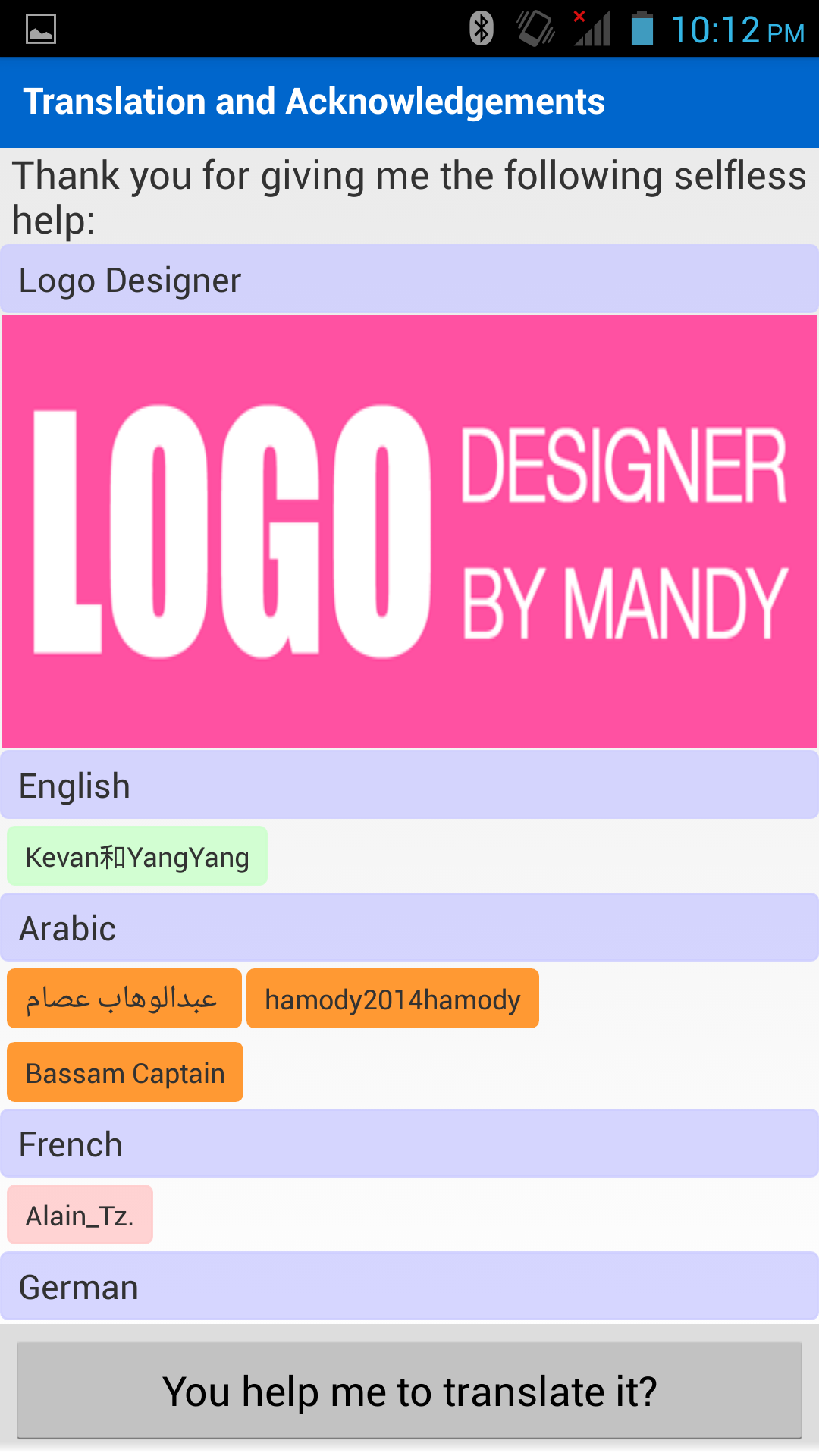
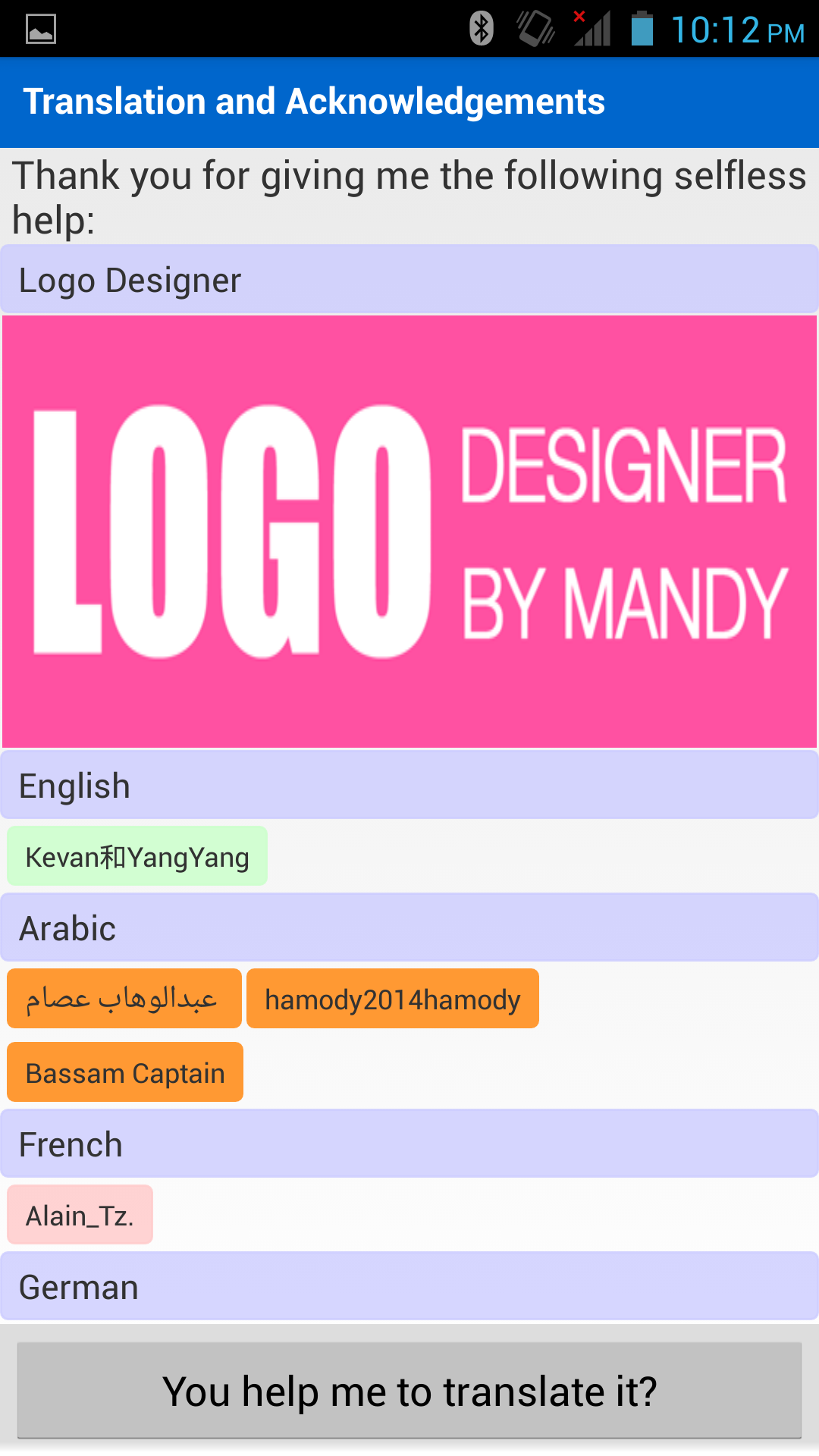
Forget about struggling with language barriers; ApkShare comes with multiple language support to simplify navigation. Plus, it collaborates well with various Android systems and supports dual-SD card models, making it ultra flexible.
When using ApkShare, notice how easily you can share apps with friends. Just tap and go! And last but certainly not least, the additional functionalities ensure a smooth user experience—taking feedback into serious consideration for continuous improvement.
A little heads up if you're operating on Android 6.0 or above: Make sure to set trust permissions for ApkShare by going through Settings > Apps > ApkShare > Permissions. Trust me; this minor step avoids headaches later!
ApkShare isn’t just about basic management; it’s a fully-featured powerhouse:
Silent installation and uninstallation post-root.
Compatibility ranging from Android 1.5 to 6.0.
Support for various screen resolutions.
Reassuring multilingual assistance—English, Chinese, Arabic, and more.
Handy options for RTL layout and the Arabic region.
If you cherish an organized and efficient app management experience, ApkShare is where it’s at. From installing to backing up, sharing to sorting—it’s got all your bases covered. Just remember to keep your Android device updated, and if you're looking to unlock full potential, consider rooting for that extra oomph. Don’t settle for less; let ApkShare be your trusty sidekick in the vast world of Android applications!
| App Name | ApkShare |
|---|---|
| Version | v20230128 |
| Size | 3.91 MB |
| Update | Jun 13, 2025 |
| Developer | NewPower Studios |
| Category | Tools |
| Google Play ID | com.newpower.apkmanager |