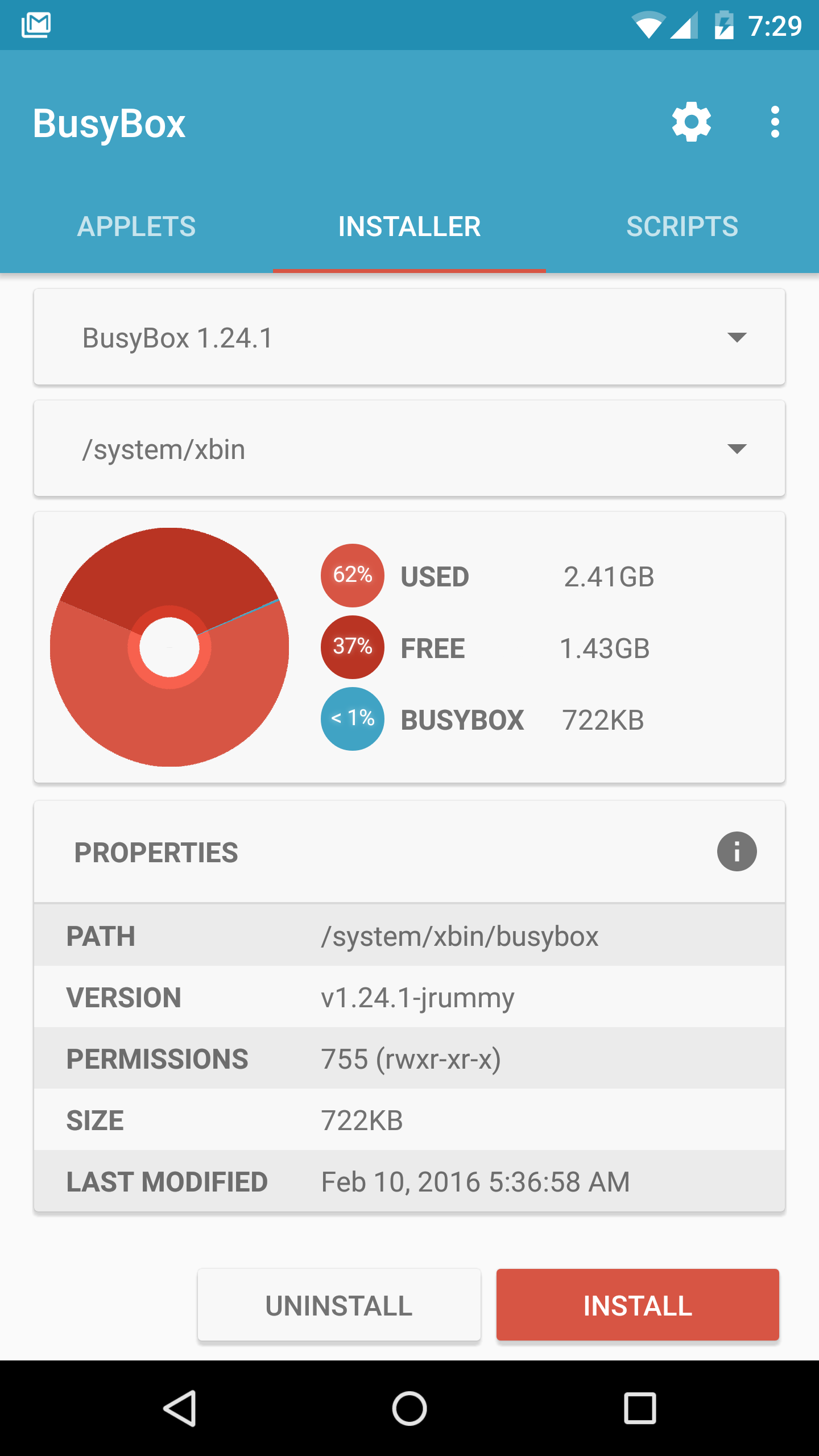
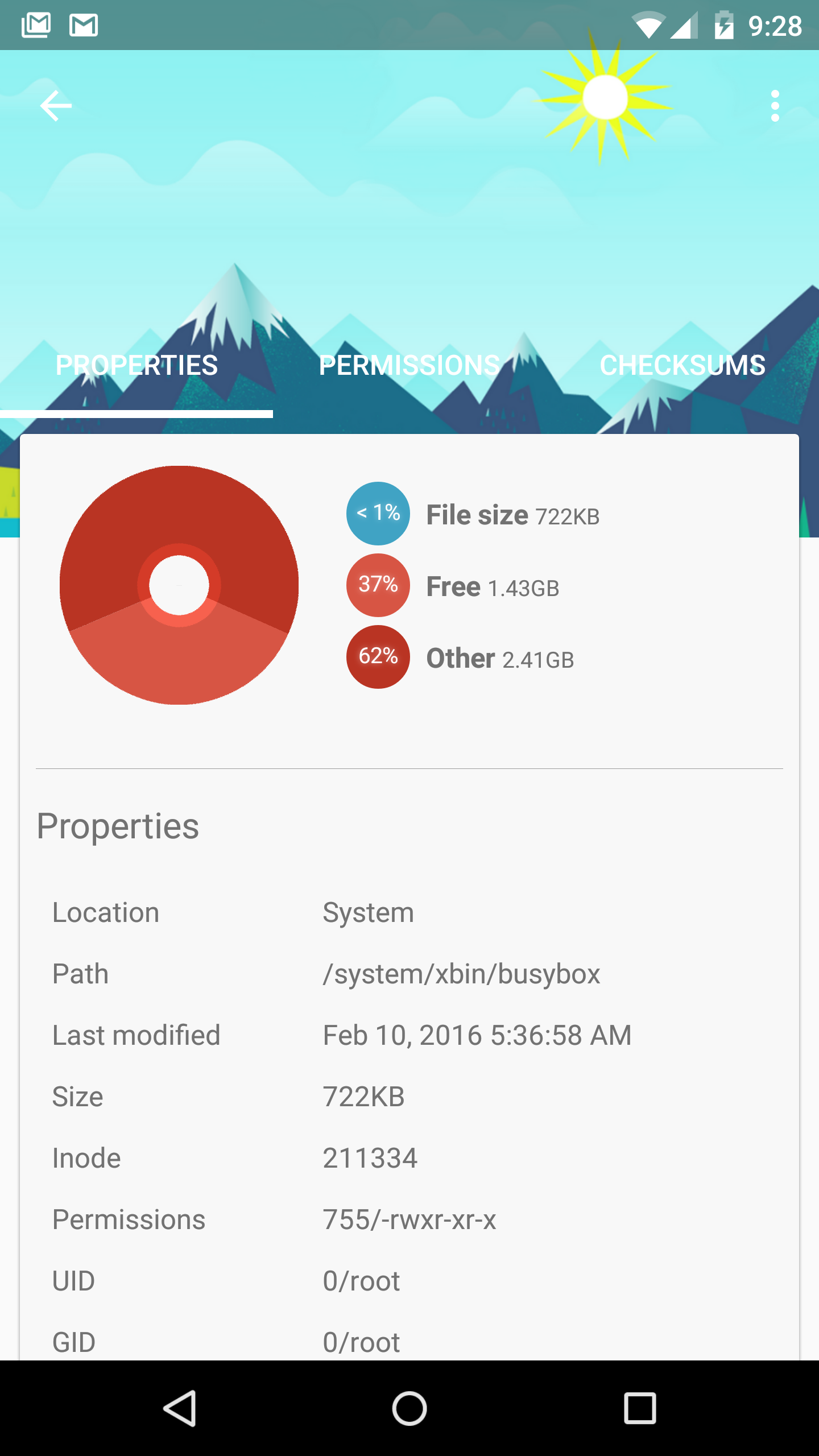
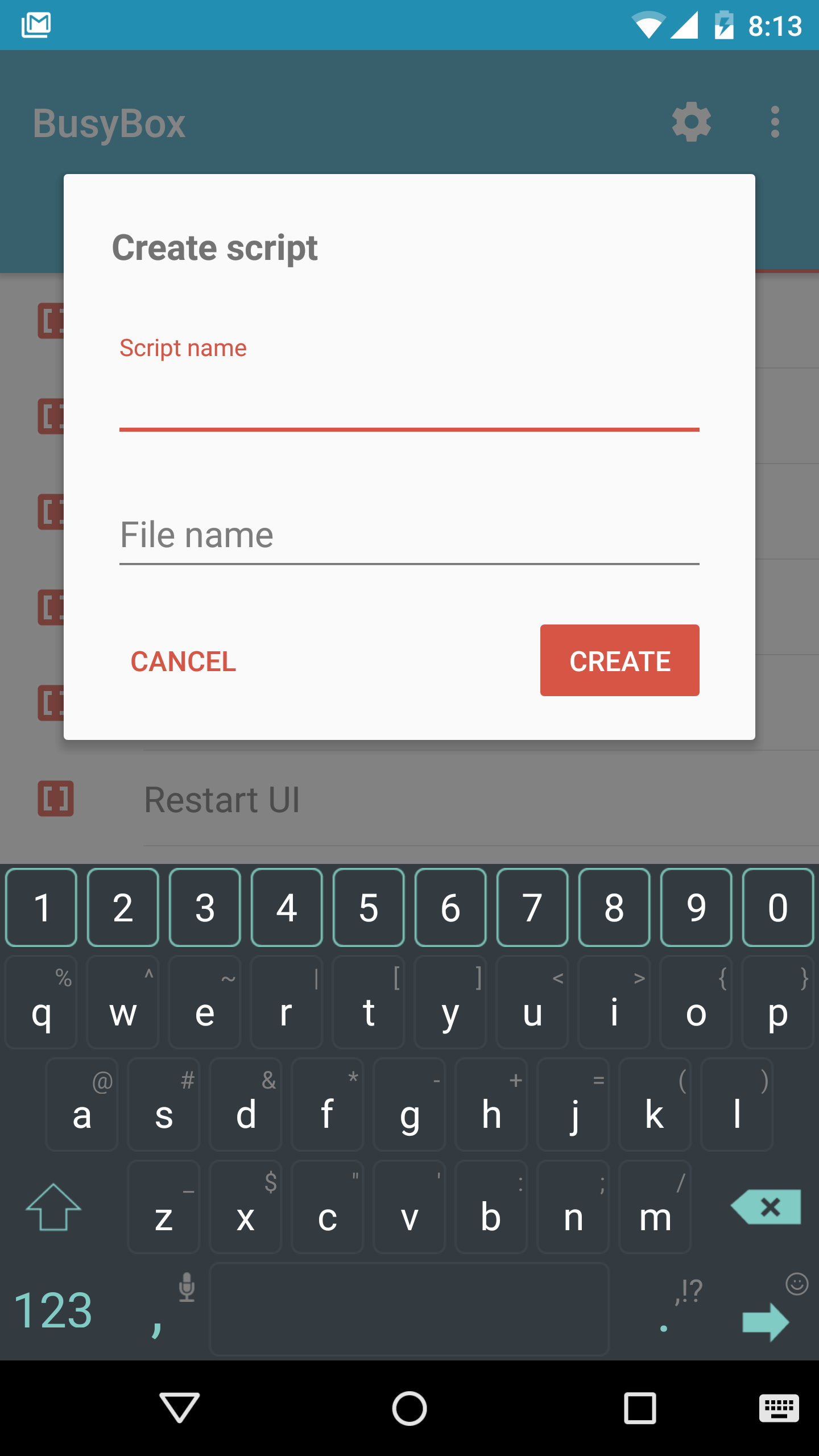
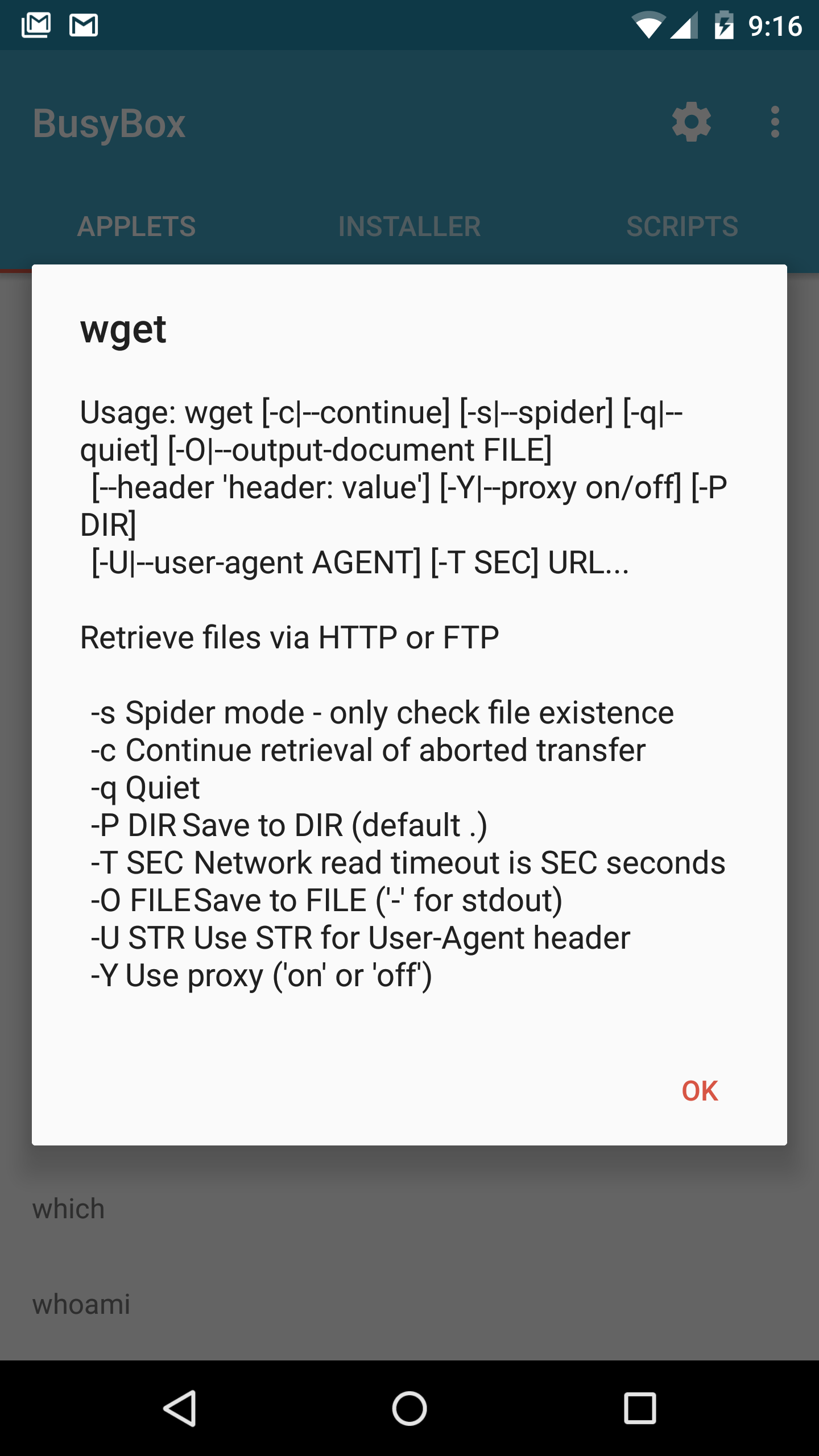
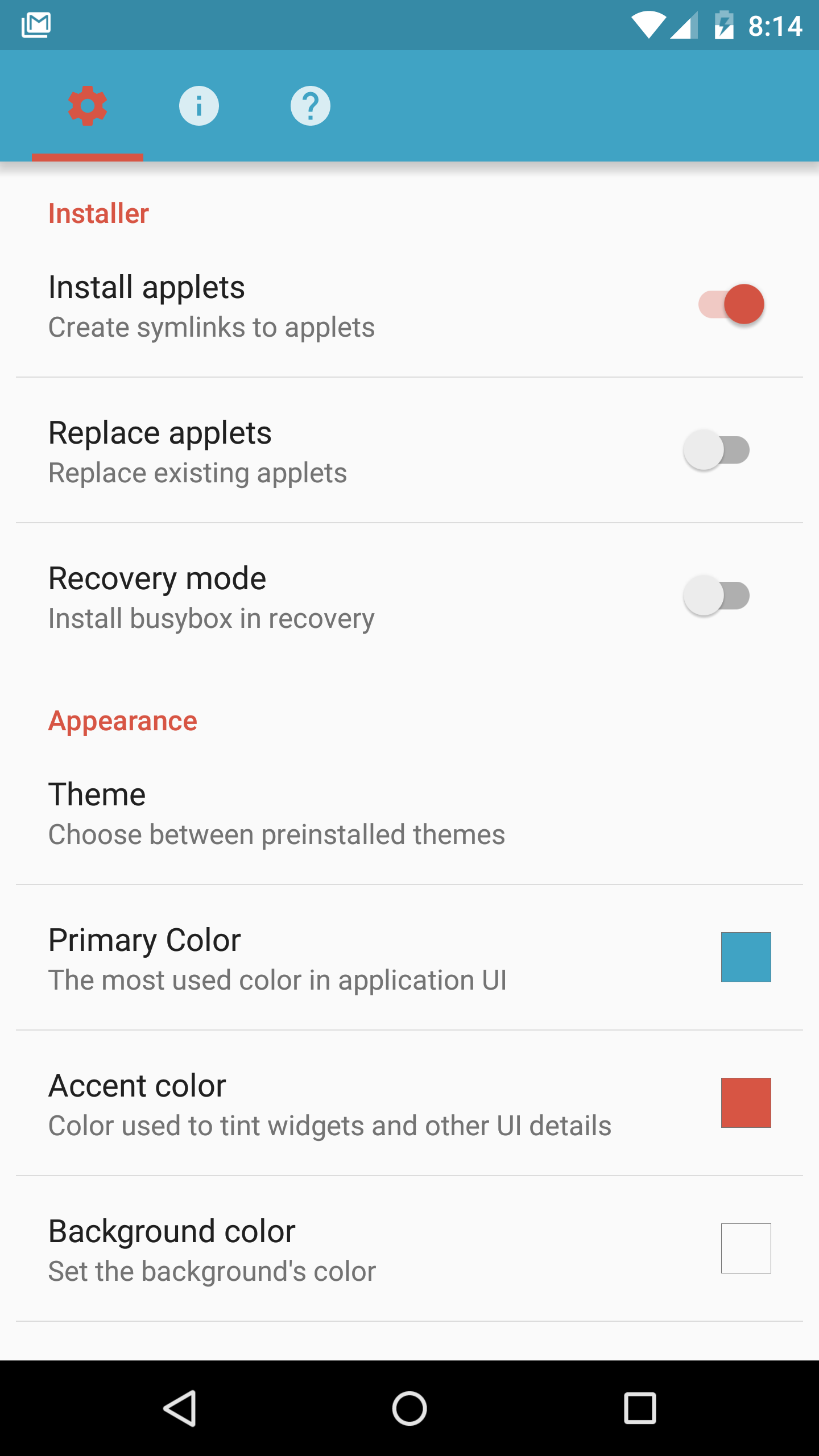
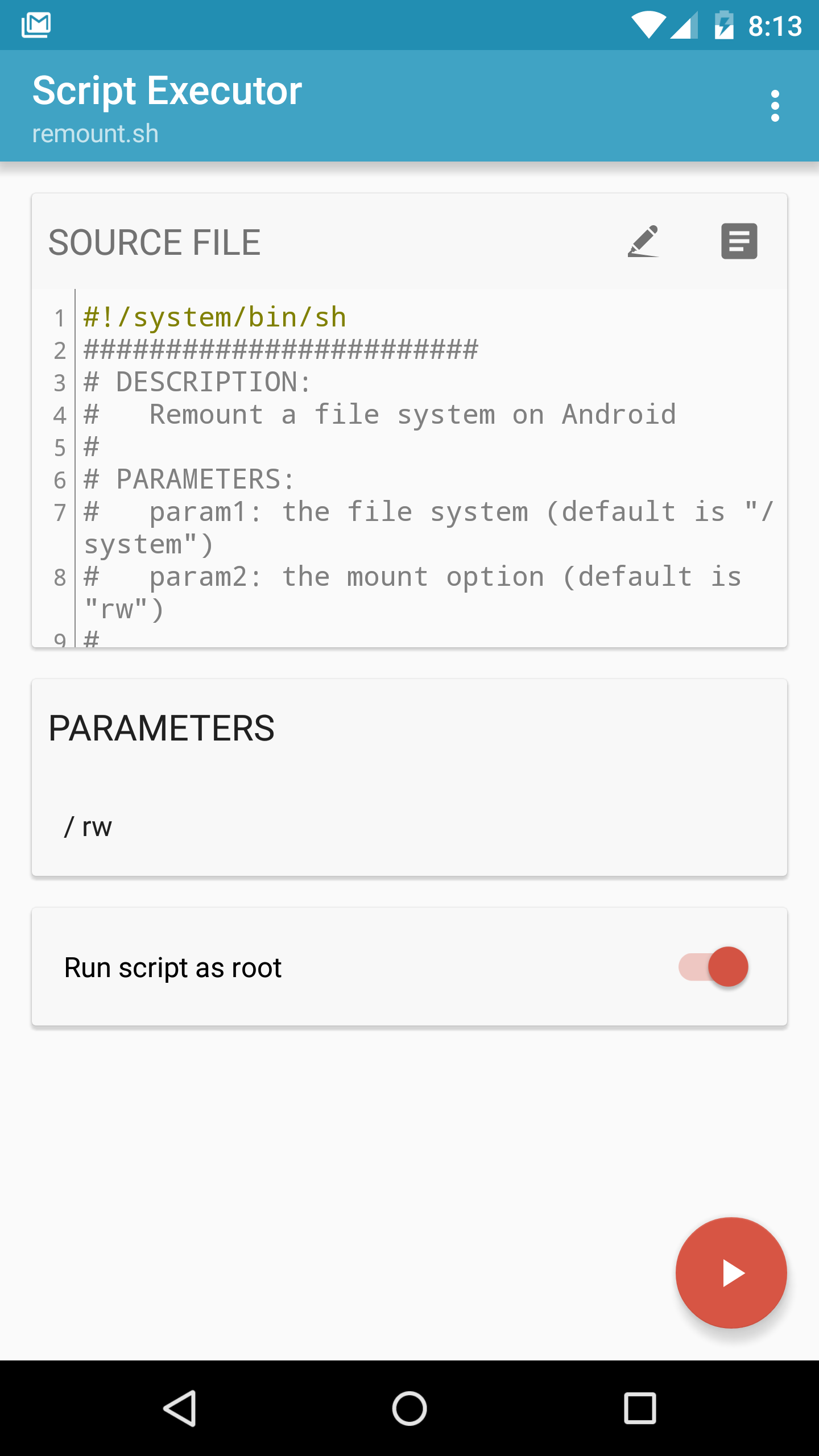
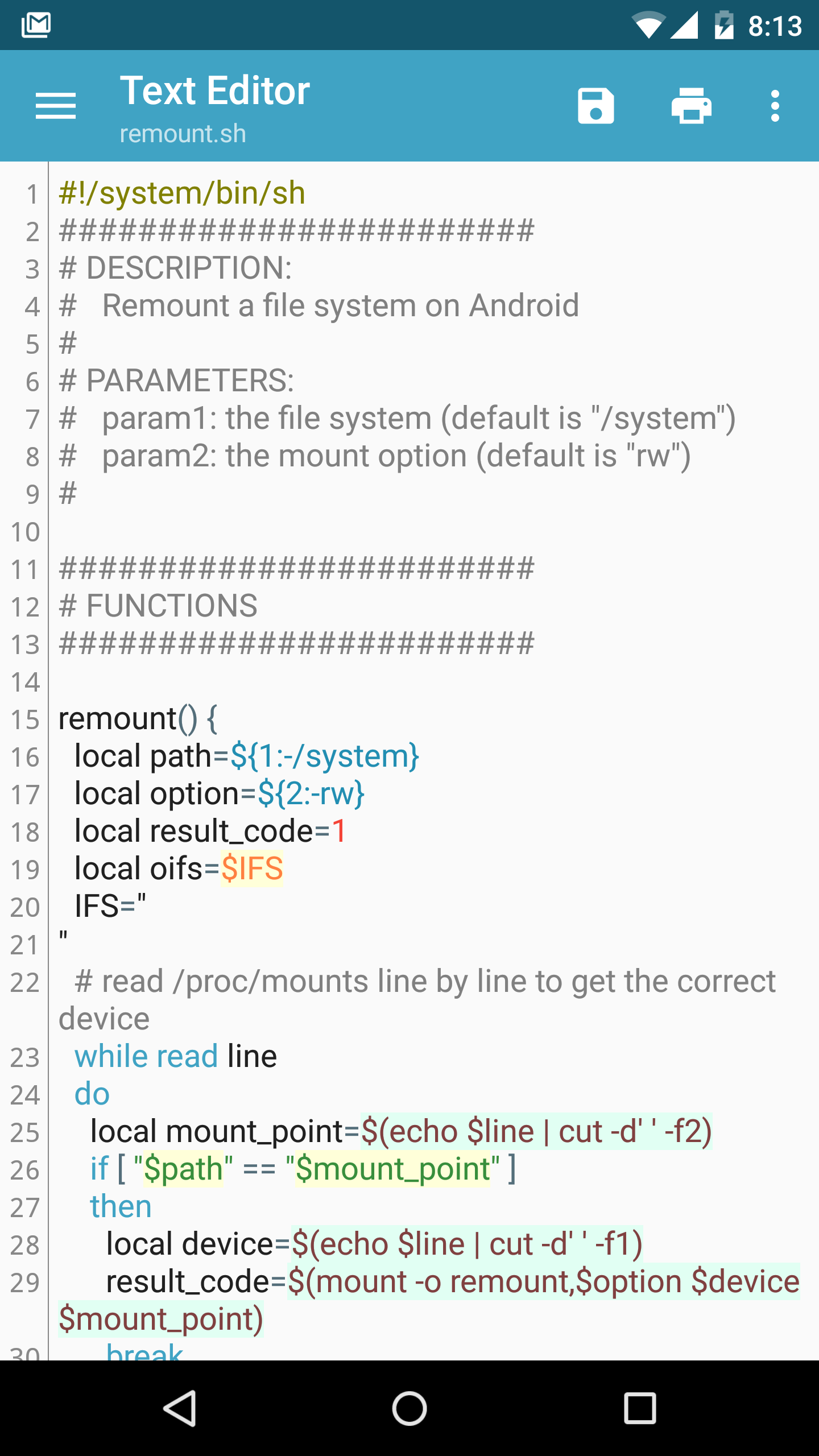
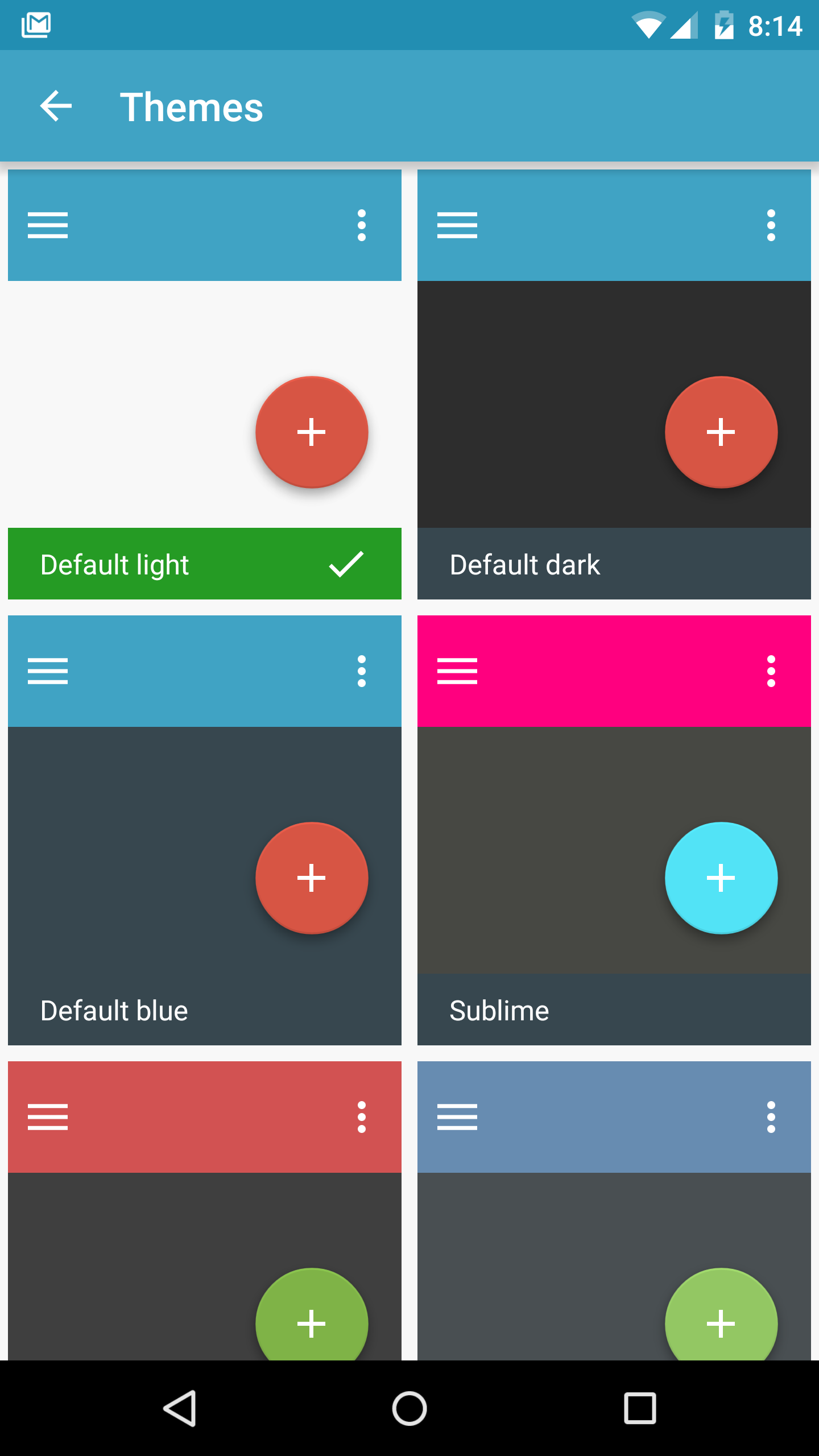
If you're looking to elevate your Android experience, *BusyBox for Android* is not just another app on the block; it's your all-access pass to a realm brimming with customization and enhanced functionality! Let’s dive into why this little gem stands out:
Imagine having a treasure chest filled with Unix utilities right at your fingertips. That’s what BusyBox offers—an extensive toolkit for managing files, running scripts, and tackling countless other tasks, ensuring everything is smooth sailing from your Android device.
Worried that accessing all those powerful features might slow your device down? Fear not! BusyBox is designed to be resource-friendly, seamlessly handling complex tasks without bogging you down in the process.
You’re the captain here! BusyBox empowers you to choose which utilities you want to install, allowing for fine-tuning to your unique needs.
With its snazzy Material Design, navigating BusyBox is as easy as pie—even if you’re new to the tech game!
Say goodbye to annoying ads! BusyBox presents users with an authentic, ad-free experience. You'll find comprehensive instructions handy, making it a breeze to get acquainted with new features. Plus, whether you're online or offline, the app is ready to help you navigate through all its functionalities, including small versions of popular UNIX utilities for simpler control file creation.
BusyBox doesn't stop at just offering utilities; it lets your creativity run wild! Craft new ZIP files and materials tailored to your preferences. Want to spruce up your scripts? Go ahead! This app provides a playground for personalization, letting you edit shell commands or pick and choose your favorite applets. Share your nifty creations with pals while expanding your tech prowess.
Our smart devices are indispensable, but let’s face it, they can sometimes become sluggish. Enter BusyBox, your trusty sidekick ready to rescue you from frustrating glitches. Its main mission? To provide tools that help you organize and manage your phone with finesse, so you can wave goodbye to lag and welcome a smoother operation.
Material Design
Navigate effortlessly with a clean and modern interface.
Latest BusyBox Version
Always stay tuned with the most recent updates.
Create Flashable ZIPs
Customize and share your own designs.
One-Click Install or Recovery Install
Convenience at your fingertips!
Run, Create, and Edit Shell Scripts
Automate all those mundane tasks with ease.
Feel like a tech wizard! BusyBox takes things up a notch by enabling you to run, create, and edit shell scripts. Picture automating tedious routines or whipping up unique Android utilities to suit your specific needs—it's practically limitless!
After spending time with your trusty gadget, everyone faces occasional hiccups that can hinder performance. Luckily, BusyBox steps in as the superhero of organization, helping implement new features swiftly while acting as one of the fastest uninstallers around. It supports multiple software options, ensuring you won’t skip a beat while activating fresh functionalities.
BusyBox creates a robust environment loaded with optimizations and unique features, ensuring you have assistance whenever issues arise. Beyond troubleshooting, delve into rooting, ROM management, and theming to significantly expand your usable space. Don’t hold back—let your imagination flow as you design custom ZIP files and objects, empowering you to tailor your Android experience perfectly.
BusyBox for Android isn't just useful—it's a revelation! With its sleek design, potent features, and overload of customization possibilities, it redefines how we interact with our devices. Get started today and revel in the endless opportunities that await you with BusyBox! Your Android journey has never been more exciting!
| App Name | BusyBox |
|---|---|
| Version | 7.0.0 |
| Size | 30.69 MB |
| Update | Jun 09, 2025 |
| Developer | Jrummy Apps |
| Category | Tools |
| Google Play ID | com.jrummy.busybox.installer |