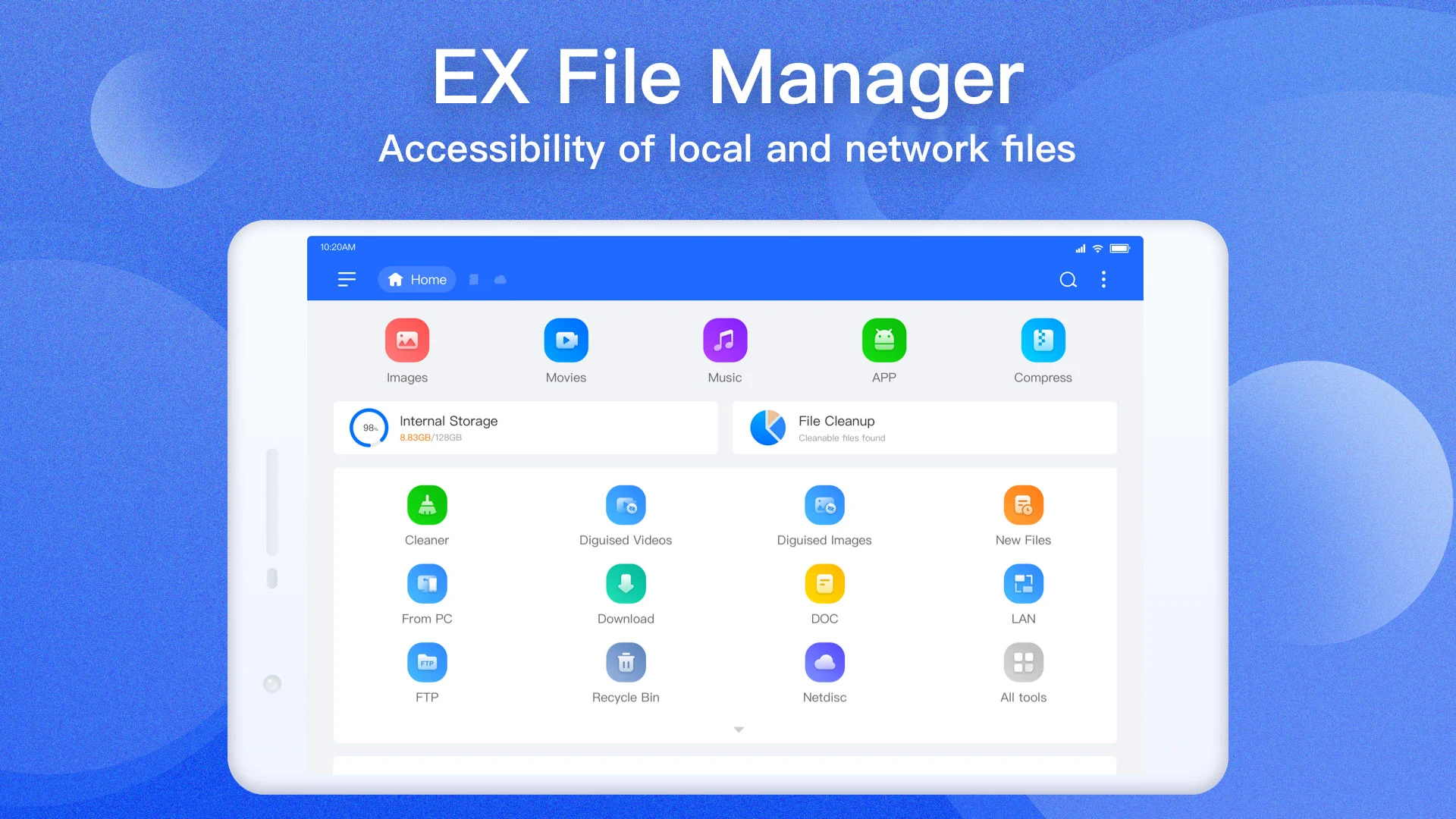
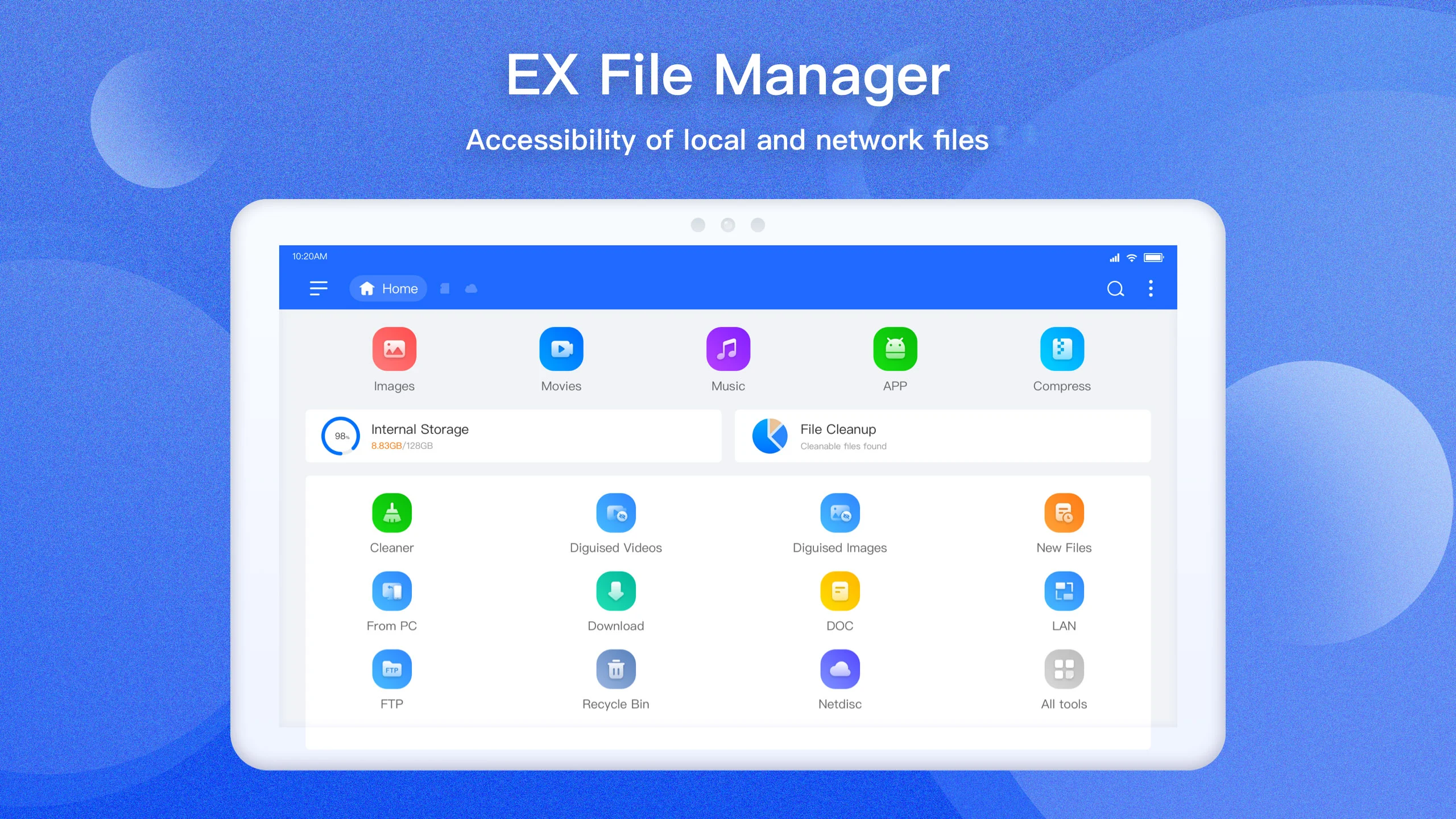
Are you tired of rummaging through a jungle of folders on your smartphone, desperately trying to locate important files? Look no further—EX File Manager is here to rescue you! This handy app not only organizes your digital chaos but also performs some pretty impressive feats. Let’s dive into its wonderful features and how it can change your file management game.
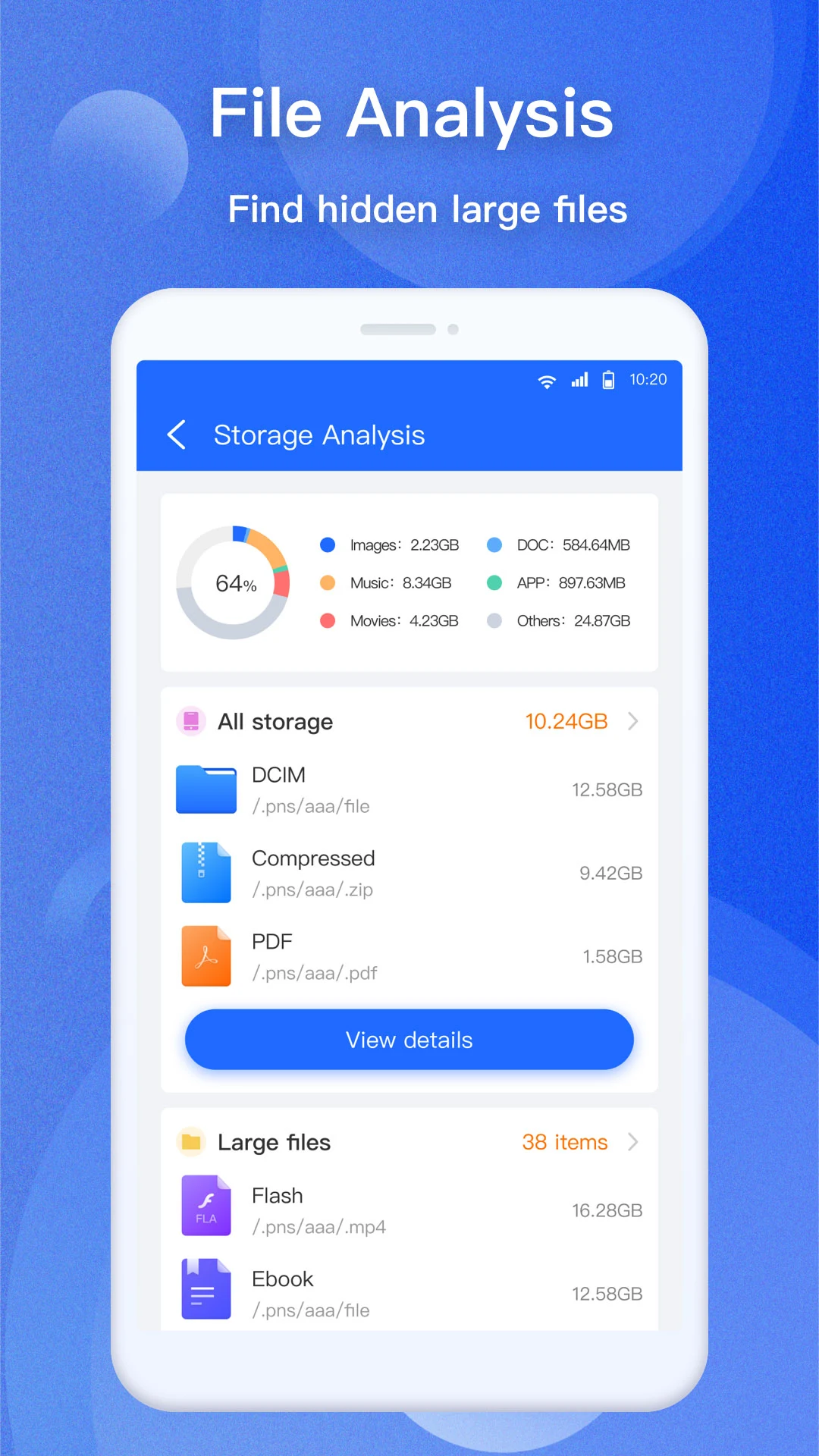
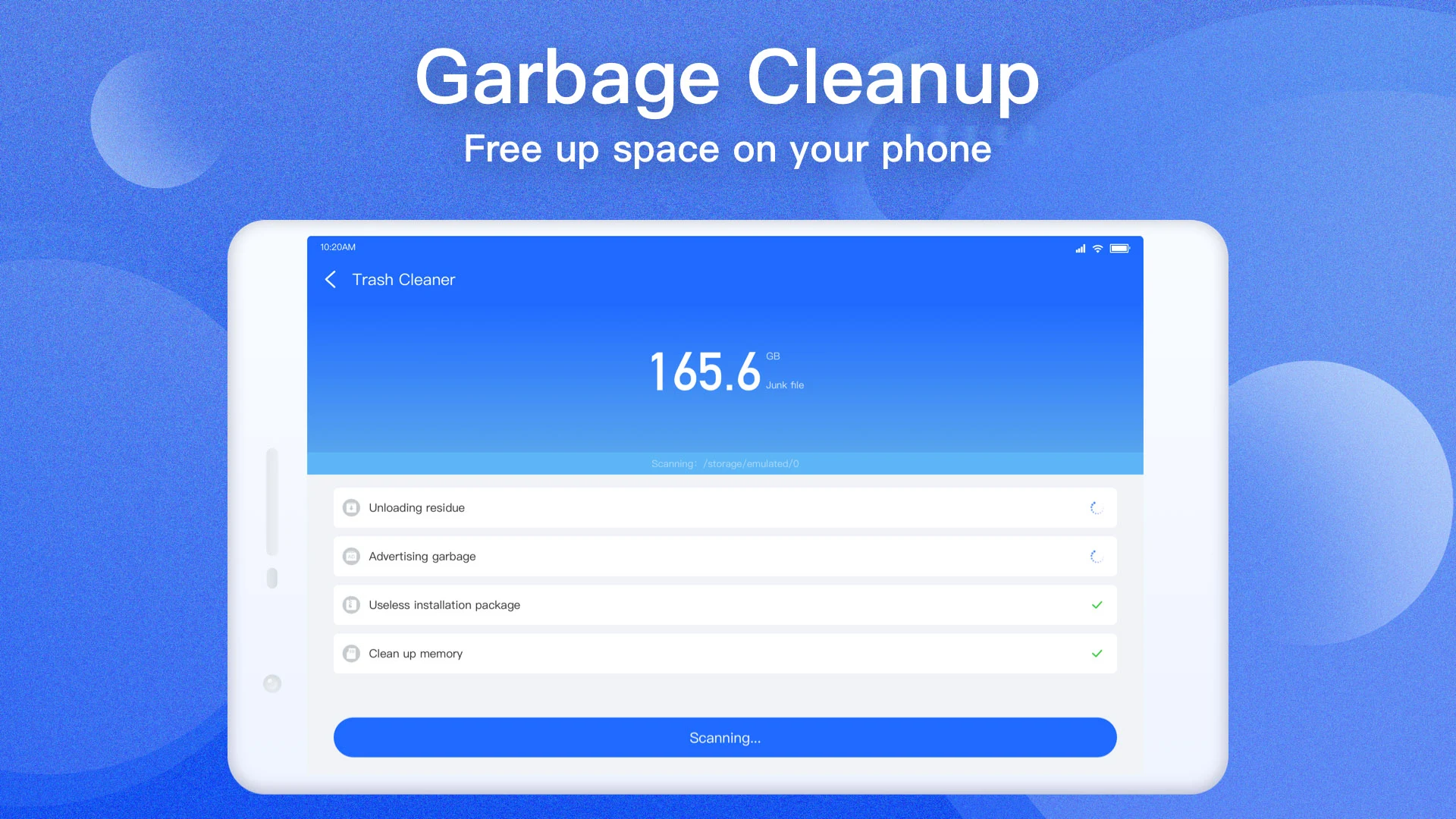
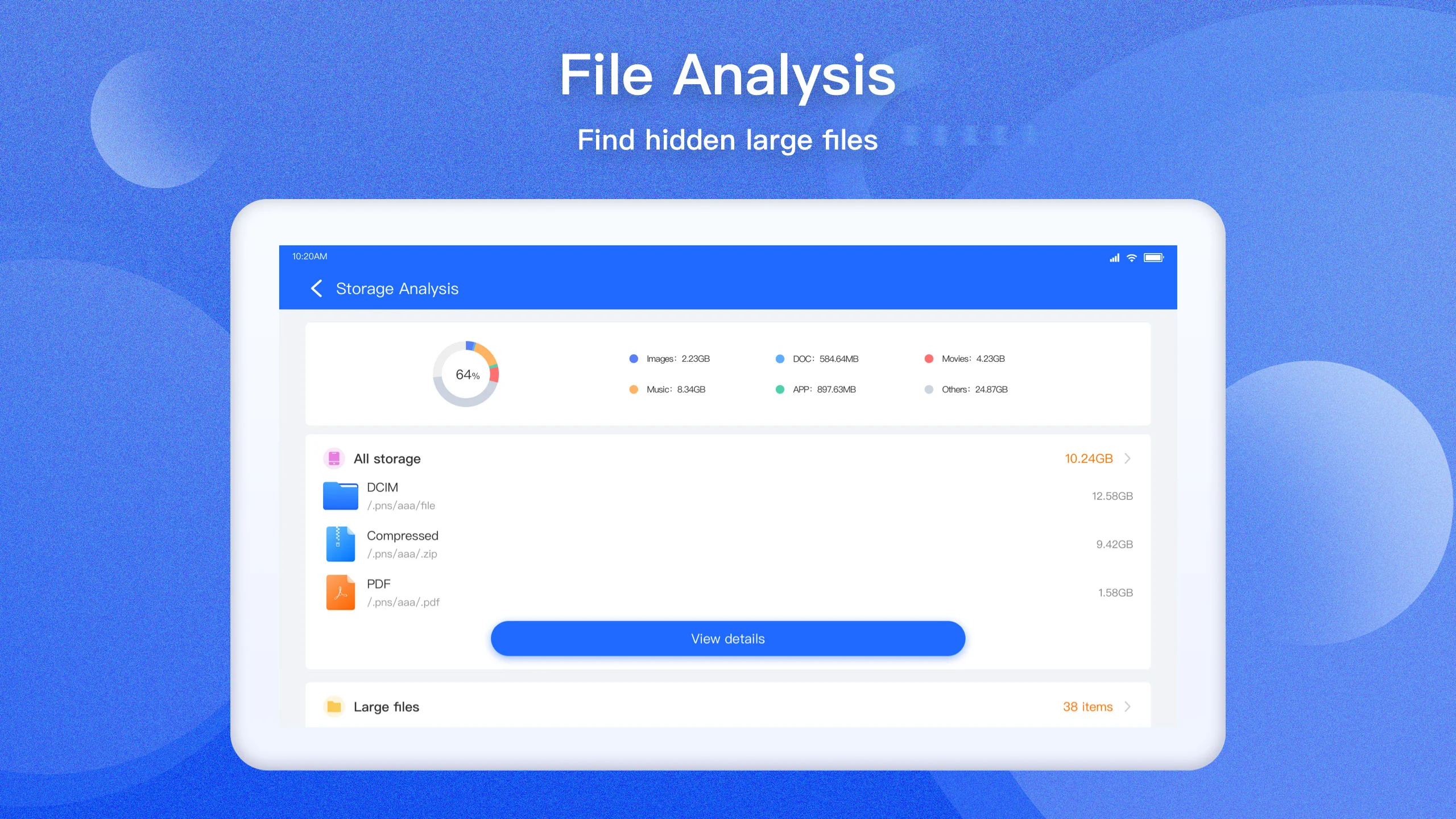
Upon installing EX File Manager, you'll be greeted with an automatic scan that analyzes each of your files in detail. Imagine having all your files at your fingertips, categorized by name, type, and even space usage! It goes a step further by highlighting any potential issues like corrupted or virus-infected files, helping you maintain a secure device. With this level of insight, keeping your files organized and knowing what’s taking up space becomes as easy as pie!
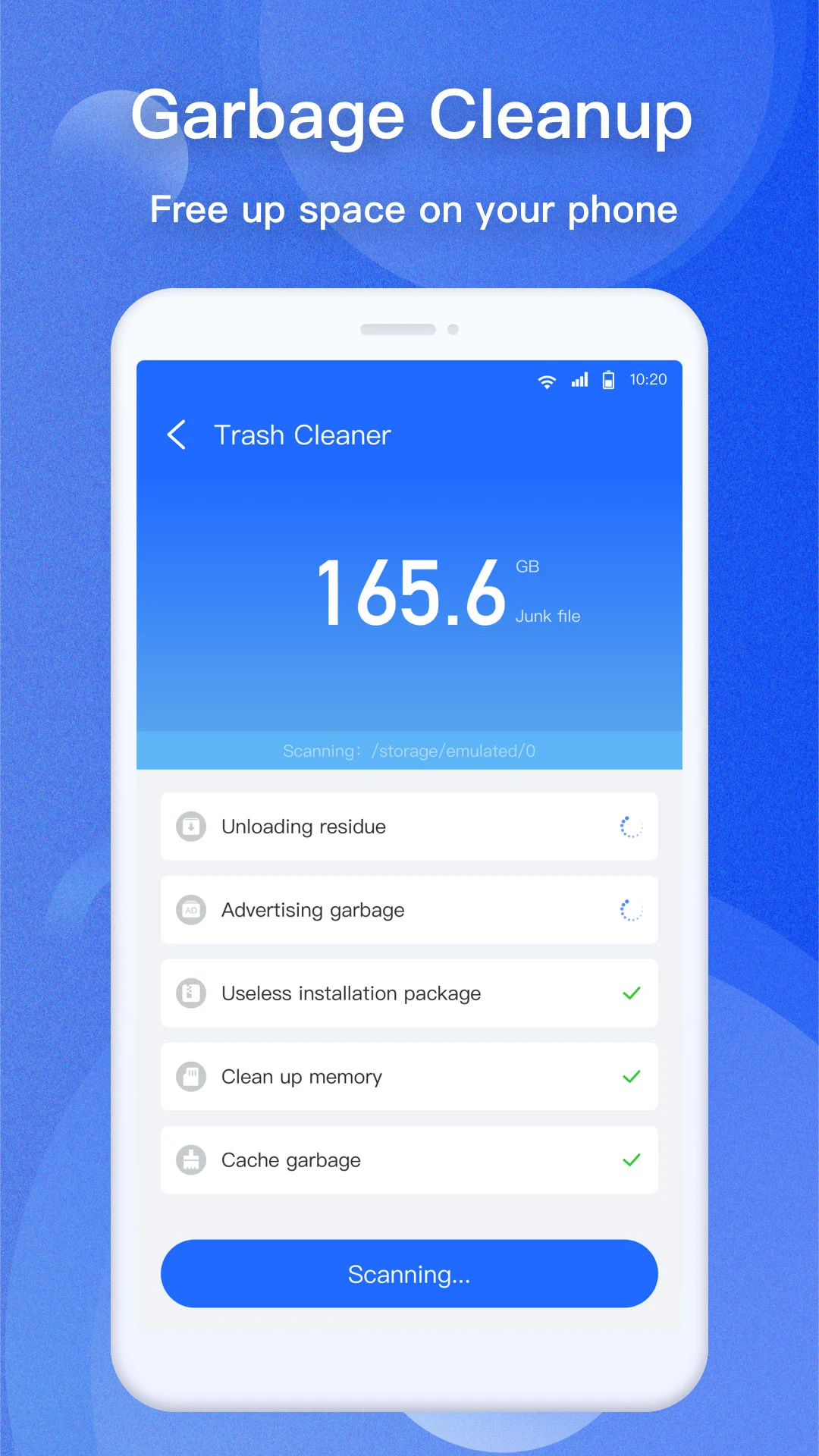
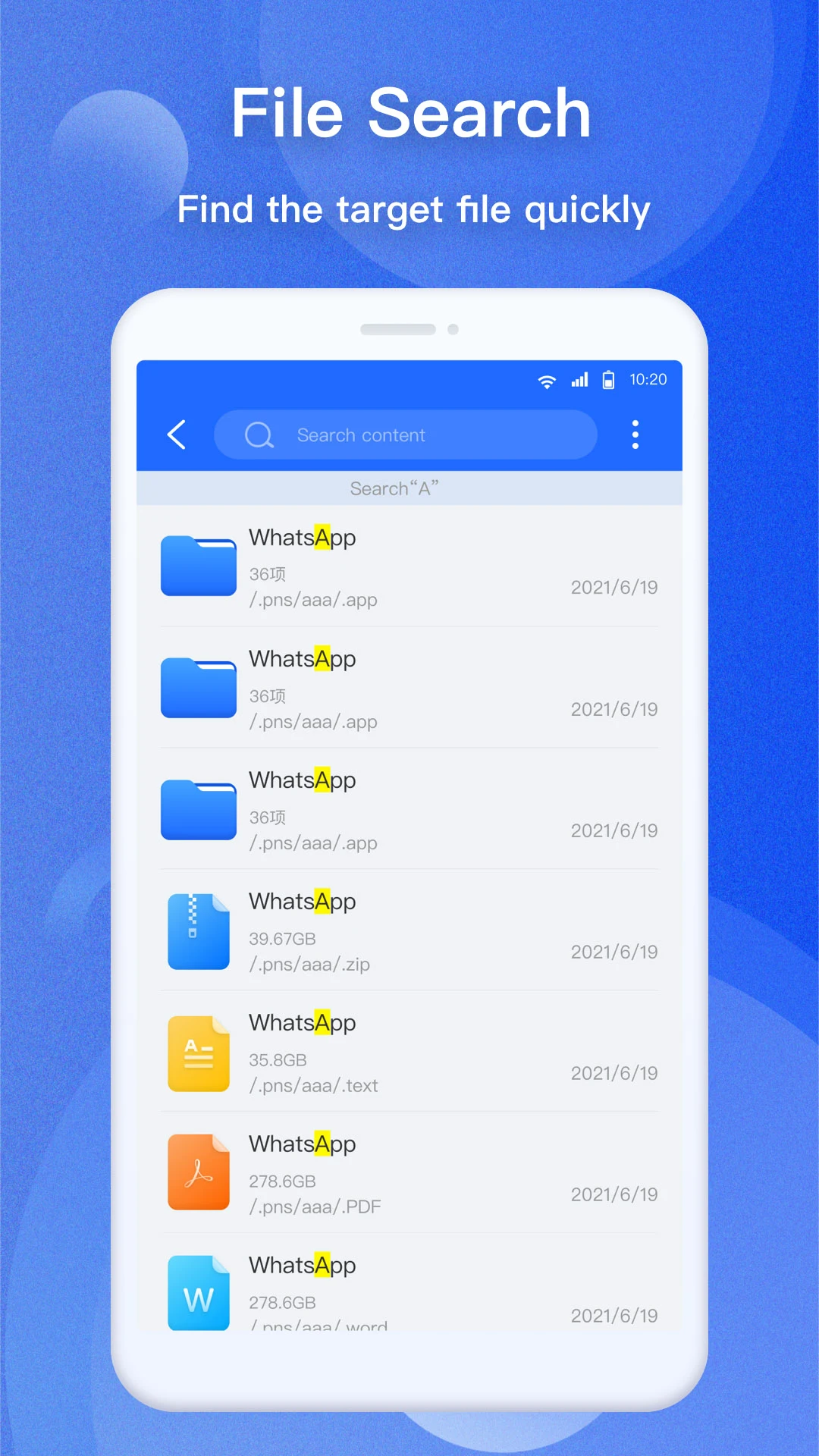
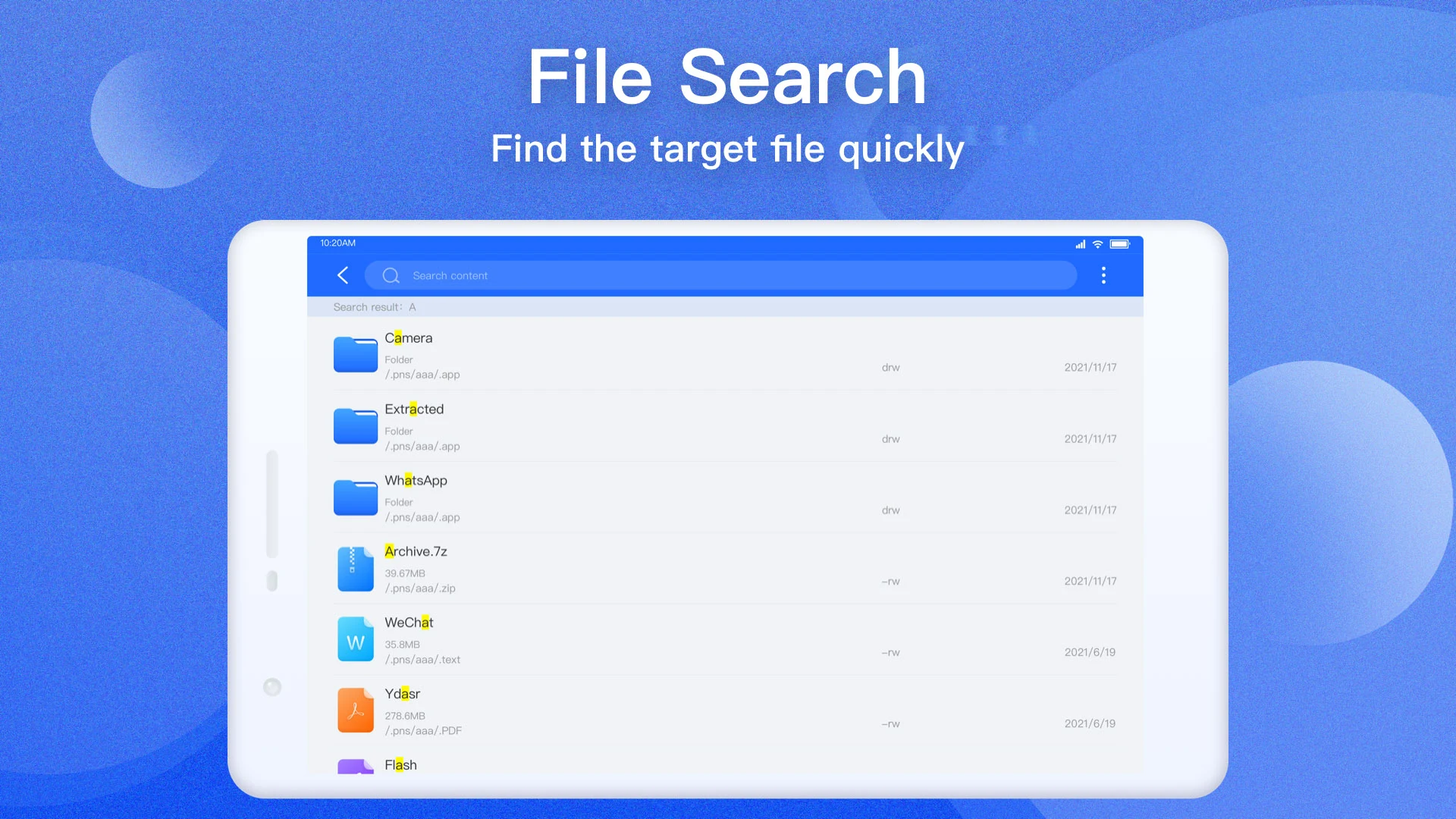
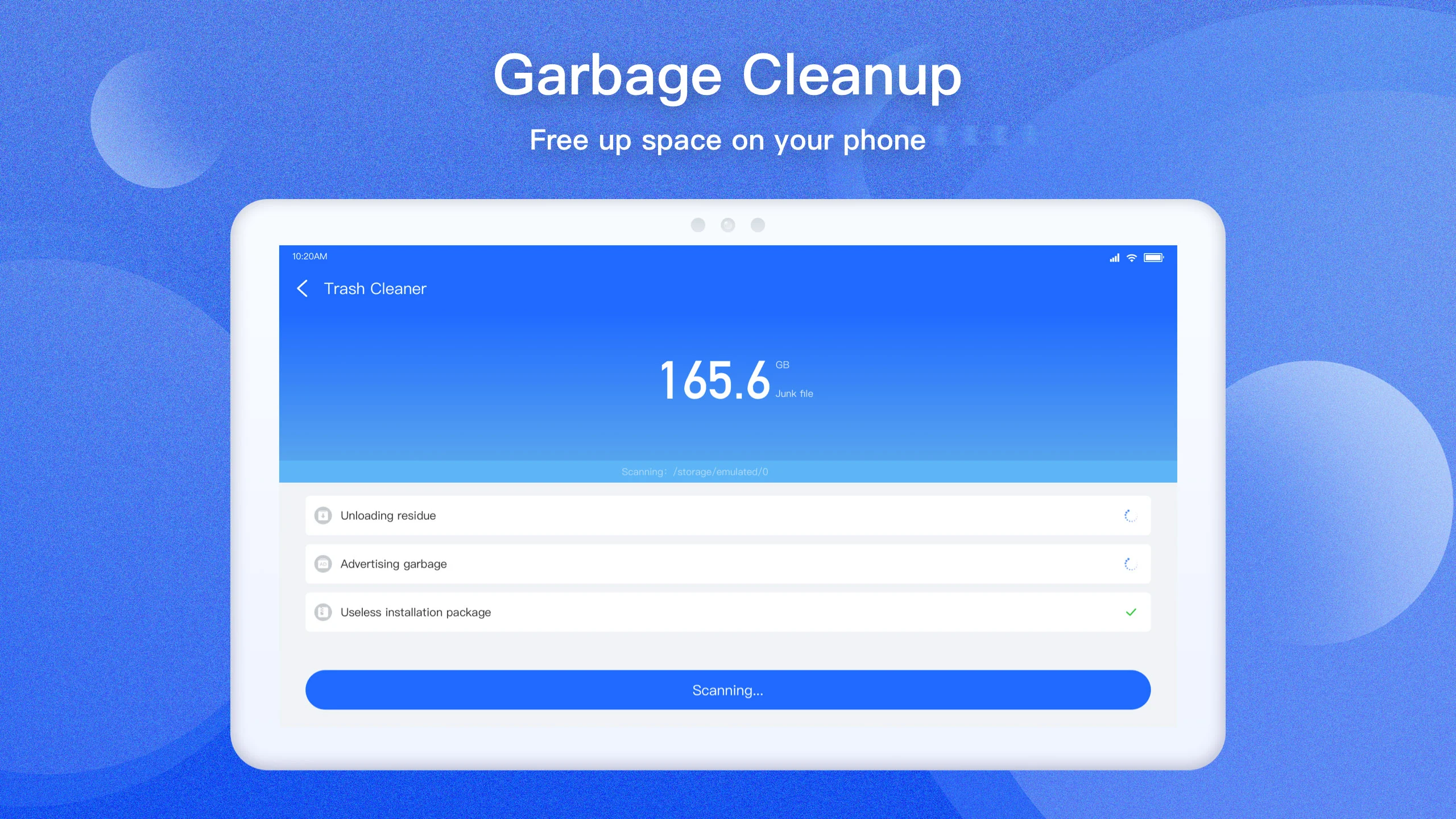
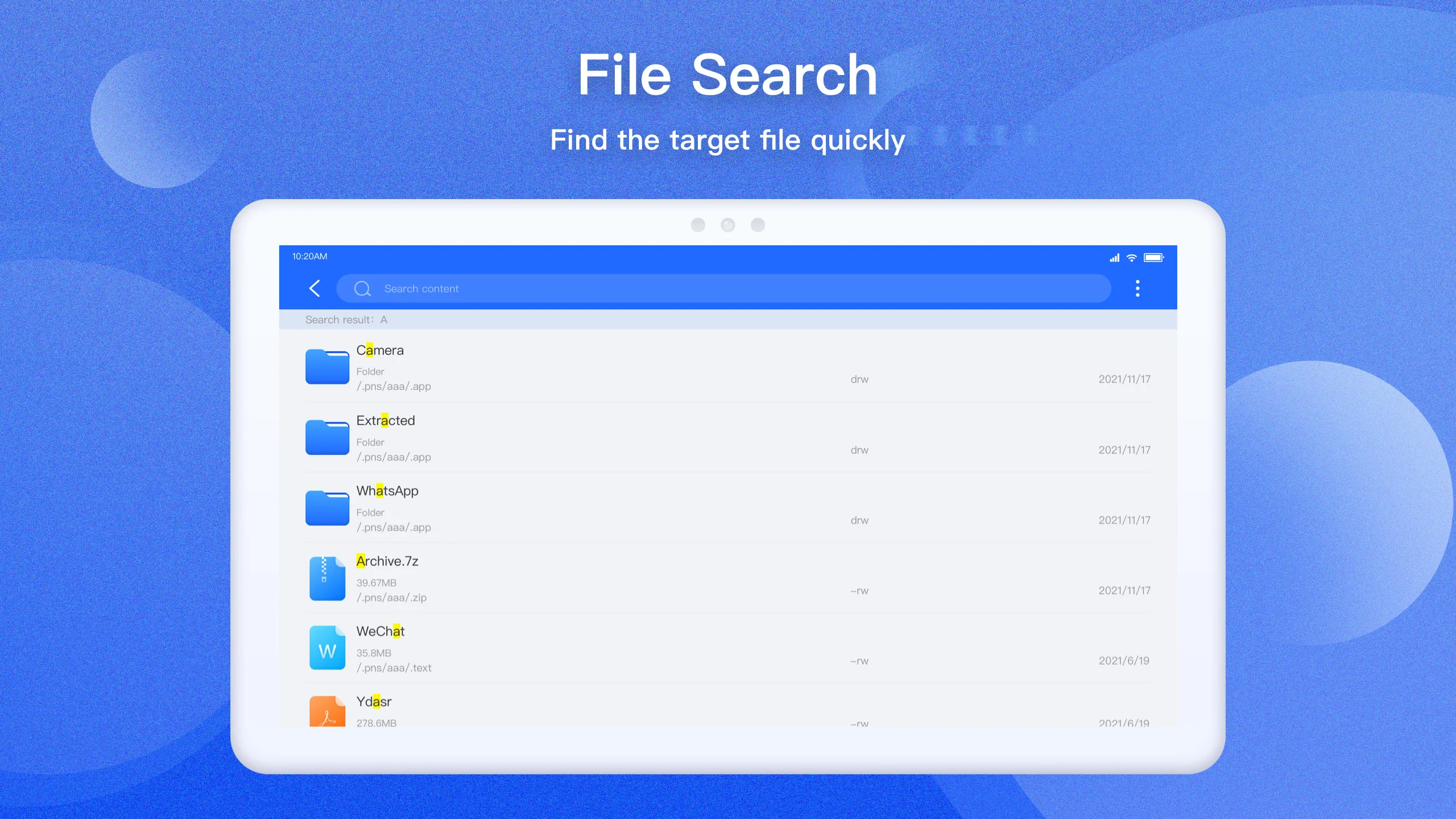
Looking for something specific? EX File Manager transforms file hunting into a breeze! Just type in the name of the file you're after, and voilà—it appears before your eyes in an instant. Plus, you’ll get to discover which apps are guzzling up your precious storage without giving anything back. You can swiftly select and delete those pesky offenders in one go! Add your frequently accessed folders to your favorites for quick retrieval—it’s efficiency at its finest!
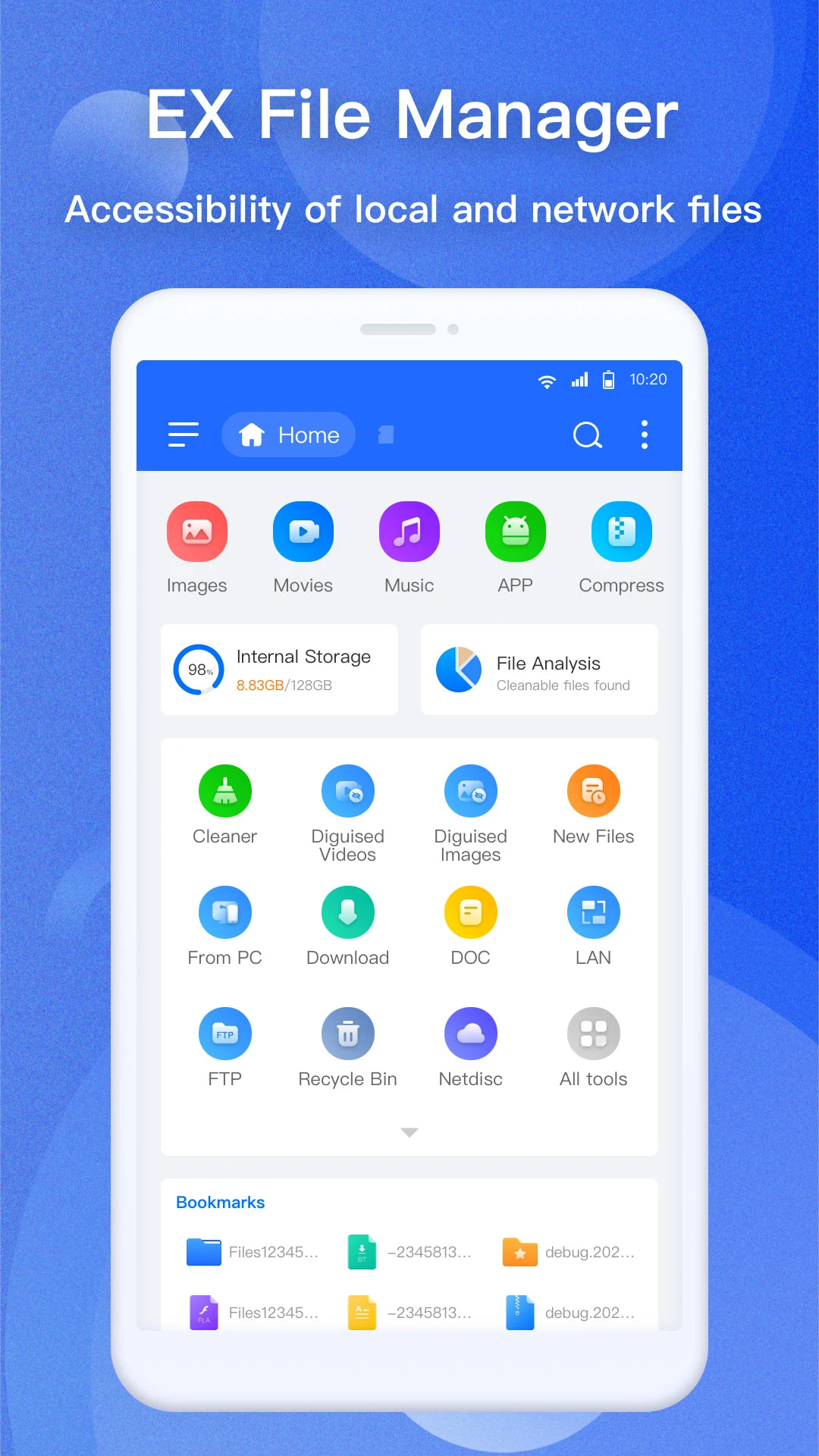
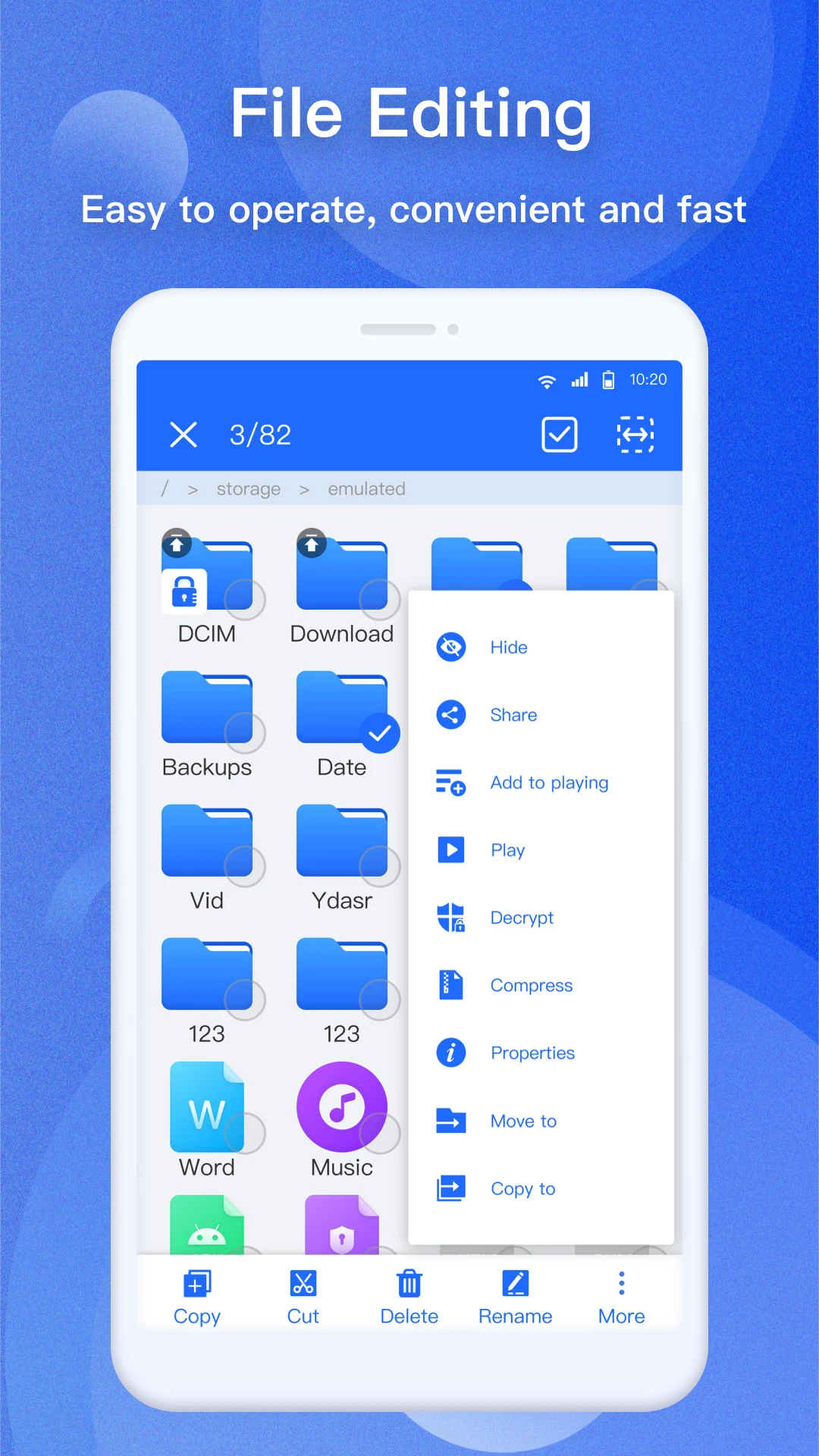
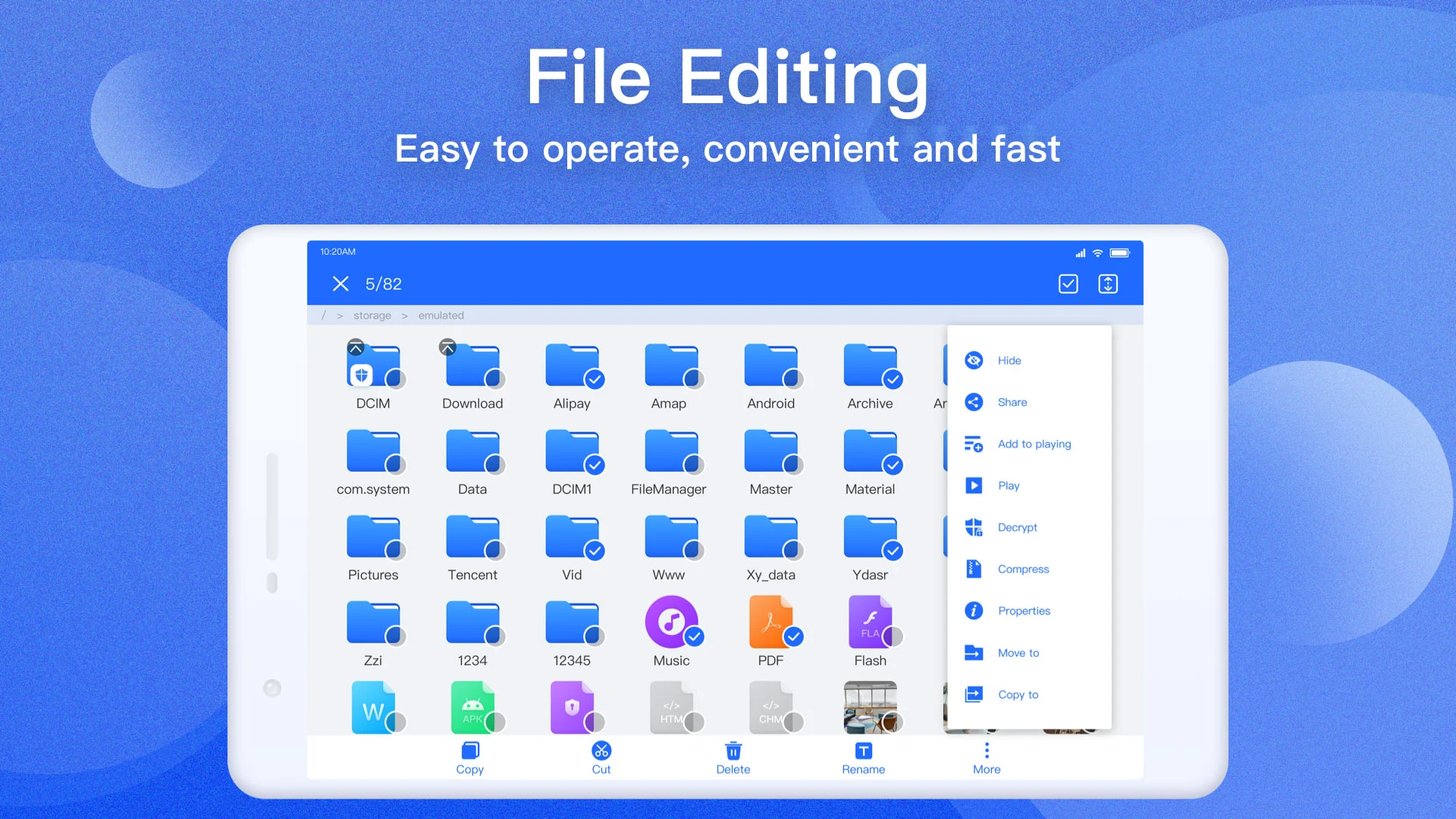
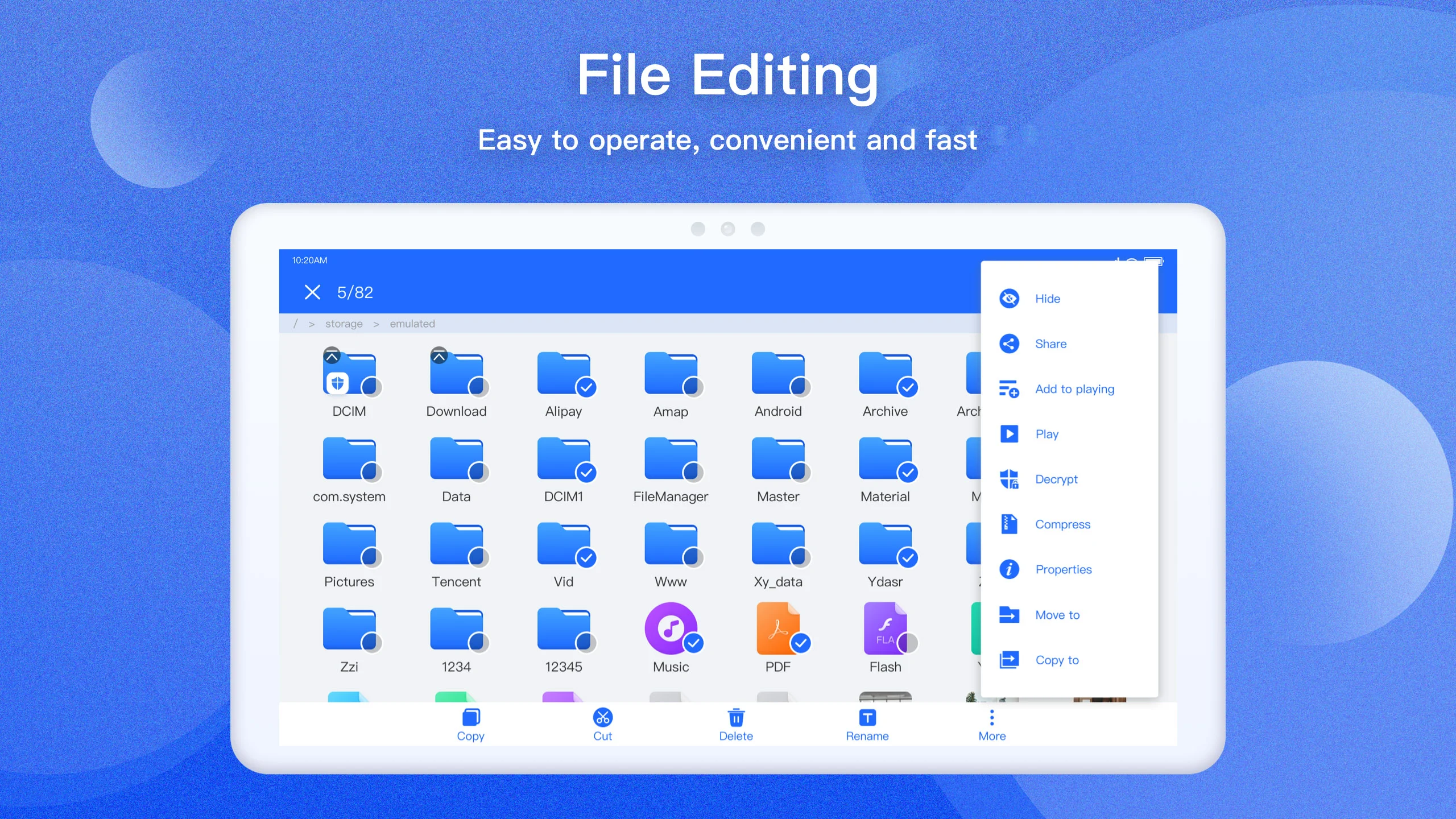
Who needs complicated instructions when you've got a comprehensive toolkit right in your pocket? EX File Manager simplifies file management with numerous functions: from cutting, copying, and pasting, to moving, renaming, and sharing files. You have complete control over your file system, making your organizing experience not just productive but downright enjoyable. Whether it's creating shortcuts or bookmarking important files, every action is just a tap away!
Let's not forget about compression! EX File Manager supports various formats like Zip, Rar, 7zip, and more, allowing you to zip up your files to save space quickly. Need to check out an APK file within a ZIP archive? No problem! The app lets you handle ZIP files easily, treating them like any regular folder.
To ensure everyone feels included, EX File Manager supports multiple languages, including Spanish, German, Korean, Russian, and more! This feature opens the door for a diverse user base, making file management accessible for all.
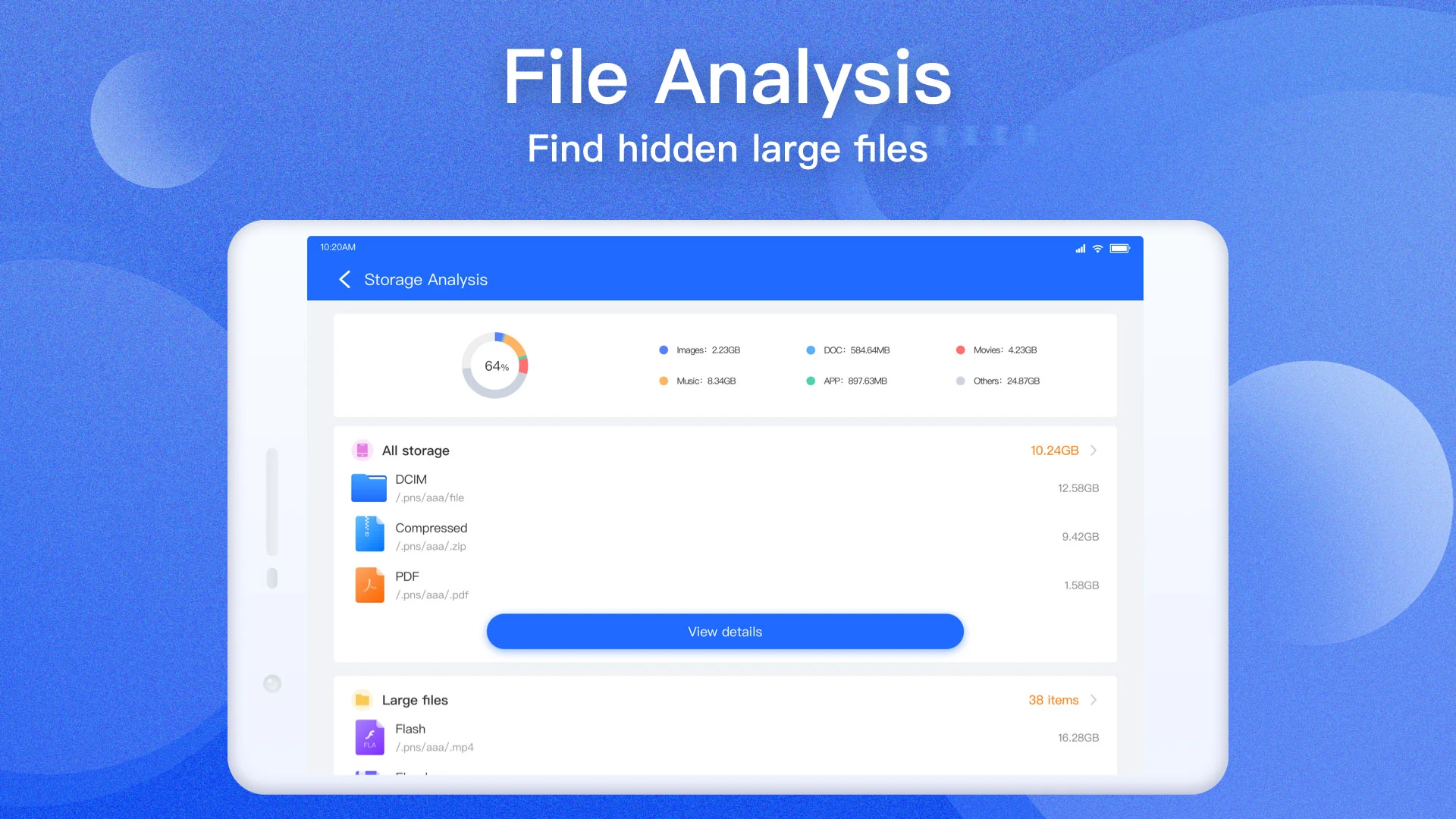
If cloud storage is your jam, EX File Manager has you covered. It seamlessly integrates with cloud services like Google Drive™, Dropbox, and OneDrive, allowing users to manage files effortlessly across local and remote storage. Plus, it provides full disk analysis, showing insights such as space used and recently added files—your very own digital compass!
So, whether you're tidying up a messy device or compressing files to free up space, EX File Manager stands out as the ultimate file explorer. It's safe, intuitive, and utterly essential for your Android device. Say goodbye to clutter and hello to streamlined simplicity with EX File Manager—where file organization meets effortless efficiency! 🌟
| App Name | EX File Manager |
|---|---|
| Version | 1.4.6.1 |
| Size | 108.09 MB |
| Update | May 06, 2025 |
| Developer | Ace Mobile |
| Category | Tools |
| Google Play ID | com.ace.ex.file.manager |