
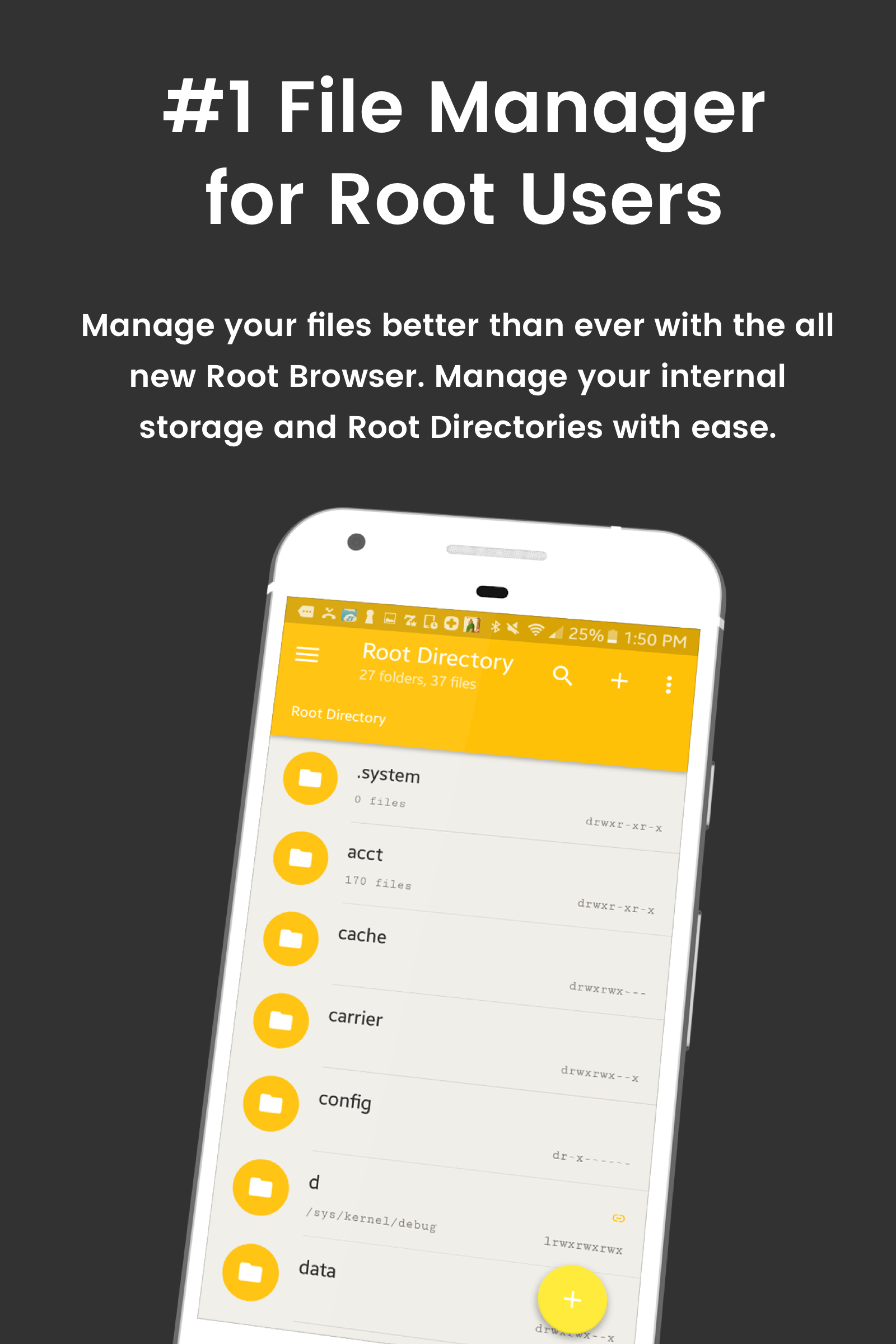
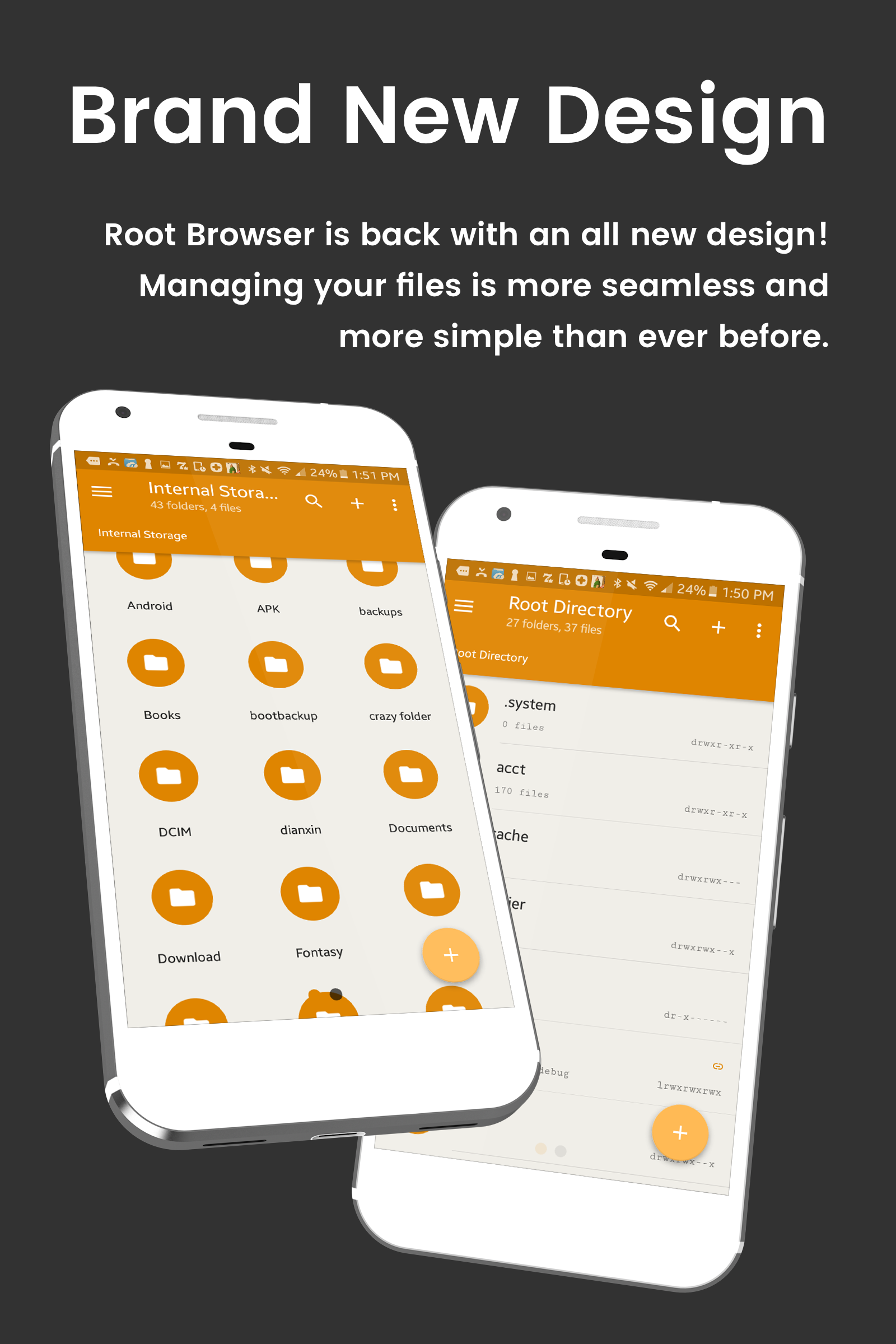
Hey there, file wranglers! If you’re looking to bring some magic into your digital life, let me introduce you to *File Explorer Root Browser*. This nifty little app isn’t just about organizing your files; it’s like your personal assistant when it comes to sharing and collaborating. Thanks to its slick cloud storage integration, you’ll effortlessly transfer files between external drives and your trusty devices while you're out and about.
Need to share a photo or document with a friend? No sweat! With this app, sending files via email feels as easy as pie. Whether you're teaming up on an important project at work or reminiscing over shared memories with loved ones, you can be sure that your files are always within arm's reach, ready to go wherever you need them.
Let’s dive into the treasure trove of features that *File Explorer Root Browser* has in store. This fully-featured file manager and root browser is designed specifically for superusers who want total control over their Android devices. Here’s what you can expect:
Access All Root Directories
Take an expedition through your Android’s hidden layers, exploring all root directories and subdirectories.
Advanced Root Browser Features
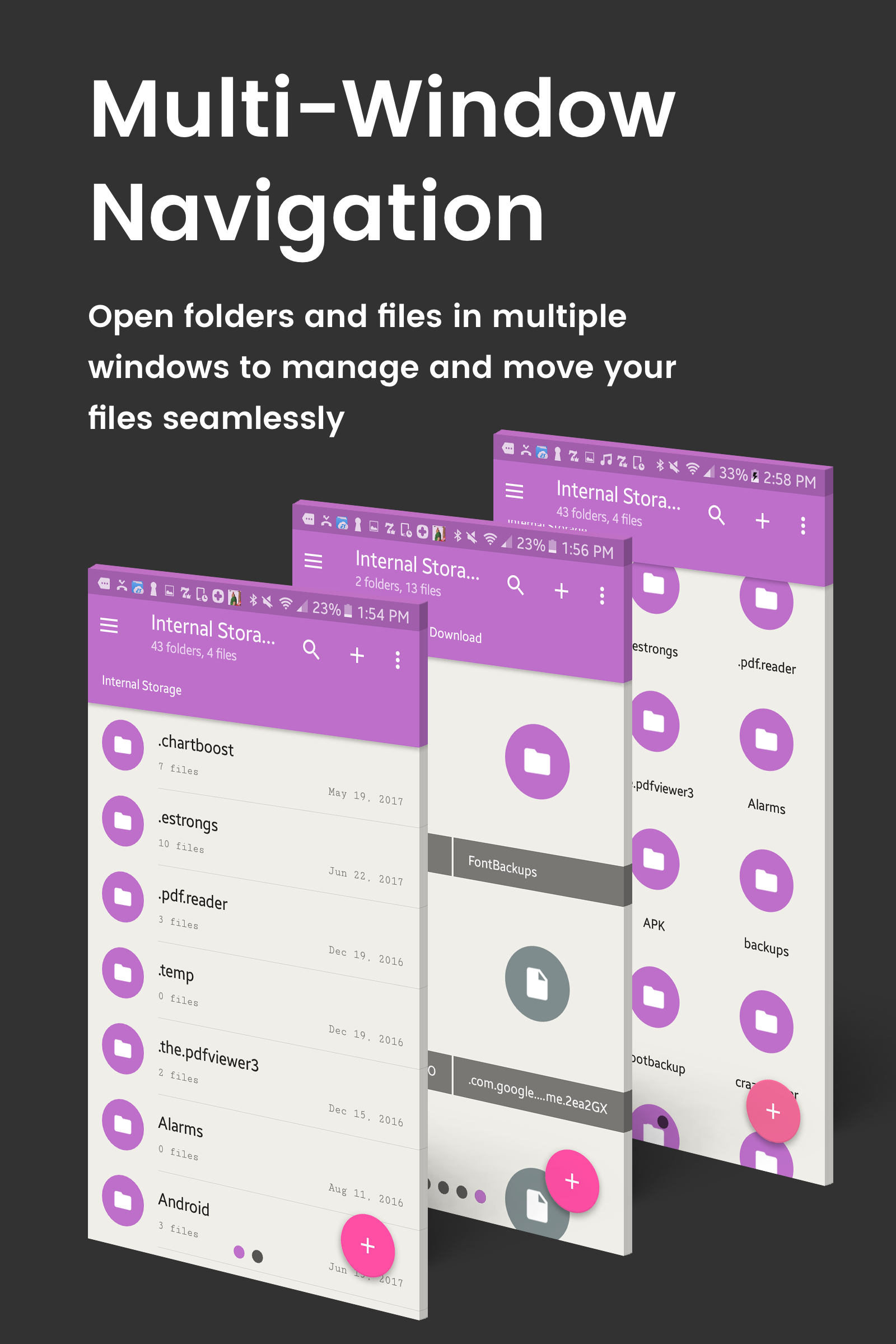
Get your hands on advanced goodies like a SQLite Database Editor, APK Analyzer, multi-pane navigation, executing script files, installing zip files with Clockwork Recovery, and the ability to tweak file permissions and ownerships.
Advanced File Manager & File Explorer Features
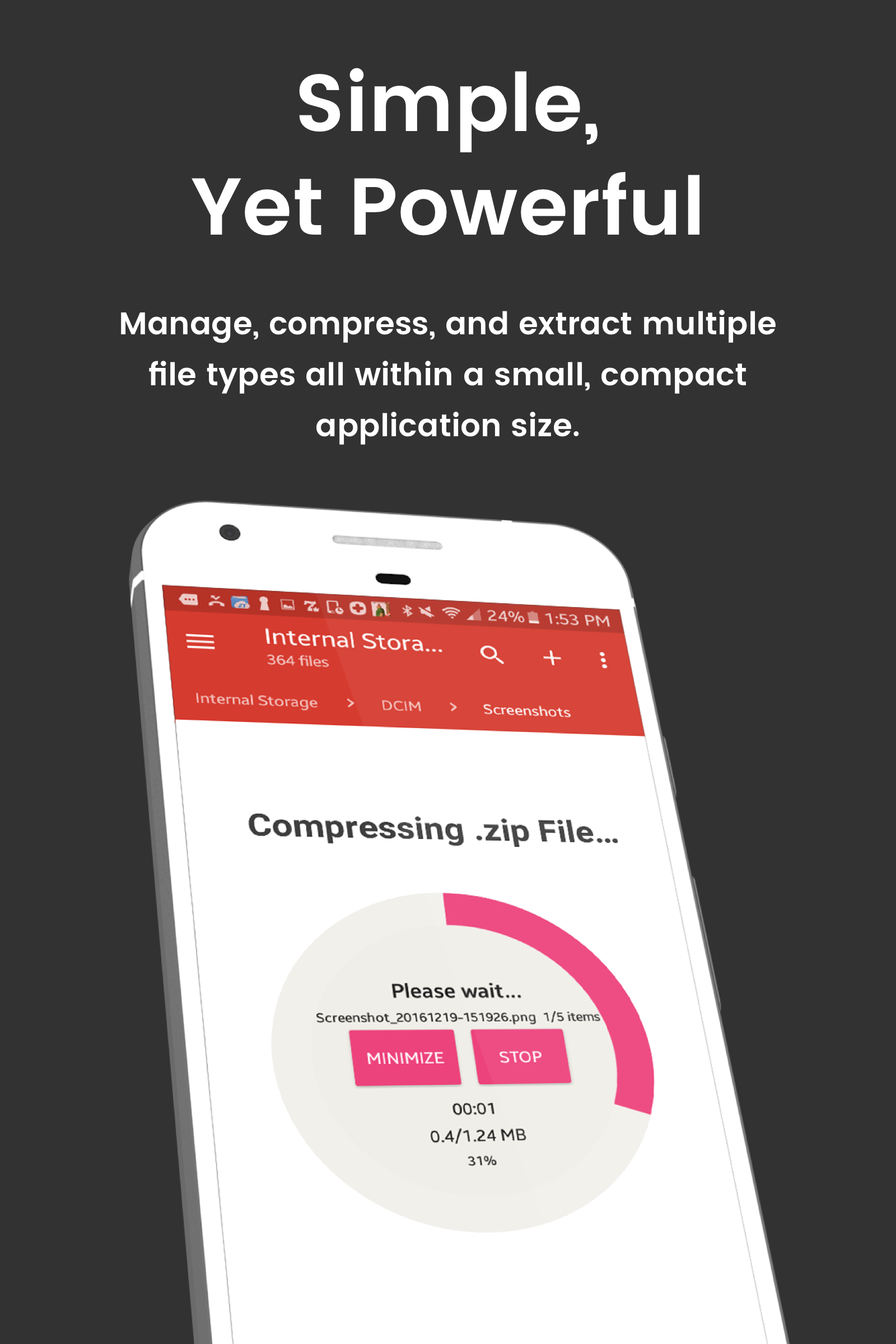
This app isn’t just for show—transfer, copy, paste, compress, extract ZIP, RAR, BIN, TAR, JAR, and APK files without breaking a sweat. Move files between local drives, external storage, and cloud storage like a pro!
Cloud Storage King
Access files stored across Box, Dropbox, Google Drive, and OneDrive effortlessly.
External File Manager
Perfect for those on-the-go moments—manage files, back up storage, and get USB Flash Drive support whenever you need it.
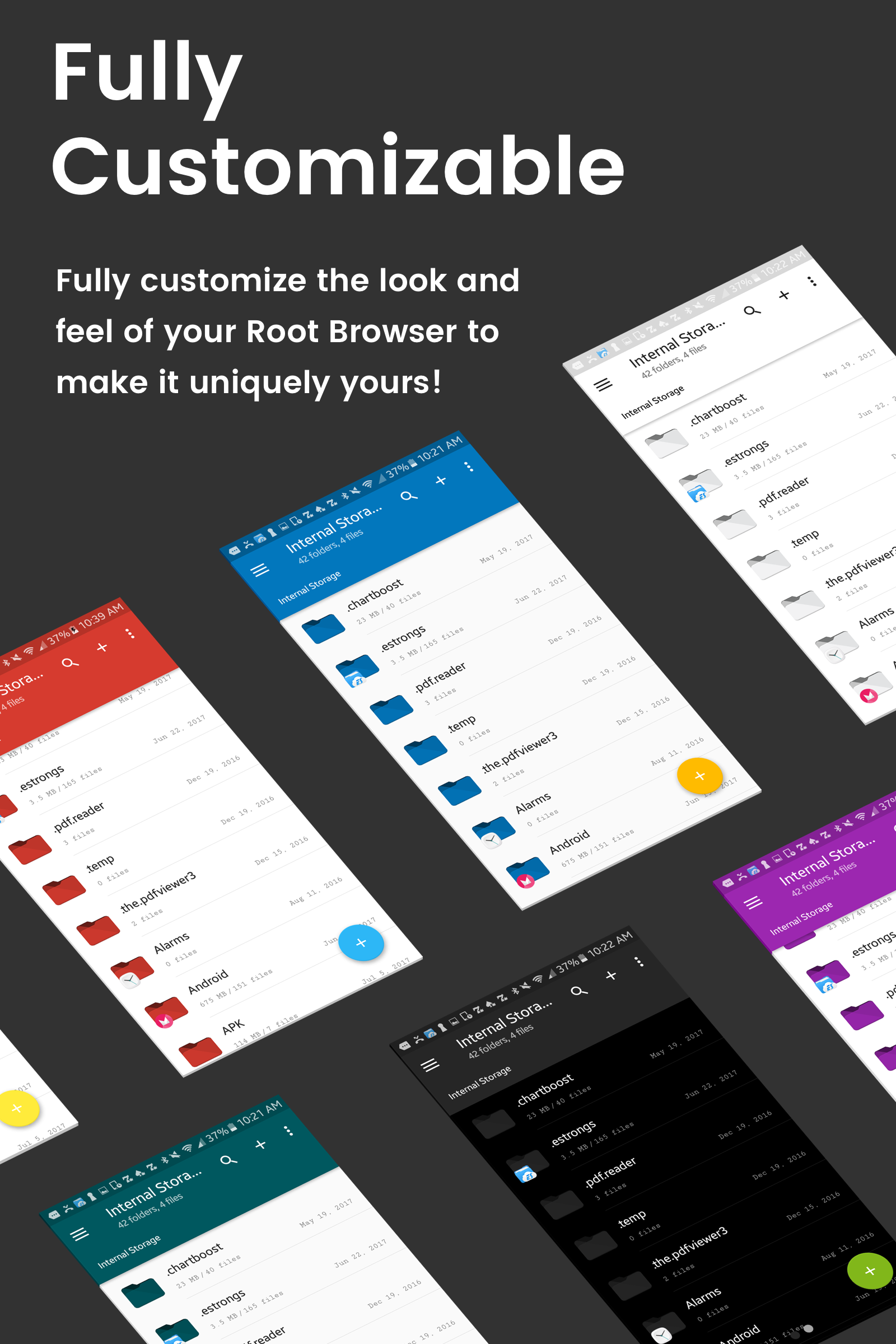
Fully Customizable
Personalize your experience to match your vibe with custom colors, themes, icons, and file/view layouts that speak to you.
Audio Manager & Music Player
Seamlessly manage your MP3 files and ringtones. Turn every moment into a soundtrack!
Video Player
Relive your favorite videos right from the app—perfect for binge-watching during break time.
App Manager
Say goodbye to unused apps and manage your app storage with ease.
Organize Your Android
Full control over device files lets you search, sort, move, and delete files quickly and easily.
Sharing Made Simple
Thanks to cloud storage integration, sharing files via email or direct transfer is just a few taps away.
Multi-Pane Navigation
SQLite Database Editor
Custom File Listing View
APK Analyzer
Batch operations (copy/paste, ZIP, move, etc.)
External file transfer capabilities
Access to APK, RAR, JAR, TAR & ZIP files
In-built Audio Player
Built-in Video Player
Cloud Storage Integration
Permission and ownership modifications
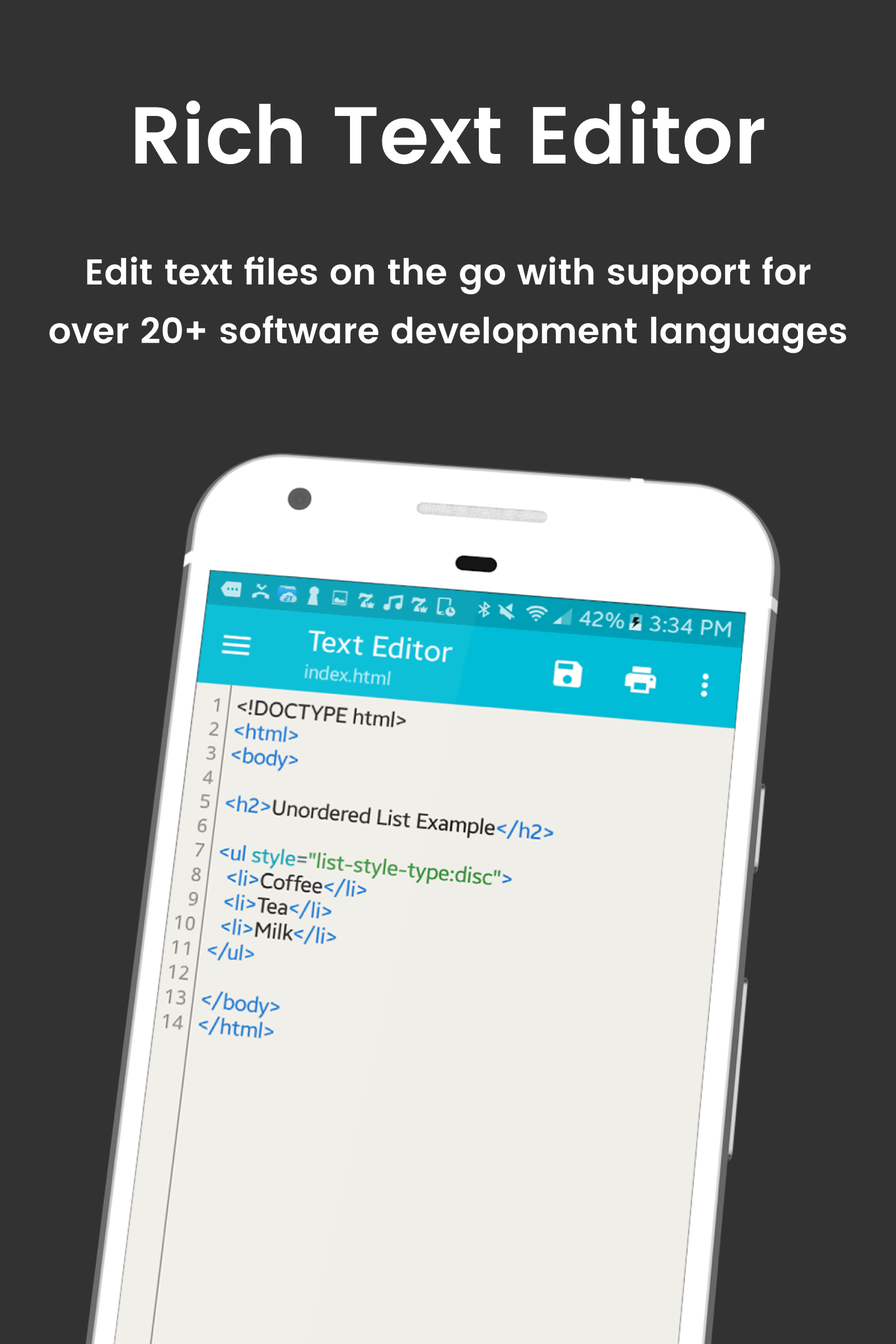
File editing functionalities
Text editor and sqlite explorer included
Create and manage directories
File bookmarks and easy access via other apps
Dual-tap home button theme change
Sort files by name, size, or date
Extract files from various formats
Efficient searching of files and folders
Let's talk entertainment! The *File Explorer Root Browser* isn't just a behind-the-scenes player; it's also great for managing your media. It acts as a superb file manager for your MP3 files, allowing you to control your audio and even manage ringtones. Plus, if you're a movie buff, enjoy watching your favorite video files directly from the app!
Ever feel curious about what lies beneath the surface of your Android device? *File Explorer Root Browser* gives you all-access pass to dive deep into the core of your device. Explore those elusive root directories and discover hidden gems within the intricate file structure of your Android. It’s like being an archaeologist of your own tech!
With features like the SQLite Database Editor, analyzing APK files is a breeze. And don’t worry; multi-pane navigation allows you to multitask like a champ. From executing script files to installation of zip files using Clockwork Recovery, this app provides you with powers that extend beyond basic file browsing.
The *File Explorer Root Browser* provides limitless potential with its advanced file management features. Transfer, copy, compress, and manipulate your content with unrivaled ease. Whether you're deleting unwanted files or moving precious memories around, you’ve got the power in your hands.
Managing applications has never been easier. Use the App Manager to declutter your device by deleting apps and managing storage efficiently. You’re in charge here!
JRummy certainly knows how to pamper users! Being fully customizable means you can give this app your unique flair. Dive into custom colors, themes, icons, and arrange how your files look and behave according to your taste.
So there you have it, folks—*File Explorer Root Browser* isn’t just a tool; it’s your new best friend when it comes to managing files, collaborating, and exploring the roots of your Android device. Time to get started with all those exciting features and unleash your inner file wizard! 🌟
| App Name | Root Browser |
|---|---|
| Version | 3.5.10.0 |
| Size | 9.22 MB |
| Update | Jun 11, 2025 |
| Developer | Jrummy Apps |
| Category | Productivity |
| Google Play ID | com.jrummy.root.browserfree |







72.22 MB 15.39.50